Arrow Circle Flow Diagram PowerPoint Template and Google Slides
Circle Arrow Process Infographic Template
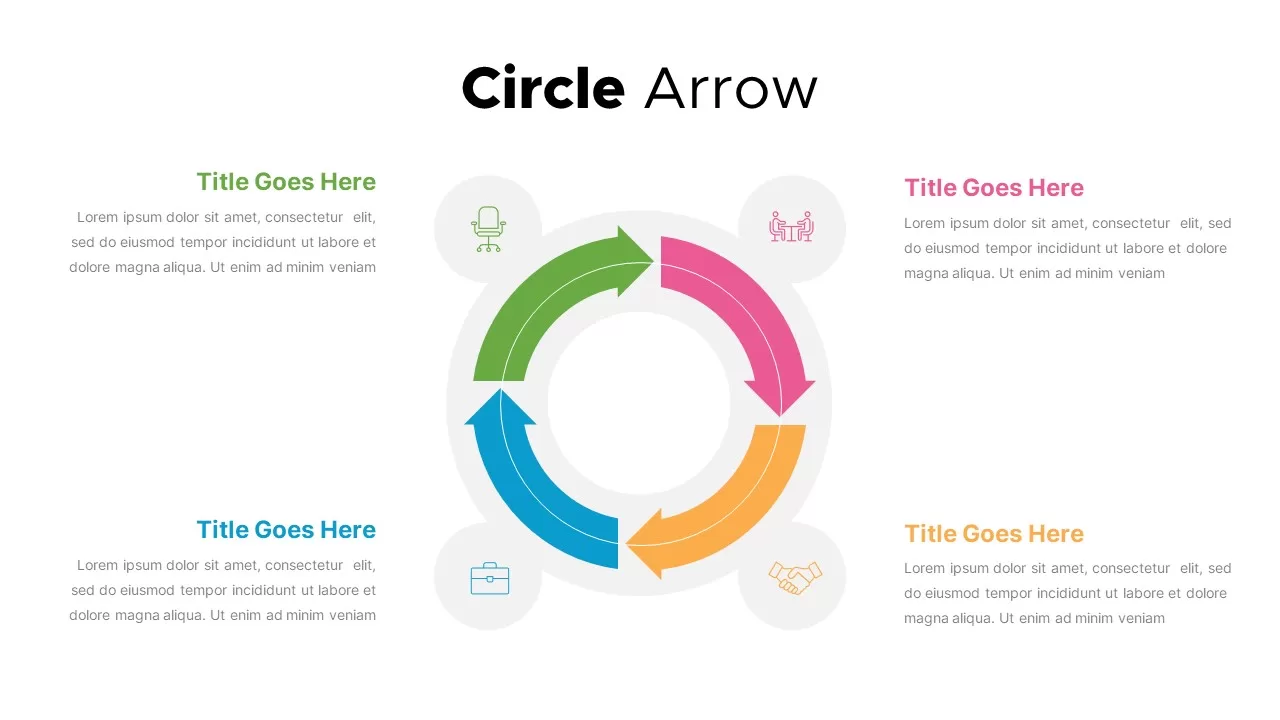
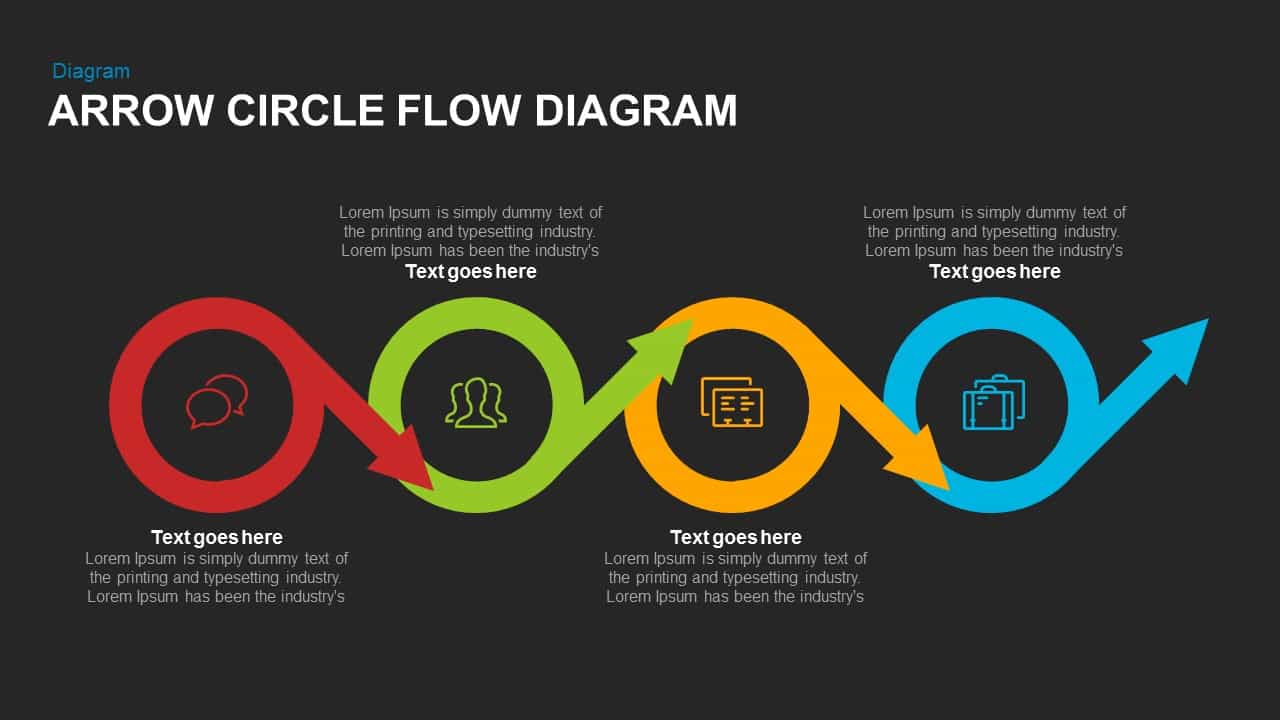
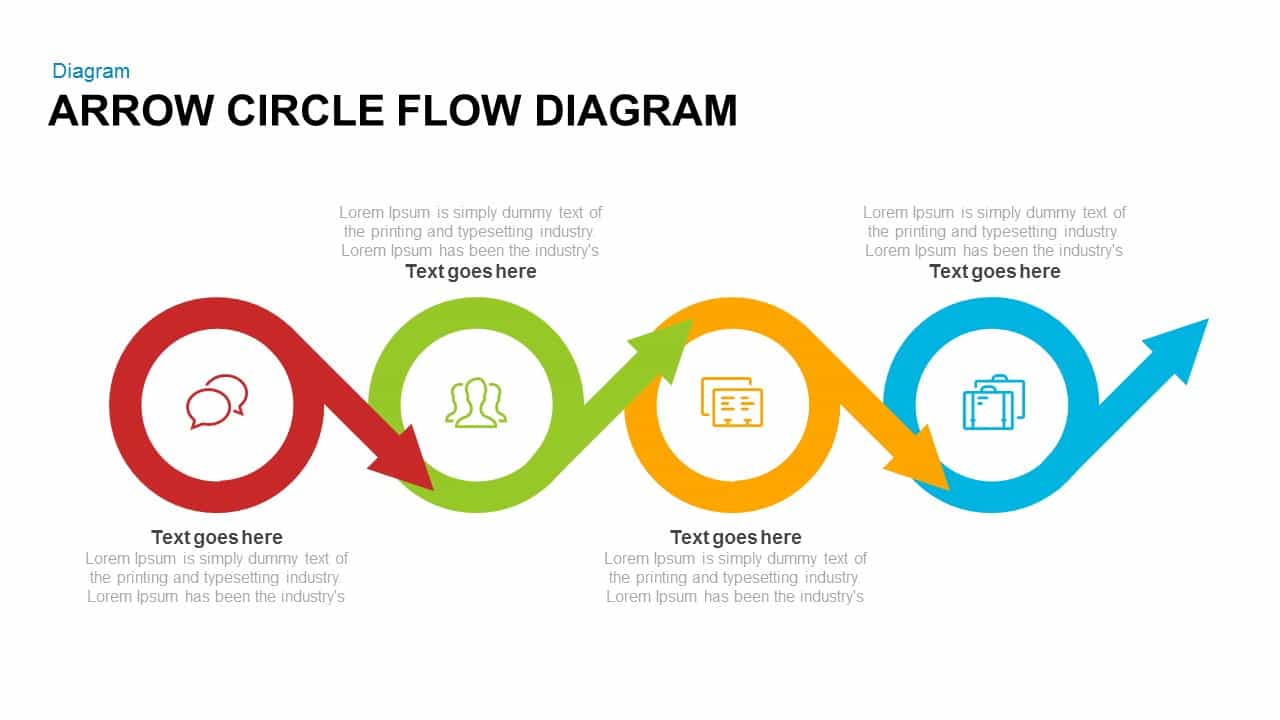
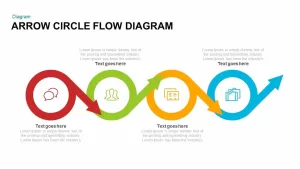
Arrow circle flow diagram PowerPoint and keynote template is a horizontal diagram, but it shows the cyclical process of an activity. The circular flow diagram is not a traditional diagram to show the cyclic rotation. The particular design of the PowerPoint template shows the interconnection of the activity and the way in which an activity begins and ends. Ironically, it shows the continuous process of movement towards the infinite. The four-section arrow diagram template is suitable to show the iterative process in a logical sequence. The last arrow shows the upward movement as a symbolic representation of the never-ending process. The business life cycle is a never-ending process, so the presenters can be illustrated the business process development and growth using the arrow circle flow diagram PowerPoint.
The professionally designed Arrow Circle Flow Diagram is an alternative for traditional circular arrow diagram templates. This SmartArt shape will grab the attention of the audience to serious learning. The elements in every step are given emphasis by different colours and creatively designed circle arrow shapes. Each circle touched by the darts shows the sequential flow or relationship between the concepts. The layout and the pattern of the presentation will assist the audience to retain and recalling important information.
The arrow circle PowerPoint template is suitable for any study reports; the presenter can deliver general processes or topics that are in line with four stages. This unique circle arrow shape will tell where one step ends and the way the next step will take place. It can be used to describe cyclically or any sort of operational activity related to business, marketing, product development, customer service, career options, social development, economic planning, and so on. Each segmented circle arrow is coloured differently; red, green, yellow, and sky blue, each colour represent one procedural step and text place holders on the upper and lower side. Stimulate your audience with professionalism and a great visual experience by using the Arrow Circle Flow Diagram ppt slide.
Login to download this file

Item ID
SB00720


Related Templates

Circle Arrow Diagram PowerPoint Template
Circular
Curved Arrow Flow Diagram template for PowerPoint & Google Slides
Business

Five Circular Flow Arrow Diagram for PowerPoint & Google Slides
Arrow
Circle Arrows Process Flow template for PowerPoint & Google Slides
Process
4 Step Circle Arrow Template
Circular
5 Stage Arrow Infographics Process Flow Template for PowerPoint & Google Slides
Arrow
Curved Arrow Process Flow template for PowerPoint & Google Slides
Process
Direct Flow Arrow PowerPoint Template
Arrow
Curved Arrow Flow Template
Process
Curved Arrow Process Flow Template
Process
Circle Spider Diagram Template for PowerPoint and Google Slides
Circular
Modern Nine Circle Network Diagram Template for PowerPoint & Google Slides
Circular
Alternating Circle Timeline Diagram Template for PowerPoint & Google Slides
Timeline
Multi-layout Circle Spoke Diagram Template for PowerPoint & Google Slides
Circular
Editable Twin Circle Process Diagram Template for PowerPoint & Google Slides
Process
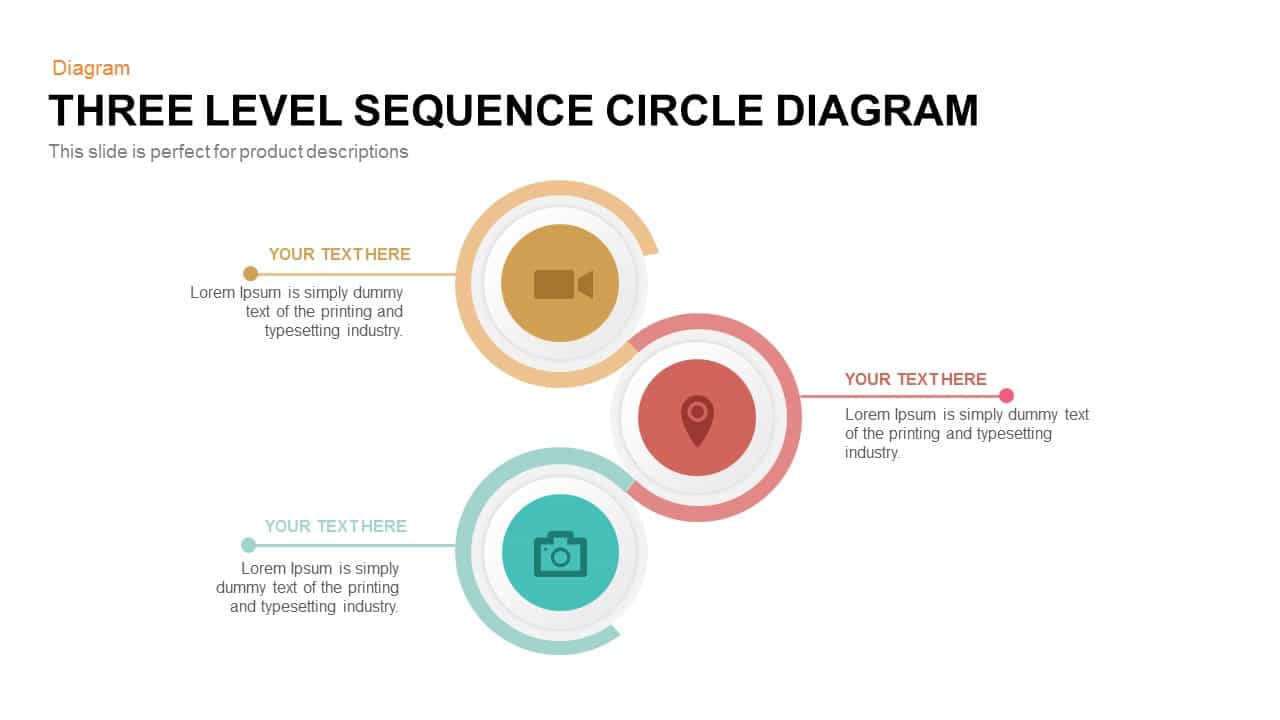
Three-Level Sequence Circle Diagram Template for PowerPoint & Google Slides
Circular
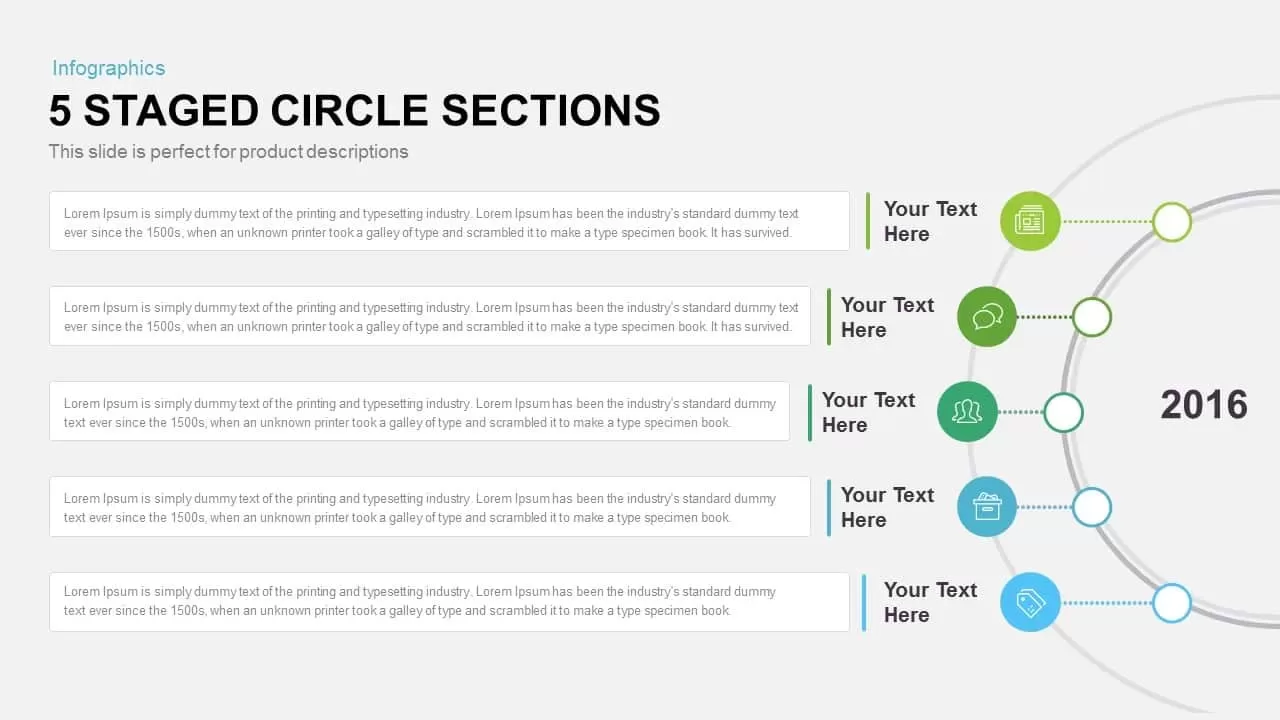
Five-Staged Circle Sections Diagram Template for PowerPoint & Google Slides
Circular
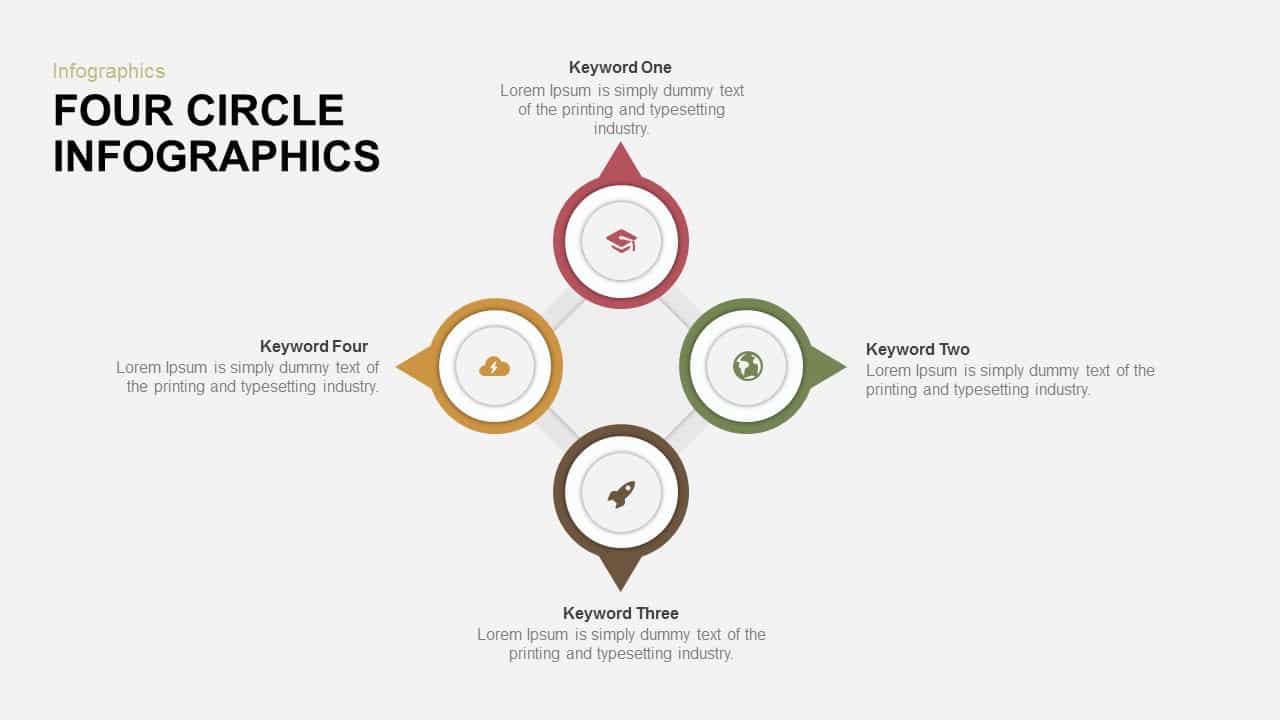
Four-Circle Hub and Spoke Diagram Template for PowerPoint & Google Slides
Process
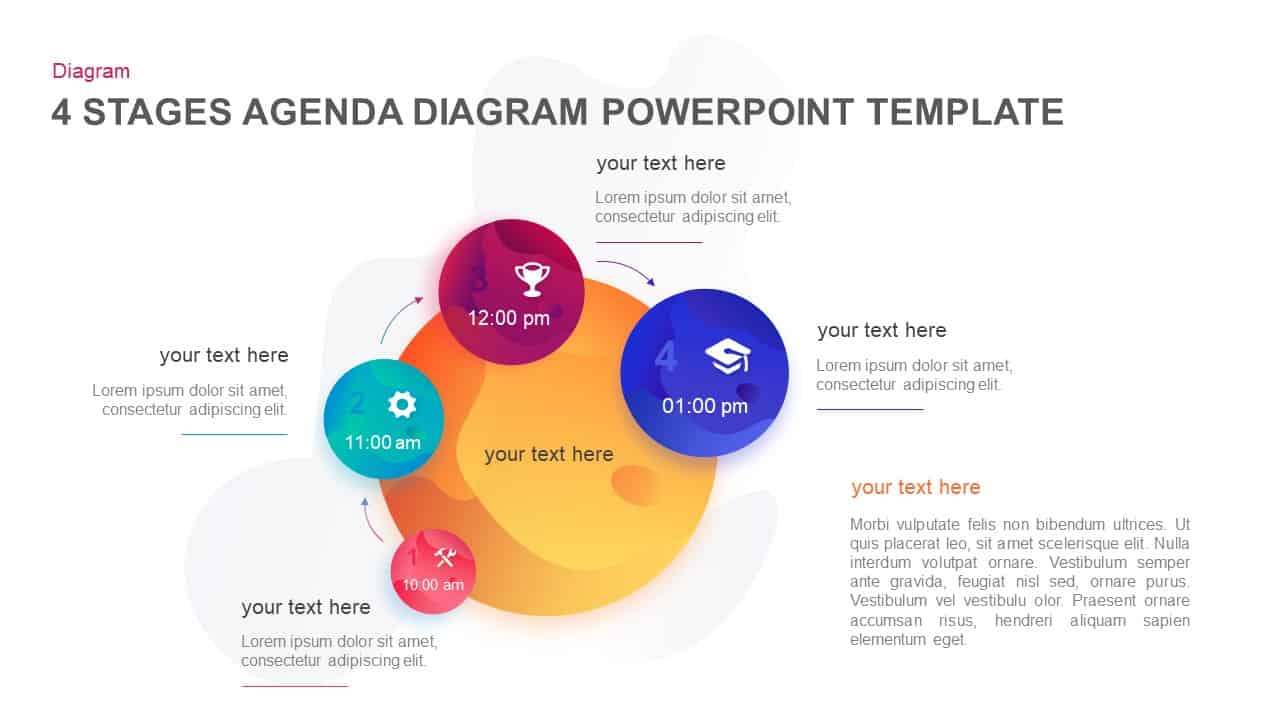
Four-Stage Agenda Circle Diagram Slide Template for PowerPoint & Google Slides
Agenda
Five Circle Venn Diagram for Template for PowerPoint & Google Slides
Circular