Social Media Metrics template for PowerPoint & Google Slides
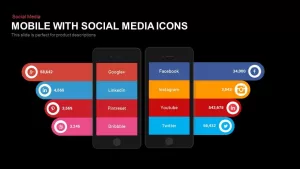
Social Media Metrics Slide Template for PowerPoint & Google Slides
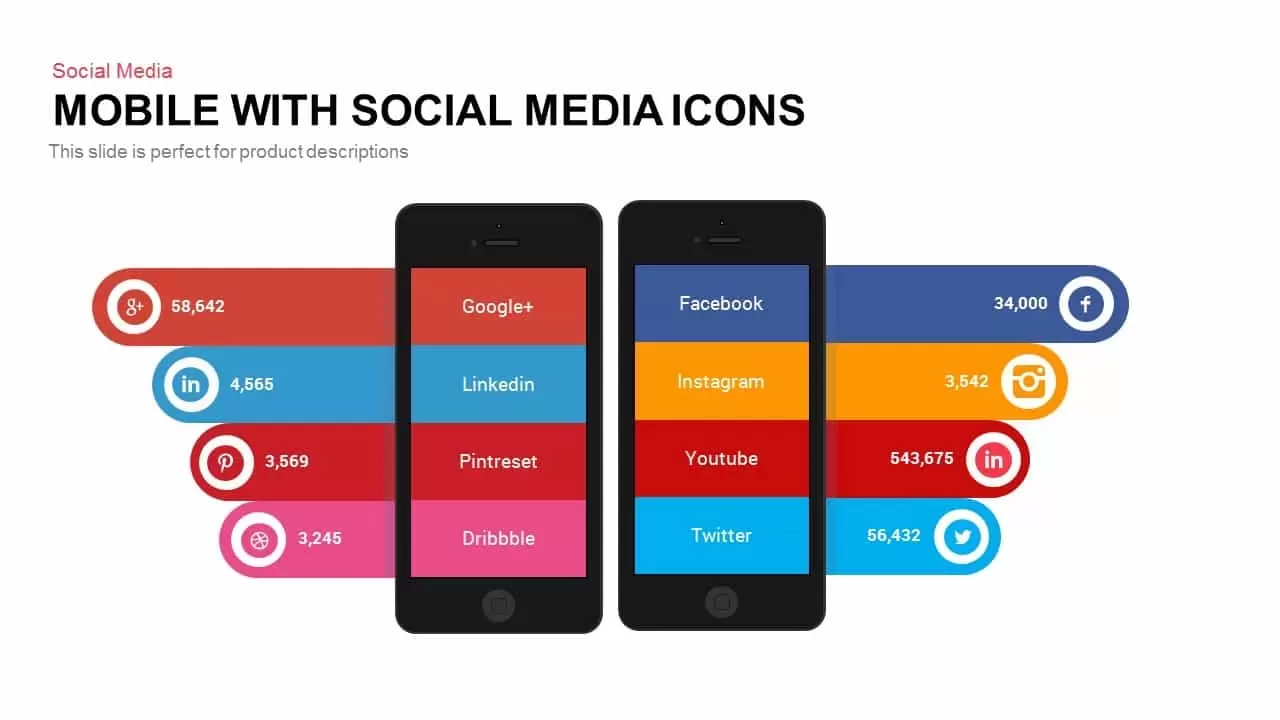
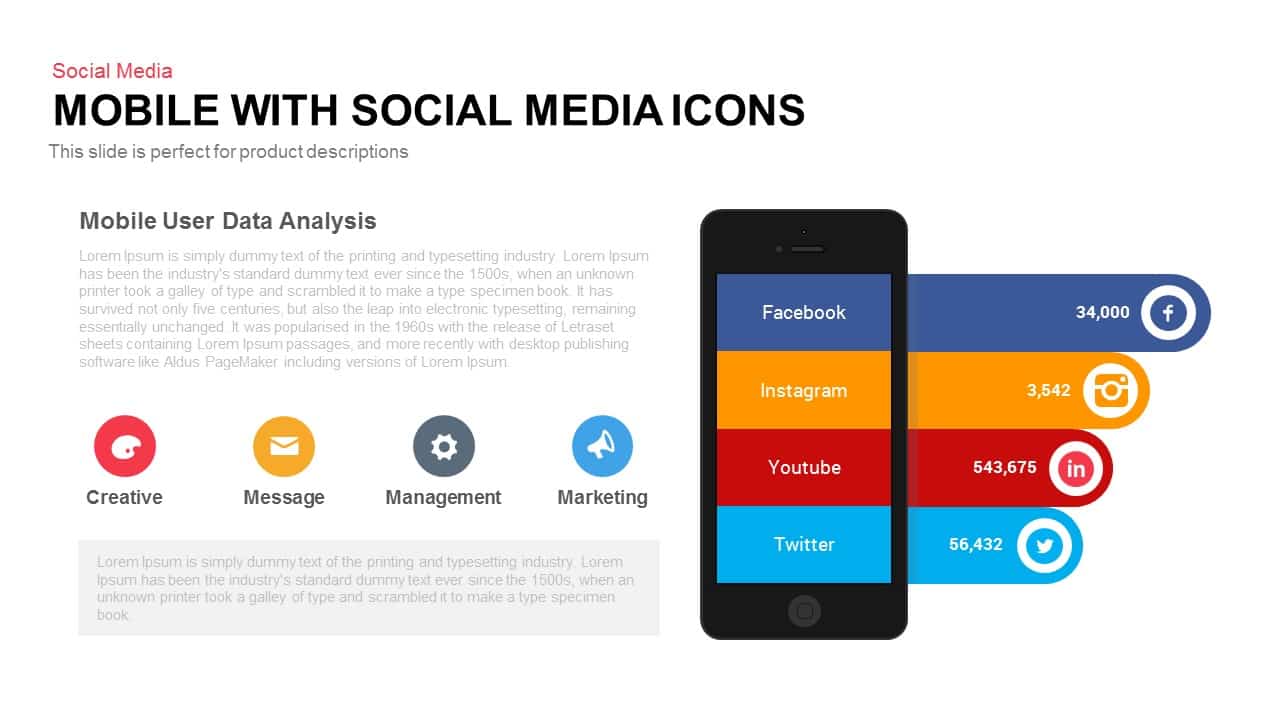
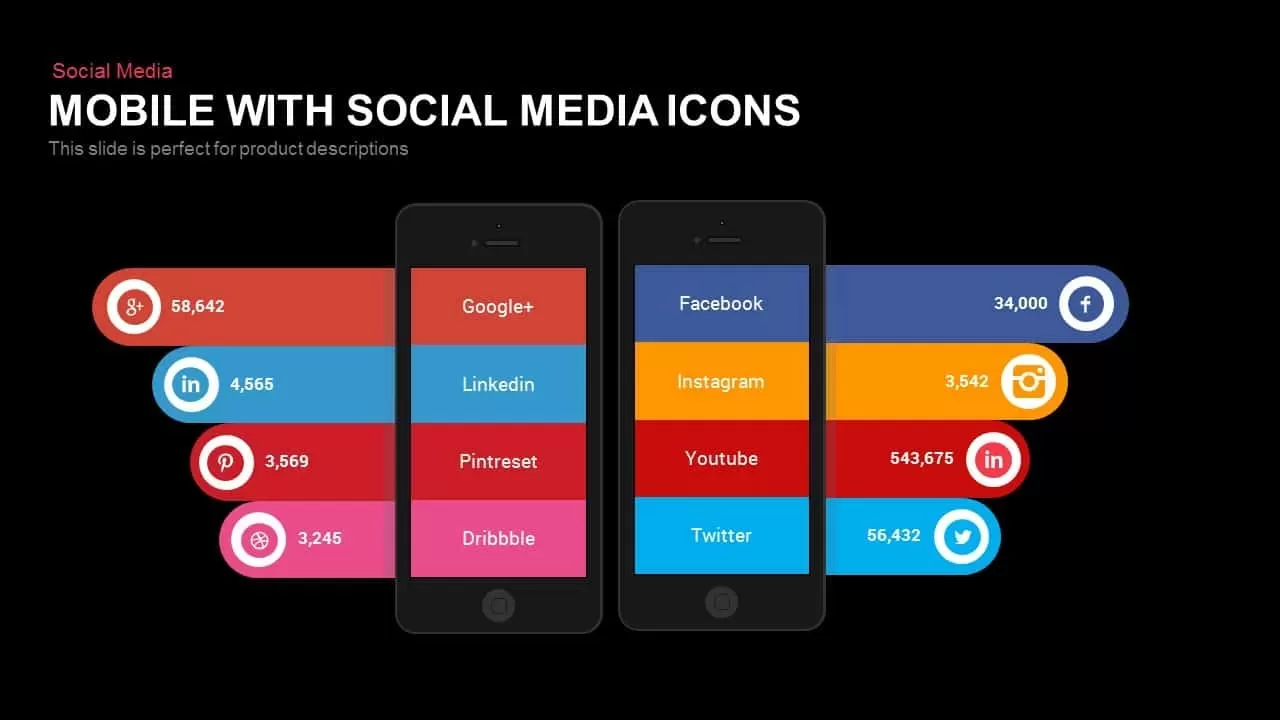
Reporting multi-platform campaign performance, mobile app analytics, or cross-channel marketing growth requires a clear layout that showcases engagement metrics side by side. Standard tables and uninspired bullet points can make channel comparisons tedious for clients and marketing executives to analyze quickly. Utilizing a dedicated social media metrics slide template allows digital marketers, social media managers, and growth strategists to present mobile traffic and channel statistics across a modern dual-smartphone mockup.
Visual Architecture & Layout
- Dual Smartphone Mockups: Two dark smartphone vectors anchor the center of the slide, providing a sleek mobile context for digital performance reporting.
- Color-Coded Channel Banners: Bright horizontal banners extend outward from each phone display, featuring dedicated color blocks for platforms like Facebook, LinkedIn, Instagram, YouTube, and Twitter.
- Platform Icon Badges & Metric Callouts: Circular brand icon badges extend along the outer edges of each banner, paired with clear numerical placeholders to highlight follower growth, engagement totals, or active user counts.
Strategic Applications
- Cross-Channel Campaign Audits: Compare performance metrics across organic social, paid channels, and influencer campaigns on a single dashboard layout.
- Mobile App & Traffic Reporting: Demonstrate channel-by-channel referral traffic, app installation sources, or mobile engagement statistics during client reviews.
- Social Media Strategy Reviews: Present quarterly growth goals, channel benchmarks, and target follower counts for upcoming digital marketing initiatives.
Customizing this social media dashboard takes minimal effort across both PowerPoint and Google Slides. Every vector smartphone frame, color banner, social platform badge, and text container is a fully editable element. You can easily swap platform labels, update numerical metric fields, adjust banner colors to align with corporate brand guidelines, or switch between light, grey, and dark slide backgrounds in just a few clicks.
Login to download this file

Item ID
SB00285


Related Templates

Social Media Analysis Metrics Slide Deck Template for PowerPoint & Google Slides
Digital Marketing
Social Media Mind Network Infographic Template for PowerPoint & Google Slides
Digital Marketing
Mobile App Social Media Metaphor Template for PowerPoint & Google Slides
Infographics
Social Media Metaphor Illustration Template for PowerPoint & Google Slides
Digital Marketing
Social Media Performance Dashboard Template for PowerPoint & Google Slides
Bar/Column
Free 3D Social Media Icons template for PowerPoint & Google Slides
Digital Marketing
Free
Social Media Smartphone Infographic Template for PowerPoint & Google Slides
Pie/Donut
Social Media Plan Table Slide Deck Template for PowerPoint & Google Slides
Process
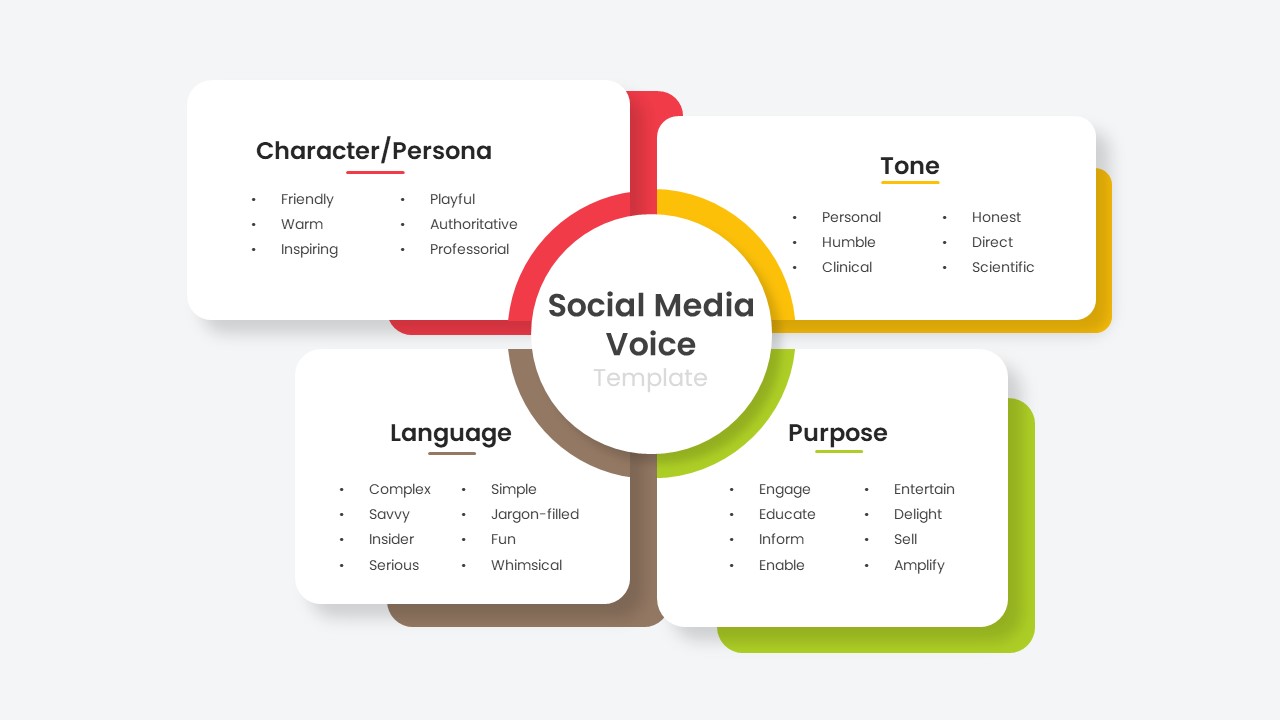
Social Media Voice Template for PowerPoint & Google Slides
Customer Experience
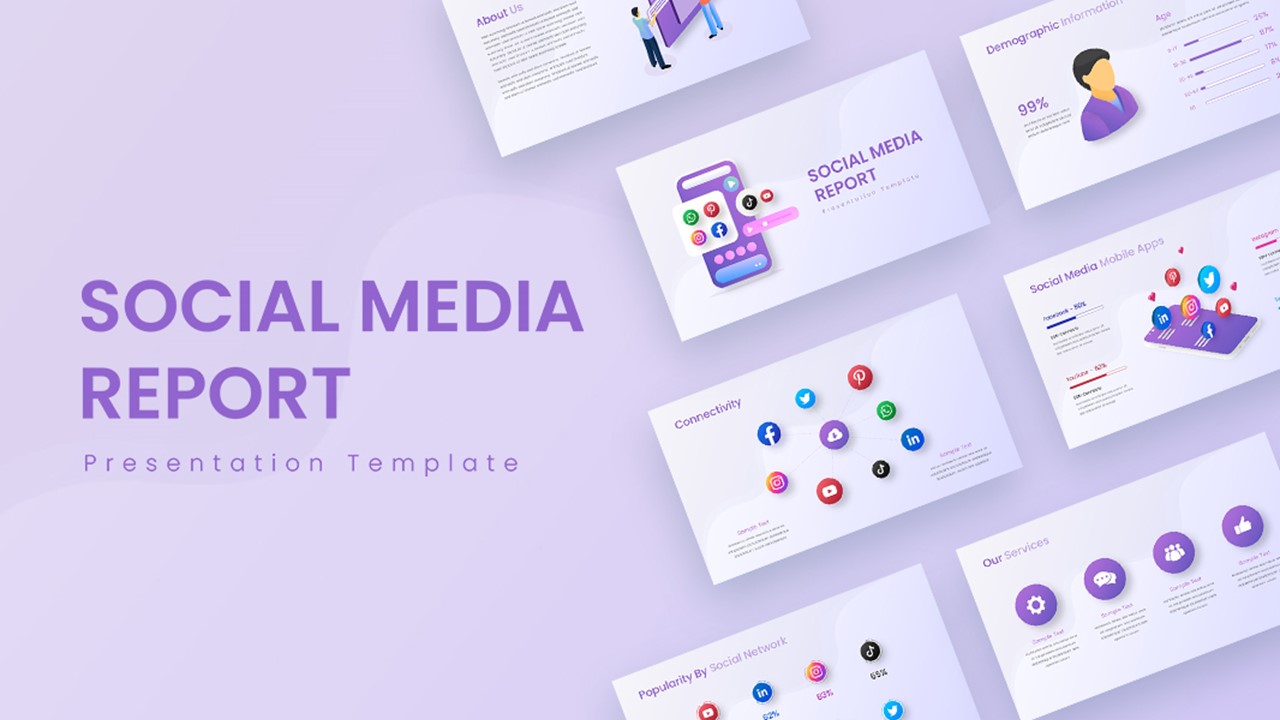
Social Media Report Presentation Template for PowerPoint & Google Slides
Digital Marketing
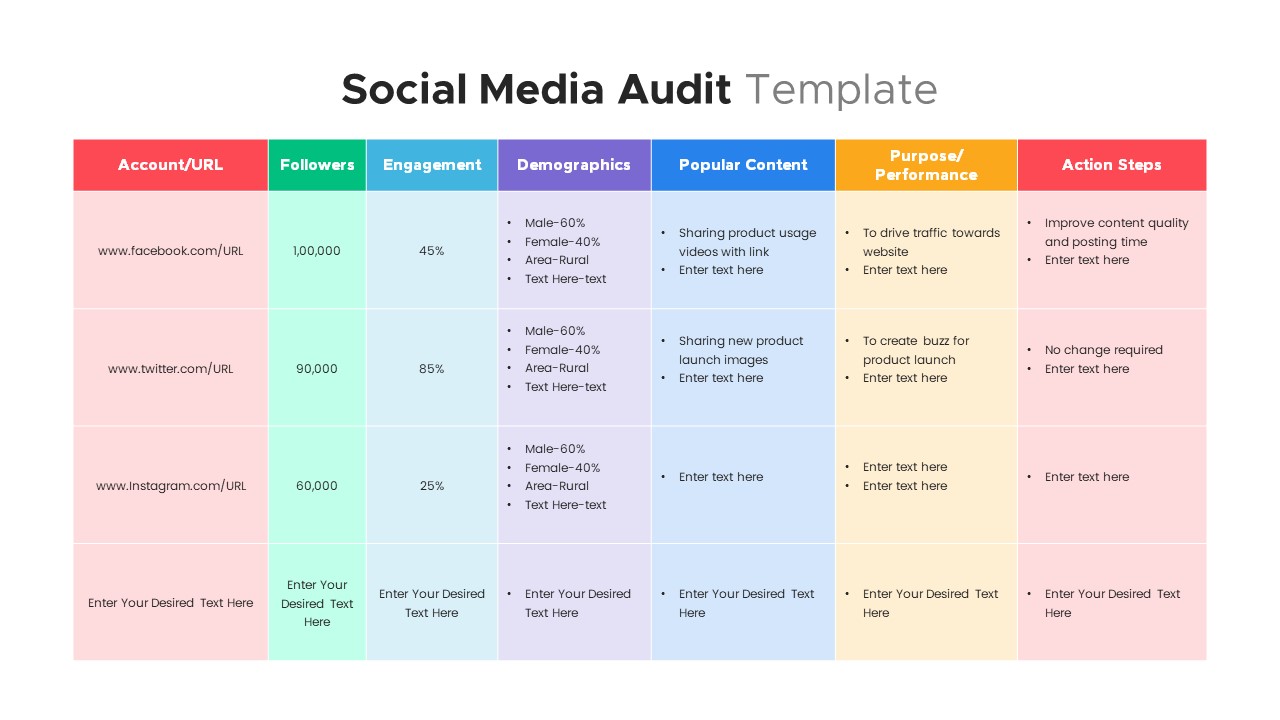
Comprehensive Social Media Audit Template for PowerPoint & Google Slides
Digital Marketing

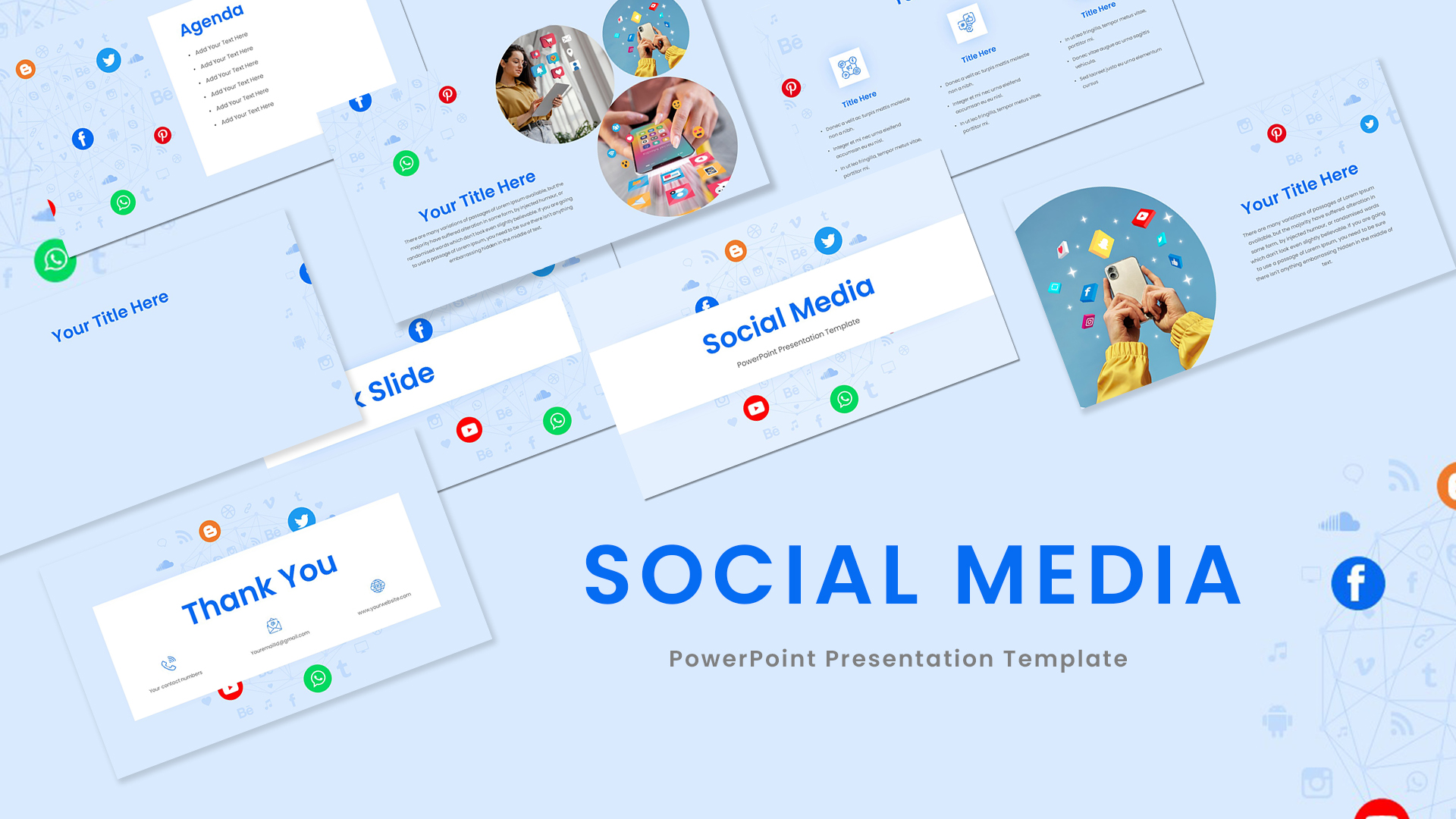
Social Media Presentation Template for PowerPoint & Google Slides
Pitch Deck
Social Media Icons PowerPoint Template
Advertising
Pie Chart with Social Media Market Share PowerPoint Template
Pie/Donut
Social Media Network PowerPoint Template
Circular
Social Media Analytics PowerPoint Template
Digital Marketing
Social Media Policy PowerPoint Template
Comparison
Social Media Listening PowerPoint Template
Customer Experience
Social Media Statistics PowerPoint Template
Comparison
Social Media Campaign Timeline PowerPoint Template
Timeline