Our Team Slide for PowerPoint & Google Slides



Our Team Slide for PowerPoint Presentations
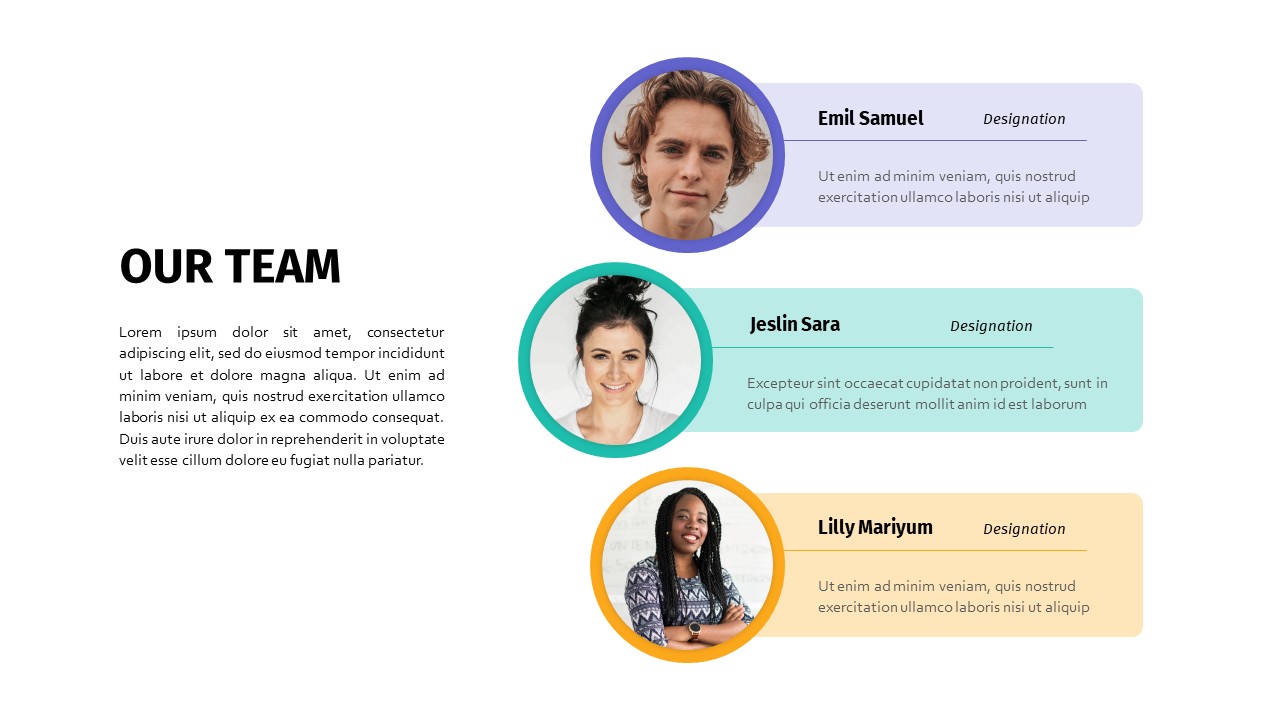
Introduce the people behind your work with this clean and professional our team slide for PowerPoint presentations, designed to put faces, names, and roles front and center in a visually organized layout. Three team member profiles are stacked vertically on the right side of the slide, each featuring a circular photo with a color-coded border in purple, blue, and yellow, paired with the person’s name, designation, and a short bio displayed on a matching colored banner. The left side of the layout provides a dedicated title area and a paragraph block for a brief team introduction, giving your audience context before diving into individual profiles.
The result is a balanced, easy-to-read layout that feels personal without sacrificing professionalism. Color-coded borders make each team member visually distinct at a glance, while the consistent banner style across all three profiles creates a sense of cohesion and structure that works well in both formal and informal presentation settings.
A Fully Editable Our Team PowerPoint Slide for Every Format
This our team slide is fully editable in both PowerPoint and Google Slides, and comes in light and dark versions to suit different brand aesthetics and presentation environments. Both 16:9 widescreen and 4:3 standard aspect ratios are included, making it compatible with virtually any screen setup or display format. Every element including photo placeholders, color borders, banner colors, name fields, designation labels, and bio text blocks can be customized to match your brand identity. Swap the color-coded accents to align with your corporate palette, adjust typography, or restructure the layout to accommodate more or fewer team members as needed.
The circular photo placeholders are sized and positioned to accept standard headshots without any manual cropping or resizing, saving time during slide preparation. The left-side paragraph block is generously sized to accommodate team introductions of varying lengths, whether you want a single punchy line or a few sentences covering your team’s background and focus areas.
How to Use This Our Team PowerPoint Slide
Replace the placeholder photos with your team’s headshots and fill in each person’s name, job title, and a one or two line description that captures their role or personality. Use the left-side paragraph block to give your audience broader context about the team, such as how long you have been working together, what the team specializes in, or what makes your group uniquely qualified. For client pitches, this is a great place to mention relevant experience or the collective expertise your team brings to the table. For internal presentations, keep it conversational and use it as a simple and effective way to introduce new hires or cross-functional collaborators.
Who Is It For
Business professionals, startup founders, consultants, and agency teams who regularly pitch to clients or present to stakeholders will find this slide a practical addition to any deck. HR teams and recruiters can also use it during onboarding sessions or company culture presentations to introduce new team members in a structured and visually appealing format.
Other Uses
Beyond team introductions, repurpose this slide layout for speaker bios at conferences or webinars, advisory board presentations, partner or vendor profiles, or volunteer and committee overviews for nonprofit organizations. The modular card structure also adapts well for showcasing a shortlist of candidates, highlighting key contacts within a department, or presenting project leads at the start of a client engagement.
Login to download this file

Item ID
SB03191


Related Templates

Team Introduction Slide PowerPoint & Google Slides Template
Our Team

Team Achievement Slide Template for PowerPoint & Google Slides
Business
About Us Team Introduction Slide Template for PowerPoint & Google Slides
Marketing
About Us Slide with Wave & Team Photo Template for PowerPoint & Google Slides
Our Team
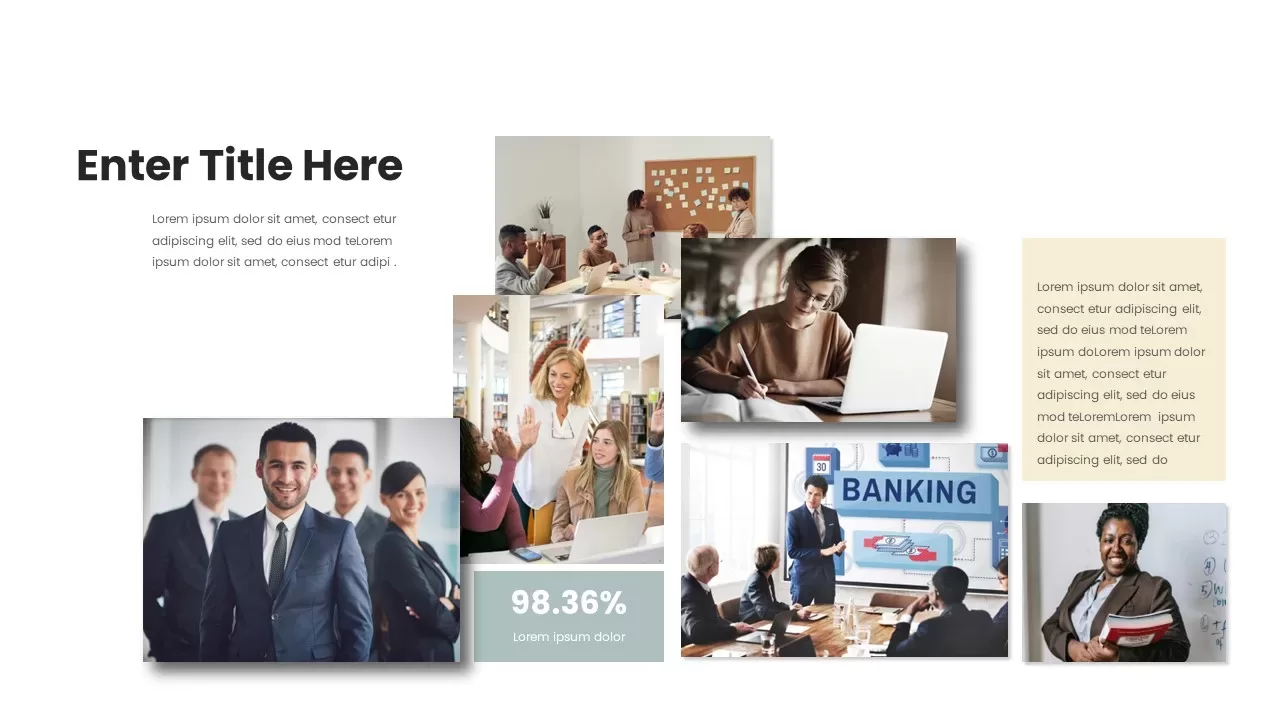
Professional Team Collage & KPI Slide Template for PowerPoint & Google Slides
Business
Our Team Slide for PowerPoint & Google Slides
Our Team
Our Team Slide for PowerPoint & Google Slides
Our Team
Our Team Showcase PowerPoint Template
Our Team
Meet Our Team Presentation Template
Our Team
Our Team Presentation Template
Business

Corporate Leadership Team Illustration Template for PowerPoint & Google Slides
Leadership
Our Team template for PowerPoint & Google Slides
Our Team
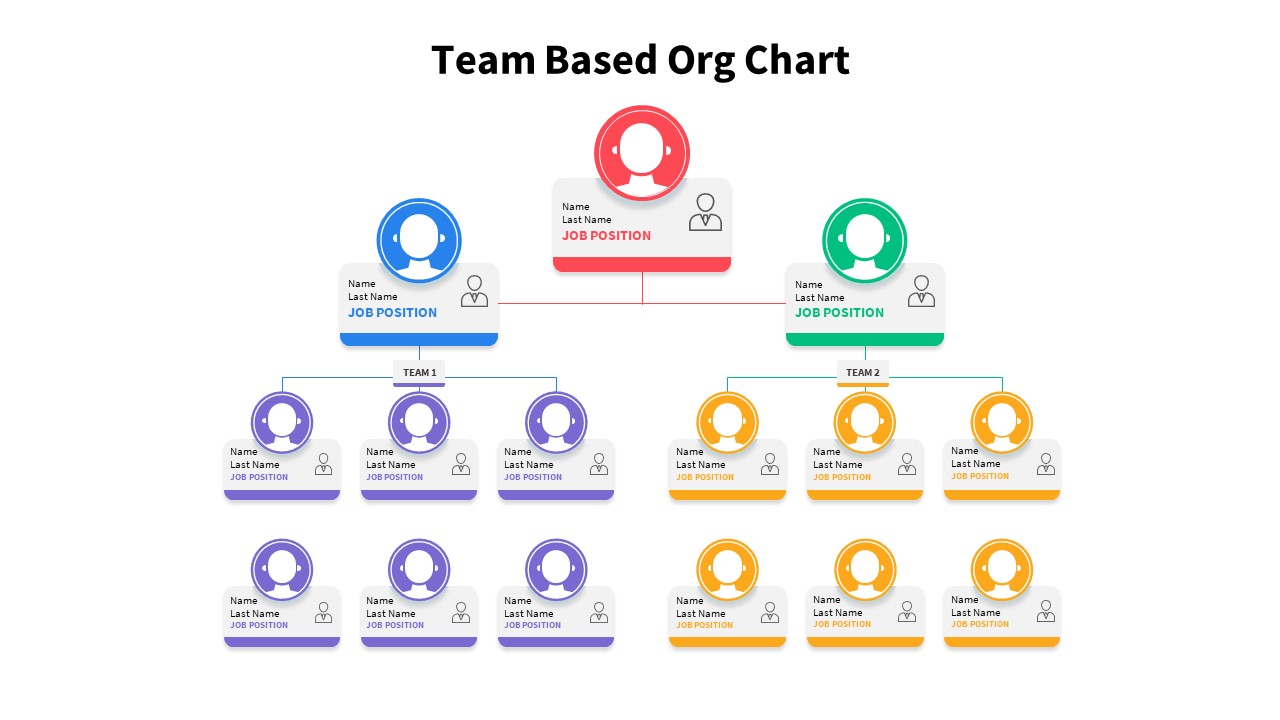
Team-Based Organizational Chart Template for PowerPoint & Google Slides
Org Chart
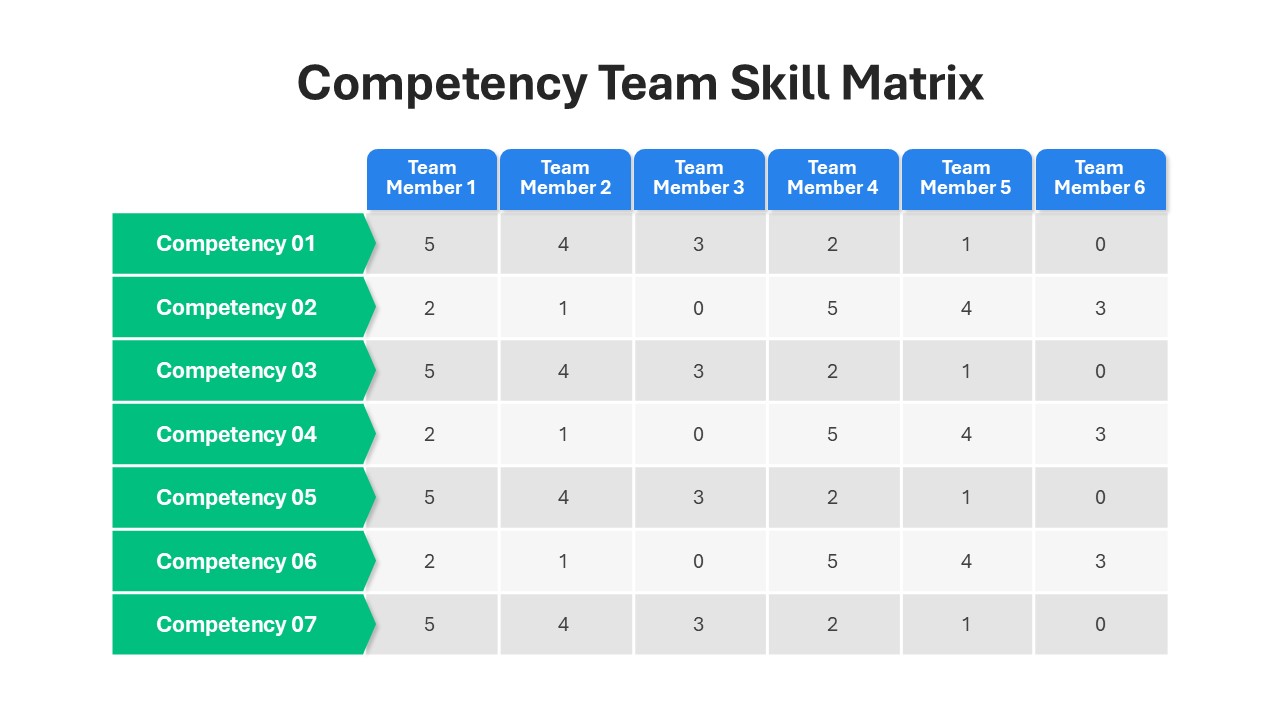
Competency Team Skill Matrix for PowerPoint
Employee Performance
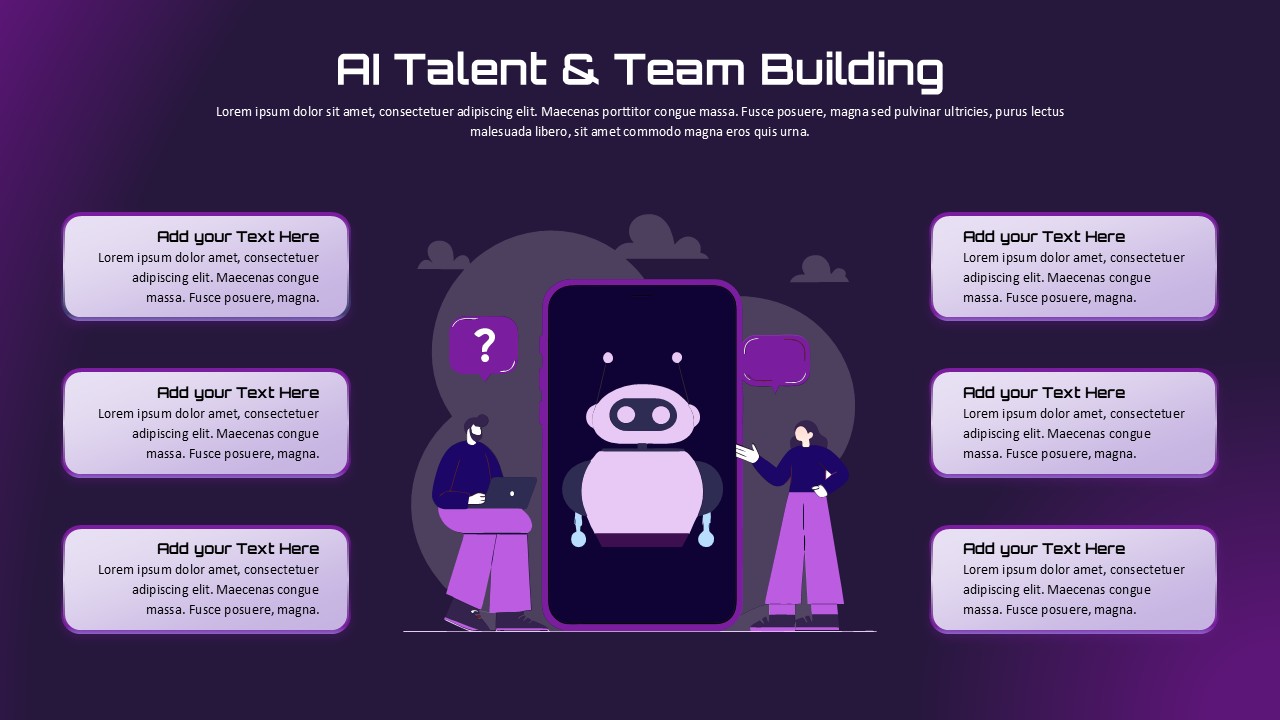
AI Talent & Team Building Overview template for PowerPoint & Google Slides
Business
Team Role to Impact Mapping Flowchart for PowerPoint
Process
Professional Team Roster Template for PowerPoint
Our Team
Our Team Template for PPT Presentation Slides
Business
Modern Team Profile Template for PowerPoint & Google Slides
Our Team
Drexler-Sibbet Team Performance Model Template for PowerPoint & Google Slides
Business Strategy