













KRI Dashboard PowerPoint Template
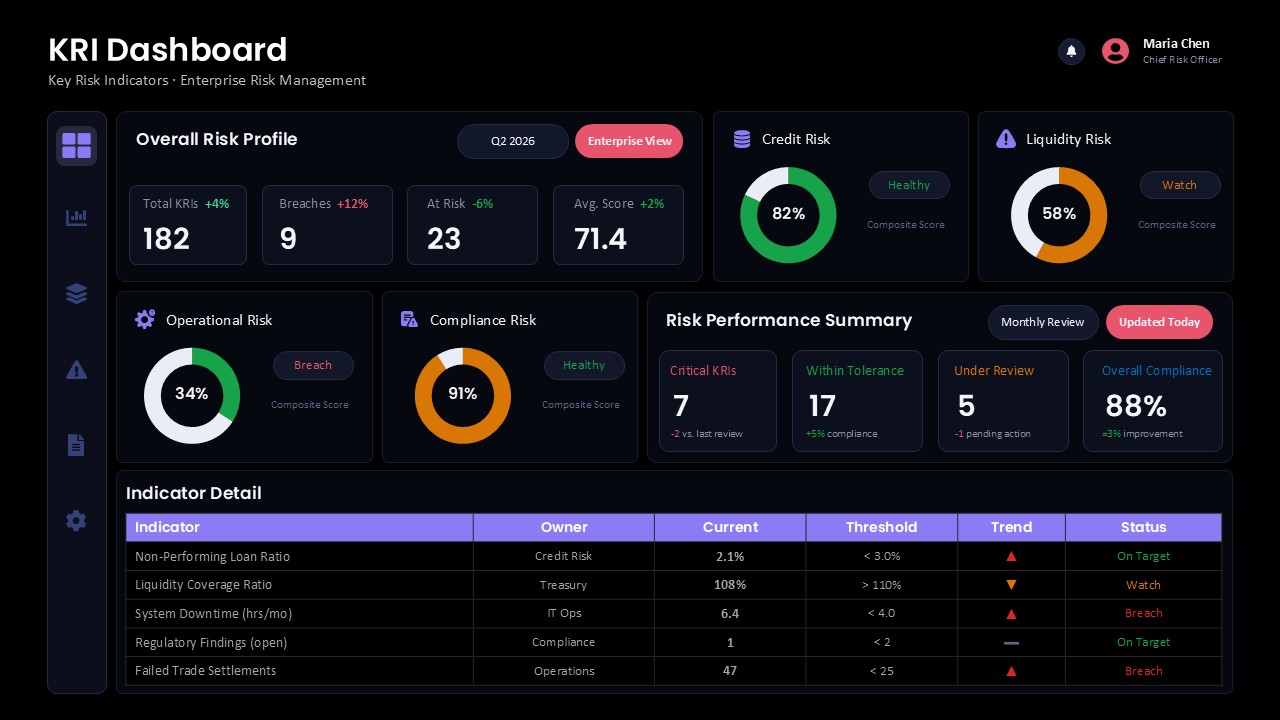
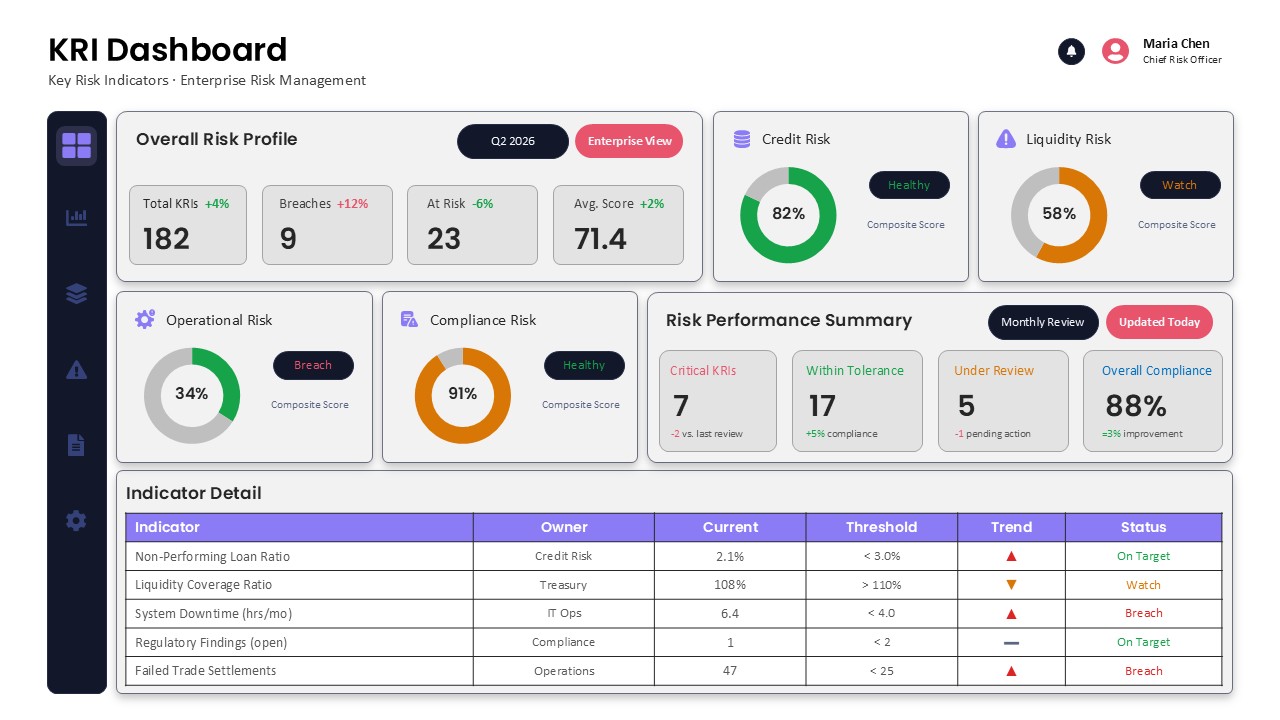
Use this KRI Dashboard PowerPoint Template to track organizational risks and present key risk measurements in a clear, easy-to-read format. It is designed for risk management professionals, compliance officers, and business leaders who need to assess potential threats and review risk performance. The dashboard brings different risk categories into a single view, including credit, liquidity, operational, and compliance risks. It also displays important figures such as total risk indicators, recorded breaches, at-risk metrics, and average risk scores. This layout helps management teams understand the current risk position and identify areas that require corrective action.
The dashboard features an overall risk profile section with four KPI cards for monitoring essential risk measurements. Four circular charts represent individual risk categories, using different colors and status labels to communicate their performance. A separate risk performance summary highlights critical indicators, metrics within tolerance, items under review, and overall compliance levels. The lower section contains an indicator detail table with five entries, showing each indicator’s owner, current value, threshold, performance trend, and status. These visual elements provide a practical overview of risk exposure and make it easier to compare results across different business functions.
Customize the dashboard by replacing the sample data, risk categories, indicator names, and threshold values with your own information. Adjust the KPI figures, chart percentages, and status labels to reflect your latest assessment. Its organized layout and contrasting colors help present complex risk information without making the dashboard difficult to follow. Use this KRI Dashboard PowerPoint Template for enterprise risk reporting, compliance monitoring, quarterly reviews, and executive presentations. Download it to communicate risk insights and keep stakeholders informed about the organization’s risk performance.
Frequently Asked Questions
What is a KRI dashboard used for?
What information should be included in a KRI dashboard?
Login to download this file

Item ID
SB06085Designed By
Naseeba Sithara


Related Templates

Sales Dashboard Template for PowerPoint Template
Bar/Column

Project Management Dashboard PowerPoint Template and Google Slides Template
Project
Dashboard PowerPoint Template
Bar/Column

Sales Performance Dashboard Keynote and PowerPoint template
Business Report

Free Project Dashboard PowerPoint Template
Charts
Free
Social Media Performance Dashboard Template for PowerPoint & Google Slides
Bar/Column
Dashboard PowerPoint Template
Bar/Column
Project Status Dashboard Table Template for PowerPoint & Google Slides
Project Status
One Pager Project Status Dashboard Template for PowerPoint & Google Slides
Project Status
Free KPI Dashboard Template for PowerPoint & Google Slides
Charts
Free
Quarterly Business Review Dashboard Template for PowerPoint & Google Slides
Pitch Deck
DevOps KPI Dashboard PowerPoint Template
Software Development
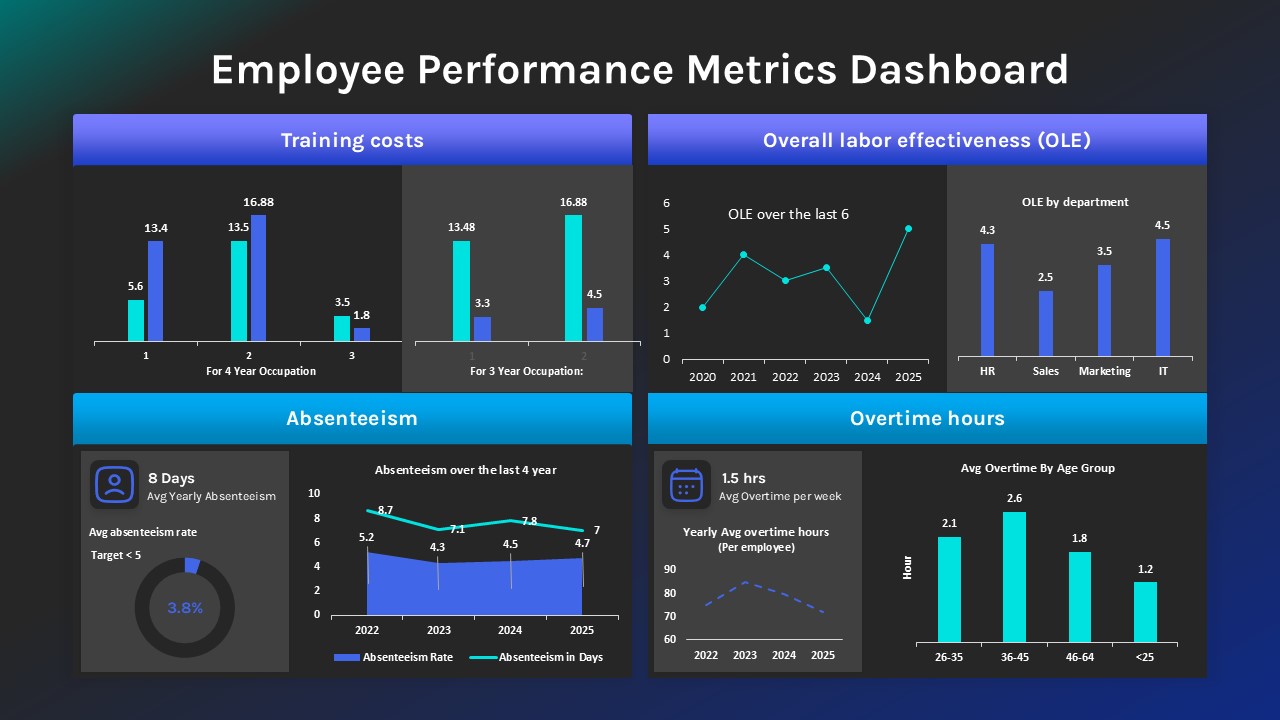
Employee Performance Metrics Dashboard PowerPoint Template
Employee Performance
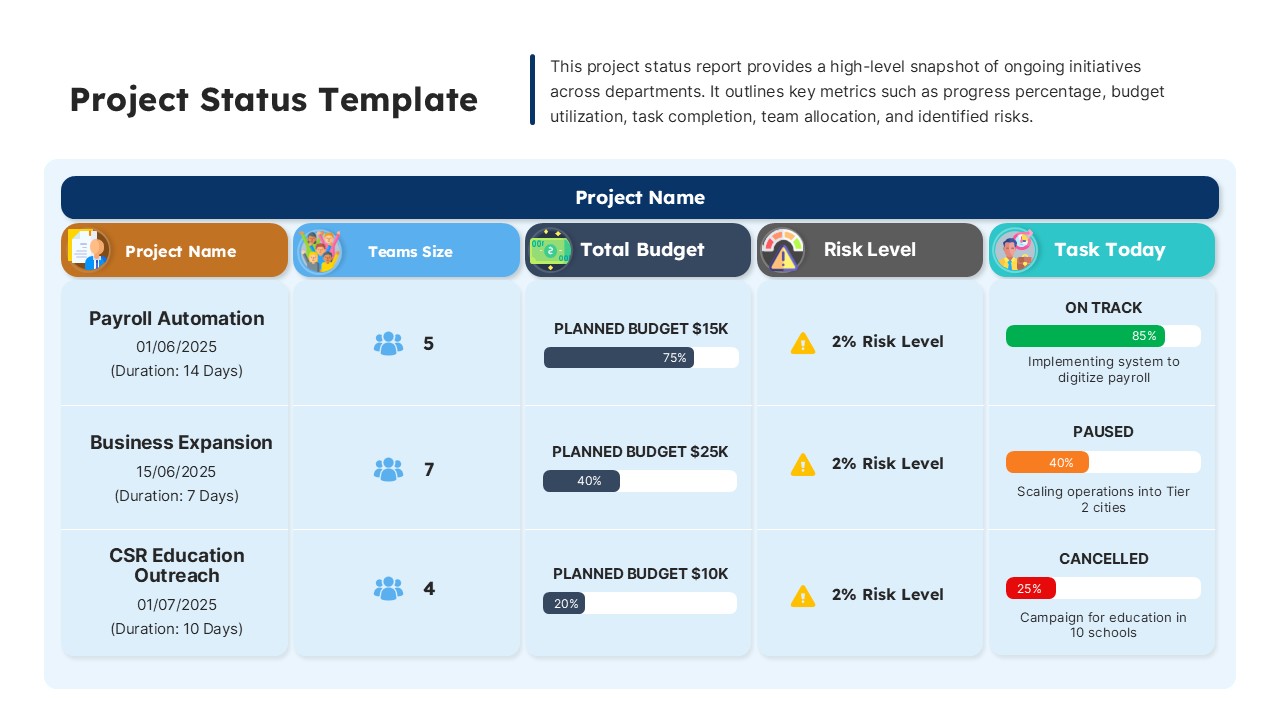
Dashboard Project Status Template for PowerPoint & Google Slides
Project Status
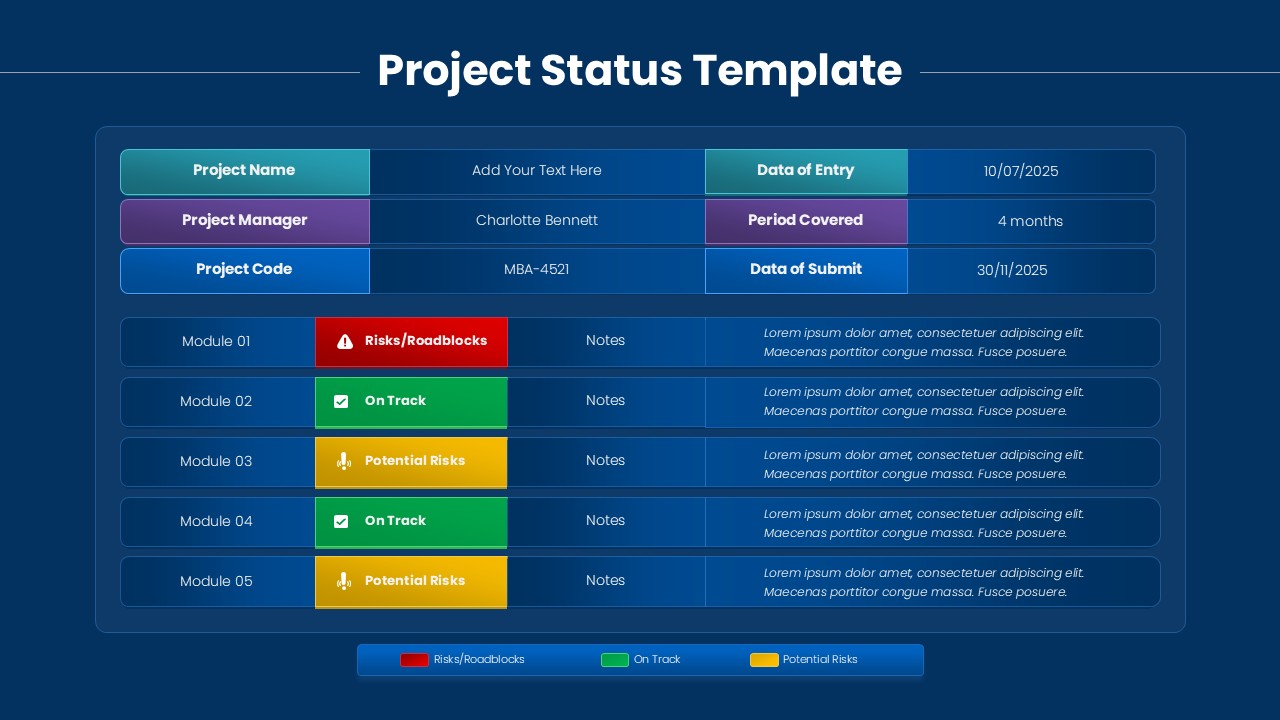
Project Status Dashboard with RAG Legend Template for PowerPoint & Google Slides
Project Status
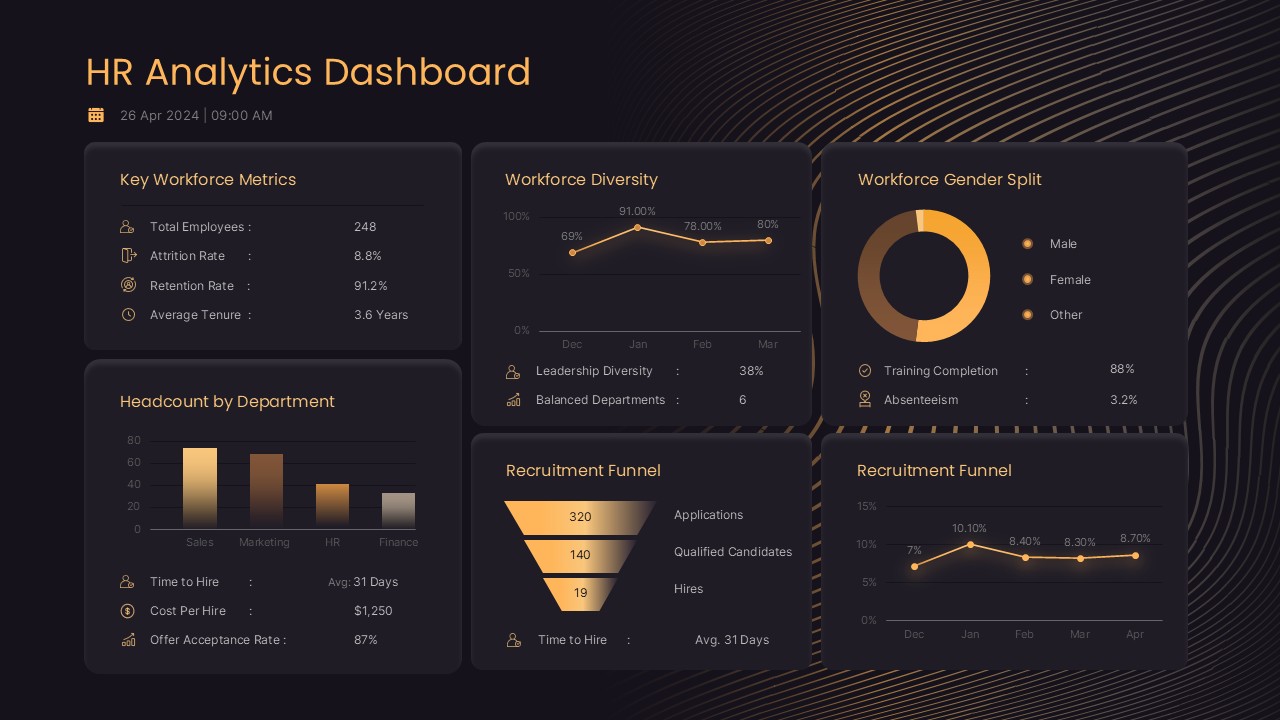
HR Analytics Dashboard PowerPoint & Google Slides Template
Human Resources
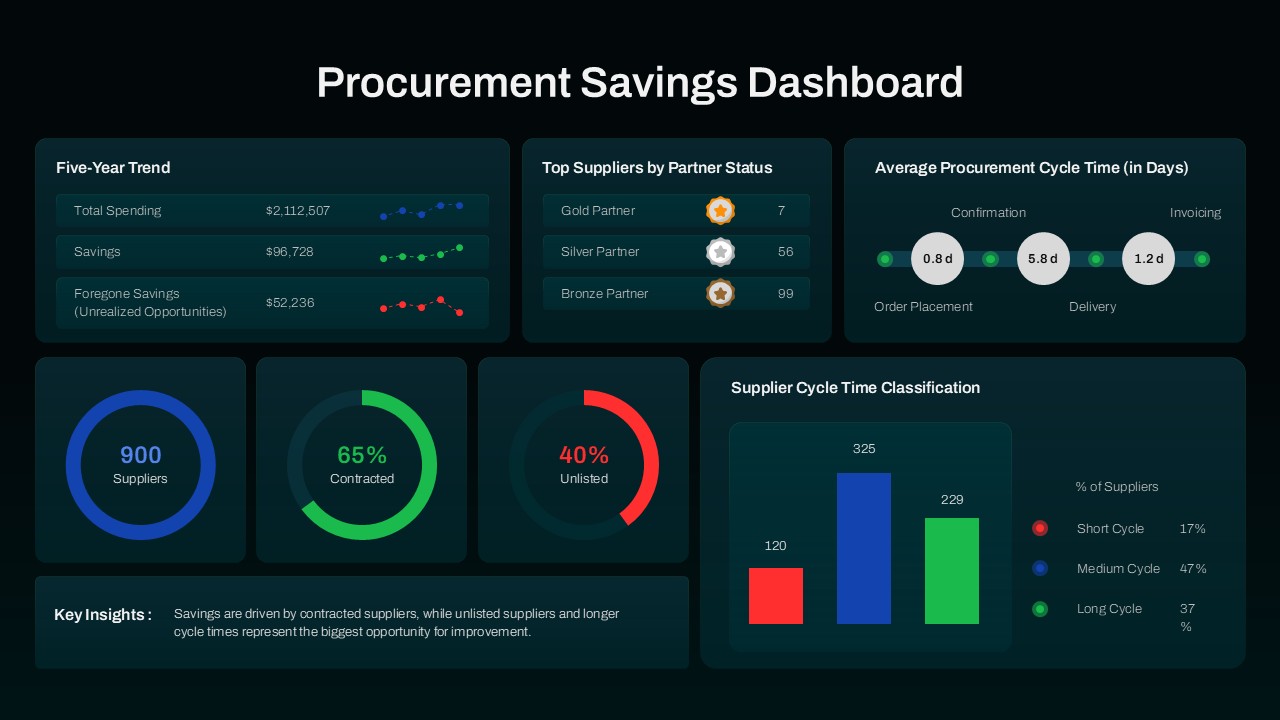
Procurement Savings Dashboard PowerPoint Template
Dashboard
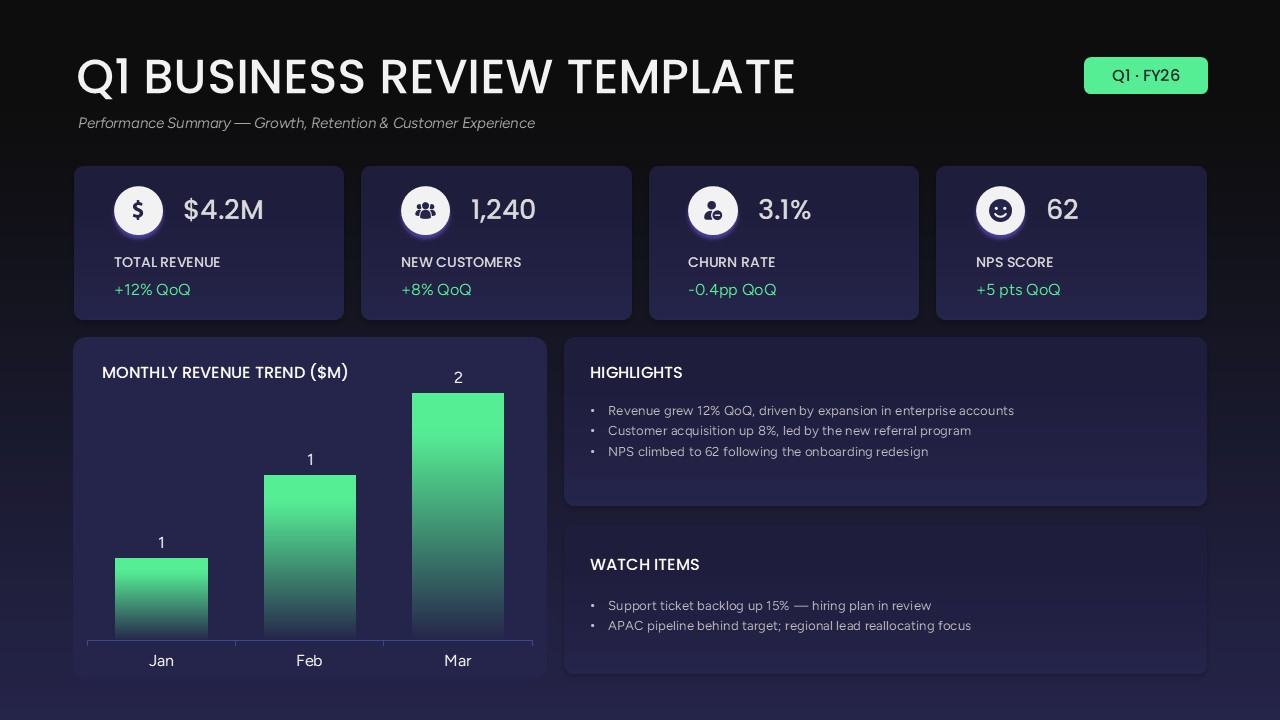
Q1 Business Review Dashboard PowerPoint Template
Business Report
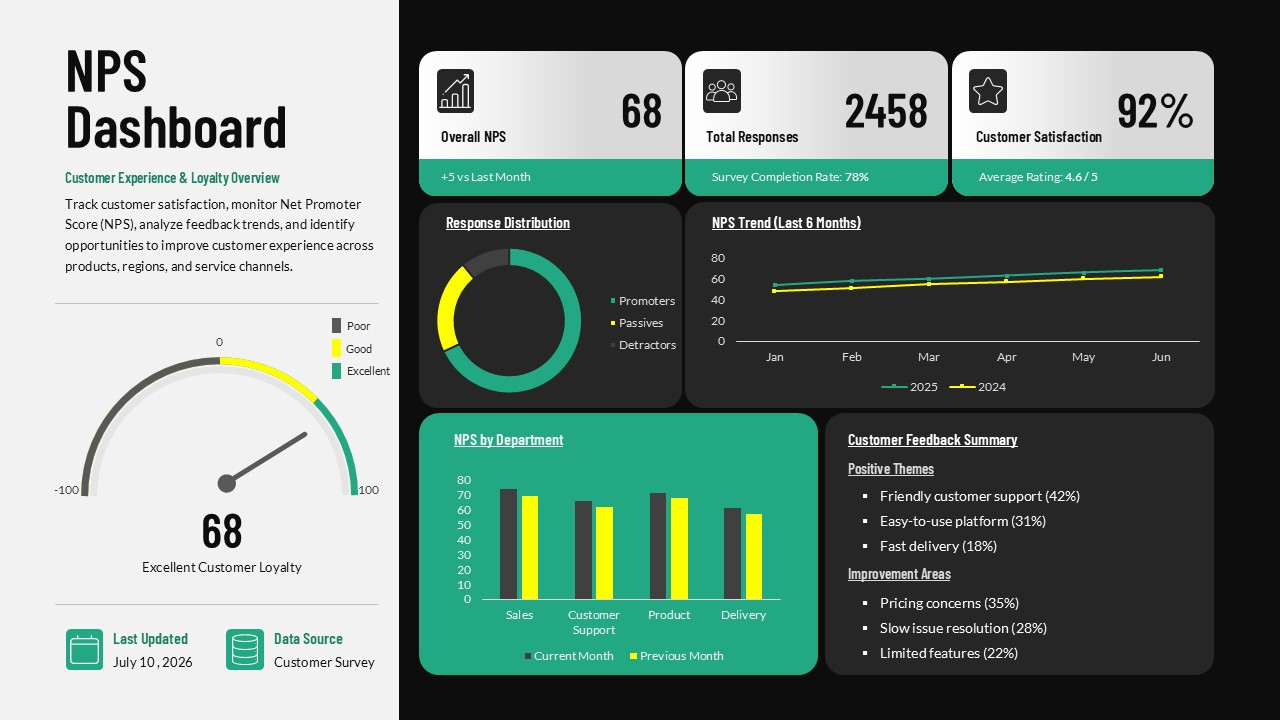
NPS Dashboard PowerPoint Template
Customer Experience
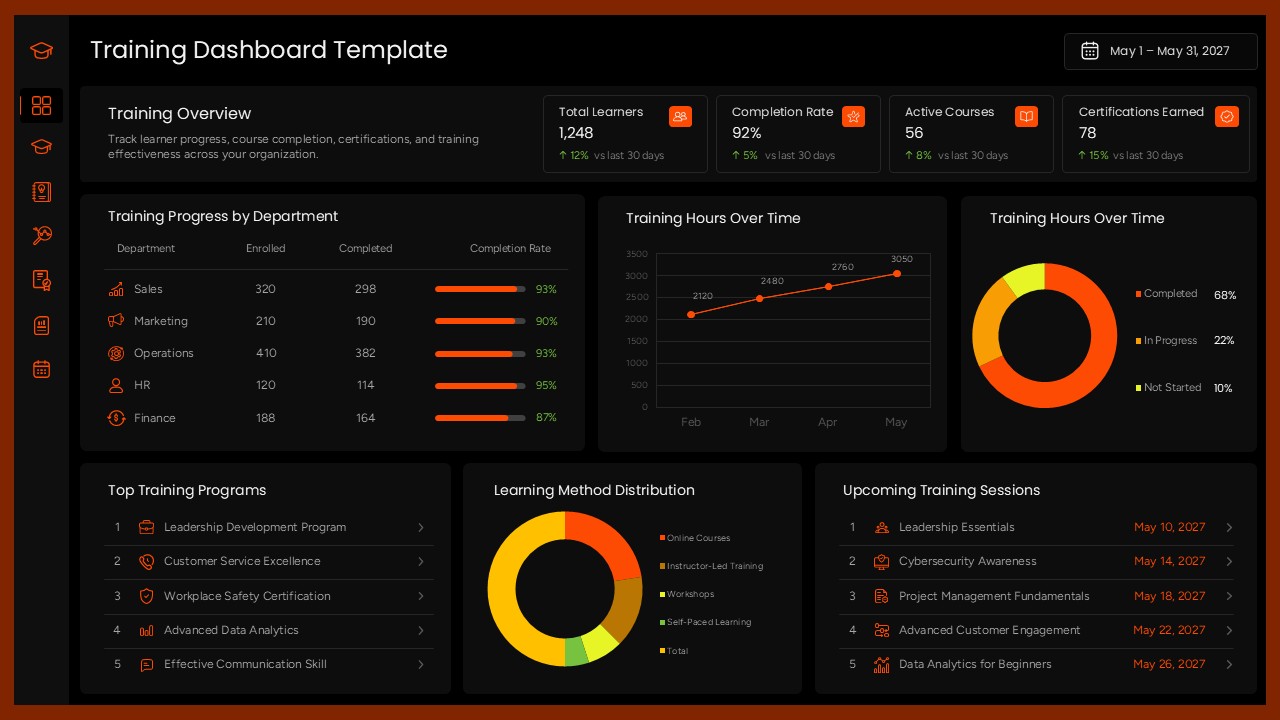
Training Dashboard Template for PowerPoint
Employee Performance