Cost Volume-Profit Analysis Graph (CVP) Template for Financial Planning Presentations
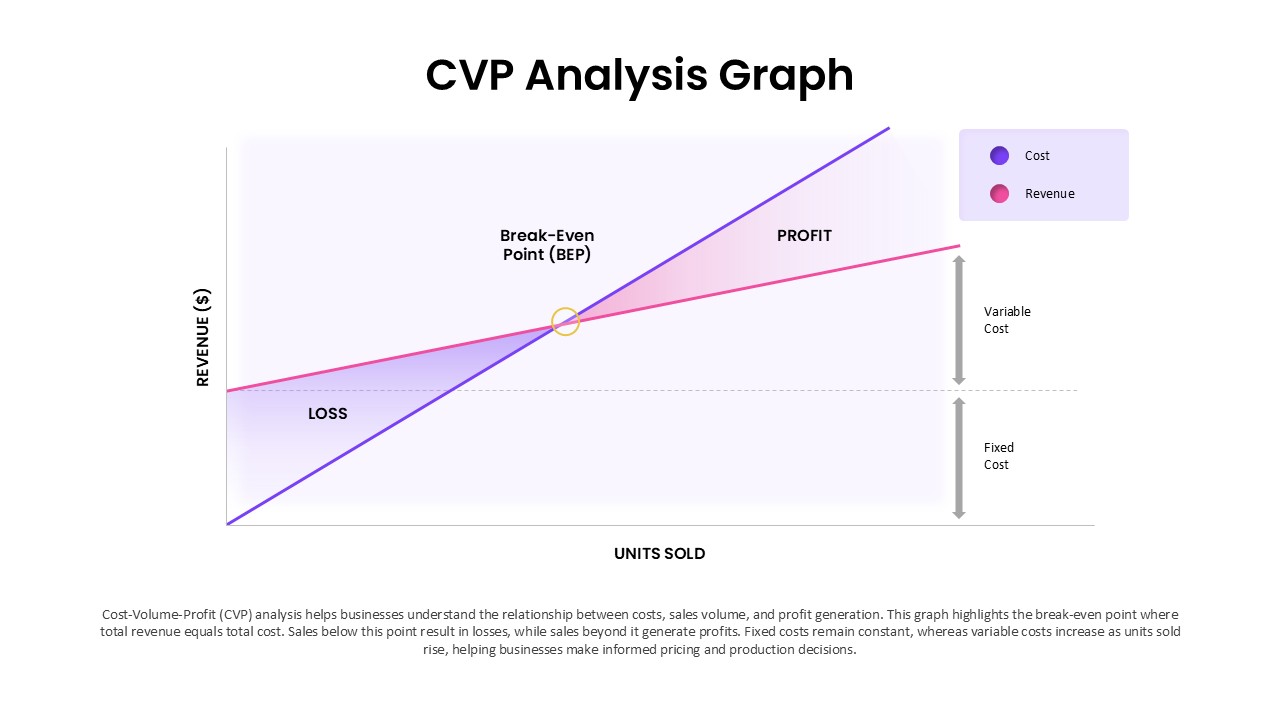
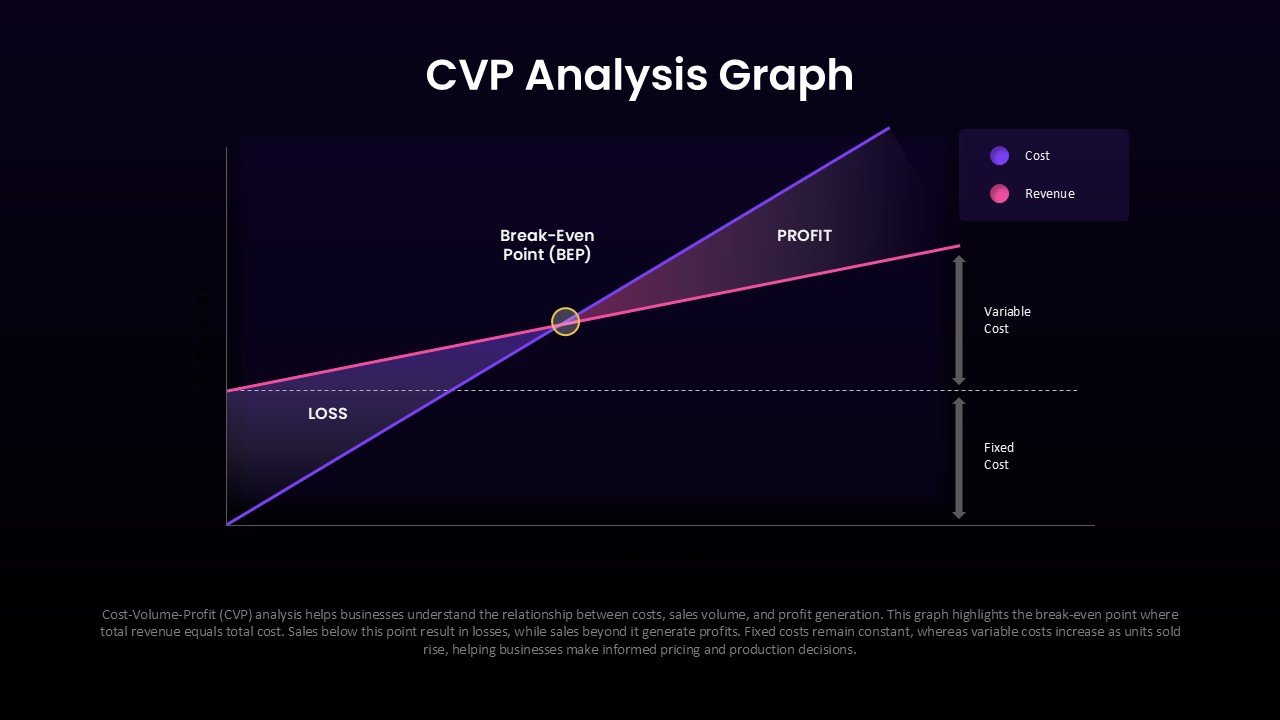
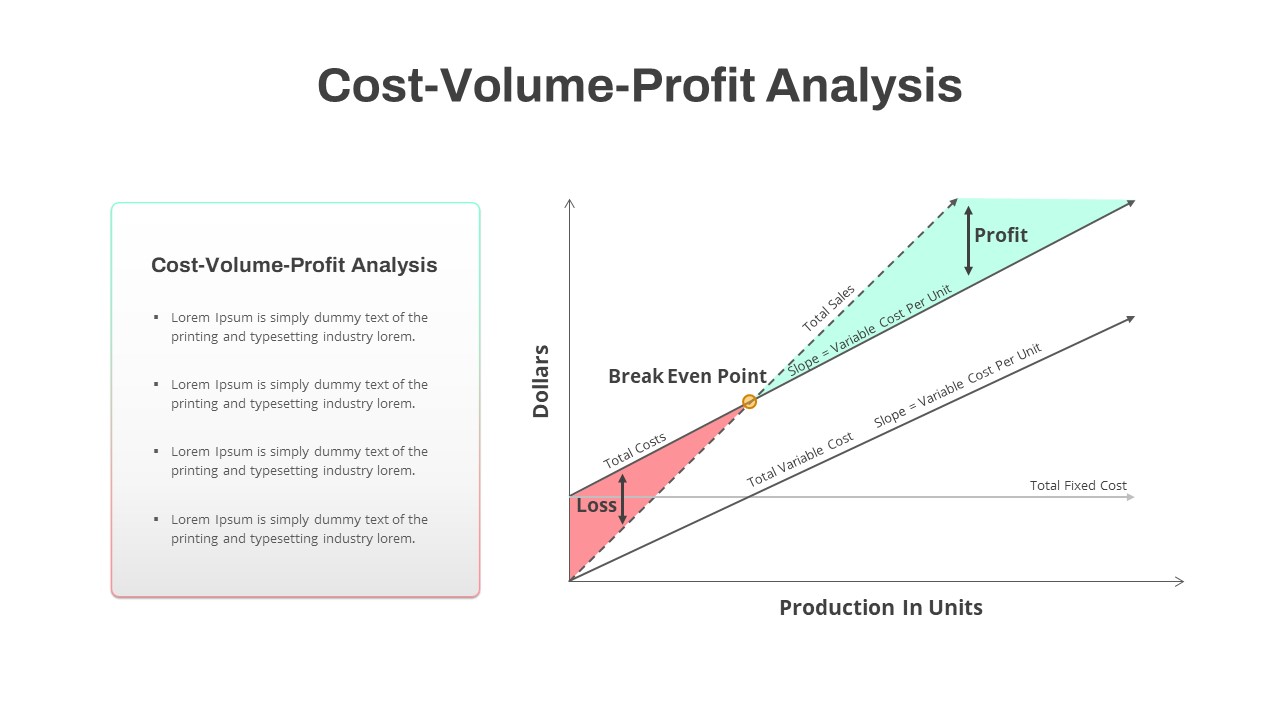
Understanding how sales volume, costs, and revenue interact is essential when evaluating business performance and planning future decisions. This CVP Analysis Graph template is designed to help teams explain cost-volume-profit relationships in a visual and structured format that simplifies financial discussions. Instead of presenting raw figures or spreadsheets, the graph converts key financial metrics into a presentation-ready layout that is easier for audiences to follow and interpret. Compatible with PowerPoint and Google Slides, the template is useful across industries including finance, consulting, operations, education, retail, startups, and business strategy.
The slide is built around essential financial concepts such as break-even point calculations, fixed cost analysis, variable cost trends, profit regions, and loss zones. Each visual element works together to demonstrate how operational changes can influence financial outcomes. Users can clearly show where revenue begins to exceed costs and where profitability starts to increase, making the slide valuable for both strategic discussions and educational sessions.
Break Even Analysis Chart for Revenue and Cost Visualization
The structure also supports a logical storytelling sequence for presentations. Begin by presenting cost behavior and revenue patterns, then identify the break-even point where costs and sales intersect. Continue by explaining loss regions before moving into profit zones and growth opportunities. This progression helps audiences understand the relationship between financial decisions and business performance.
The clean chart design uses contrasting visual elements and highlighted areas to separate different financial categories without creating unnecessary complexity. Editable chart components, labels, colors, lines, and placeholders allow complete customization according to company data or academic examples. Users preparing executive reports may also integrate this layout into larger Business Reports presentations.
Frequently Asked Questions
Can I customize the cost and revenue lines in the CVP analysis graph?
Does the template include both light and dark theme versions?
Login to download this file

Item ID
SB05921Designed By
Naseeba Sithara


Related Templates

Cost Volume Profit Analysis PowerPoint Template
Finance
Non-Profit vs For-Profit Diagram template for PowerPoint & Google Slides
Business Models
Quarterly Network Volume Analysis PowerPoint Template
Business Report
Financial Planning Process With Review and Monitor Template for PowerPoint
Process
Cost Benefit Analysis PowerPoint Template
Comparison
Cost Benefit Analysis Template PowerPoint and Google Slides
Comparison
Cost Benefit Analysis PowerPoint Template
Comparison
Profit Performance Chart PowerPoint Template
Finance
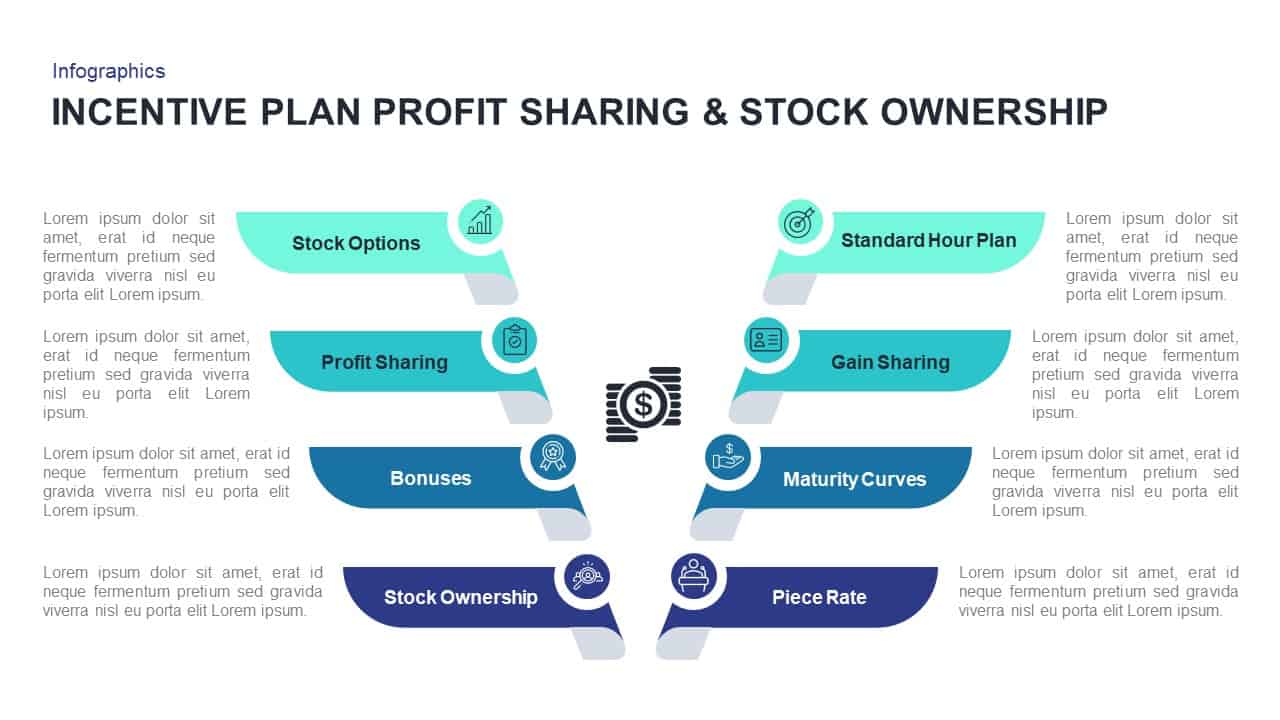
Incentive Plans Profit Sharing & Stock Ownership Presentation Template
Process

Non-Profit Organization PowerPoint Template
Pitch Deck
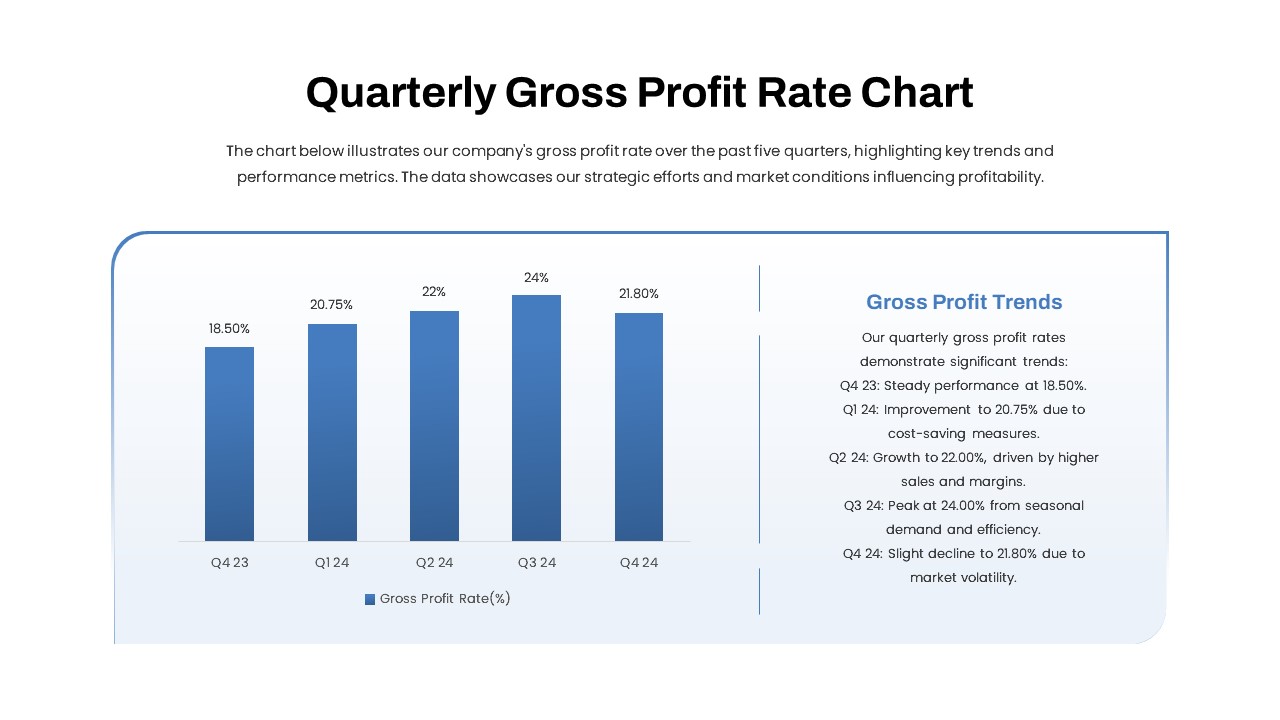
Quarterly Gross Profit Rate Chart PowerPoint Template
Revenue
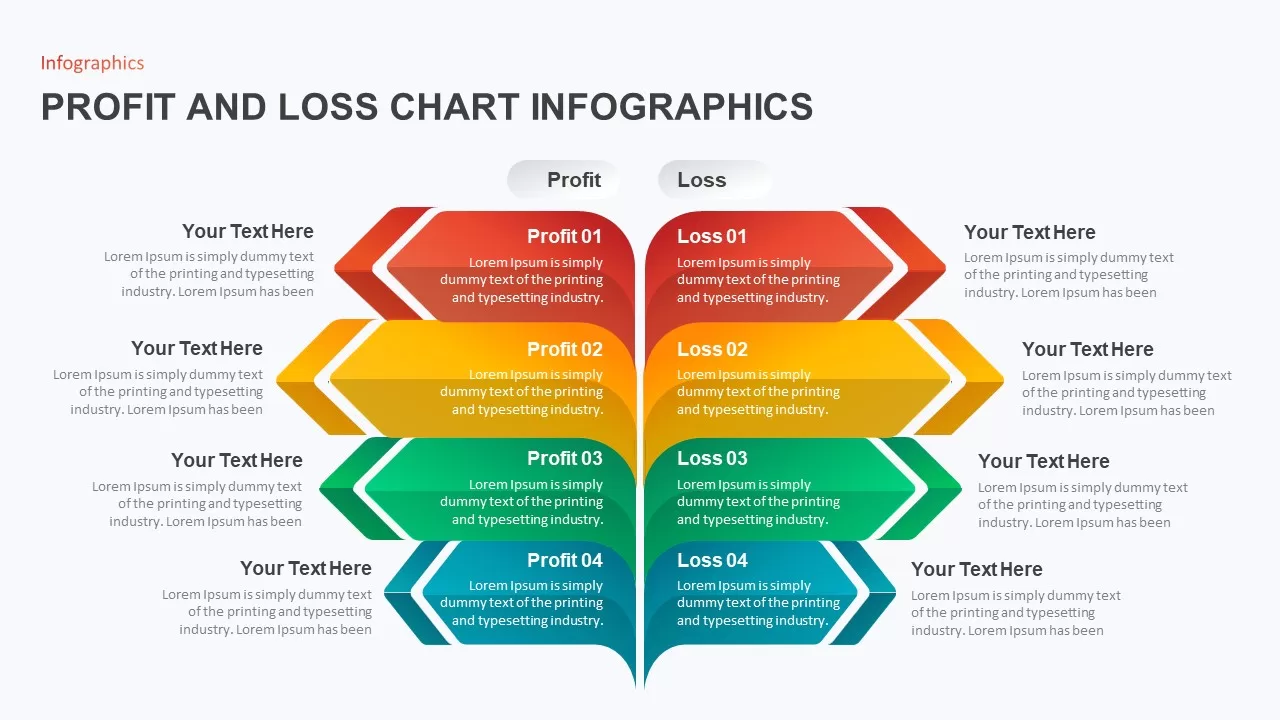
Profit and Loss Chart Infographic for PowerPoint Presentation
Business Report
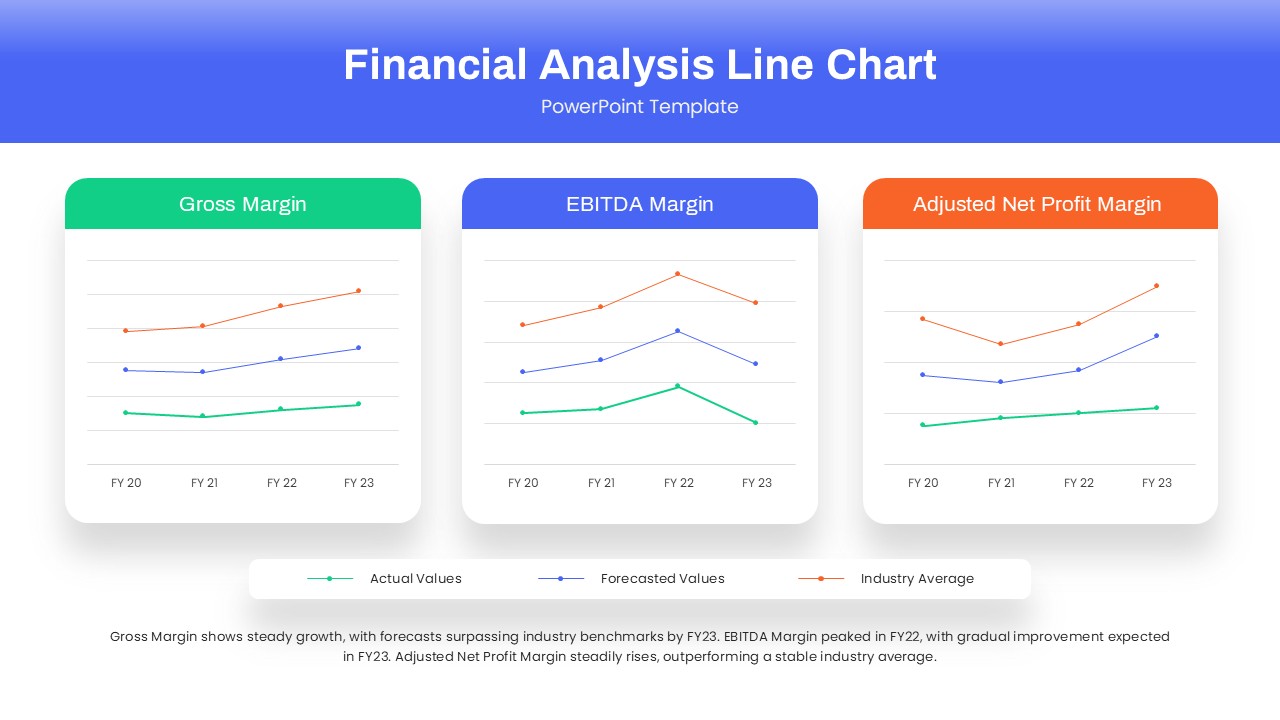
Financial Analysis Line Chart PowerPoint Template
Finance
Financial Gap Analysis Framework Template for PowerPoint & Google Slides
Finance
Circle Graph PowerPoint Template
Circular
Curved Line Graph PowerPoint Template
Comparison Chart
Curved Line Graph PowerPoint Template
Timeline

3D Bar Graph Infographic Template for PowerPoint & Google Slides
Bar/Column
Graph Paper PowerPoint Template
Company Profile
Fast Follower Strategy Line Graph Template for PowerPoint & Google Slides
Comparison Chart