search

Essentials

Must-have decks for quick wins

By Industry

Professionally tailored slides for every sector

By Style

Minimal, modern and creative designs

By Topic

Explore slides curated by purpose and theme

TimelineTimelineRoadmapRoadmapStrategyStrategyGoalsGoalsTableTableComparisonComparisonSWOTSWOTAgendaAgendaArrowArrowWorld MapWorld MapMapsMapsProcessProcessFunnelFunnelTeamTeamOrg ChartOrg ChartPyramidPyramidCircularCircular

Business PlanBusiness PlanBusiness StrategyBusiness StrategyBusiness ProposalBusiness ProposalBusiness ModelsBusiness ModelsDigital MarketingDigital MarketingMarketing FunnelMarketing FunnelCustomer ExperienceCustomer ExperienceProject StatusProject StatusGantt ChartGantt ChartRecruitmentRecruitmentEmployee PerformanceEmployee PerformanceLeadershipLeadershipAIAIMachine LearningMachine Learning

AI Presentation Maker

Install the Windows plugin for quick access to templates and design tools.

AI Infographics Maker

Use our Office 365 add - in to access templates directly from the cloud.

Exe Version

Install the Windows plugin for quick access to templates and design tools.

Office 365

Use our Office 365 add - in to access templates directly from the cloud.

Mac Version

Get the Mac plugin to easily browse, insert, and customize templates and visuals within PowerPoint.

Reference

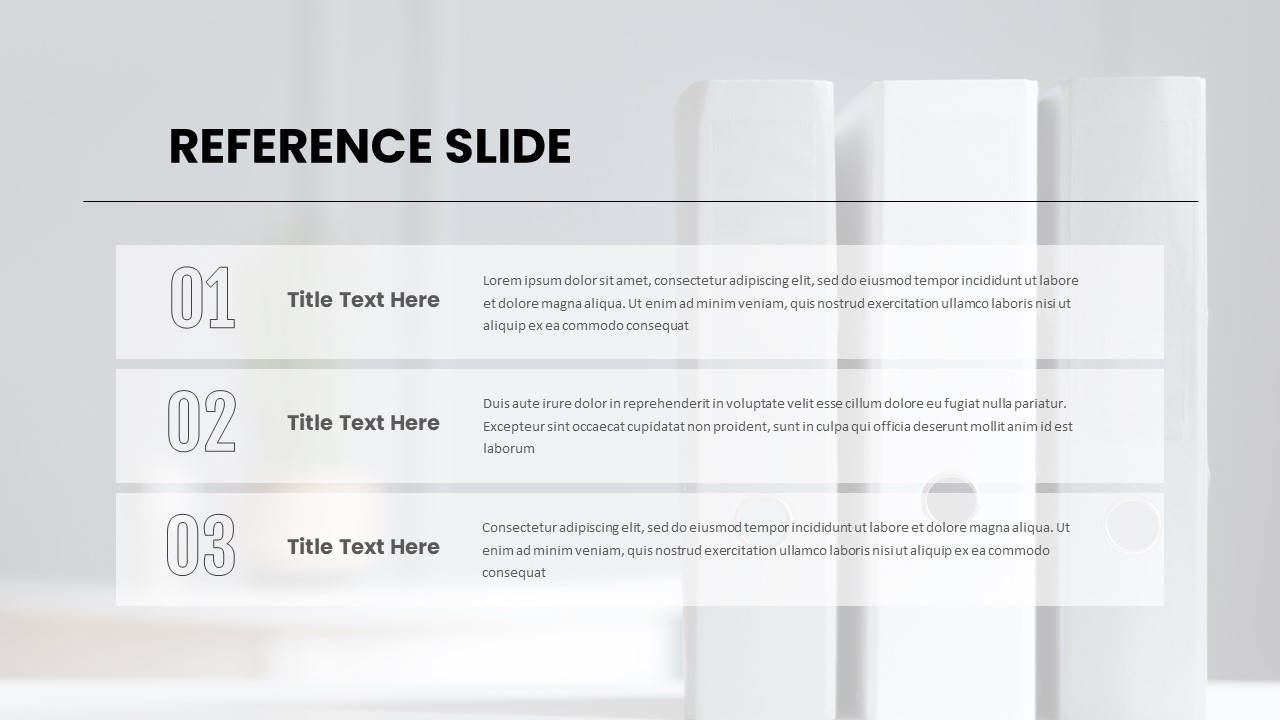
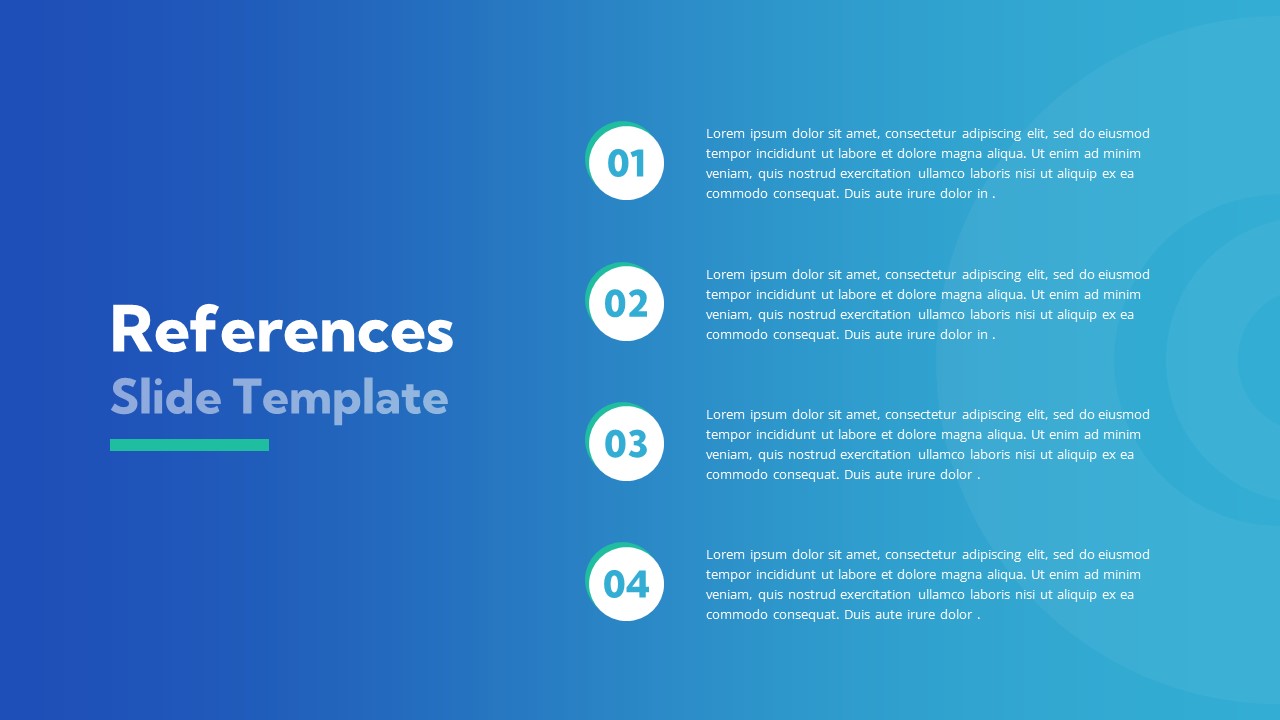
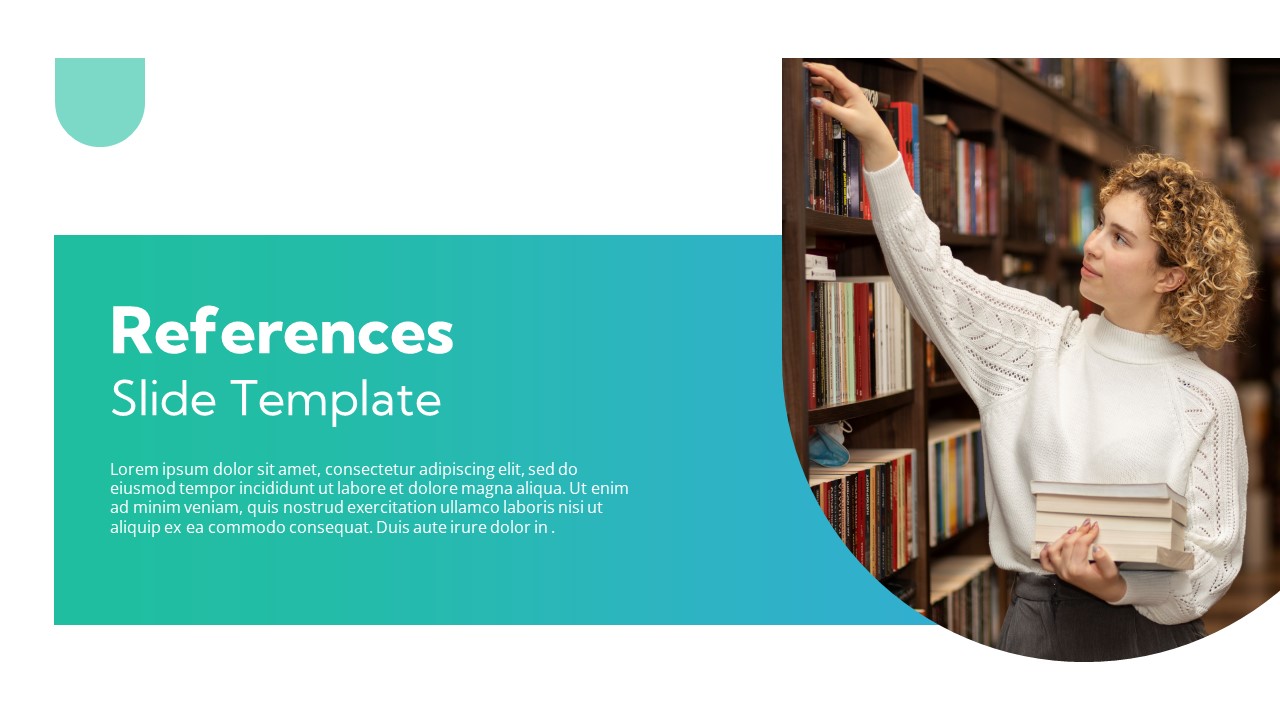
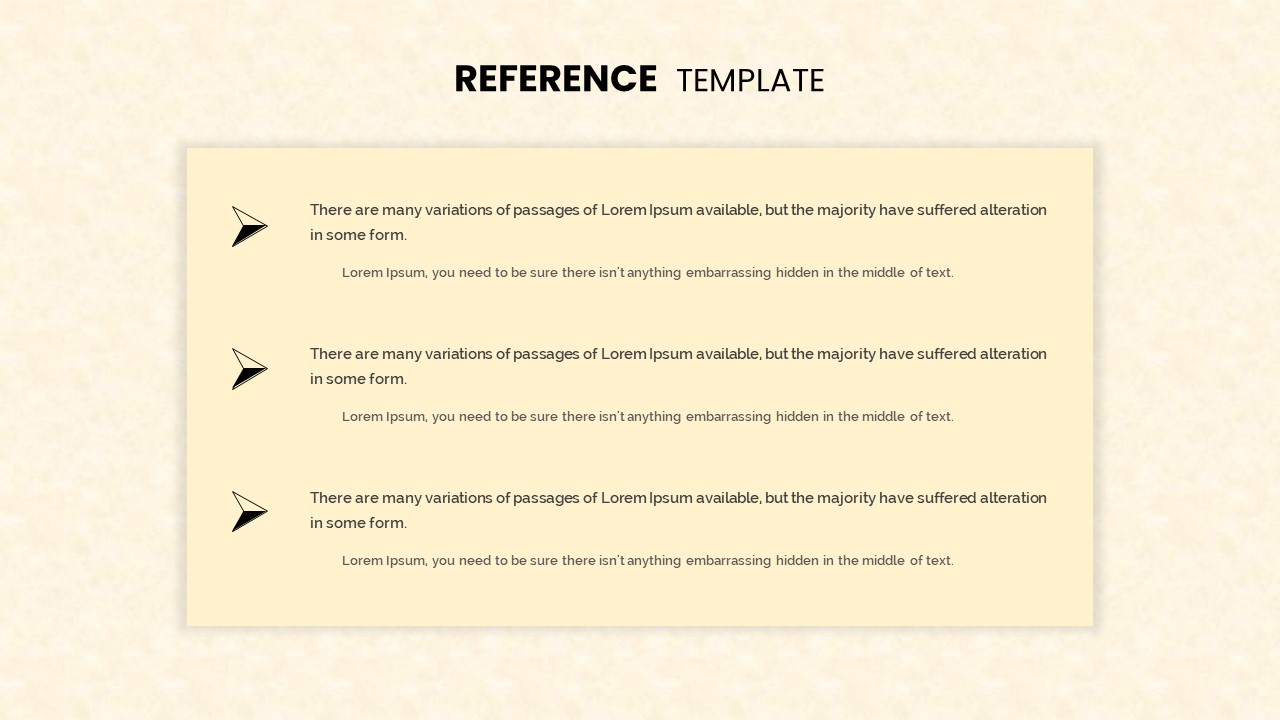
Reference PowerPoint templates are essential for presenting citations, data references, and professional acknowledgments in a clear, organized manner. Whether you’re working on academic research, project management reports, or business proposals, these templates streamline the process of referencing and citing critical information. Designed to be flexible and fully editable, these templates are ideal for a wide range of industries and purposes.

Why Use Reference PowerPoint Templates? These presentation templates are designed to simplify the process of presenting citations and references, making them suitable for various professional settings. In academic contexts, they allow for the clear and accurate display of research citations, ensuring that your sources are properly credited. In corporate environments, reference templates serve as a helpful tool for presenting data sources, case studies, or project documentation. The templates are user-friendly and versatile, allowing for easy customization to match your branding or specific presentation style. Versatility for Different Needs Reference presentation templates are suitable for a broad range of purposes, including academic, corporate, and creative projects. In research presentations, they provide a professional way to cite sources and display critical information clearly. For business reports or proposals, reference templates help you present data sources, client feedback, or project references in a structured format. This versatility ensures that you can adapt the templates to meet your unique needs while maintaining a professional look. Easy Customization and Flexibility Each template is designed for easy customization, enabling you to modify elements such as fonts, colors, and layouts quickly. Whether you need a minimalist design or something more detailed, reference templates give you the flexibility to make adjustments to fit the overall style of your presentation. This ensures that your references align with the theme and branding of your content. Improve Clarity and Professionalism Using our reference templates can elevate the professionalism of your presentation by organizing citations and data sources clearly. The templates are crafted with design principles that prioritize readability and organization, helping you display critical references without clutter. This improves the audience’s understanding and enhances the overall impact of your presentation. Explore our collection of Reference PowerPoint Templates today. With a wide range of customizable options, you can create presentations that are both visually compelling and well-organized. Start simplifying your citation process while maintaining clarity and professionalism in your slides.

sort by icon Filter