Reverse Timeline Template for PowerPoint Presentation
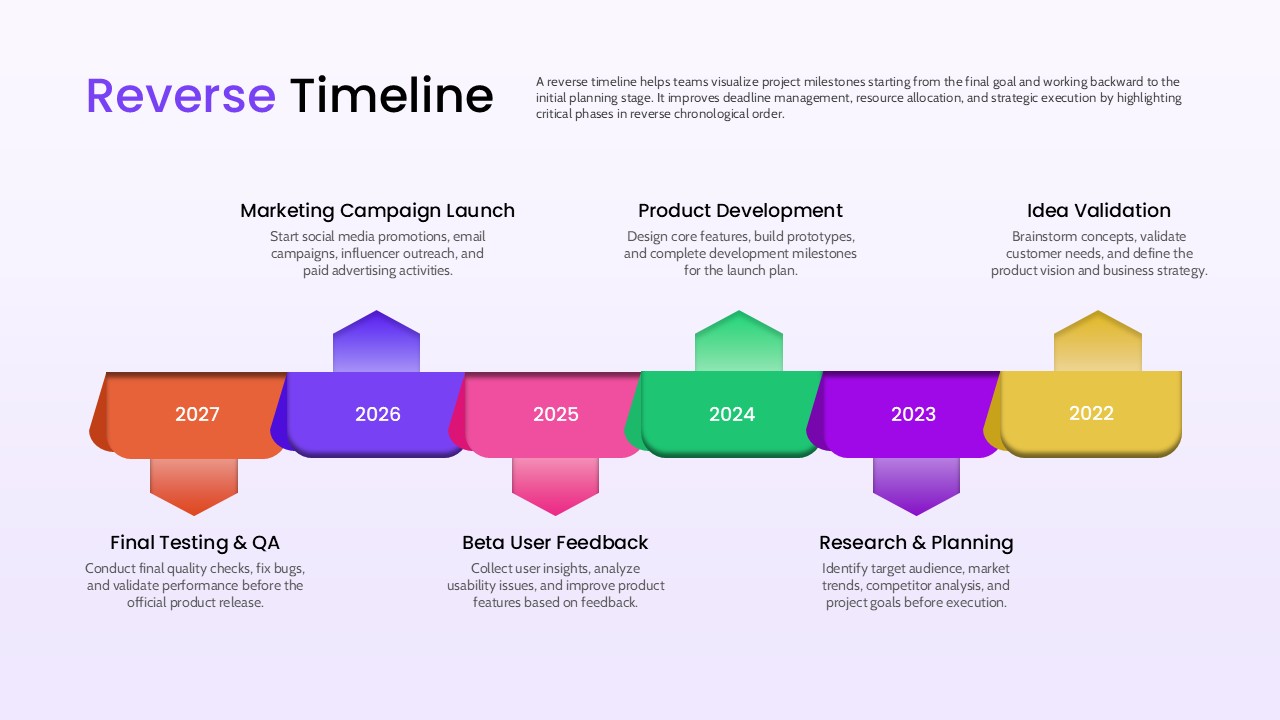
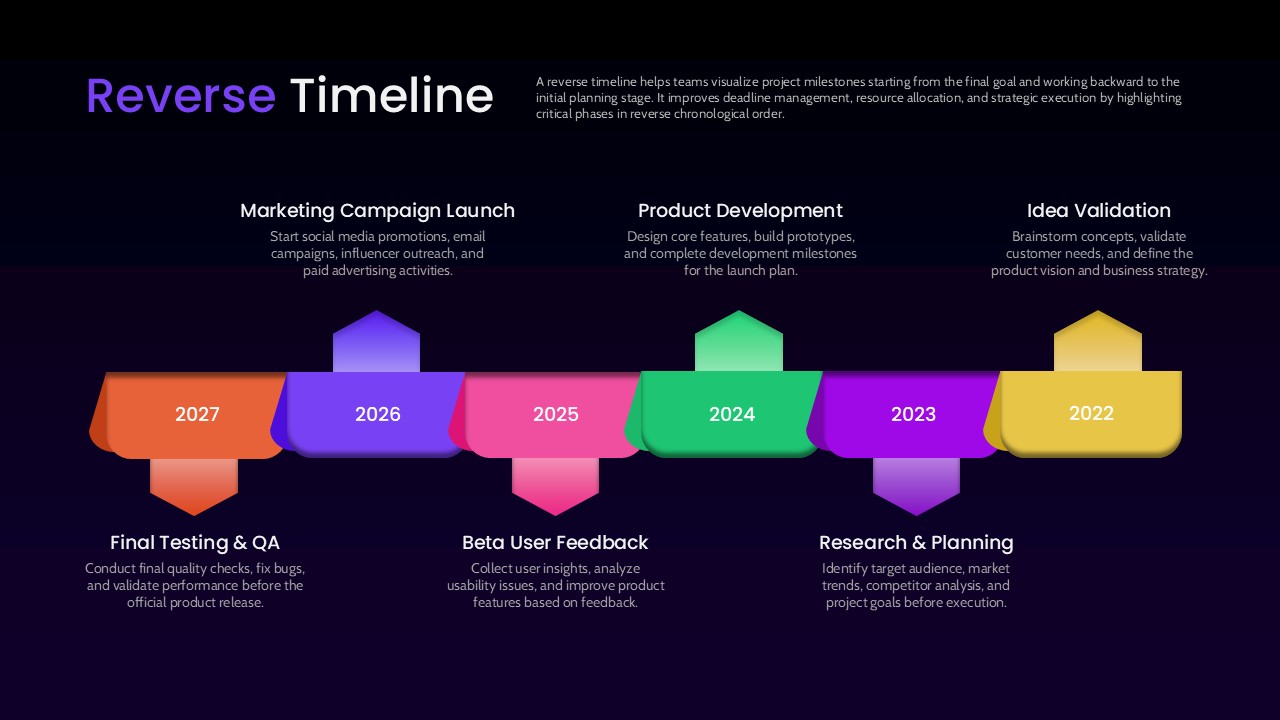
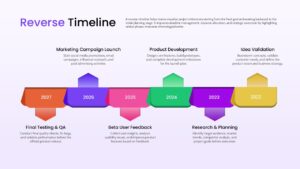
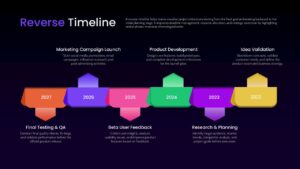
A reverse timeline is a project planning tool that maps milestones starting from the end goal and working backward to the initial planning stage, a technique often used when a team has a fixed launch date and needs to figure out how far back each preceding phase must start. This Reverse Timeline PowerPoint template presents six years, from 2022 through 2027, as a horizontal ribbon of colored arrow blocks, with alternating upward and downward pointer shapes connecting each year to a milestone title and a short descriptive paragraph placed above or below the ribbon.
What Is a Reverse Timeline PPT Template Used For
Working backward from a deadline rather than forward from a start date helps teams catch scheduling conflicts and resource gaps earlier, since every phase is anchored to a fixed end point instead of an assumed start. This presentation slide illustrates that logic through a six-phase product launch example, moving from the final release backward to the earliest planning work:
- Marketing Campaign Launch (2027) – Starting social media promotions, email campaigns, influencer outreach, and paid advertising
- Final Testing & QA (2027) – Conducting final quality checks and validating performance before release
- Product Development (2024) – Designing core features, building prototypes, and completing development milestones
- Beta User Feedback (2025) – Collecting user insights and improving product features based on testing
- Idea Validation (2022) – Brainstorming concepts and defining the product vision and business strategy
- Research & Planning (2023) – Identifying target audience, market trends, and competitor analysis before execution
Presenting a project this way, rather than as a standard forward-moving timeline, makes it easier to communicate why earlier phases need to start when they do, since each block visually ties back to the milestone it supports. As a fully editable ppt template, every arrow block, year label, title, and description can be recolored, resized, or rewritten to fit a different project length or industry. Project managers and product teams use this PowerPoint presentation to plan backward from a launch date or fiscal deadline, while consultants use the same presentation slide to explain phased project roadmaps to clients in a visually distinct format compared to a standard forward timeline. Use this Reverse Timeline PowerPoint presentation and edit it now. If you want more timeline templates designs, check out our collection.
Frequently Asked Questions
Can I change the milestone years and labels in this template?
What is the difference between the two slides included in this template?
Login to download this file

Item ID
SB05925Designed By
Naseeba Sithara


Related Templates

Reverse Brainstorming PowerPoint Template
Business Strategy
Arrow Timeline Infographic Timeline Template
Timeline
Business Team Timeline Presentation Template for PowerPoint & Google Slides
Our Team
Animated Arrow Timeline and Planning PowerPoint Presentation Template
Timeline
Sales Promotion Timeline Template for PowerPoint Presentation
Timeline
Performance Review Process Steps Timeline for PowerPoint Presentation
Employee Performance

Roadmap Timeline Presentation Template
Roadmap
Development Goals Timeline Presentation Template
Goals
7 Stage Timeline Infographic Template for Presentation
Timeline
Project Timeline Management Presentation Template & Slides
Infographics
Timeline Template for Presentation
Business Plan