




Our Hiring Strategy PowerPoint Template
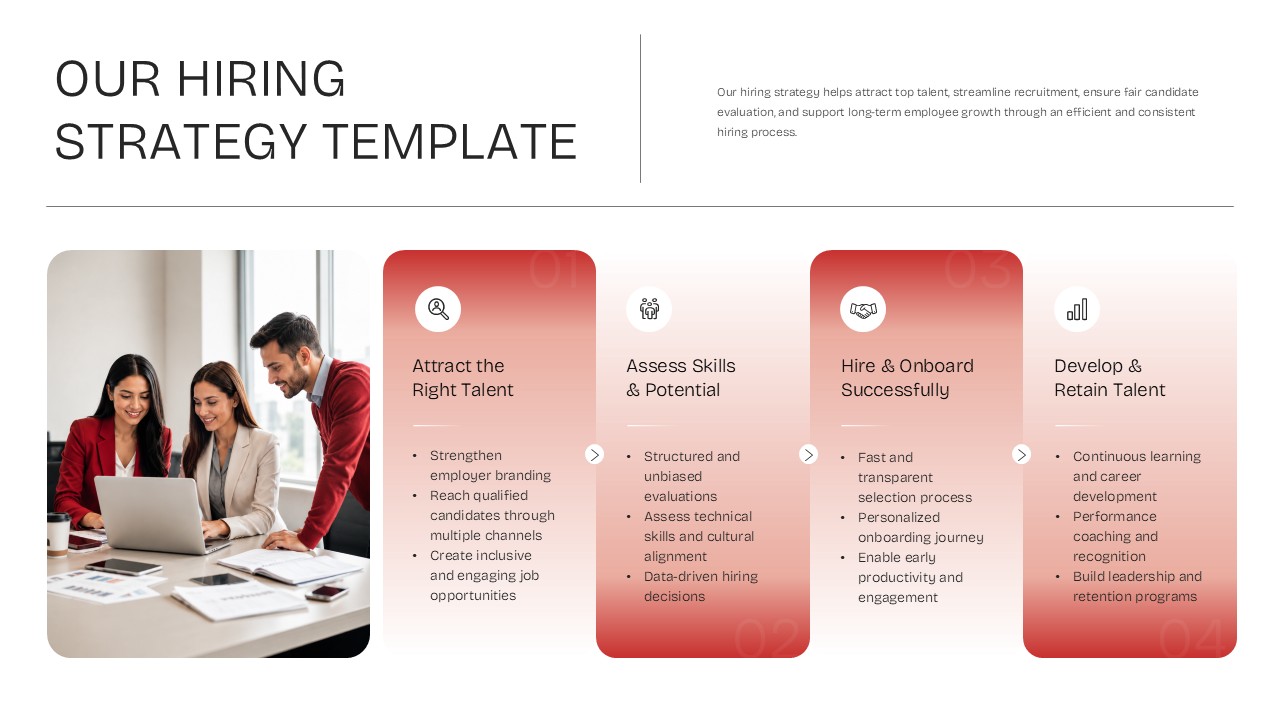
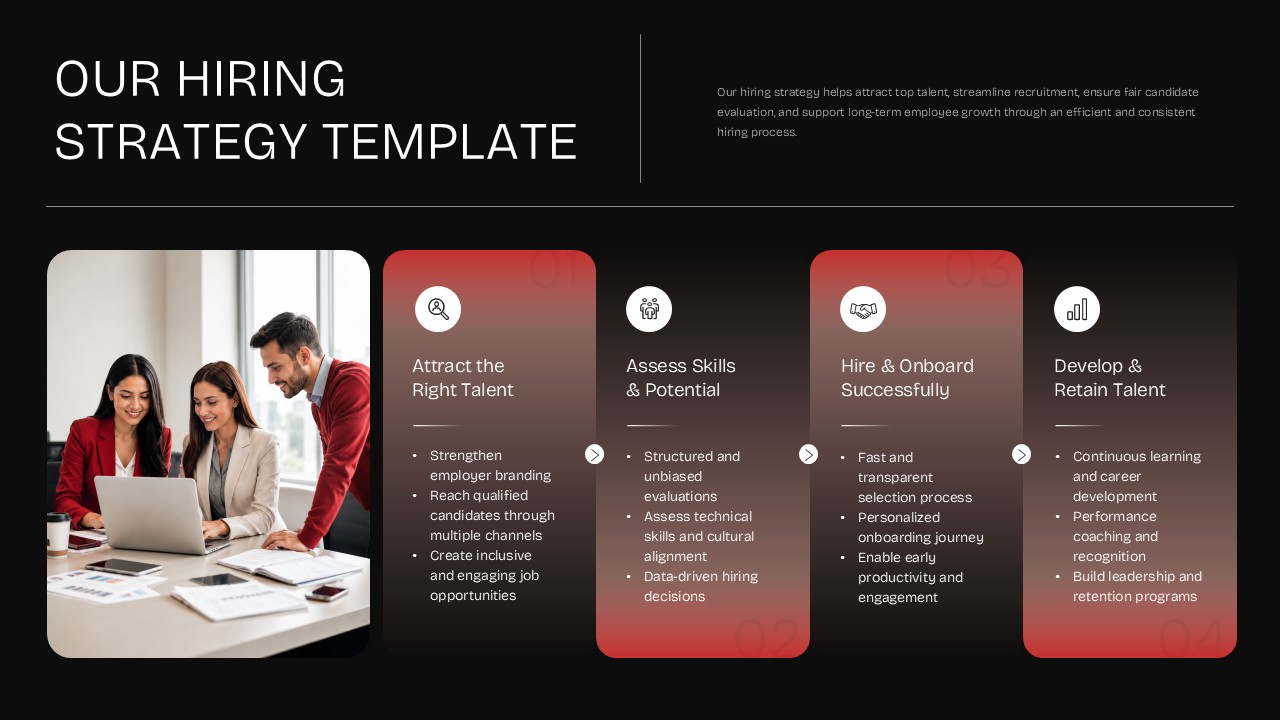
The Our Hiring Strategy PowerPoint Template provides a structured visual approach to presenting an organization’s recruitment and talent management strategy. It outlines the key stages involved in attracting qualified candidates, evaluating their skills, managing successful onboarding, and retaining employees. HR professionals and business leaders can use this presentation slide to explain how an organized hiring process supports workforce development and long-term organizational growth.
This PowerPoint slide template presents four interconnected stages of the hiring strategy:
- Attract the Right Talent: Strengthen employer branding, reach qualified candidates through multiple channels, and create inclusive job opportunities.
- Assess Skills & Potential: Conduct structured and unbiased evaluations, assess technical abilities and cultural alignment, and make data-driven hiring decisions.
- Hire & Onboard Successfully: Establish transparent selection procedures, personalize the onboarding experience, and encourage early employee productivity and engagement.
- Develop & Retain Talent: Promote continuous learning, provide performance coaching and recognition, and build leadership and employee retention programs.
The slide features a professional horizontal process layout with four numbered stages, circular icons, descriptive headings, and supporting bullet points. A workplace recruitment photograph introduces the hiring process, while alternating gradient panels distinguish the individual stages. Directional arrows connect the sections to communicate the progression from candidate attraction to employee development. The contrasting background and typography also help maintain a clear visual hierarchy.
HR managers, recruitment specialists, business consultants, and organizational leaders can customize the text, icons, images, and visual elements to match their workforce planning requirements. This slide is suitable for recruitment strategy meetings, HR presentations, talent acquisition plans, employee onboarding discussions, and corporate workforce development reports. Download this hiring strategy presentation template to communicate your recruitment approach in a clear and organized format.
Frequently Asked Questions
Can I edit the text and icons in this hiring template?
Does this template include both light and dark versions?
Login to download this file

Item ID
SB06071Designed By
Athira


Related Templates

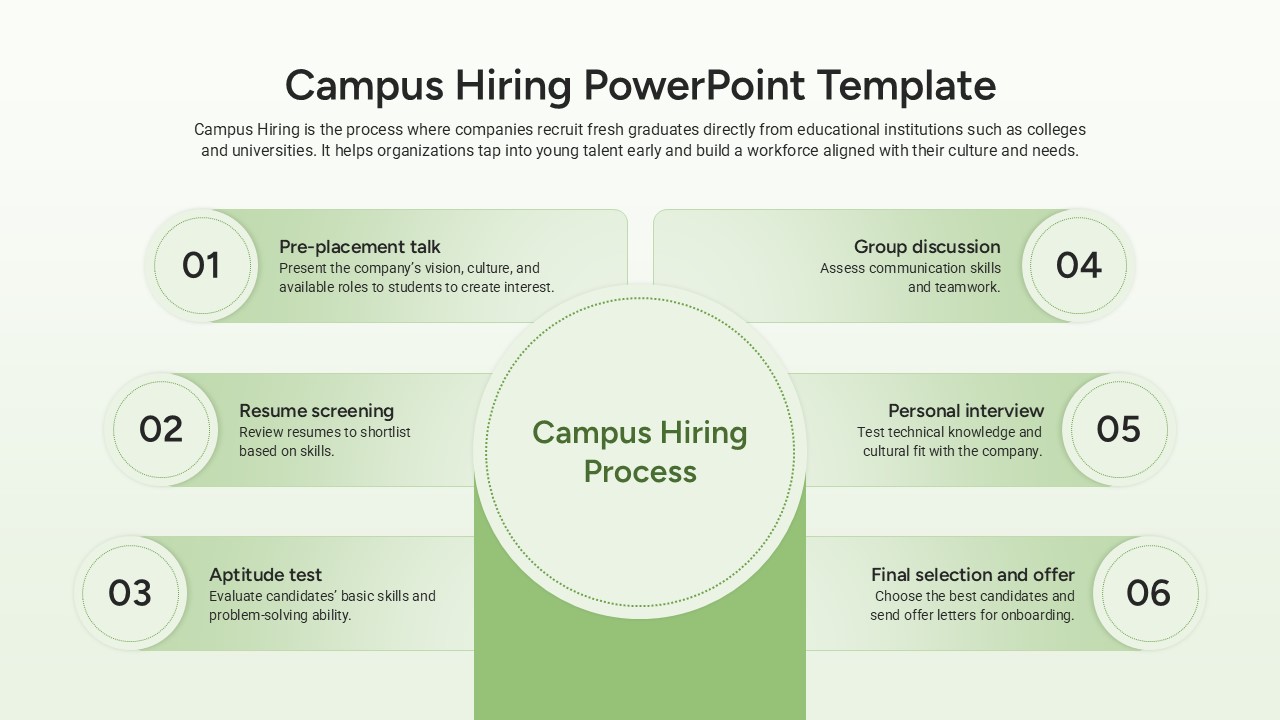
Campus Hiring Process PowerPoint Template
Recruitment
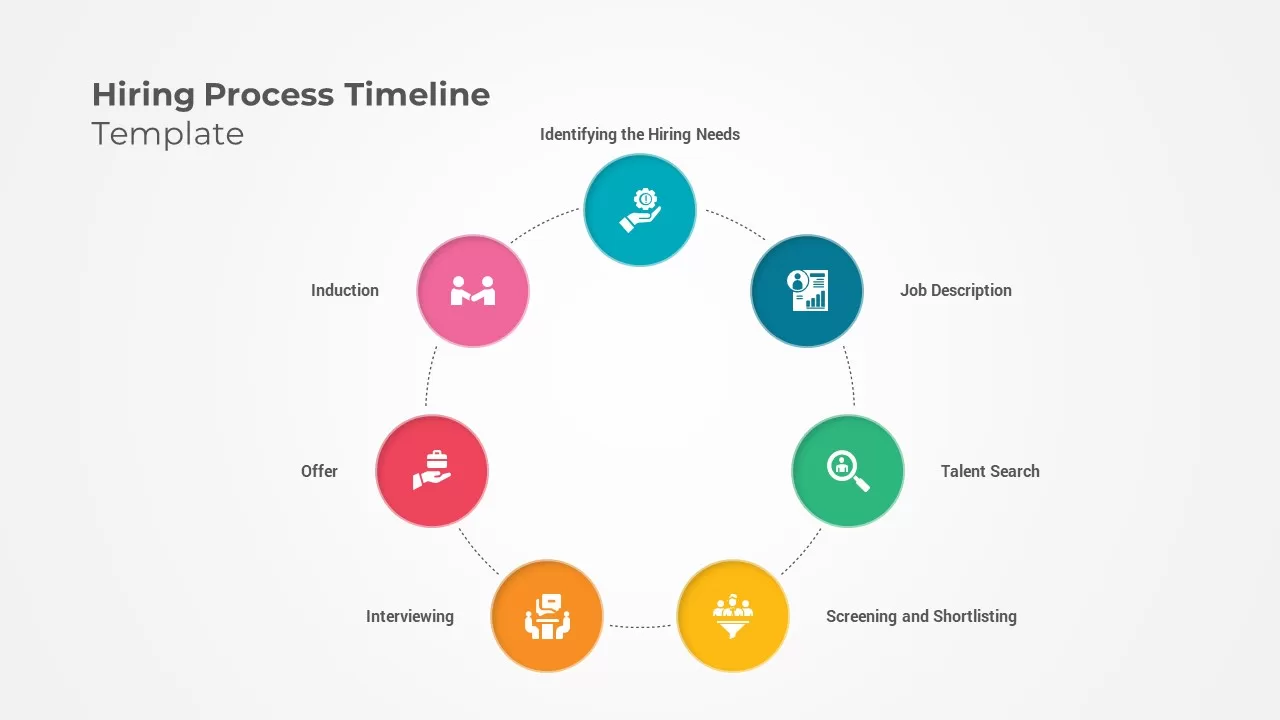
Hiring Process Timeline Template
Recruitment
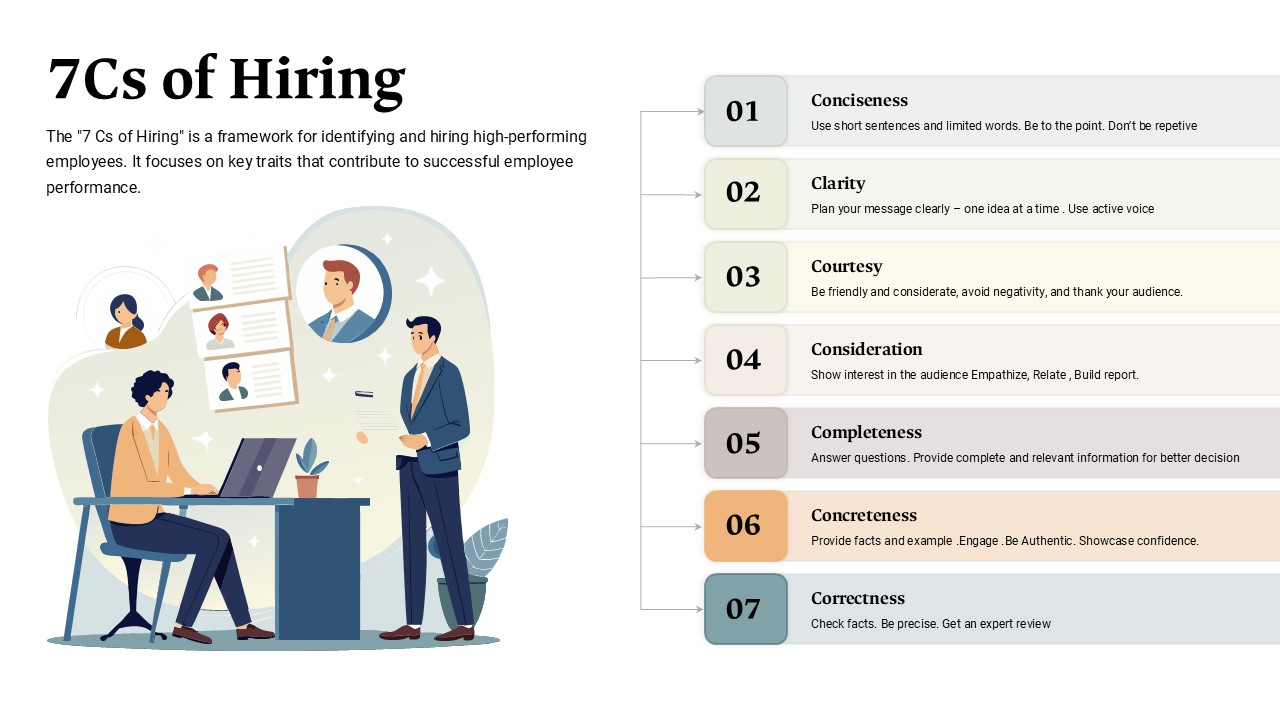
7 Cs of Hiring Framework Template
Business
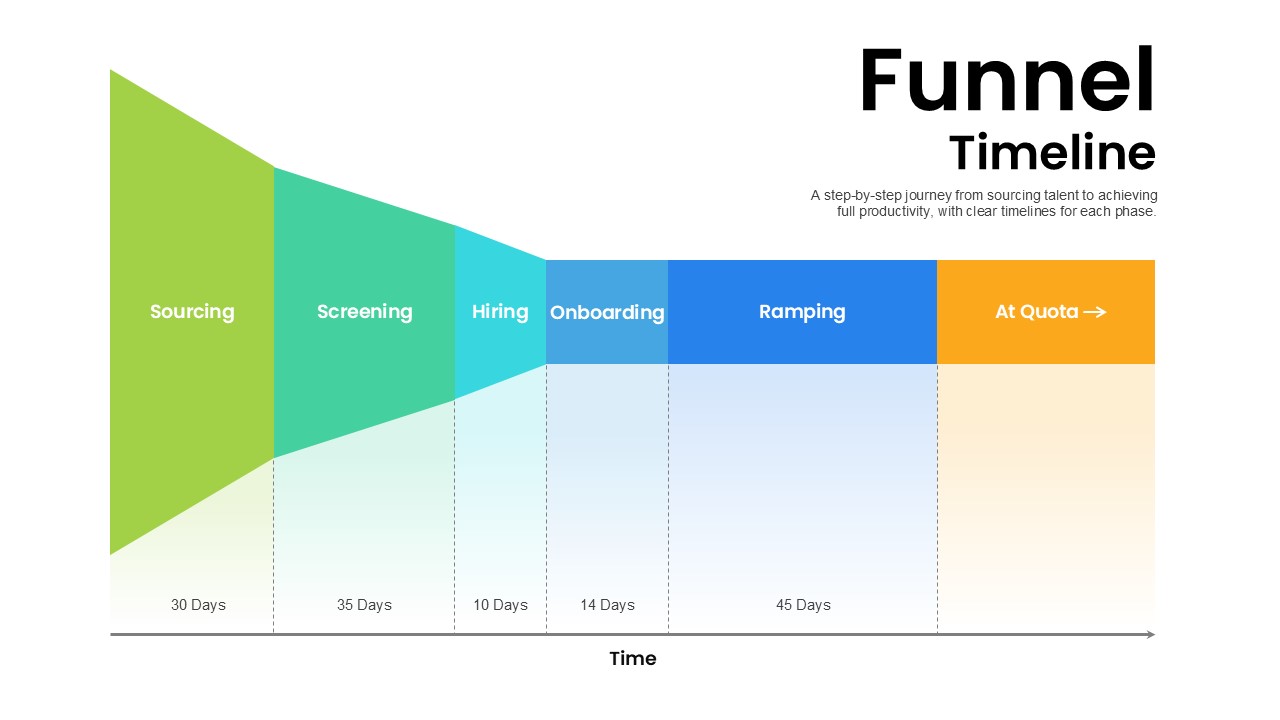
Hiring Funnel Timeline Template
Recruitment
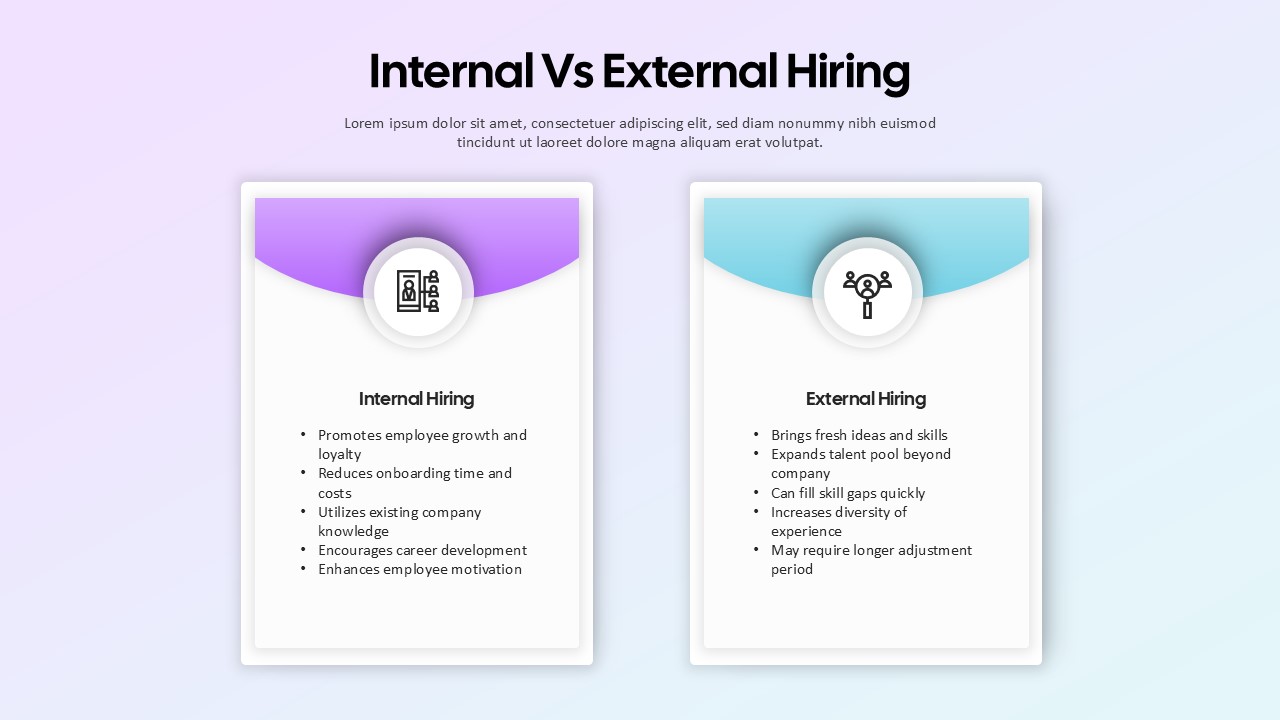
Internal vs External Hiring Comparison Template
Comparison
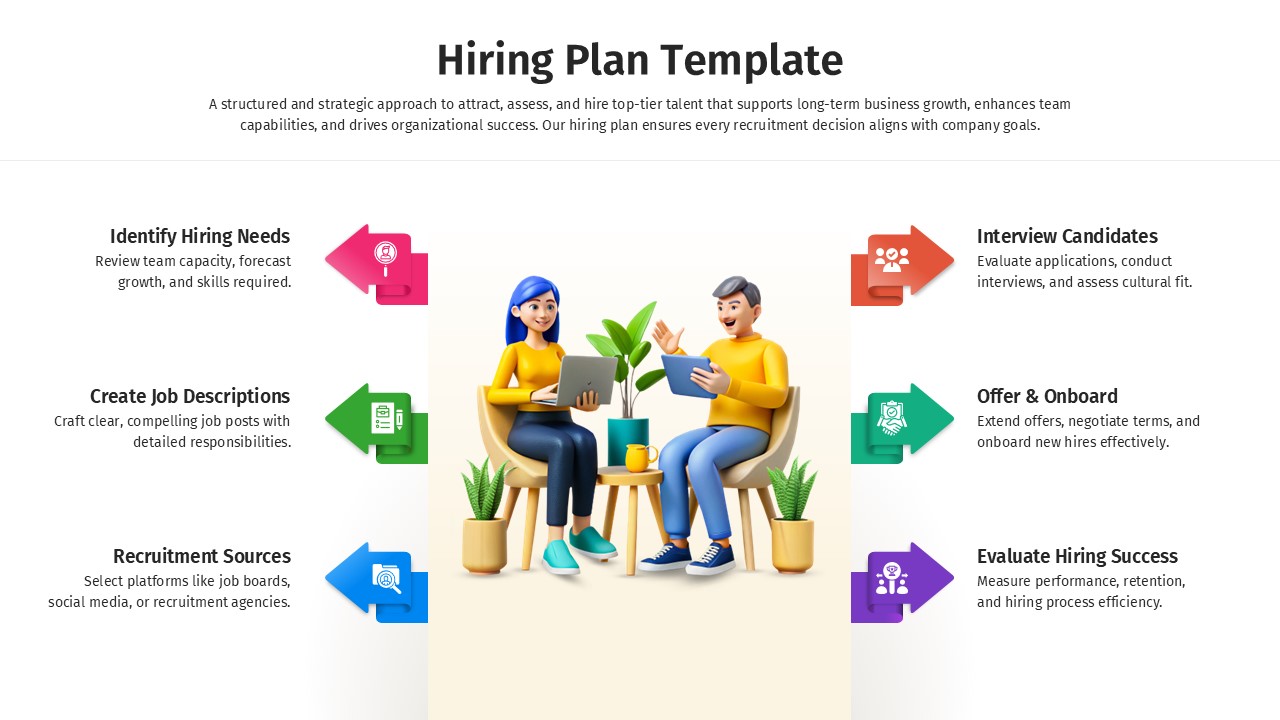
Hiring Plan Template
Recruitment
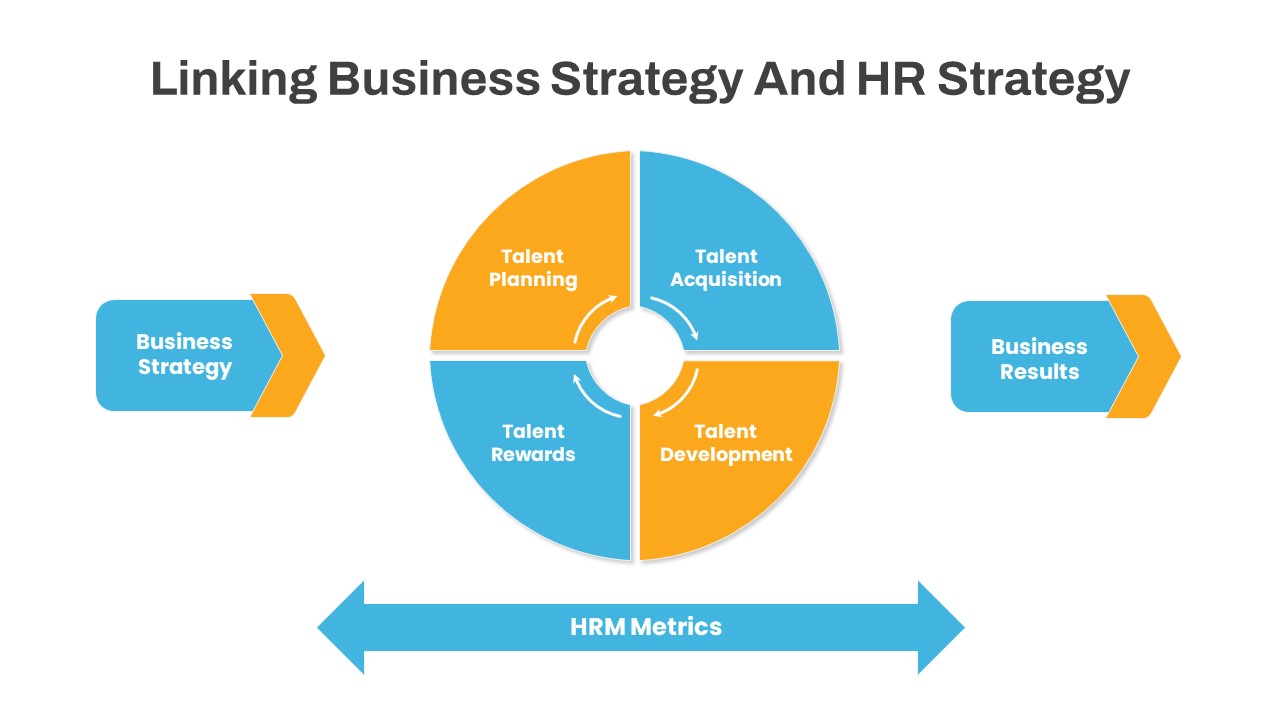
Business Strategy HR Strategy Link PowerPoint Template
Business Strategy
Strategy House Template – Business Strategy Model Diagram
Business Strategy
Customer Acquisition Strategy Template for PowerPoint Template
Customer Journey
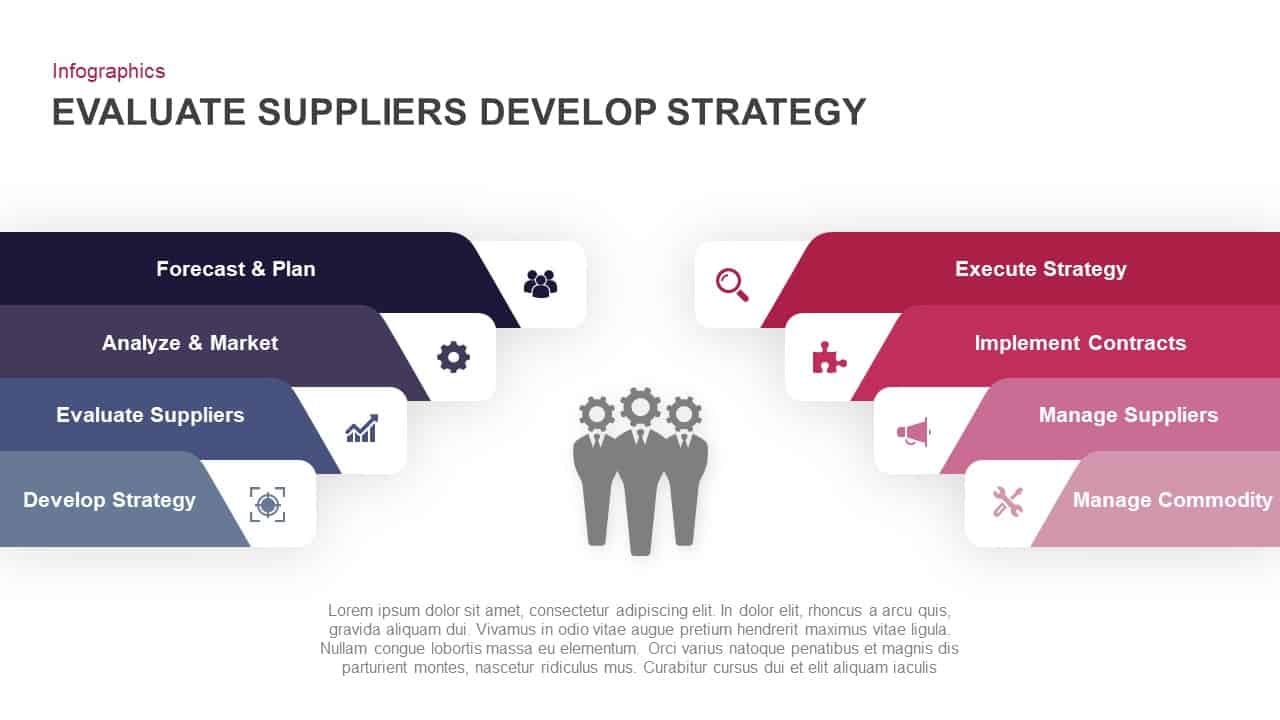
Evaluate Suppliers Develop Strategy PowerPoint Template
Process

Business Strategy Infographic Template for PowerPoint & Google Slides
Business Strategy
Porter’s Generic Strategy PowerPoint Template
Business
Creative Strategy Diagram Template for PowerPoint & Google Slides
Business Strategy
Strategy Roadmap Template for PowerPoint & Google Slides
Business Strategy
Event Marketing Strategy PowerPoint Template
Digital Marketing
Circular Diversification Strategy Template for PowerPoint & Google Slides
Circular
Sales Strategy PowerPoint Template
Circular
Goals Strategy PowerPoint Template
Process
Mobile Marketing Strategy PowerPoint Template
Business
5 Step Merchandising Plan Strategy Template for PowerPoint & Google Slides
Marketing