4 Step Gear Diagram Template for PowerPoint & Google Slides
4 Step Gear Infographic
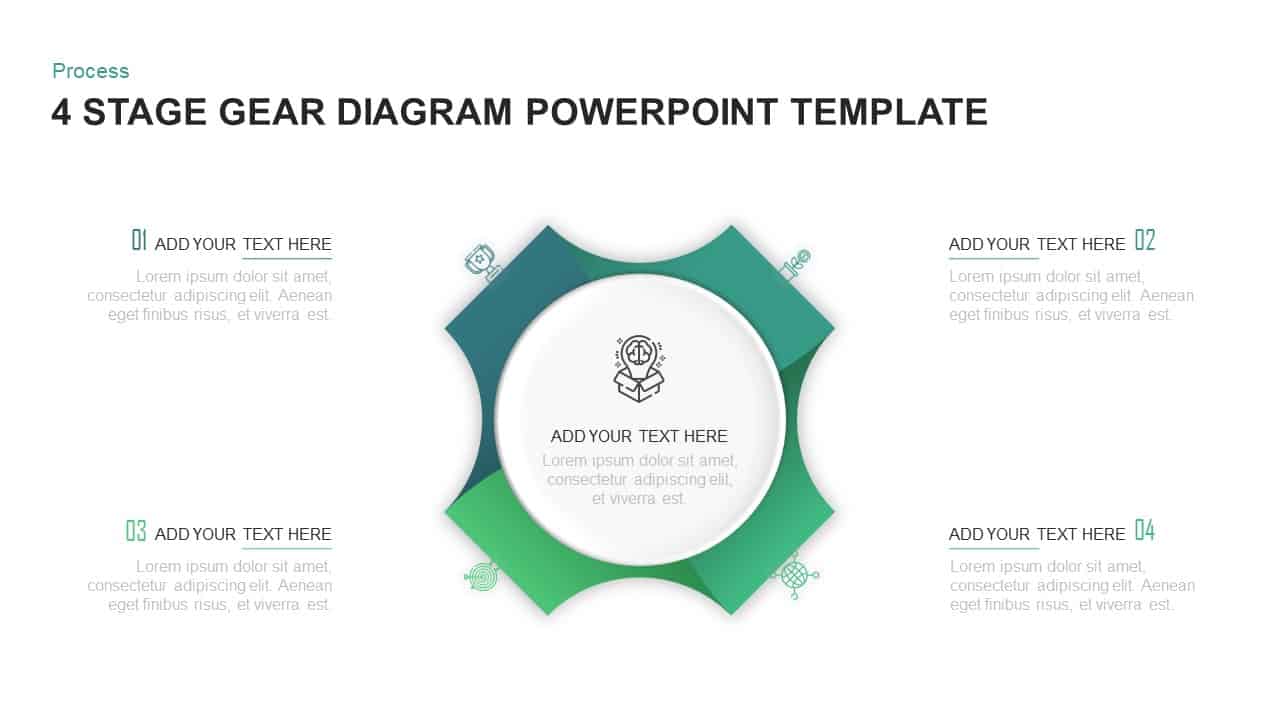
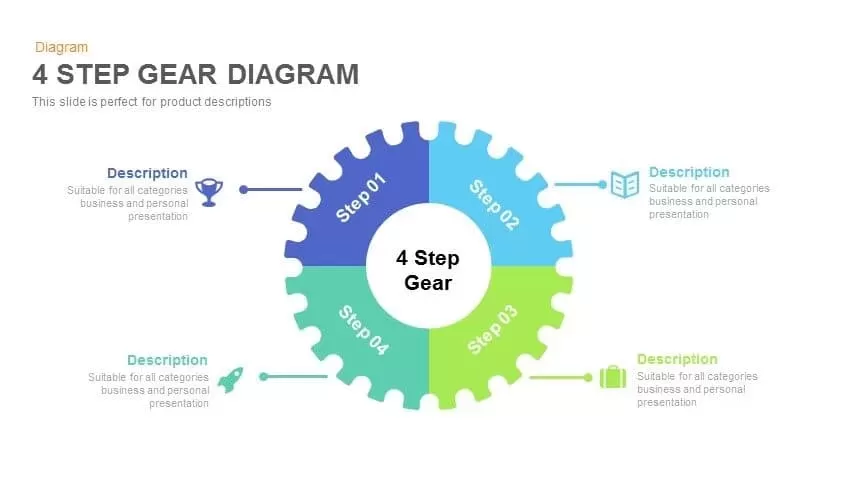
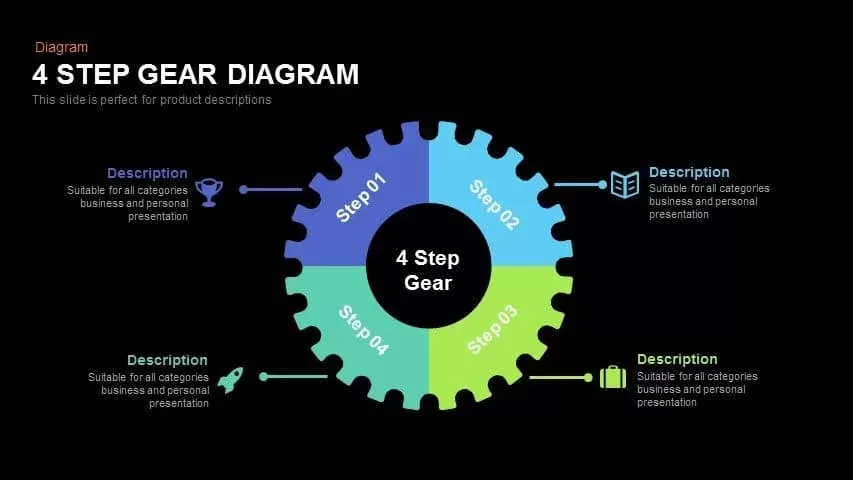
This 4 step gear diagram provides a visually engaging framework to present sequential processes, product features, or project phases with clarity and impact. The central gear motif is divided into four color-coded cogs—dark blue, light teal, lime green, and turquoise—each labeled as a distinct step and connected to minimalist icon callouts: a trophy, open book, briefcase, and rocket. A clean white circle anchors the design, drawing attention to the slide’s core concept and reinforcing the theme of interconnected stages. The editable placeholders allow presenters to customize headings, descriptive text, and icons to match branding and subject matter. With built-in master slides and intuitive formatting, users can quickly adjust color schemes, swap icons, or resize elements without compromising alignment or resolution.
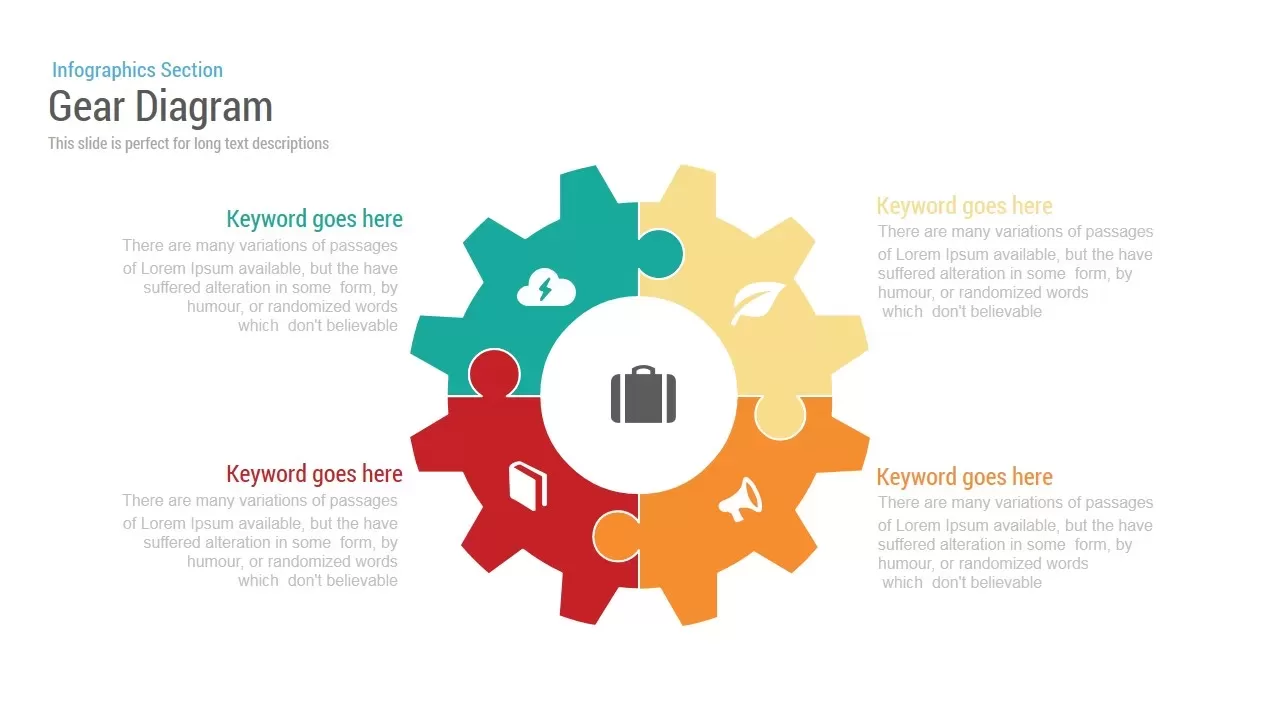
If you are required to design a presentation on engineering, mechanisms, or business processes. Then having our gear with four steps can make your day. Instead of being simple, our 4-step gear template can be used to address a variety of ideas and concepts. The presenter can use it in the presentation to deliver business concepts or ideas, marketing strategies, risks, steps of any activity, etc. If you have great content and a boring slide for the presentation, then it’s of no use. Your great article will be lost in your boring layout, as it fails to grab the audience’s interest. The presentation should be striking. To resolve all such situations, our ultimate 4-step gear diagram templates are here. This PowerPoint shape is segmented into four sections. Each wedge is supported with text areas for the presenter to brief the step in detail.
The gear PowerPoint template is easy to adapt and customize. The clipart’s, icons in our gear template are created using 100% editable PowerPoint objects, which allows the presenter to customize the look and feel of the template fully. The presenter can modify the elements of the presentation according to his preference, which doesn’t affect the image quality. The template design is fashioned to give employees, decision-makers, and other audiences a vivid picture of the report. Download and decorate your presentation with our attractive four-step gear diagram and keep your presentation up to date to engage with your audience.
Login to download this file

Item ID
SB00354


Related Templates

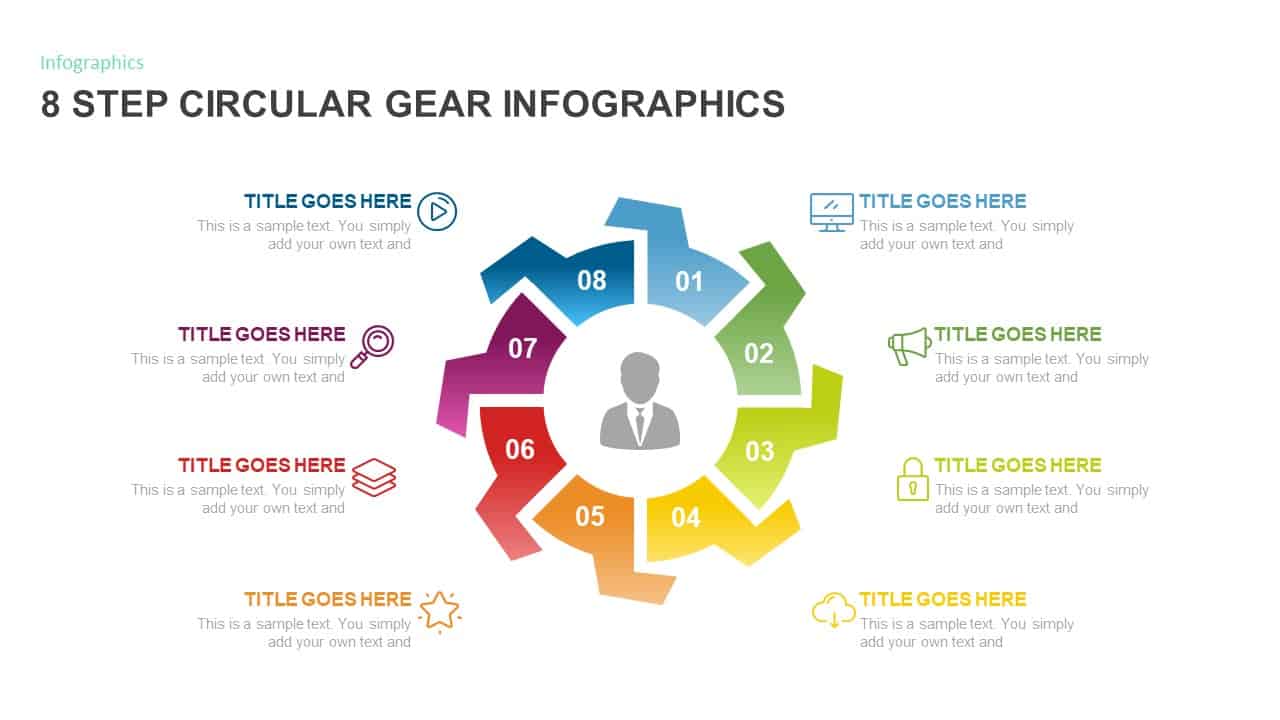
8-Step Circular Gear Infographic Diagram Template for PowerPoint & Google Slides
Circular
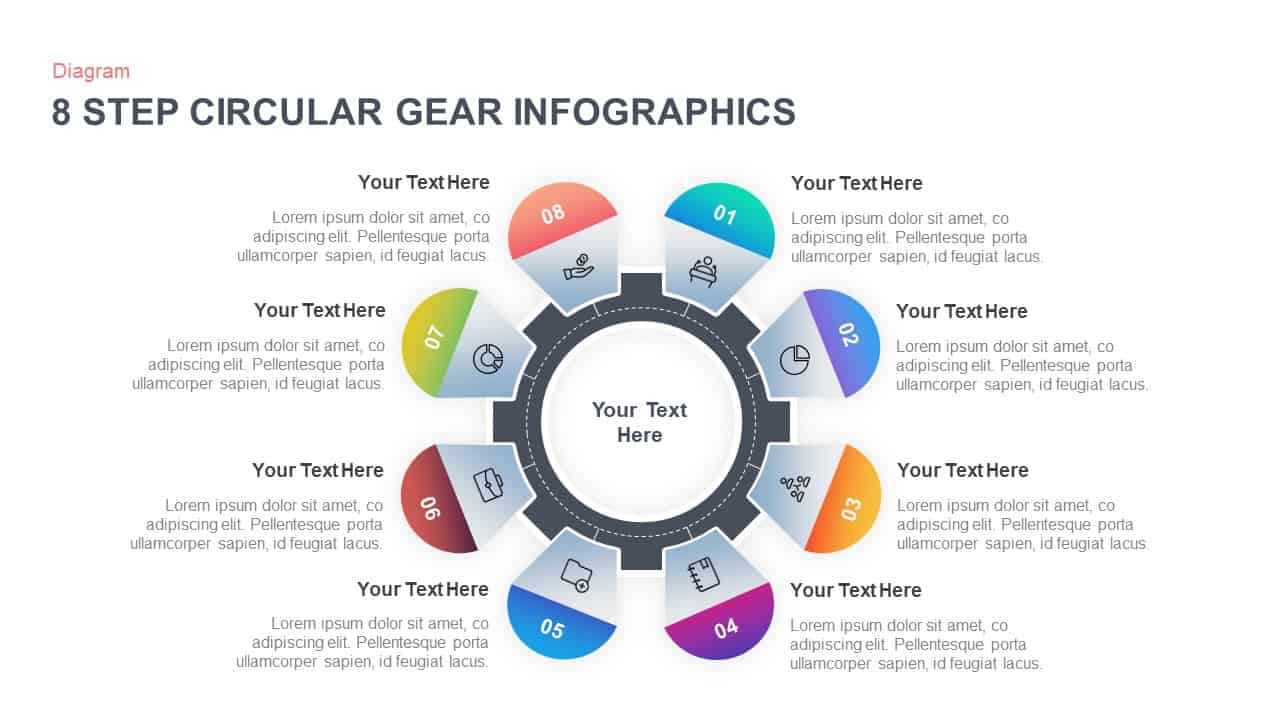
8-Step Circular Gear Infographics Diagram for PowerPoint & Google Slides
Process
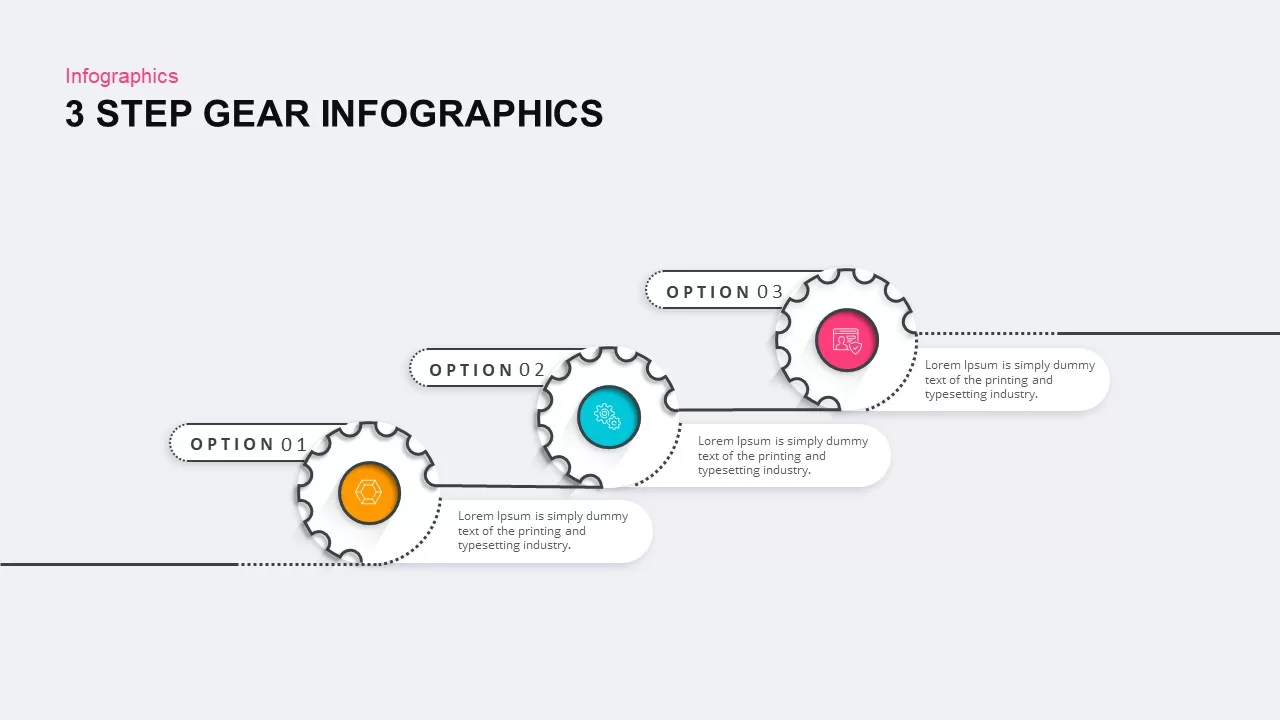
3, 4, and 5 Step Gear Infographics Template for PowerPoint & Google Slides
Process
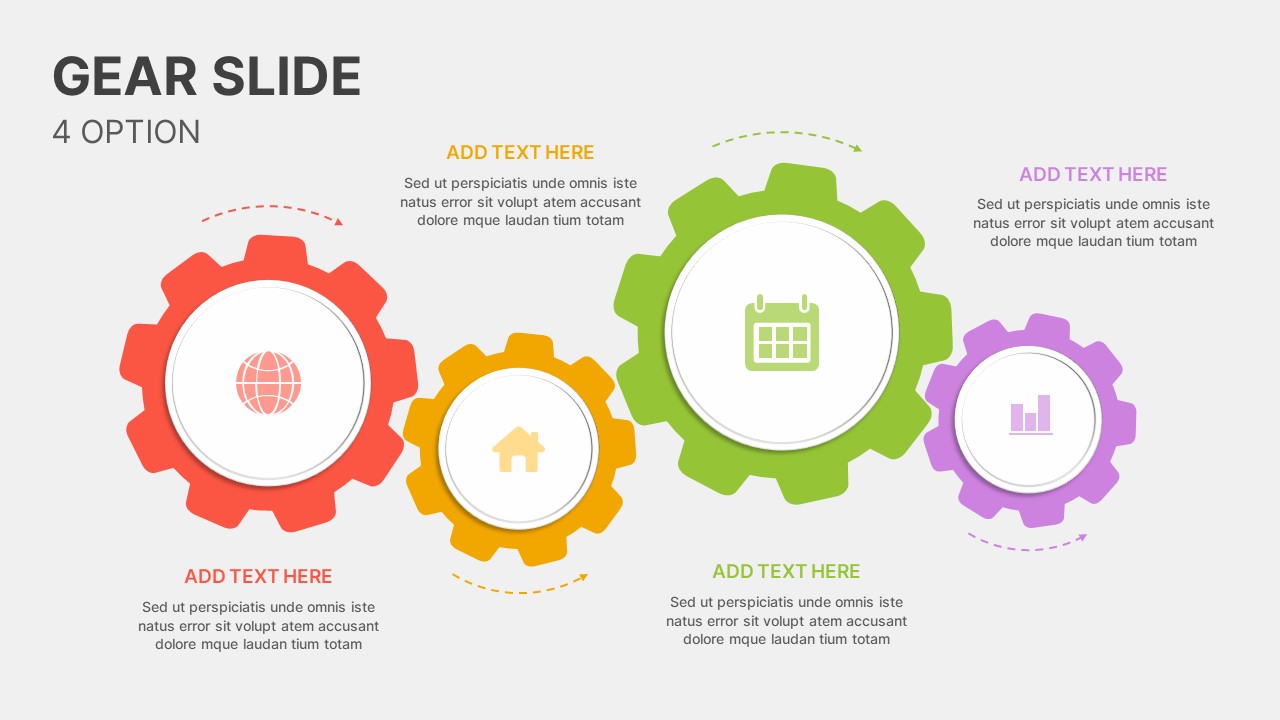
Dynamic Four-Step Gear Process Template for PowerPoint & Google Slides
Process
Gear Process Diagram PowerPoint Template for PowerPoint & Google Slides
Process
Gear Process Diagram template for PowerPoint & Google Slides
Process
Gear Diagram template for PowerPoint & Google Slides
Process
Professional 3D Gear Process Diagram Template for PowerPoint & Google Slides
Process

Dynamic 4 Gear Process Diagram Template for PowerPoint & Google Slides
Process

Four Stage Gear Diagram PowerPoint Template and Google Slides
Process
Artificial Intelligence Gear Diagram Template for PowerPoint & Google Slides
Process
Marketing Risk Management Gear Diagram Template for PowerPoint & Google Slides
Risk Management
Six Sigma Gear Process Diagram Template for PowerPoint & Google Slides
Process
Six-Stage Gear Wheel Diagram Template for PowerPoint & Google Slides
Circular
Four-Stage Gear Process Diagram Template for PowerPoint & Google Slides
Process
5-Stage Gear Process Flow Diagram Template for PowerPoint & Google Slides
Process
Sales Process Improvement Gear Diagram Template for PowerPoint & Google Slides
Process
6-Part Circular Gear Infographic Diagram Template for PowerPoint & Google Slides
Process
Gear Process Diagram Template for PowerPoint & Google Slides
Process
Cloud Gear Automation Diagram Template for PowerPoint & Google Slides
Cloud Computing