4 People Racing to Finish Line Template for PowerPoint & Google Slides
4 People Racing To Finish Line Presentation Slide Template For PowerPoint & Google Slides
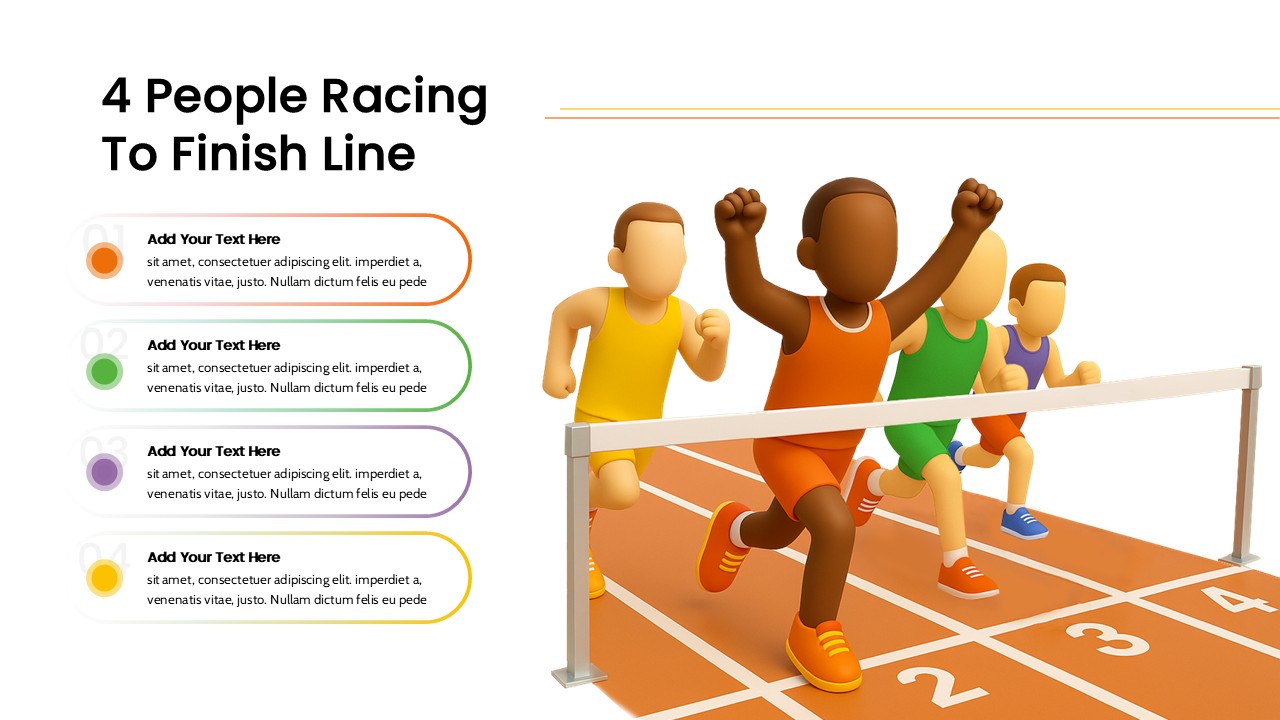
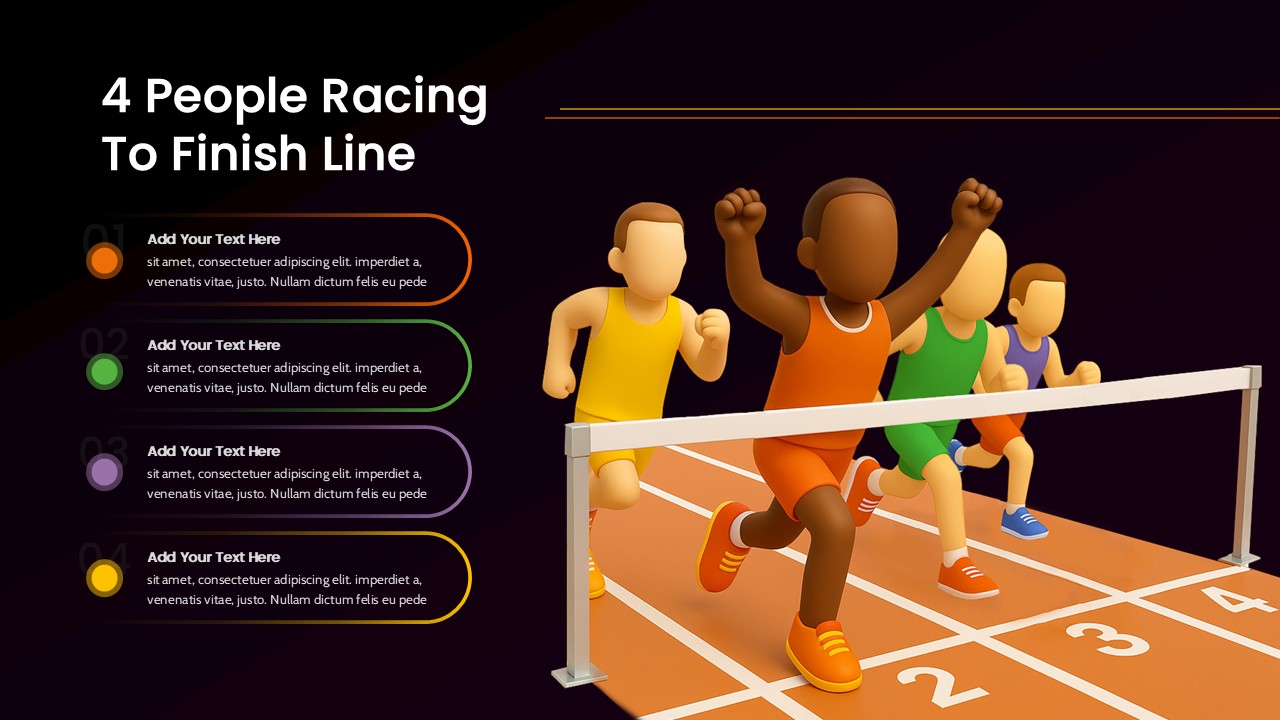
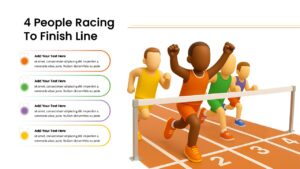
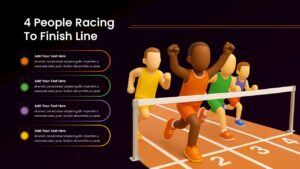
This 4 People Racing To Finish Line Presentation Slide Template for PowerPoint and Google Slides gives you a visual comparison layout to display rankings, competition results, project milestones, or sales targets. It pairs a 3D illustration of runners crossing a finish line with four organized text cards, making it easy to explain competitive rankings or four sequential goals.
Slide Layout & Elements Breakdown
- Top-Left Header: Displays the title “4 People Racing To Finish Line” in bold black text on a clean white background.
- Four Rounded Text Cards (Left Side): Stacked vertically, each featuring faint watermark numbering (01 to 04), a colored bullet dot, and an editable headline with placeholder text:
- 01 (Orange): First place, winner’s milestone, or initial priority target.
- 02 (Green): Second place or follow-up milestone.
- 03 (Purple): Third place or mid-tier objective.
- 04 (Yellow): Fourth place or final benchmark.
- 3D Race Track Illustration (Right Side): A dimensional scene showing four runners competing on an orange track across four numbered lanes:
- Lead Runner: A competitor in orange breaking through the finish line tape with arms raised in celebration.
- Trailing Competitors: Three runners in yellow, green, and purple/blue jerseys following close behind in their respective lanes.
- Side-by-Side Split: Divides the slide cleanly between the 3D graphic on the right and the editable copy blocks on the left.
Where to Use This Slide
- Sales Contests & Team Rankings: Display quarterly leaderboard results, top sales reps, or regional branch competitions.
- Goal Setting & Sprint Milestones: Track team progress toward project completion and highlight who is closest to the finish line.
- Business Strategy & Competitor Analysis: Compare your company’s market position against three key industry rivals.
- Performance Reviews & Awards: Celebrate team wins, employee recognition, or project wrap-ups during all-hands meetings.
Template Features
- Fully Editable: Works in Microsoft PowerPoint and Google Slides. You can edit the text, change colors, adjust fonts, and update the descriptions.
- Engaging 3D Visual: The finish line graphic adds clear visual impact to competition and performance topics without cluttering the slide.
Check out more slides that you can use to showcase accomplishment.
Login to download this file

Item ID
SB05634Designed By
Naseeba


Related Templates

Bike Racing PowerPoint Template
Graphics
Gender Comparison People Infographic Template for PowerPoint & Google Slides
Comparison
Conversation Between Two People template for PowerPoint & Google Slides
Graphics
People Demographic Comparison Chart Template for PowerPoint & Google Slides
Comparison
Business People Characters Presentation Template for PowerPoint & Google Slides
Decks

Line Chart Analysis PowerPoint Template and Google Slides
Charts

Application Revenue Line Chart KPI Template
Revenue
Arrow Line Chart Template
Comparison Chart
Growth Curve Line Chart Visualization Template for PowerPoint & Google Slides
Charts
Multi-Series Line Chart with Icons Template for PowerPoint & Google Slides
Comparison Chart
Fast Follower Strategy Line Graph Template for PowerPoint & Google Slides
Comparison Chart
People Stage Infographics PowerPoint and Google Slide Template
Process
People Infographic Organizational PowerPoint Template
Org Chart
People Puzzle Pieces Diagram Template for PowerPoint
Org Chart
Isometric Business People Organization Chart Template for PowerPoint
Org Chart
PCI (People Centered Implementation) Diagram for PowerPoint
Process
The Global People Management Diagram for the PowerPoint Presentation
Business Models
6 Principles of People Management PPT Template
Human Resources
Silhouettes Of People template
Company Profile
Blue Silhouettes of People Template
Meet Our Team