Employee Profile & Resume Card Template for PowerPoint & Google Slides
Employee Profile Presentation Slide Template For PowerPoint & Google Slides
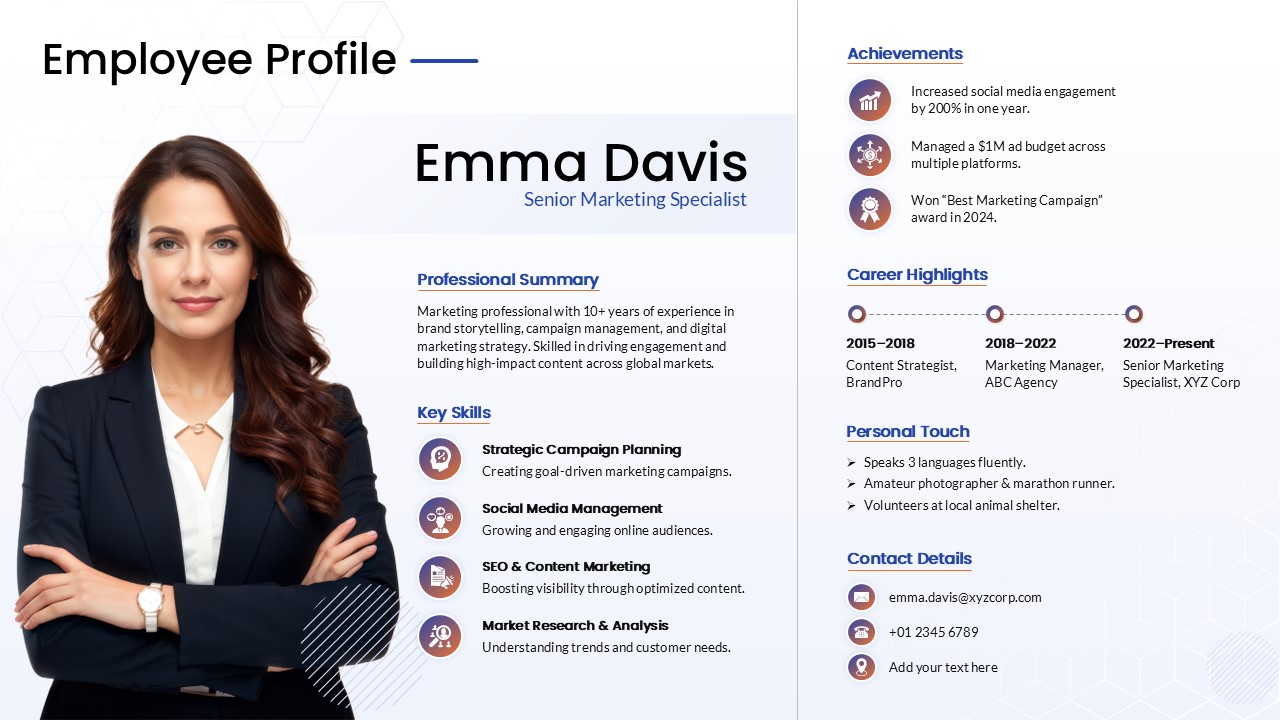
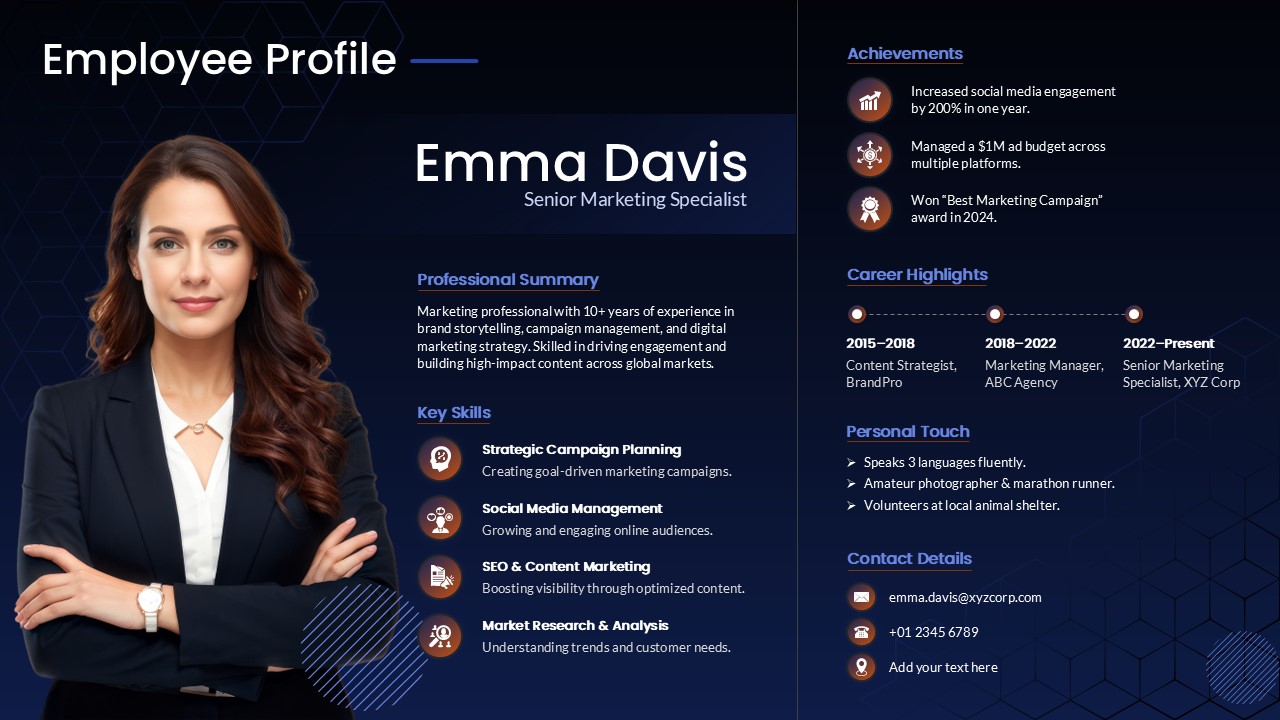
This Employee Profile Presentation Slide Template for PowerPoint and Google Slides gives you a comprehensive one-page bio layout to introduce an individual team member, executive, or new hire. It brings together a portrait photo, professional summary, core competencies, career history, major accomplishments, and contact information onto a single screen so you don’t have to spread personal background details across multiple slides.
Slide Layout & Elements Breakdown
- Top Header: Features the title “Employee Profile” in clean, bold typography accented with a simple horizontal blue divider line.
- Left Profile & Summary Column:
- Cutout Portrait Frame: A large photo area on the left to display a cutout headshot of the employee.
- Name & Job Title: Displays the person’s name (“Emma Davis”) and current designation (“Senior Marketing Specialist”) in prominent typography.
- Professional Summary: An editable paragraph directly below the title to summarize years of experience, industry focus, and core specializations.
- Key Skills Section: Four structured skill rows paired with circular gradient icons:
- Strategic Campaign Planning: Creating goal-driven marketing campaigns.
- Social Media Management: Growing and engaging online audiences.
- SEO & Content Marketing: Boosting visibility through optimized content.
- Market Research & Analysis: Understanding trends and customer needs.
- Right Profile Column (Divided by a Vertical Line):
- Achievements: Three highlighted accomplishment callouts with circular milestone and award icons covering metric gains, managed budgets, and industry awards.
- Career Highlights Timeline: A horizontal three-point milestone path tracking past job titles, companies, and date ranges (e.g., 2015–2018, 2018–2022, 2022–Present).
- Personal Touch: A bulleted section covering languages spoken, hobbies, personal interests, or community involvement.
- Contact Details: Clean footer block with circular icons for direct email, phone number, and office location.
- Background Styling: A crisp white background with subtle geometric hex patterns and soft corner accents to keep the focus on the information.
Where to Use This Slide
- Client Pitches & Proposals: Introduce the designated project lead, account manager, or creative director who will handle the client’s work.
- New Hire Announcements: Introduce newly joined executives or team members during company-wide all-hands meetings.
- Speaker & Panelist Bios: Provide a comprehensive speaker background slide before keynote presentations, webinars, or workshop sessions.
- Internal Promotions & Awards: Celebrate an employee’s career progression, tenure, and recent achievements within the company.
Template Features
- Fully Editable: Works in Microsoft PowerPoint and Google Slides. You can replace the portrait cutout with your own photo, edit all text fields, update the timeline dates, and recolor the icon badges.
- Structured One-Page CV Format: Neatly divides work history, hard skills, personal details, and contact information into clean columns that are easy to scan.
Check out more employee performance presentation slides.
Login to download this file

Item ID
SB05564Designed By
Gopika


Related Templates

About Me Infographic – Personal Profile and Resume Template
Our Team
Credit Card PowerPoint & Google Slides Template
Graphics

Modern CEO Resume template for PowerPoint & Google Slides
Business
Free CV Resume Career Timeline PowerPoint Template
Timeline
Free
Score Card PowerPoint Template
Graphics
Interactive Flash Card Template for Kids
Infographics
Competitive Battle Card Template
Business

Resume PowerPoint Template
Recruitment
One Pager Resume PowerPoint Template
Business
UI/UX Designer Resume PowerPoint Template
Business
CEO Resume Template
Business
One Slide Page Resume Template
Recruitment
Free
Resume Screening Process Flow Template
Process
Employee Skills Analysis Template for PowerPoint and Google Slides
Employee Performance
Employee Life Cycle Activities Template for PowerPoint & Google Slides
Timeline
Employee Life Cycle Activities Process Template for PowerPoint & Google Slides
Employee Performance
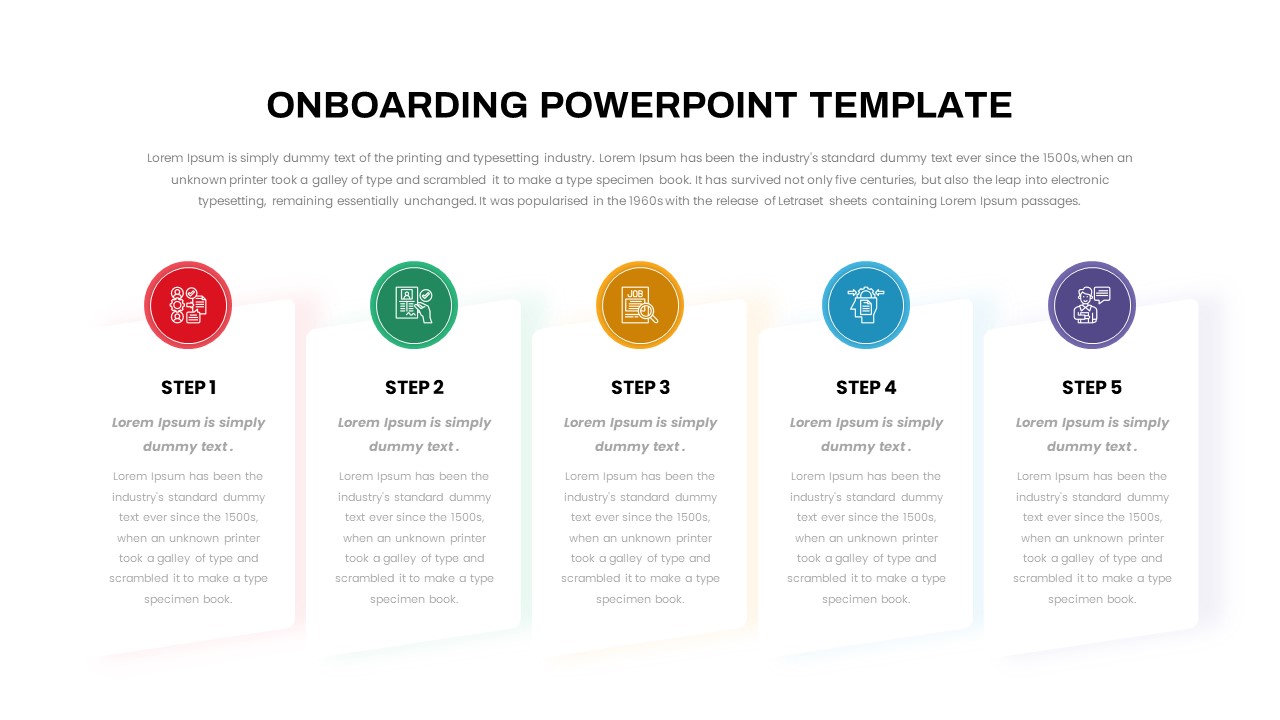
Five-Step Onboarding Process Template for PowerPoint
Recruitment
Free
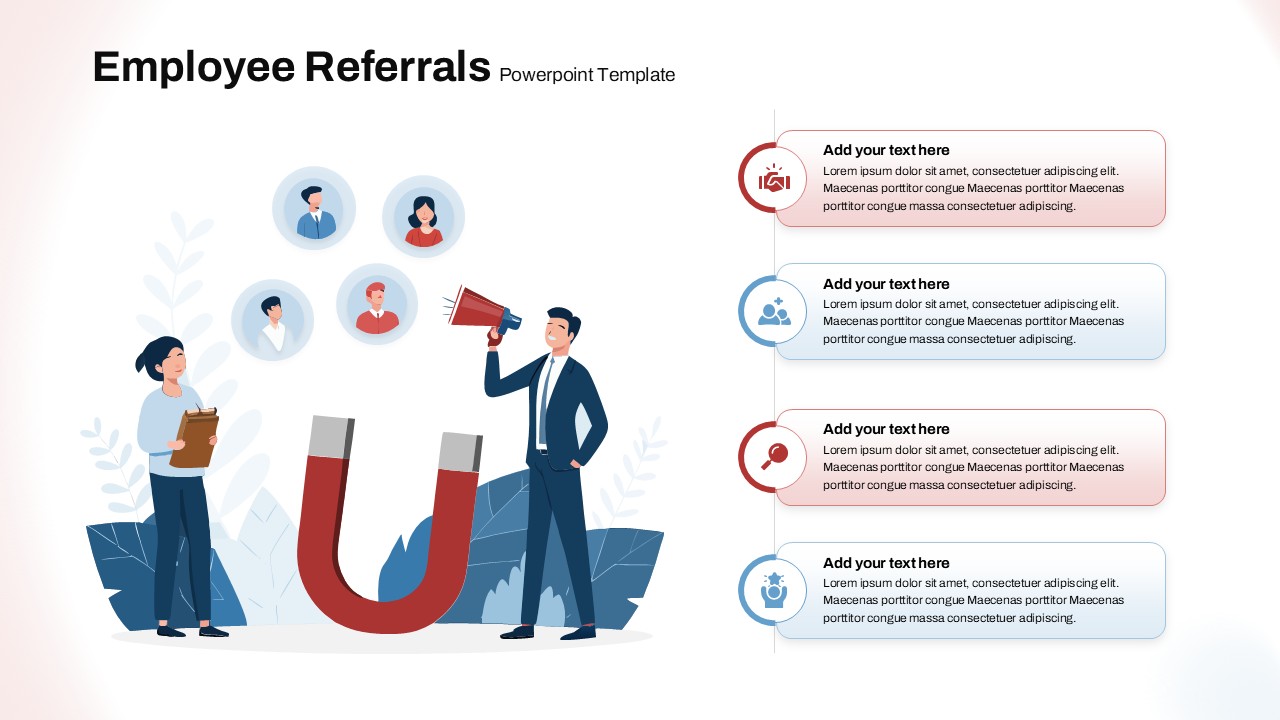
Employee Referrals template for PowerPoint & Google Slides
Business
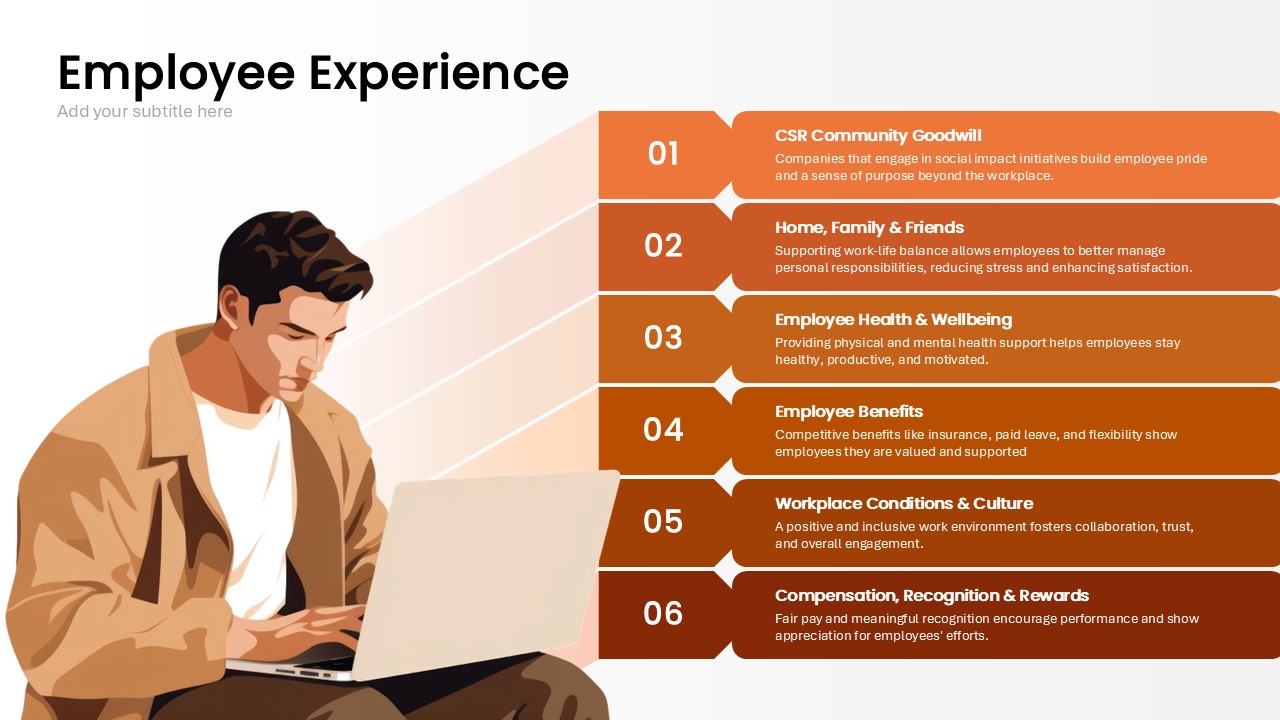
Employee Experience Template for PowerPoint & Google Slides
Employee Performance
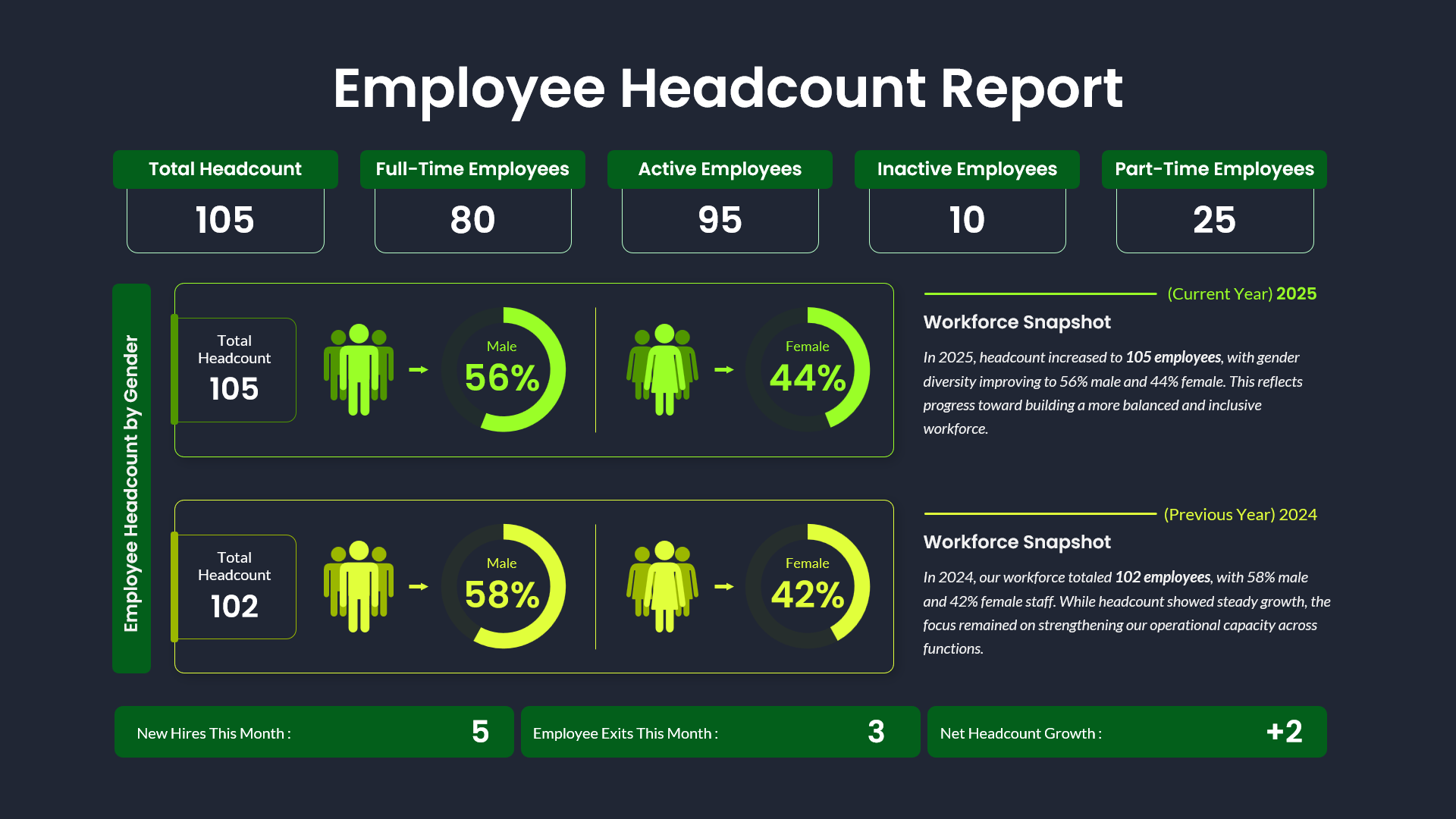
Employee Headcount Dashboard Report Template for PowerPoint & Google Slides
Employee Performance