Employee Life Cycle Activities Template for PowerPoint & Google Slides
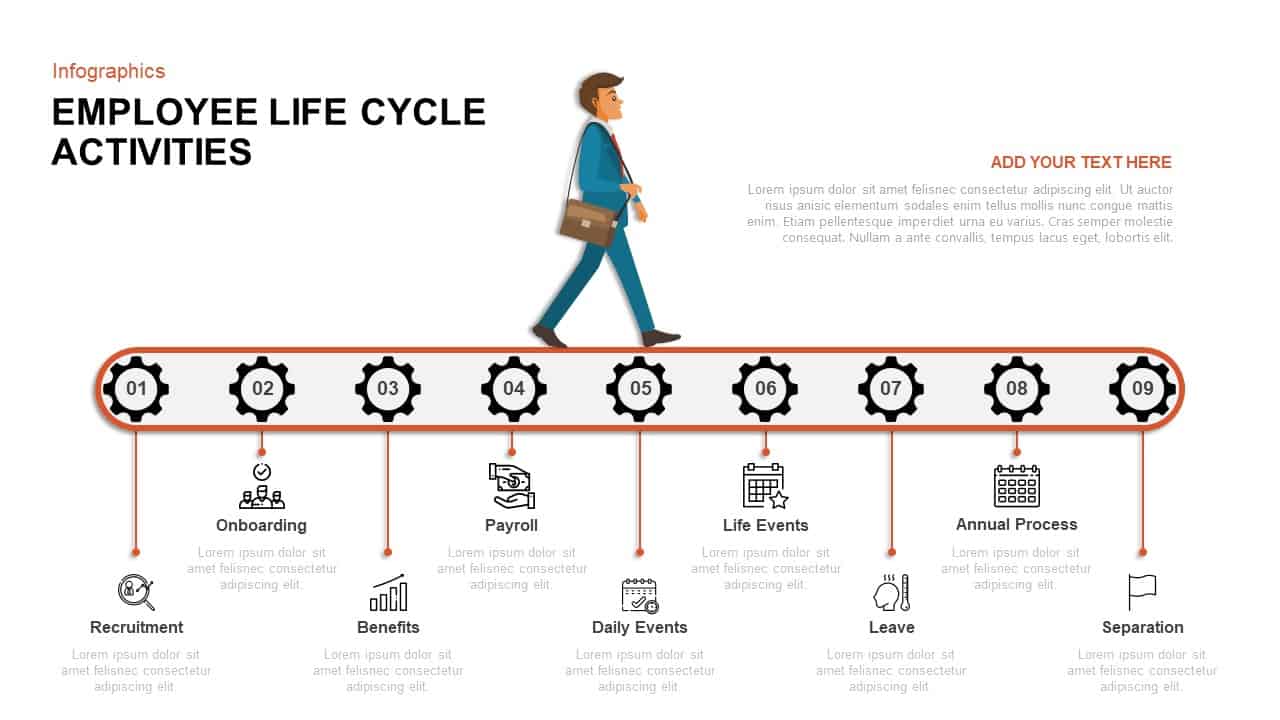
HR processes are easier to communicate when they follow a visible path. This employee life cycle template for PowerPoint maps all nine stages of the workforce journey along a single, horizontal timeline that gives HR teams, leadership, and stakeholders a shared reference point for every conversation from hiring to separation.
An Employee Journey Mapping Template for PowerPoint Built Around Nine Stages
The slide uses a continuous conveyor belt motif outlined in vibrant orange, with nine gear-shaped nodes marking each phase of the employee lifecycle: Recruitment, Onboarding, Benefits, Payroll, Daily Events, Life Events, Leave, Annual Process, and Separation. A professional character illustration moving above the timeline reinforces the idea of progression, making the journey feel active rather than just categorical.
Each gear icon connects to a vertical callout line that links to an editable text placeholder, so you can add metrics, policy notes, or process highlights directly alongside the relevant stage without crowding the layout. Crisp black icons above concise labels make the slide fast to scan in a live presentation, and the soft gray belt with generous white space keeps the overall aesthetic clean and professional.
A Fully Editable Employee Timeline Template
Every element is built on PowerPoint master layouts using fully editable vector shapes. Adjust icon styles, swap the character illustration, recolor sections to match your brand, or modify the number of gear nodes to reflect a custom process structure. Vector-based design means the slide renders sharply on large presentation displays, printed handouts, and video conference screens without any loss of quality.
Add slide transitions or simple step-by-step animations to guide your audience through each lifecycle phase in sequence, or present the full timeline at once for a high-level overview. The template opens and edits natively in Google Slides as well, making it easy for distributed HR teams to collaborate and present from any device.
The Right Employee Journey Model for PowerPoint Presentations
Whether you are rolling out a new HR policy, walking leadership through an engagement strategy, or aligning a cross-functional team on compliance training, this employee journey model gives your presentation a structure that people actually follow. Use it to map recruitment funnels, explain benefits communication timelines, outline offboarding procedures, or present end-to-end lifecycle management in a single, organized view.
Who Is This For
HR managers, talent acquisition specialists, learning and development leads, and organizational development professionals who need to present workforce processes clearly to internal stakeholders, leadership teams, or new employees during onboarding programs.
Other Ways to Use It
The horizontal timeline layout adapts well beyond HR. Repurpose it as a project phase tracker, customer journey map, product lifecycle overview, organizational change roadmap, or training program agenda. The structure works anywhere a sequential process needs to be communicated visually and efficiently.
Login to download this file

Item ID
SB01380


Related Templates

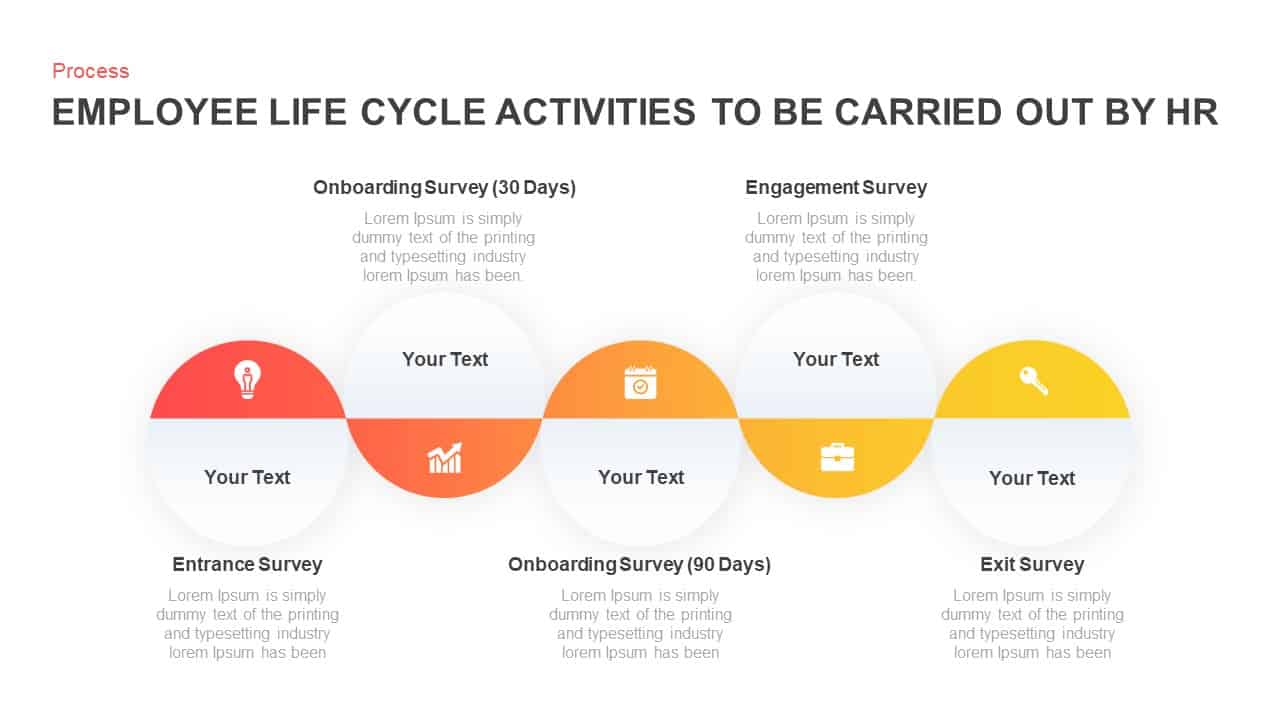
Employee Life Cycle Activities Process Template for PowerPoint & Google Slides
Employee Performance
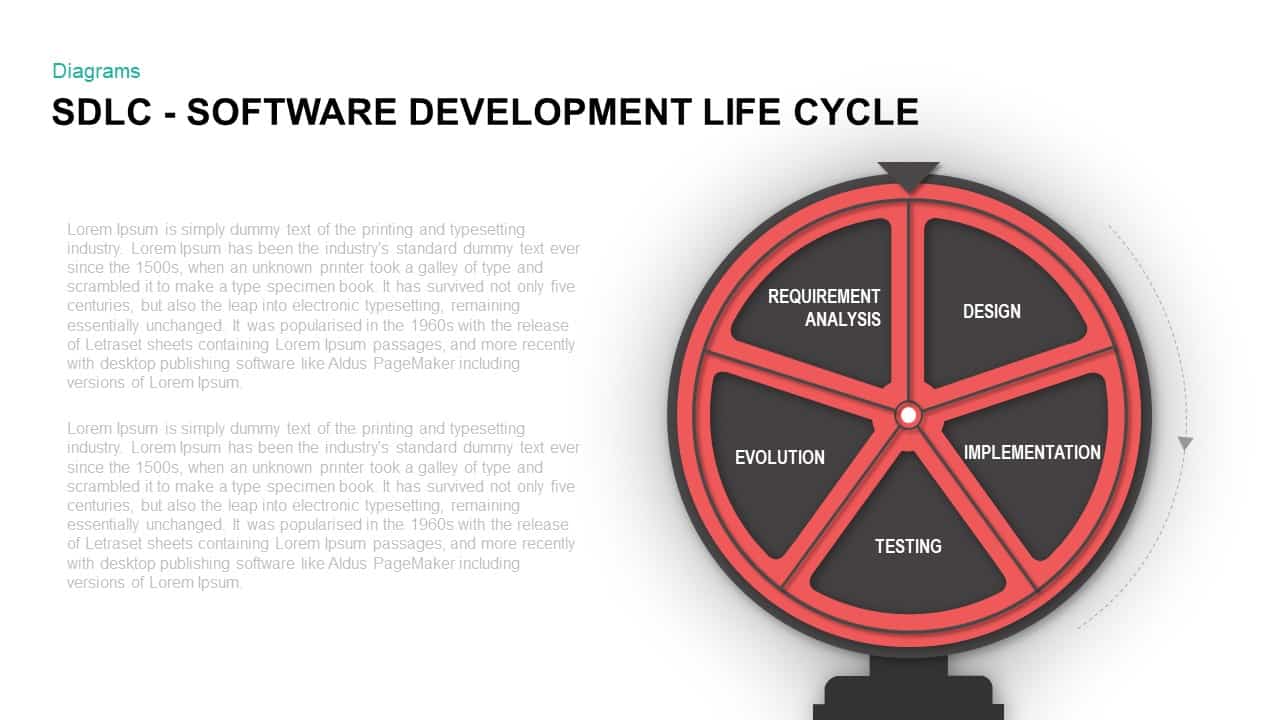
Software Development Life Cycle Diagram Template for PowerPoint & Google Slides
Circular
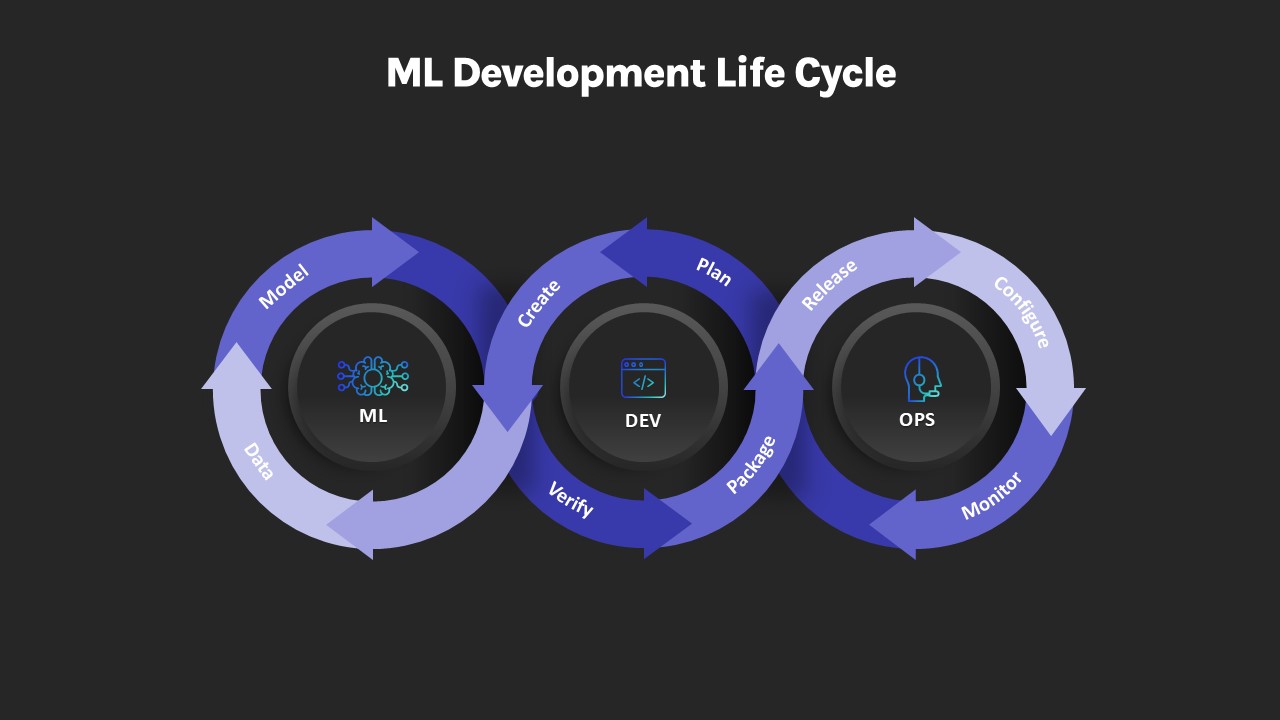
ML Development Life Cycle Diagram Template for PowerPoint & Google Slides
Machine Learning
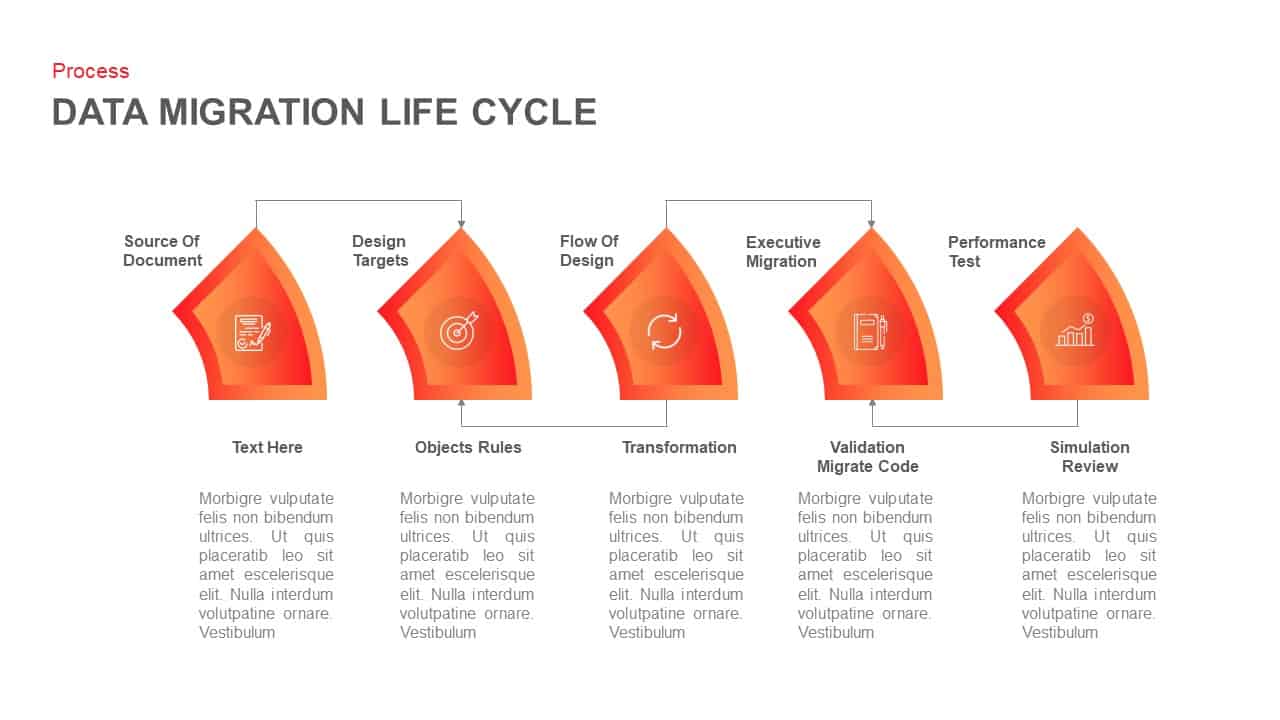
Data Migration Life Cycle – Template for PowerPoint Template
Process
Product Life Cycle PowerPoint Template
Business
The Product Life Cycle PowerPoint Template
Process
Project Life Cycle PowerPoint Template
Process
Project Life Cycle Diagram Template
Process
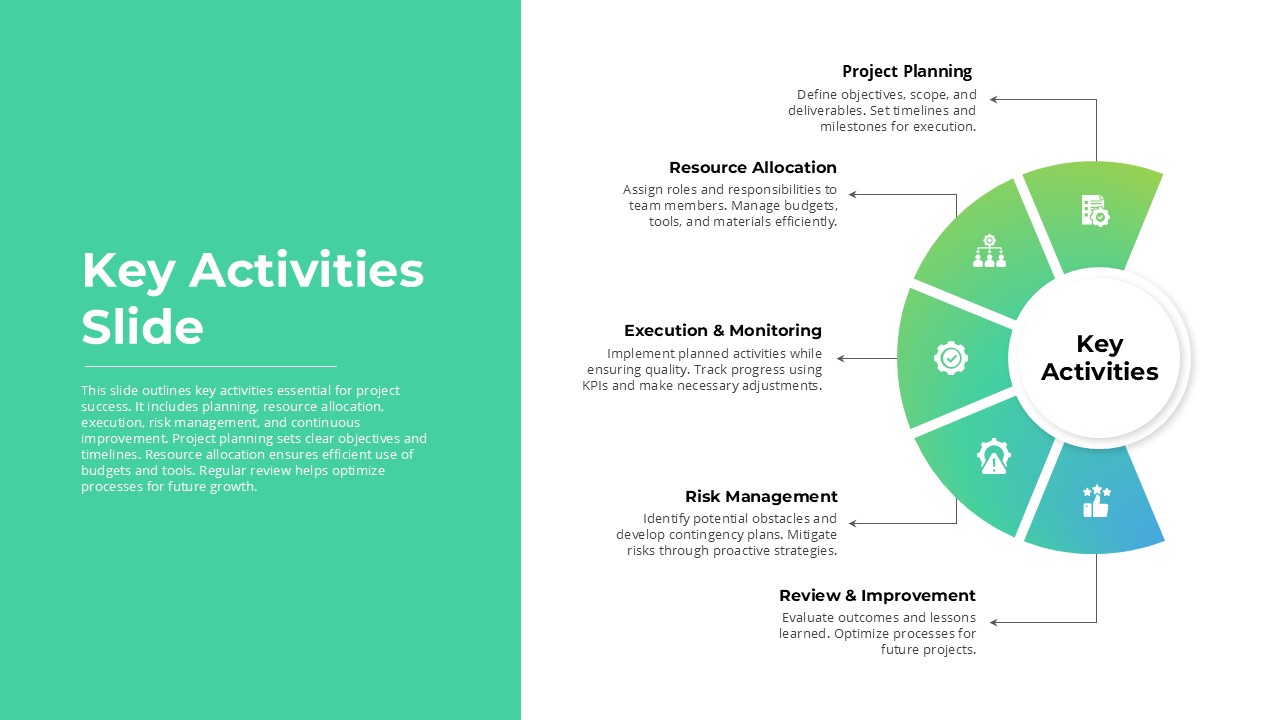
Key Activities PowerPoint Template
Process
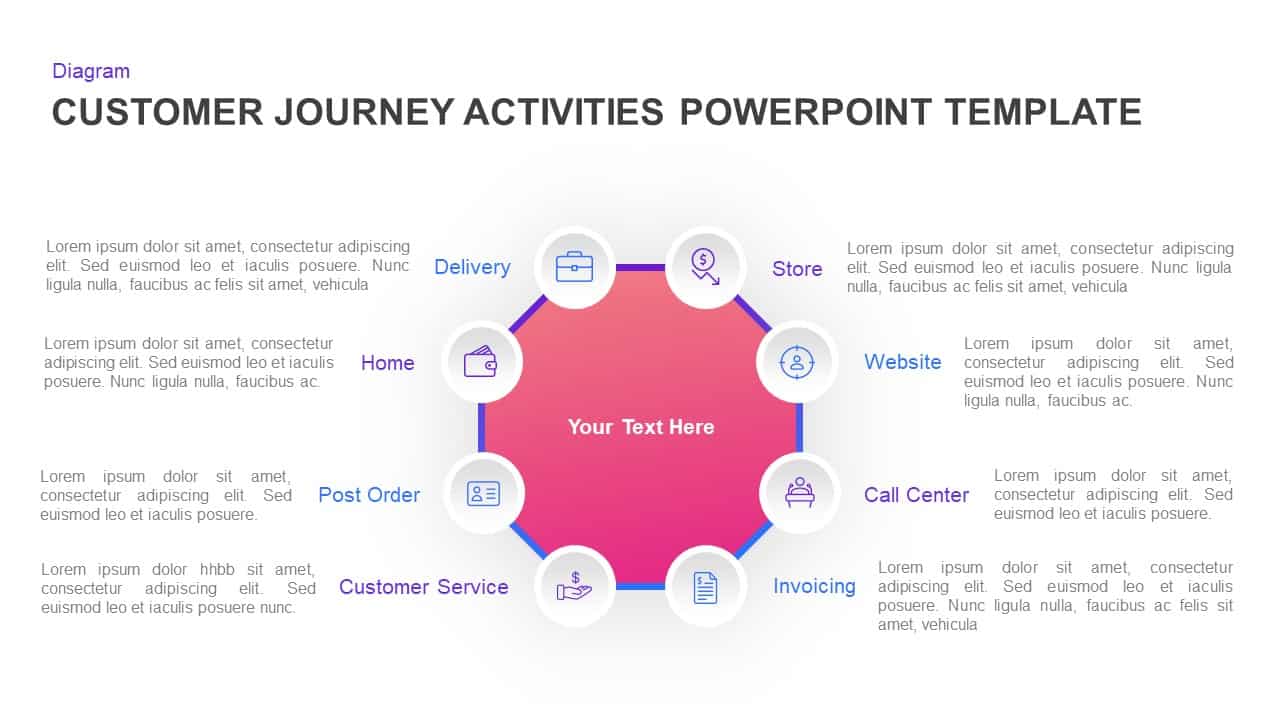
Customer Journey Activities PowerPoint Template
Customer Journey
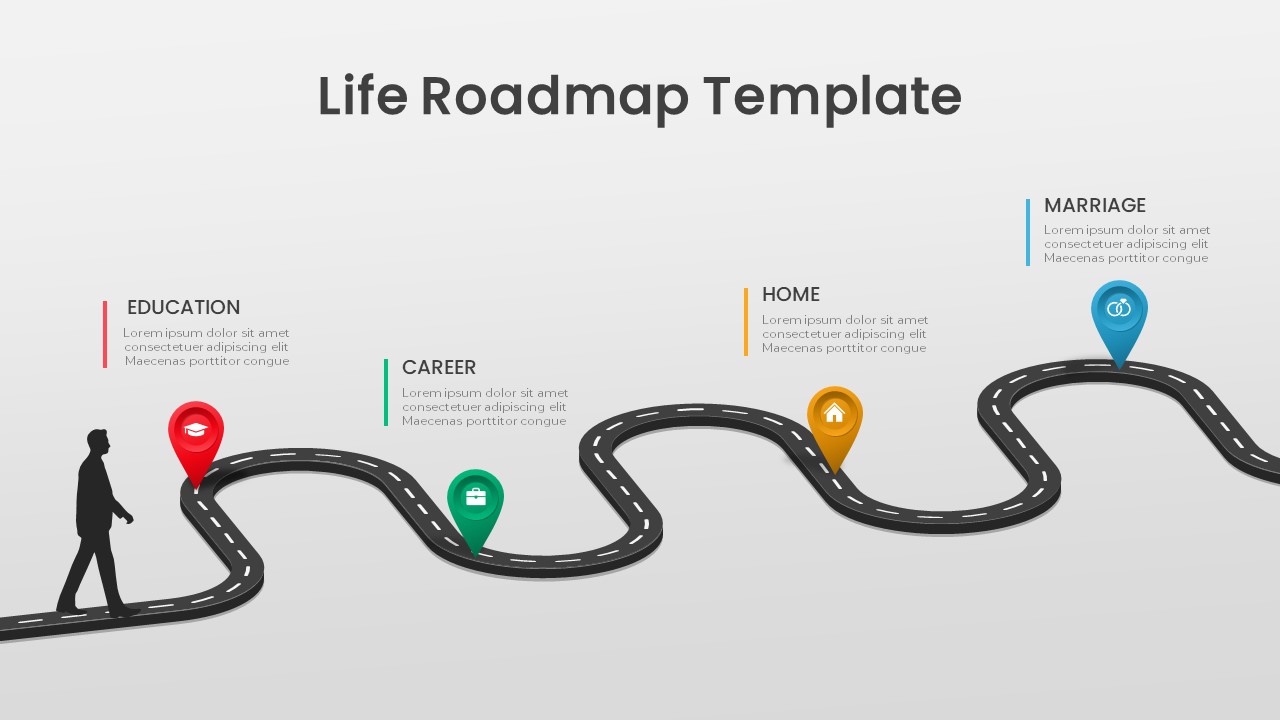
Life Roadmap PowerPoint Template
Infographics
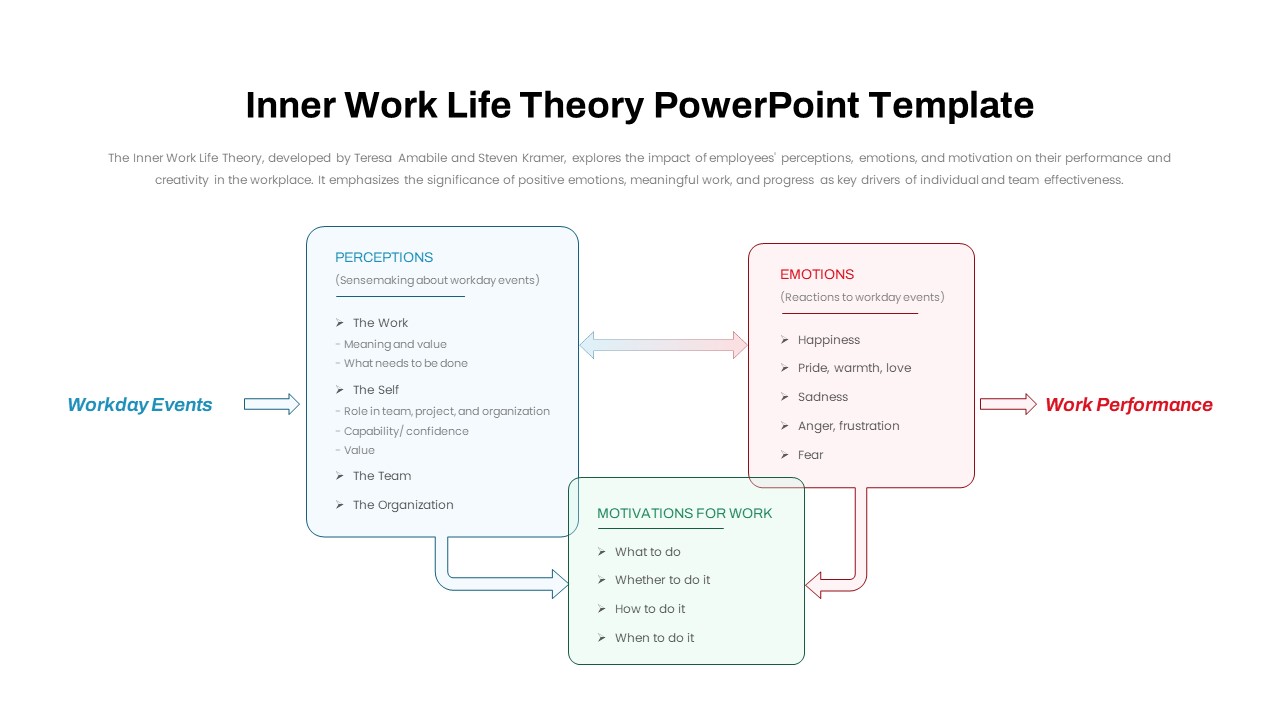
Inner Work Life Theory PowerPoint Template
Employee Performance
Customer Life Journey PowerPoint Diagram Slide
Customer Journey
Wheel of Life Template
Business
Employee Personality Distribution Chart Template for PowerPoint & Google Slides
Bar/Column
Five-Step Onboarding Process Template for PowerPoint
Recruitment
Free
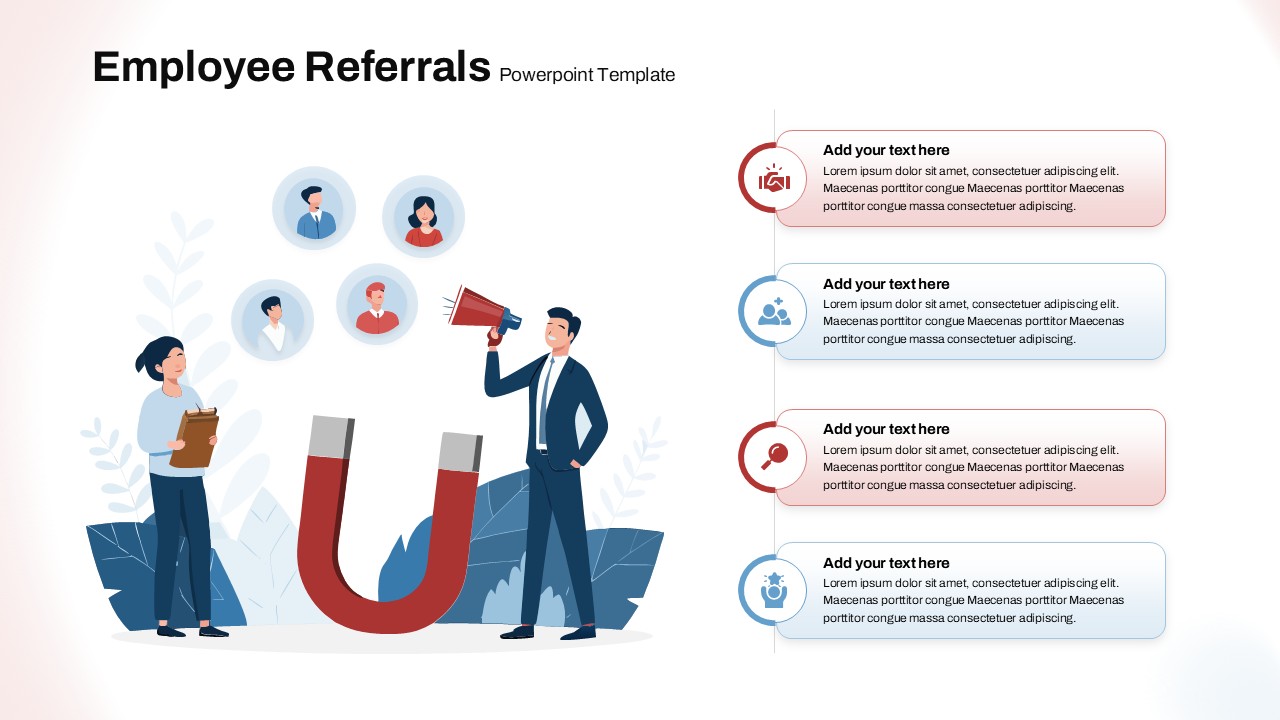
Employee Referrals template for PowerPoint & Google Slides
Business
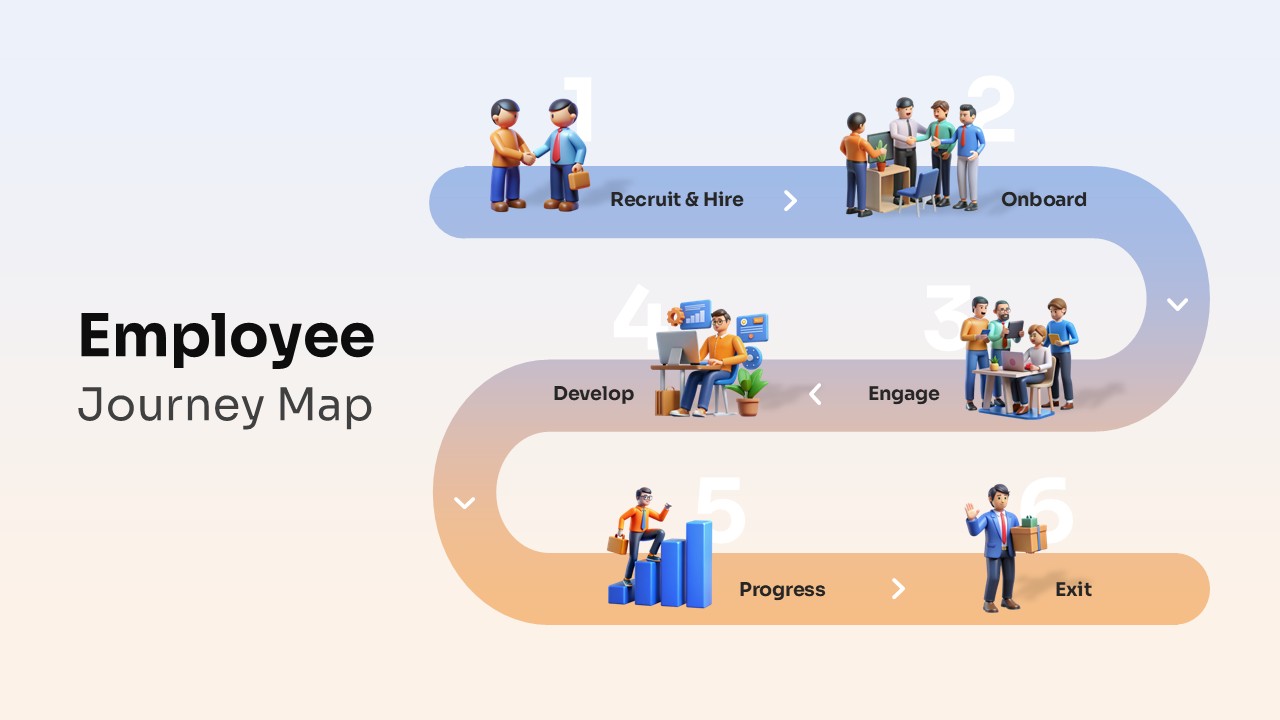
Employee Journey Map Template with Stages for PowerPoint
Recruitment
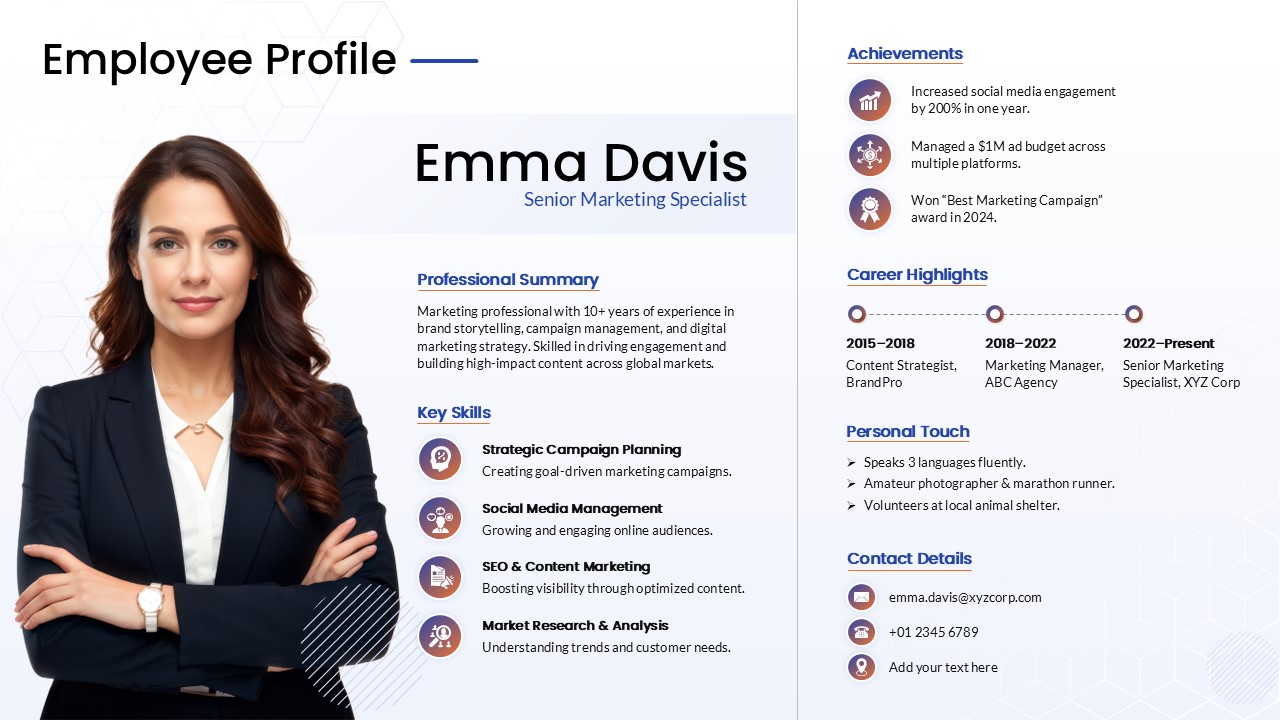
Employee Profile & Resume Card Template for PowerPoint & Google Slides
Employee Performance
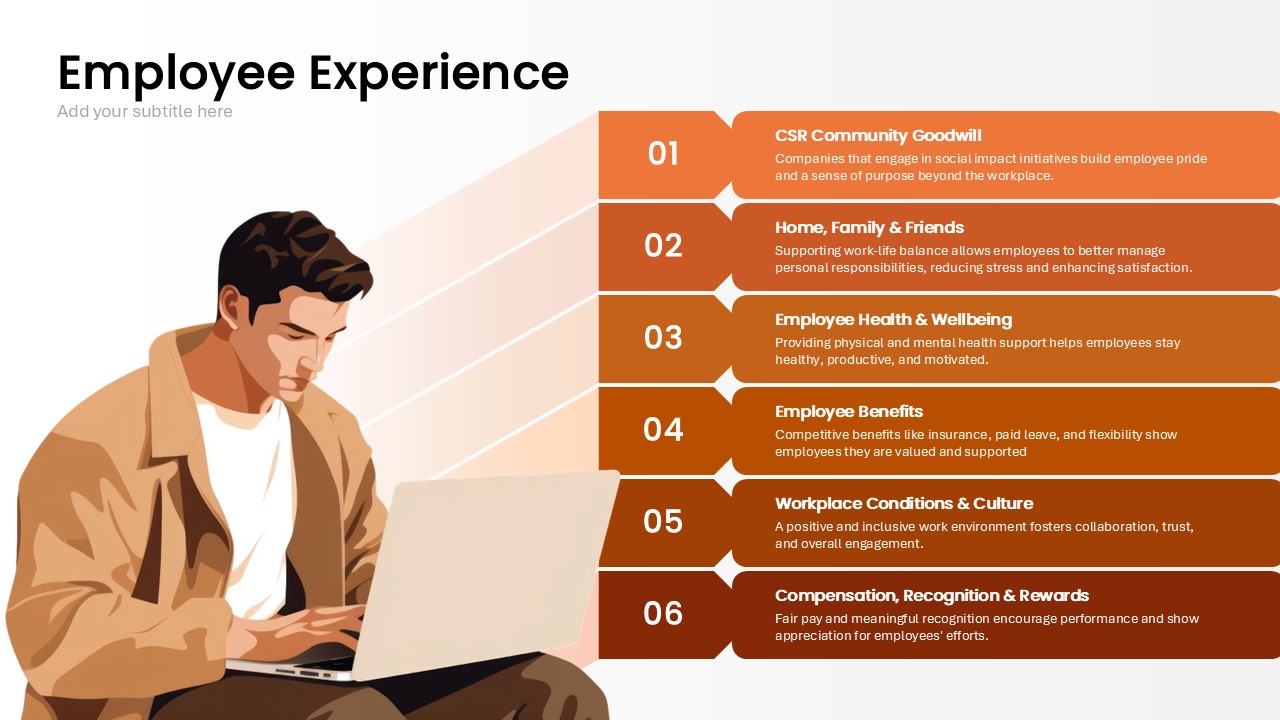
Employee Experience Template for PowerPoint & Google Slides
Employee Performance