Customer Experience Journey Template for PowerPoint & Google Slides
Customer Experience Presentation Slide Template For PowerPoint & Google Slides
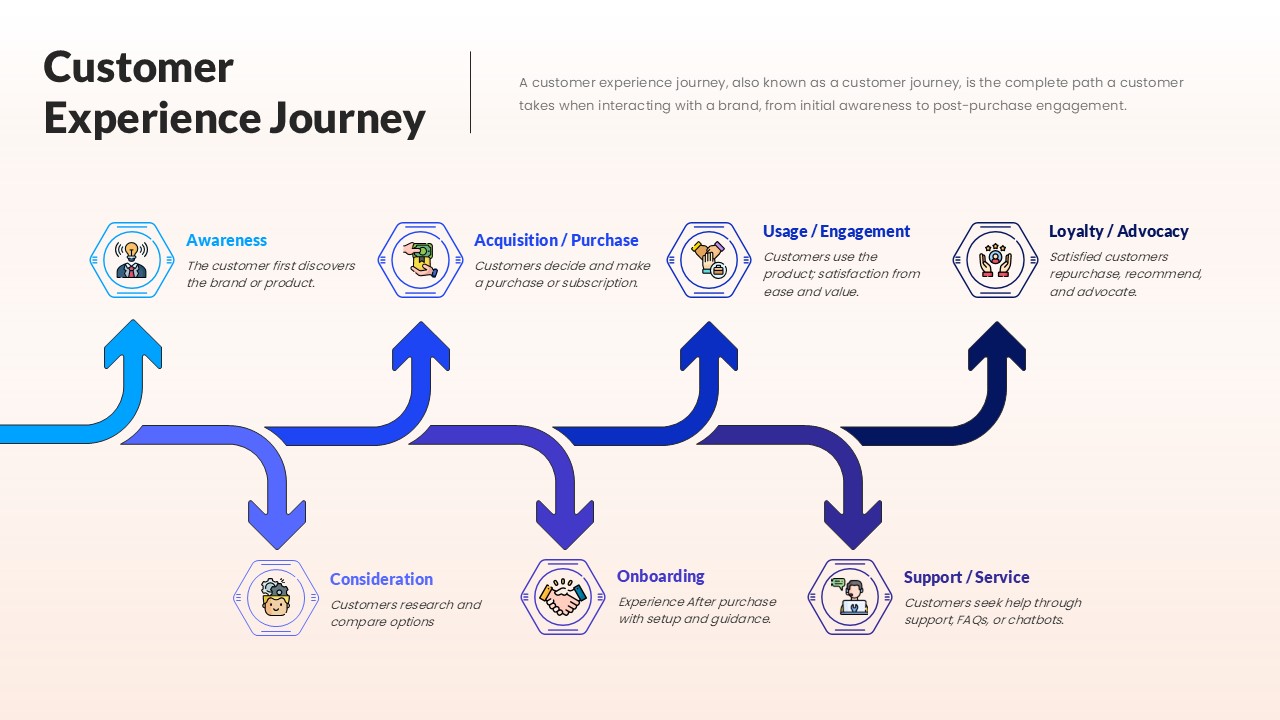
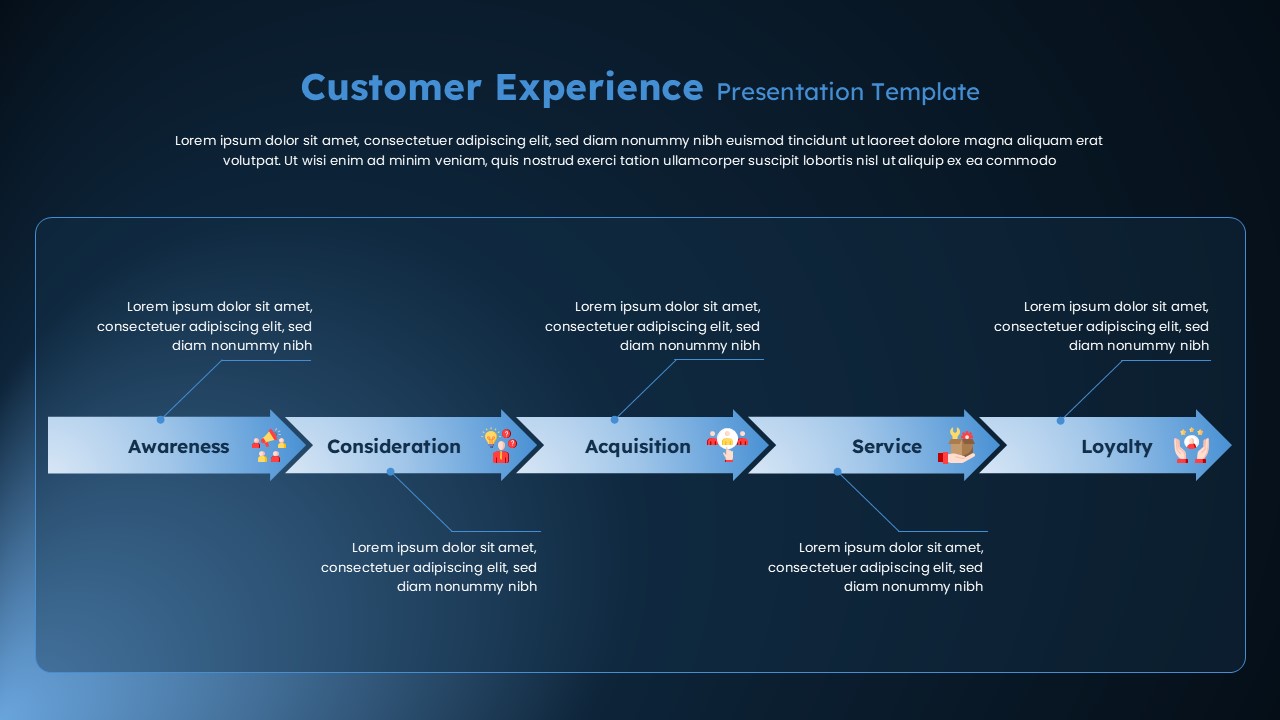
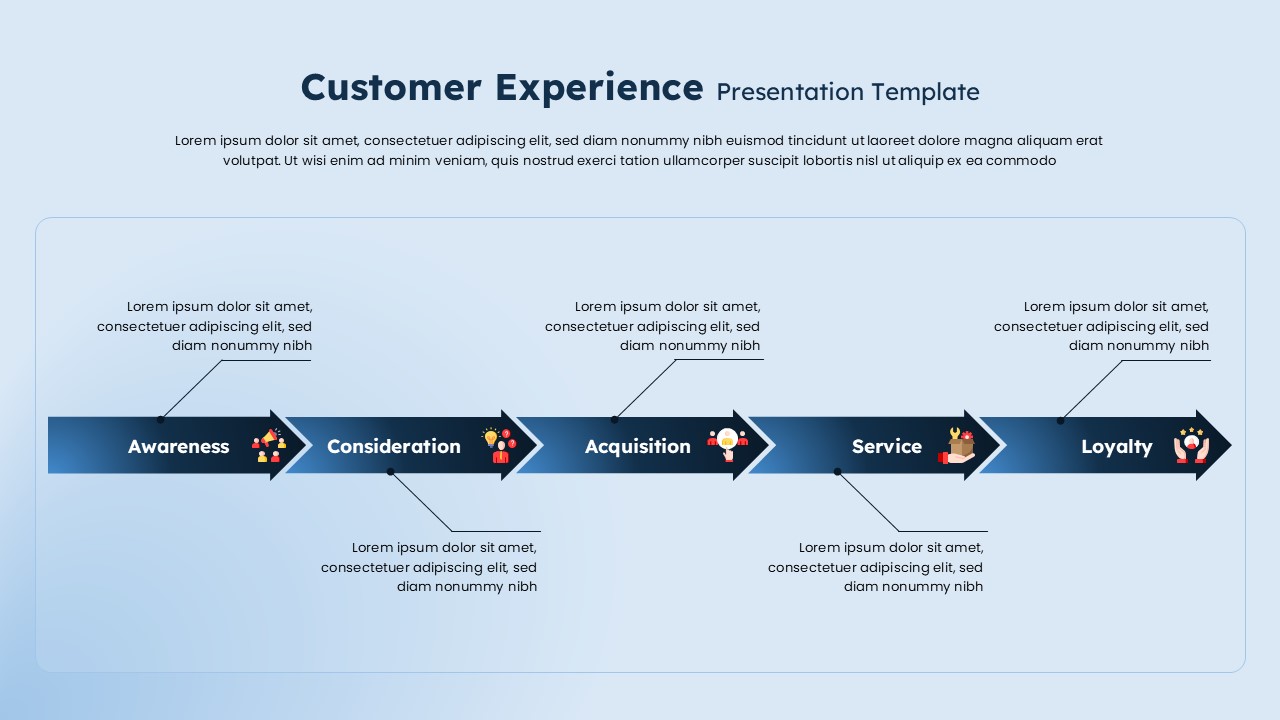
This Customer Experience Presentation Slide Template for PowerPoint and Google Slides gives you a clean 5-stage journey layout to map out the entire lifecycle of a customer, from initial brand discovery to post-purchase advocacy. It organizes the customer journey into an interlocking horizontal chevron timeline with alternating callout blocks, making it easy to explain touchpoints, user emotions, and retention strategies without visual clutter.
Slide Layout & Elements Breakdown
- Top Header & Intro Block: Features the title “Customer Experience Presentation Template” in light blue and white lettering, followed by an editable paragraph placeholder to describe campaign objectives, customer persona scopes, or journey mapping methodology.
- Five-Stage Horizontal Chevron Flow (Center): A connected chain of chevron arrows pointing right, each representing a core phase of the customer journey with an accompanying vector icon:
- 1. Awareness: First chevron segment paired with a community/audience reach icon to represent lead generation, marketing discovery, and initial brand touchpoints.
- 2. Consideration: Second segment paired with a persona ideation and evaluation icon (person with a lightbulb) to track product comparison, research, and interest evaluation.
- 3. Acquisition: Third segment paired with a conversion/customer onboarding icon to mark trial sign-ups, purchasing decisions, and initial contract closing.
- 4. Service: Fourth segment paired with a customer support and service delivery icon (support toolbox and delivery package) representing implementation, onboarding, and ongoing assistance.
- 5. Loyalty: Final segment paired with an advocacy icon (hands supporting a five-star rating) showing repeat purchases, customer referrals, and brand loyalty.
- Alternating Top & Bottom Callout Blocks: Five structured text boxes with angled connector lines linked directly to each chevron stage to maximize reading room:
- Top Callouts (Awareness, Acquisition, Loyalty): Placed along the upper tier with dedicated space for marketing channels, conversion rates, and retention tactics.
- Bottom Callouts (Consideration, Service): Placed along the lower tier to detail buyer questions, user feedback, customer support SLAs, and onboarding milestones.
- Frosted Container & Dark Background: A deep midnight-blue canvas housing a rounded, translucent panel that highlights the bright text and chevron nodes clearly.
Where to Use This Slide
- Customer Journey Mapping Workshops: Align product, marketing, and customer success teams on touchpoints and user friction points.
- Go-to-Market & Sales Pitches: Show clients and investors how your organization attracts, converts, supports, and retains long-term accounts.
- Marketing & UX Strategy Presentations: Identify gaps between initial ad messaging, product onboarding, and customer retention programs.
- Customer Support & Service Reviews: Detail service-level expectations, feedback loops, and satisfaction benchmarks across each lifecycle phase.
Template Features
- Fully Editable: Works in Microsoft PowerPoint and Google Slides. You can edit all text placeholders, swap out vector icons, customize the color palette, and adjust connector lines.
- Staggered Callout Structure: Alternating notes above and below the chevron line prevent overcrowding and make it easy to read detailed stage notes during a presentation.
Check out more customer journey presentation templates.
Login to download this file

Item ID
SB05480Designed By
Krishnapriya


Related Templates

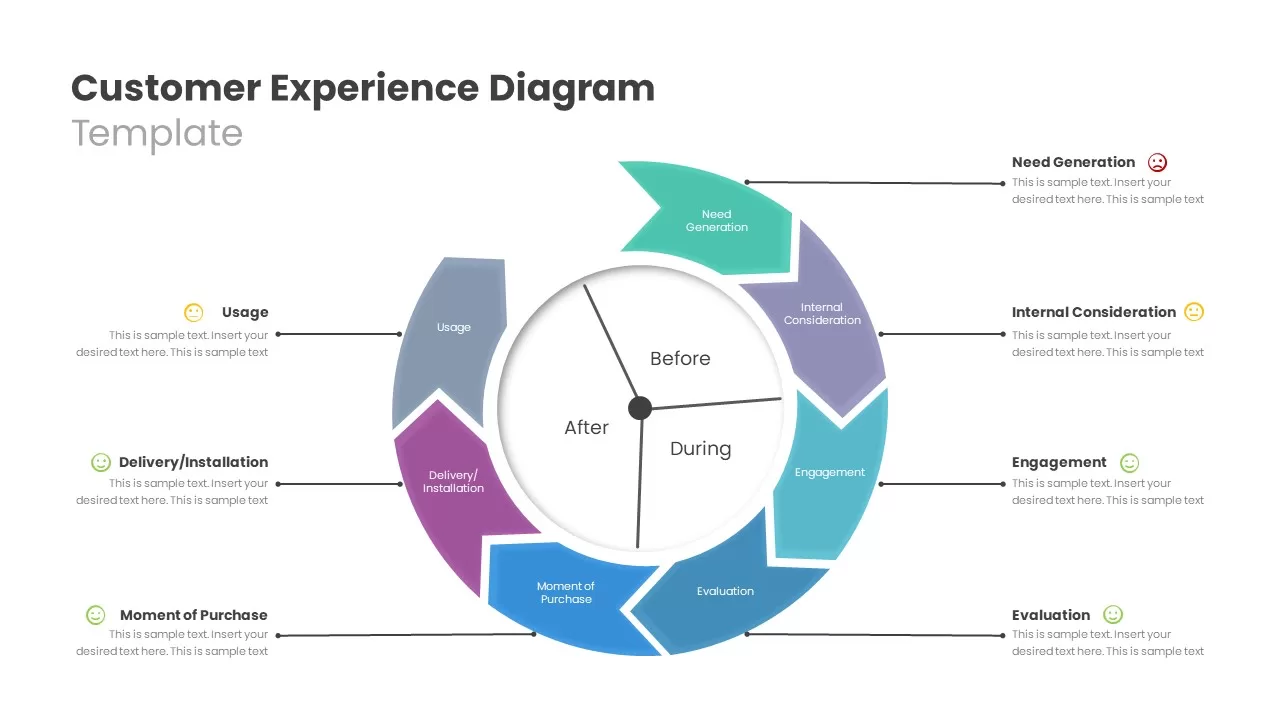
Customer Experience Journey Diagram Template for PowerPoint & Google Slides
Customer Journey
Free Customer Experience Journey Template for PowerPoint & Google Slides
Customer Journey
Free
Circular Customer Experience Journey Template
Customer Journey
4 Step Customer Experience Journey Infographic
Customer Journey
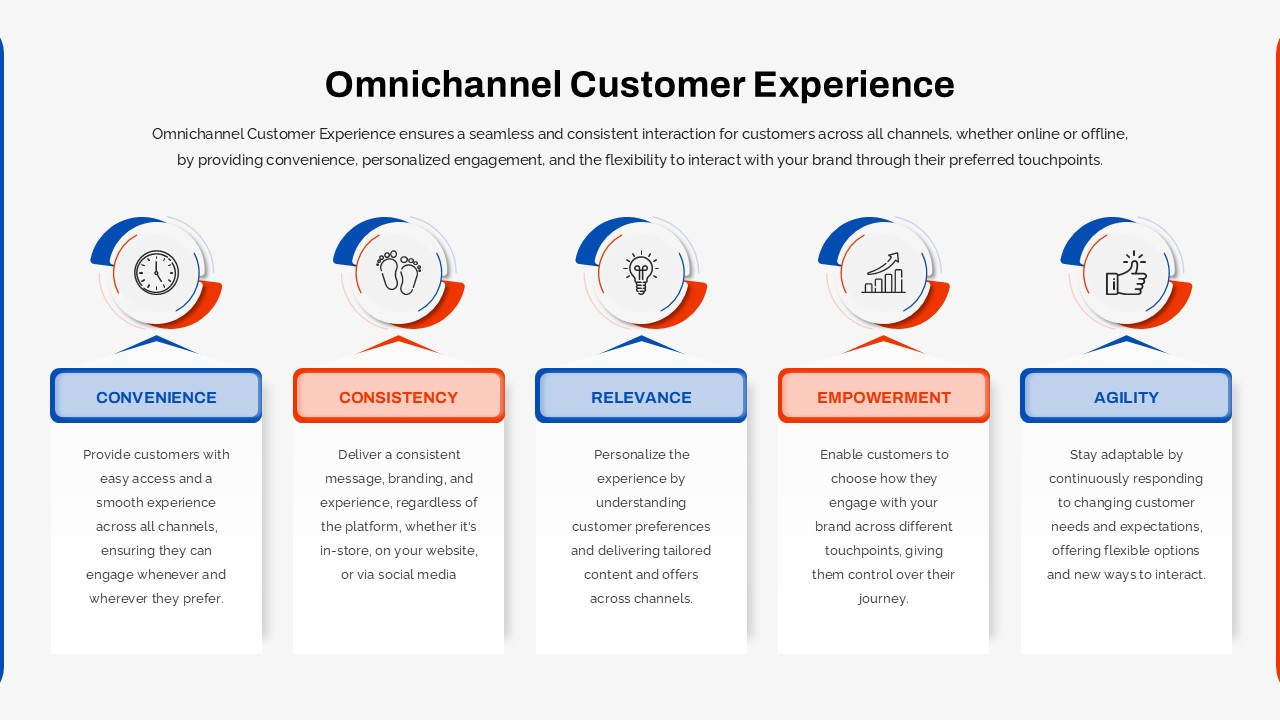
Omnichannel Customer Experience Infographic Template
Customer Journey
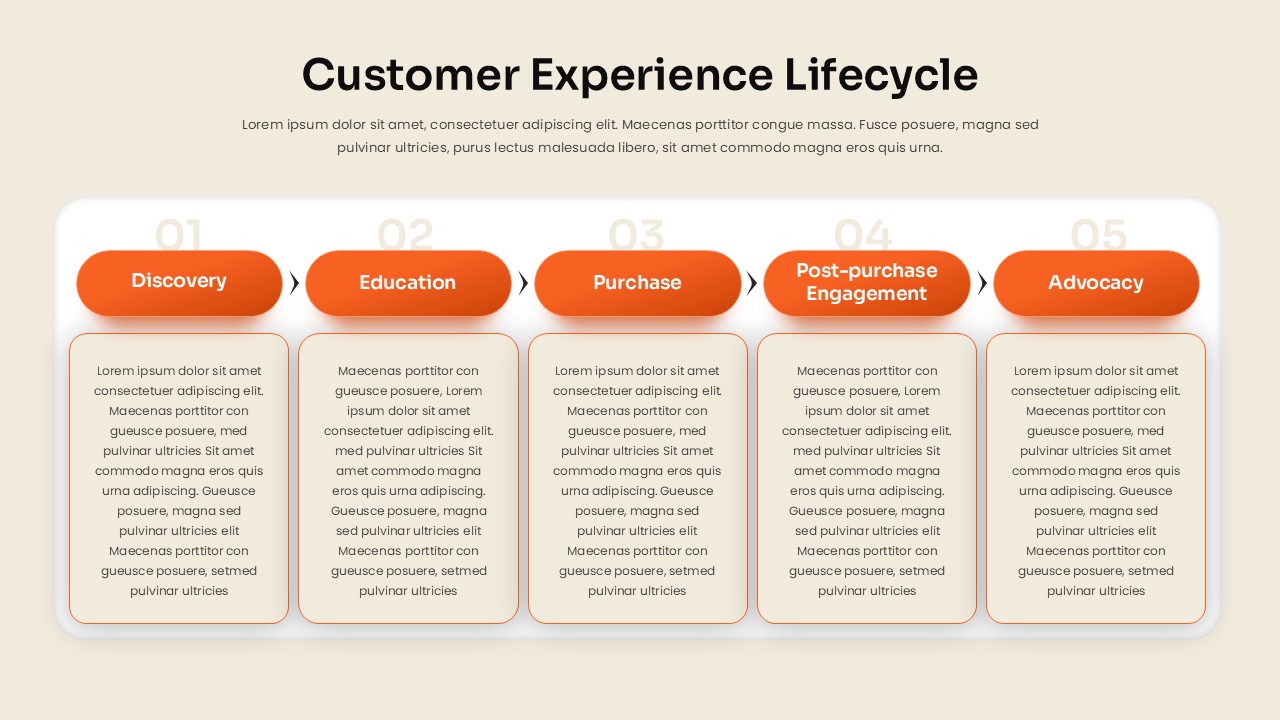
Customer Experience Lifecycle PowerPoint Template
Customer Journey
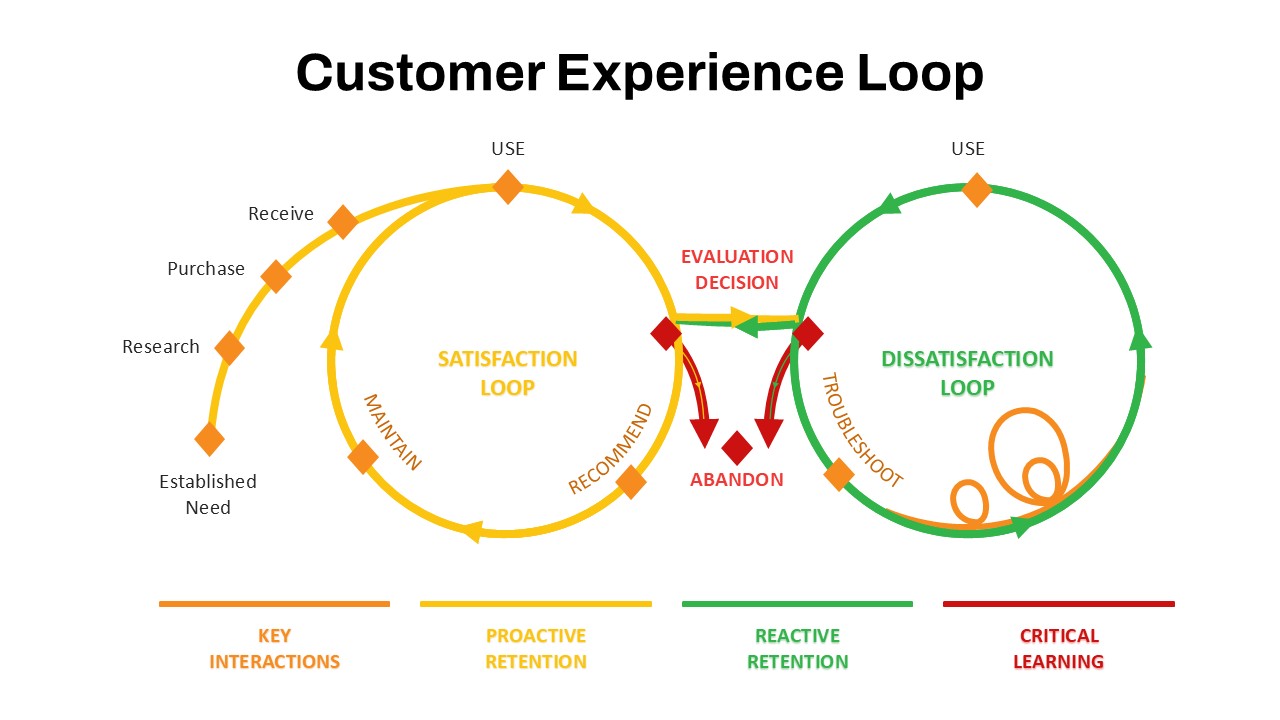
Customer Experience Loop Template for PPT & Google Slides
Customer Experience

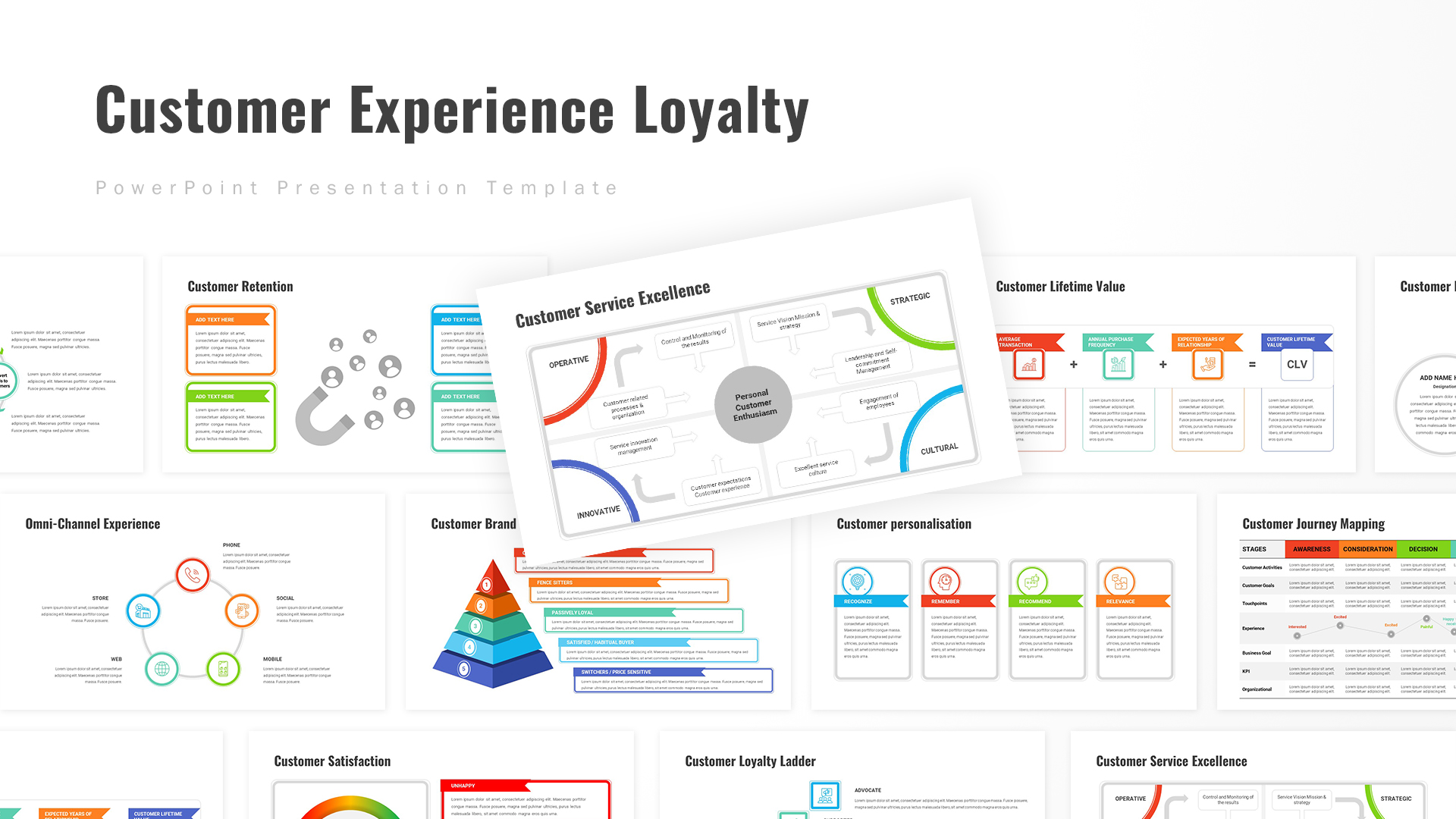
Customer Experience Loyalty PowerPoint Deck Template
Customer Experience
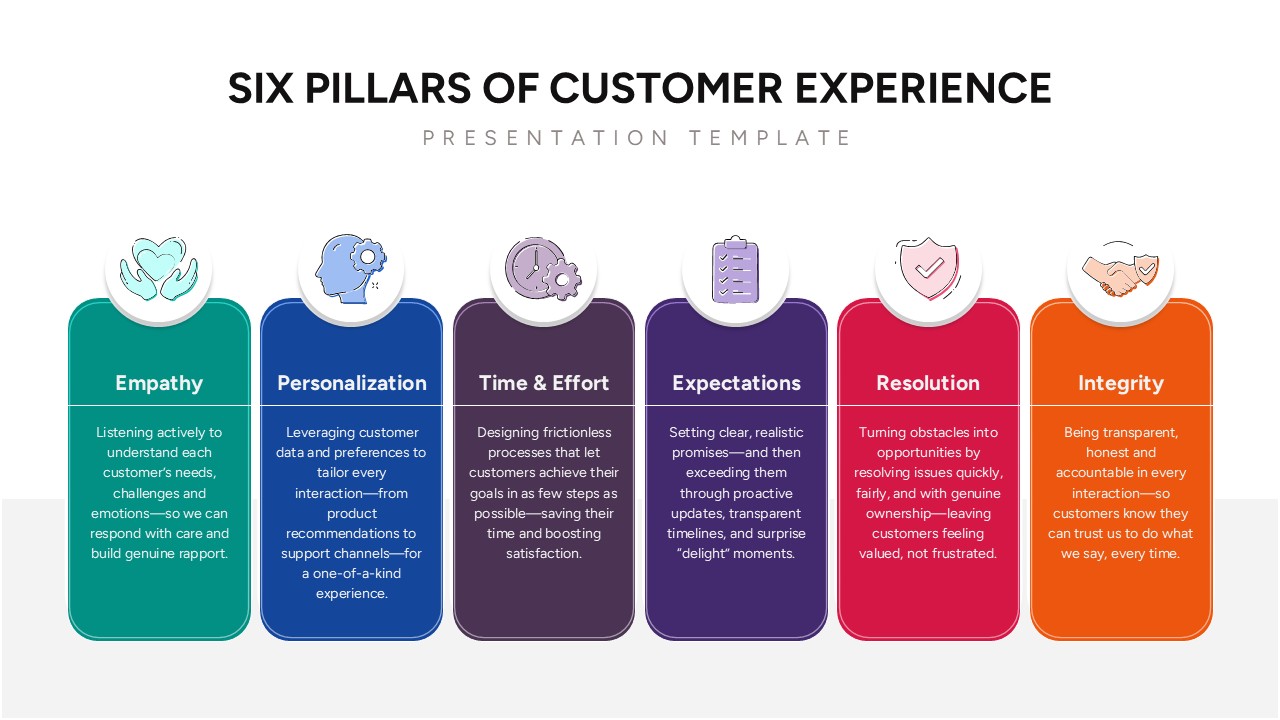
Six Pillars of Customer Experience PowerPoint Template
Customer Experience
Customer Experience Template
Process
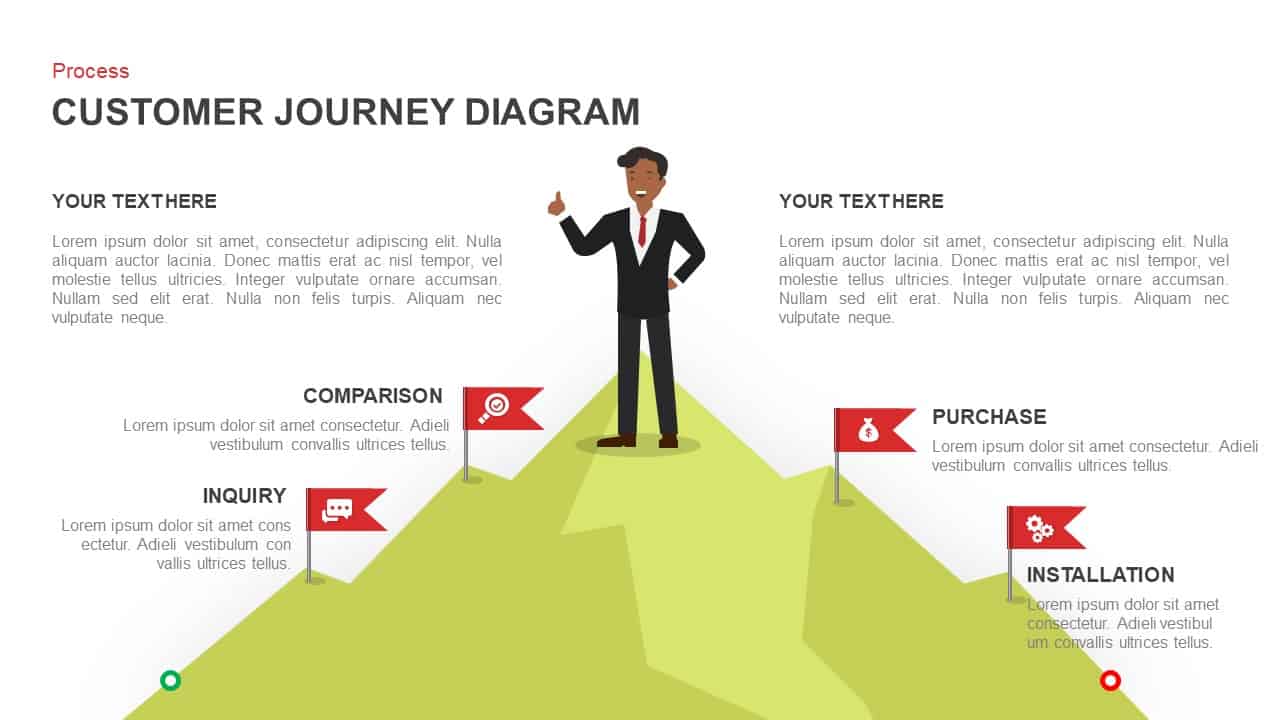
Customer Journey Diagram PowerPoint Template and Google Slides
Customer Journey
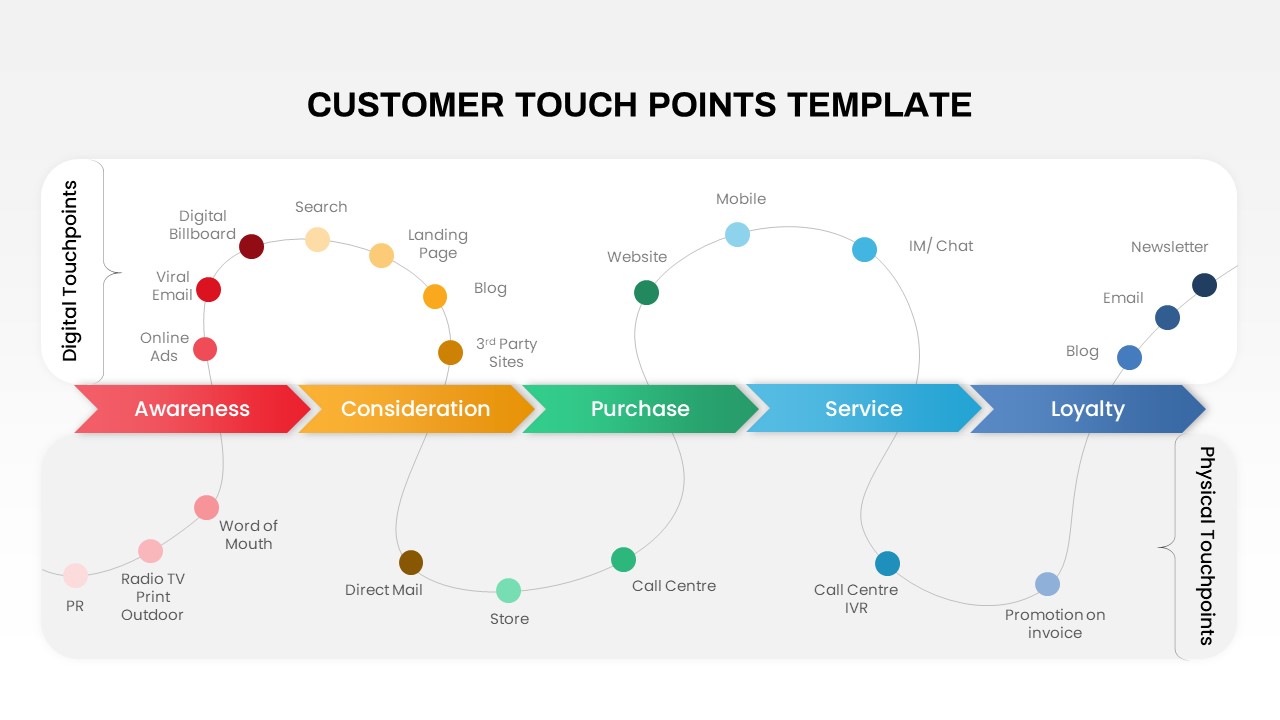
Customer Touchpoints Journey & Hub Template for PowerPoint & Google Slides
Customer Journey

Customer Journey PowerPoint Template and Slide
Customer Journey
Customer Journey Activities PowerPoint Template
Customer Journey
Customer Journey Map PowerPoint Template
Customer Journey
Customer Journey PowerPoint Presentation Template
Customer Journey
Customer Journey Stages PowerPoint Template
Business
Modern Customer Journey Graphic PowerPoint Template
Customer Journey

Customer Journey Map PowerPoint Templates
Customer Journey
Customer Journey Map PowerPoint Templates
Customer Journey