Customer Experience Loop Template for PPT & Google Slides
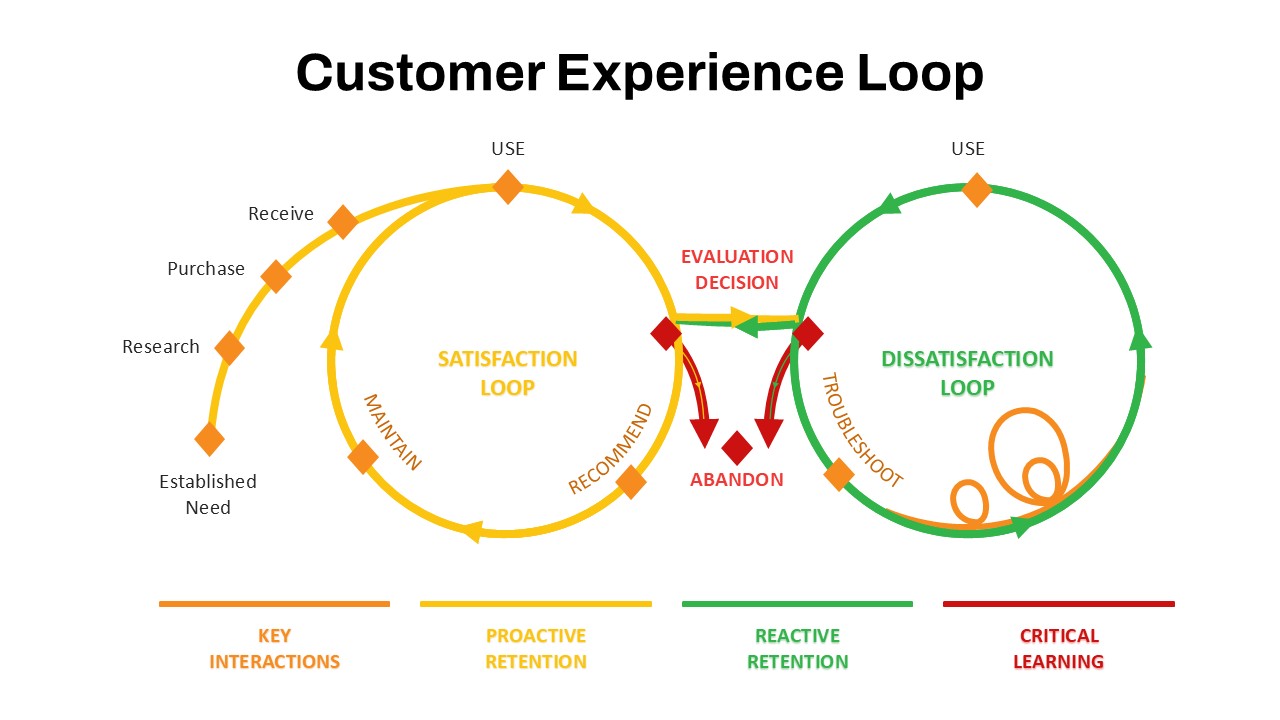
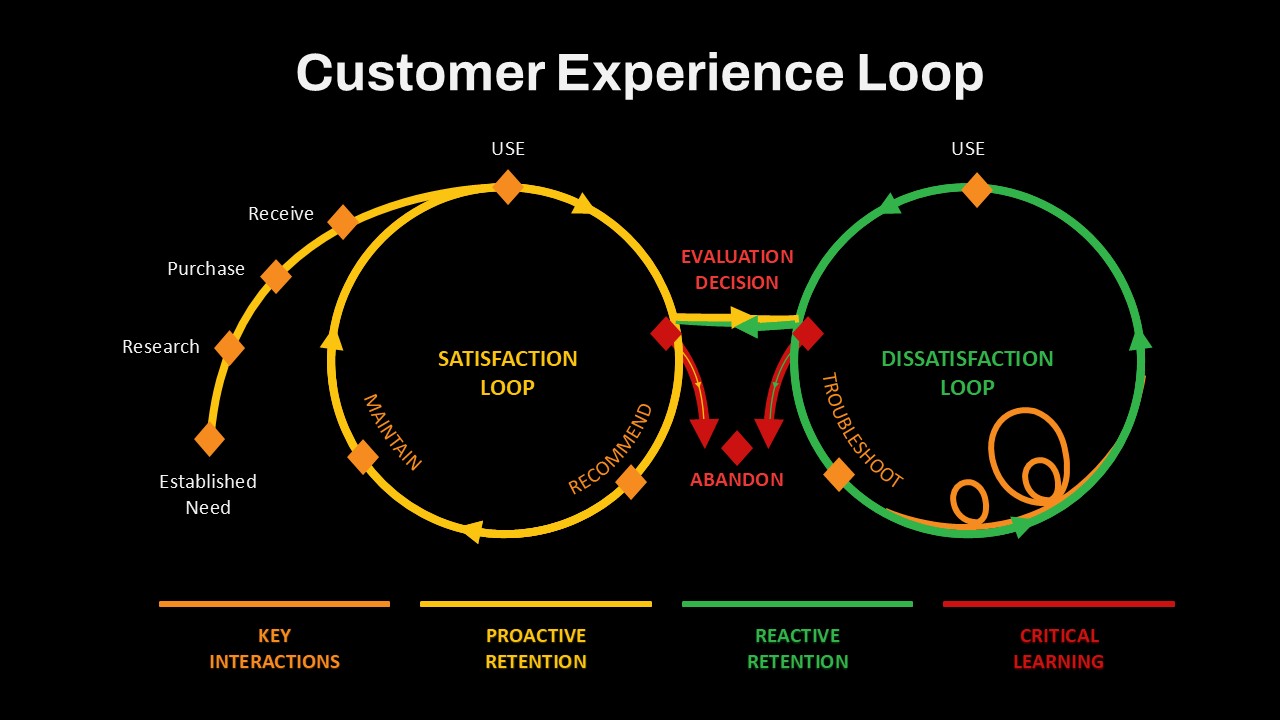
The Customer Experience Loop Template is a professional visual diagram designed to map the complete customer experience journey and show how customer interactions can influence satisfaction, retention, loyalty, and future engagement. The circular layout presents both positive and negative customer experience paths, making it easier to explain the relationship between customer needs, purchasing behavior, product usage, support interactions, and retention strategies.
Key Customer Experience Stages
- Established Need – Identify the customer’s initial need or problem.
- Research – Show how customers explore information, products, or solutions.
- Purchase – Represent the buying decision and customer conversion stage.
- Receive – Highlight product or service delivery and initial customer interaction.
- Use & Maintain – Illustrate ongoing product usage and customer support needs.
- Recommend – Show how positive experiences can encourage customer advocacy.
- Troubleshooting – Present the support and recovery process when customer issues occur.
What the Template Helps Explain
- Customer journey mapping
- Customer satisfaction and loyalty
- Proactive and reactive retention
- Customer support workflows
- Churn prevention strategies
- Customer lifecycle management
- Customer feedback and learning
- Key customer touchpoints
The Customer Experience Loop Template is suitable for CX managers, customer success teams, marketers, product managers, consultants, and business leaders presenting customer journey strategies, retention programs, service improvement plans, or lifecycle experiences. The flexible loop structure can also be repurposed for employee engagement cycles, support escalation workflows, quality assurance processes, feedback loops, and continuous improvement models. Fully editable in PowerPoint and Google Slides, the template allows you to customize stages, labels, icons, colors, arrows, and supporting content to match your presentation and brand requirements.
Login to download this file

Item ID
SB05339


Related Templates

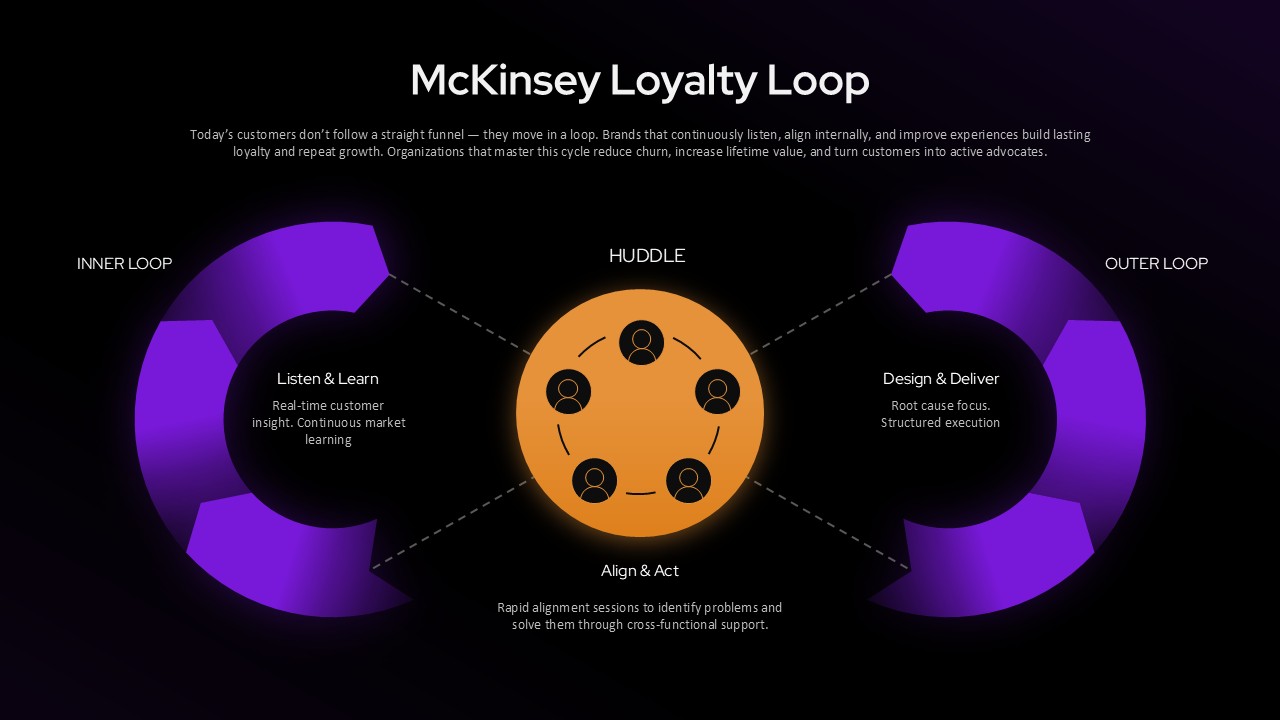
McKinsey Loyalty Loop PowerPoint Template
Customer Experience
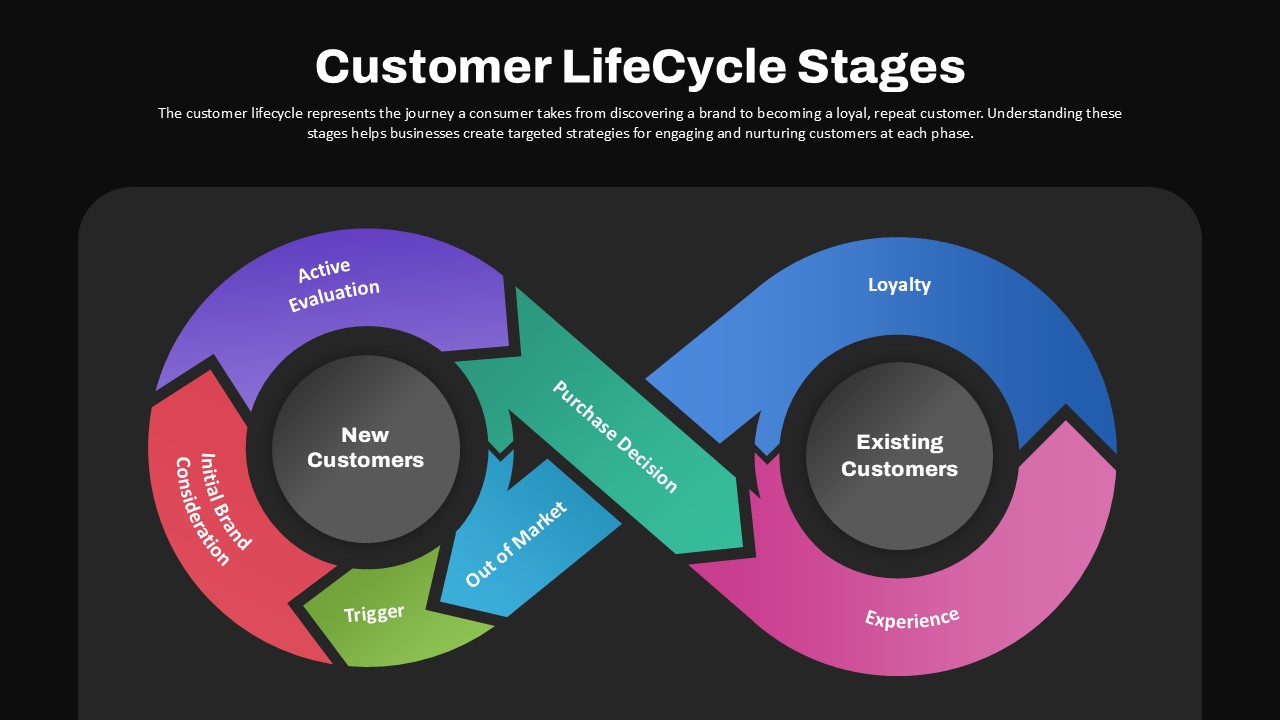
Customer Lifecycle Stages Infinity Loop Diagram
Customer Journey
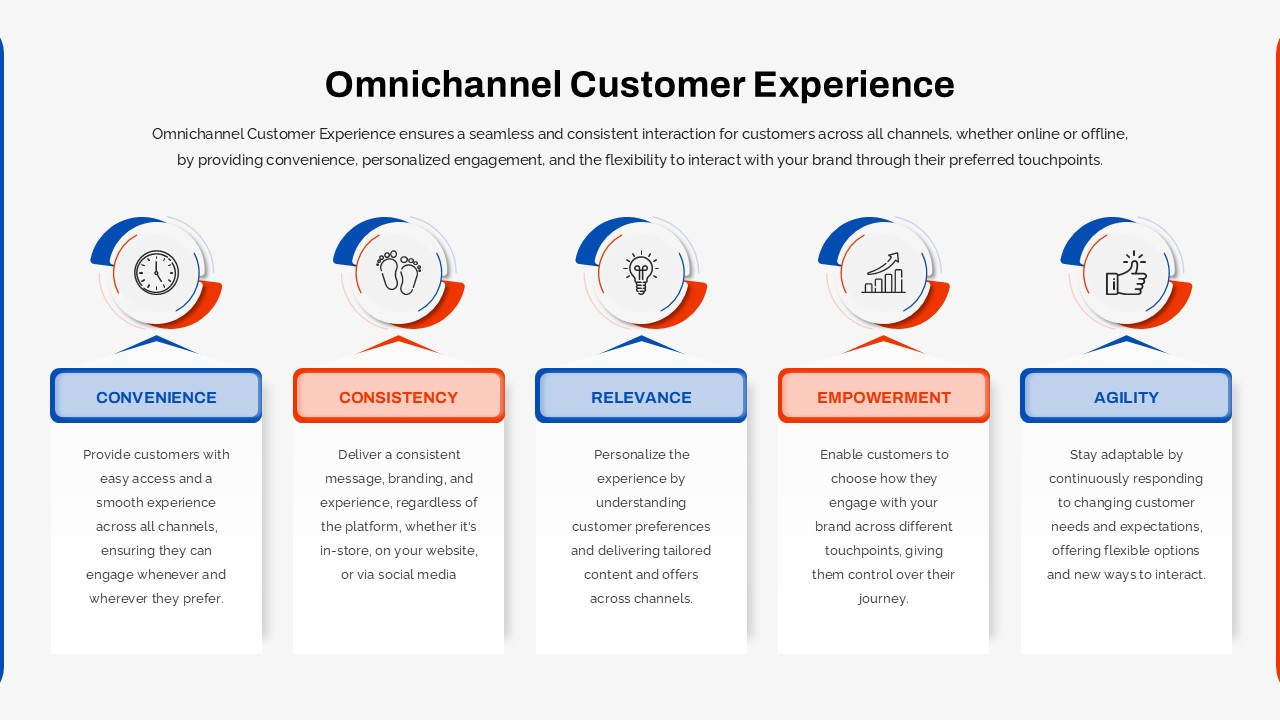
Omnichannel Customer Experience Infographic Template
Customer Journey
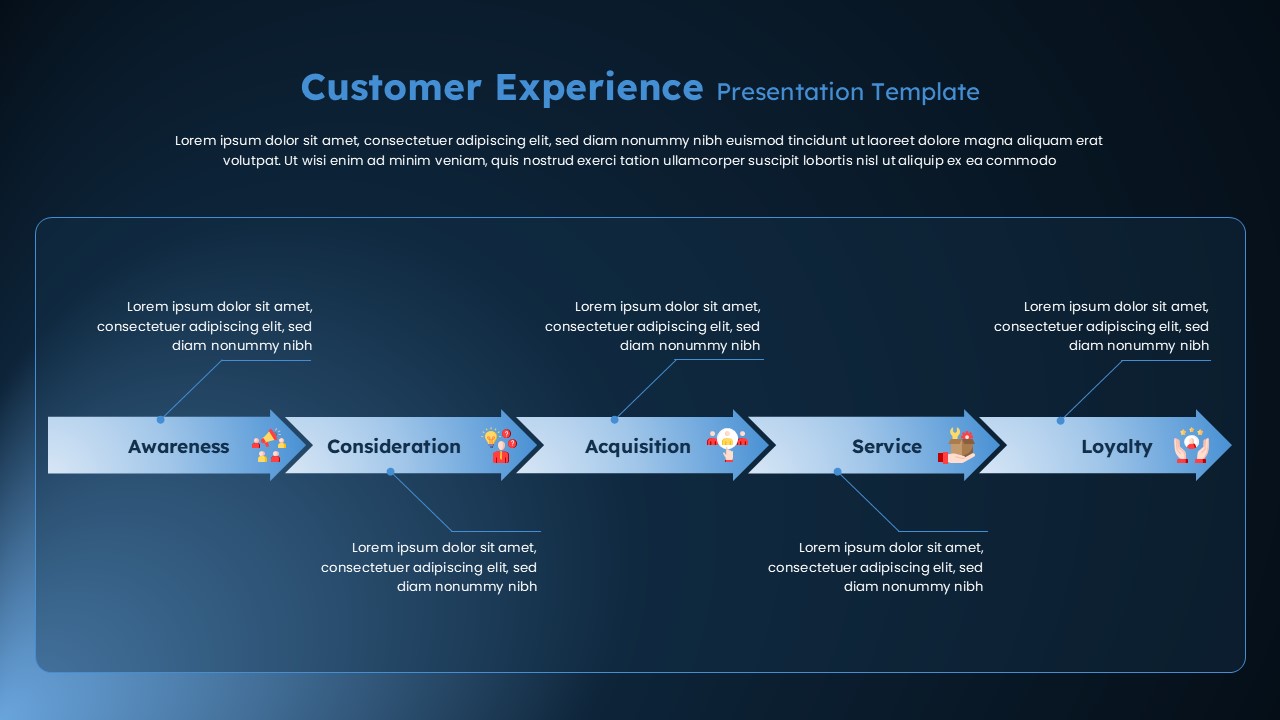
Customer Experience Journey Template for PowerPoint & Google Slides
Customer Journey
Customer Experience Journey Diagram Template for PowerPoint & Google Slides
Customer Journey
Six Pillars of Customer Experience PowerPoint Template
Customer Experience
Customer Experience Lifecycle PowerPoint Template
Customer Journey
Free Customer Experience Journey Template for PowerPoint & Google Slides
Customer Journey
Free
Customer Experience Template
Process

Customer Experience Loyalty PowerPoint Deck Template
Customer Experience
Circular Customer Experience Journey Template
Customer Journey
4 Step Customer Experience Journey Infographic
Customer Journey

Six-Stage Infinity Loop Diagram Template for PowerPoint & Google Slides
Process
Creative Infinity Loop Process Diagram Template for PowerPoint & Google Slides
Process
Infinity Loop PowerPoint Diagram Template
Process
Infinity Loop PowerPoint Template
Process
OODA Loop PowerPoint Template
Circular
Causal Loop Diagram PowerPoint Template
Process
Infinity Loop Diagram for PowerPoint Presentation
Process
OODA Loop Diagram
Business