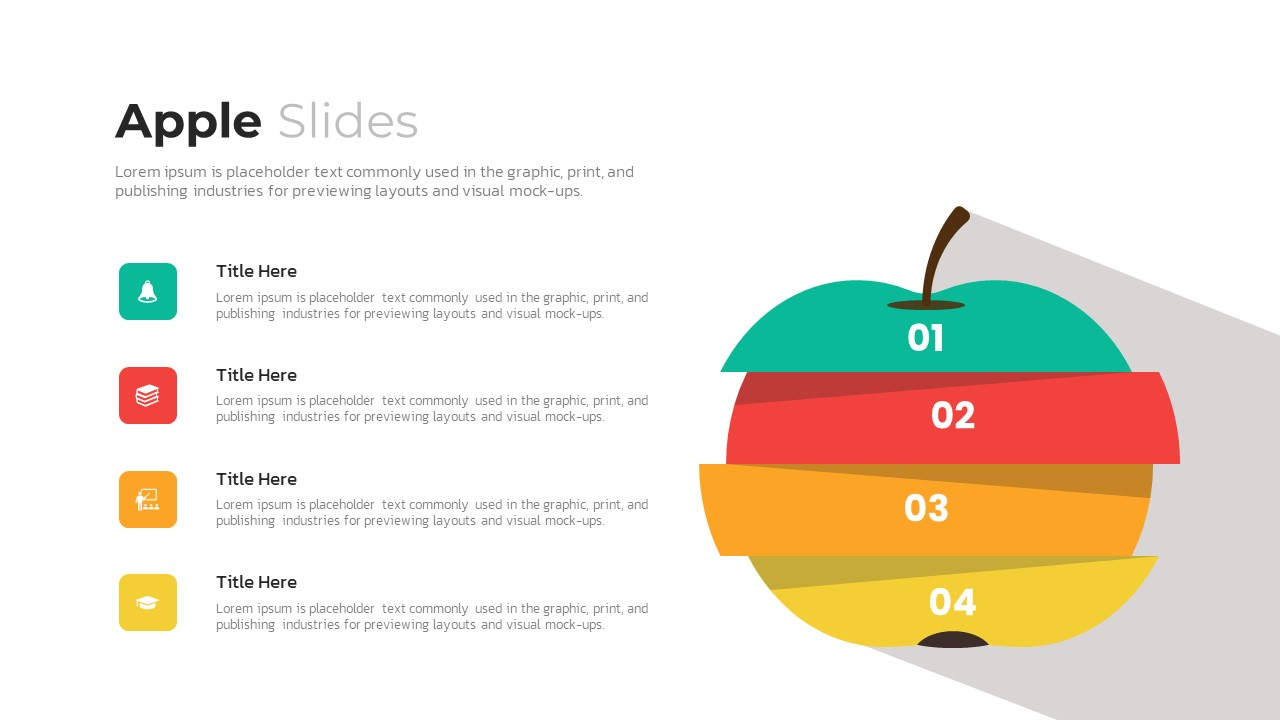
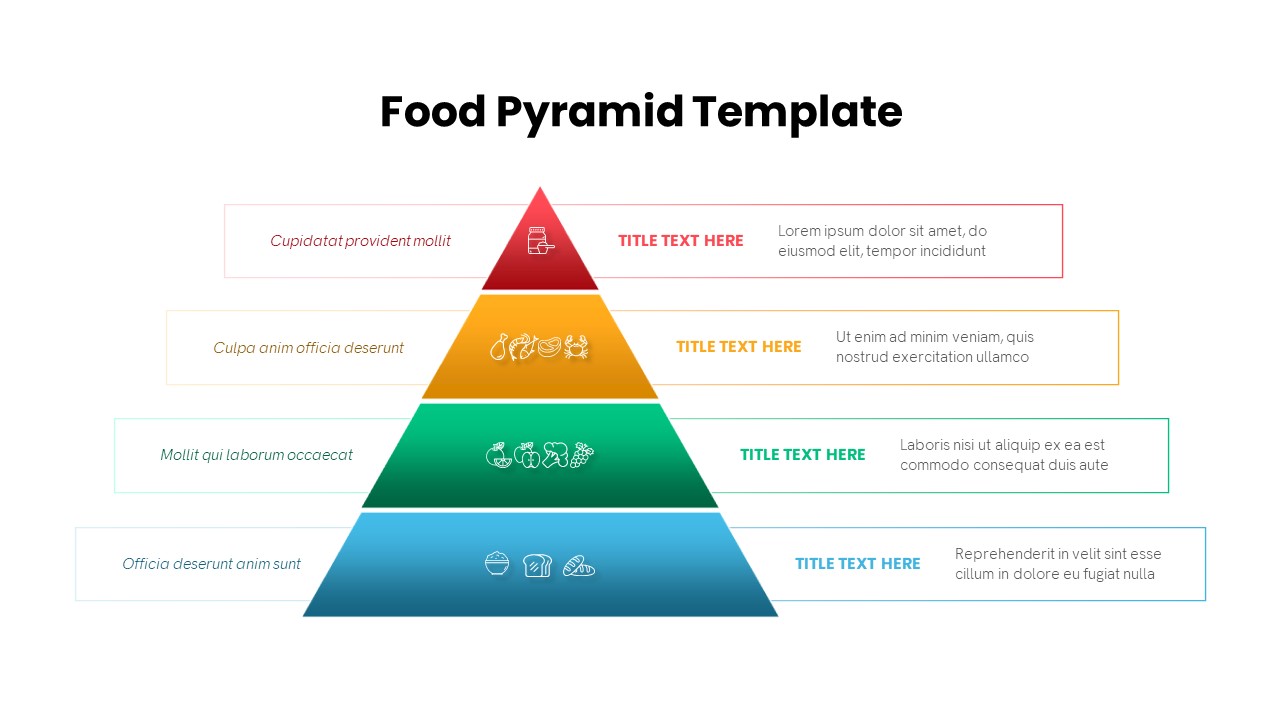
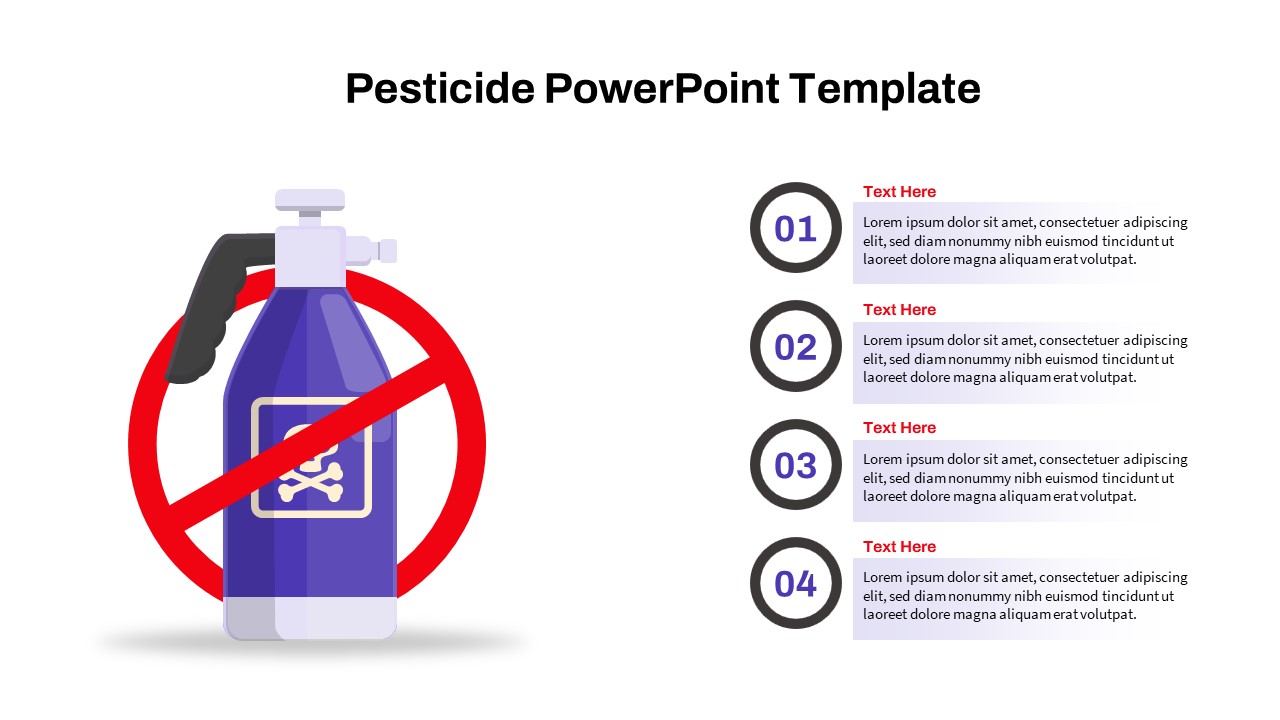
Four-Option Cross Infographic Diagram Template for PowerPoint & Google Slides
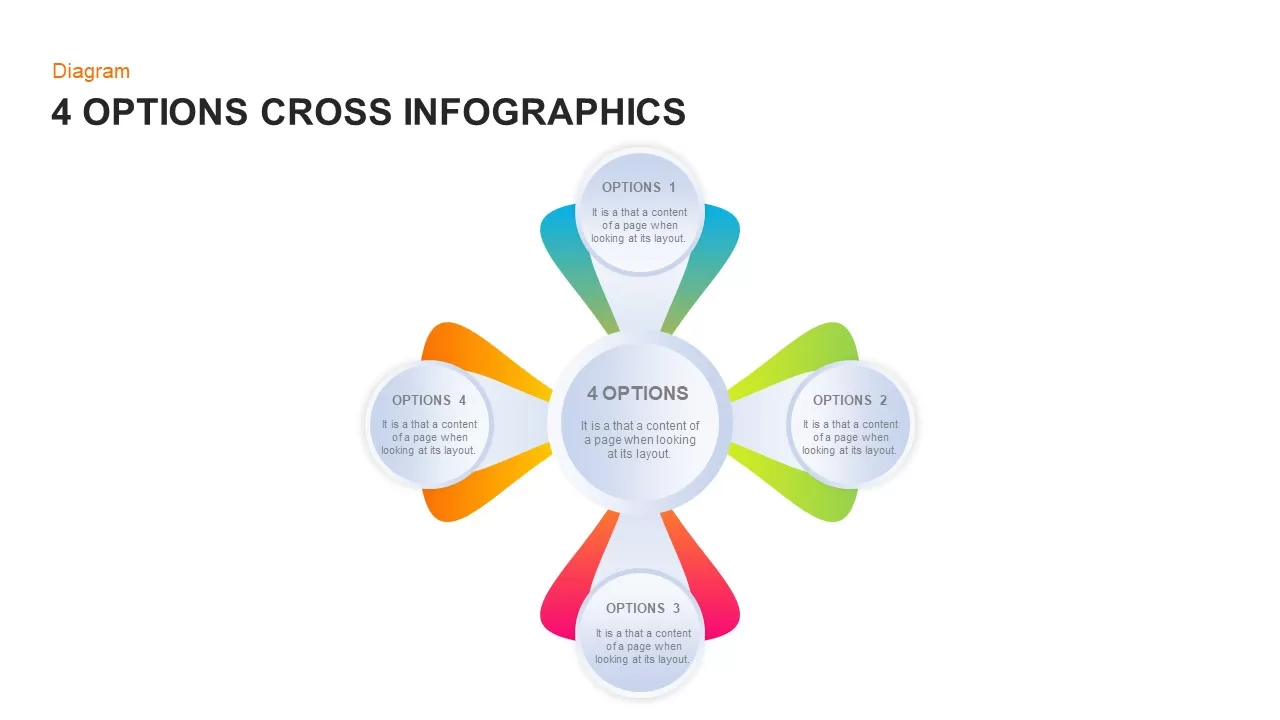
4 Options Cross Infographics PowerPoint and Google Slides Template
Presenting quadrant-based analyses, categorizing four core business pillars, or comparing strategic alternatives requires a balanced layout that organizes information symmetrically. This 4 options cross infographics presentation template equips presenters with a clean central hub and four radiating petal containers designed to structure multi-faceted concepts with complete clarity.
Ideal Business Use Cases
- Core Pillar Categorization: Group four equal strategic initiatives or foundational business principles around a central project objective. The symmetrical layout demonstrates how each independent option contributes equally to the core mission.
- Alternative Analysis and Decision Making: Compare four strategic routes, product packages, or implementation options during planning reviews. Presenters can outline key benefits, resource needs, and trade-offs within each distinct petal.
- Balanced Scorecard and Dimension Mapping: Display four primary performance perspectives, such as financial goals, customer satisfaction, internal processes, and organizational growth, around a single company target.
- Four-Step Cyclic or Directional Workflows: Adapt the cardinal layout into a compass-style sequence, guiding audiences through clockwise stages from discovery at the top to execution and review.
Design and Customization Features
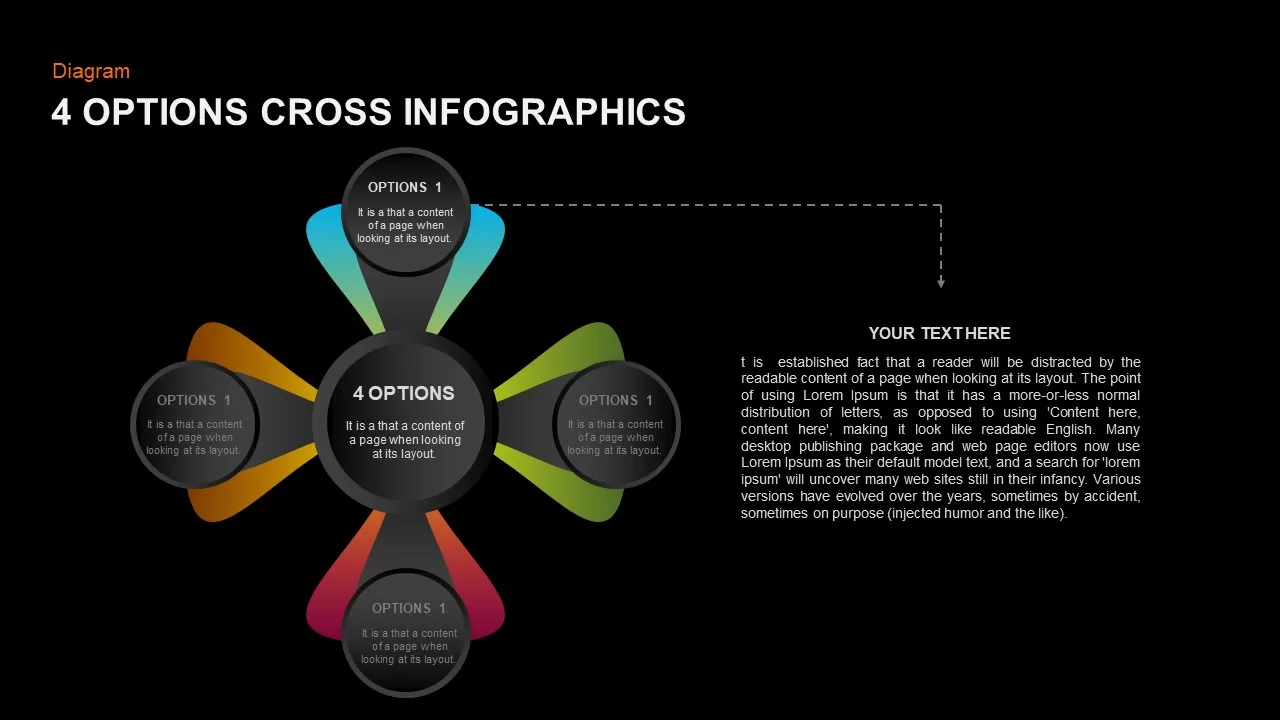
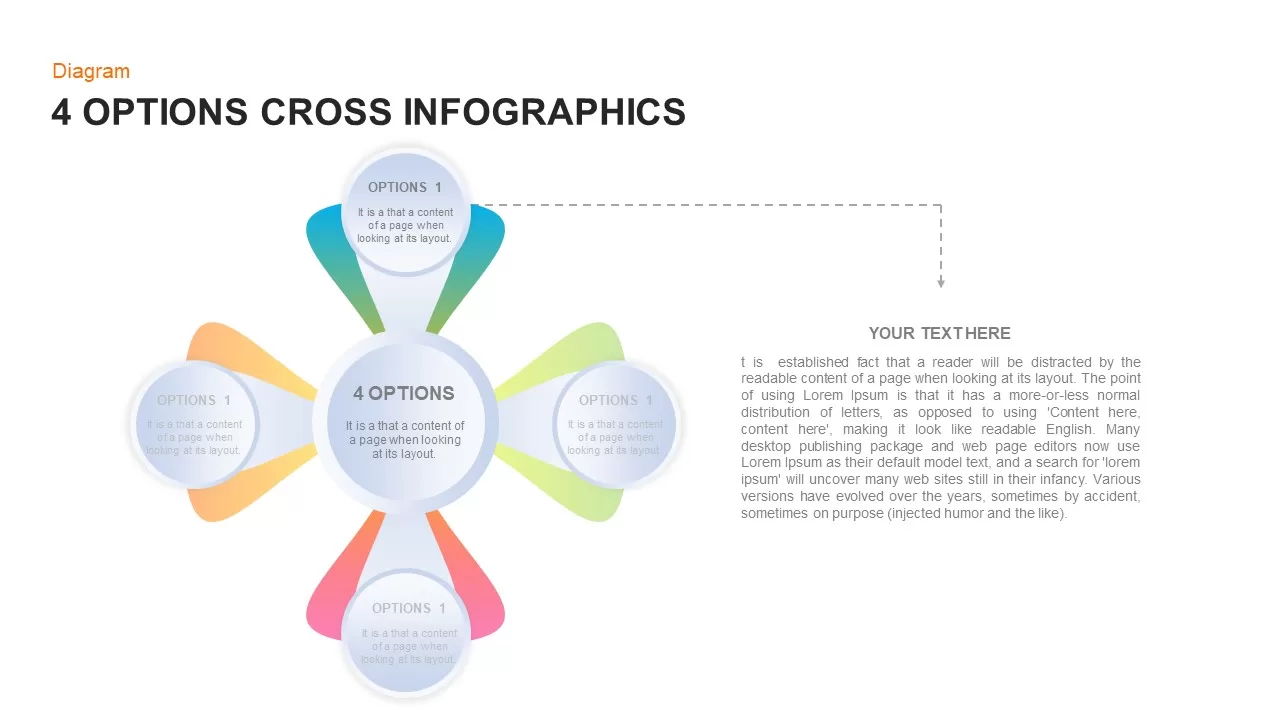
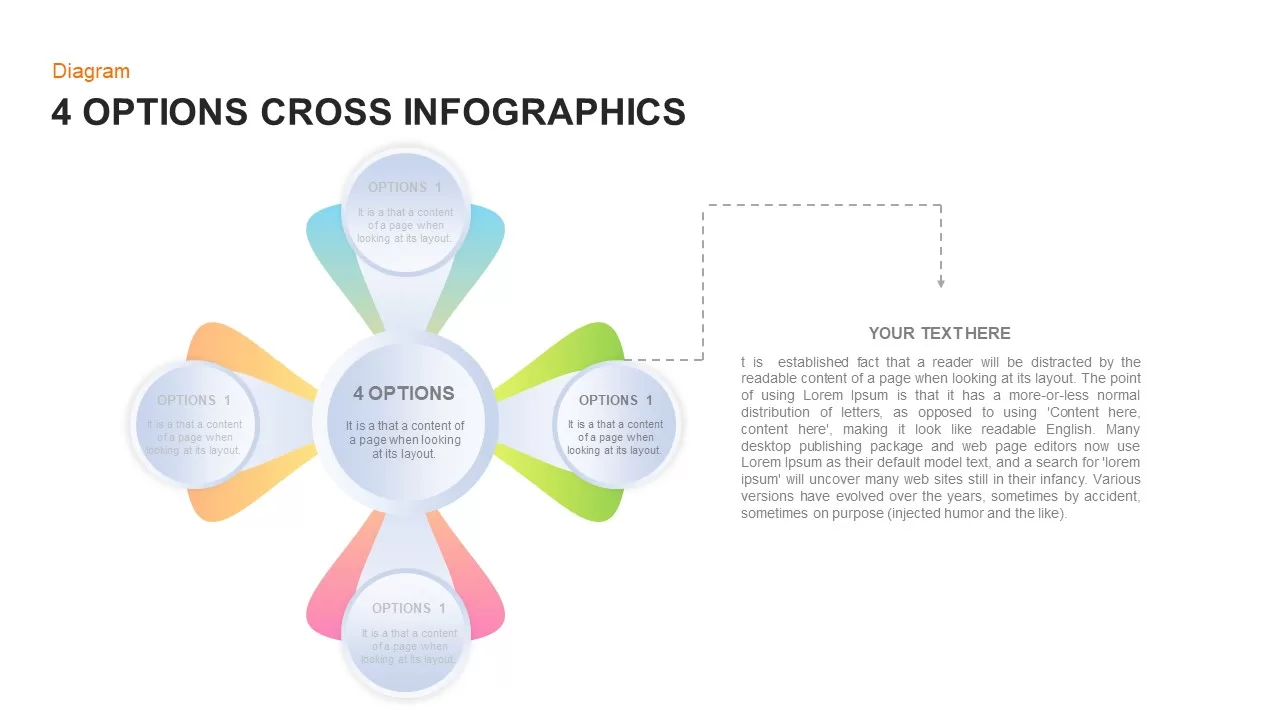
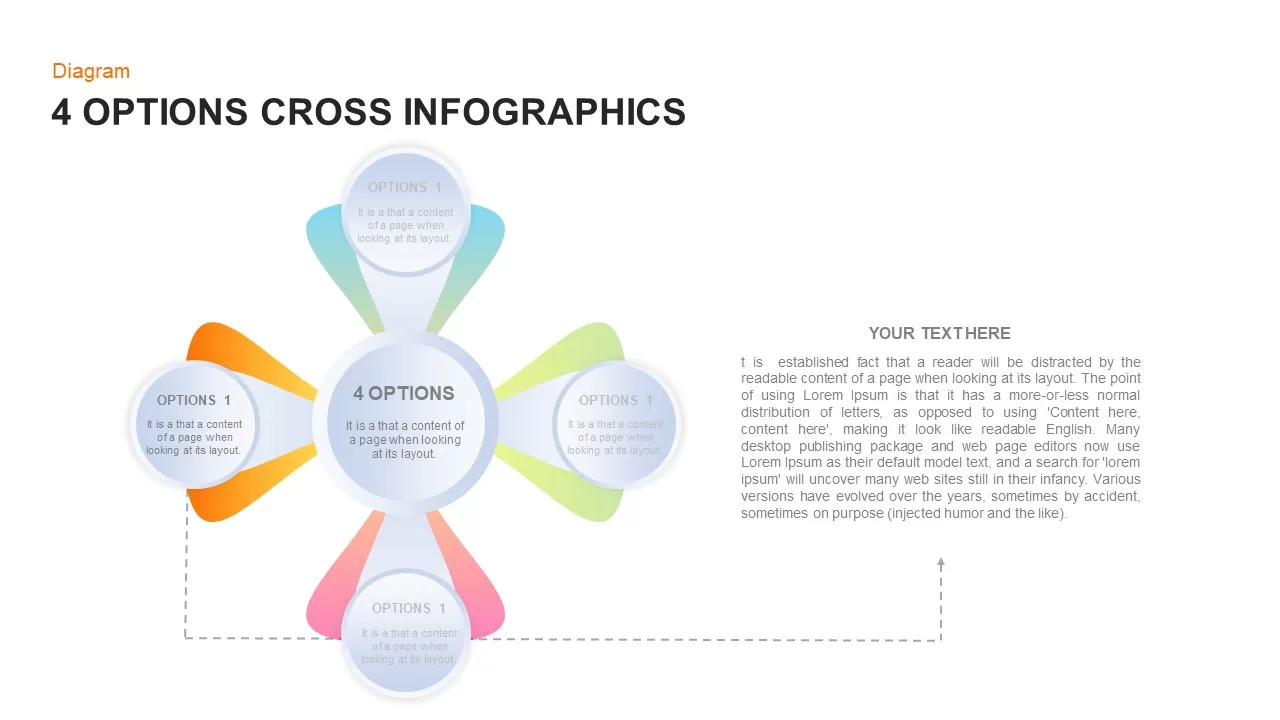
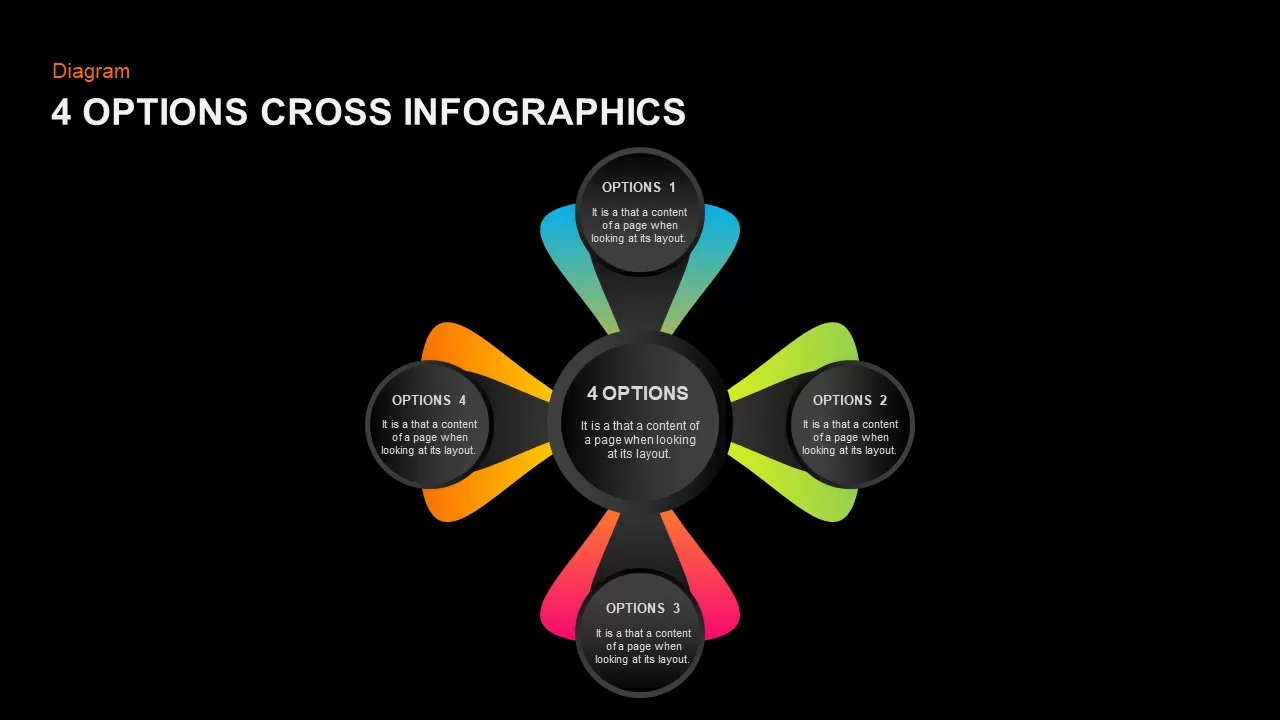
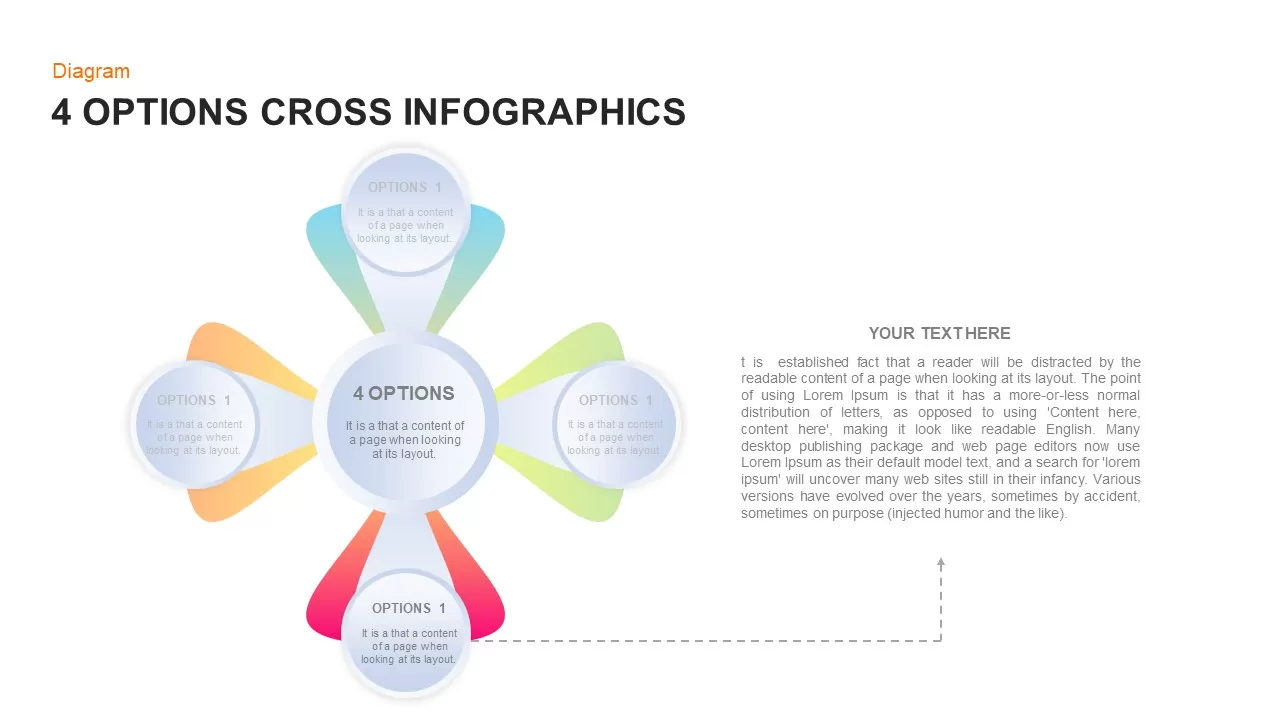
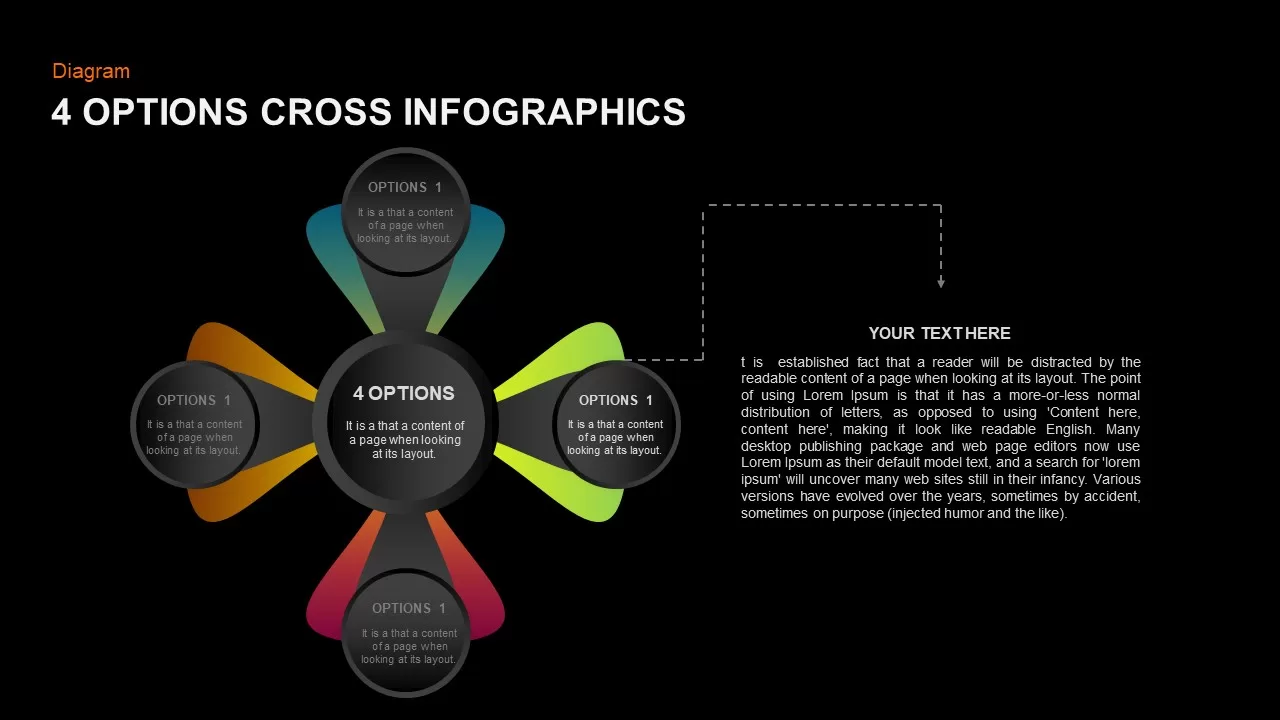
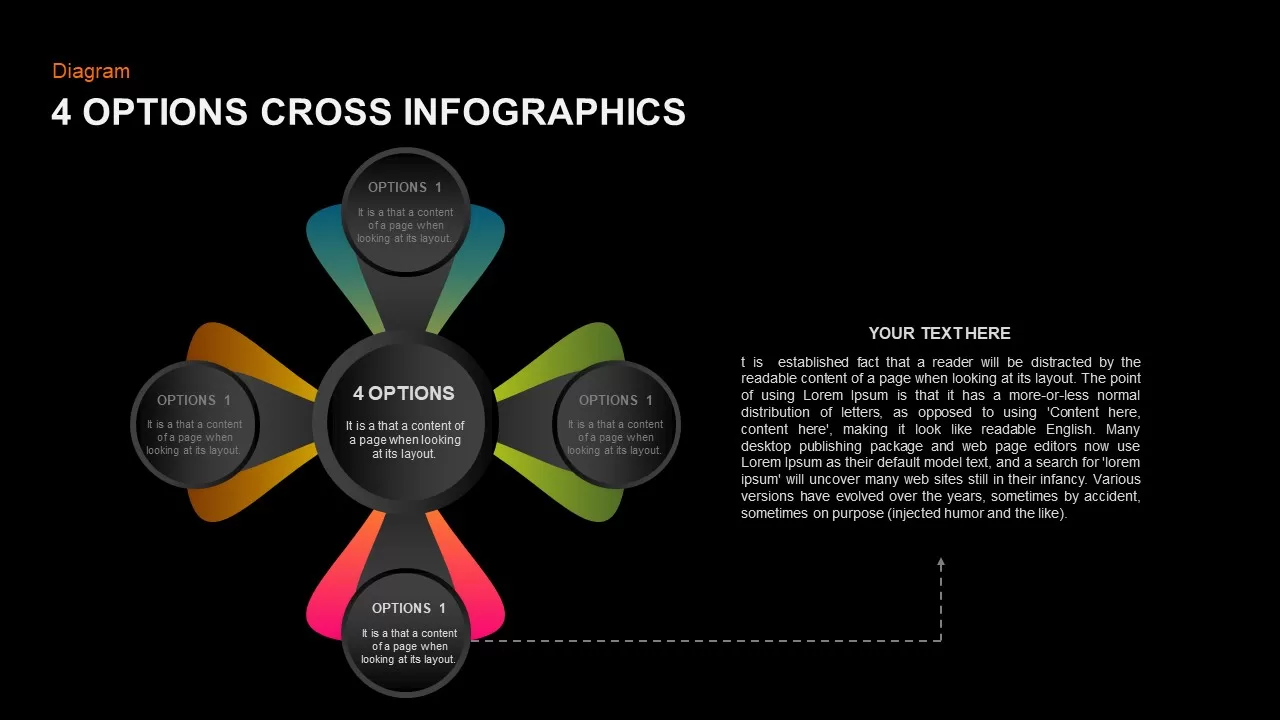
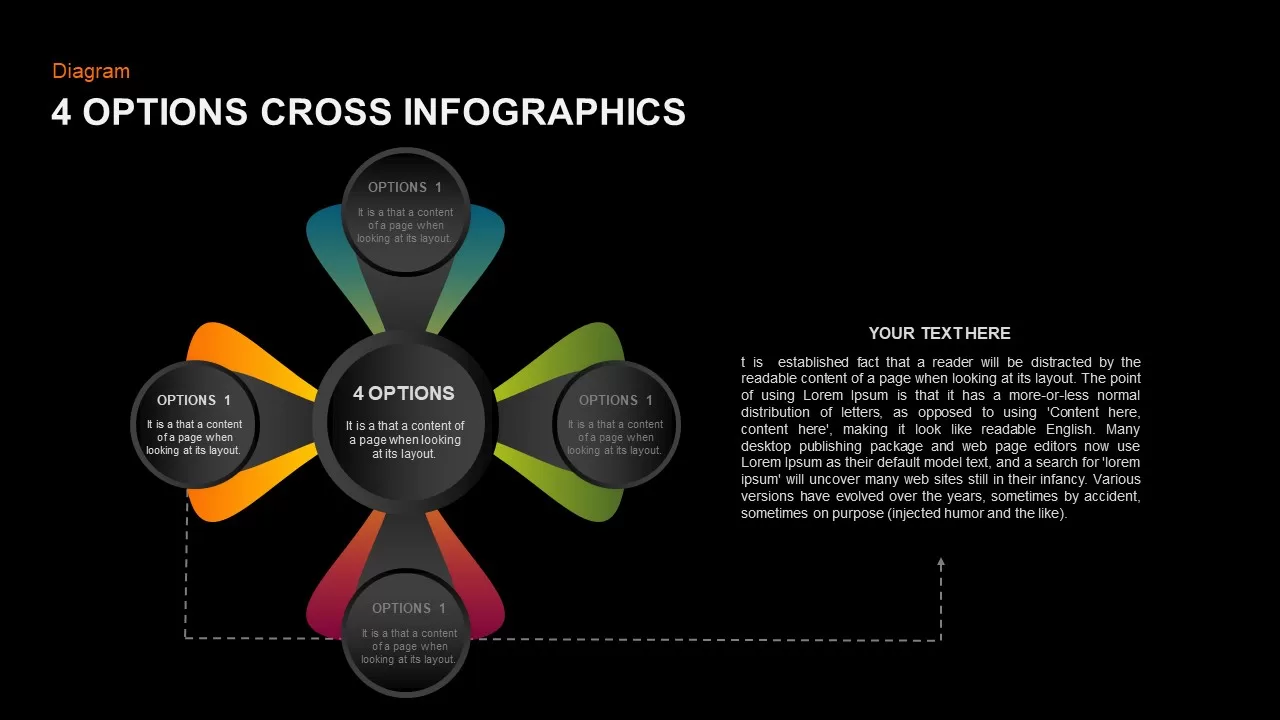
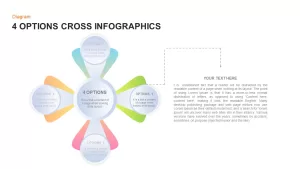
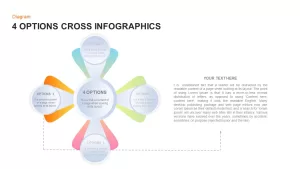
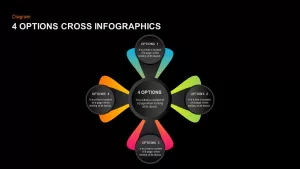
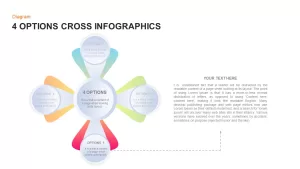
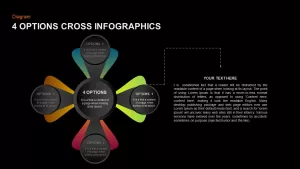
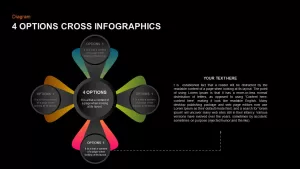
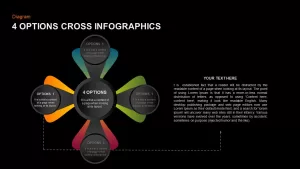
The template features an intersecting cross design composed of a central circular node connected to four surrounding petal pods arranged in cardinal directions. A lively color palette separates each branch: top petal in vibrant teal, right petal in lime green, bottom petal in magenta pink, and left petal in bright orange. Each outward node is styled with soft gradient wing accents and a circular text placeholder that includes numbered headers (Options 1 through 4) and editable body text. The central circle acts as the anchor for the overall theme or presentation title, set against a clean off-white background to ensure high visual contrast across displays.
Check out more flower diagram slides for your presentations here.
Login to download this file

Item ID
SB01814


Related Templates

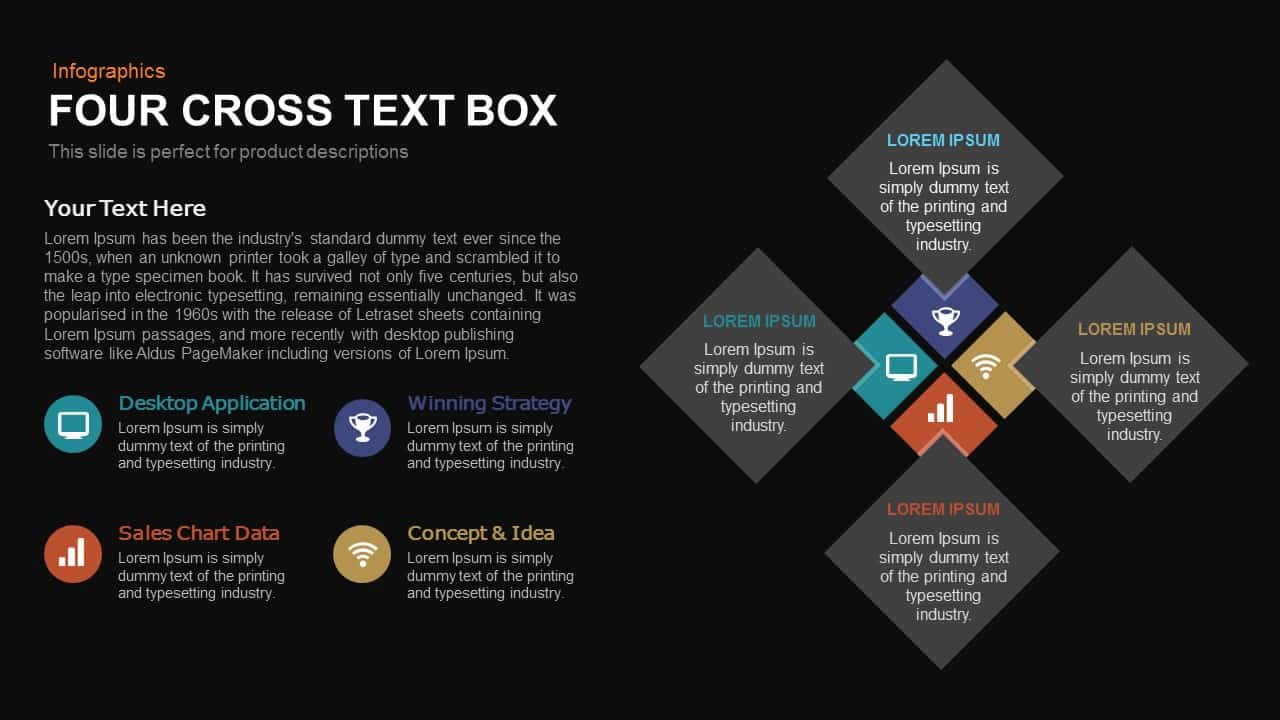
Four-Cross Text Box Diagram Template for PowerPoint & Google Slides
Comparison

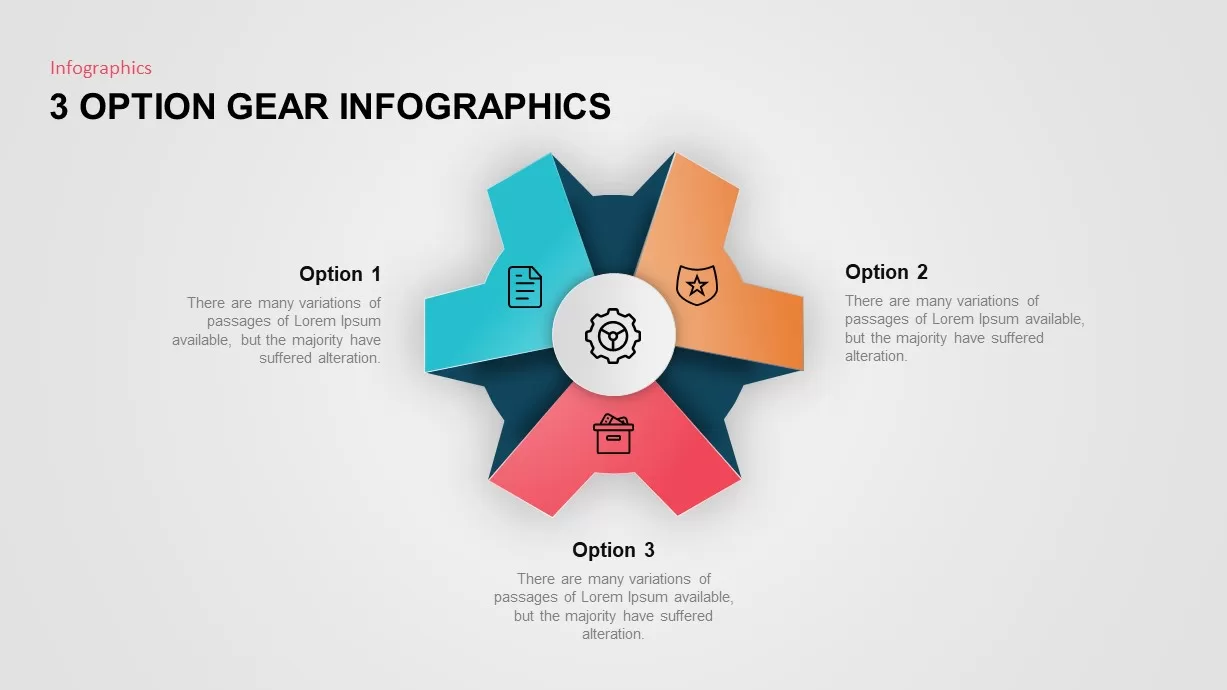
3 Option Gear Infographic Template
Process
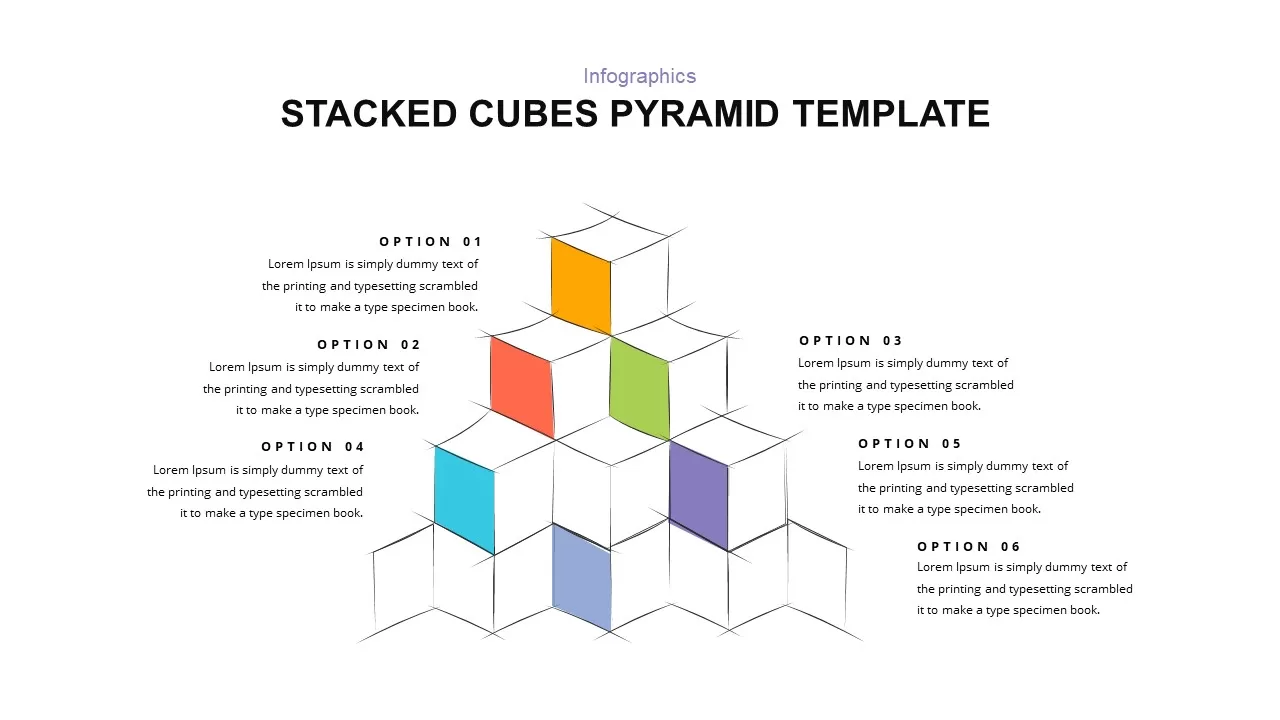
Stacked Cubes Pyramid Six-Option Diagram Template for PowerPoint & Google Slides
Pyramid
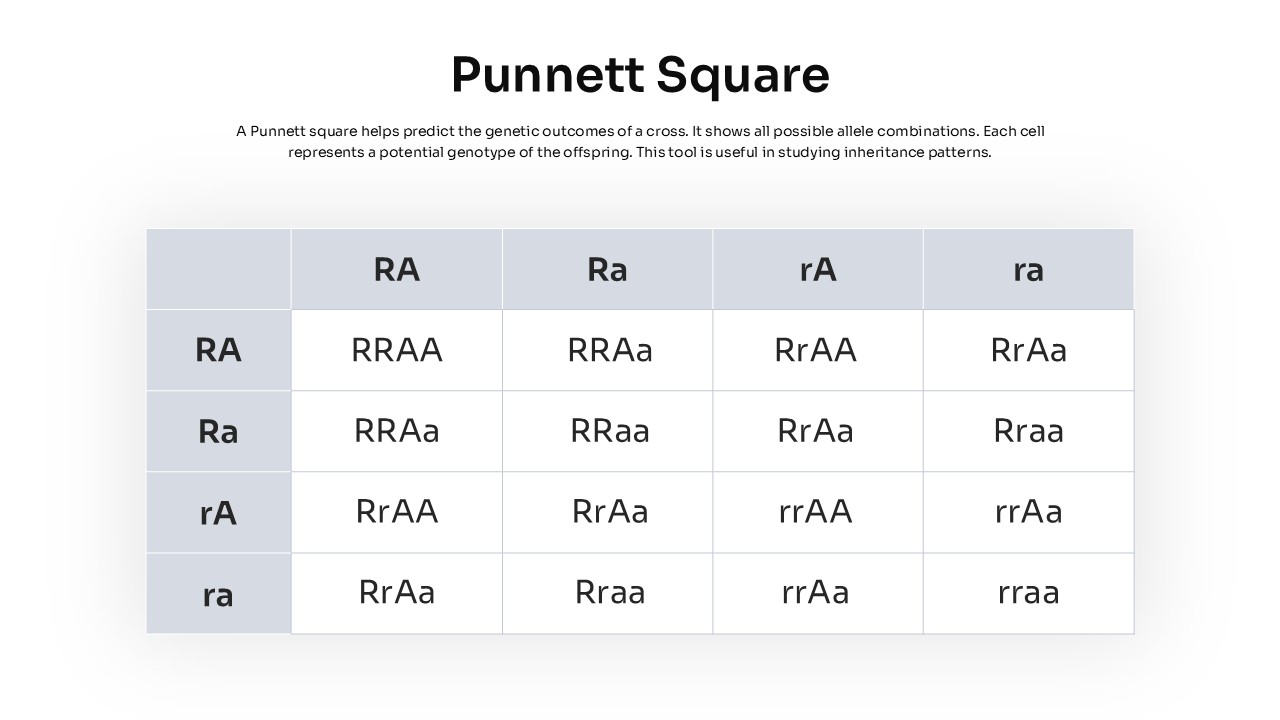
Punnett Square Genetic Cross Diagram Template for PowerPoint & Google Slides
Comparison Chart
6 Option Gear Slide for PowerPoint
Circular
3 Option Gear Slide For PowerPoint
Process
Cross Functional Flow Chart PowerPoint Template
Flow Charts
Cross Validation PowerPoint Template
Google Slides
Cross Sell & Up Sell Strategy Comparison template
Comparison
Four-Stage Circular Diagram Infographic Template for PowerPoint & Google Slides
Circular
Four-Step Puzzle Diagram Infographic Template for PowerPoint & Google Slides
Process
Four Section Infographic Diagram Template for PowerPoint & Google Slides
Circular
Colorful Four-Stage Infographic Process Template for PowerPoint & Google Slides
Process
Four-Step Arrow Process Infographic Template for PowerPoint & Google Slides
Arrow
Four-Stage Agenda Infographic Slide Template for PowerPoint & Google Slides
Agenda
Four Step Process Infographic Slide Template for PowerPoint & Google Slides
Process
PDCA Cycle Infographic with Four Stages Template for PowerPoint & Google Slides
Process
Apple Four-Step Process Infographic Template for PowerPoint & Google Slides
Process
Four-Level Food Pyramid Infographic Template for PowerPoint & Google Slides
Pyramid
Pesticide Four-Step Process Infographic Template for PowerPoint & Google Slides
Process