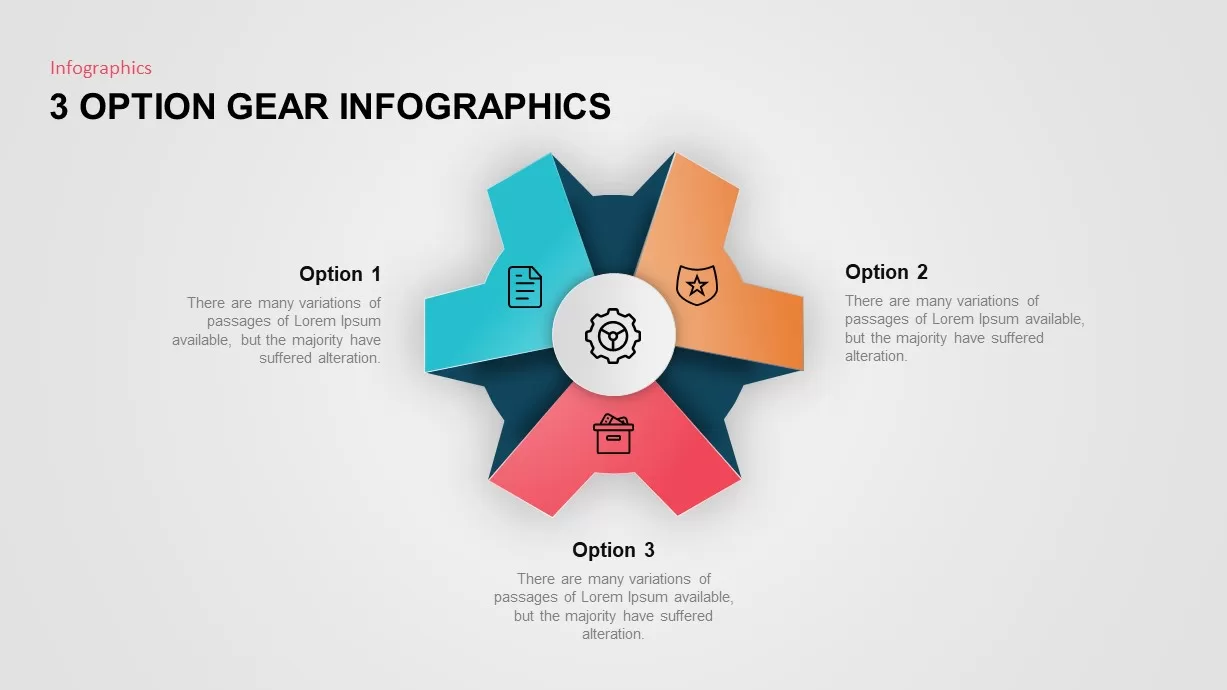
3 Option Gear Slide For PowerPoint
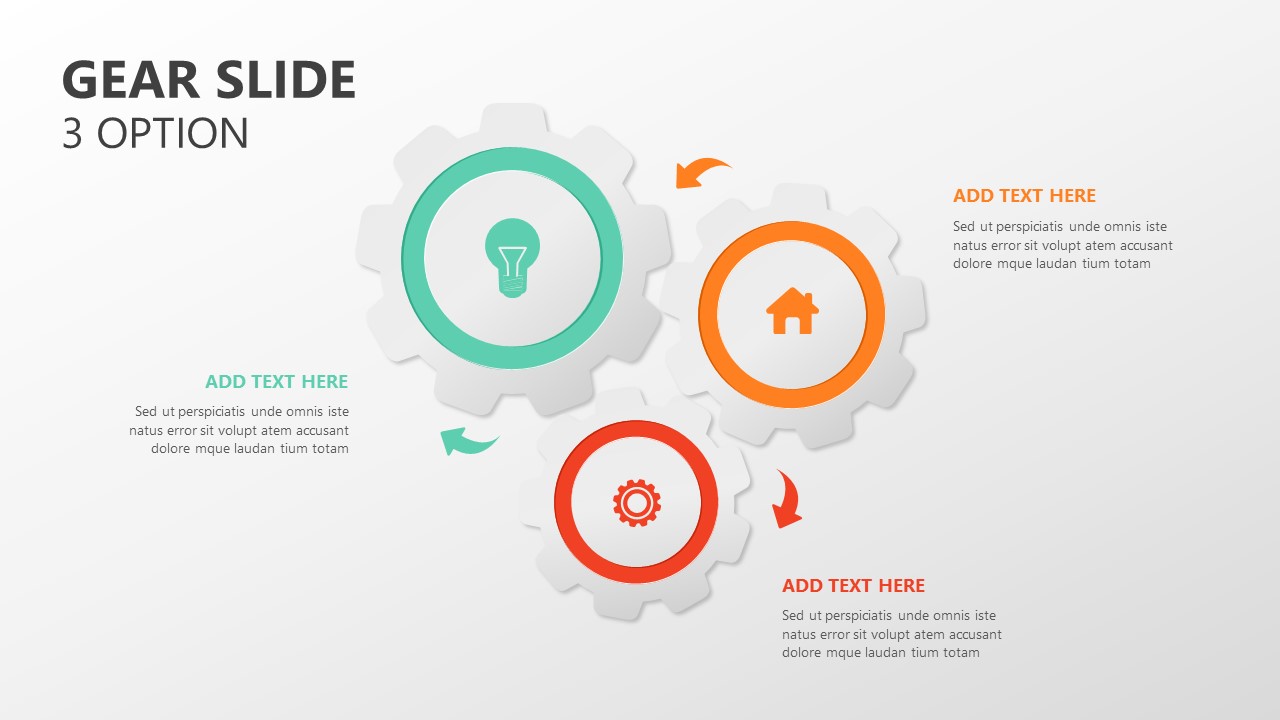






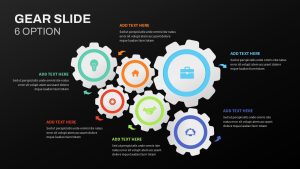
Engage Your Audience with Gear Slide PowerPoint Templates
The Gear Slide for PowerPoint is a powerful tool for creating impactful presentations that clearly communicate complex ideas. Gear diagrams are especially ideal for illustrating process development and change management presentations. By visually representing circular process flows or cyclical movements, they help audiences understand various stages of system development or operational processes.
How to create a gear in PPT?
To create a gear in PowerPoint, go to the Insert tab and select Shapes. Choose the Gear Shape from the available options or use the SmartArt Graphics for process-oriented visuals. Customize its size, color, and rotation using the formatting tools. You can also add text inside the gear to represent key concepts or steps in a process.
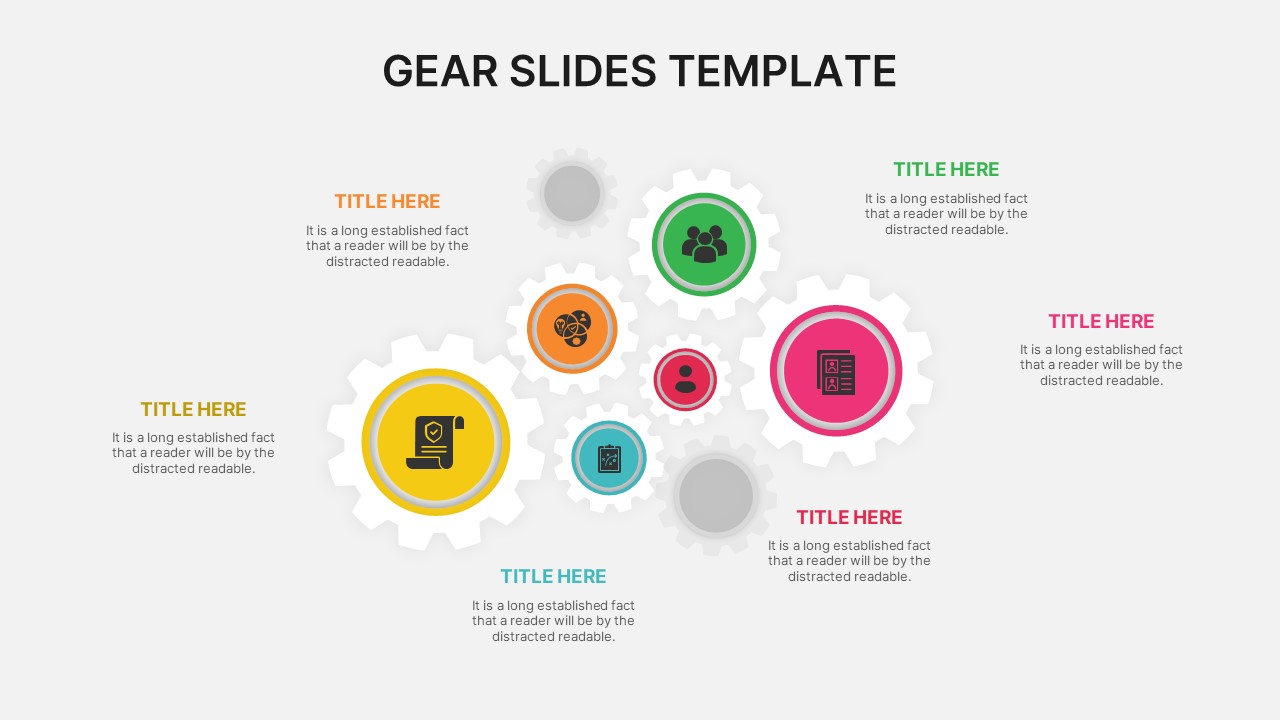
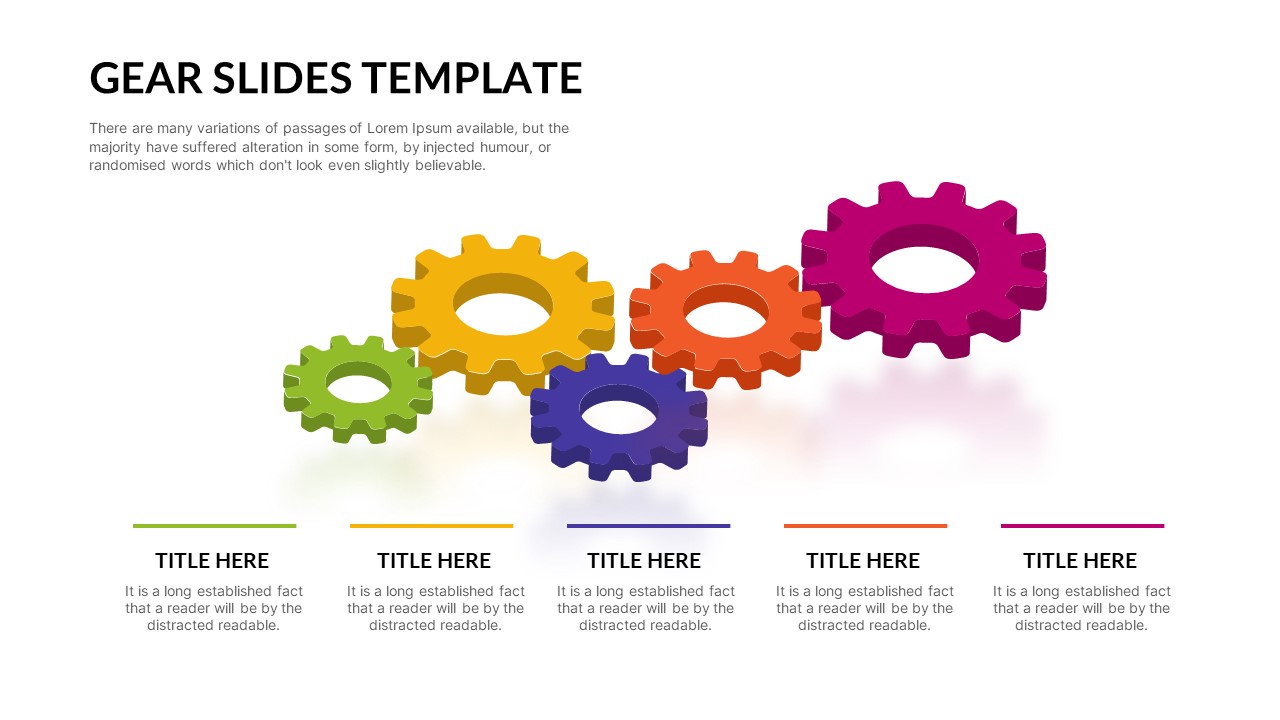
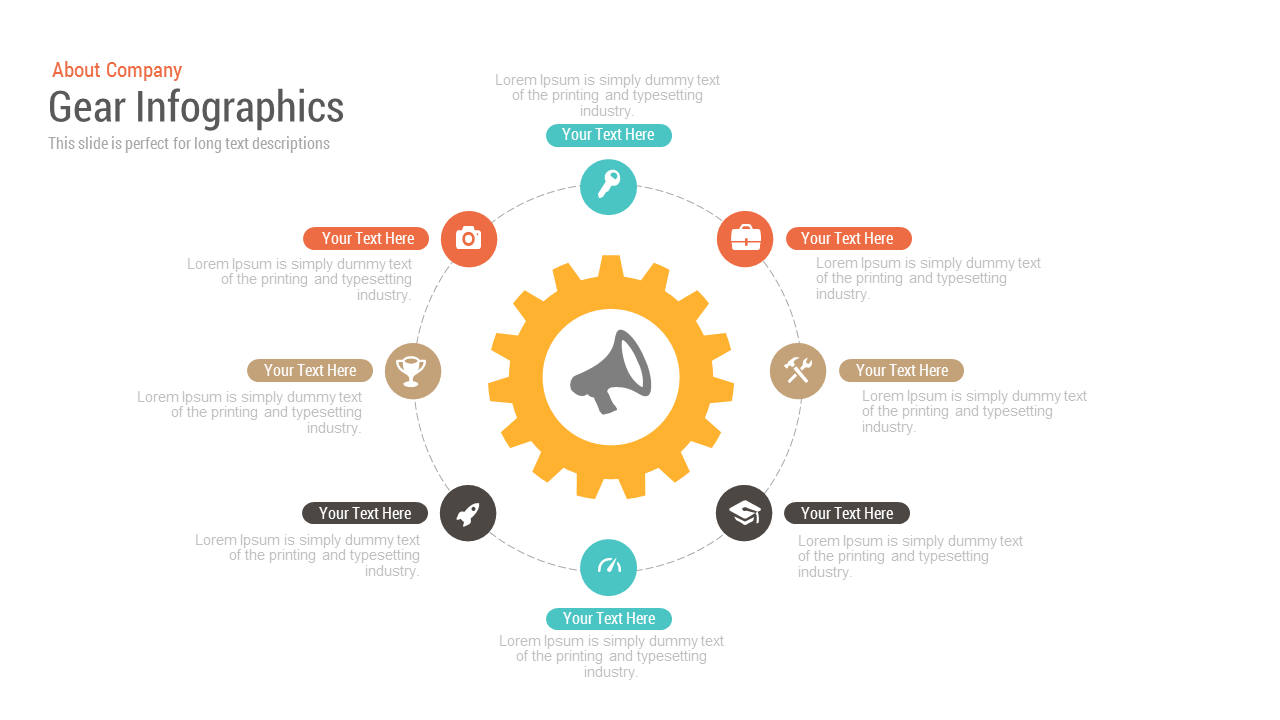
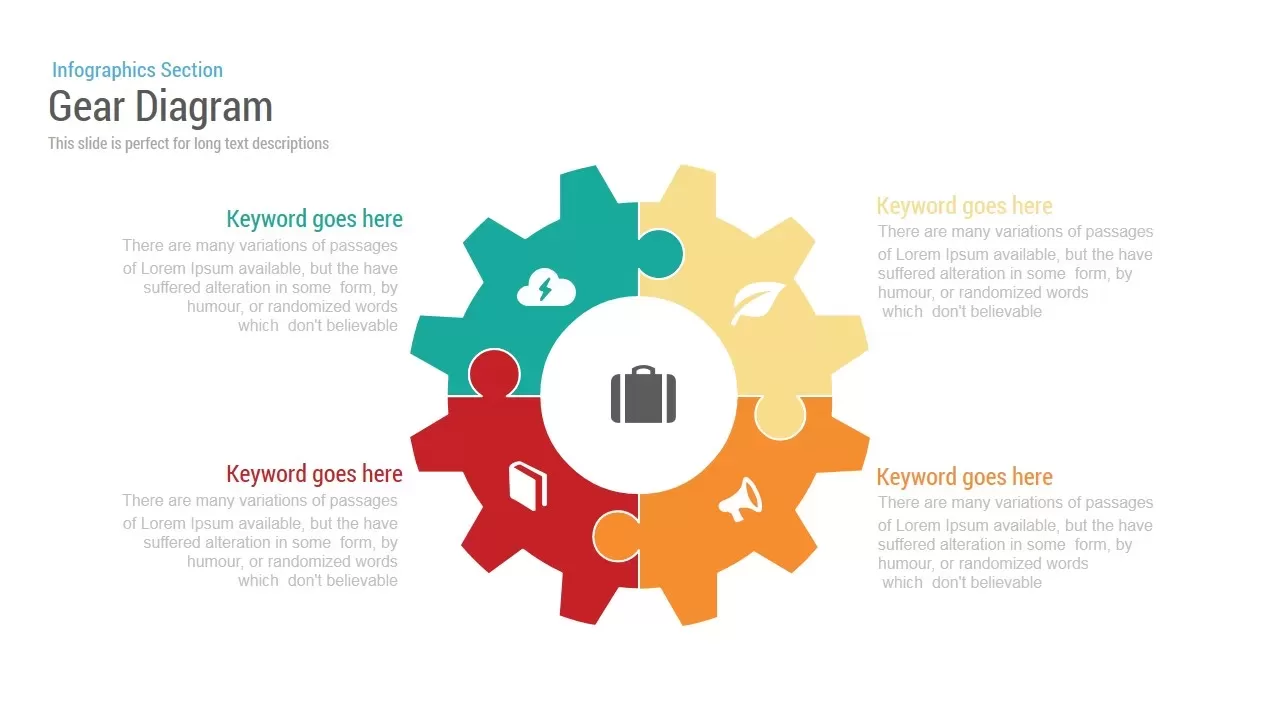
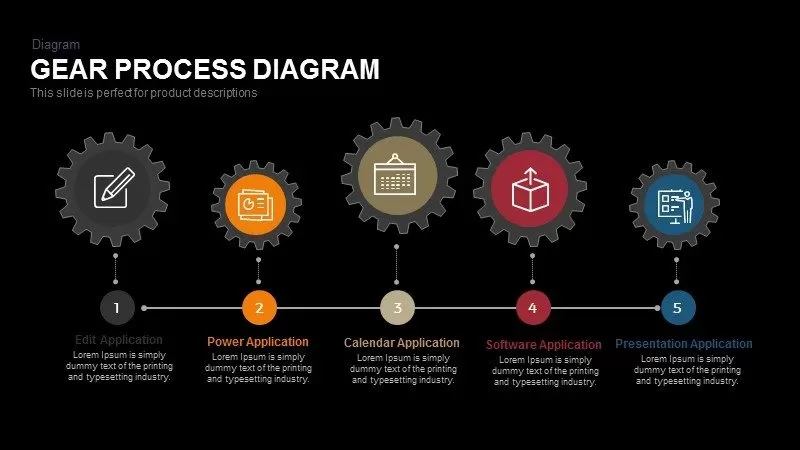
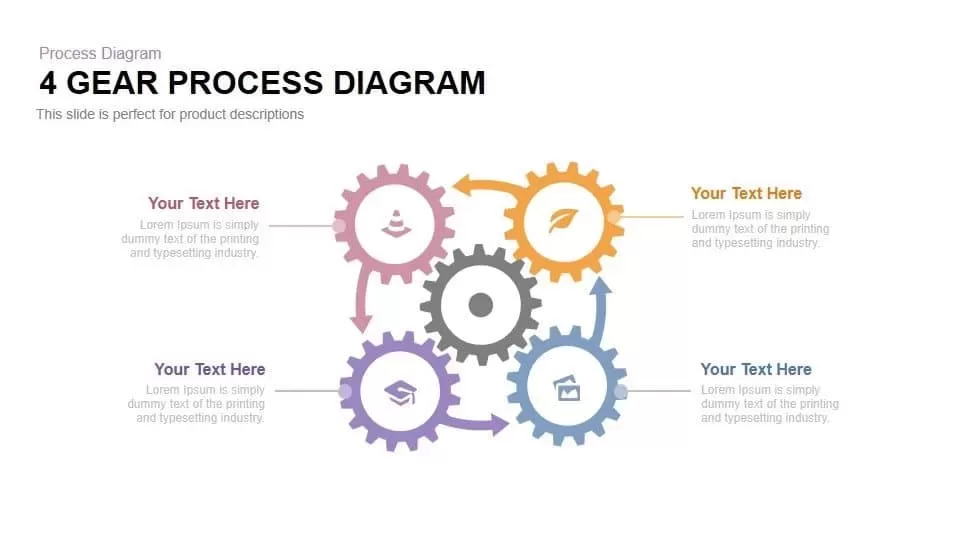
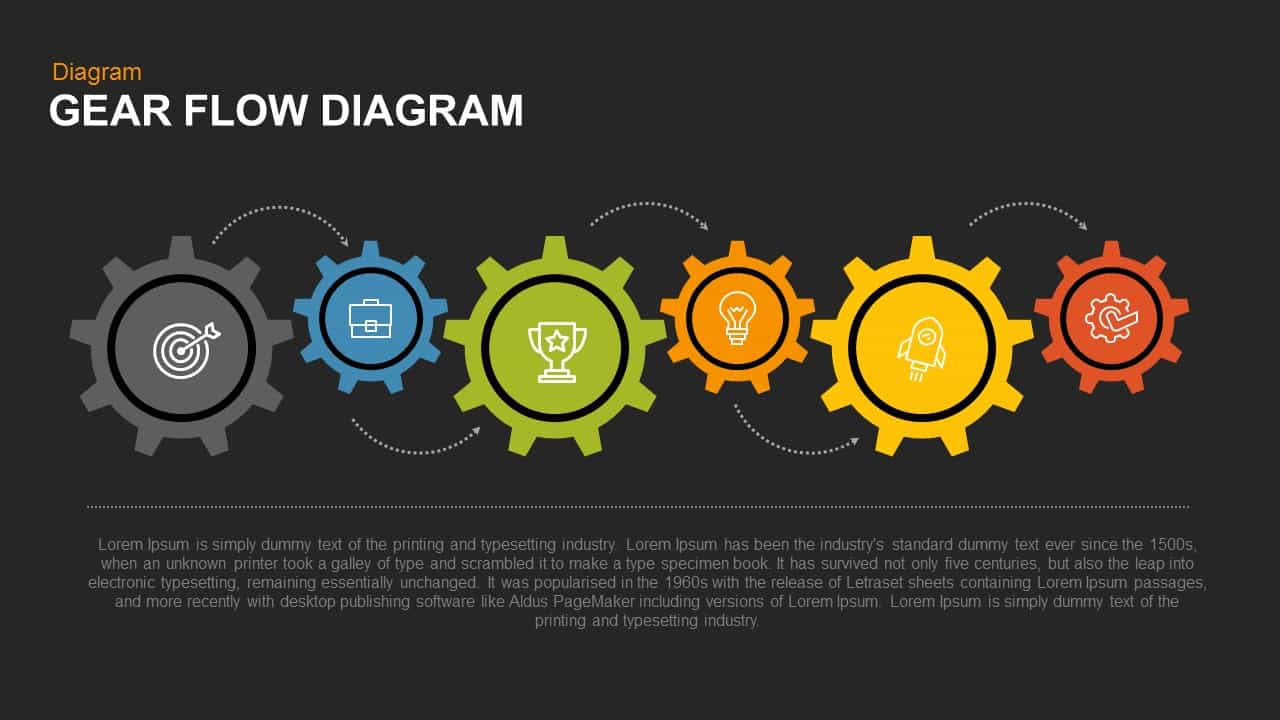
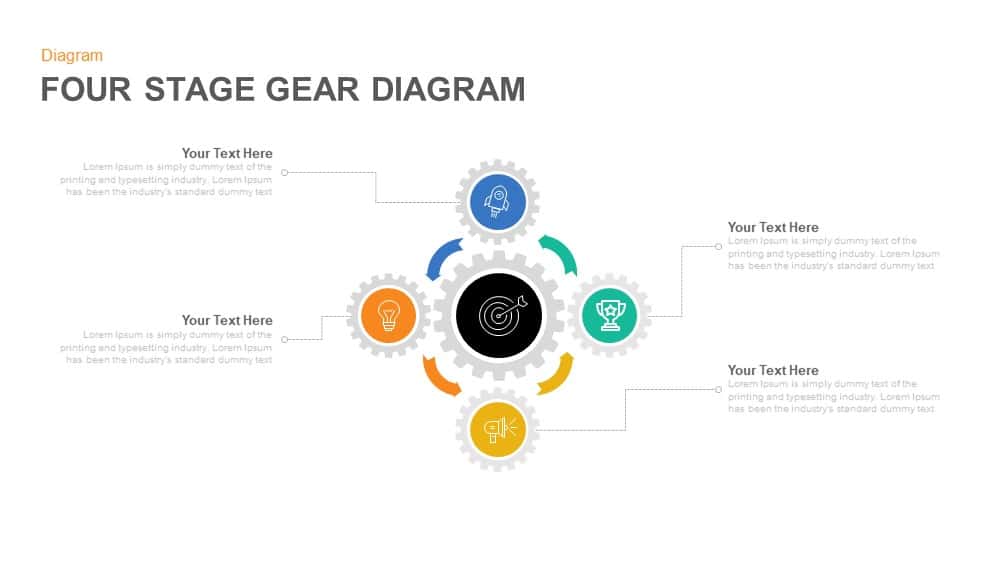
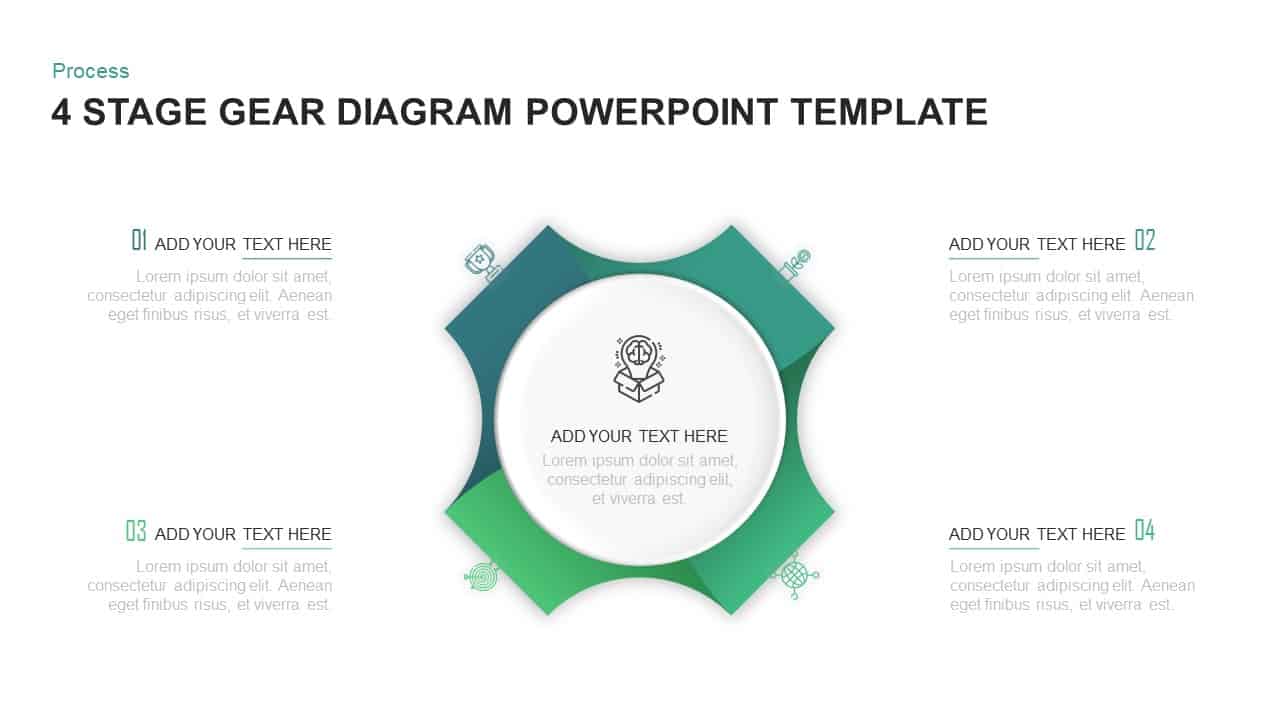
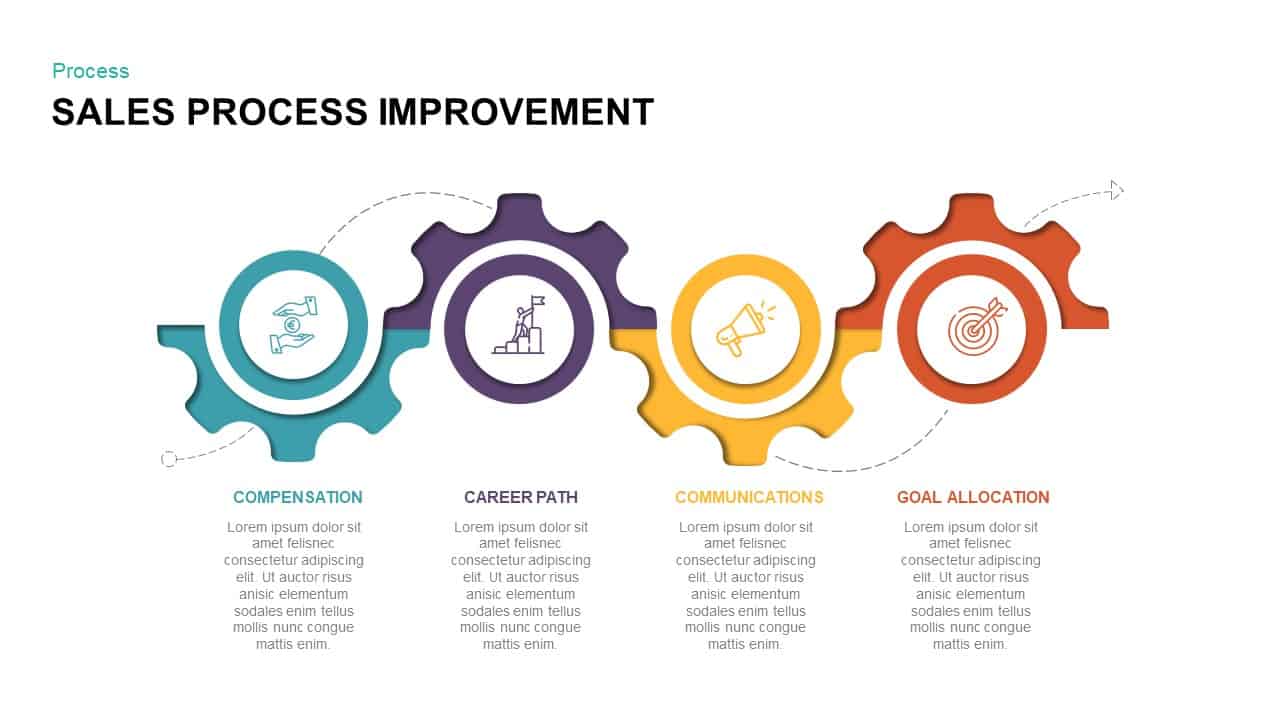
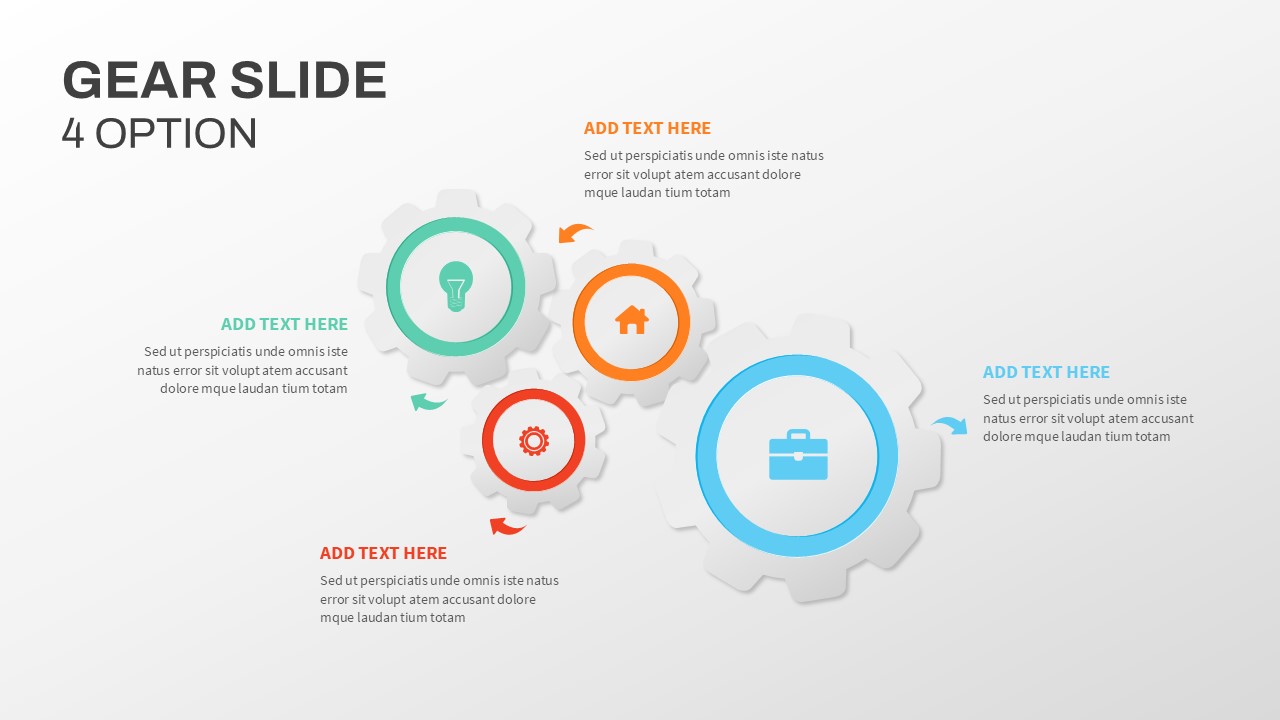
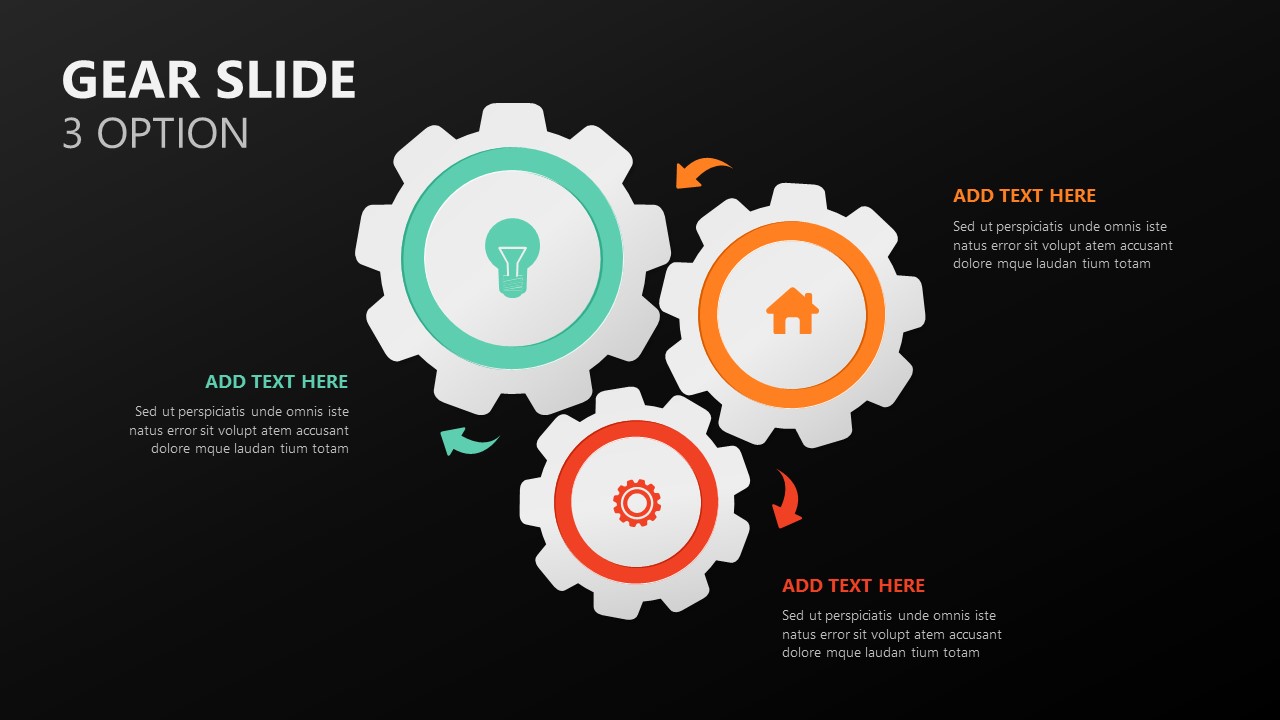
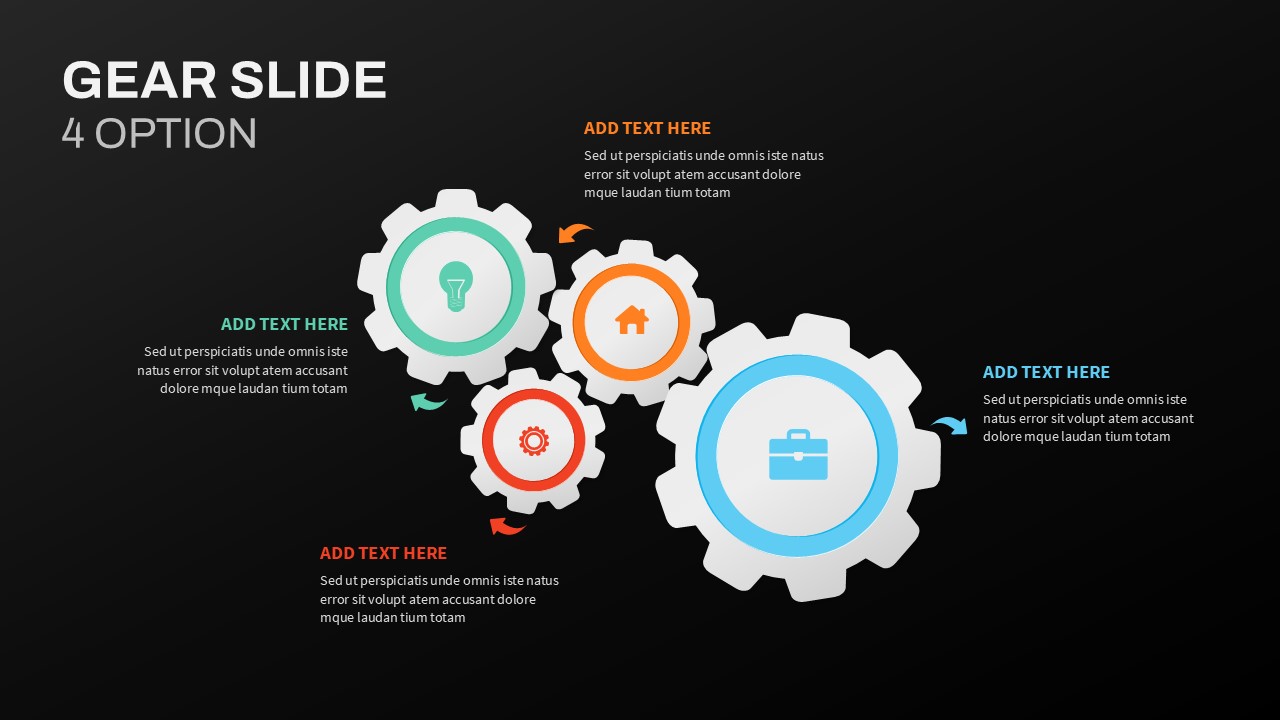
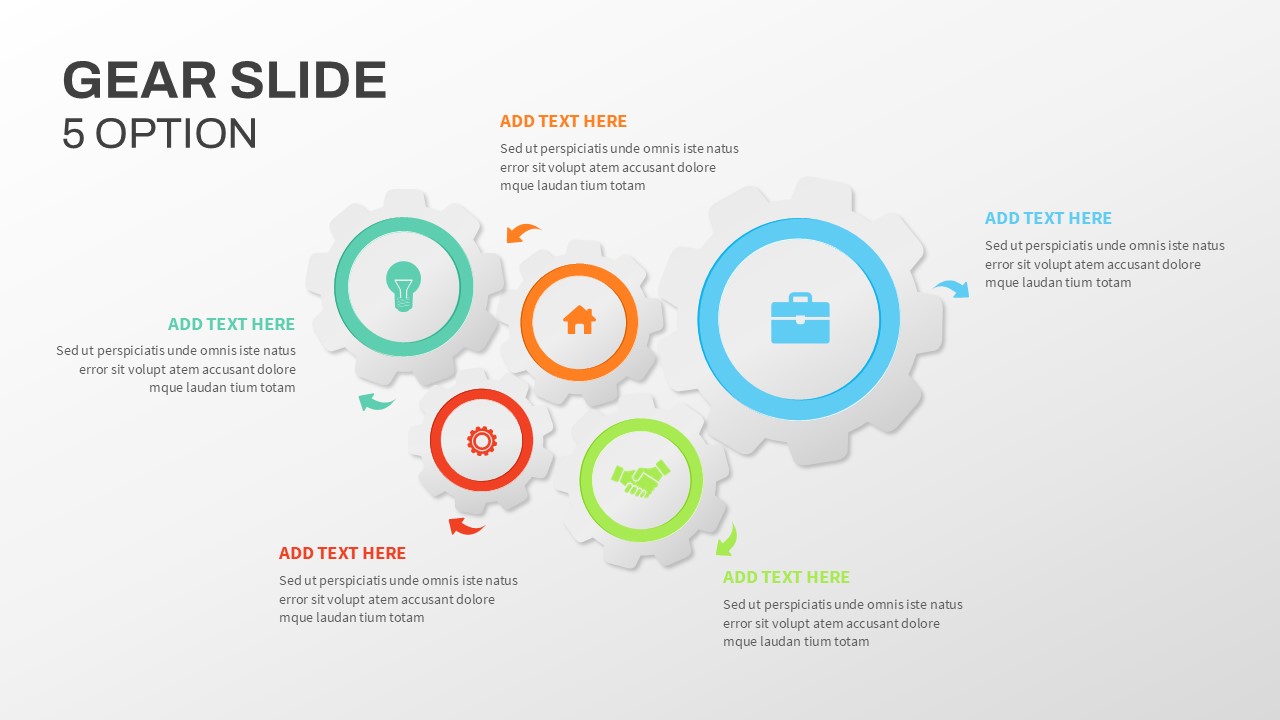
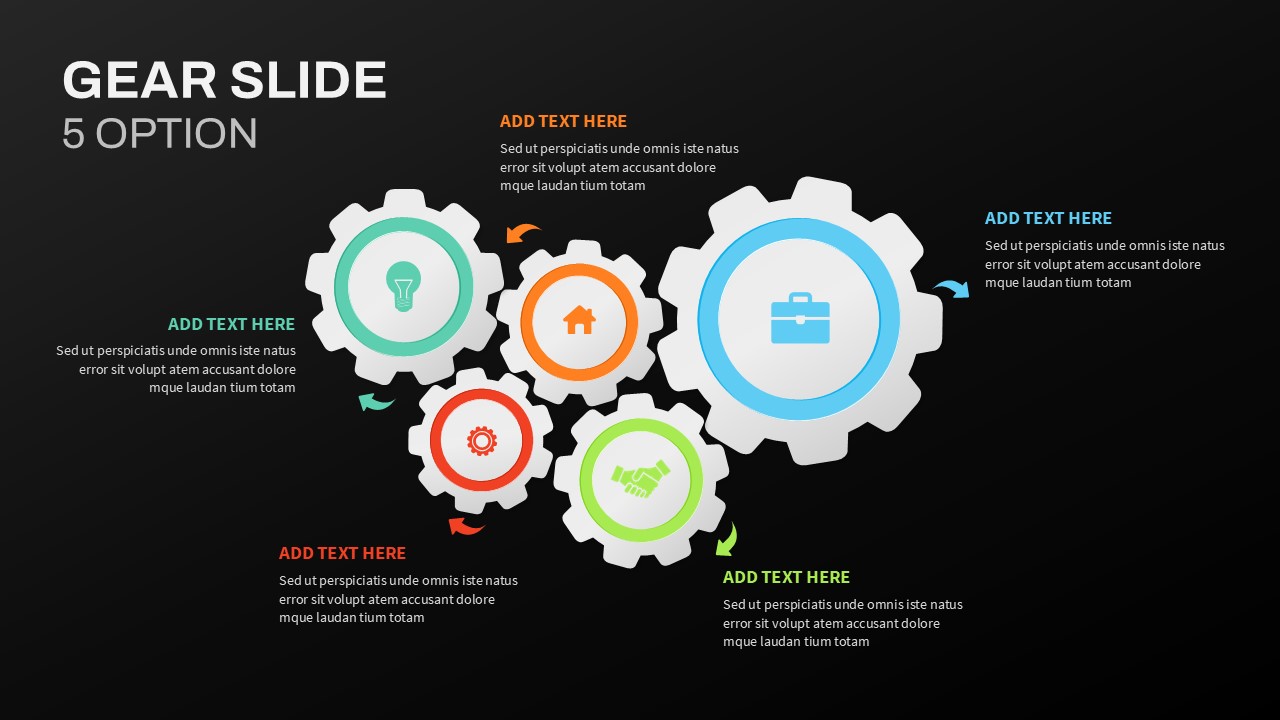
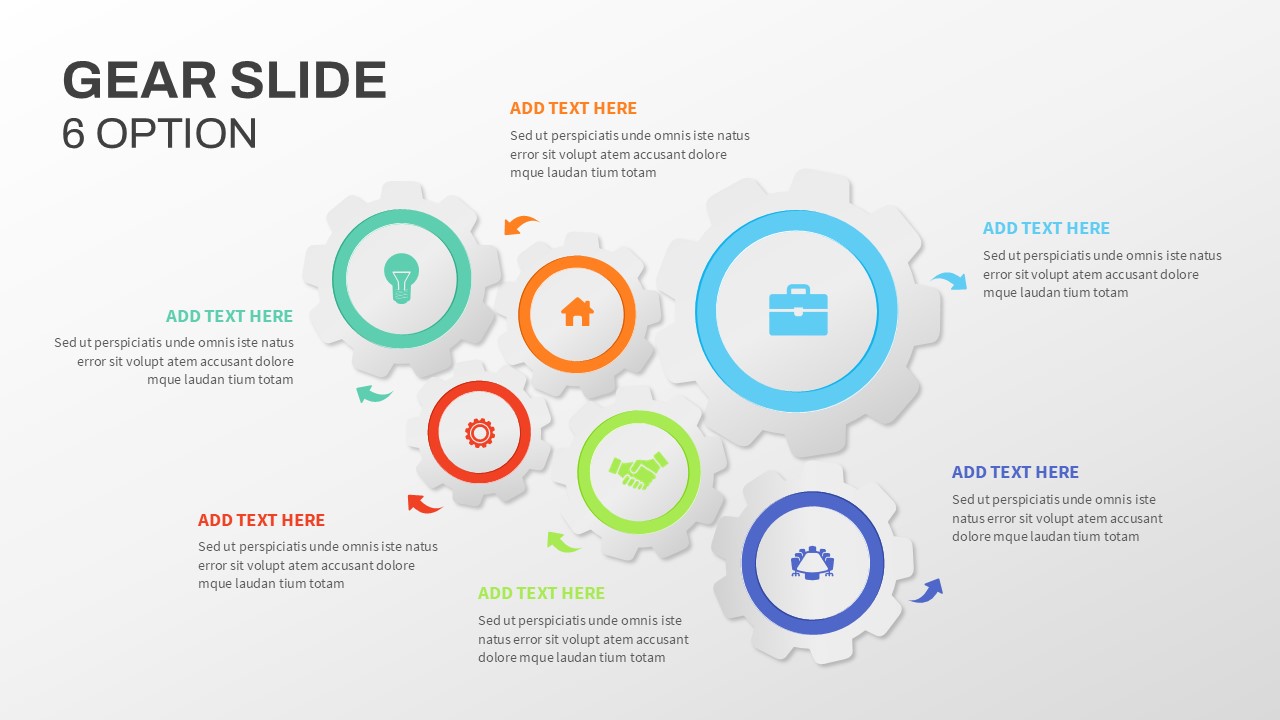
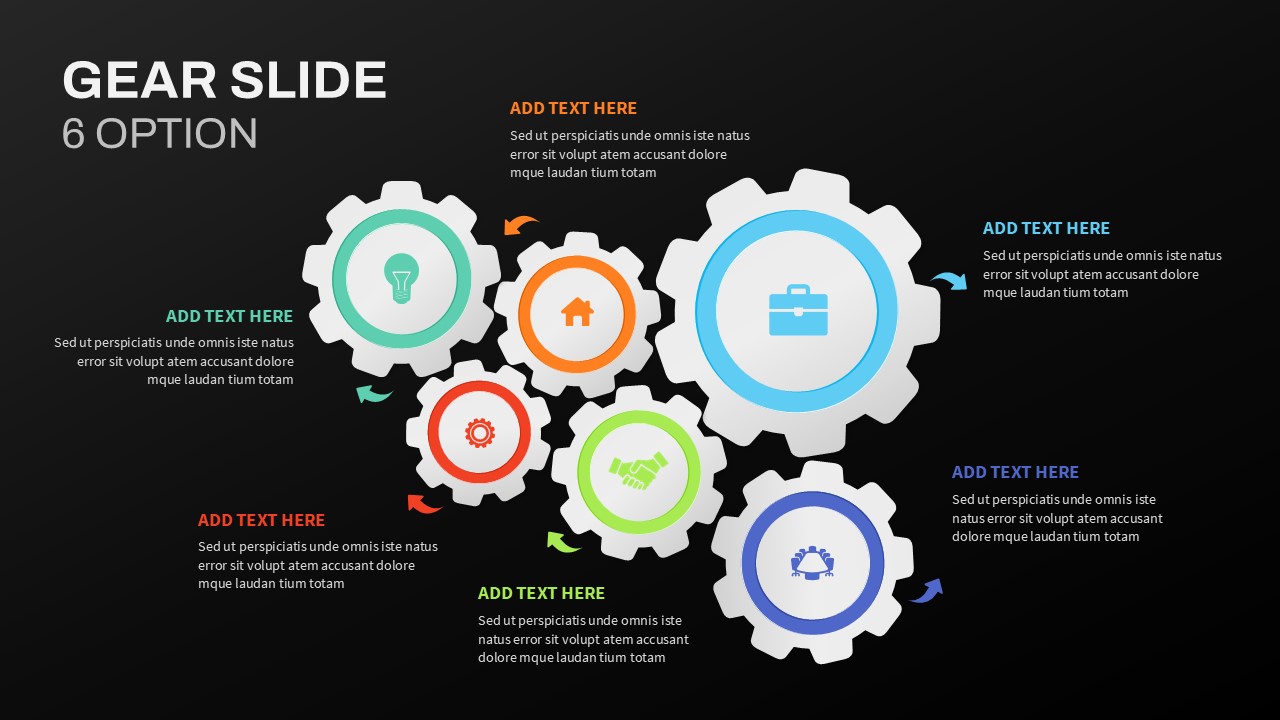
The Gear Slide PowerPoint Template contains eight well-crafted slides with four unique design variations, offering configurations with 3, 4, 5, and 6 gears. These layouts provide flexibility to present 3 to 6 elements of your concept seamlessly. Available in both black and white themes, these templates are easily customizable to match your presentation style and branding needs.
Why Use Gear Diagrams in Presentations?
Gears symbolize motion, synchronization, and control, making them perfect for visualizing business operations, automation, and engineering concepts. The tooth mechanism of a gear wheel allows it to control acceleration and maintain system efficiency. This makes it a powerful metaphor for illustrating concepts like customer relationship management, where synchronization between departments and processes is critical.
Who Benefits from Gear PowerPoint Slide Templates?
Business professionals showcasing strategic or operational processes
Engineers and technical experts explaining workflows
Educators and trainers demonstrating system development processes
Marketers presenting cyclical campaign strategies
Personalization for Unique Presentations
These templates are fully customizable. You can adjust colors, fonts, and layouts to fit your presentation needs. Highlight key points and create a visually appealing flow to keep your audience engaged from start to finish.
Elevate your next presentation with the versatile PowerPoint Gear Slide for Presentation — a dynamic and professional solution for visually compelling storytelling.
Login to download this file

Item ID
SB03284


Related Templates

6 Option Gear Slide for PowerPoint
Circular

3 Option Gear Infographic Template
Process
Four-Option Cross Infographic Diagram Template for PowerPoint & Google Slides
Comparison
Stacked Cubes Pyramid Six-Option Diagram Template for PowerPoint & Google Slides
Pyramid

4 Section Gear Diagram PowerPoint Template and Google Slide
Circular

Corporate Mission Statement Gear Slide Template for PowerPoint & Google Slides
Vision and Mission
Animated Gear Slide PowerPoint Template
Process
Gear Slide Template For PowerPoint
Gear
Free Gear Infographics Template Editable In PowerPoint & Google Slides
Process
Free
Gear Diagram template for PowerPoint & Google Slides
Process
Gear Process Diagram PowerPoint Template
Process
Dynamic 4 Gear Process Diagram Template for PowerPoint & Google Slides
Process

Strategy Arrow and Gear Icons Template for PowerPoint & Google Slides
Infographics
Gear Flow Diagram PowerPoint Template
Process

Four Stage Gear Diagram PowerPoint Template and Google Slides
Process
Four-Stage Gear Process Diagram Template for PowerPoint & Google Slides
Process
Sales Process Improvement Gear Diagram Template for PowerPoint & Google Slides
Process
8-Step Circular Gear Infographic for PowerPoint & Google Slides
Circular
Gear Infographic PowerPoint Template
Process
Free Gear Shapes Infographics Template
Process
Free