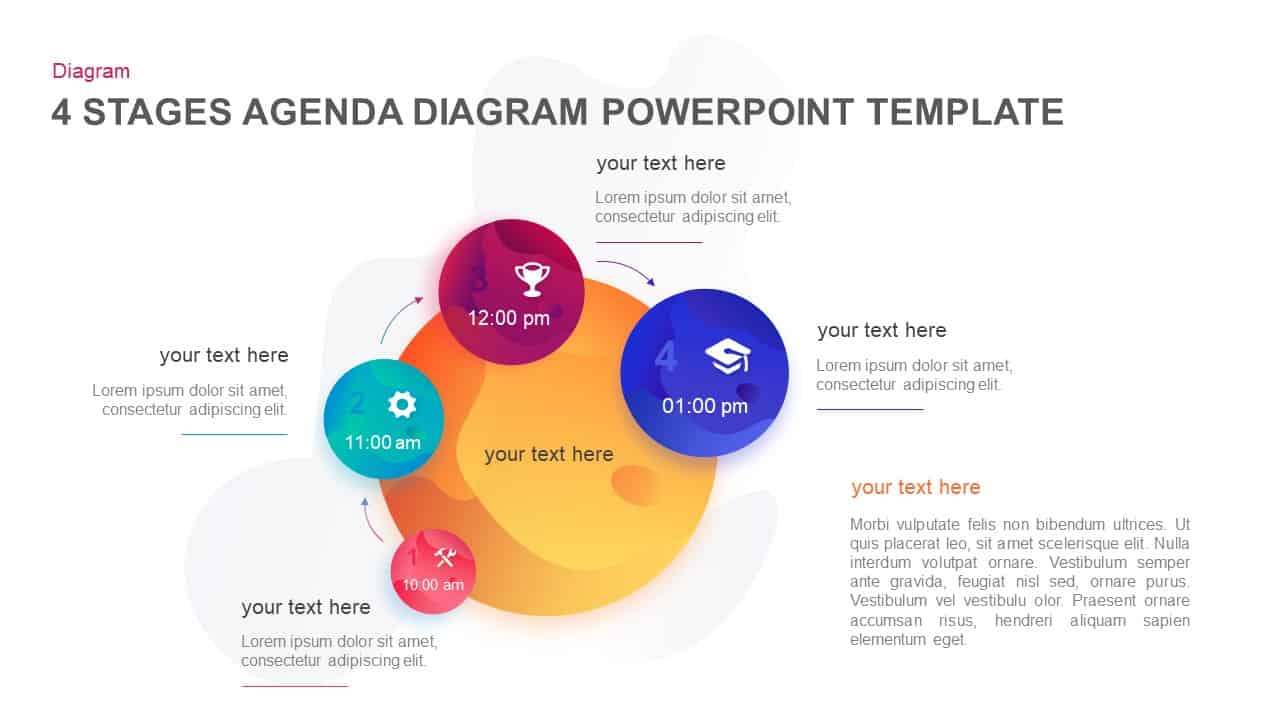
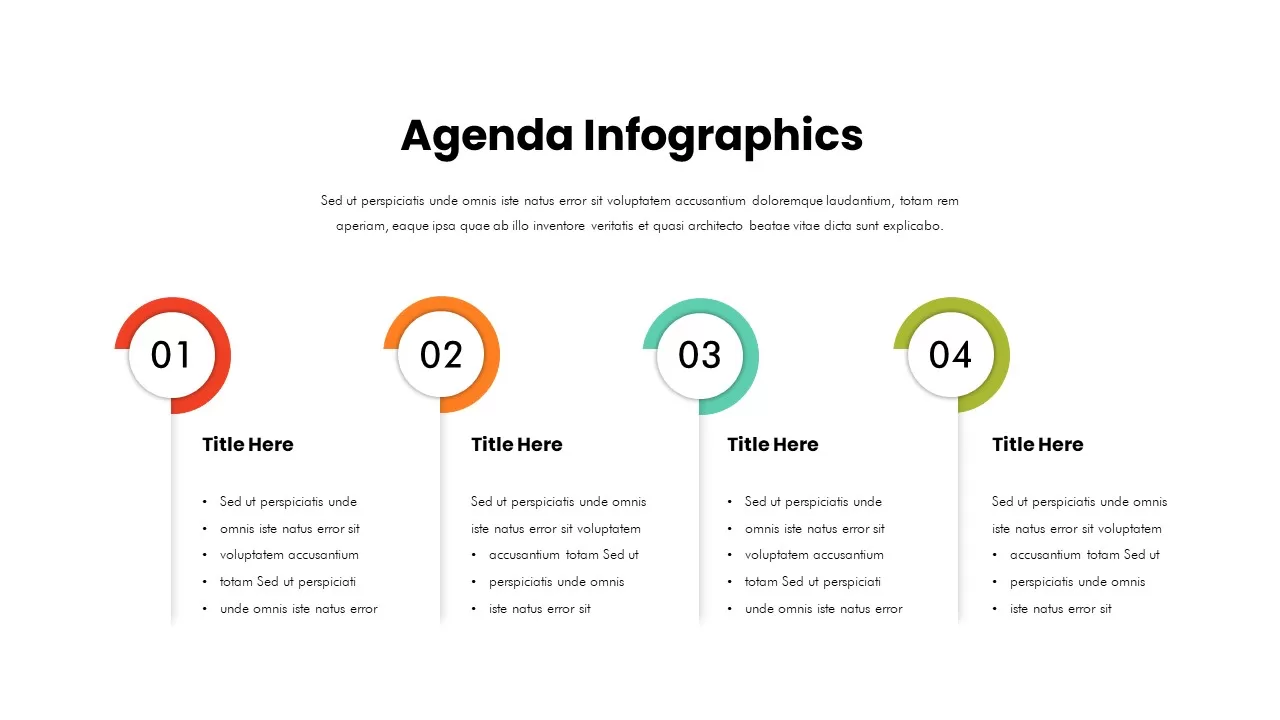
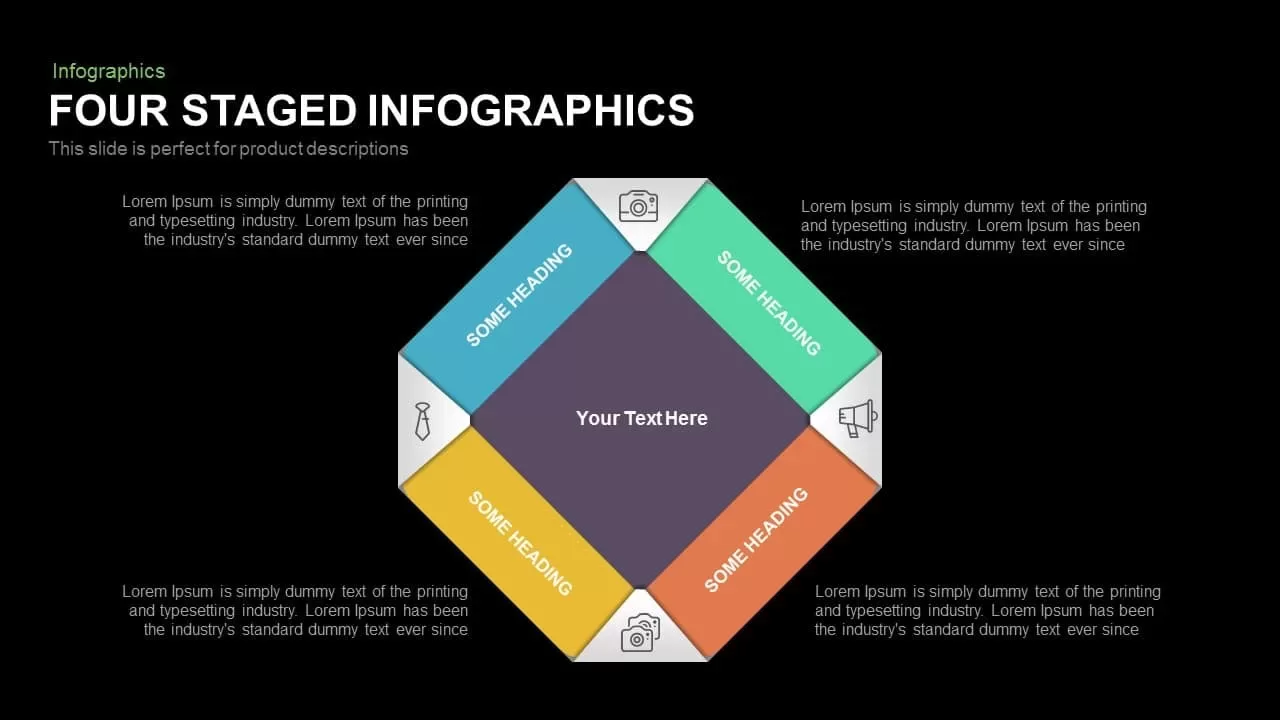
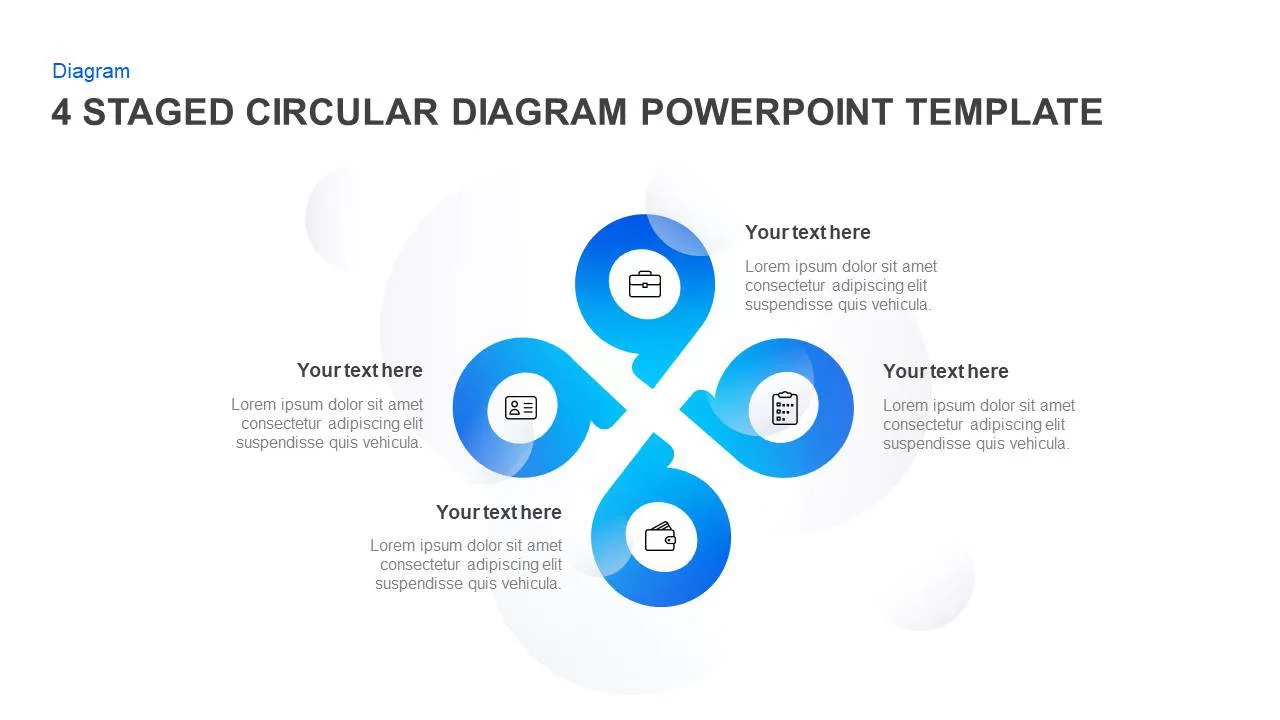
Four-Stage Agenda Infographic Slide Template for PowerPoint & Google Slides
4 Stage Agenda Template for PowerPoint & Google Slides
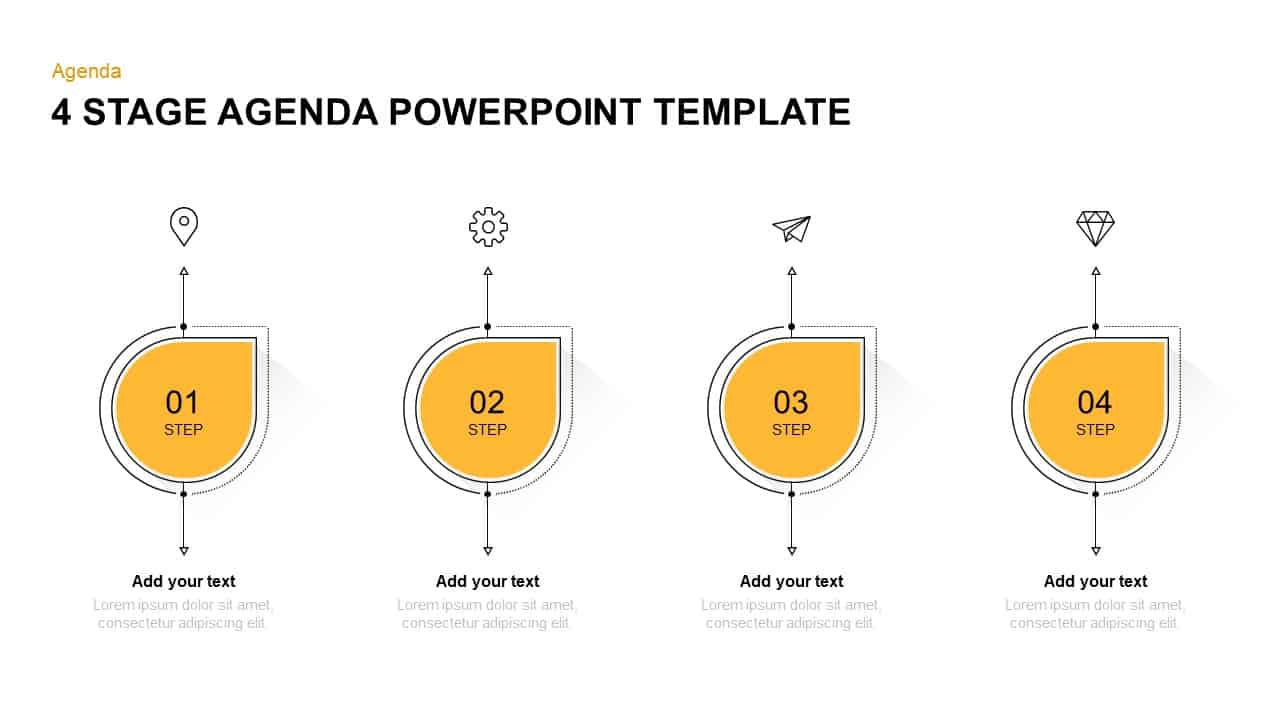
Setting clear expectations at the start of a business presentation keeps everyone aligned. This 4 stage agenda template replaces plain, text-heavy lists with a clean visual outline, helping you introduce key discussion topics with professional clarity.
The layout uses suspended tag graphics to give quarterly reviews, client pitches, and team syncs an organized structure right from the opening slide.
Strategic Use Cases & Meeting Applications
- Executive Briefings: Outline four core focus areas before diving into performance metrics, project milestones, or commercial updates.
- Workshop Schedules: Segment corporate training sessions into distinct modules so participants can track the day’s progression.
- Project Kickoffs: Establish clarity early by walking stakeholders through problem discovery, operational roles, technical scope, and budget terms.
- Conference Overviews: Guide attendees through speaker tracks, keynote panels, and concluding remarks with an easy-to-follow visual schedule.
Slide Architecture and Visual Mechanics
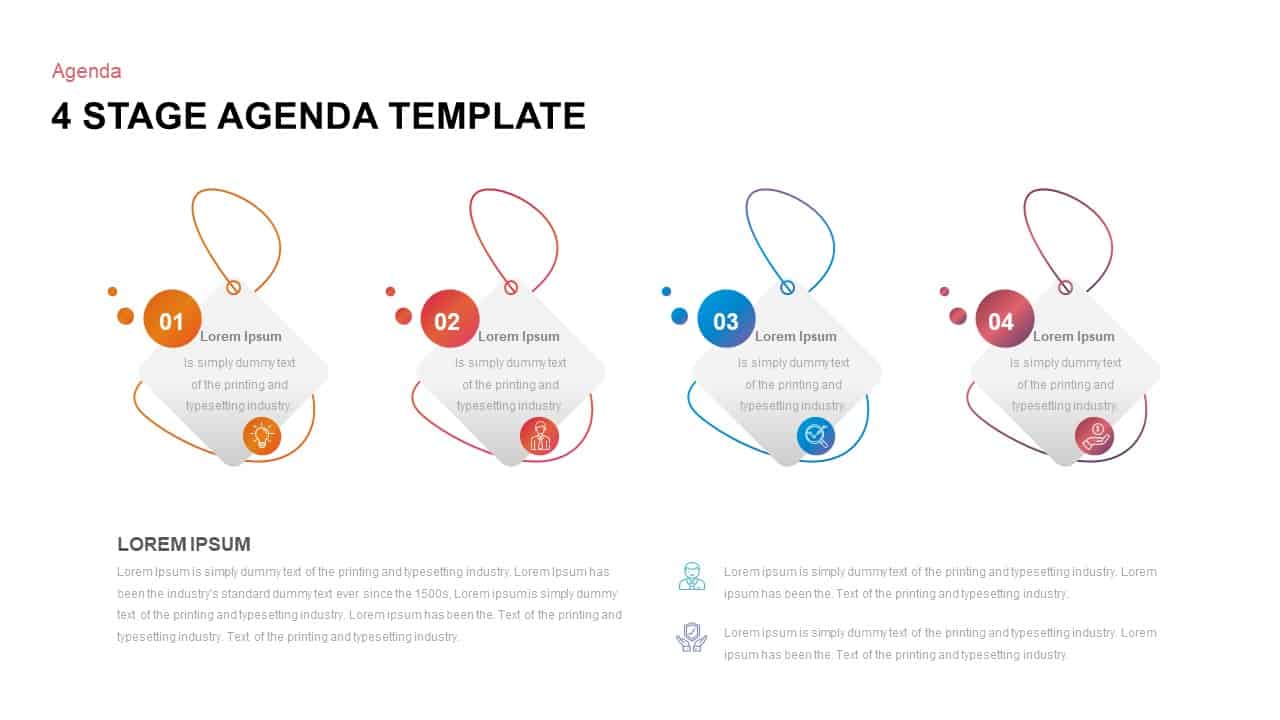
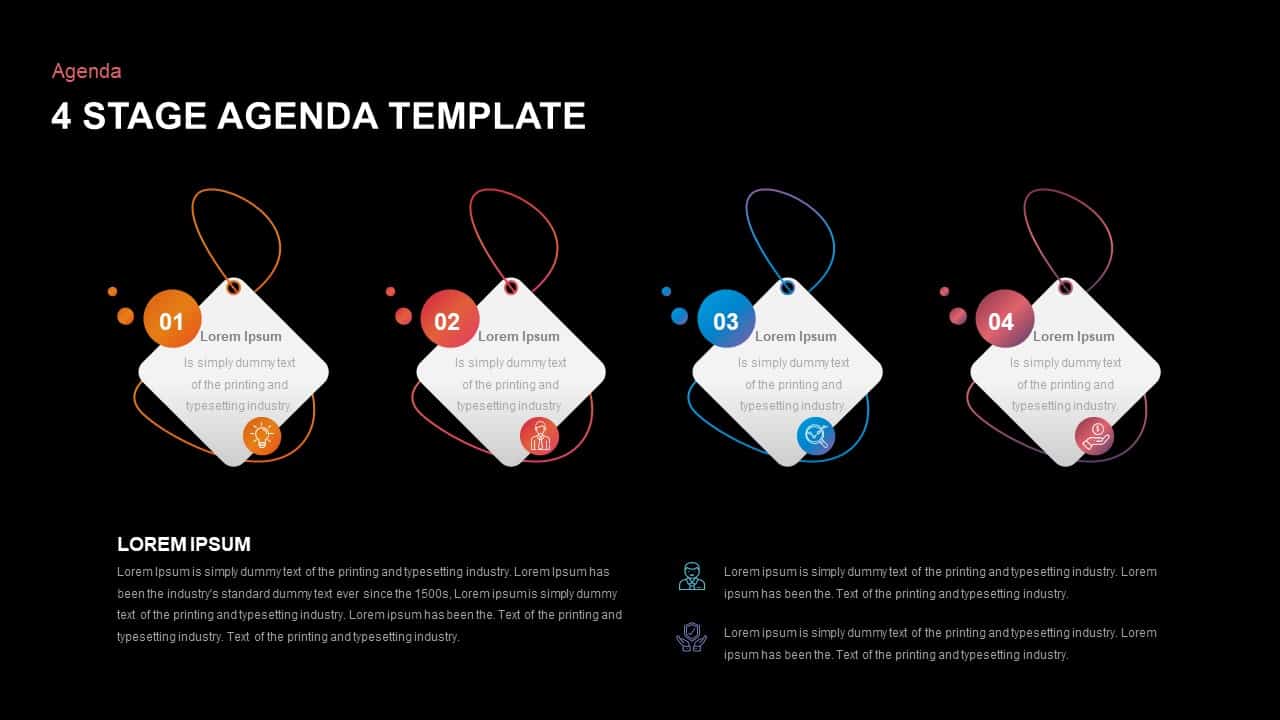
The upper section highlights four white diamond-shaped tag containers hanging from colorful thread loops, providing a modern alternative to traditional bullet points:
- Stage 01 (Orange): Features a lightbulb icon, well-suited for problem statements, brainstorming sessions, or project background context.
- Stage 02 (Red): Displays a user silhouette to address leadership roles, team structures, or stakeholder responsibilities.
- Stage 03 (Cyan): Pairs with a search reticle icon, ideal for analytical deep dives, audit findings, or market research topics.
- Stage 04 (Purple): Highlights a hand-and-currency badge to wrap up with budget allocations, commercial proposals, or final deliverables.
Below the tags, the lower half splits into two helpful areas. The left provides a headline and paragraph block for an executive summary, while the right includes two stacked icon callouts for session notes or housekeeping guidelines. Every shape, loop color, tag container, and text field is fully editable in both Microsoft PowerPoint and Google Slides.
Check out more agenda slides.


Item ID
SB01471


Related Templates

Four-Stage Agenda Circle Diagram Slide Template for PowerPoint & Google Slides
Agenda
Free Modern Four-Step Agenda Infographic Template for PowerPoint & Google Slides
Agenda
Free
Colorful Four-Stage Infographic Process Template for PowerPoint & Google Slides
Process
Four-Stage Circular Diagram Infographic Template for PowerPoint & Google Slides
Circular
5 Stage Cone Agenda Infographic Template for PowerPoint & Google Slides
Agenda
Four-Step Agenda Table of Contents Template for PowerPoint & Google Slides
Agenda

Four Stage Gear Diagram PowerPoint Template and Google Slides
Process
Four-Stage Gear Process Diagram Template for PowerPoint & Google Slides
Process
Four-Stage Start-Up Plan Arc Diagram Template for PowerPoint & Google Slides
Process
Four-Stage Development Pipeline Template for PowerPoint & Google Slides
Process
TRIZ Four-Stage Problem Solving Approach Template for PowerPoint & Google Slides
Process

Four-Stage Business Diagram Template Slide
Process
Colorful Nine-Stage Agenda Slide Template for PowerPoint & Google Slides
Agenda
Four Stage Bubble Chart PowerPoint Template
Charts
Four Stage Funnel Diagram PowerPoint Template
Funnel
Four-Stage Process Cycle PowerPoint Template
Process
Four-Stage Marketing Funnel Template for PowerPoint
Marketing Funnel
Five-Stage Agenda Flow Diagram Template for PowerPoint & Google Slides
Agenda
Modern 5-Stage Folder Agenda Layout Template for PowerPoint & Google Slides
Agenda
4-, 5- & 6-Stage Agenda Diagram Template for PowerPoint & Google Slides
Agenda