Backlog Grooming Process template for PowerPoint & Google Slides
Backlog Grooming Presentation Slide Template For PowerPoint & Google Slides
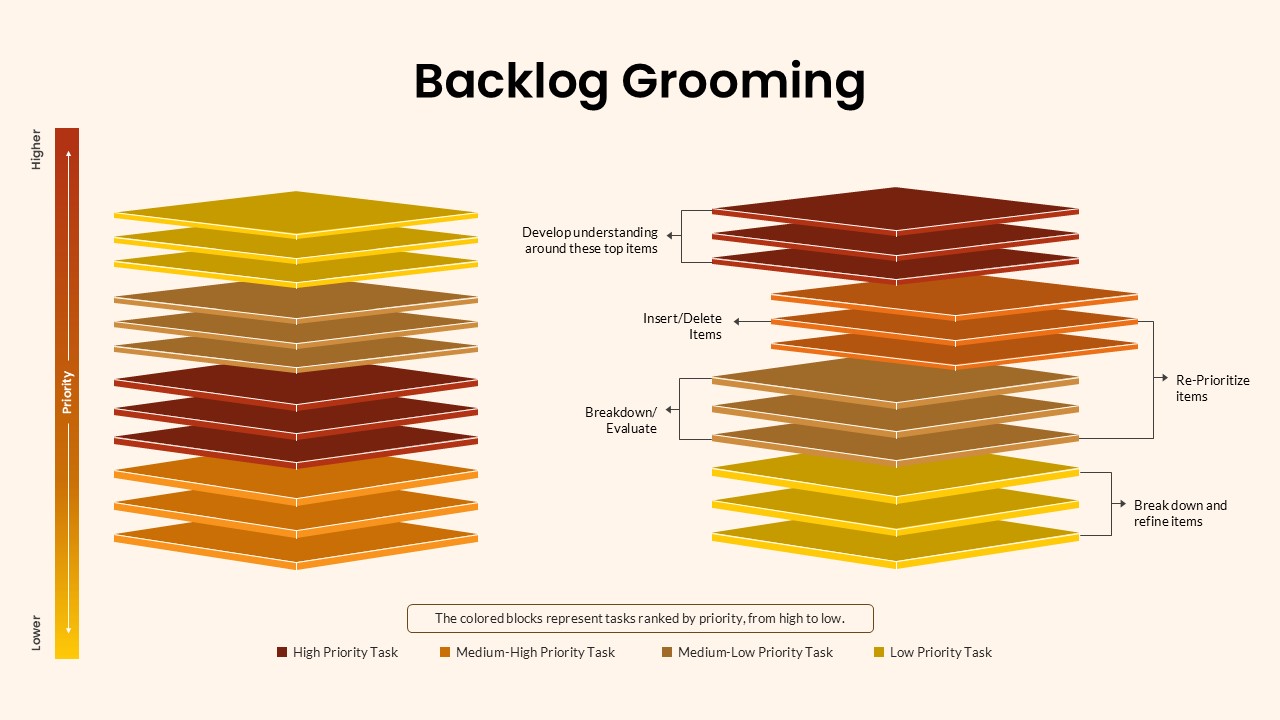
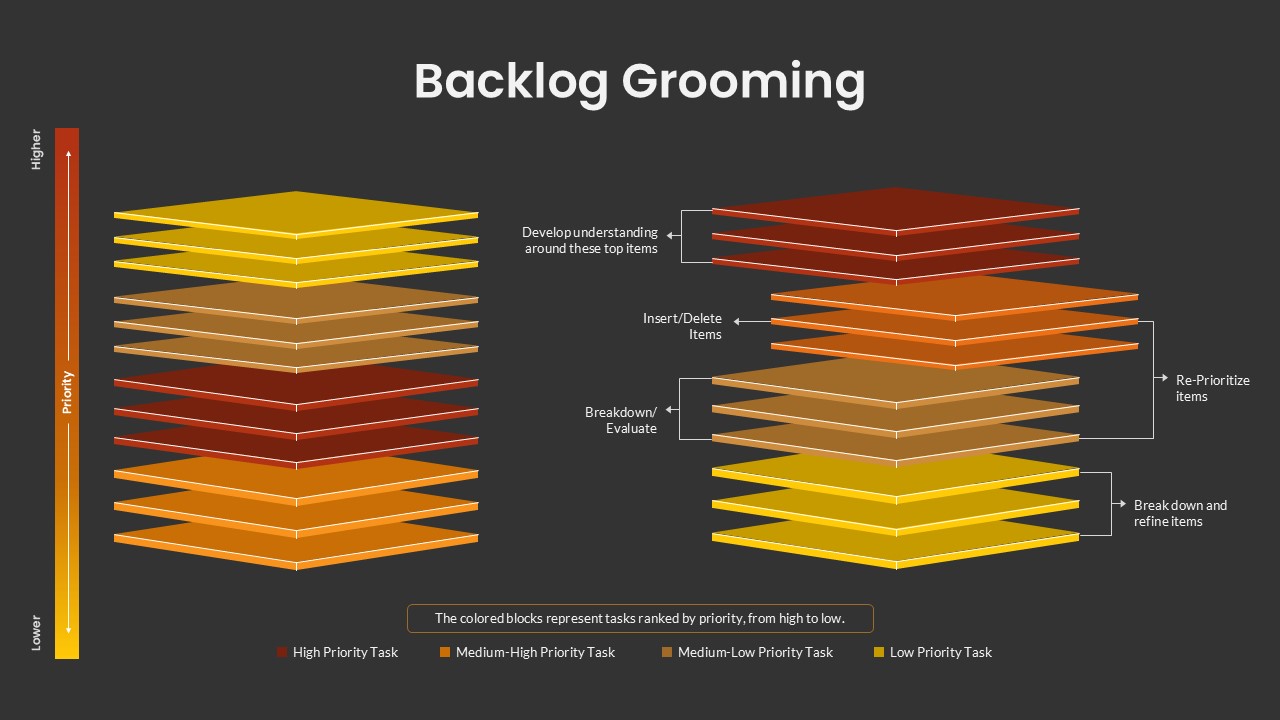
This Backlog Grooming Presentation Slide Template for PowerPoint and Google Slides provides an isometric layered stack layout to explain Agile backlog refinement, task prioritization, and sprint planning workflows. It contrasts a raw, mixed task stack on the left against a segmented, groomed backlog on the right, using color-coded 3D plates and action brackets to show how development teams evaluate, reprioritize, and break down user stories.
Slide Layout & Elements Breakdown
- Top Header: Displays the centered title “Backlog Grooming” in bold, clean black sans-serif typography across a warm off-white canvas.
- Vertical Priority Scale (Far Left): A vertical gradient thermometer bar transitioning from dark red at the top (“Higher”) to bright yellow at the bottom (“Lower”), labeled “Priority” to define the task importance hierarchy.
- Left Stack (Unrefined Task Backlog): A tall, continuous column of eleven stacked 3D square plates showing mixed task priorities before refinement:
- Top yellow plates (low priority items sitting out of place).
- Middle light brown and dark red plates.
- Bottom orange plates.
- Right Stack (Refined & Groomed Backlog): An exploded, four-tier segmented stack showing tasks sorted into clear priority tiers with specific Agile grooming actions:
- Top Tier (High Priority / Dark Red Plates): Labeled with an arrow pointer reading “Develop understanding around these top items” for stories ready for the upcoming sprint.
- Second Tier (Medium-High Priority / Orange Plates): Labeled with an arrow pointer reading “Insert/Delete Items” to manage scope and task relevance.
- Connecting Bracket: A bracket linking the upper tiers labeled “Re-Prioritize items” to demonstrate continuous priority adjustments.
- Third Tier (Medium-Low Priority / Light Brown Plates): Labeled with an arrow pointer reading “Breakdown / Evaluate” for larger user stories and epics.
- Bottom Tier (Low Priority / Yellow Plates): Labeled with an arrow pointer reading “Break down and refine items” for future roadmap considerations.
- Bottom Priority Legend: A rounded summary box reading “The colored blocks represent tasks ranked by priority, from high to low,” supported by four color-coded swatches:
- High Priority Task: Dark Red / Maroon
- Medium-High Priority Task: Orange
- Medium-Low Priority Task: Light Brown
- Low Priority Task: Yellow
Where to Use This Slide
- Scrum & Agile Training Sessions: Teach development teams, new product owners, and Scrum masters how routine backlog refinement keeps sprints running smoothly.
- Sprint Planning & Review Meetings: Walk engineering teams through prioritized user stories and explain how incoming bugs or features were evaluated.
- Product Management Briefings: Show leadership and stakeholders how customer feedback and technical debt are organized into actionable development tiers.
- Software Development Workshops: Demonstrate techniques for breaking large epics into manageable tasks and pruning obsolete tickets.
Template Features
- Fully Editable: Built for Microsoft PowerPoint and Google Slides. You can edit all text labels, recolor the 3D isometric plates, change gradient colors, and add or remove layers.
- Before-and-After Structure: The side-by-side comparison between the raw stack and the groomed stack visually proves the necessity of regular backlog maintenance at a glance.
Check out more process flow presentation slides.
Login to download this file

Item ID
SB05148


Related Templates

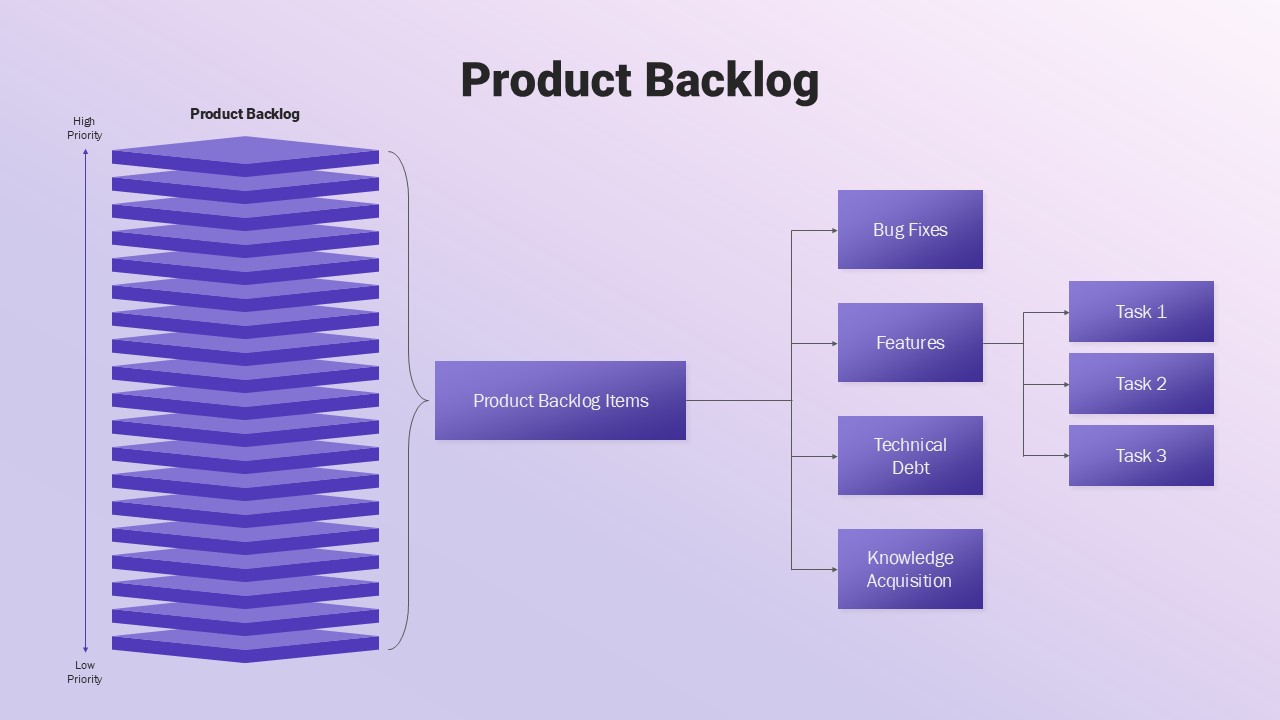
Product Backlog Diagram for PowerPoint
Software Development
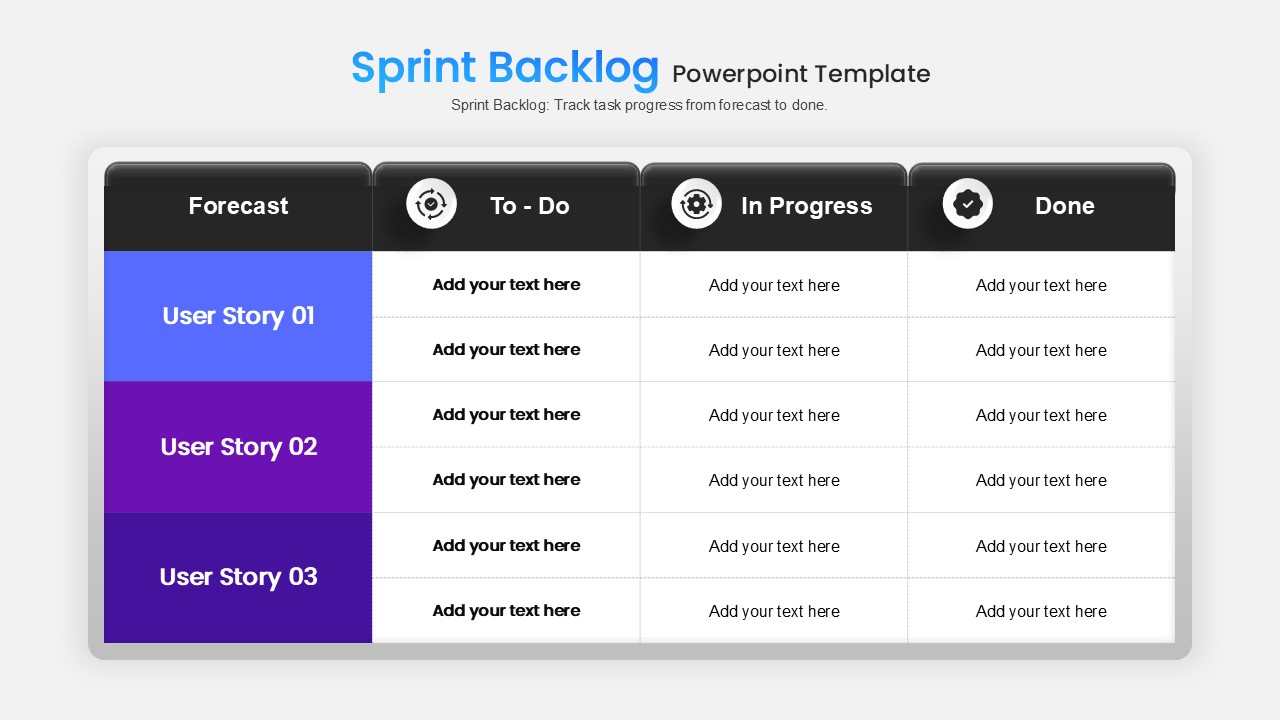
Sprint Backlog PowerPoint Template
Scrum
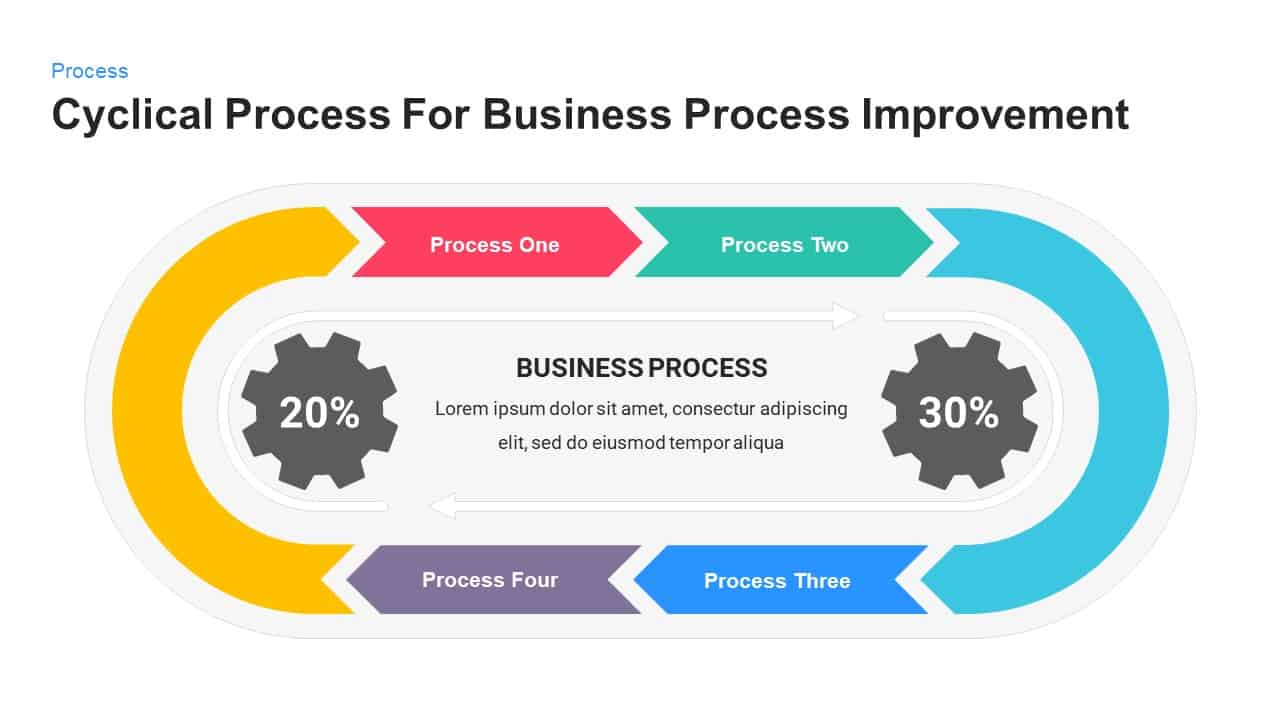
Cyclical Process for Business Process Improvement PowerPoint Template
Process
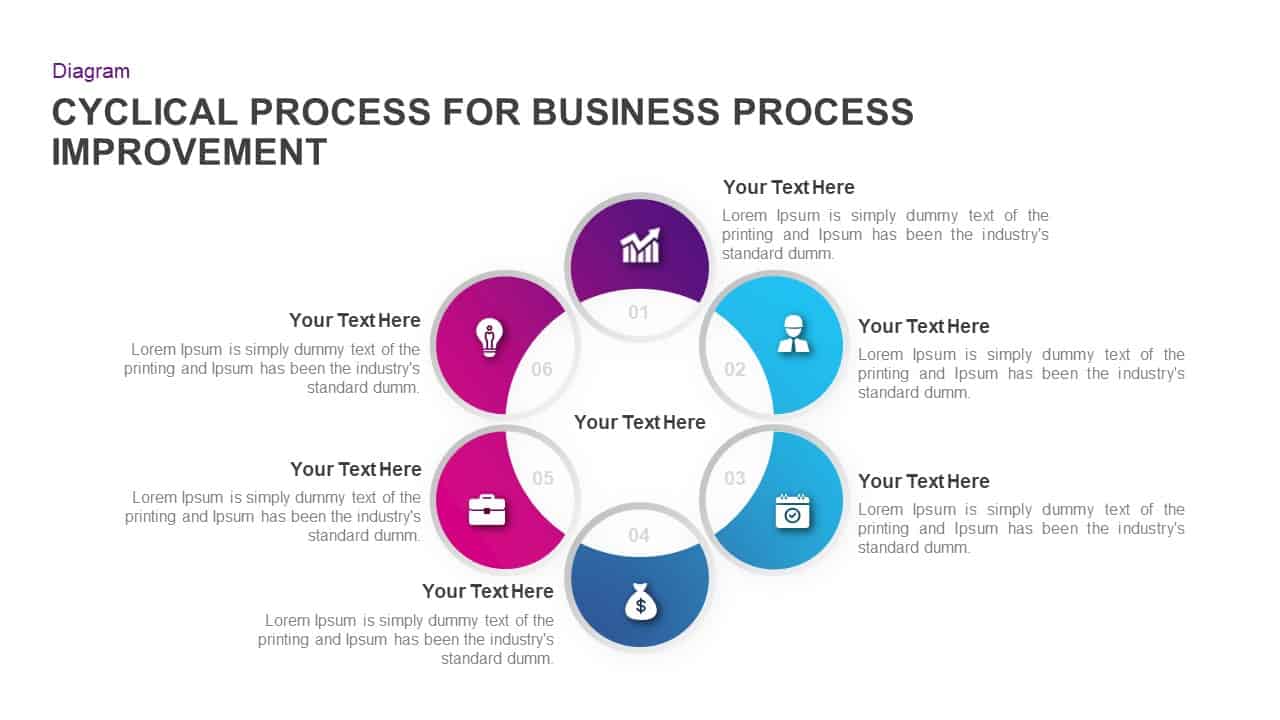
Cyclical Process for Business Process Improvement PPT Diagram
Circular
Six Arrow Radial Process Diagram template for PowerPoint & Google Slides
Infographics
7 Stage Process Arrow PowerPoint Template & Google Slides
Process
Zig Zag Process Flow PowerPoint Template and Google Slides
Process

Manufacturing Quality Process PowerPoint Template and Google Slides
Process
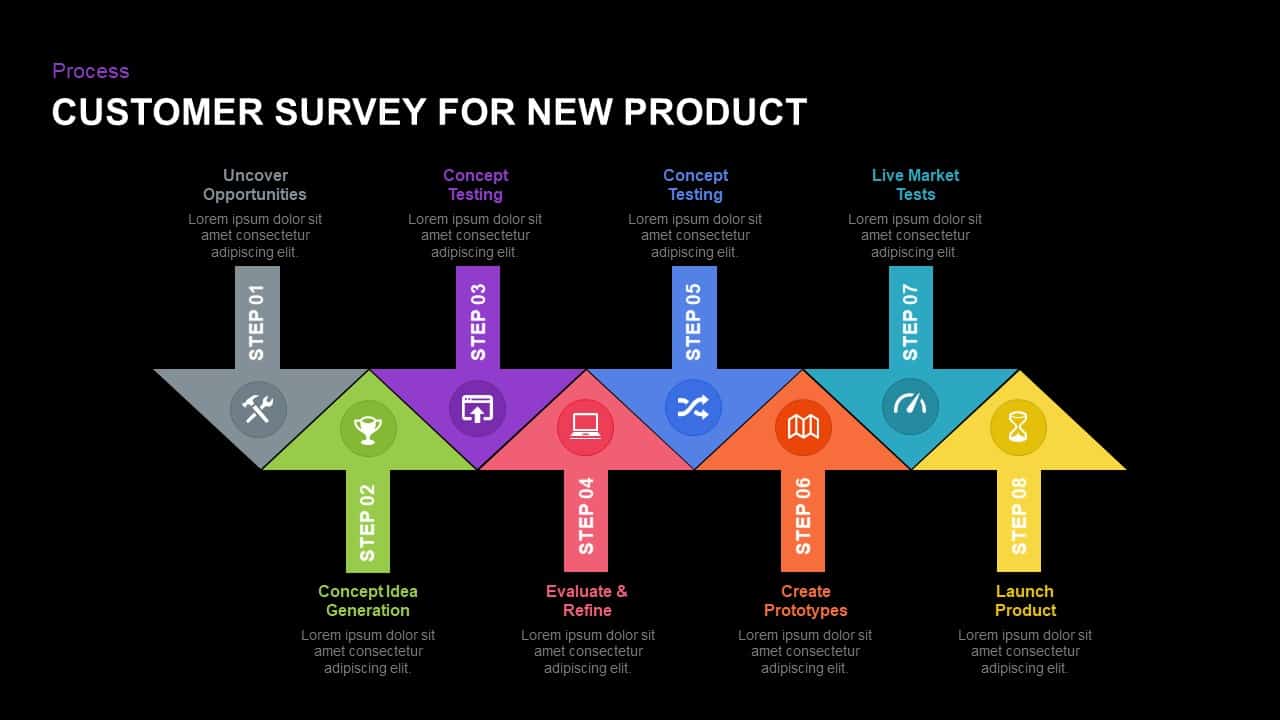
Eight-Step New Product Survey Process Template for PowerPoint & Google Slides
Process
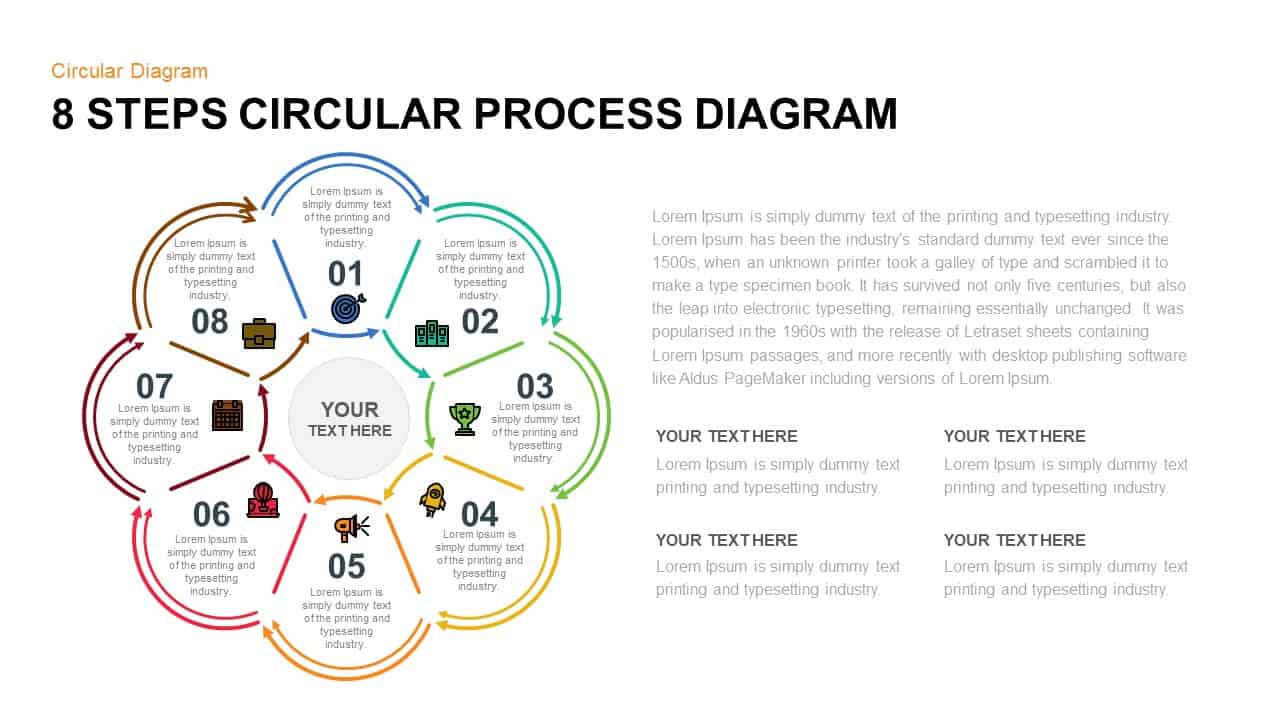
8 Steps Circular Process Diagram Template for PowerPoint & Google Slides
Circular
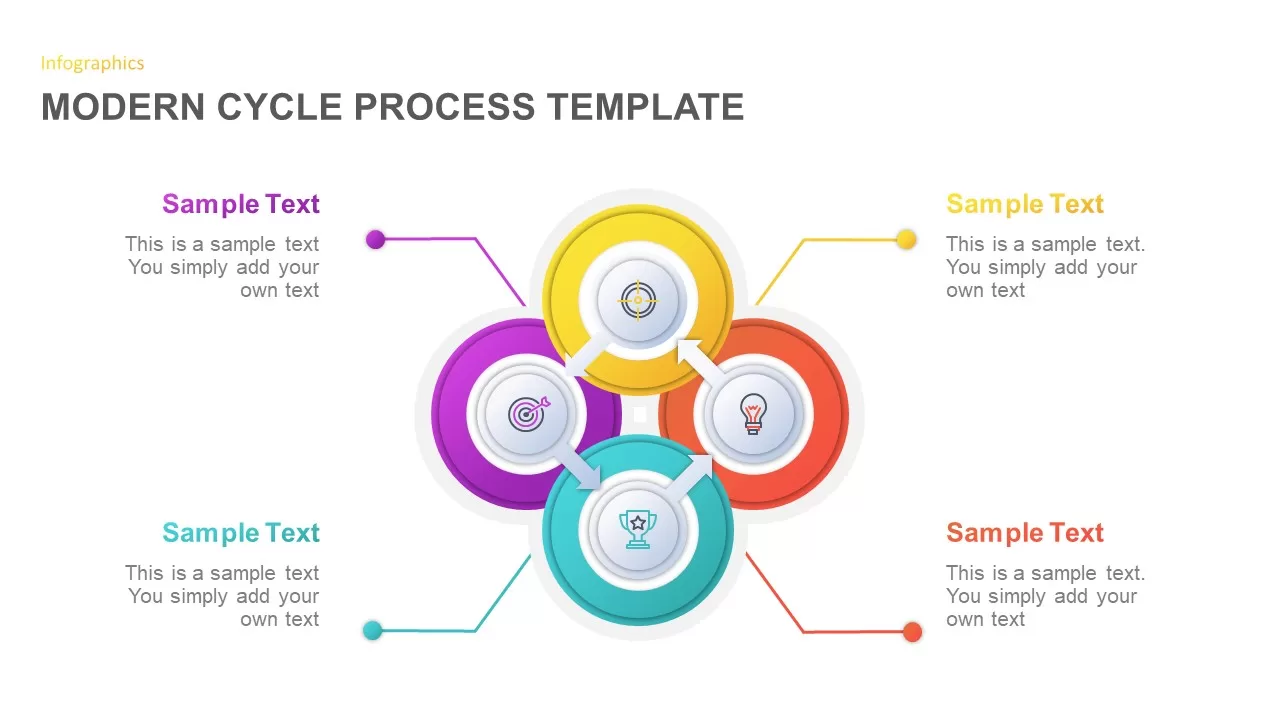
Modern Cycle Process Template for PowerPoint & Google Slides
Business Proposal
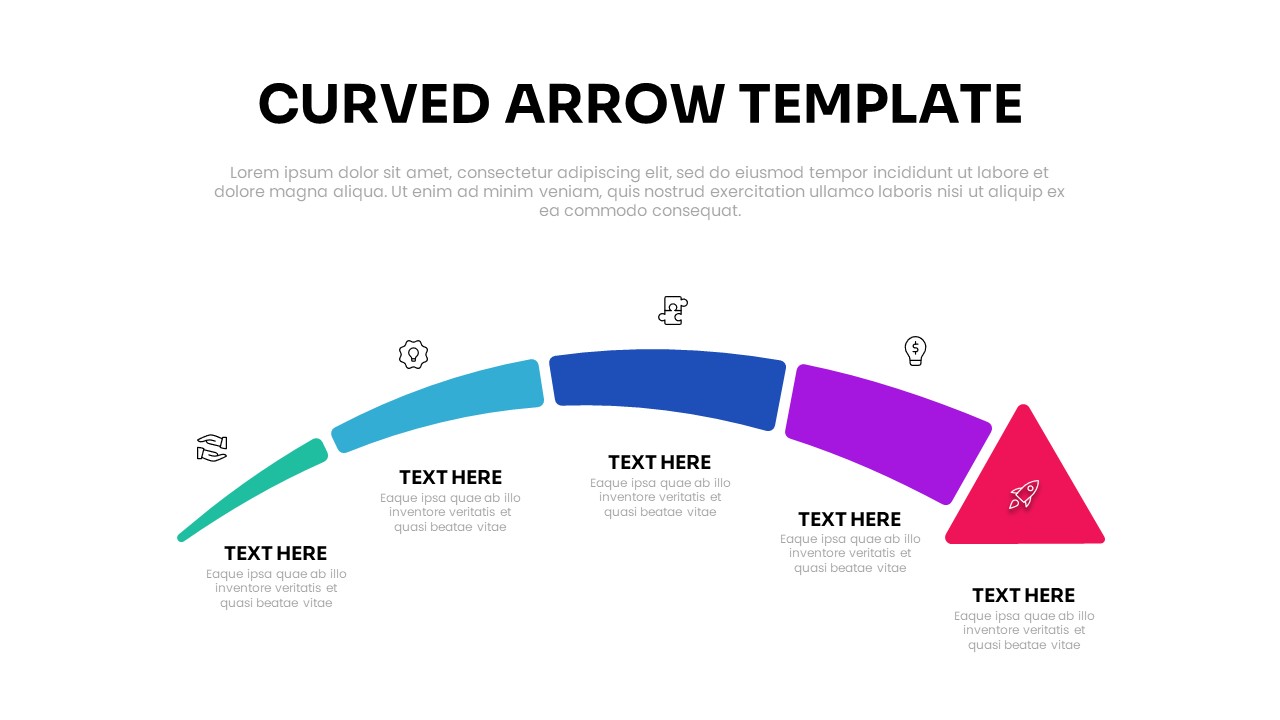
Curved Arrow Template for PPT & Google Slides Themes
Process
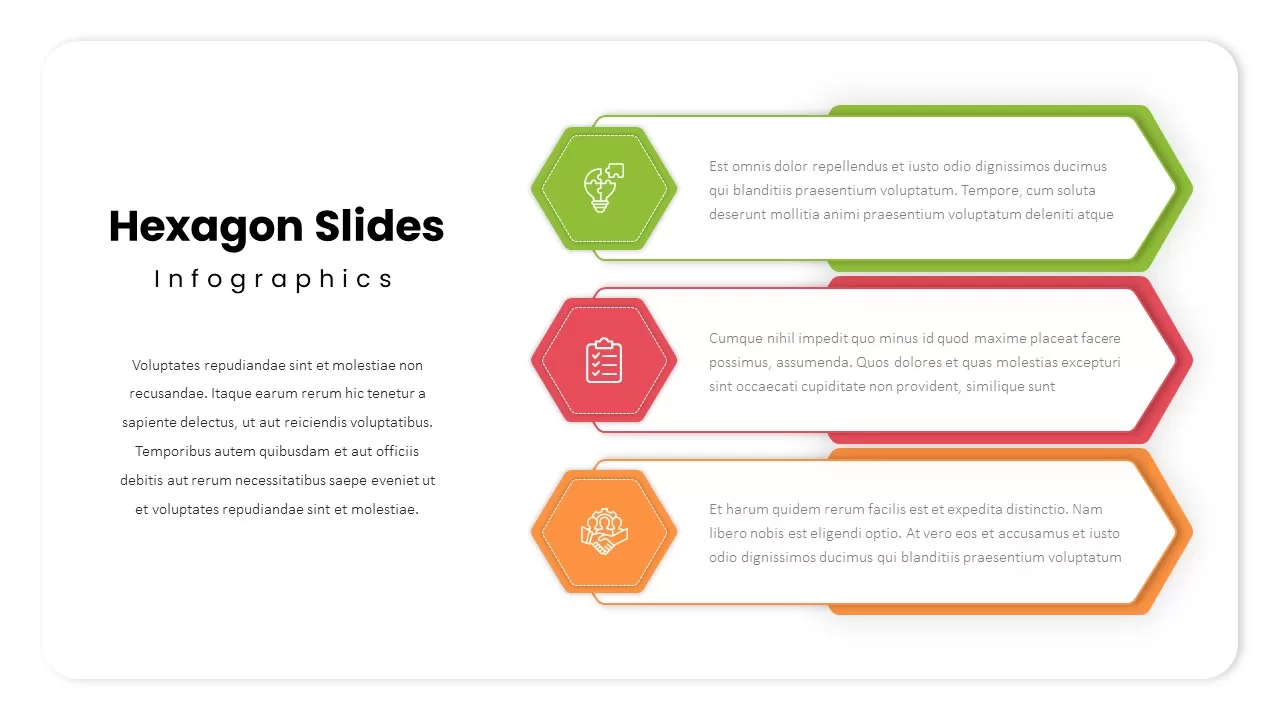
Three-Step Hexagon Infographic Process Template for PowerPoint & Google Slides
Process
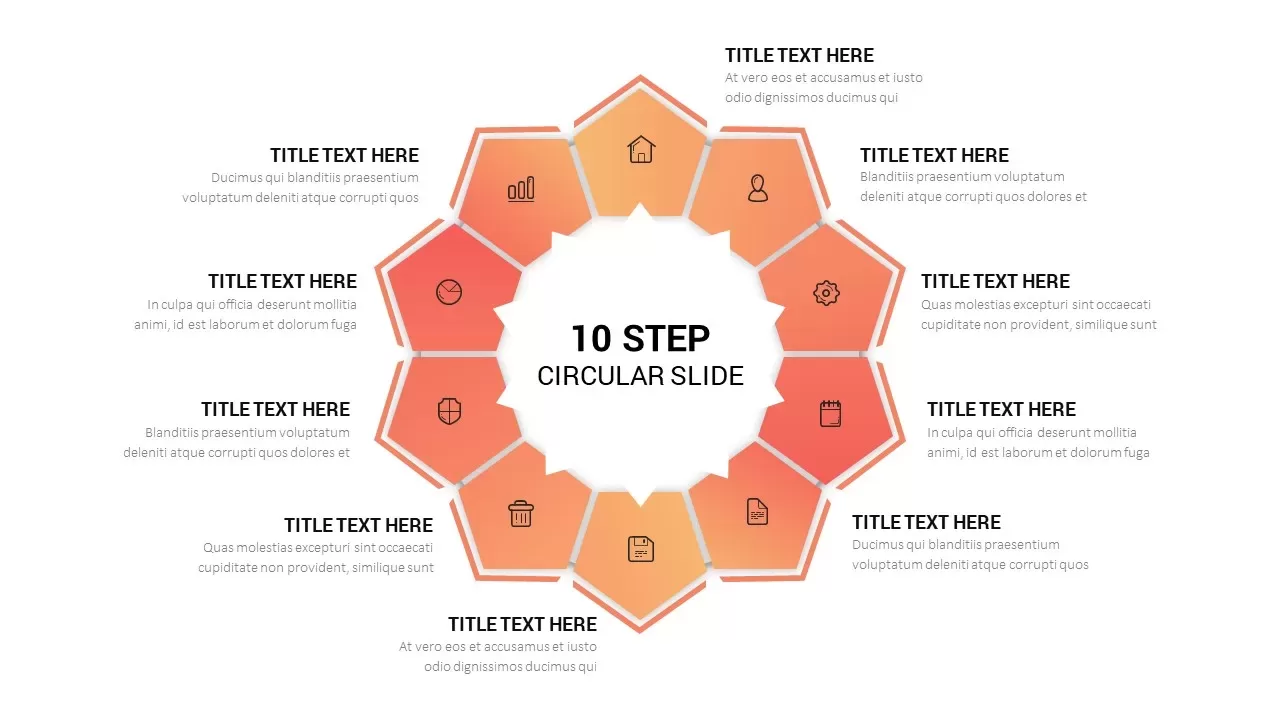
Ten-Step Circular Process Infographic Template for PowerPoint & Google Slides
Circular
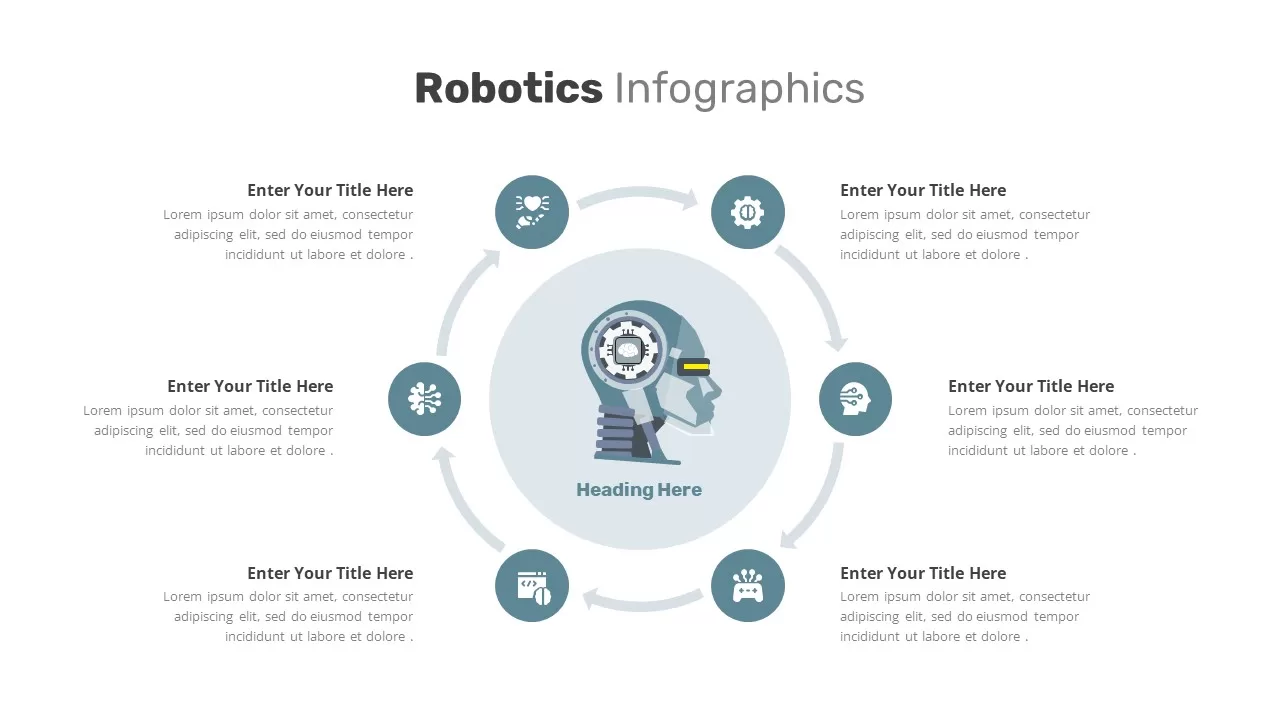
Robotics Process Cycle Infographic Template for PowerPoint & Google Slides
Process
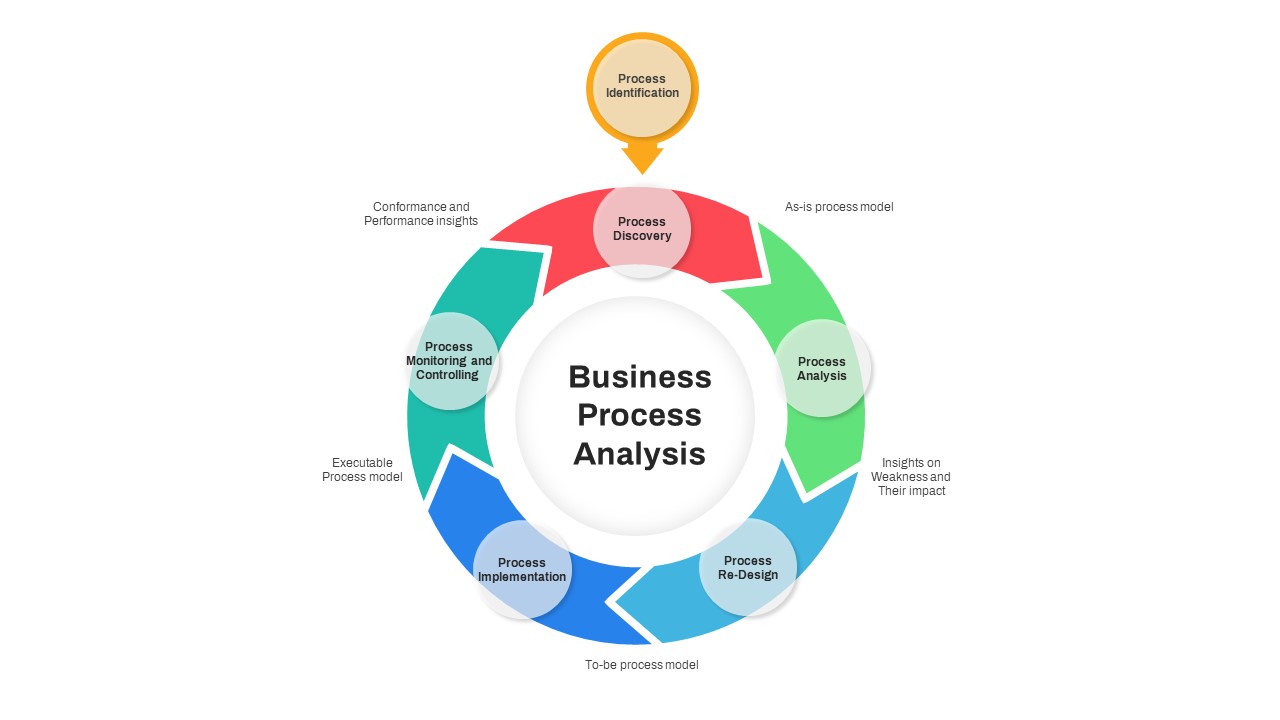
Business Process Analysis Cycle Diagram Template for PowerPoint & Google Slides
Business Strategy
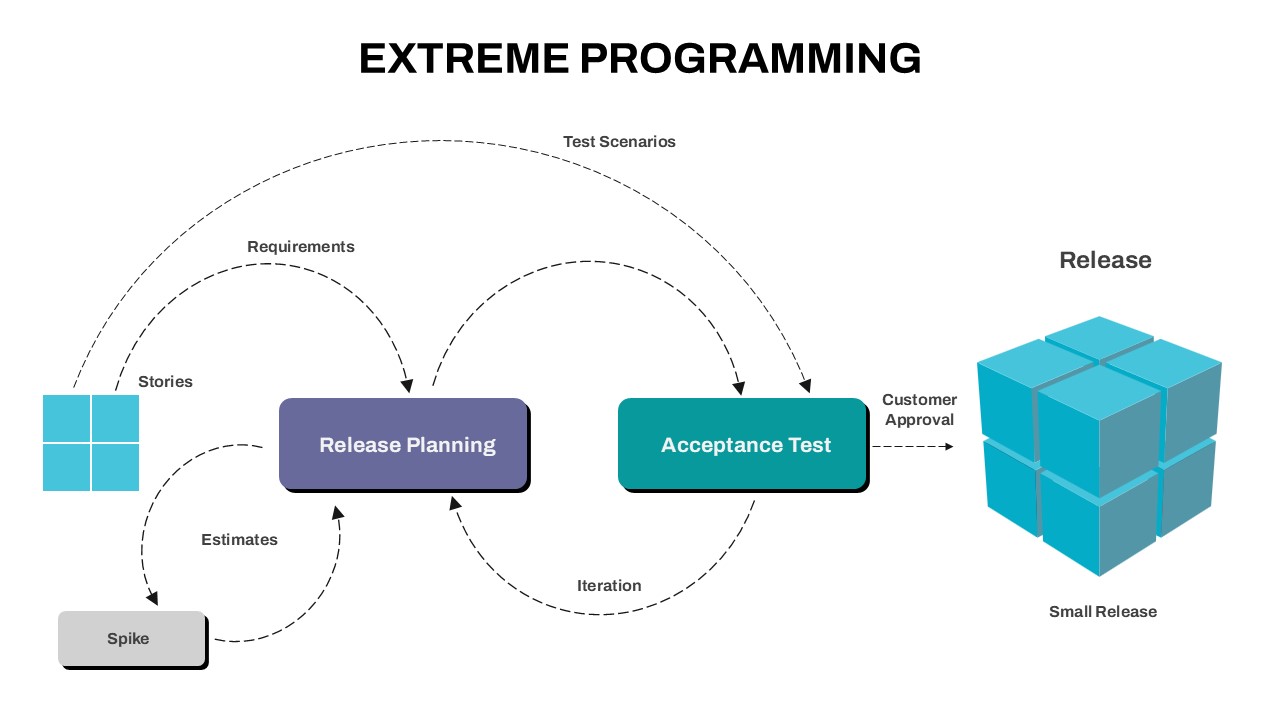
Extreme Programming Process Cycle Template for PowerPoint & Google Slides
Software Development
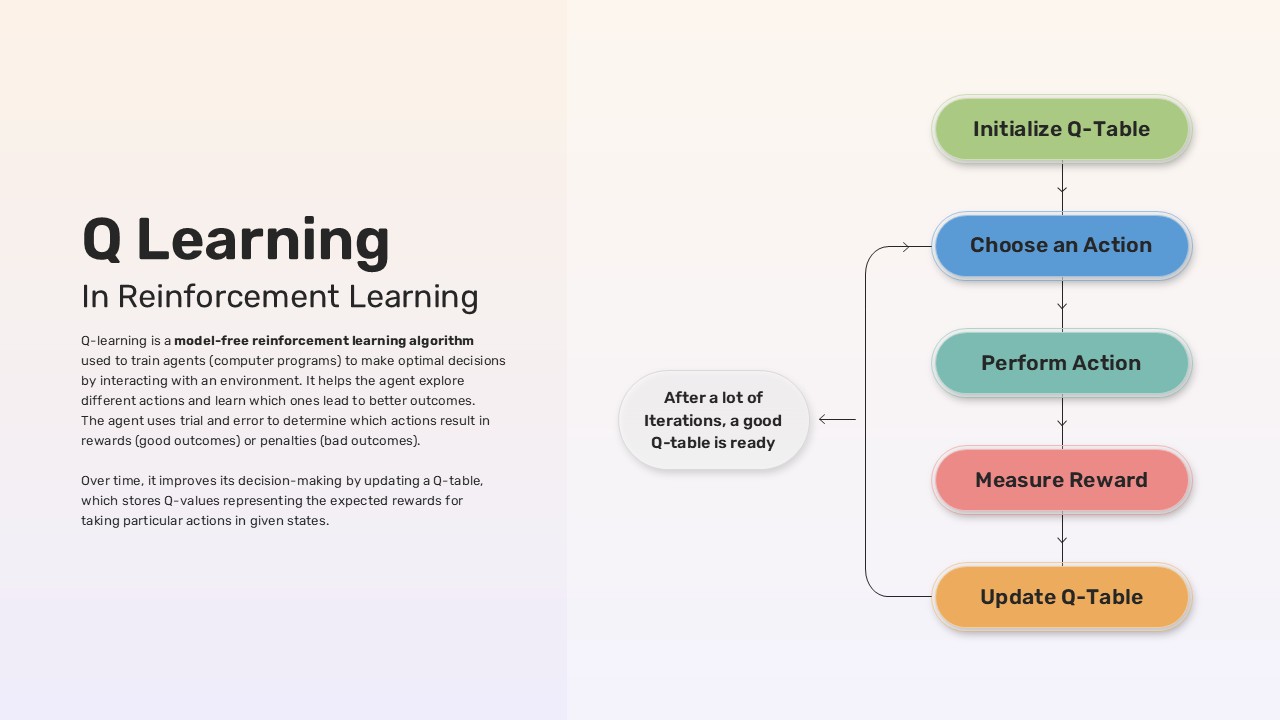
Q-Learning Process Flow Diagram Template
Process
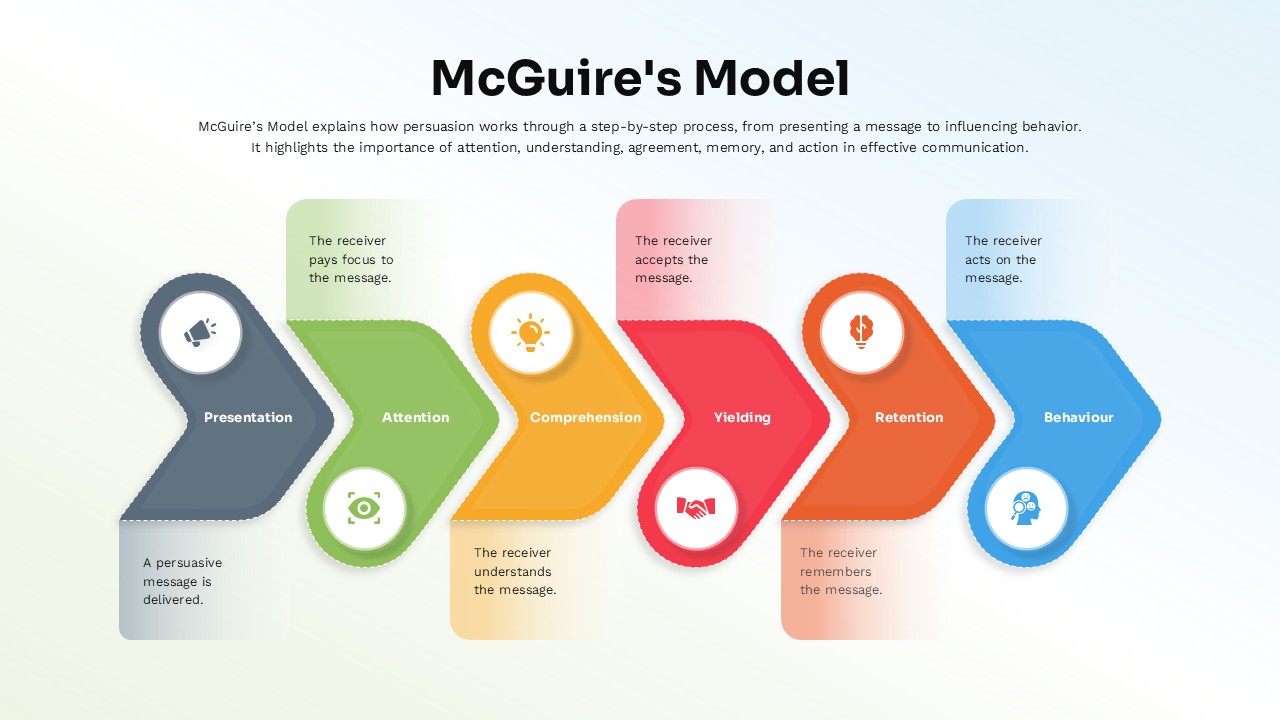
McGuire’s Persuasion Process Flow Diagram Template for PowerPoint & Google Slides
Marketing
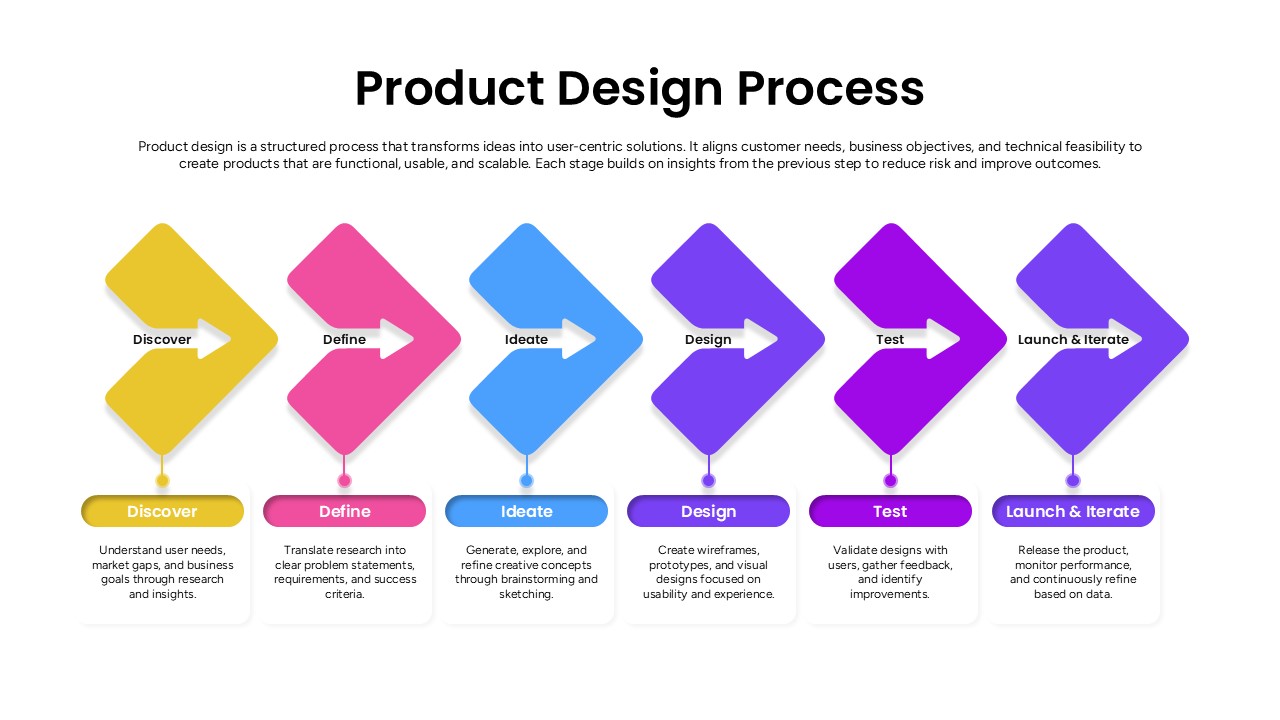
Product Design Process Flow Diagram Template for PowerPoint & Google Slides
Process