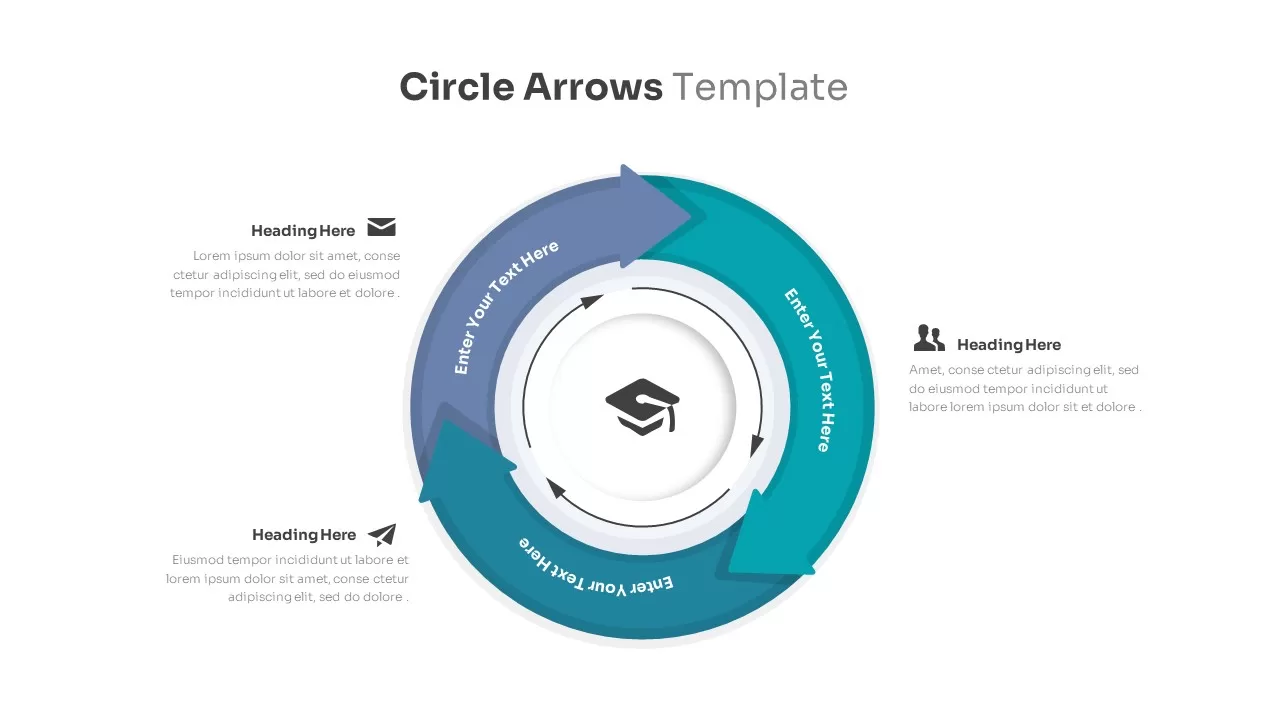
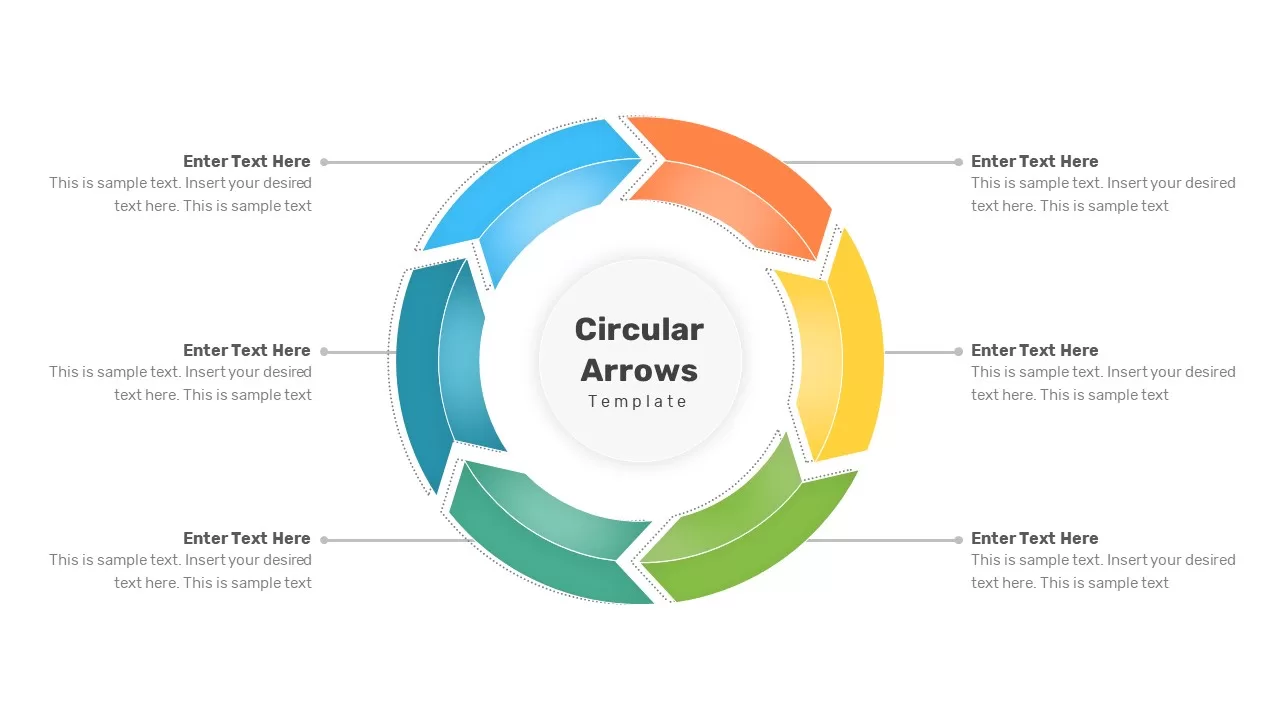
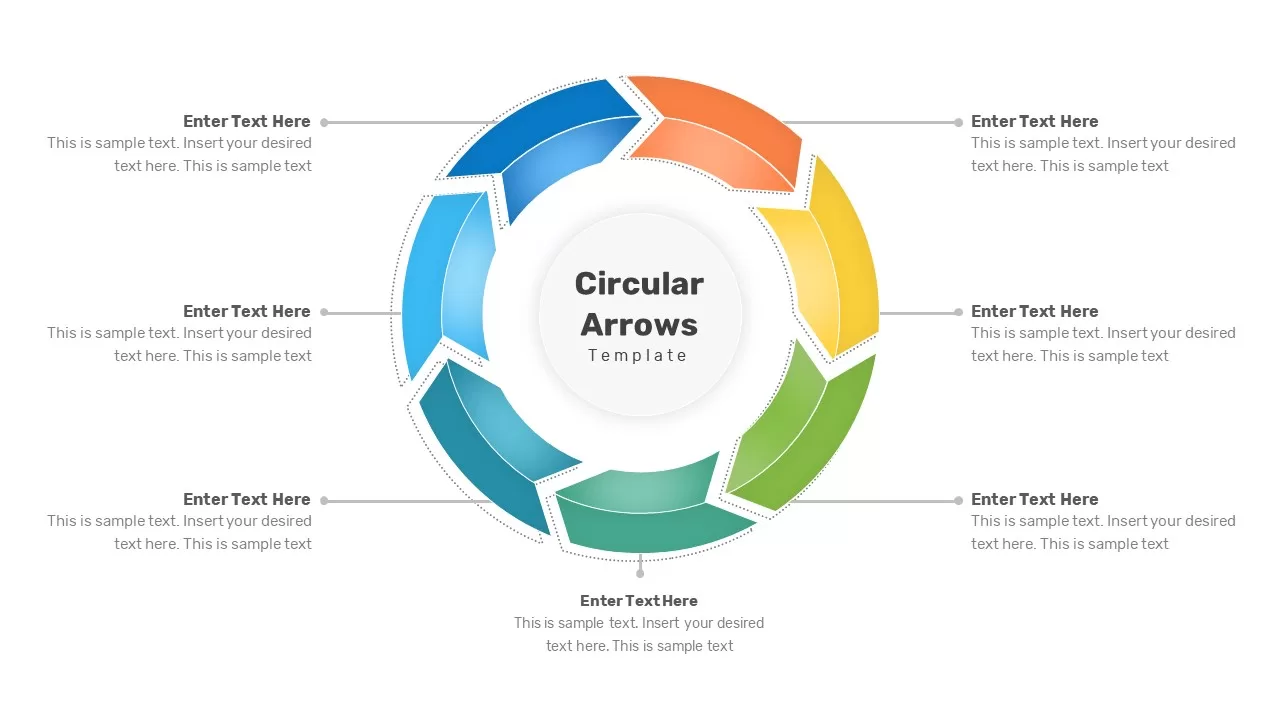
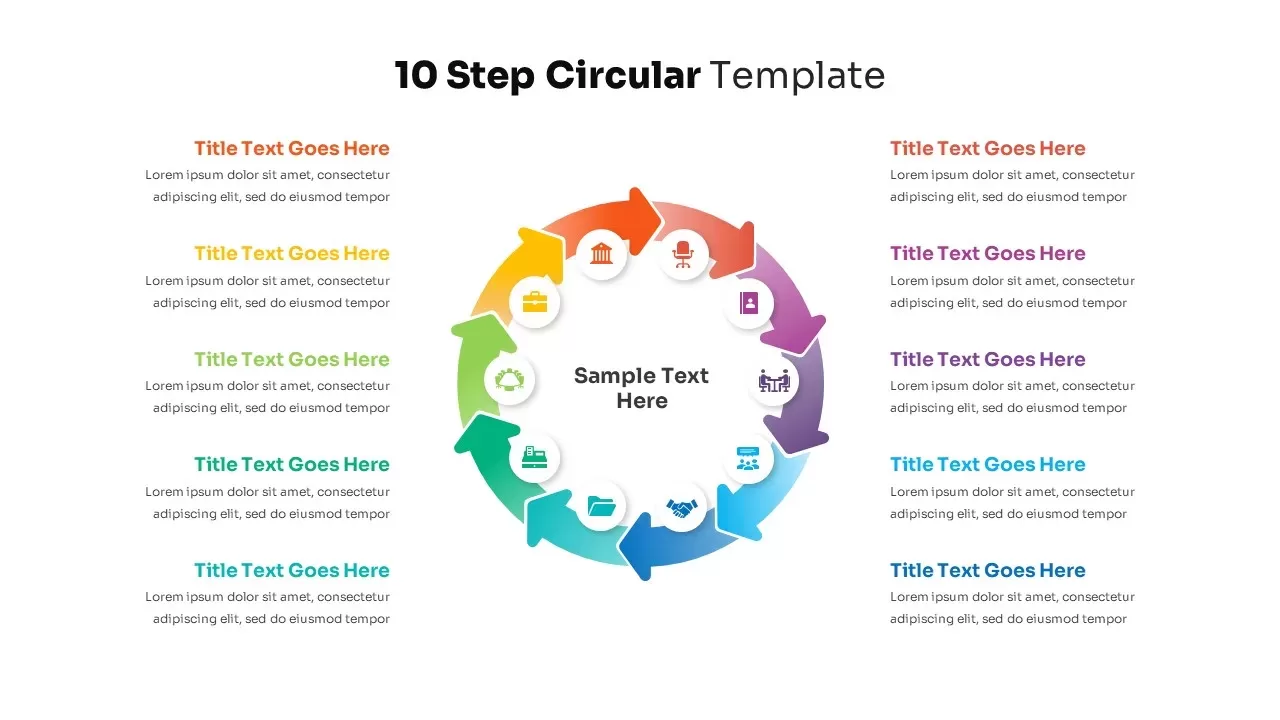
9-Step Circular Arrows Process Diagram Template for PowerPoint & Google Slides
Description
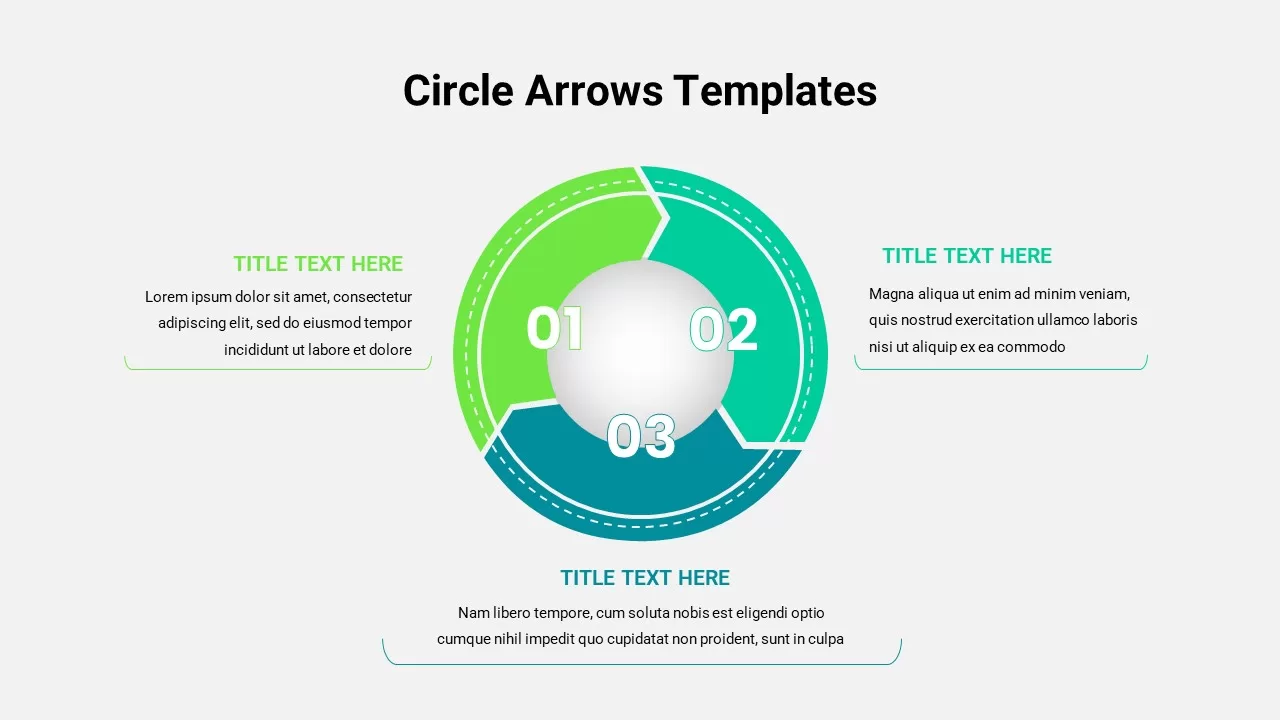
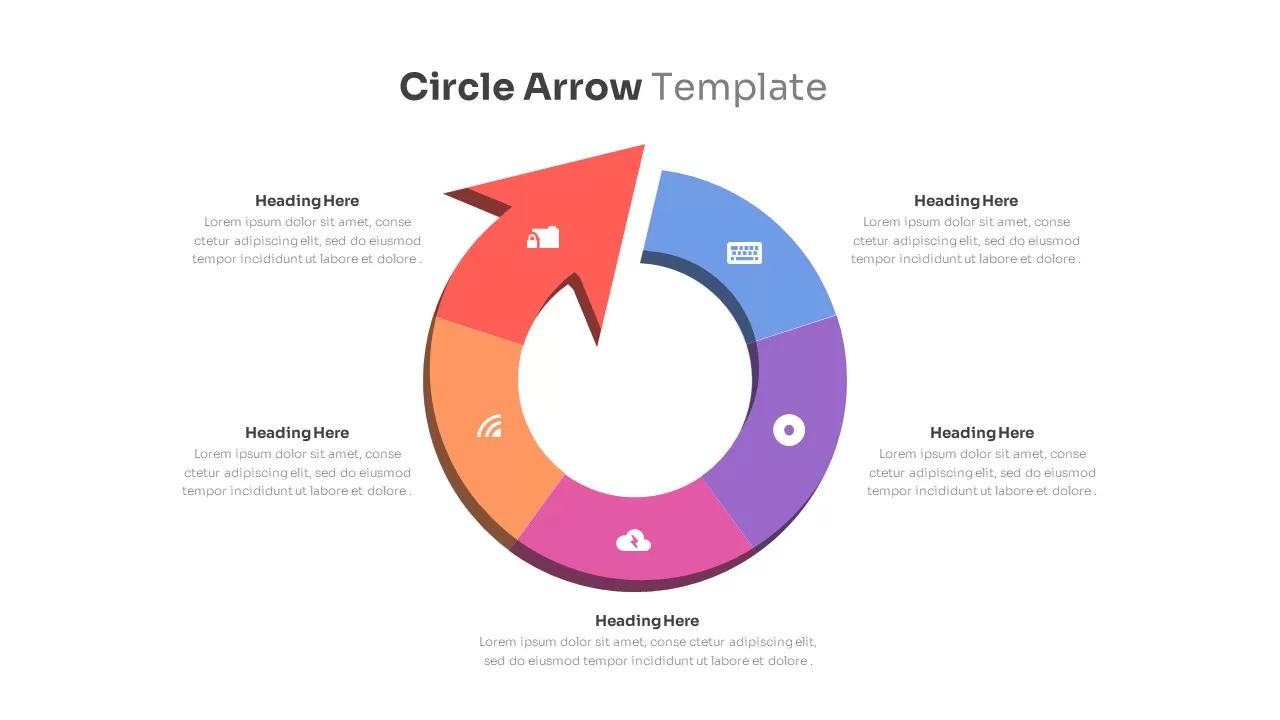
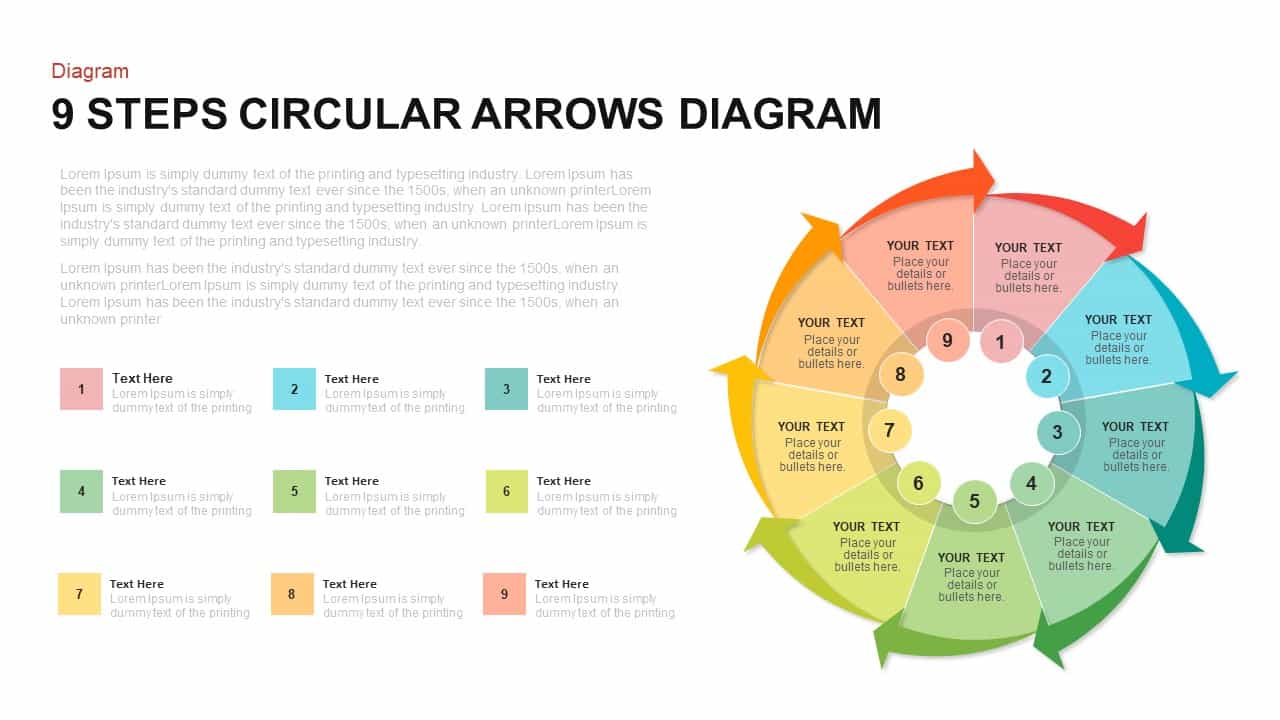
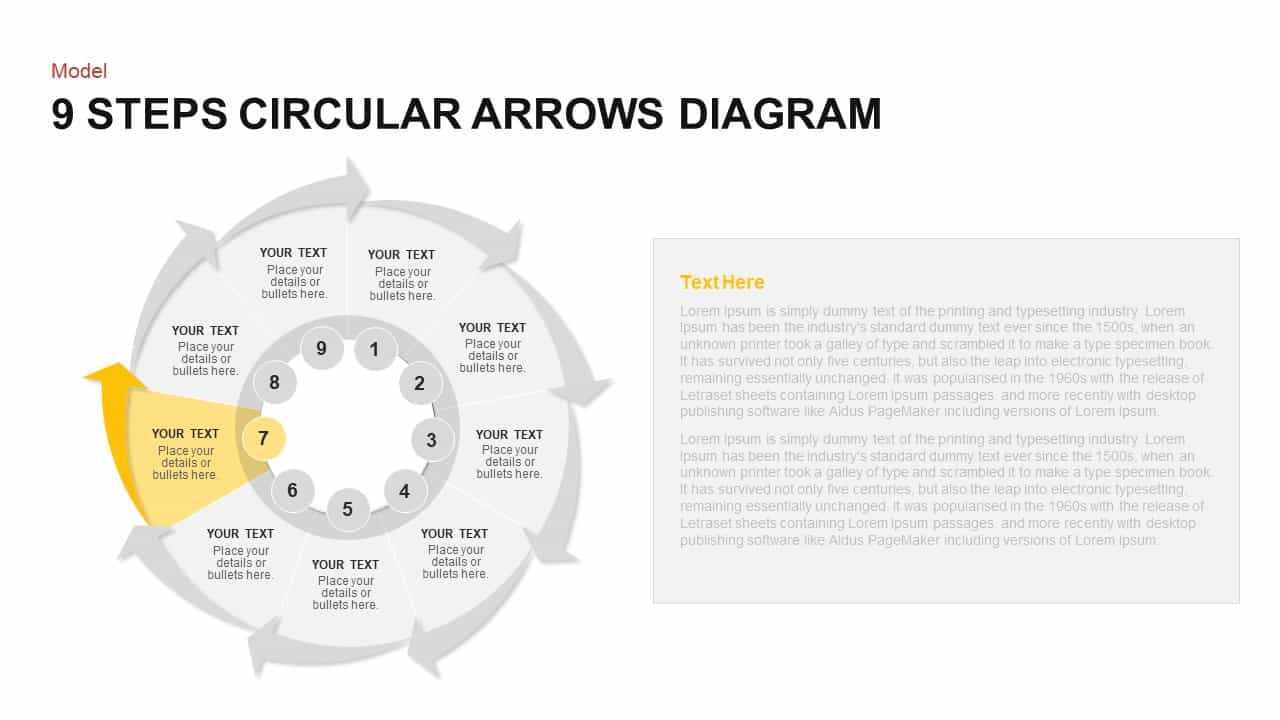
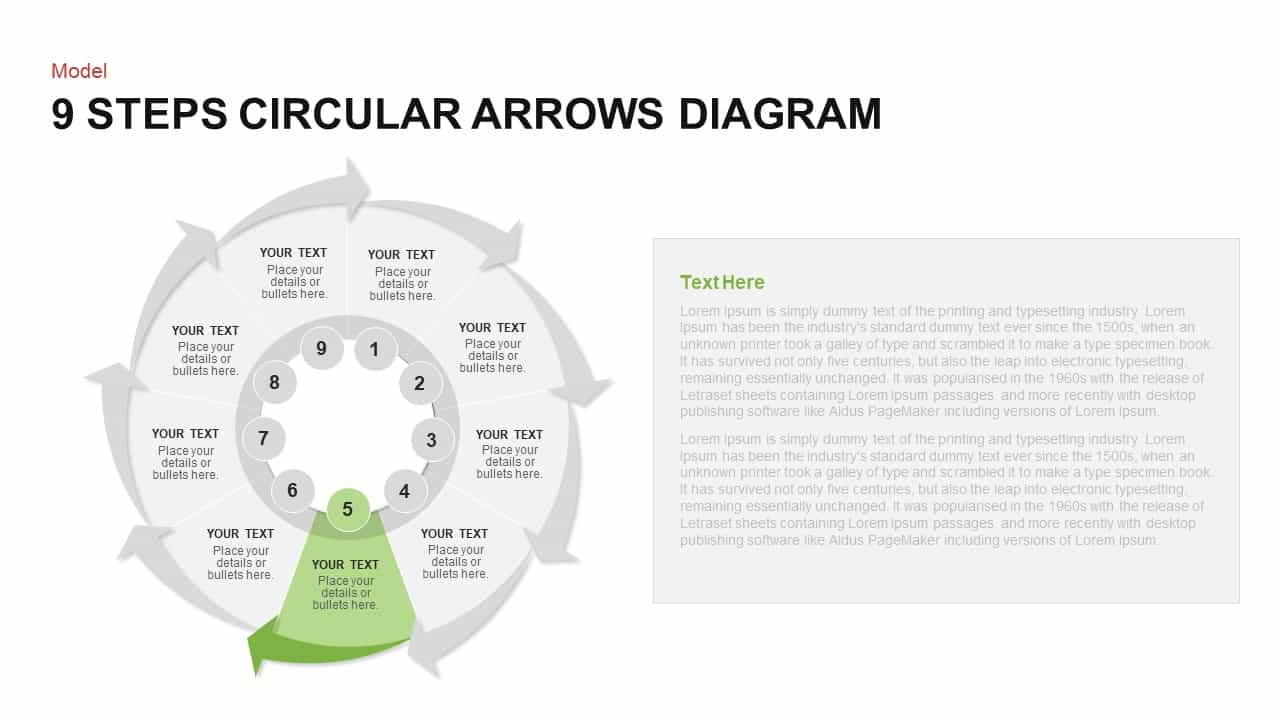
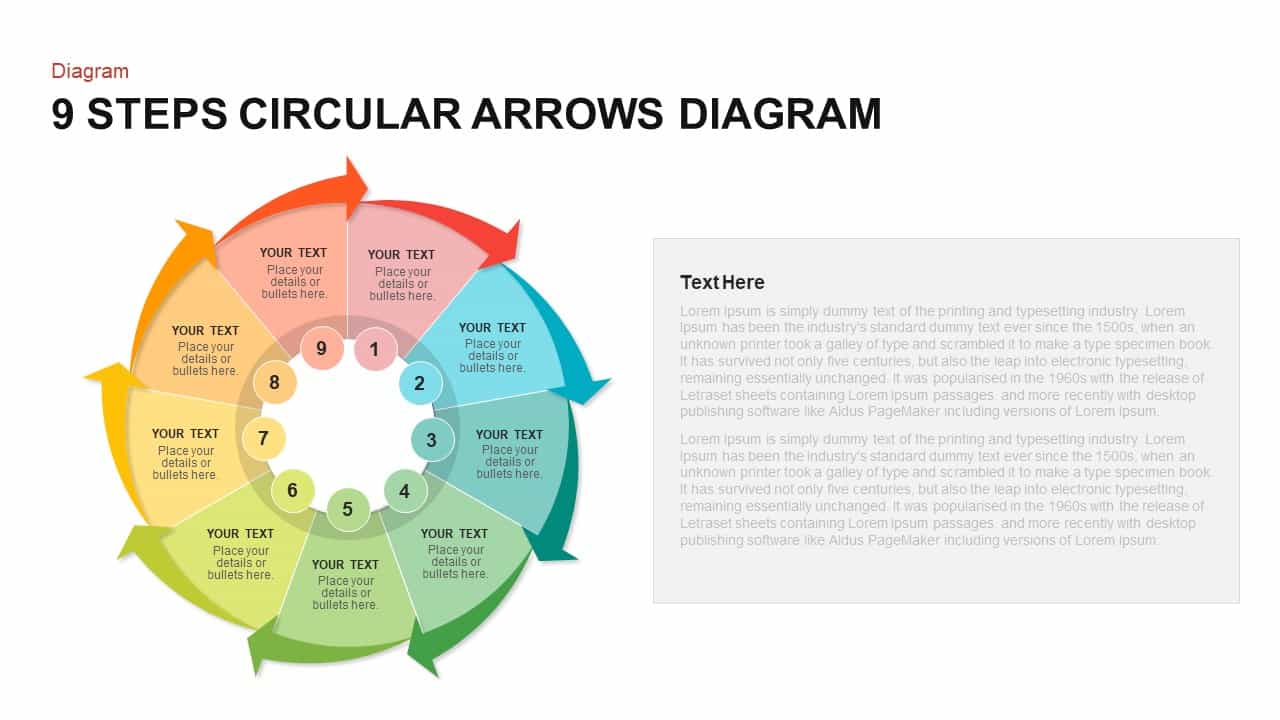
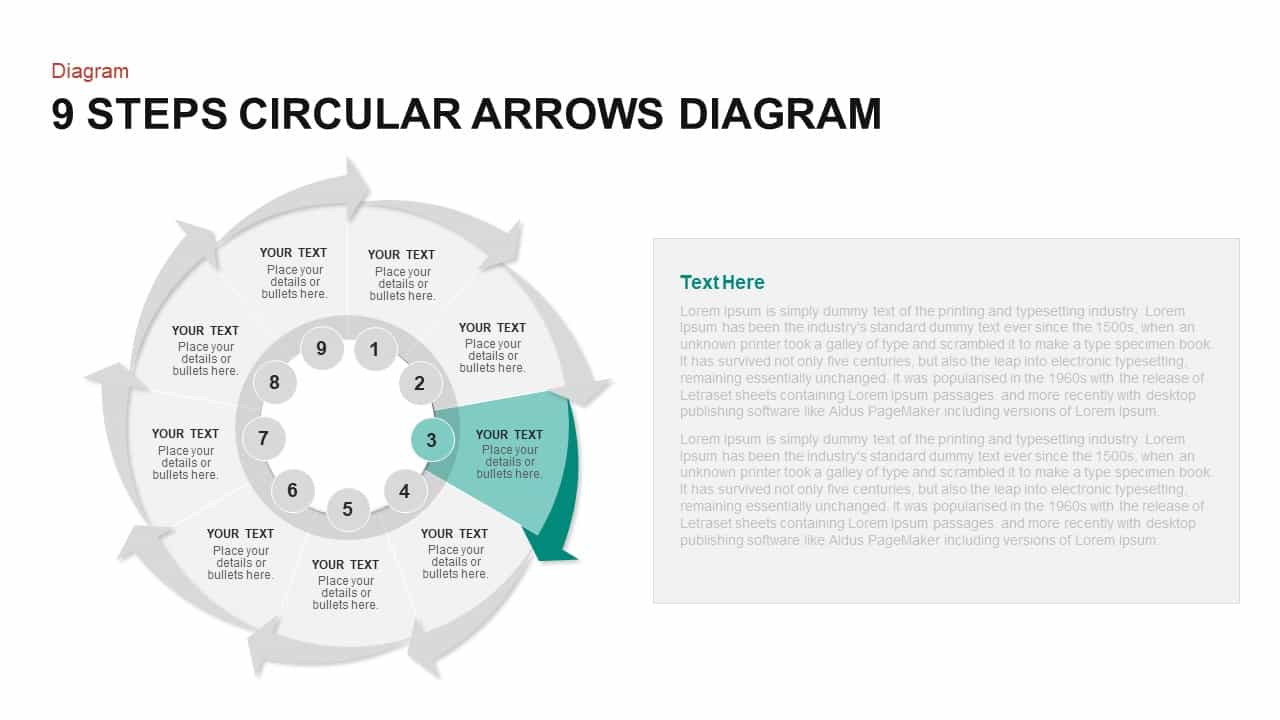
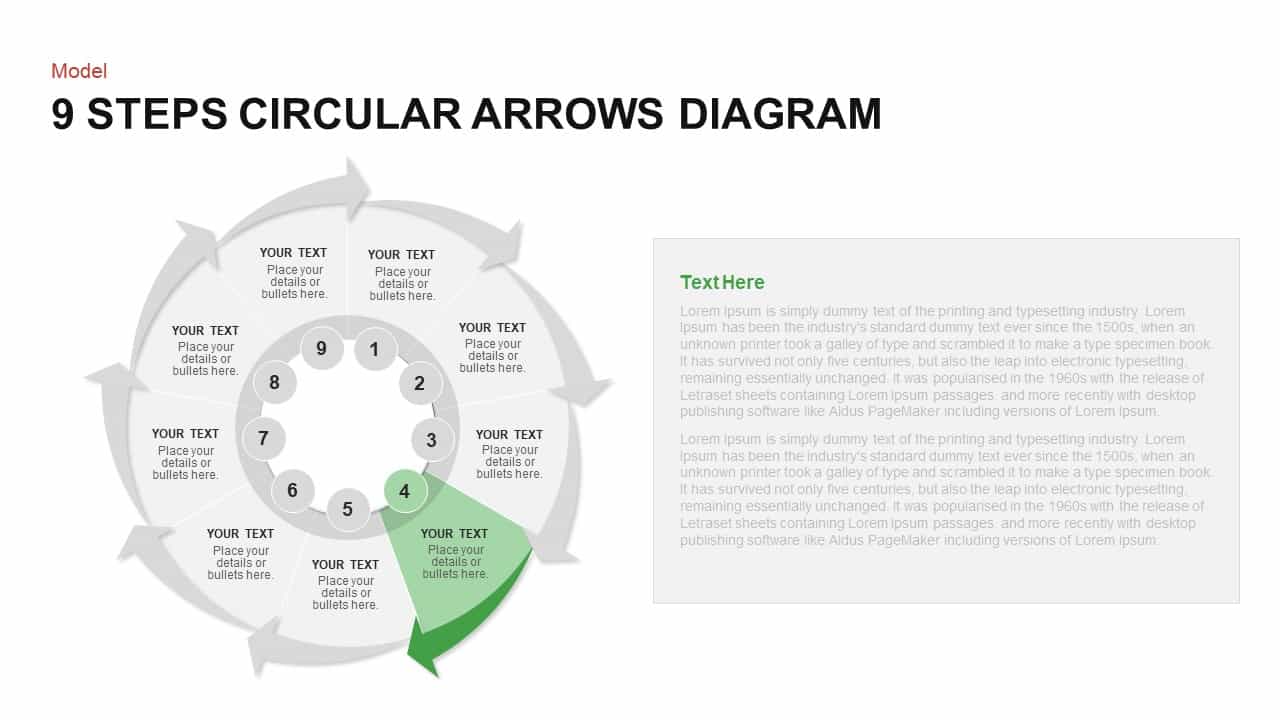
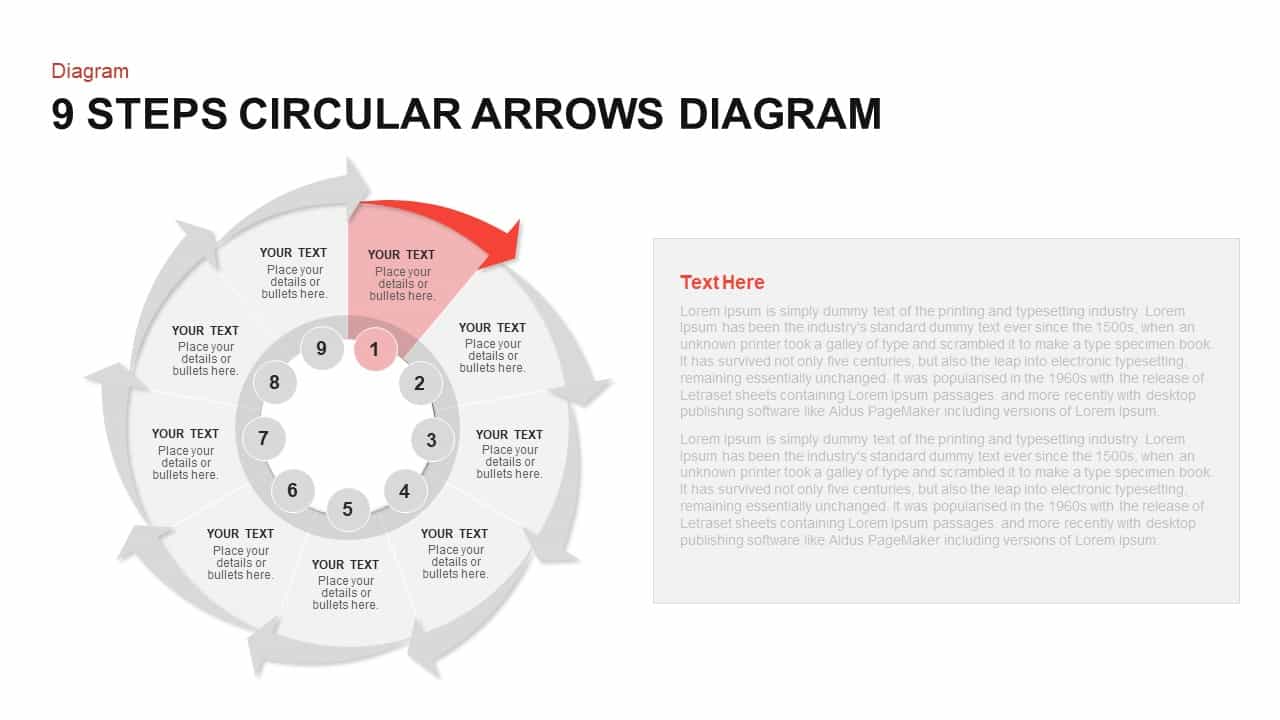
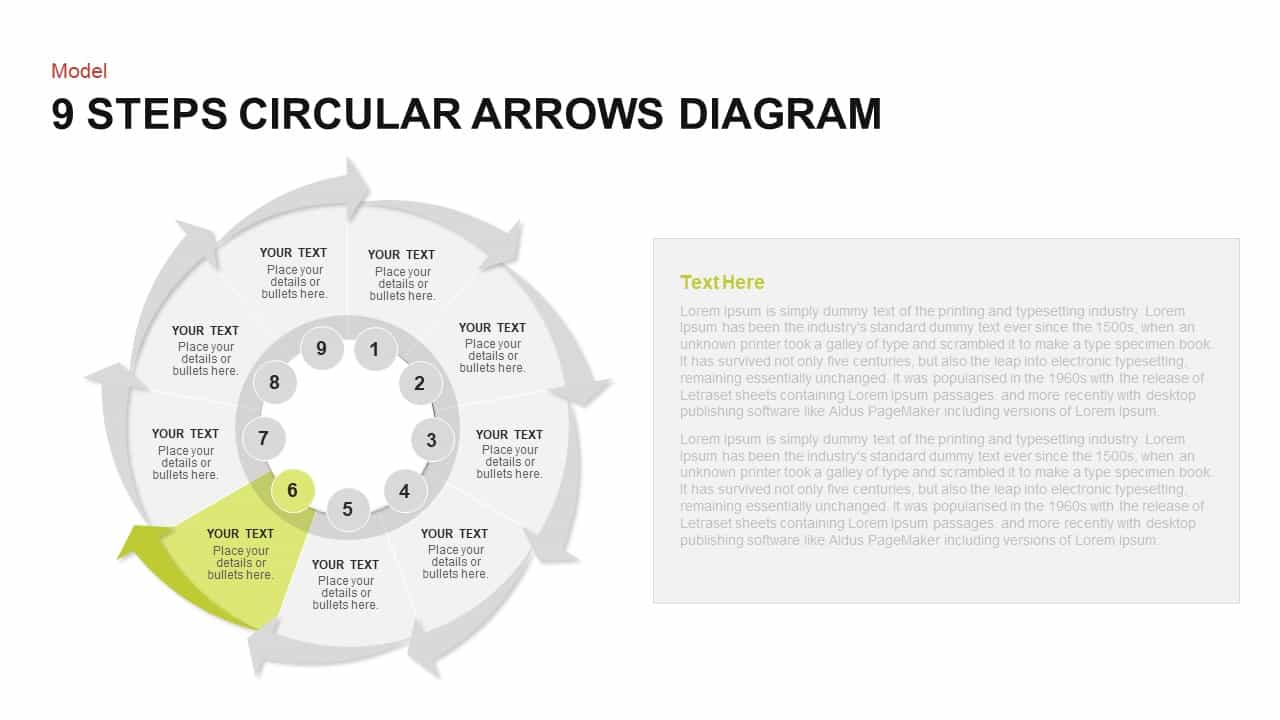
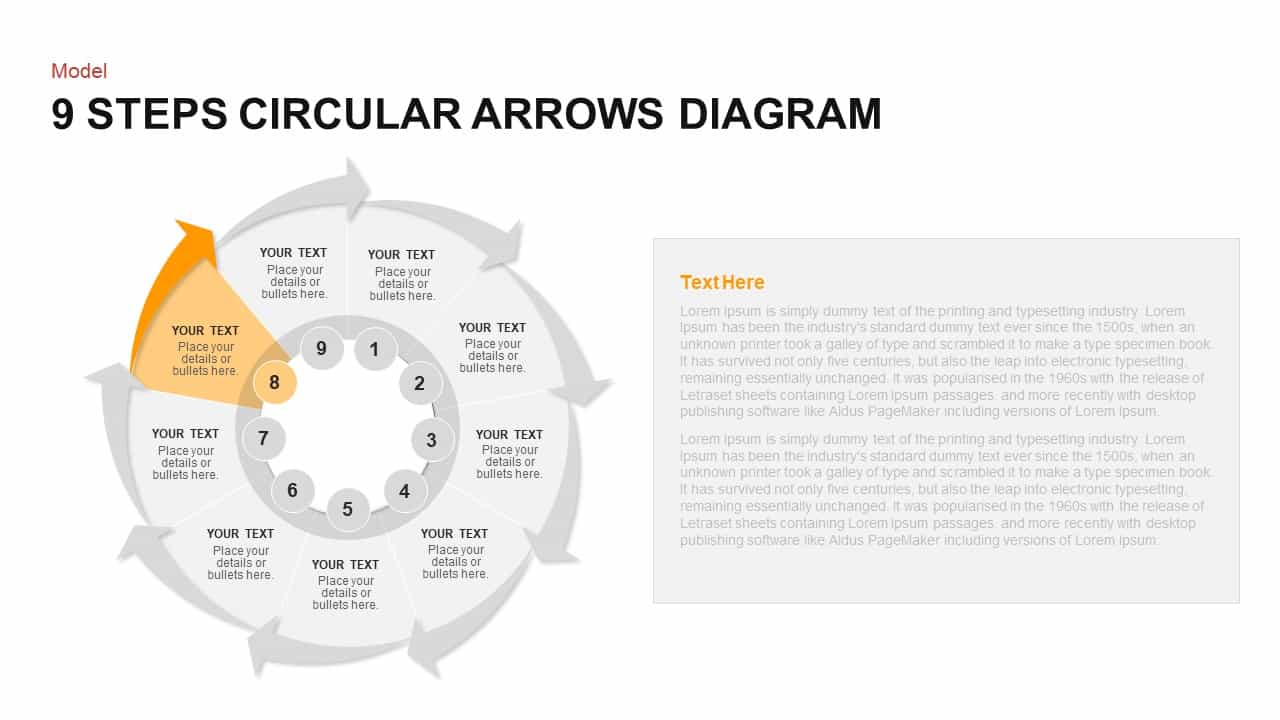
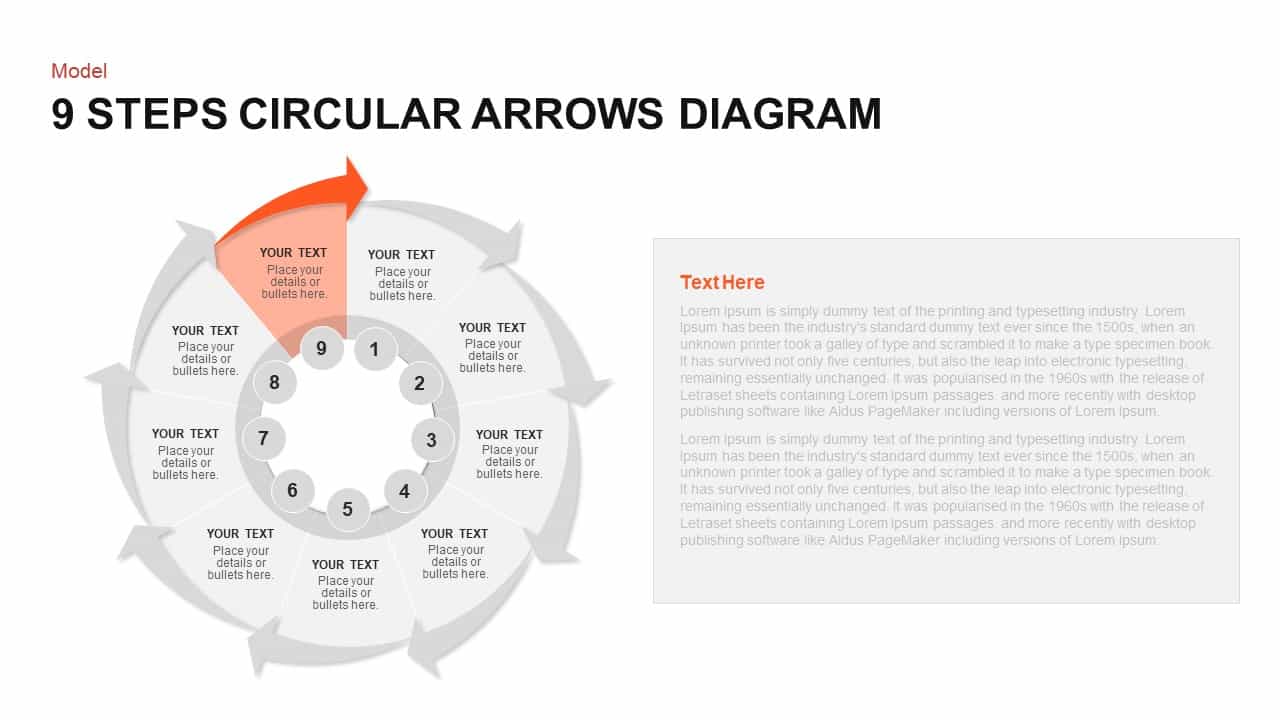
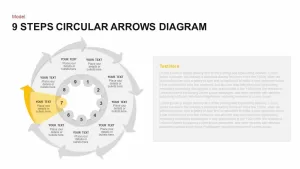
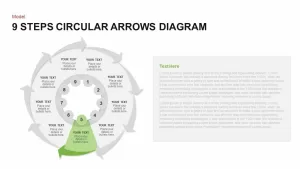
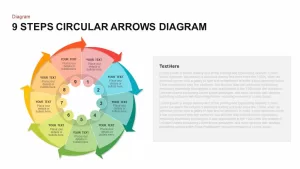
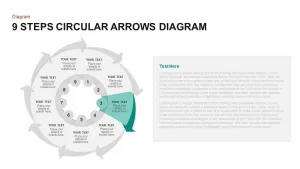
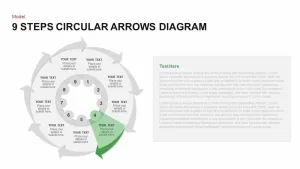
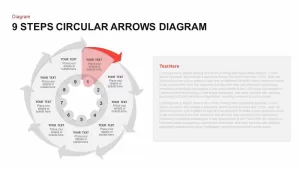
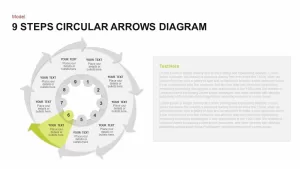
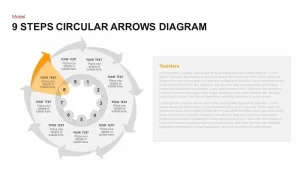
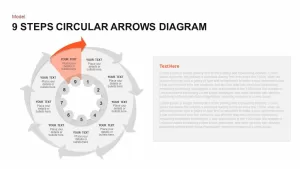
Use this 9-Step Circular Arrows Diagram to visualize cyclical or sequential processes across nine distinct stages. The slide features a colorful ring of nine arrow segments encircling a central hub, each segment labeled and accompanied by matching legend items that map numbered details to each phase. Built on fully editable vector shapes and master slide layouts, you can customize segment colors, arrow thickness, and labels to align with your corporate branding. Replace arrowheads with icons, adjust font styles in the theme panel, or modify legend placement with drag-and-drop ease. Sequential entrance animations let you reveal each arrow in order, helping audiences follow your narrative step by step. Whether you’re outlining product development lifecycles, strategic roadmaps, or performance review cycles, this diagram consolidates complex information into a single, cohesive visual. Optimized for both PowerPoint and Google Slides, the template preserves formatting fidelity, vector clarity, and animation timing across platforms, and exports smoothly to PDF or image formats for print and digital distribution. Simply duplicate slides to compare “before and after” scenarios, collapse non-critical segments for executive summaries, or overlay charts and KPI dashboards to correlate data with each stage. Accompanying legend boxes allow quick mapping of each stage to detailed content, with nine individually colored text placeholders for expanded explanations. The design supports both light and dark backgrounds, enabling easy integration into existing corporate or academic decks. Use the diagram for process optimization, product roadmaps, marketing funnels, compliance checks, or agile sprint reviews. The vector-based art ensures scaling at any resolution, and the master slide support simplifies bulk styling updates. Leverage this asset to enhance audience engagement and present multi-step frameworks with clarity and professionalism.
Who is it for
Project managers, process improvement specialists, and product owners will benefit from this diagram when mapping workflows, illustrating phased methodologies, or presenting cyclical processes. Marketing teams, consultants, and trainers can leverage its sequential structure to engage audiences during strategy sessions or training workshops.
Other Uses
Repurpose this circular arrow layout for customer journey mapping, annual planning cycles, risk assessment frameworks, or compliance review processes. Use the numbered legend to highlight priority action items, milestone reviews, or decision checkpoints across diverse organizational presentations.
Login to download this file

Item ID
SB00999


Related Templates

Circular Arrows Diagram PowerPoint Template
Process
Circular Arrows Process Flow template for PowerPoint & Google Slides
Process
Circular Arrows Process Flow template for PowerPoint & Google Slides
Process
10 Step Circular Arrows Template
Process
4 Step Arrows Diagram PowerPoint Template
Infographics
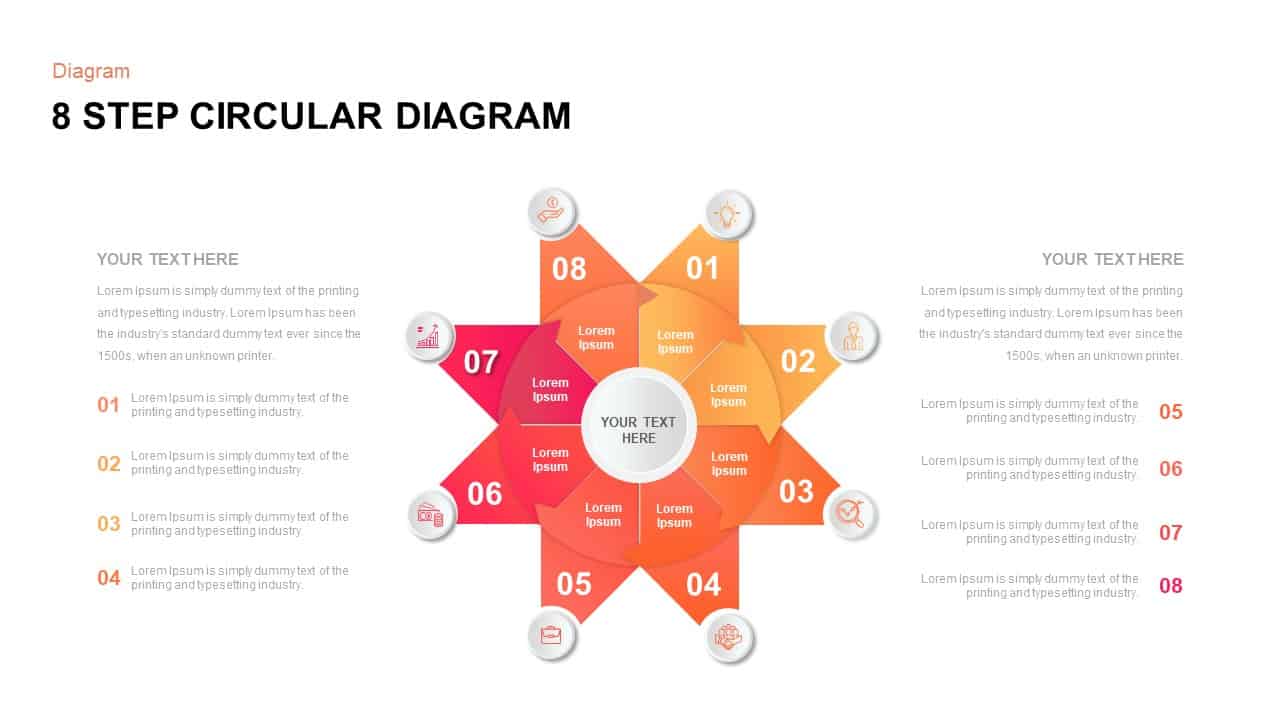
8 Step Circular Process Flow Diagram Template for PowerPoint & Google Slides
Process
Circular Arrows PowerPoint Template
Business
Circular Arrows PowerPoint Template
Process
Circle Arrows Process Flow template for PowerPoint & Google Slides
Process
4 Step Circle Arrows Template
Process
5 Step Circle Arrows Template
Circular
Merging Arrows Process for PowerPoint & Google Slides
Arrow
Ten-Step Circular Process Infographic Template for PowerPoint & Google Slides
Circular
Ribbon Infographics Step-by-Step Process Template for PowerPoint & Google Slides
Process
4 Step Creative Circular Diagram PowerPoint Template and Google Slides
Infographics
Eight Step Circular Diagram Template for PowerPoint & Google Slides
Circular
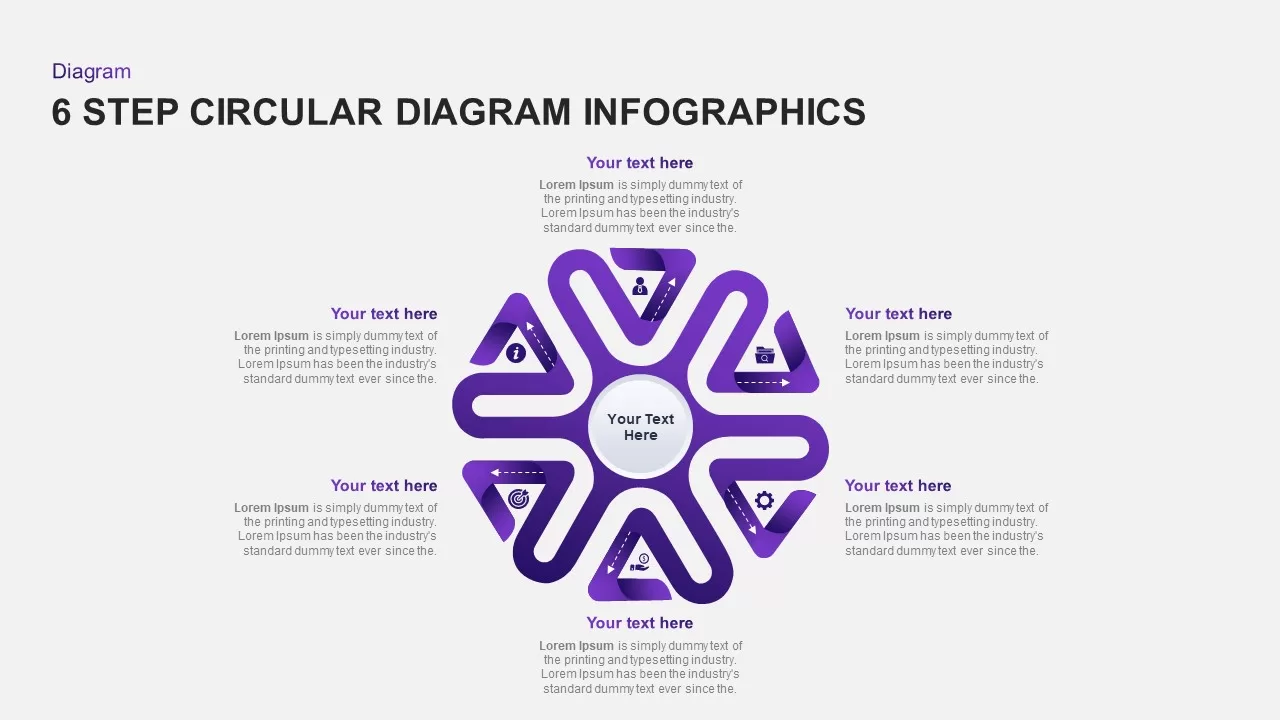
Six-Step Circular Diagram Infographics Template for PowerPoint & Google Slides
Circular
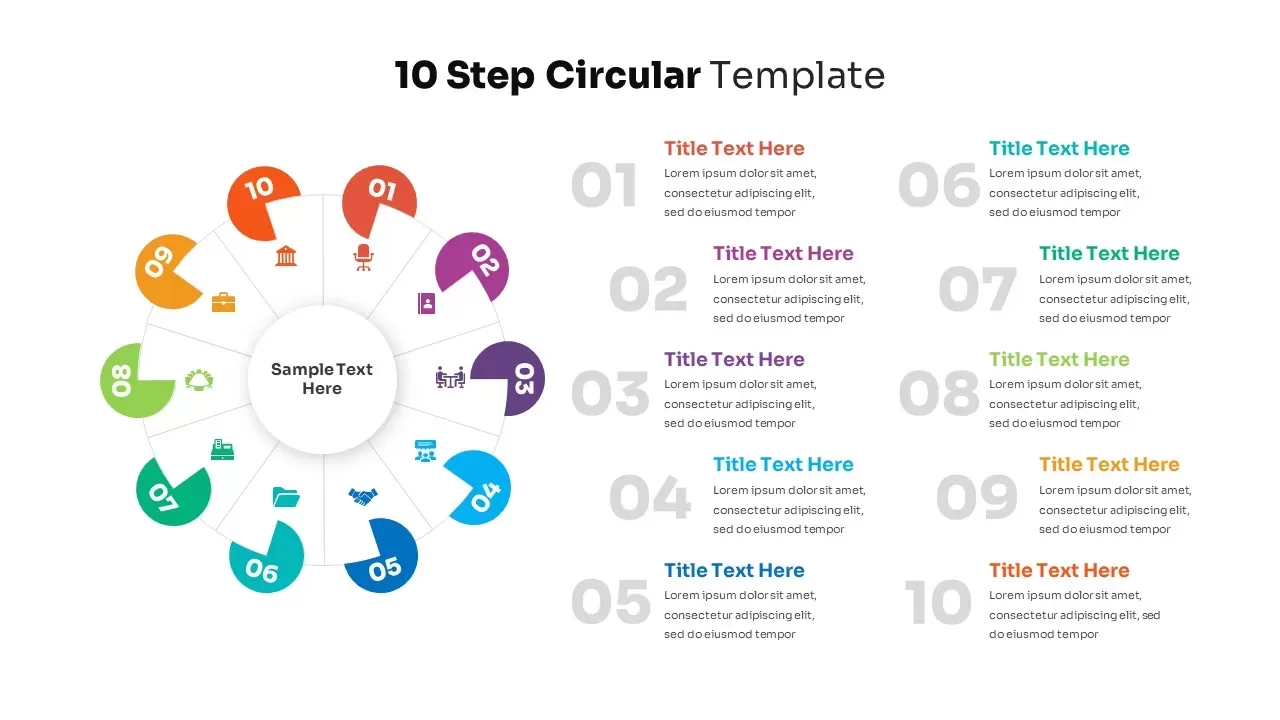
10-Step Colorful Circular Diagram Template for PowerPoint & Google Slides
Circular
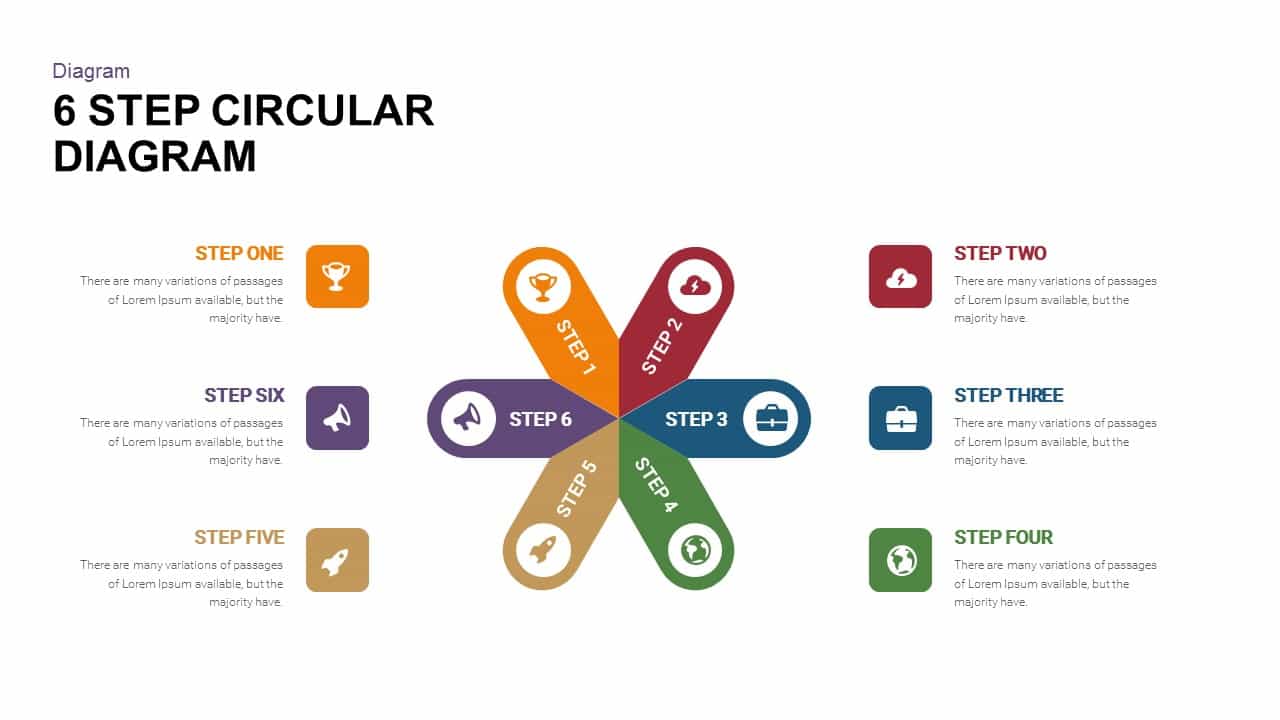
6 Step Circular Diagram Template
Process
12 Step Circular Diagram for PowerPoint & Google Slides
Process