Merging Arrows Process for PowerPoint & Google Slides

Merging Arrows Infographic for Strategy Alignment and Business Integration
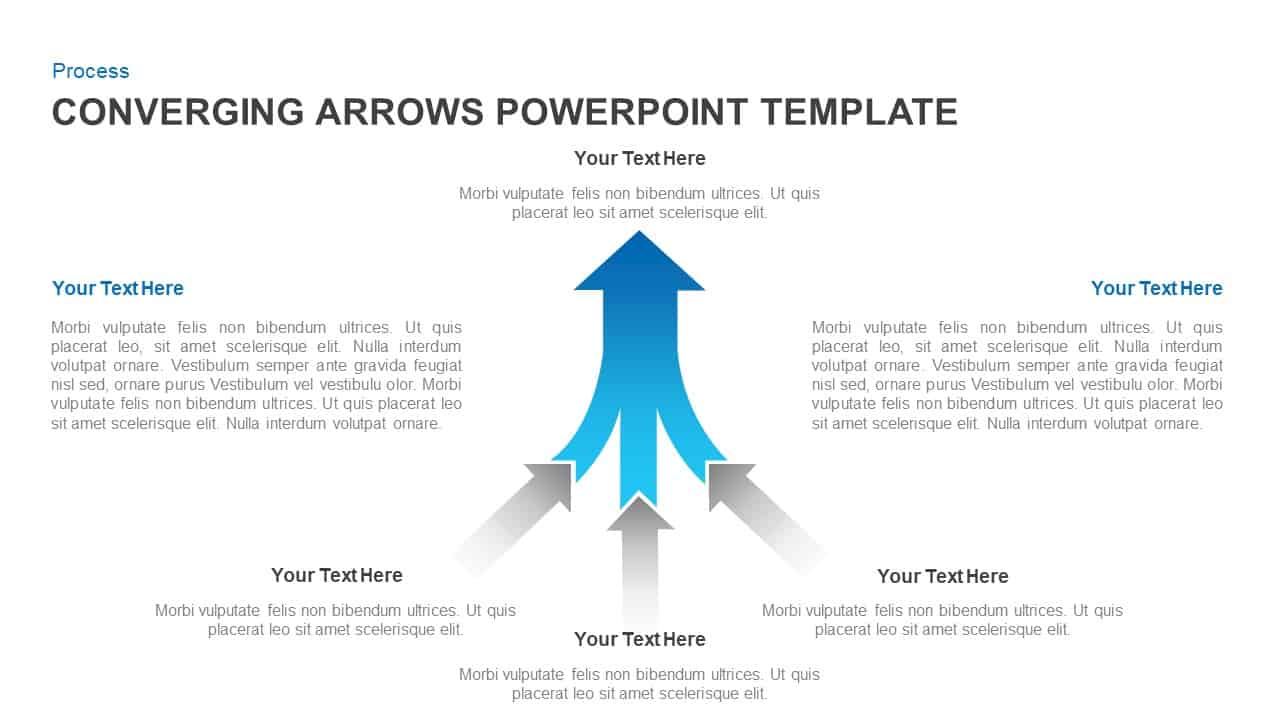
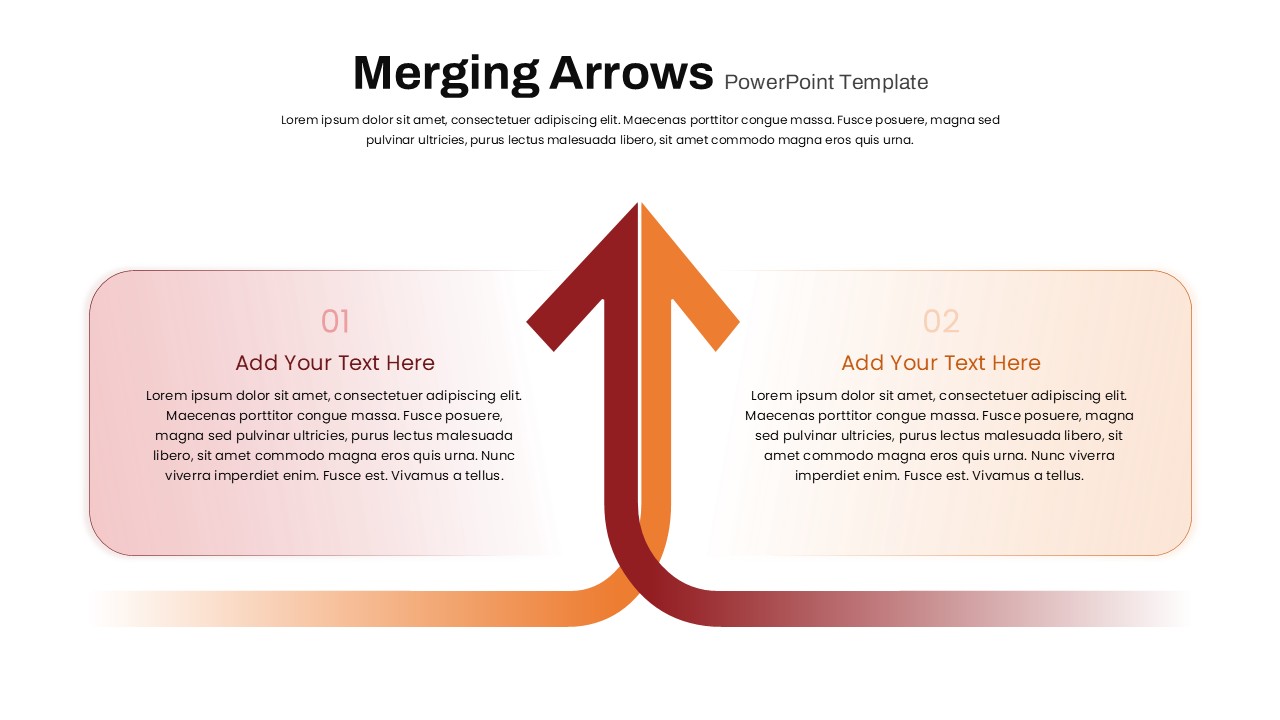
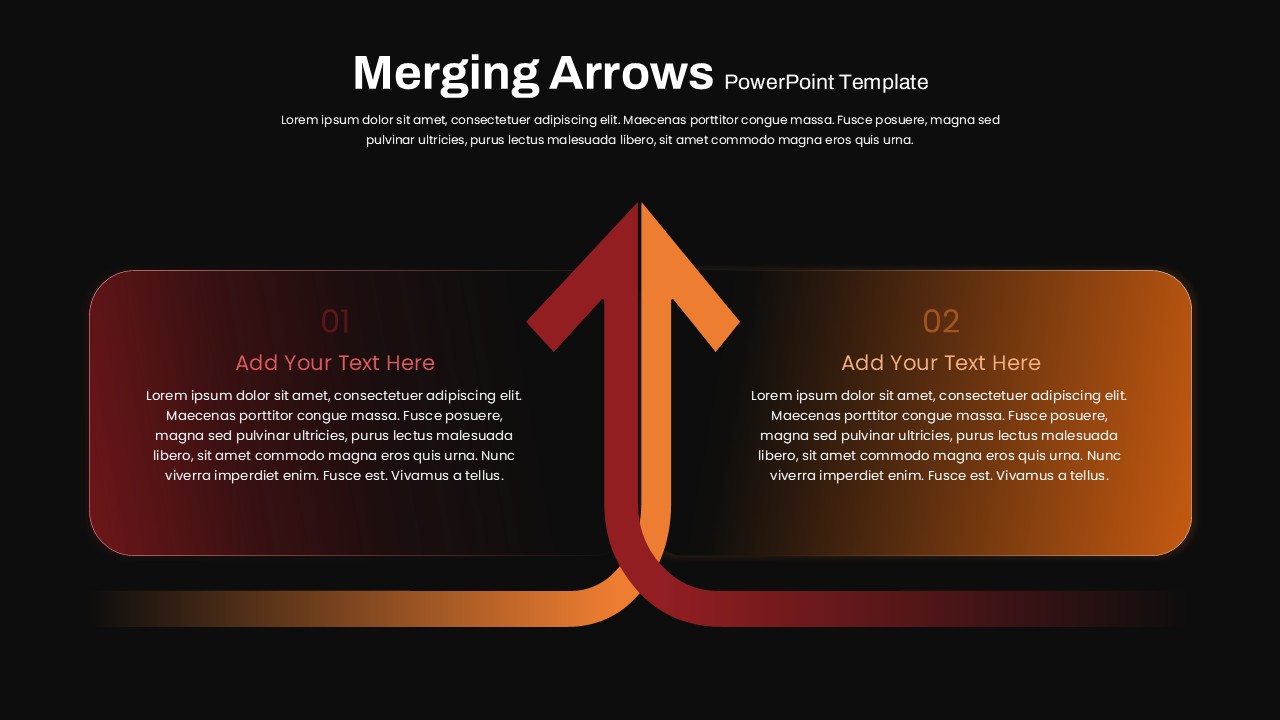
The Merging Arrows Process PowerPoint Template is a professional visual designed to illustrate how two separate ideas, processes, or strategies converge into a single objective. Featuring two interconnected arrows that merge into one upward direction, this slide effectively communicates collaboration, integration, decision-making, and strategic alignment in a clear and engaging format.
How Do I Insert Arrows in PowerPoint?
To add arrows in PowerPoint, navigate to the Insert tab and select Shapes. Choose an arrow from the Lines or Block Arrows category, then click and drag to draw it on your slide. You can easily customize the arrow’s color, size, style, and direction using the Shape Format tools. Arrows are widely used to visualize workflows, processes, relationships, and directional movement within presentations.
What makes this merging arrows PowerPoint template particularly effective is its clean, symmetrical design. Each side includes dedicated text areas that allow presenters to explain individual concepts before demonstrating how they combine into a shared outcome. This arrow diagram is ideal for showcasing business mergers, team collaboration, product integration, comparative analysis, or unified growth strategies.
The slide is suitable for executives, consultants, project managers, educators, and marketing professionals who need to communicate complex relationships in a simple visual format.
Key Applications of this Merging Arrows Infographic
- Comparing two ideas, products, or business strategies
- Demonstrating business mergers and organizational integration
- Presenting collaborative workflows and partnerships
- Explaining decision-making paths that lead to a common goal
- Highlighting similarities, synergies, or combined outcomes
Key Features of this Merging Arrows PowerPoint Template
- Fully editable colors, shapes, and typography
- Easy resizing and repositioning of design elements
- Supports PowerPoint, Google Slides, and Keynote
- Add icons, branding elements, and custom content effortlessly
This Merging Arrows Process PPT Template helps transform complex concepts into a compelling visual story, making presentations more engaging, organized, and impactful.
Login to download this file

Item ID
SB04995


Related Templates

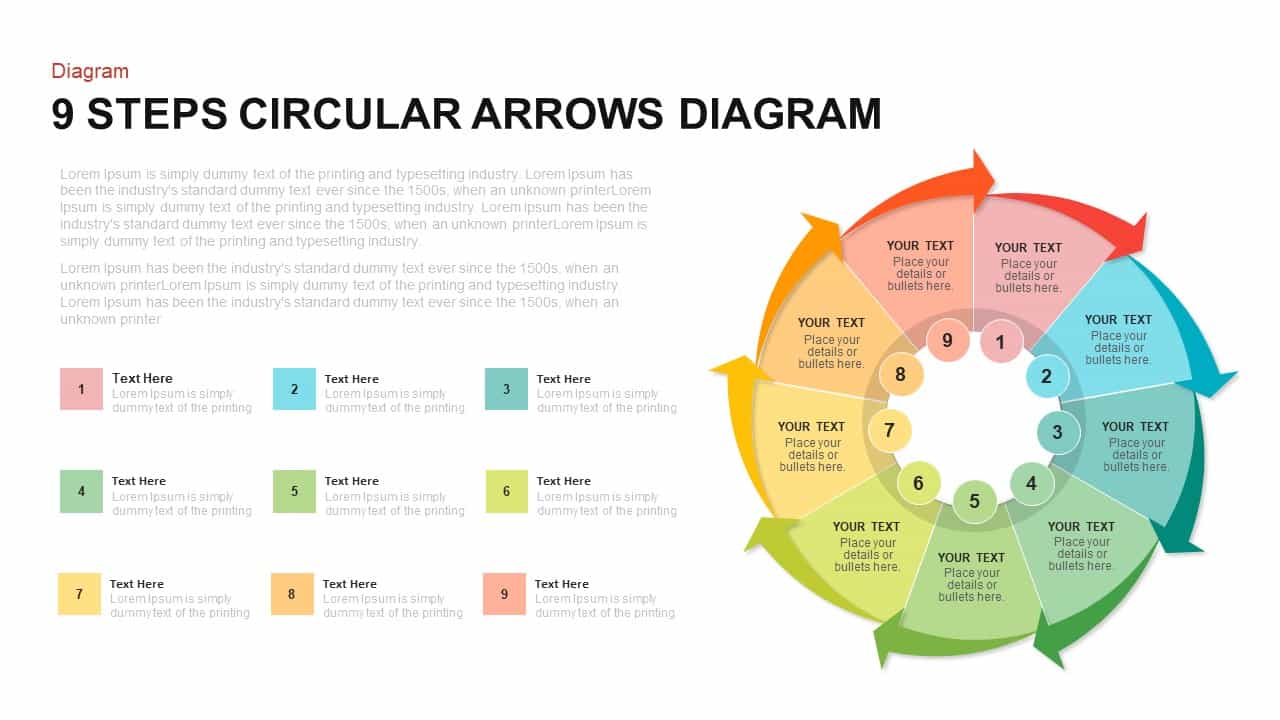
9-Step Circular Arrows Process Diagram Template for PowerPoint & Google Slides
Process
Circle Arrows Process Flow template for PowerPoint & Google Slides
Process
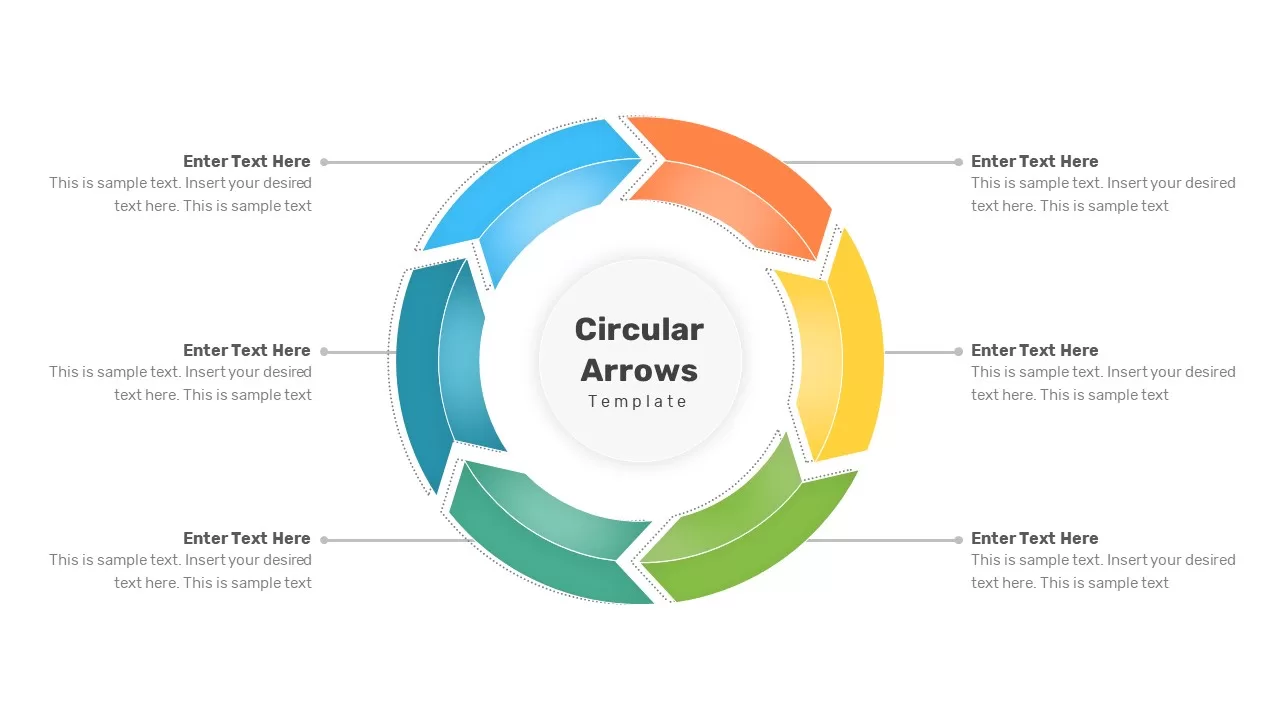
Circular Arrows Process Flow template for PowerPoint & Google Slides
Process
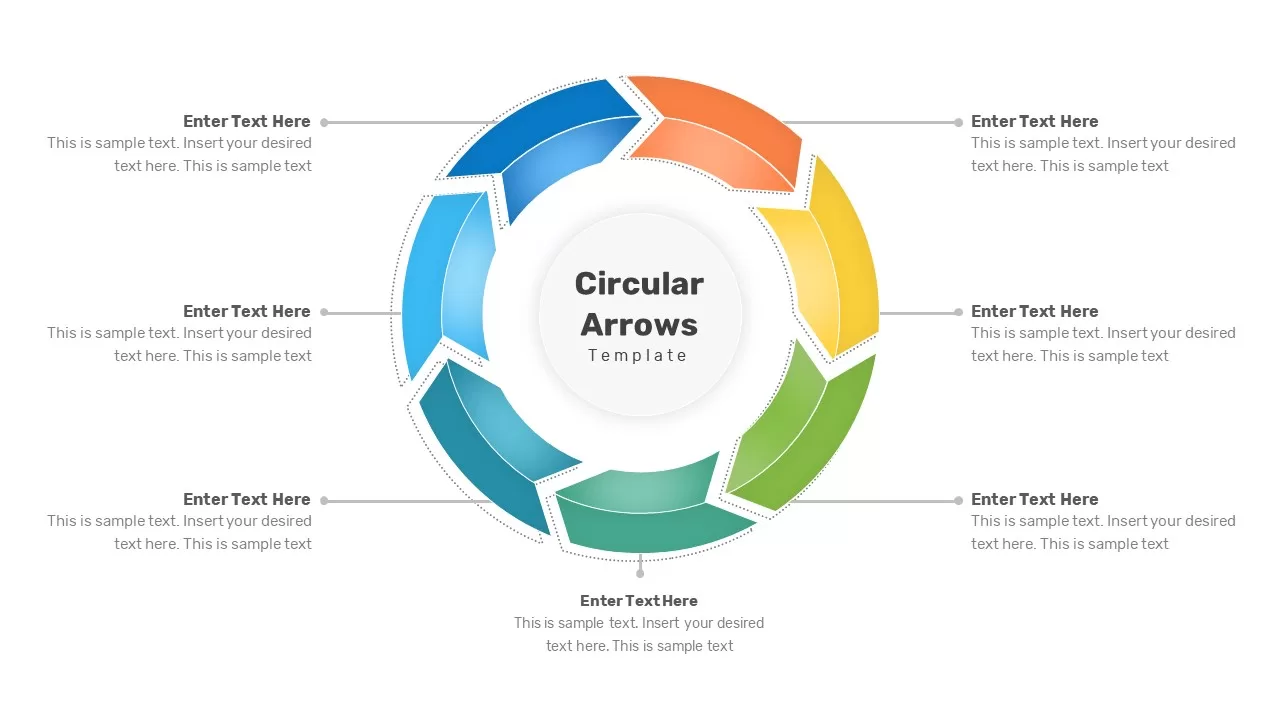
Circular Arrows Process Flow template for PowerPoint & Google Slides
Process
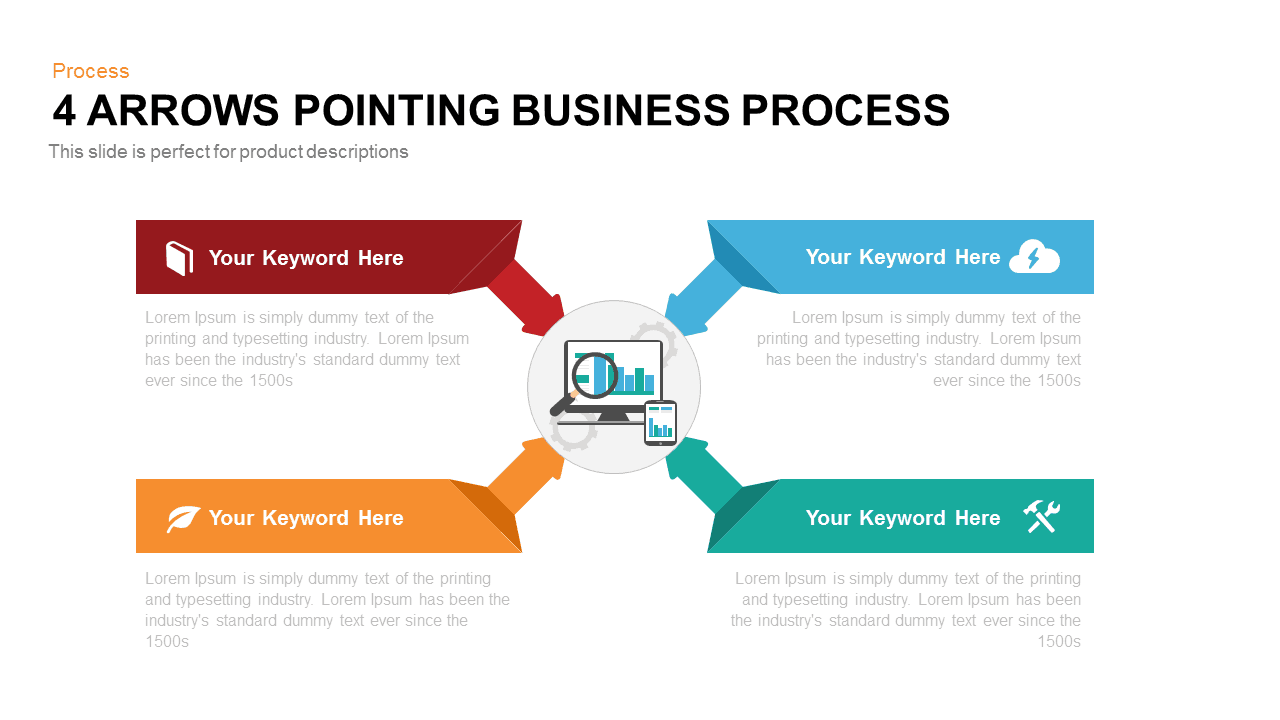
4 Arrows Pointing Business Process PowerPoint Template
Process
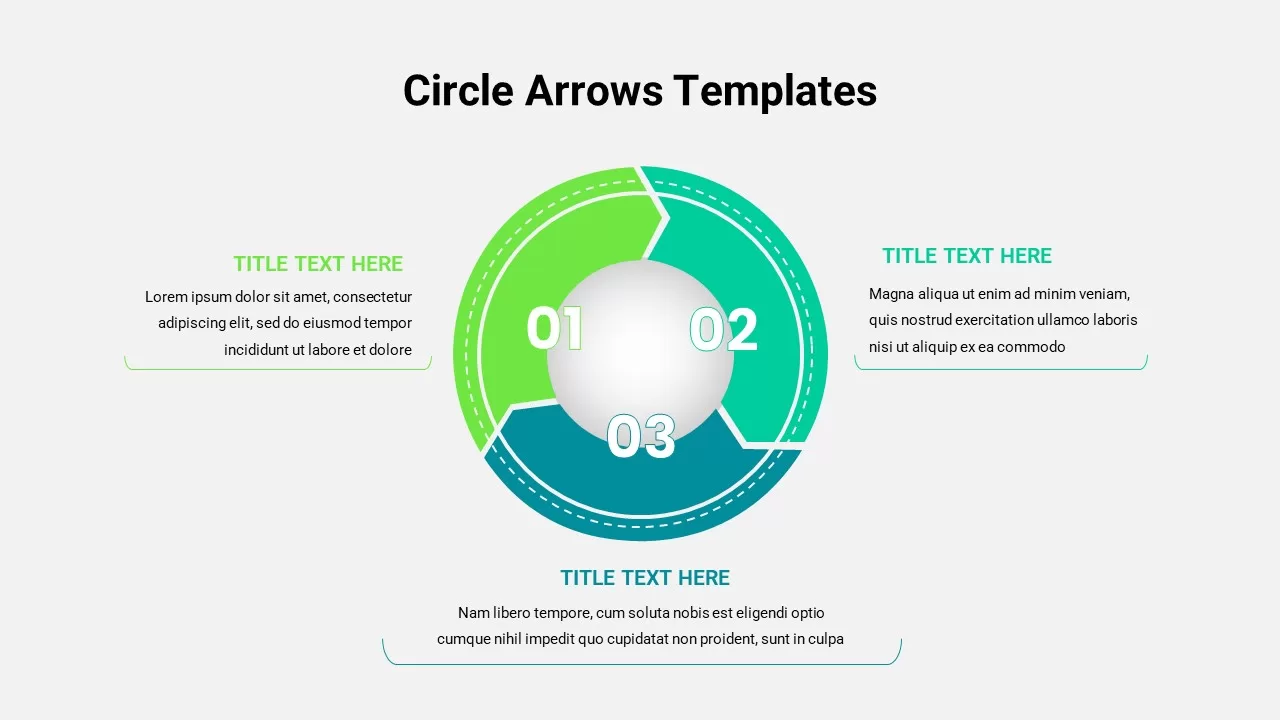
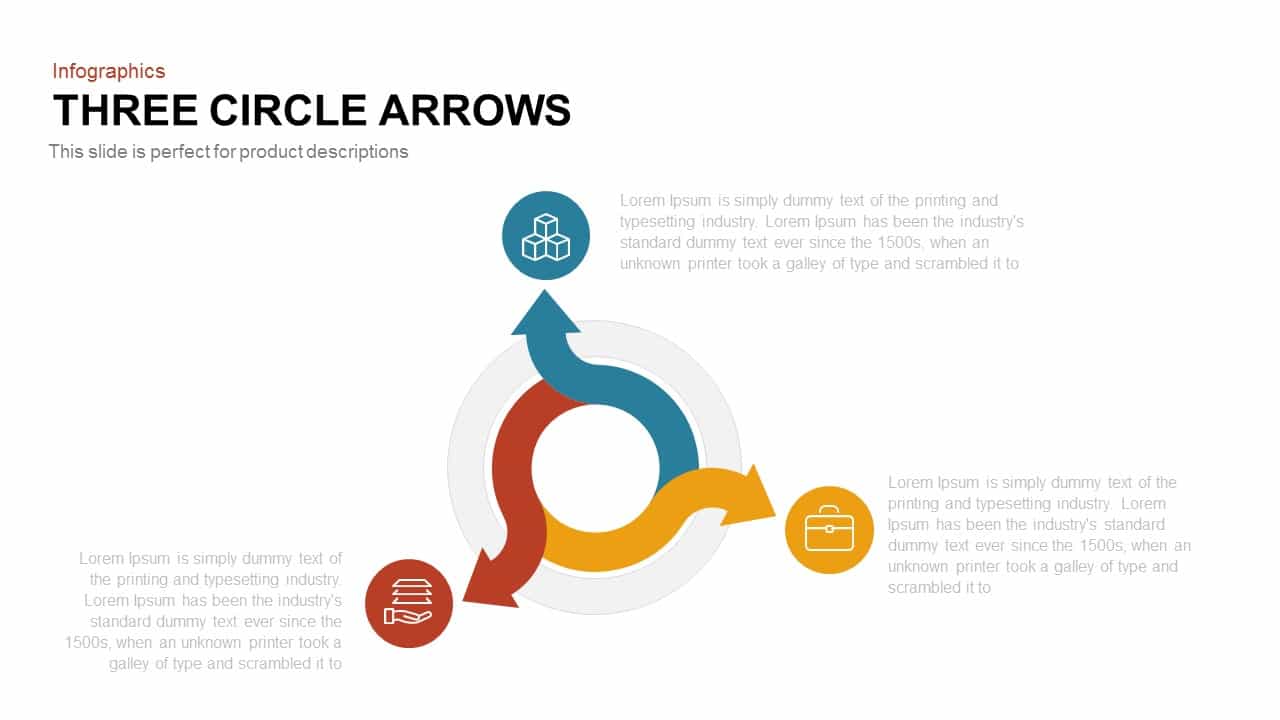
3 Arrows Circle PowerPoint Template and Google Slides
Circular
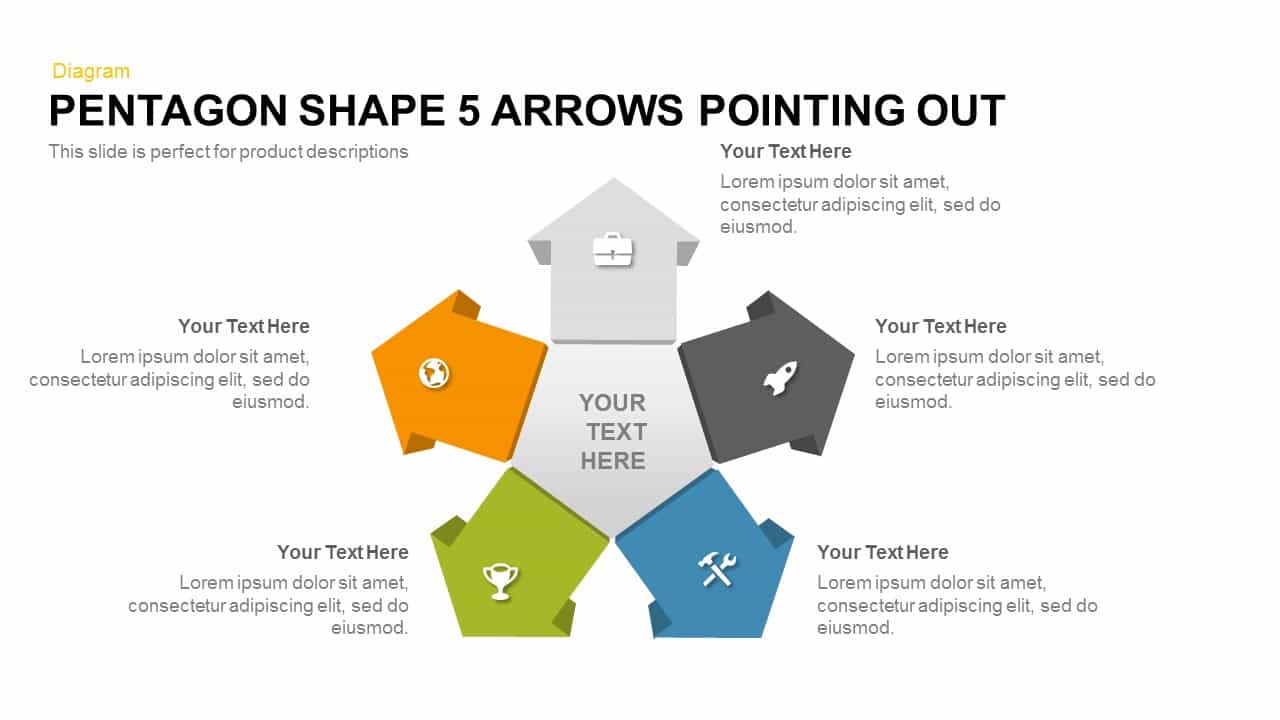
Pentagon Shape 5 Arrows Pointing Out template for PowerPoint & Google Slides
Arrow

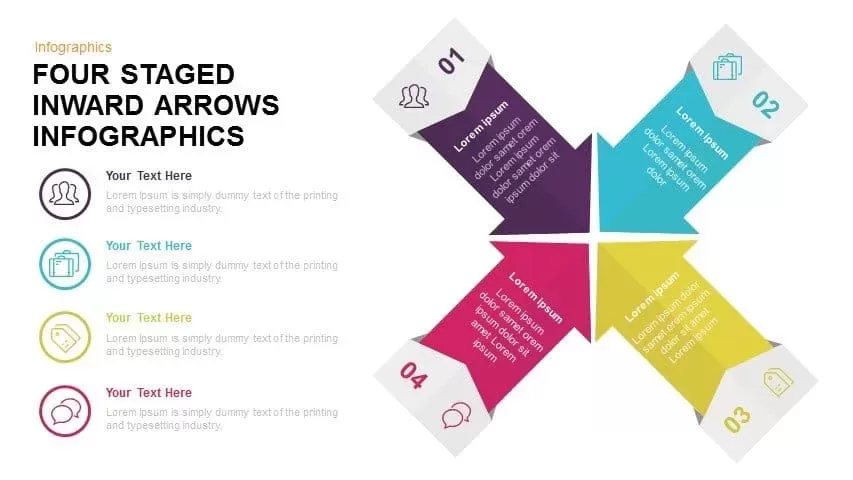
Four Staged Inward Arrows Infographic Template for PowerPoint & Google Slides
Arrow
4 Staged Business Arrows Infographic Template for PowerPoint & Google Slides
Arrow
Circular Arrows Diagram PowerPoint Template
Process
Sales Target Achievement Arrows PowerPoint Template and Google Slide
Arrow
Diverging Arrows Template for PowerPoint & Google Slide
Arrow
4 Step Arrows Diagram PowerPoint Template
Infographics
5 Arrows Pointing Out Template for PowerPoint
Arrow
Magnifying Glass Arrows Infographic PowerPoint Template
Arrow
Six Directional Arrows PowerPoint Template
Arrow
4 Points Alternate Direction Arrows PowerPoint Template
Arrow
Converging Arrows Template for PowerPoint
Arrow
Circular Arrows PowerPoint Template
Business
Circle Arrows PowerPoint Template
Circular