2 Options Comparison Table PowerPoint Template
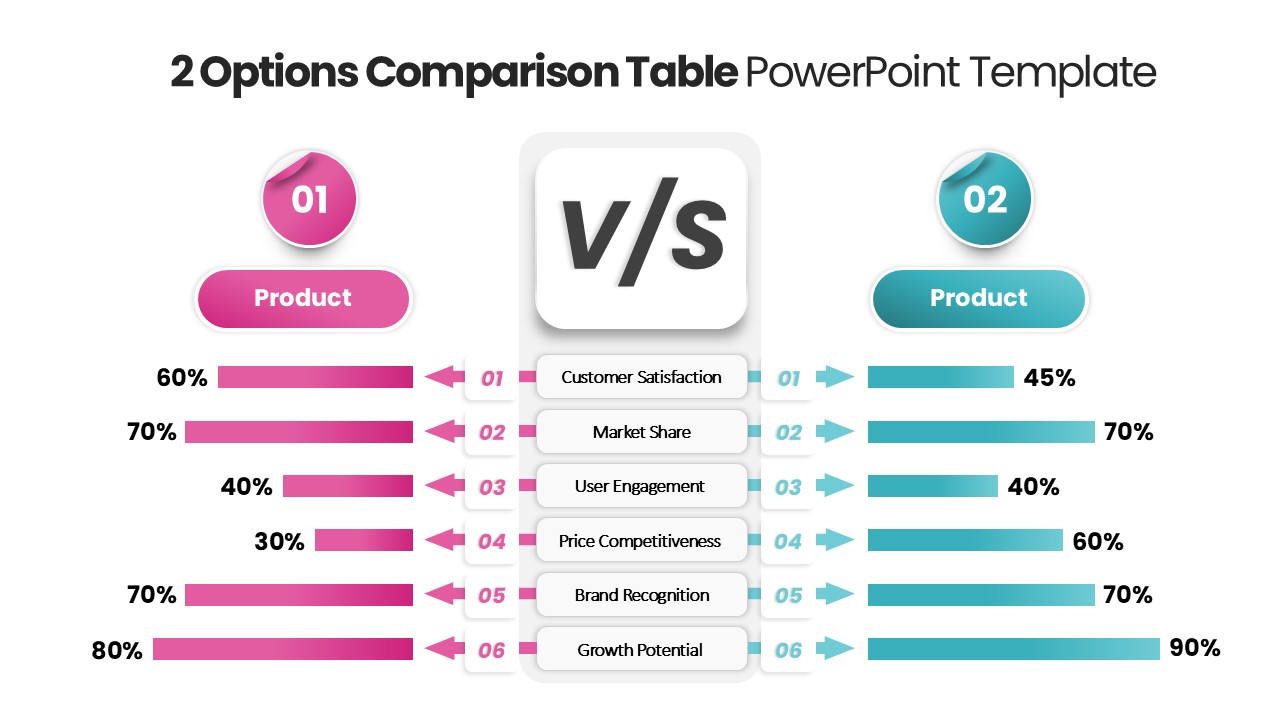
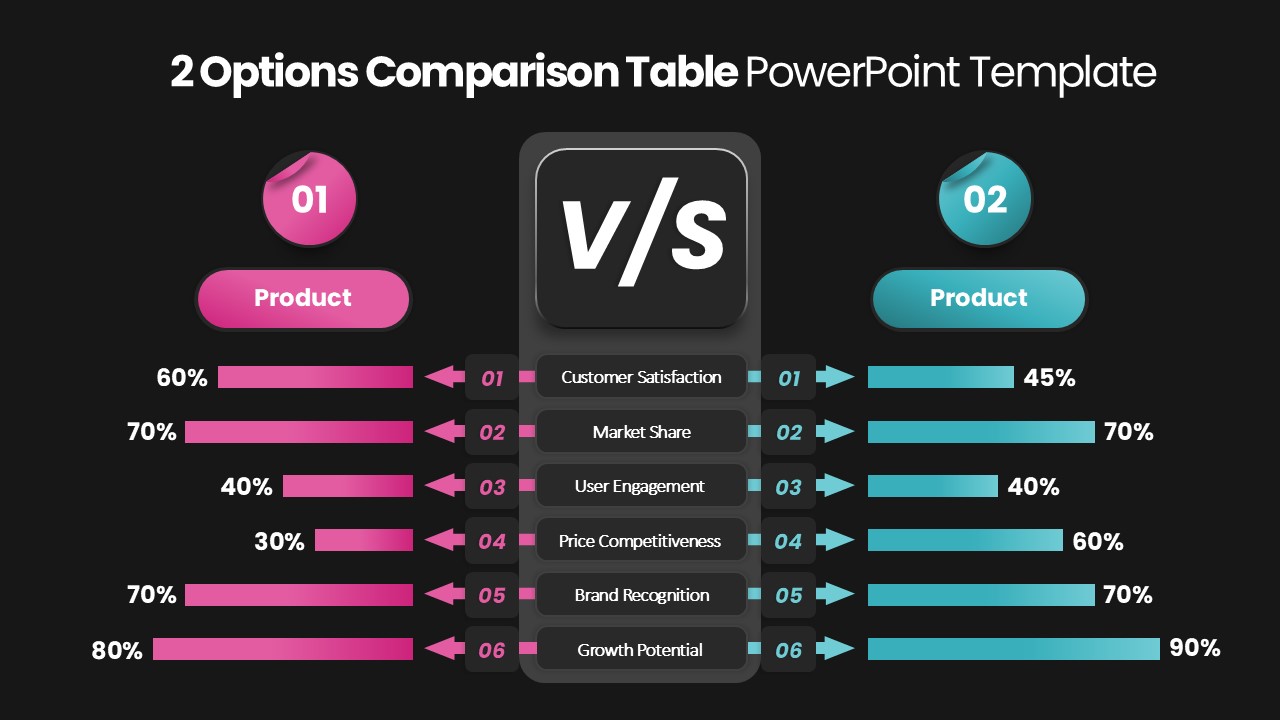
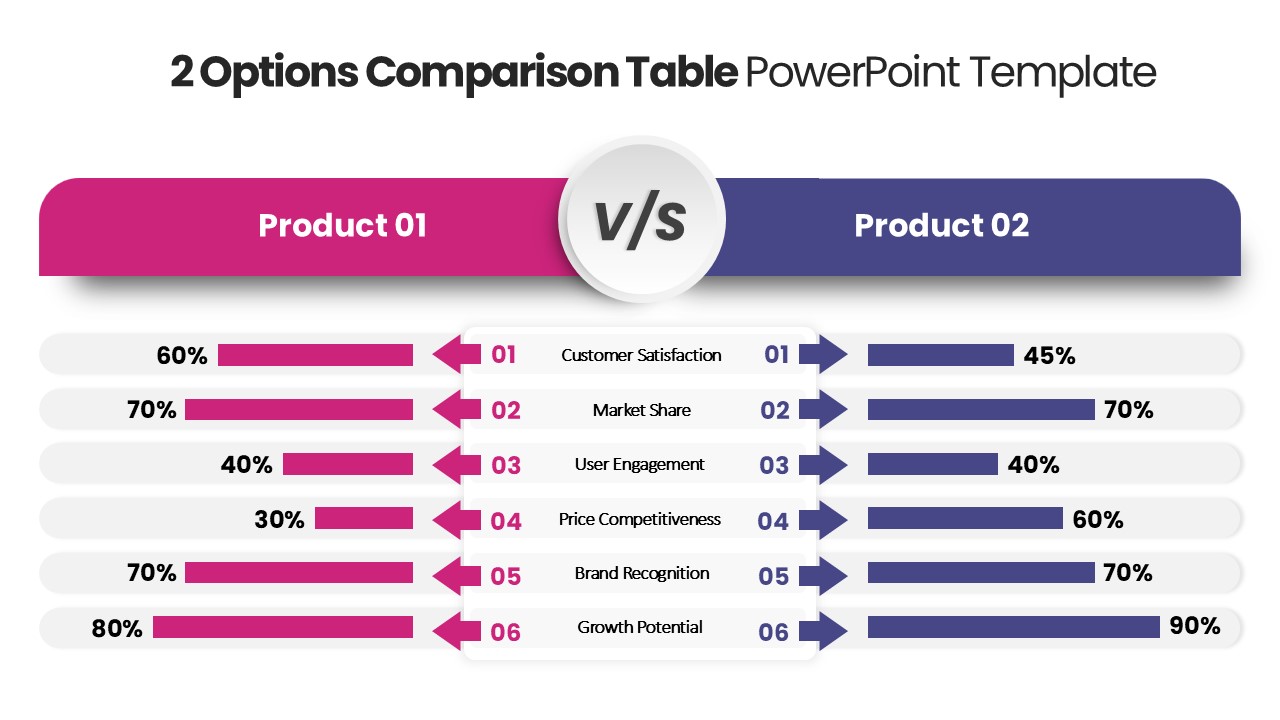
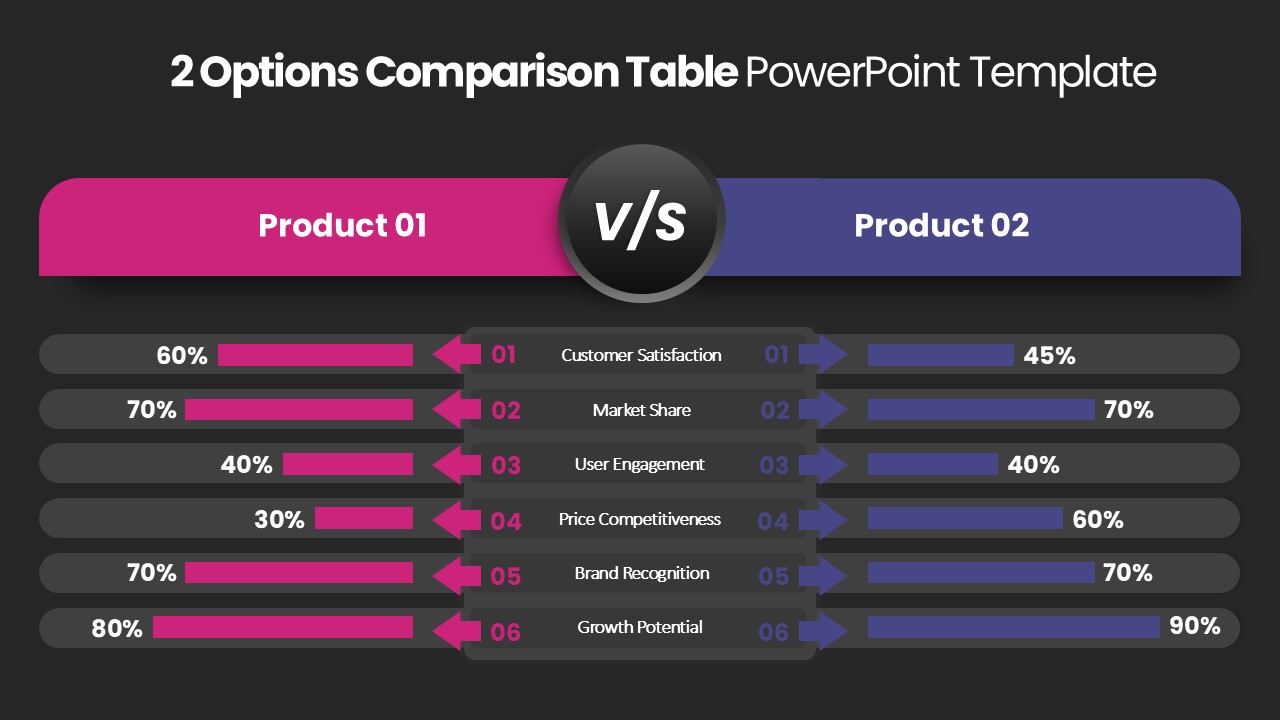
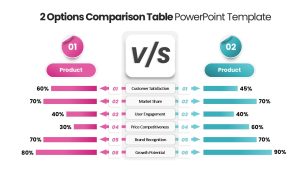
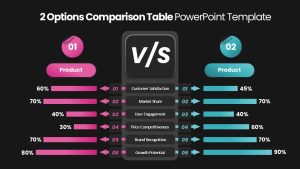
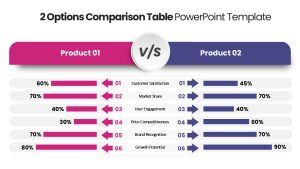
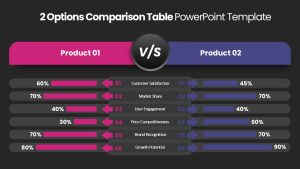
2 Options Comparison Table PowerPoint Template: A Versatile Tool for Effective Presentations
The 2 Options Comparison Table PowerPoint Template is an essential tool for professionals, educators, and business leaders who need to showcase comparisons effectively. This two options comparison slide for PowerPoint is designed to present data in a visually appealing way using differently sized bars to highlight distinctions between two choices. Whether comparing Product 1 vs. Product 2, advantages vs. disadvantages, or dos and don’ts, this template enhances clarity and audience engagement.
How do I create a comparison chart in PowerPoint?
To create a comparison chart in PowerPoint, go to the “Insert” tab and select “Chart.” Choose a suitable chart type, like a bar chart or table. Enter data in the Excel sheet that appears. Customize the chart by adjusting colors, labels, and sizes. Alternatively, use SmartArt (Insert > SmartArt > Relationship > Balance) for a quick visual comparison. Modify fonts and icons for better clarity and professional appeal.
Features of the 2 Options Comparison Slide for PowerPoint
Visually Distinct Bars: The parallel bar chart slide uses different sizes to provide a clear, intuitive understanding of differences.
Customizable Layout: Users can edit the colors, text, and bar sizes to match their presentation style.
Multipurpose Use: Ideal for showcasing product comparisons, pros & cons, likes & dislikes, or any decision-making process.
Professional & Clean Design: Ensures that complex data is presented in a simple, engaging format.
Who Benefits from This Template?
- Business Professionals: Useful for marketing and sales teams to compare product features and benefits.
- Educators & Trainers: Helps in explaining concepts such as different learning methodologies, strategies, or historical events.
- Researchers & Analysts: Supports data-driven comparisons in fields like finance, healthcare, and technology.
- Students & Academics: Assists in project presentations, thesis defenses, and debates.
How to Edit the Template?
Editing the Two Options Comparison Table PPT Template is simple and user-friendly:
- Modify Text & Labels – Replace default text with your content.
- Adjust Colors & Fonts – Customize the color scheme to fit your brand or theme.
- Resize Bars – Increase or decrease bar sizes to reflect accurate comparisons.
- Add Icons & Images – Enhance visuals with relevant icons for better understanding.
This comparison slide is a powerful visual aid that simplifies decision-making and enhances clarity in any presentation. Use it to deliver impactful insights with precision and style!
Login to download this file

Item ID
SB04784


Related Templates

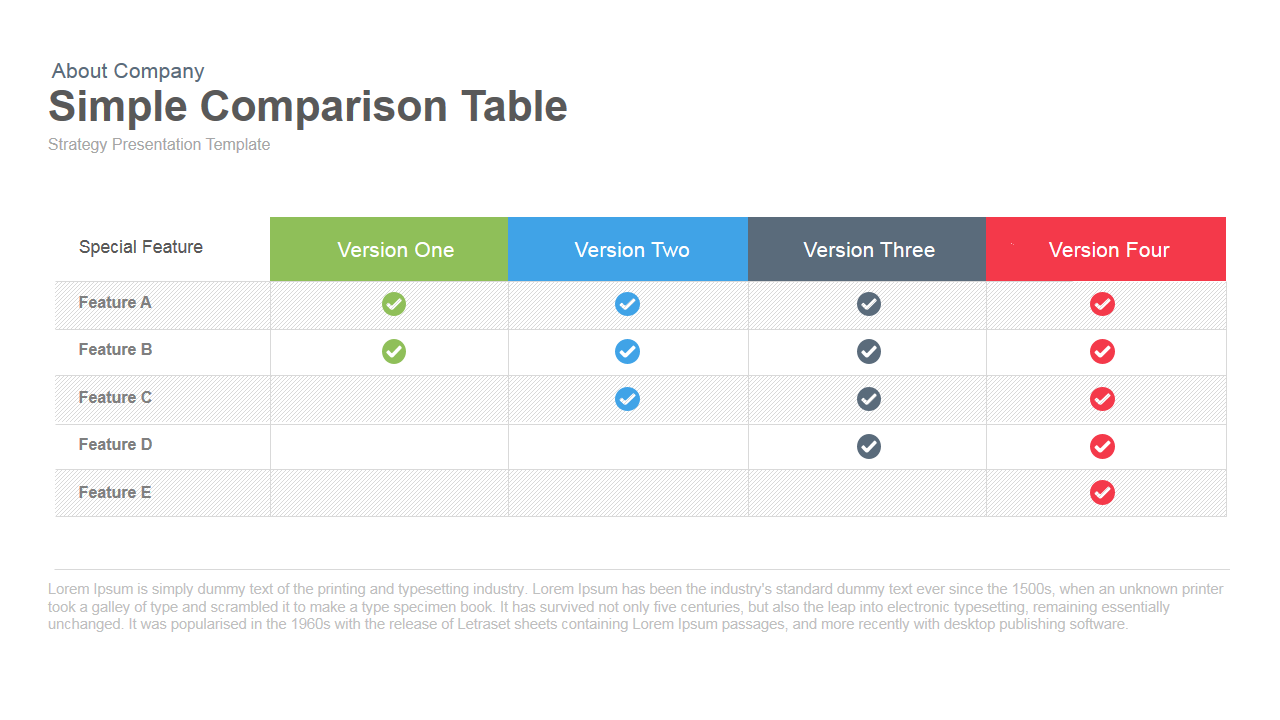
Simple Comparison Table PowerPoint Template
Comparison
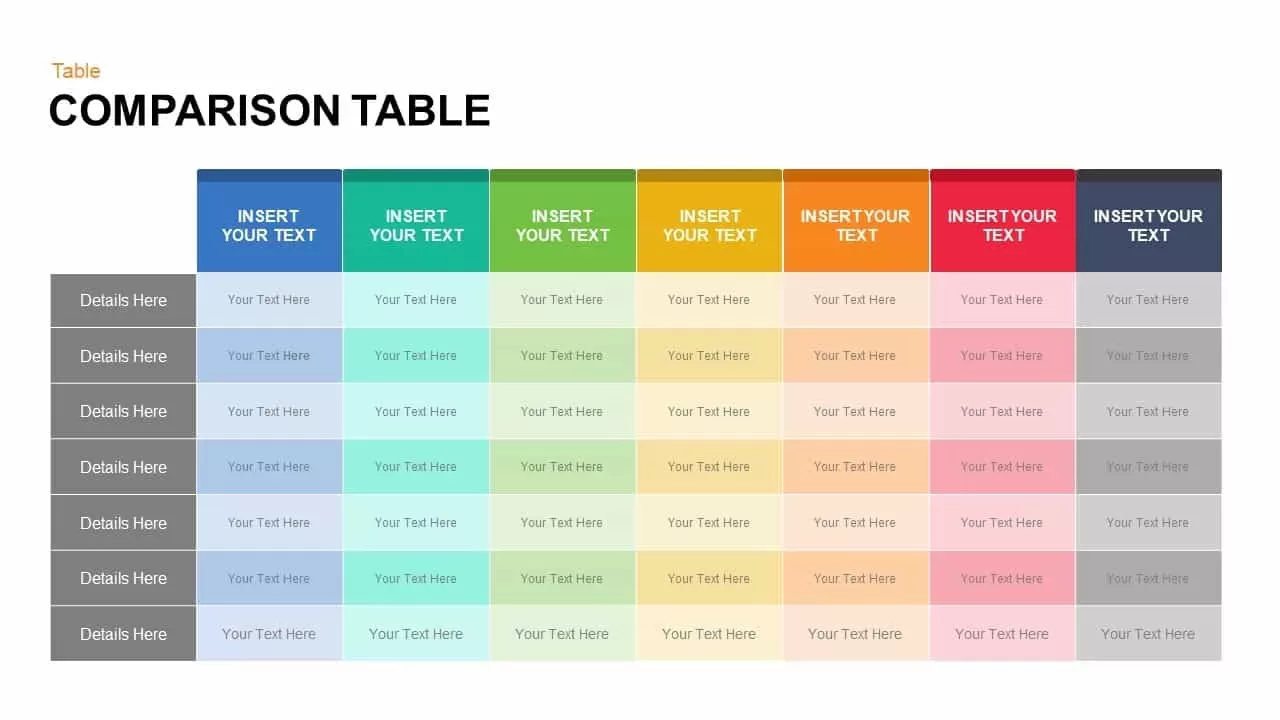
Comparison Table for PowerPoint Template
Comparison

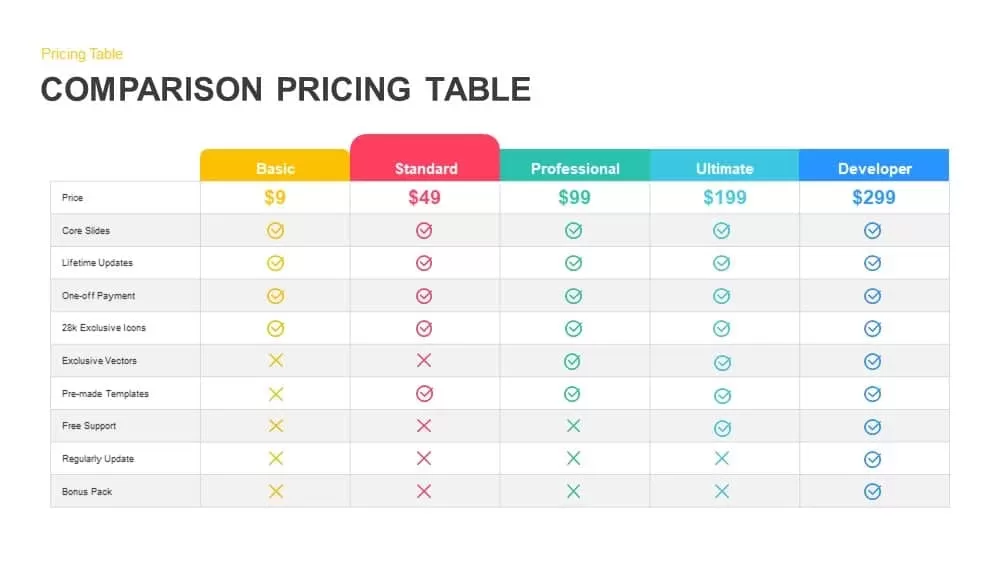
Comparison Pricing Table Template for PowerPoint & Google Slides
Comparison Chart
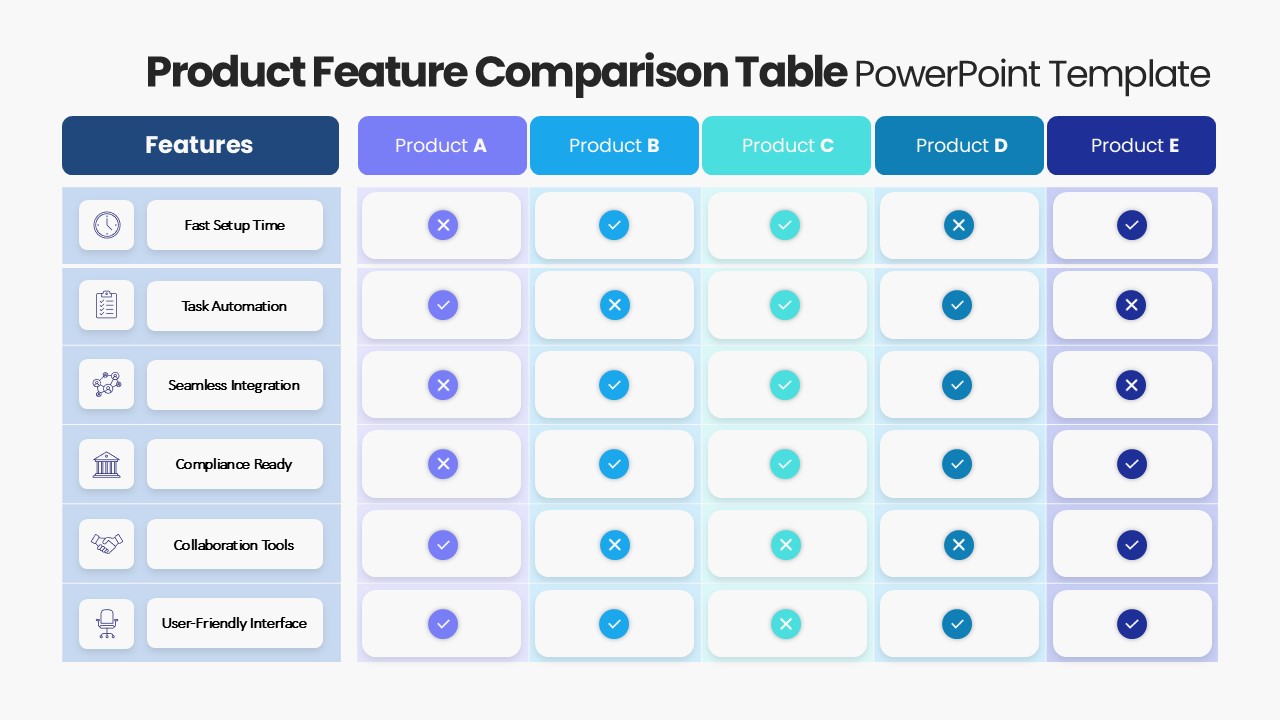
Product Feature Comparison Table Template
Comparison Chart
Table Presentation PowerPoint Template
Table
4-Column Data Table PowerPoint Template
Table
Colorful Table Presentation Template for PowerPoint & Google Slides
Table
Table Presentation Template PPT & Google Slides Theme
Comparison
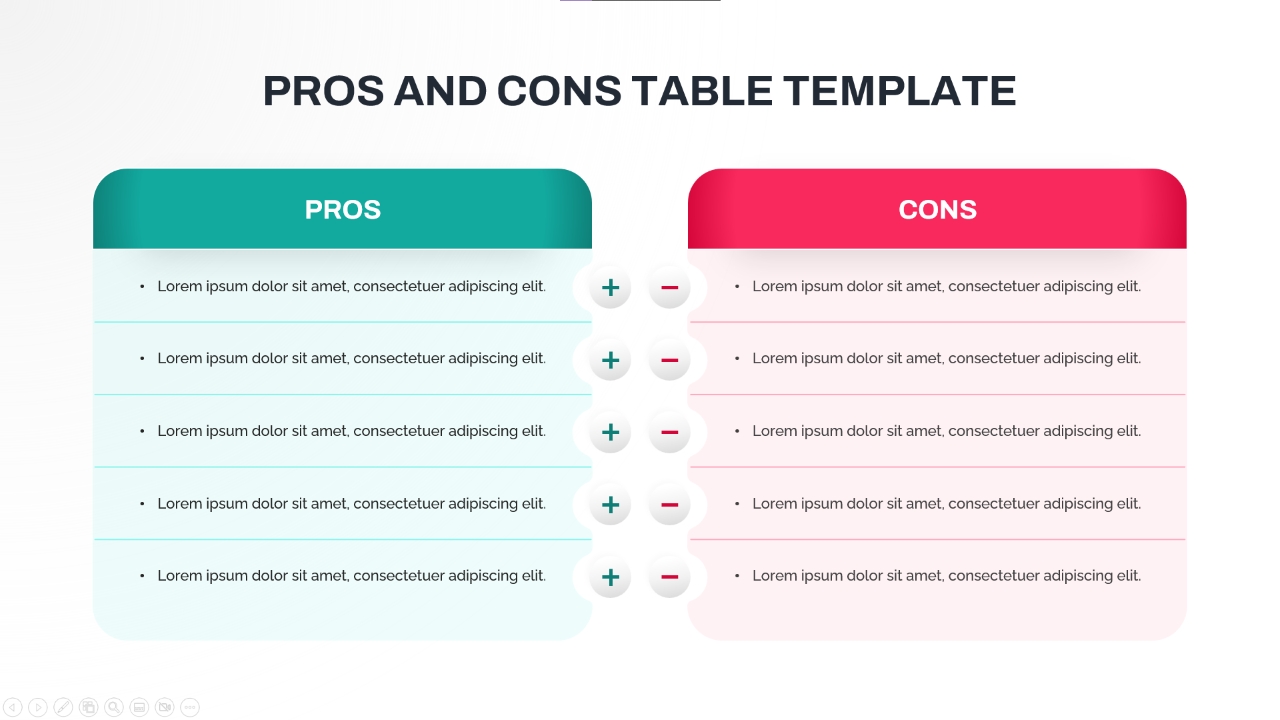
5-Point Pros and Cons Comparison Table PowerPoint Template
Comparison Chart
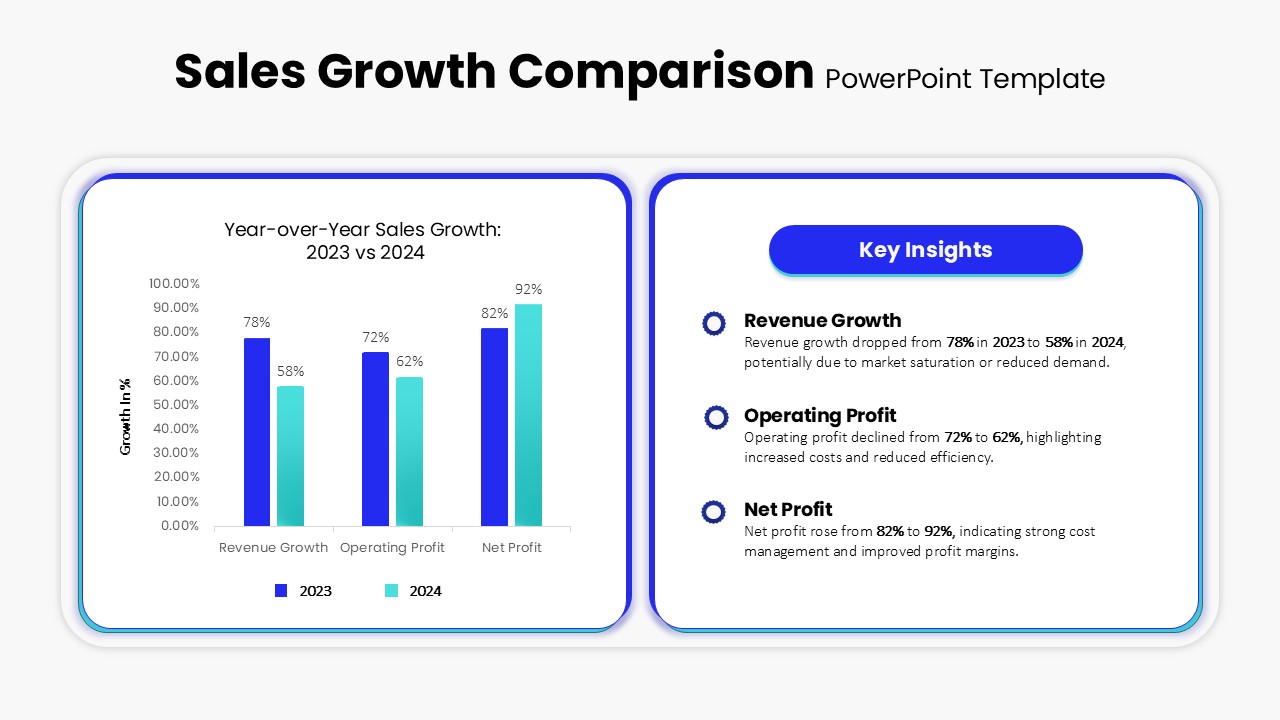
Sales Growth Comparison Chart & Table Template
Bar/Column
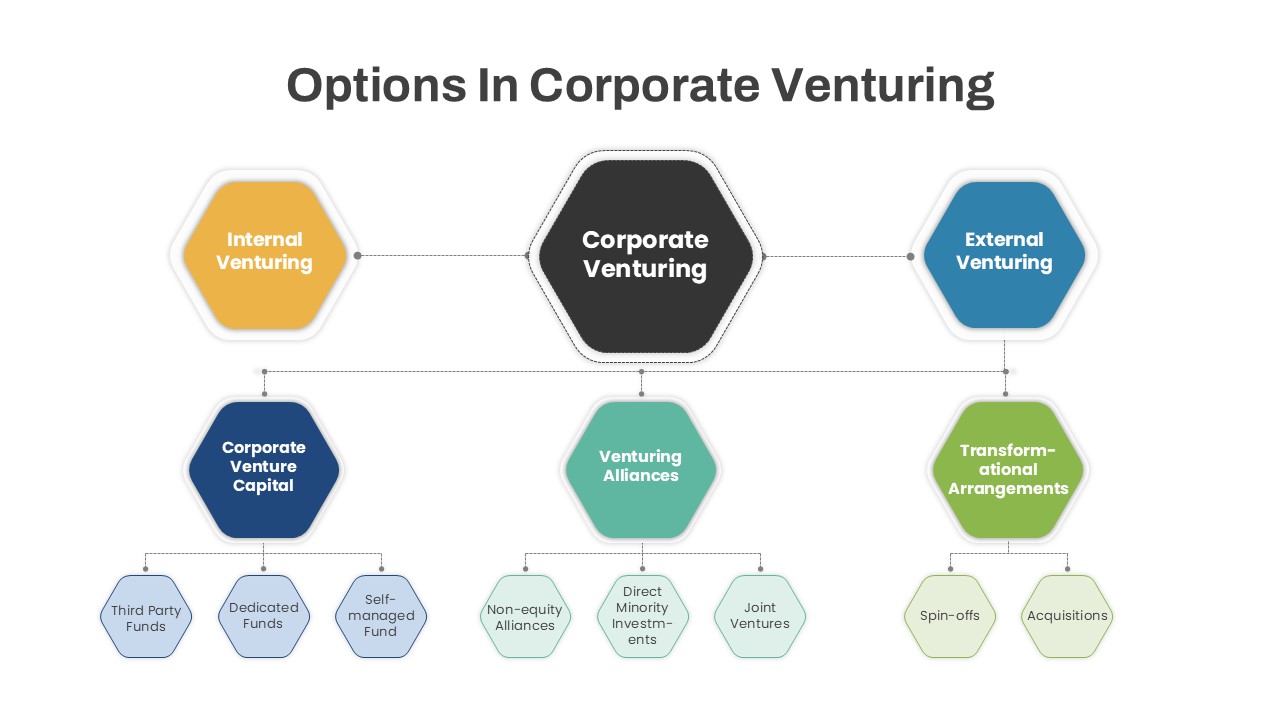
Options in Corporate Venturing PowerPoint Template
Infographics
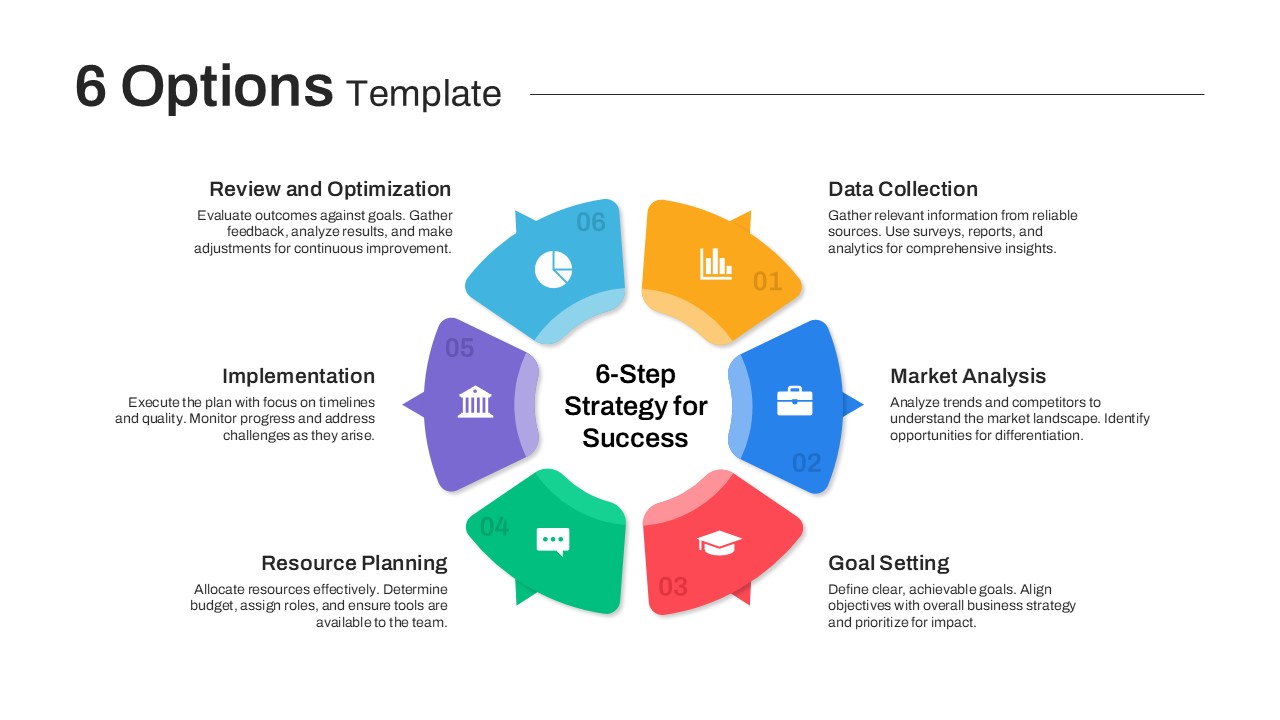
Versatile 6 Options Infographic Layout Template for PowerPoint & Google Slides
Process
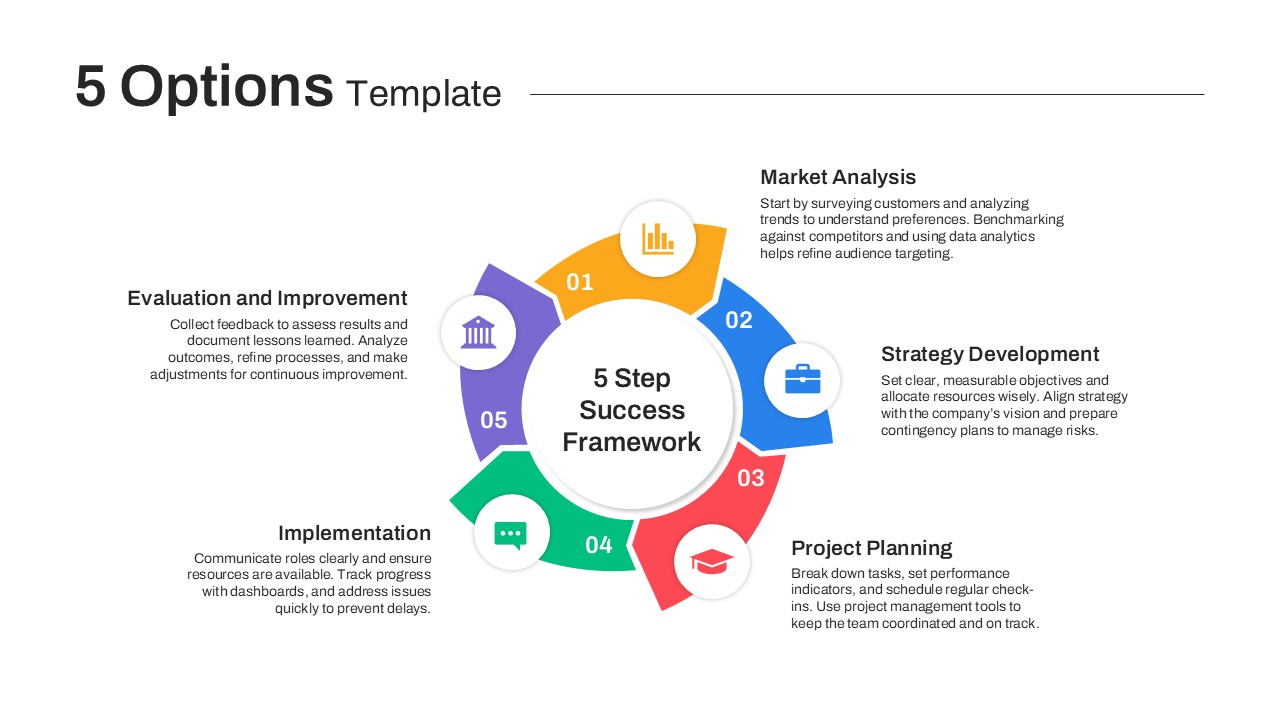
5 Options PowerPoint Template
Process
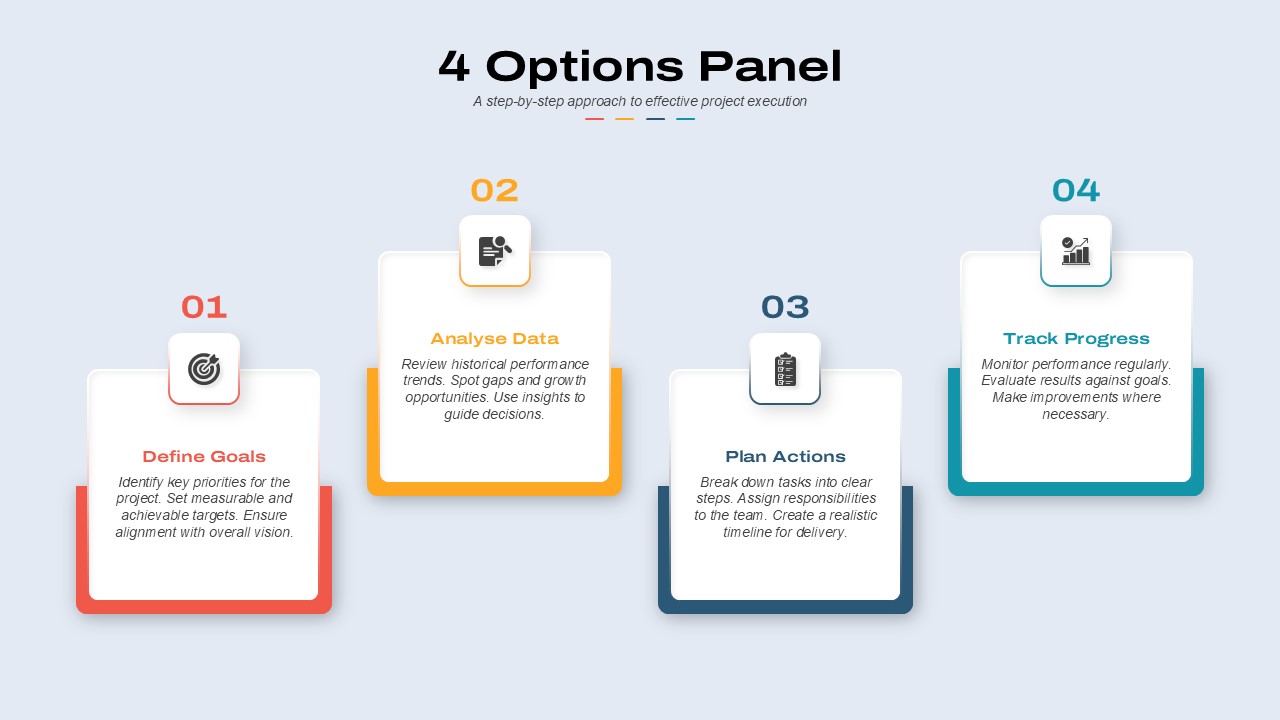
4 Options Panel PowerPoint Template
Business
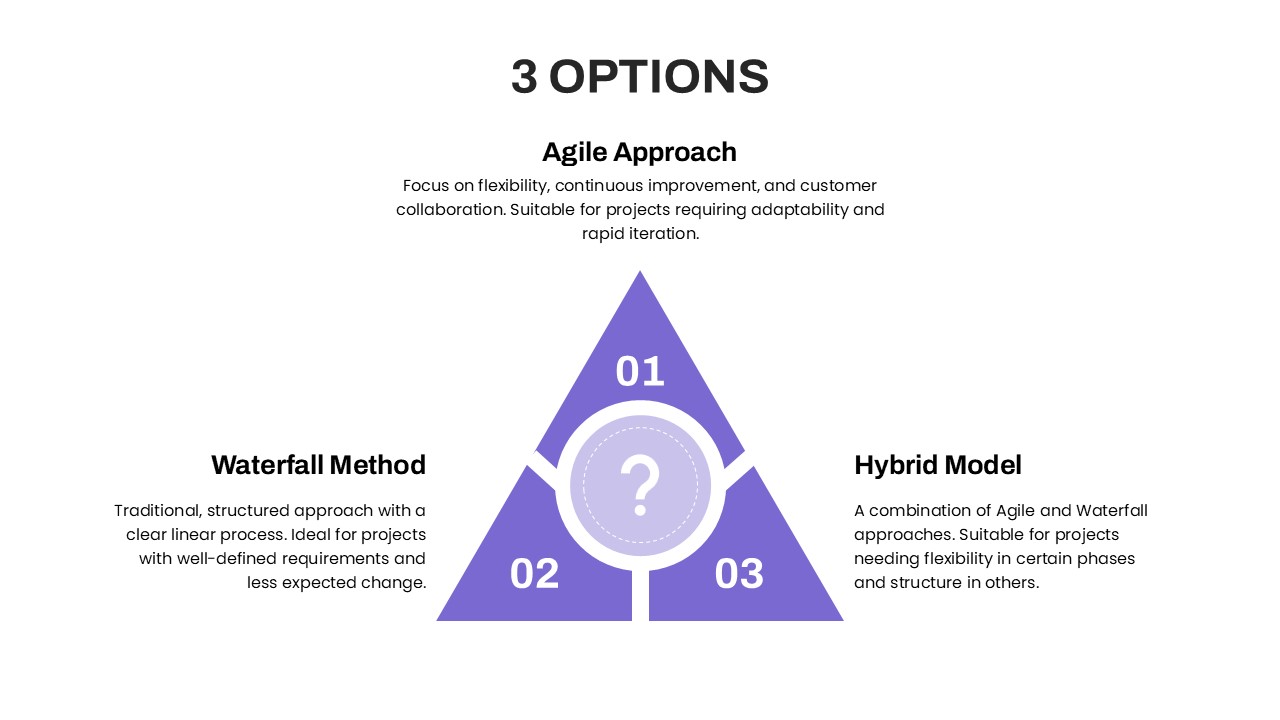
3 Options PowerPoint Template
Process
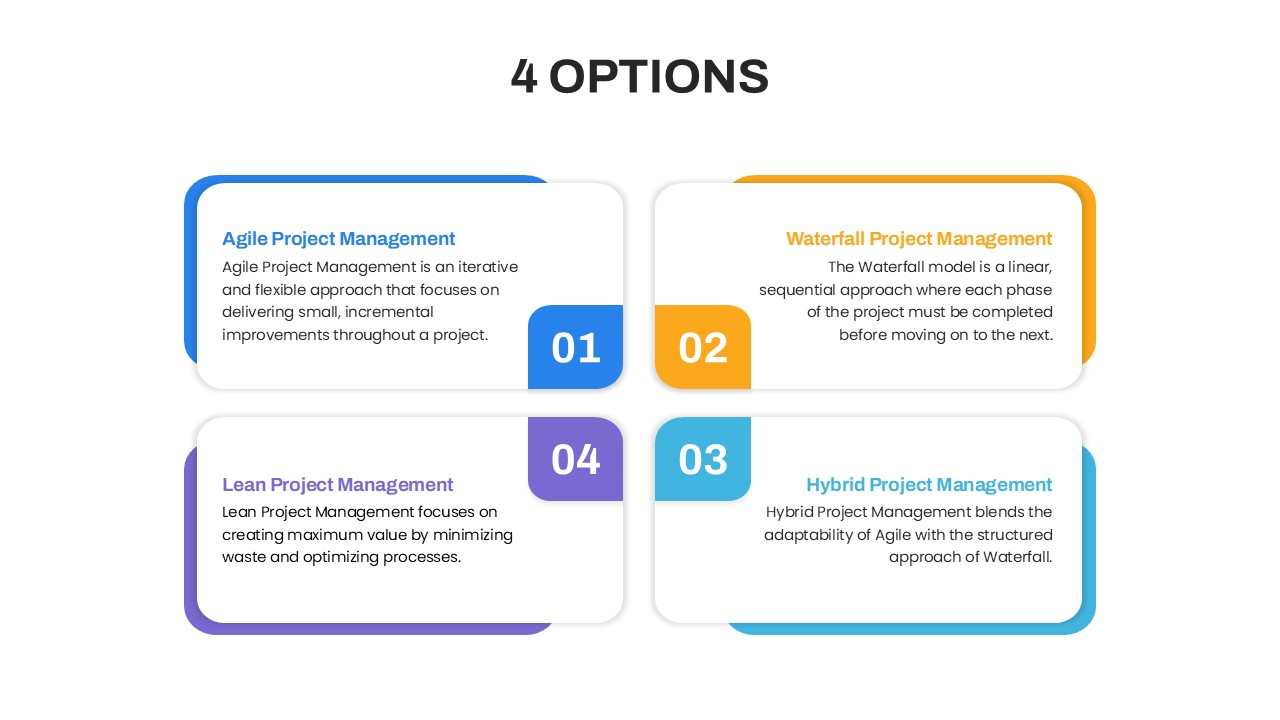
4 Options Project Management PowerPoint Template
Comparison
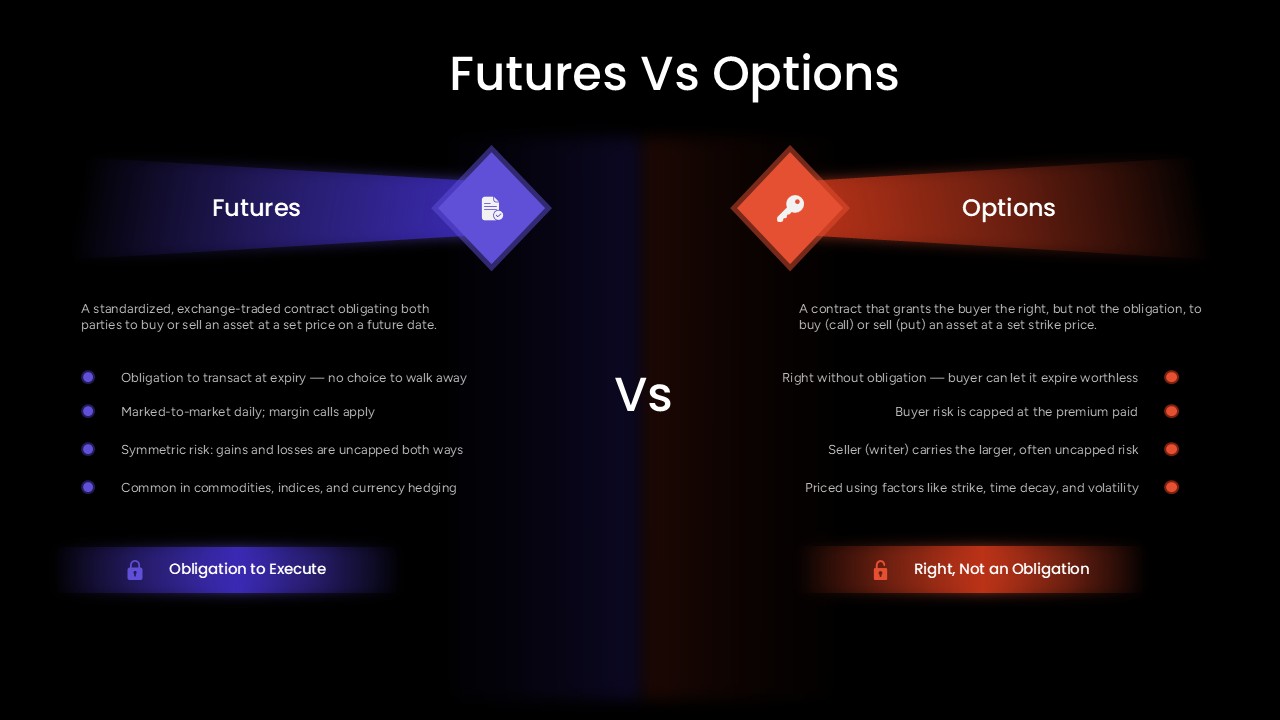
Futures Vs Options PowerPoint Presentation Template
Comparison
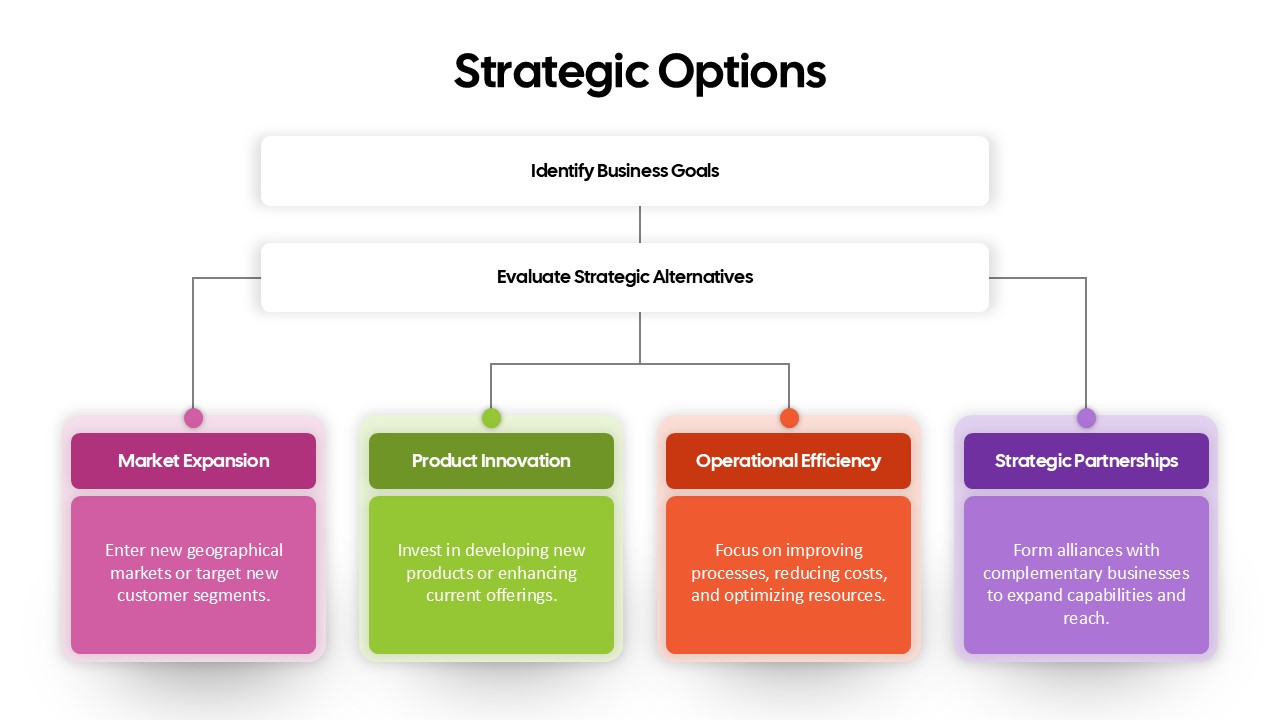
Strategic Options Overview for PowerPoint Template
Business
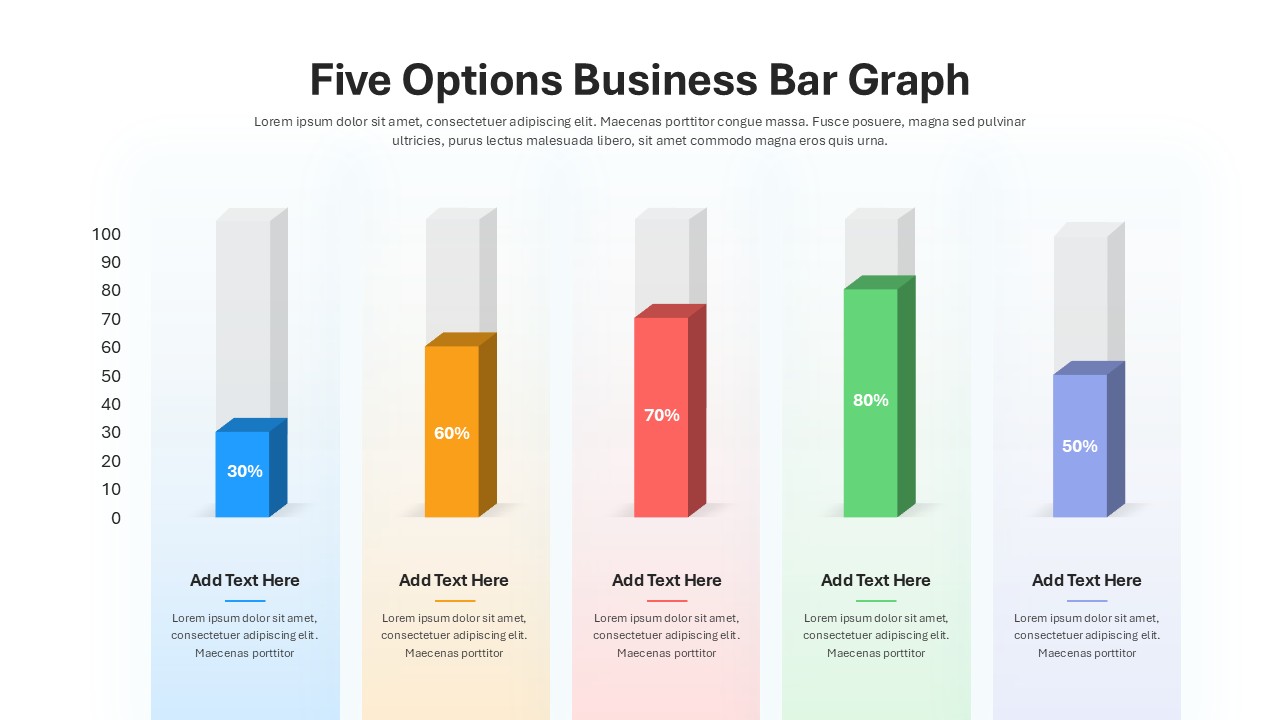
Five Options Business Bar Graph Template
Business Report
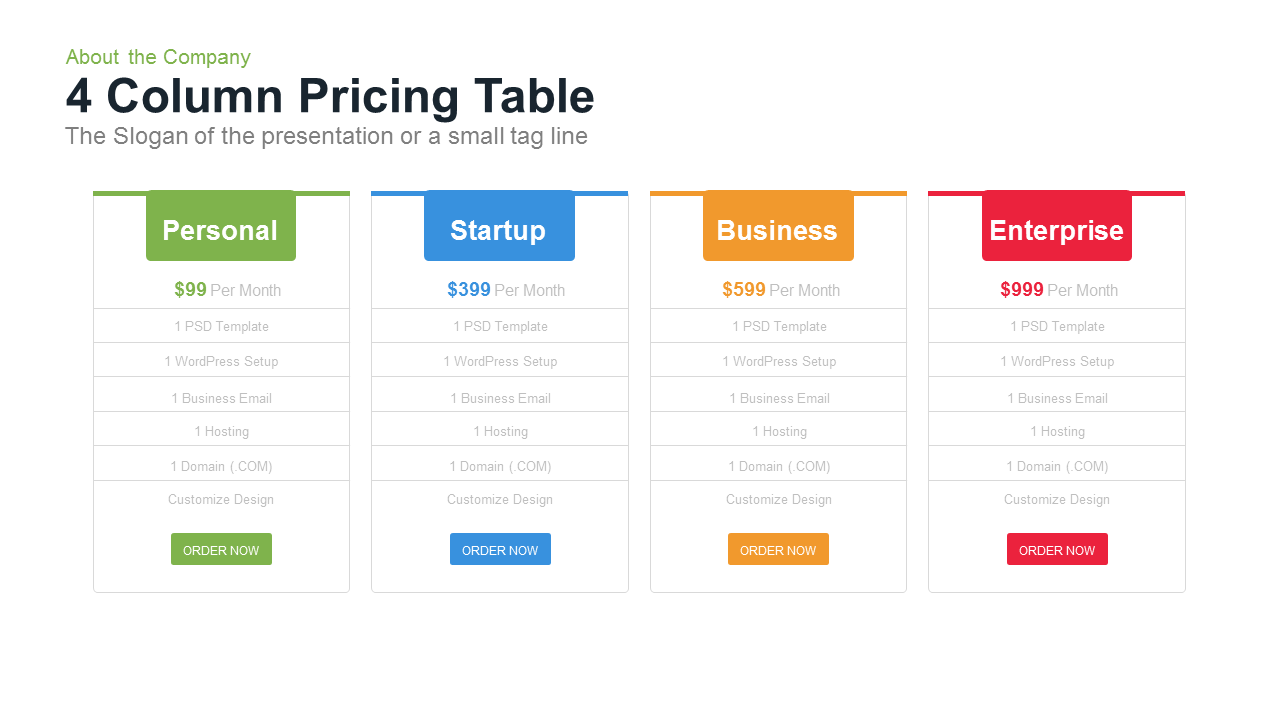
4 Column Pricing Table Template for PowerPoint Template
Comparison