Futures Vs Options PowerPoint Presentation Template
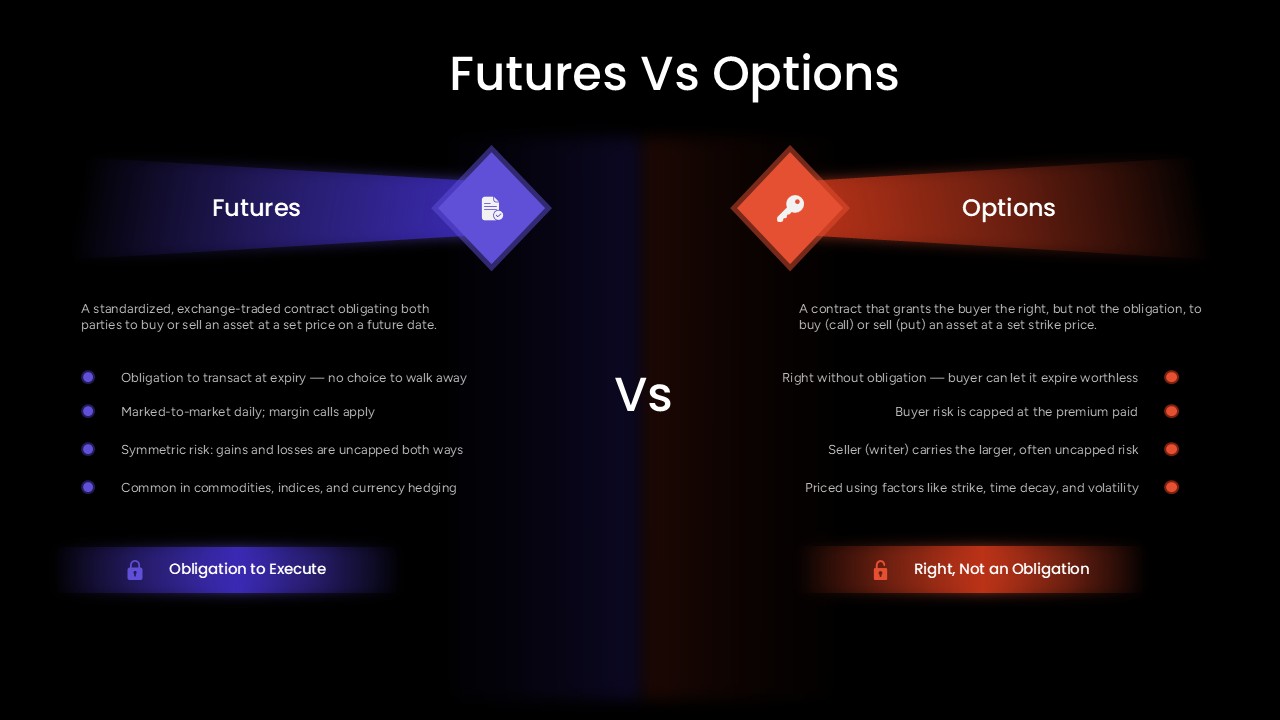
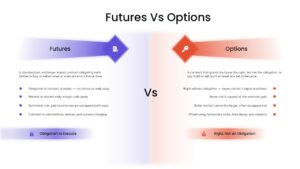
Futures and options are two types of derivative contracts that let traders speculate on or hedge against price movements, but they differ fundamentally in whether the holder is obligated to act or simply holds the right to. This Futures Vs Options PowerPoint Template splits the comparison down the center of a black slide, purple light streaming from a document icon on the left to define Futures, and orange light streaming from a key icon on the right to define Options, with a bold “Vs” divider anchoring the two halves.
On the Futures side, the slide defines it as a standardized, exchange-traded contract obligating both parties to buy or sell an asset at a set price on a future date, then lists four defining traits: an obligation to transact at expiry with no option to walk away, daily mark-to-market pricing with margin calls, symmetric and uncapped risk in both directions, and common use in commodities, indices, and currency hedging, closing with a lock icon labeled “Obligation to Execute.” The Options side mirrors that structure, defining the contract as one that grants the buyer the right, but not the obligation, to buy or sell at a set strike price, then listing that the right carries no obligation so buyers can let it expire worthless, that buyer risk is capped at the premium paid, that the seller or writer carries the larger uncapped risk, and that pricing depends on strike, time decay, and volatility, closing with a matching lock icon labeled “Right, Not an Obligation.”
Finance instructors and trading educators can drop this PowerPoint presentation directly into a derivatives lesson, using the side-by-side risk framing to help students grasp the core distinction before moving into pricing models or strategy discussions. Wealth managers and financial advisors explaining hedging options to clients can use the same slide to set expectations around obligation versus optionality without needing a whiteboard sketch. Every icon, bullet, and glowing panel in this PPT template is a separate, fully editable PowerPoint elements, so the bullet points, risk descriptions, and color scheme can be adjusted to fit a different derivatives comparison or a firm’s own branding.
Download this Futures Vs Options PowerPoint template to explain derivatives trading clearly in your next finance course or client presentation, and pair it with other comparison slides or an org chart PPT from the same collection when building out a full trading education deck.
Frequently Asked Questions
Can I edit the bullet points and definitions in this template?
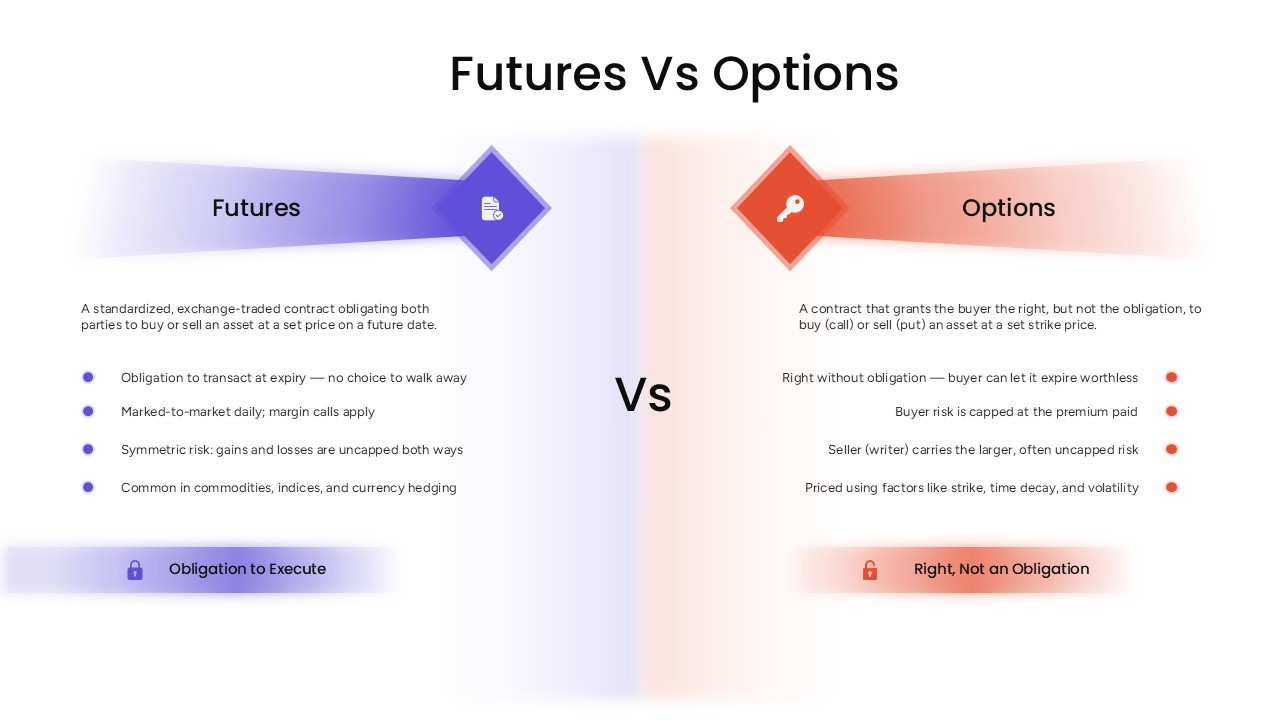
Does this template include both a dark and a light version?
Login to download this file

Item ID
SB06158Designed By
Naseeba Sithara


Related Templates

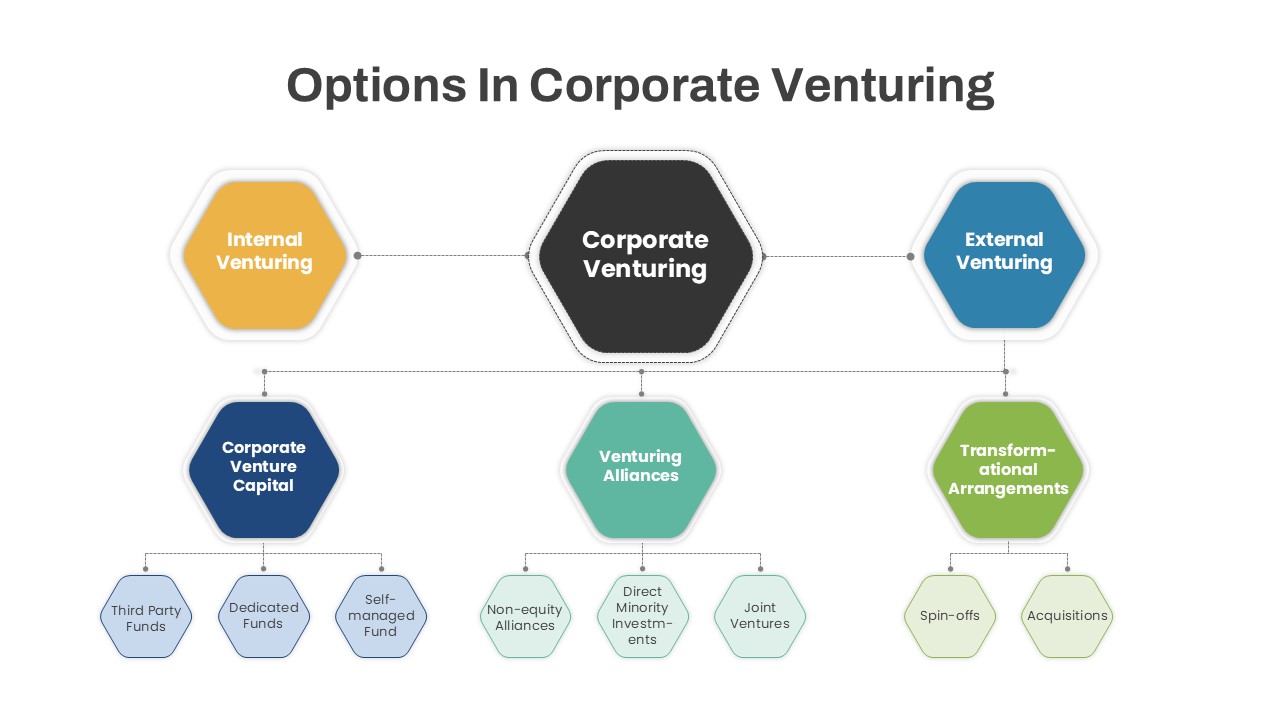
Options in Corporate Venturing PowerPoint Template
Infographics
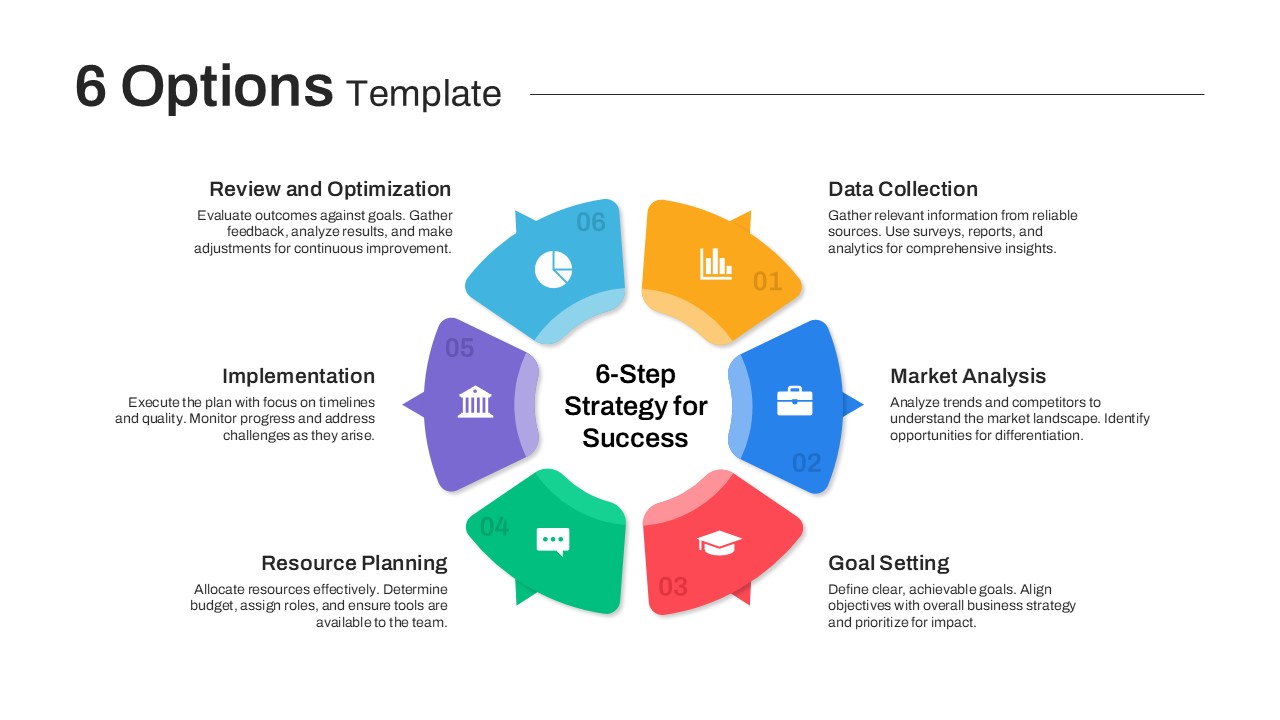
Versatile 6 Options Infographic Layout Template for PowerPoint & Google Slides
Process
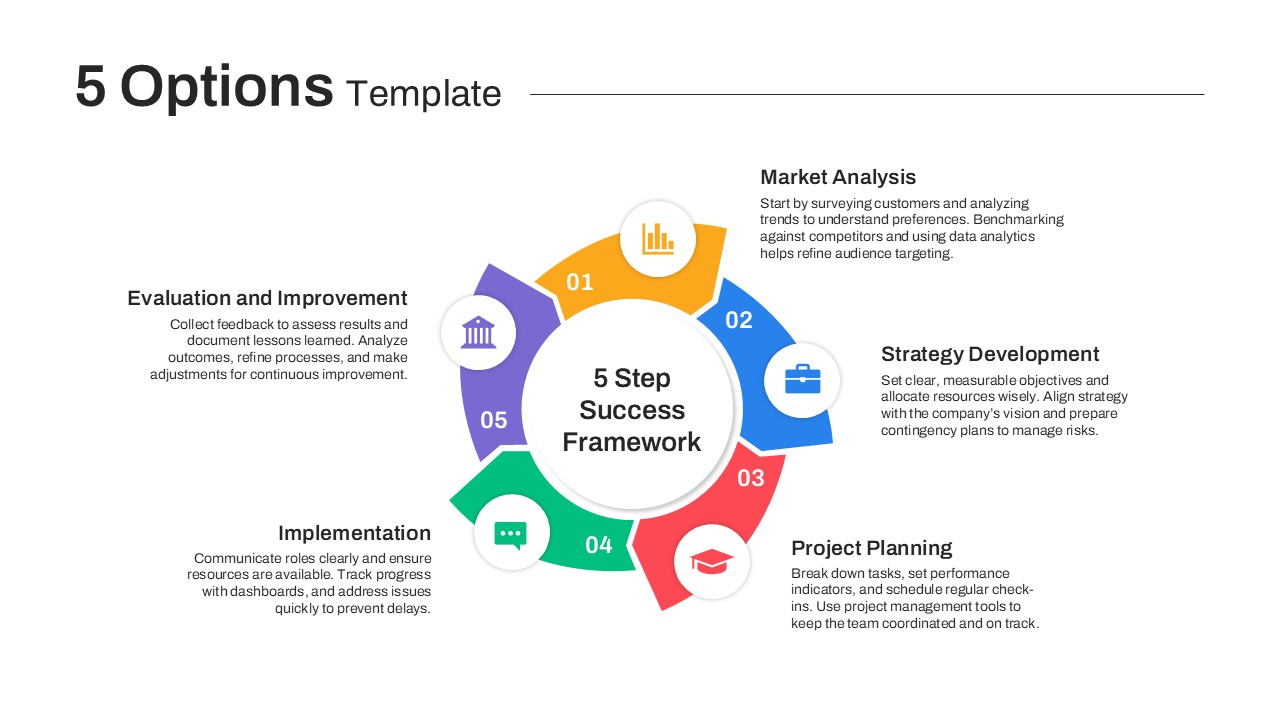
5 Options PowerPoint Template
Process
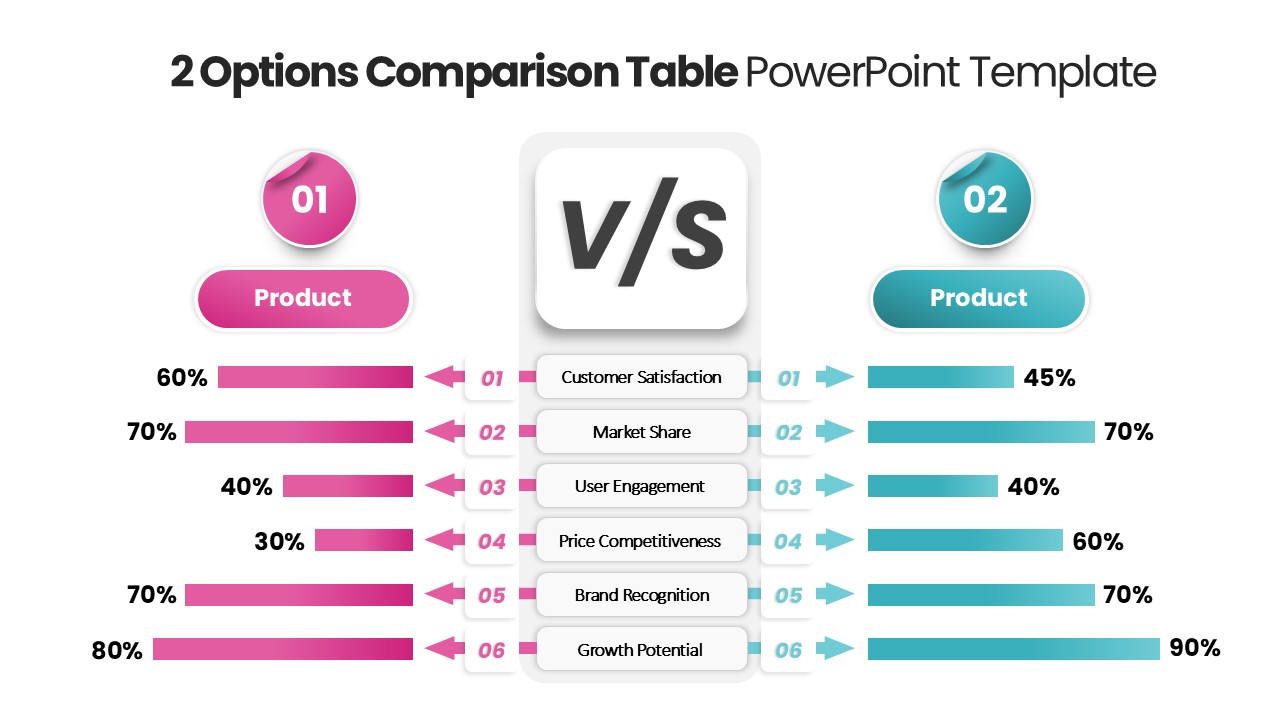
2 Options Comparison Table PowerPoint Template
Comparison
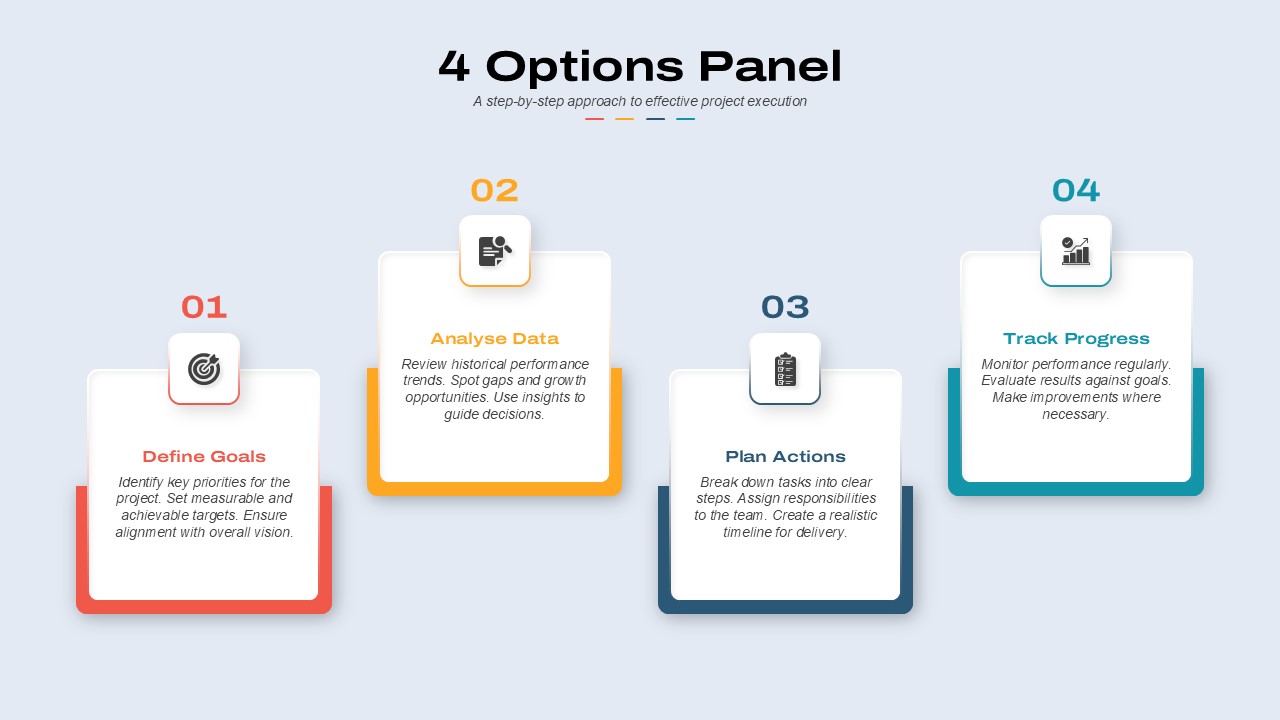
4 Options Panel PowerPoint Template
Business
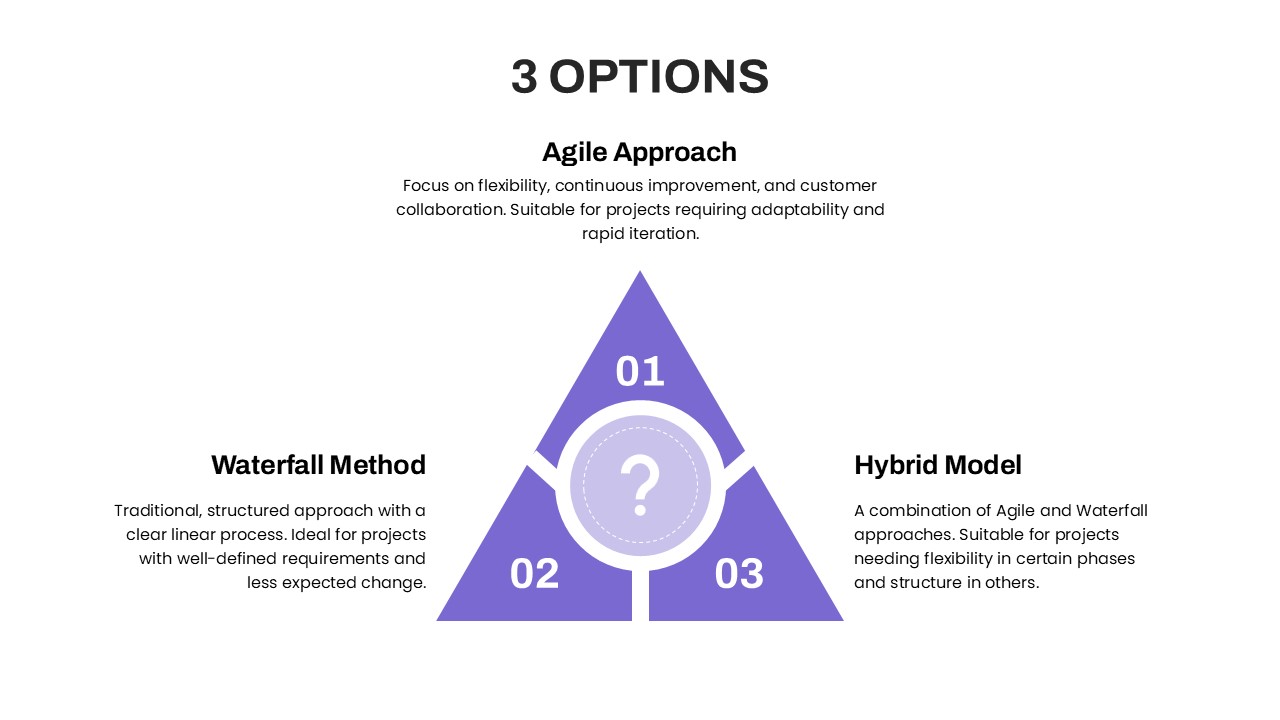
3 Options PowerPoint Template
Process
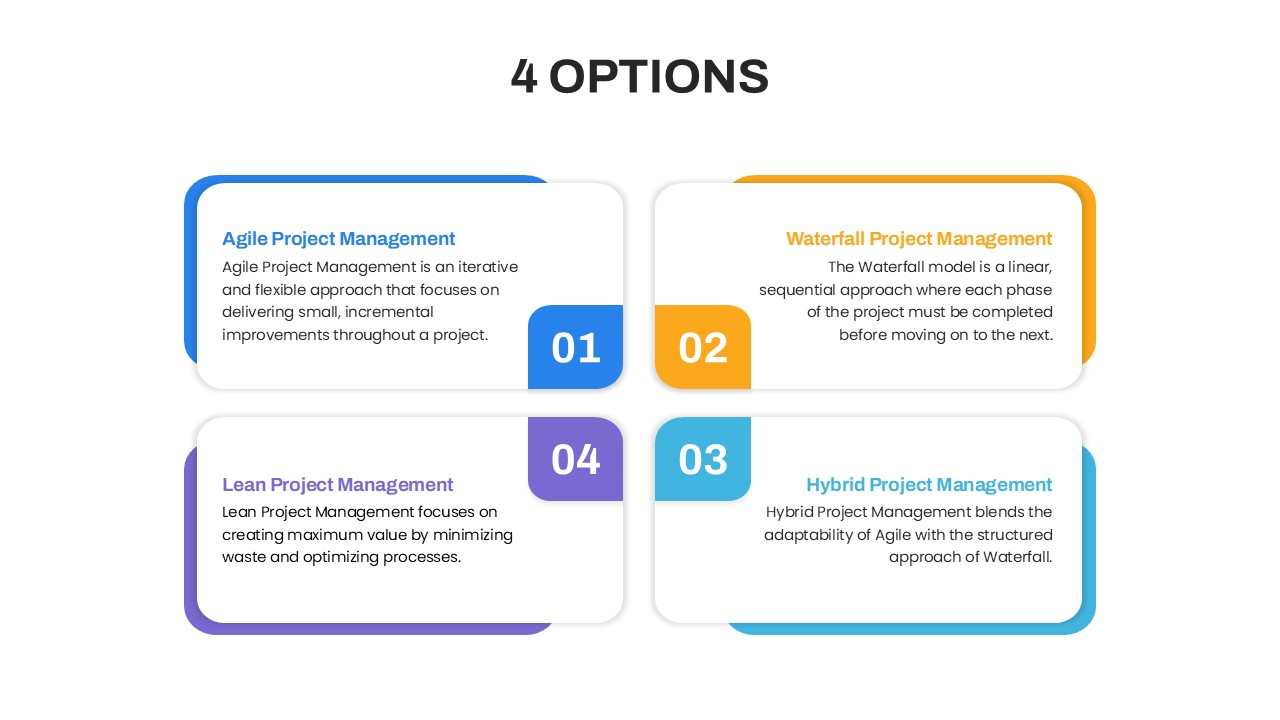
4 Options Project Management PowerPoint Template
Comparison
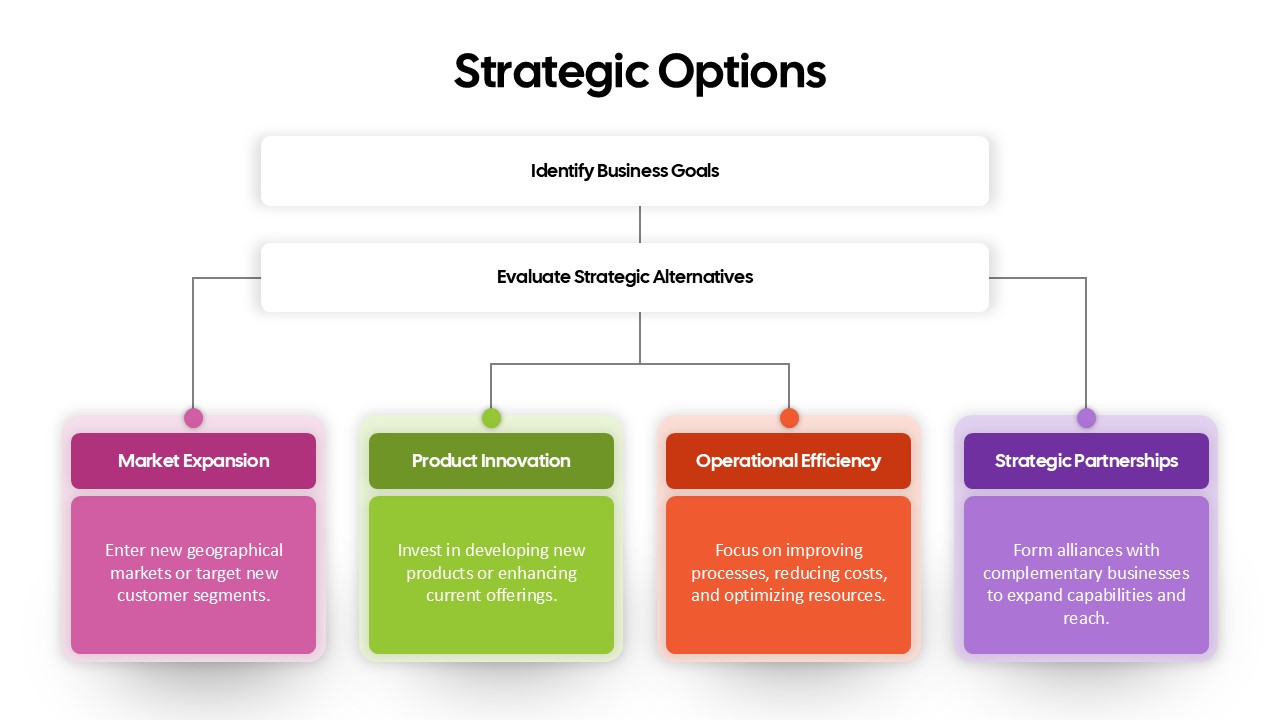
Strategic Options Overview for PowerPoint Template
Business
Five Options Business Bar Graph Template
Business Report