Year in Review KPI Highlights Slide for PowerPoint & Google Slides
Year in Review PowerPoint Template
At the end of every year, there is a moment where someone in the organization has to stand up and answer the question everyone is thinking: so, what did we actually accomplish? That conversation needs structure. It needs visuals. And it needs a layout that lets the numbers speak for themselves without you having to explain every single data point out loud.
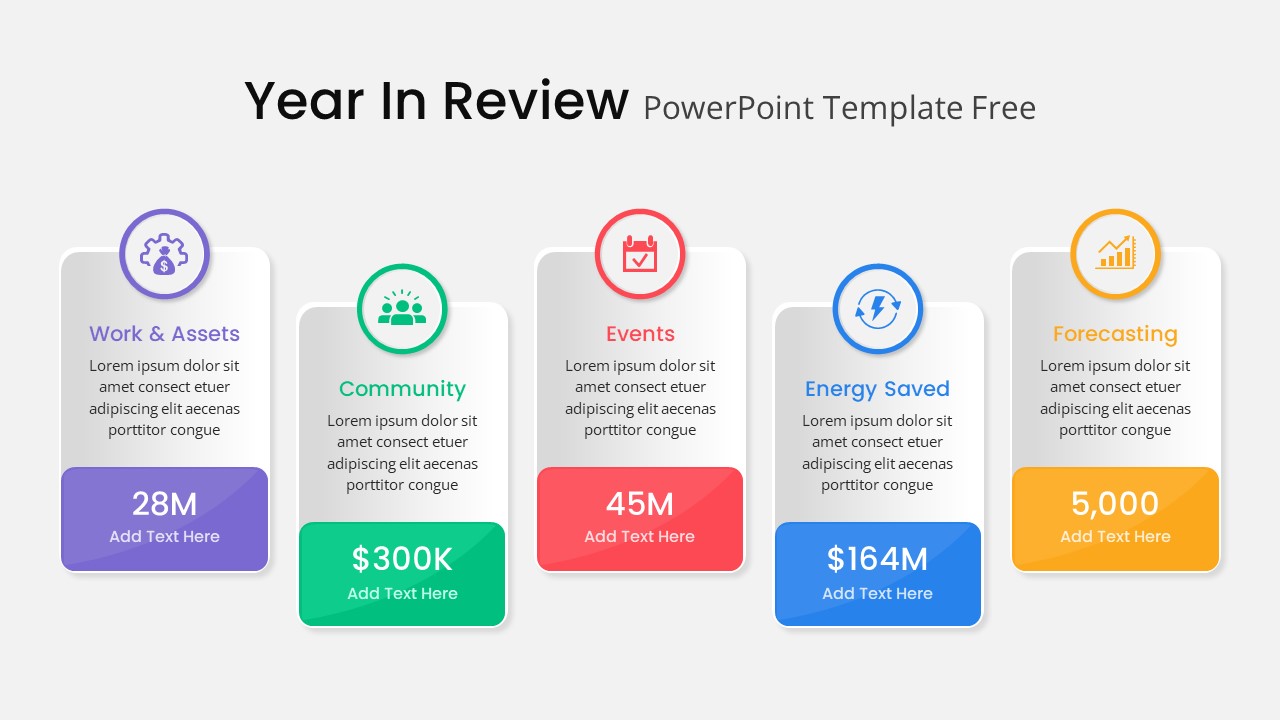
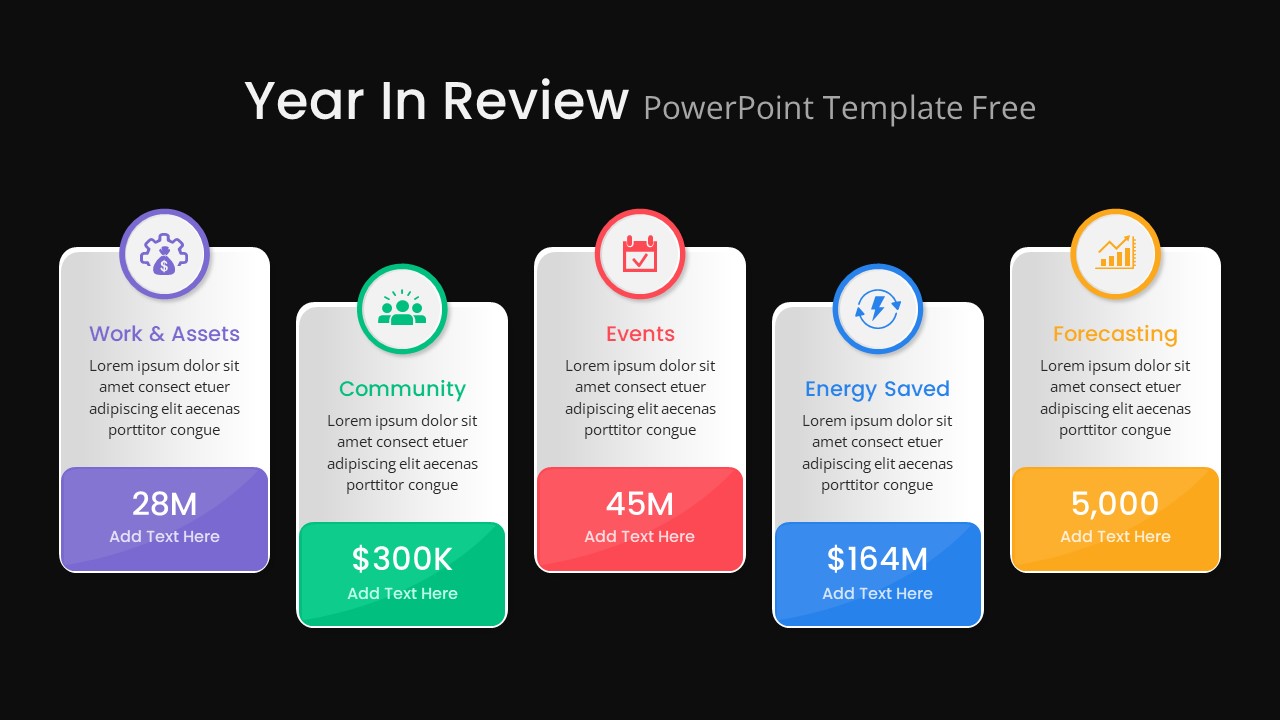
This year in review PowerPoint template is built around exactly that kind of presentation. Five vertical card blocks sit side by side across the slide, each one dedicated to a specific performance metric. Work and Assets, Community, Events, Energy Saved, and Forecasting each get their own color-coded card with a unique icon and a text block that gives you room for both the headline number and any supporting context you want to add underneath it.
The visual separation between cards is intentional. When you have five different metrics on one slide, the last thing you want is for the audience to have to work to figure out where one category ends and the next begins. The color coding, the rounded corners, and the drop shadows handle that separation automatically, so your audience can scan the slide quickly and land on the number they care about without getting lost.
A Fully Editable Year End Review PowerPoint Template for PowerPoint and Google Slides
Every element across this slide is fully customizable in both PowerPoint and Google Slides. Swap out the placeholder figures with your actual KPIs, replace the icons with ones that better represent your organization’s focus areas, or adjust the color themes to match your brand identity. The sans-serif typography and clean layout hold up well regardless of how much you change inside each card, so the slide keeps its professional look even after you have made it your own.
The layout works just as well on screen during a live presentation as it does exported as a PDF for a printed annual report or an emailed executive summary. Rounded corners and drop shadows are subtle enough to add visual polish without looking overdone, and the ample white space inside each card means there is always room for your data to breathe without the slide ever feeling crowded.
If your organization tracks more than five metrics, you can duplicate cards and extend the layout. If five is too many for what you need to show, removing a card keeps the remaining ones balanced without any manual realignment work on your end.
Who Is It For
Corporate executives, business analysts, marketing teams, sustainability officers, and department heads who pull together annual summaries or quarterly performance reviews will find this template genuinely useful. If your job involves presenting numbers to a leadership team or a board and you want those numbers to land with impact rather than disappear into a table, this layout gives you a strong starting point.
Other Uses
The card-based structure works for more than just year-end presentations. Use it for ESG reporting, CSR performance highlights, startup pitch decks, nonprofit activity reviews, sales dashboards, or strategic planning sessions where you need to present multiple KPIs in a single, coherent view. The five-card format is flexible enough to carry almost any set of metrics you need to showcase, regardless of industry or organizational size.
Login to download this file

Item ID
SB04034


Related Templates

End of Year Review Dashboard Template for PPT & Google Slides
Business Report
About Us Slide with Icon Highlights Template for PowerPoint & Google Slides
Business
Key Highlights Slide Template PPT & Google Slides
Business
Free
Year-over-Year Performance Comparison Template
Comparison Chart
Horizontal Smartphone Feature Highlights Template for PowerPoint & Google Slides
Graphics
Company Highlights PowerPoint Template
Business
Key Highlights PowerPoint Template
Business
ESG Initiatives and Highlights PowerPoint Template
Comparison
Professional Team Collage & KPI Slide Template for PowerPoint & Google Slides
Business

Application Revenue Line Chart KPI Template
Revenue
KPI Dashboard template for PowerPoint & Google Slides
Business Report
Circular Image Gallery & KPI Metrics Template for PowerPoint & Google Slides
Pie/Donut
Free KPI Dashboard Template for PowerPoint & Google Slides
Charts
Free
Patient Satisfaction KPI Dashboard
Business
4DX Scoreboard Dashboard for PowerPoint & Google Slides
Business Strategy
KPI Slide for PowerPoint
Business Report
DevOps KPI Dashboard PowerPoint Template
Software Development
Purchasing KPI Analysis PowerPoint Template
Business Report
Procurement KPI PowerPoint Template
Business Report
Digital Marketing KPI Dashboard Template
Business Report