Two Sections PowerPoint Template
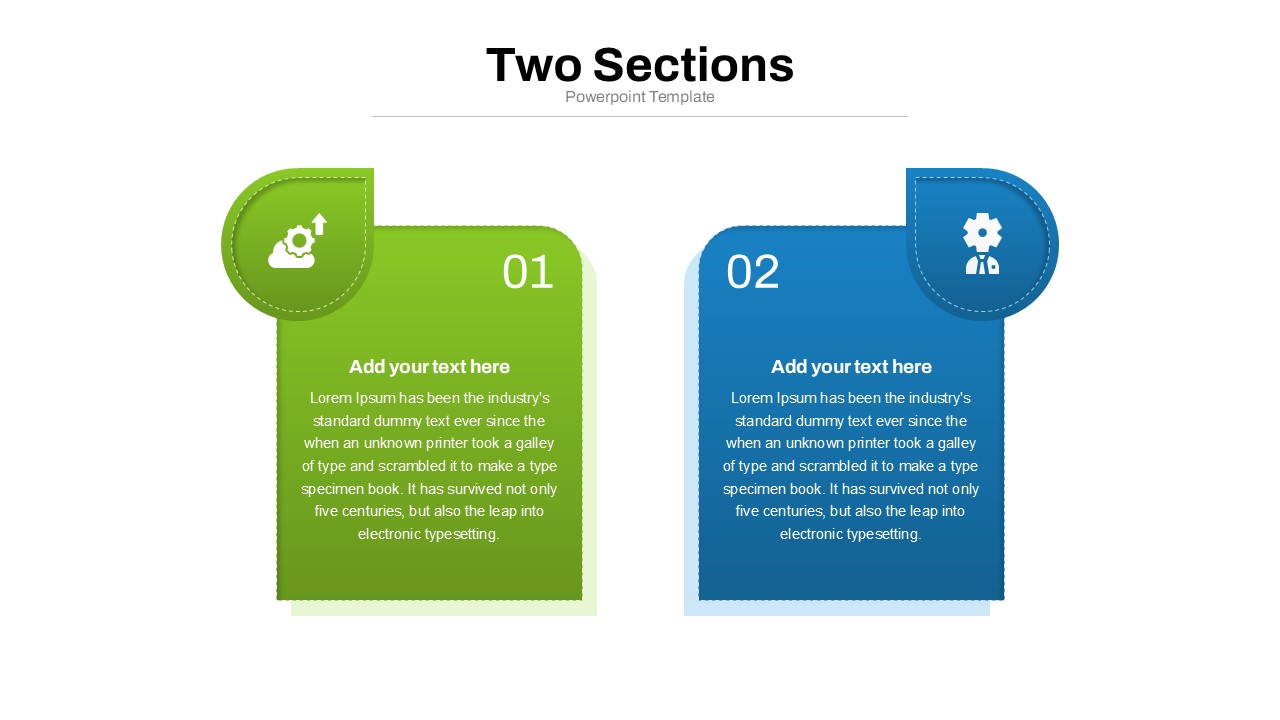
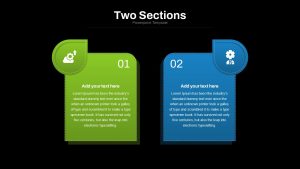
The Two Sections PowerPoint Template gives presenters a simple way to place two pieces of information side by side and make the relationship between them easy to follow. The layout features two large content panels, each with a numbered marker, a circular icon, a heading, and space for supporting text. This arrangement can help when a presentation needs to explain two parts of a subject, introduce separate topics, or give equal attention to different pieces of information. It can be adapted for classroom teaching, research discussions, employee training, healthcare education, workshop materials, marketing concepts, and other presentations where a straightforward structure makes the content easier to absorb.
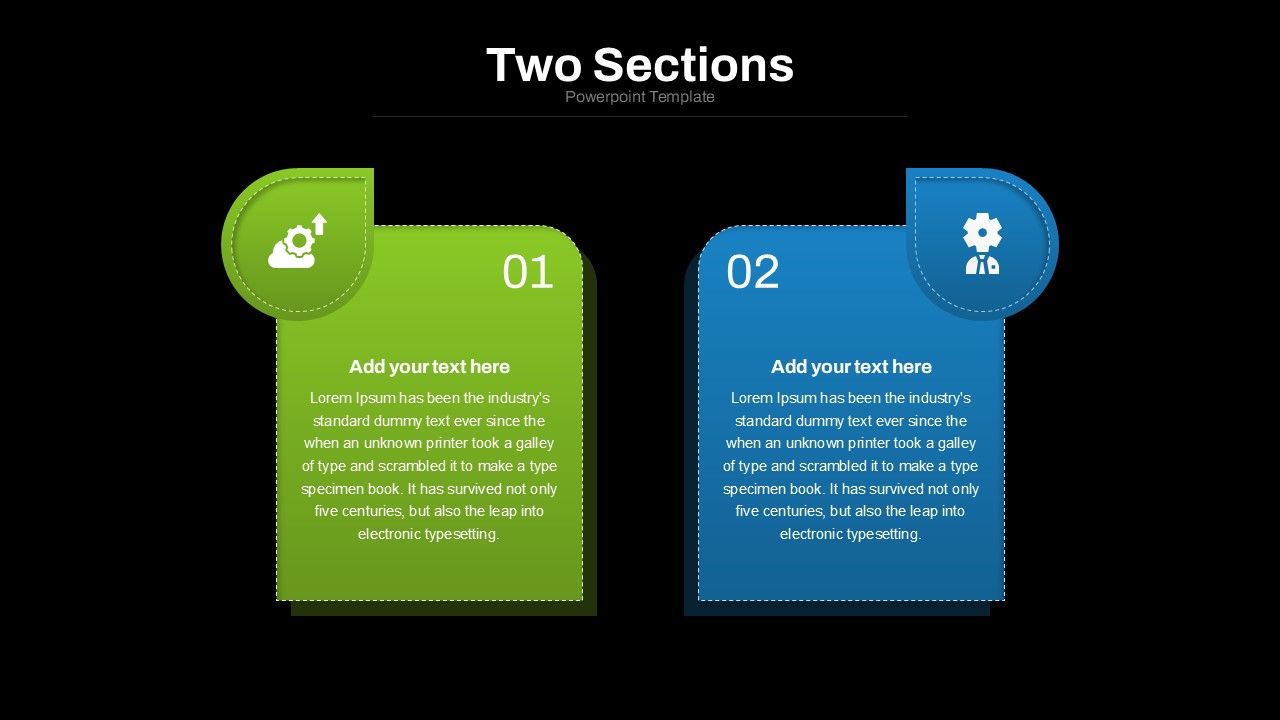
The slide uses rounded rectangular panels with a clean, modern appearance and contrasting green and blue sections. The large 01 and 02 markers create a clear sequence, while the white icons provide a quick visual cue for each area. Short headings and centered text blocks keep the information organized, allowing viewers to scan the slide before focusing on the supporting details. The generous white space around the panels also prevents the design from feeling crowded. Since the elements are editable, presenters can replace the sample wording, select different icons, update the section numbers, and adjust the visual treatment to better suit their subject.
The two-panel structure can be useful in many situations. An instructor could place a core concept in one section and an example in the other. A researcher might use the spaces for observations and findings, while a marketing presenter could introduce an audience insight alongside a campaign idea. The same layout can also support workshop activities, product information, study material, or internal communication when two related points need to be viewed together. This makes the slide flexible without requiring a complicated diagram or dense collection of visual elements.
The Two Sections PowerPoint Template can be customized to suit different presentation requirements while keeping its original structure easy to understand. Change the text, icons, colors, numbers, shapes, and panel content to create a slide that reflects your subject. The layout can also be adapted for different levels of information by shortening the copy or replacing the headings with your own labels. Download this editable PowerPoint template and use its two-part structure to present your information in a way that is clear and comfortable for your audience.
Login to download this file

Item ID
SB04957


Related Templates

Agenda Template with Six Sections PowerPoint Template
Agenda
5 Sections Agenda PowerPoint Template
Agenda

Business Personalities Sections PowerPoint Template
Process
Project Sections Hub-and-Spoke Diagram template for PowerPoint & Google Slides
Flow Charts

User Profile Sections PowerPoint Template
Meet Our Team
Core Values Sections PowerPoint Template
Circular
Five-Staged Circle Sections Diagram Template for PowerPoint & Google Slides
Circular
Five Sections Ribbon PowerPoint Template
Process
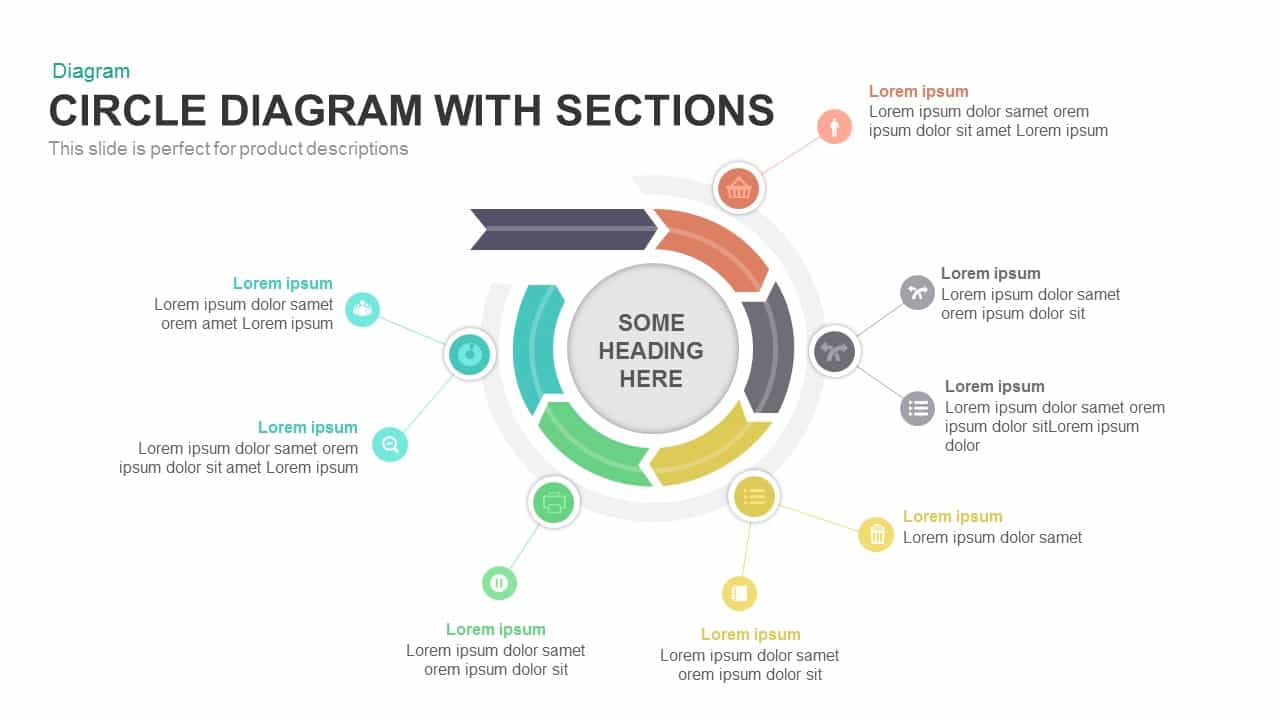
Circle Diagram Template with Sections PowerPoint
Circular
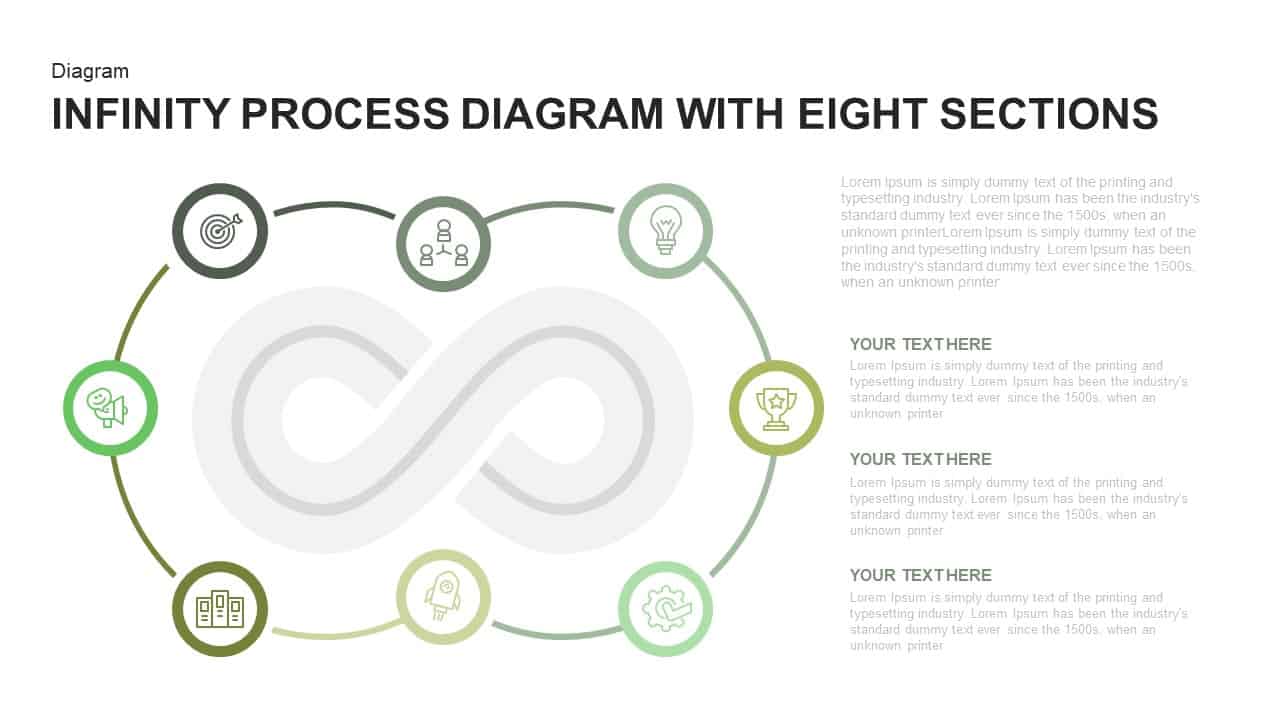
Infinity Process Diagram PowerPoint Template with Eight Sections
Process
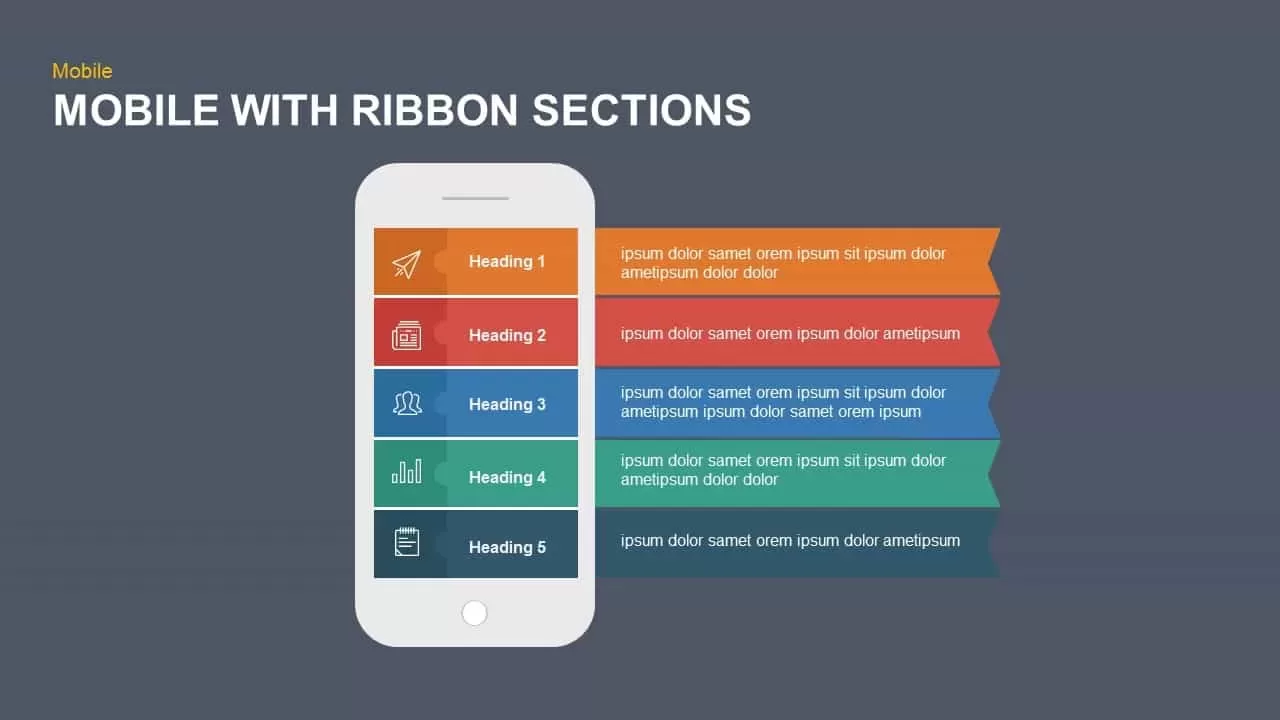
Mobile Ribbon Sections Diagram for PowerPoint & Google Slides
Process
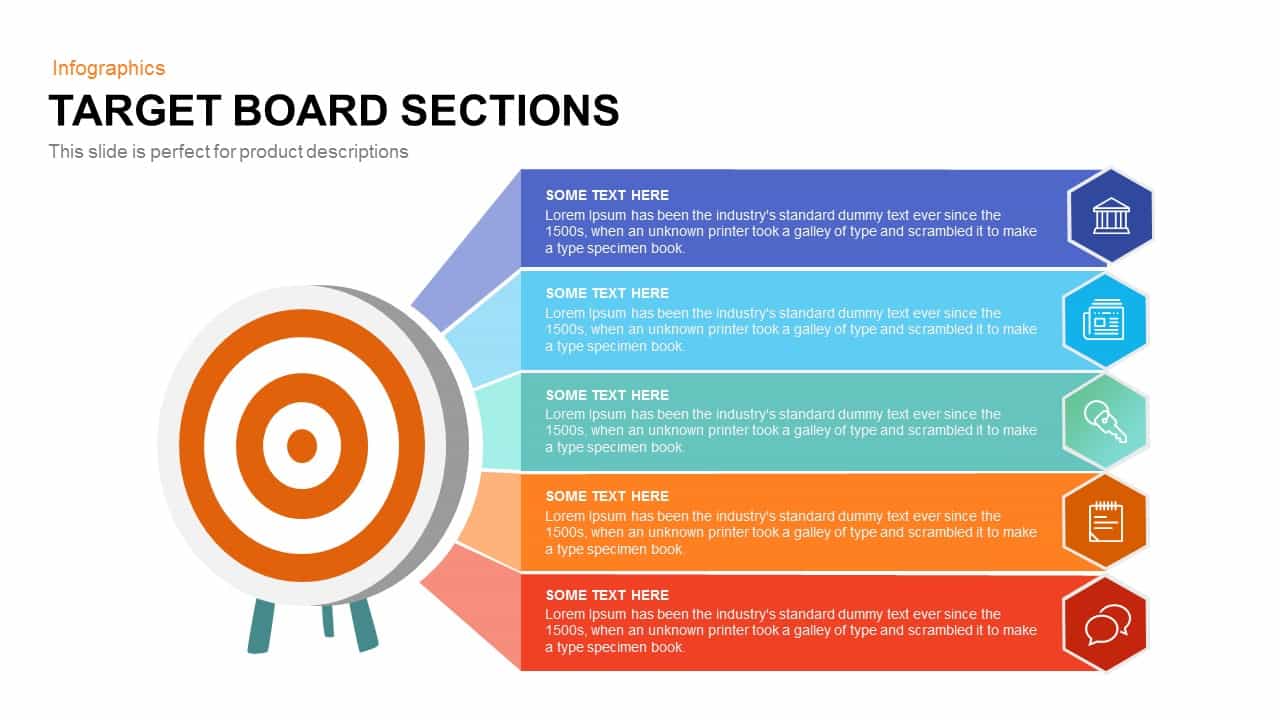
Target Board Sections Template
Circular
4 Sections Diagram Infographics Template
Process