Gradient Ten-Step Flowchart Diagram Template for PowerPoint & Google Slides
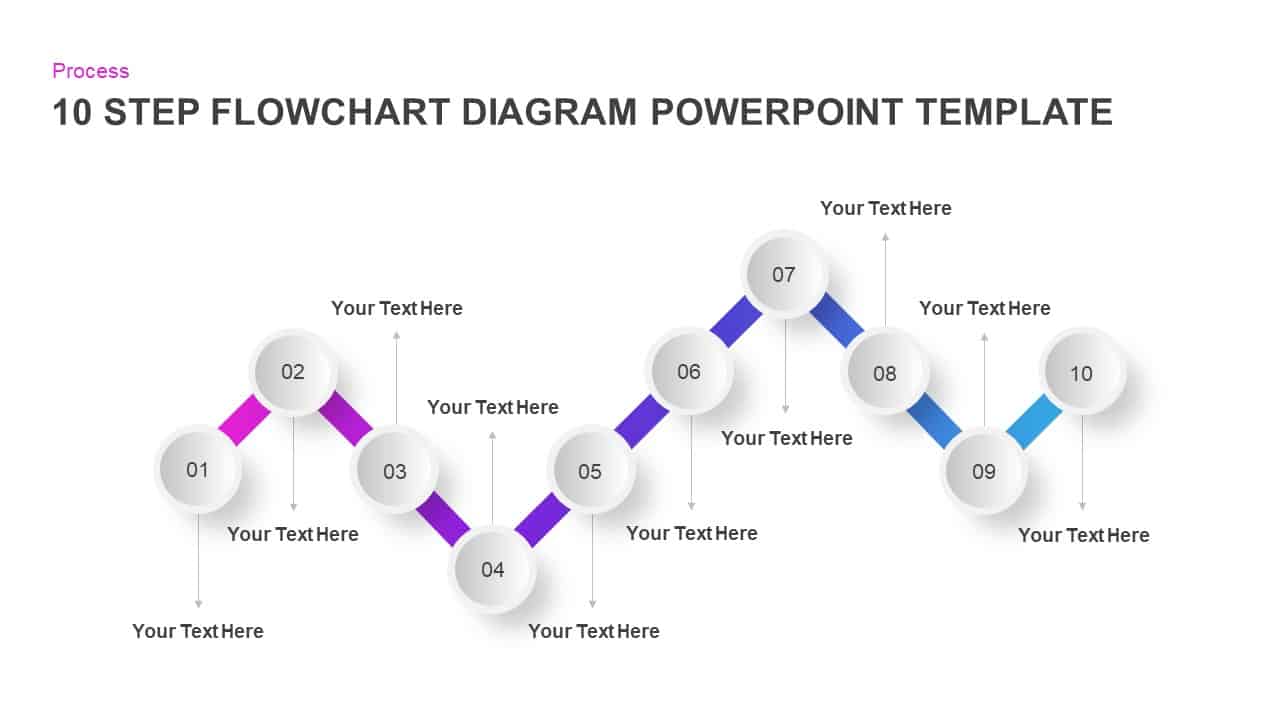
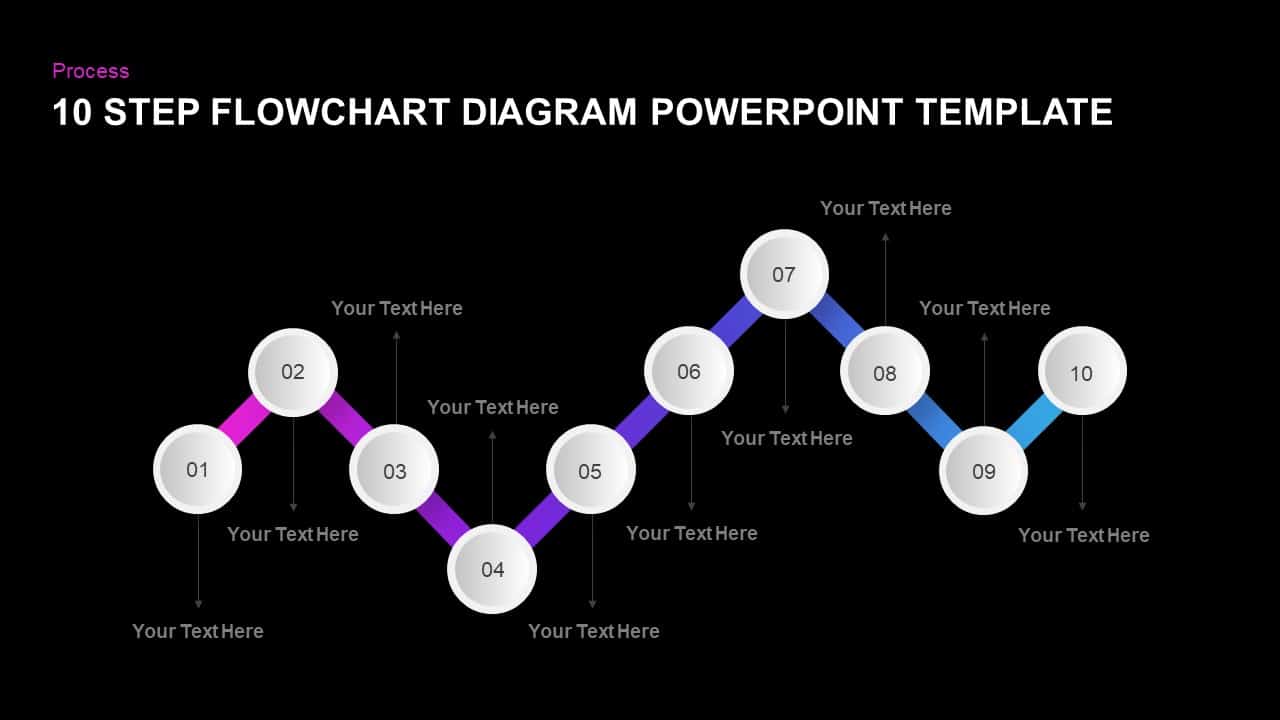
This dynamic ten-step flowchart diagram slide helps you map complex processes with clarity and visual appeal. Ten subtly shaded circles—each numbered 01 through 10—are linked by bold gradient segments that transition from magenta to blue, guiding audiences through every phase of your workflow. Upward and downward connector lines attach to clean text placeholders above and below each circle, providing space for concise headings, action items, or KPI callouts without overcrowding the design. Built on master slides with 100% vector shapes, every element—from the curve of each connector to the gradient stops on the segments—is fully editable in seconds.
The flat-yet-dimensional aesthetic, paired with crisp sans-serif typography and subtle drop shadows, guarantees professional polish and legibility on HD screens, tablets, or printed materials. Ample white space around the flowchart keeps focus on your key messages, while the consistent gradient theme reinforces the sense of progression. Whether you’re outlining a product development lifecycle, illustrating a ten-point audit checklist, or presenting a multi-phase project plan, this slide transforms detailed sequences into an engaging, easy-to-follow visual narrative.
The flow chart diagram template for PowerPoint is useful for teaching individuals or groups of individuals to instruct certain processes or procedures. It is an efficient guideline that can be used repeatedly by project managers and HR professionals. Our ten-step flow chart diagram can be listed under the process flowchart category. There are other types of flow charts like functional flow charts, process maps, business process mapping, and more. Process flow charts are mostly present in service-oriented businesses such as software development and contact centre unit. The ten-step flow chart is a timeline template that can also be used to display major business achievements and business processes.
This is a simple flow chart with editable PowerPoint objects. The users can reshape these objects by simple modifications. For instance, the users can straighten the graph and create a simple timeline presentation. Or, add colour to each circle shape and make changes in total visual effects.
You can access more process flow templates here. Grab the free ppt now!
Login to download this file

Item ID
SB01168


Related Templates

Ten-Step Circular Process Infographic Template for PowerPoint & Google Slides
Circular

Ten-Stage Hub and Spoke Process Diagram Template for PowerPoint & Google Slides
Process
Gradient Five-Step Roadmap Diagram Template for PowerPoint & Google Slides
Roadmap
Ten Section PowerPoint Diagram Template
Process

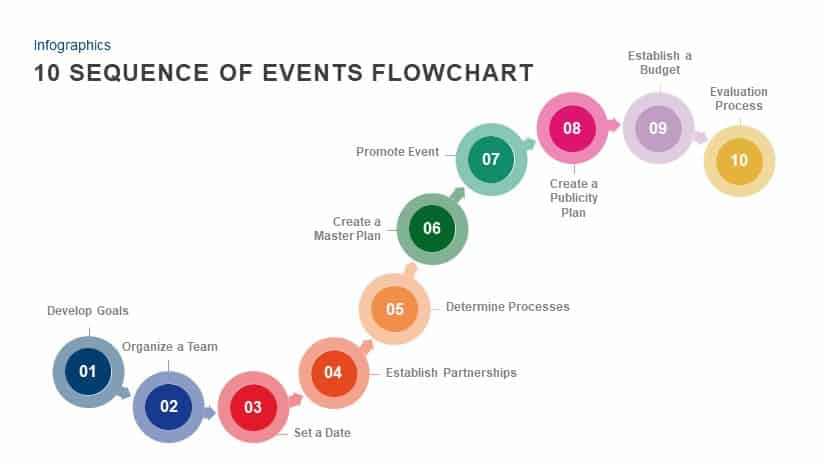
10-Step Sequence of Events Flowchart PowerPoint Template
Flow Charts

Planning Metaphor Flowchart Slide Template for PowerPoint & Google Slides
Process
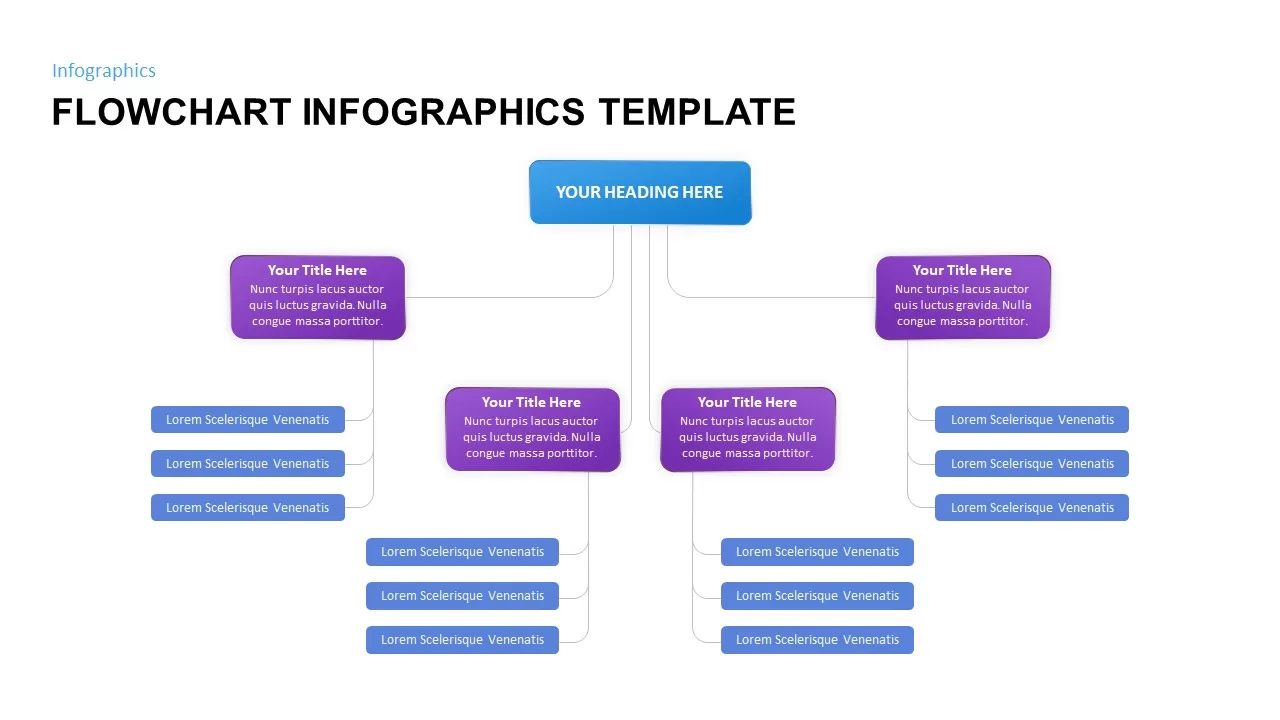
Flowchart Infographics Template for PowerPoint & Google Slides
Infographics
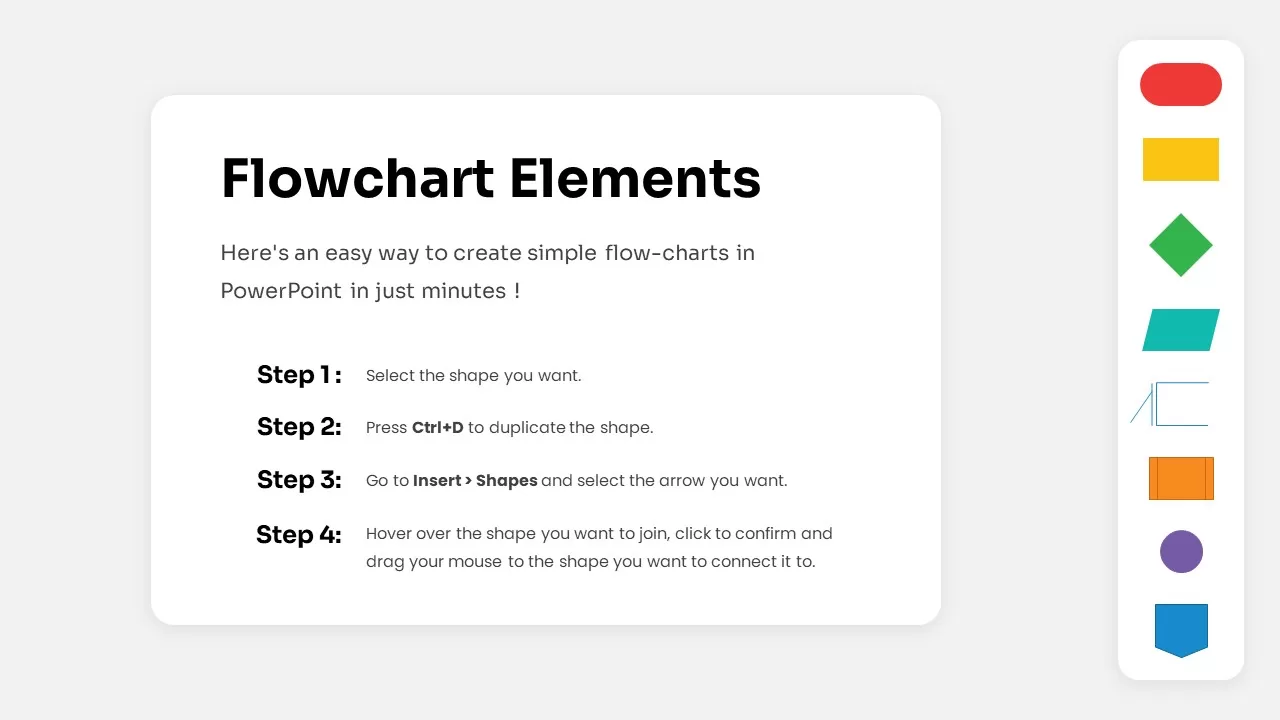
Free Flowchart Elements Tutorial Slide Template for PowerPoint & Google Slides
Flow Charts
Free
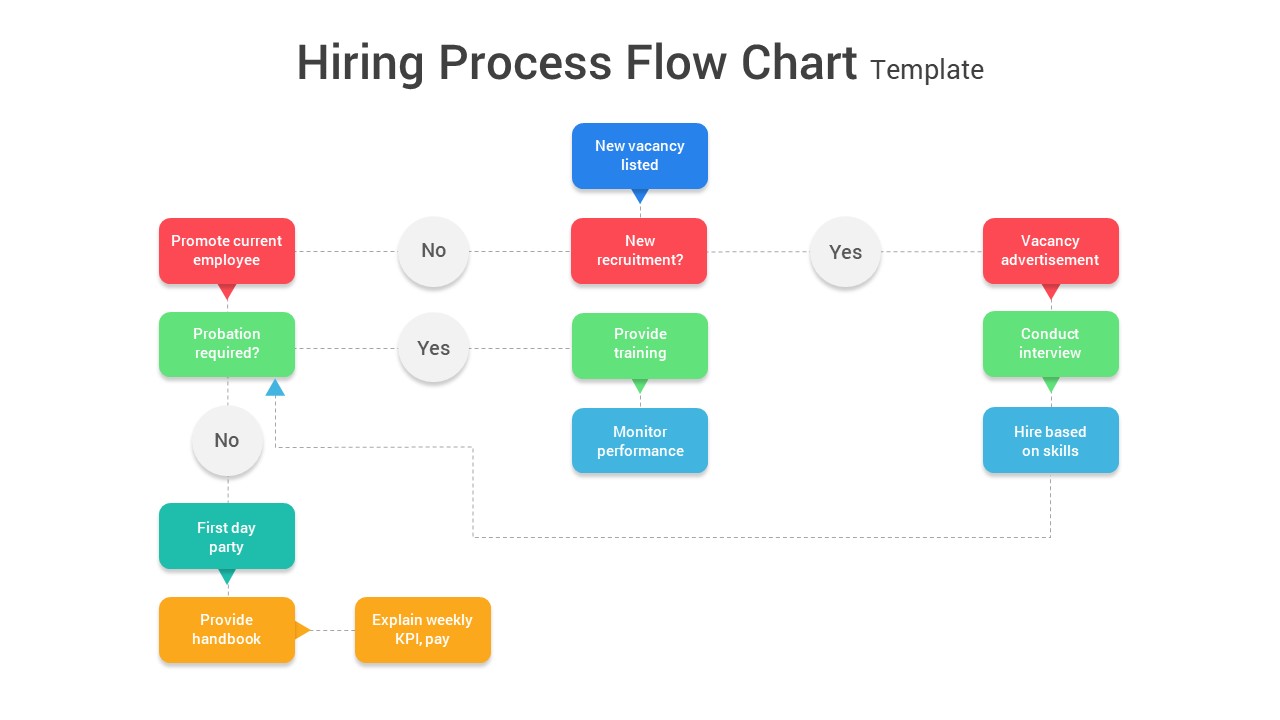
Recruitment Process Flowchart PowerPoint and Google Slides
Flow Charts
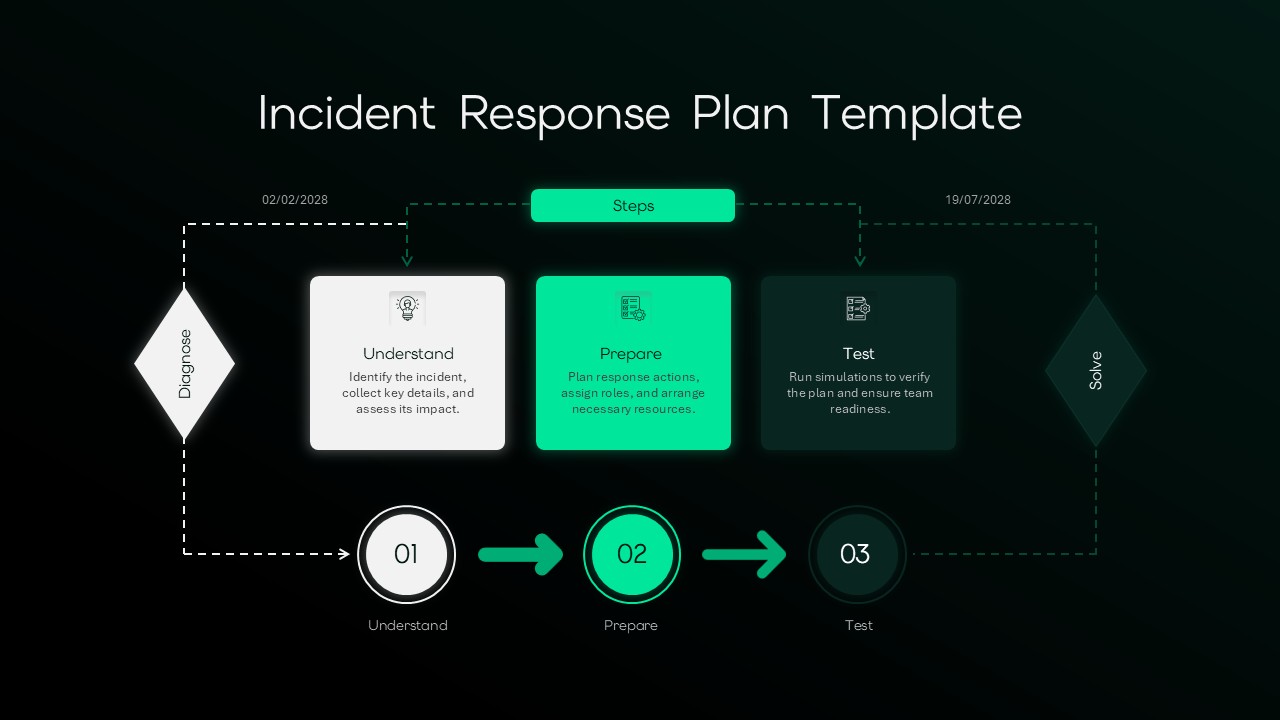
Incident Response Plan Flowchart Template for PPT & Google Slides
Risk Management
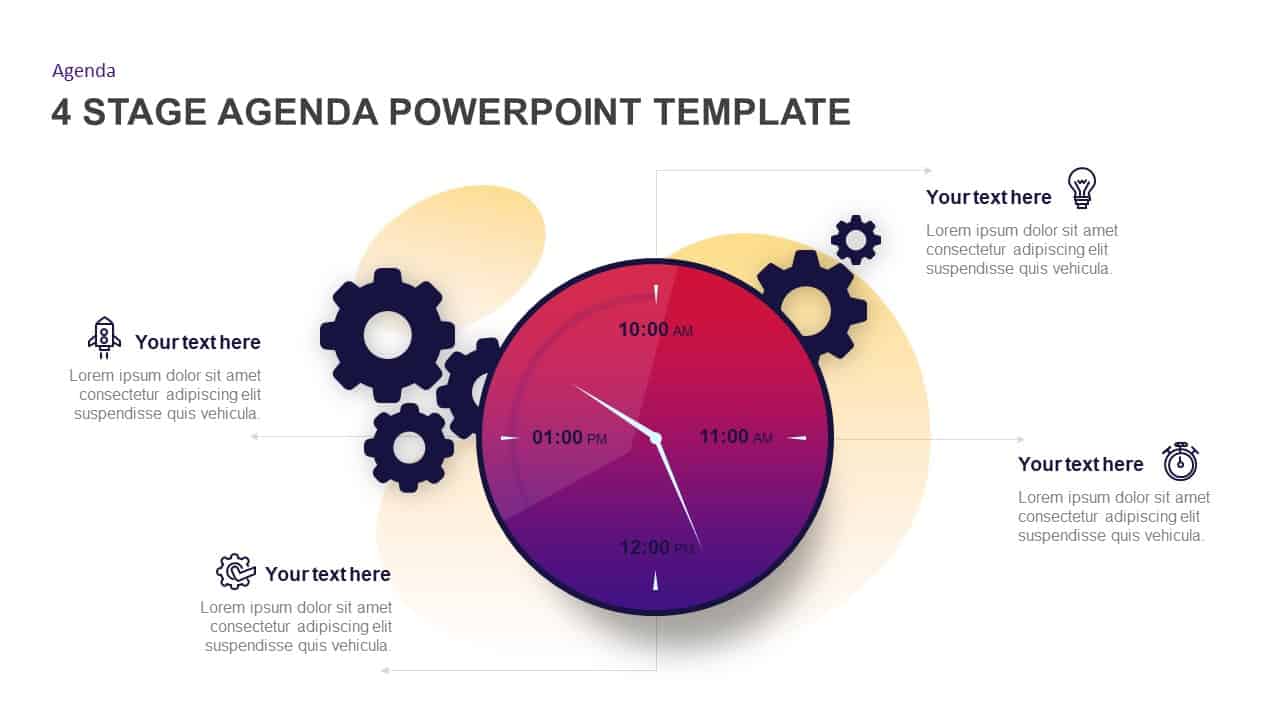
Gradient Clock Agenda Timeline Diagram Template for PowerPoint & Google Slides
Agenda
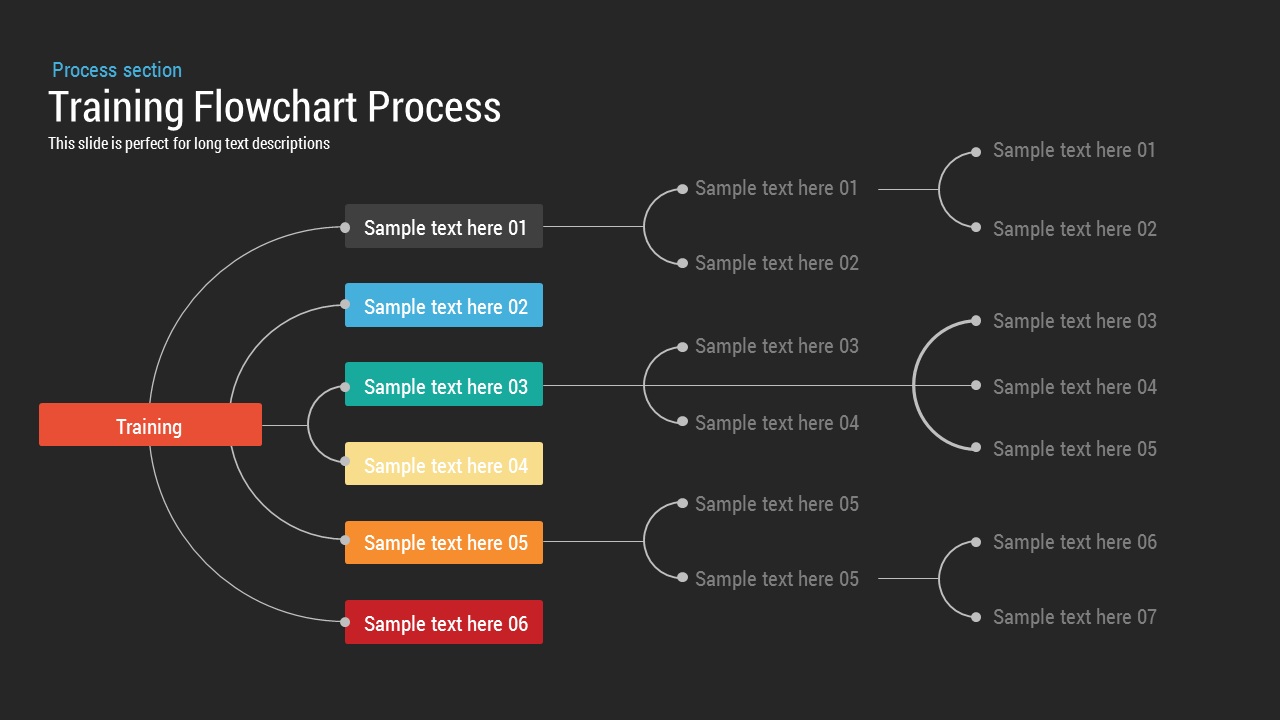
Training Process Flowchart PowerPoint Template
Flow Charts
FlowChart PowerPoint Template
Flow Charts
Yes No Flowchart PowerPoint Template
Flow Charts
Simple Flowchart PowerPoint Template
Flow Charts
Road Flowchart PowerPoint Template
Flow Charts
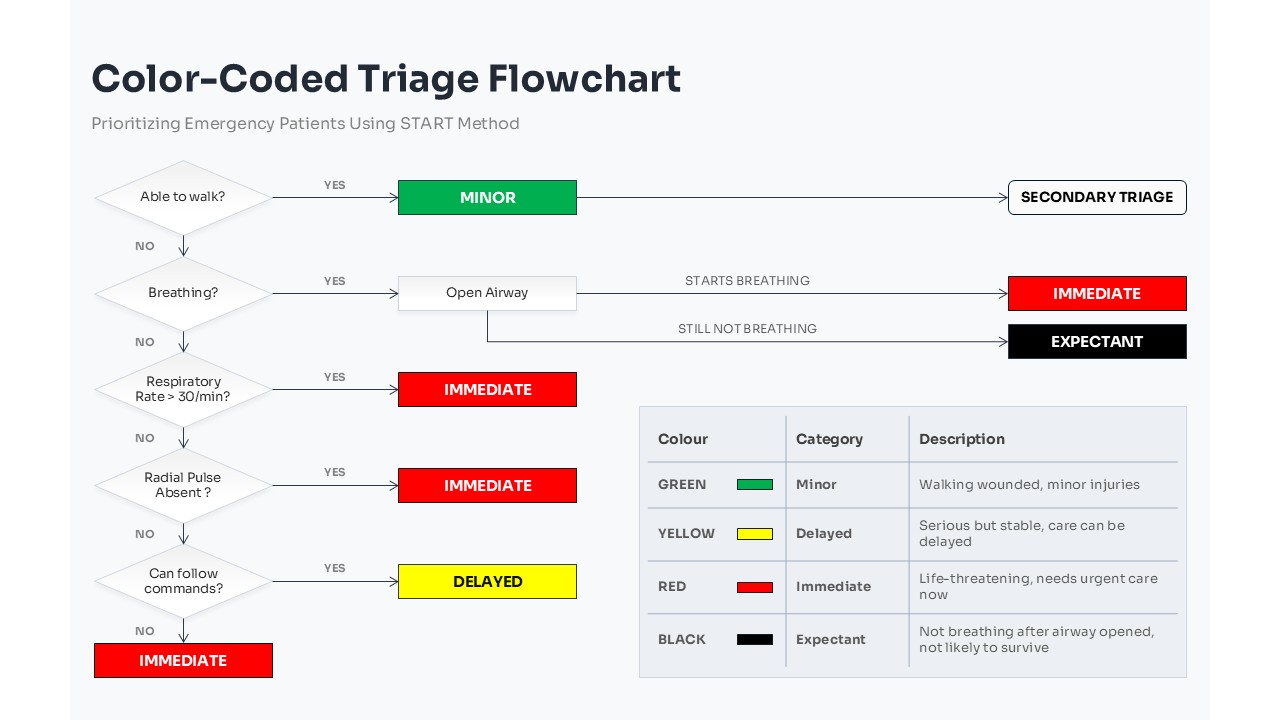
Color-Coded Triage Flowchart PowerPoint Template
Flow Charts
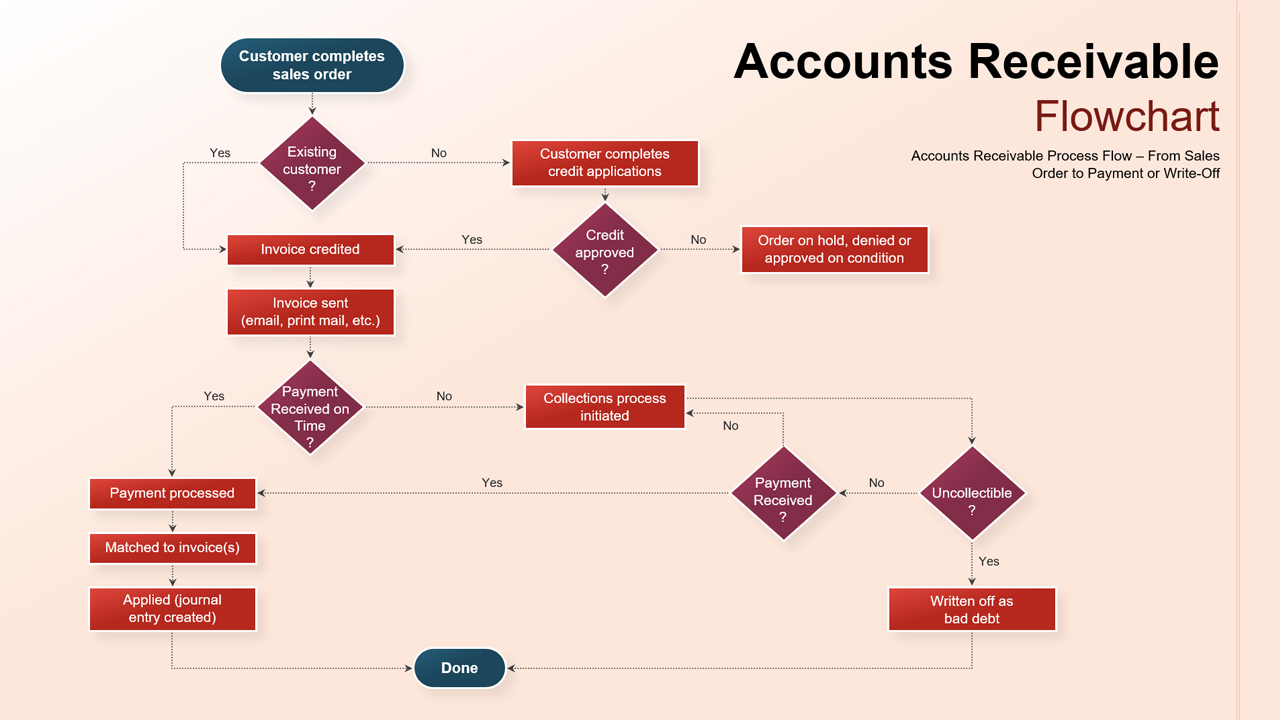
Accounts Receivable Flowchart PowerPoint Template
Flow Charts
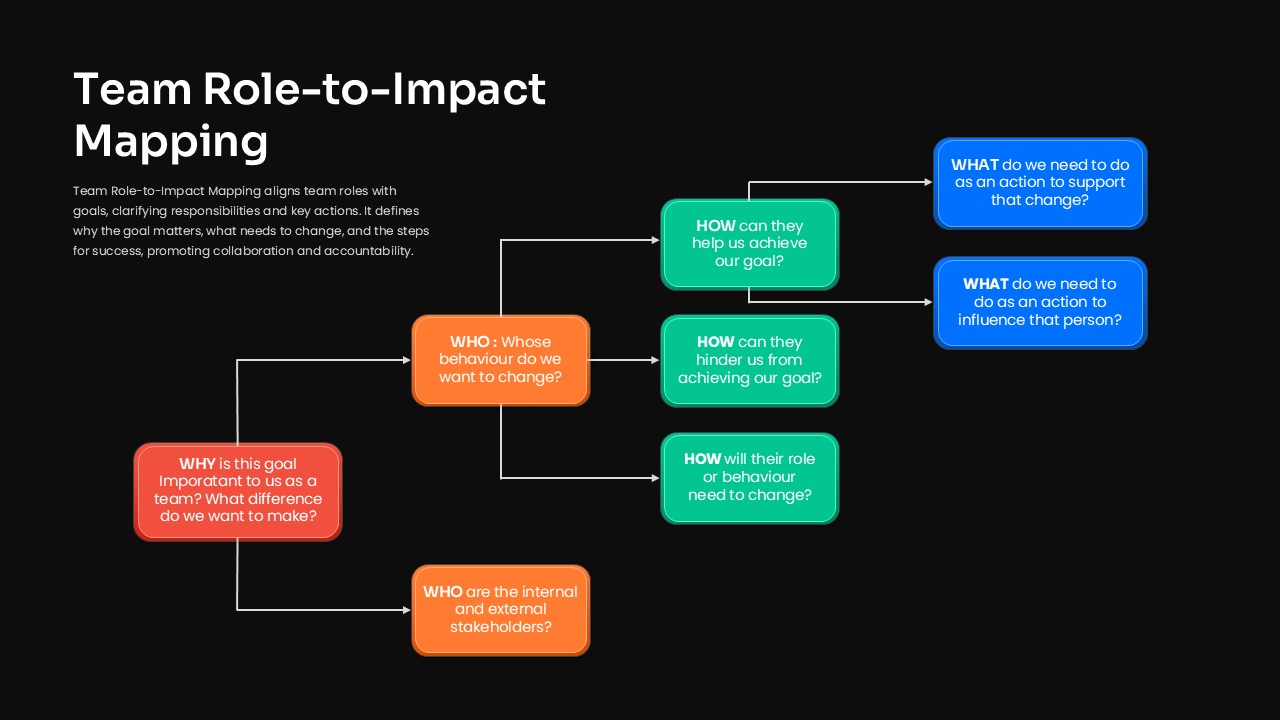
Team Role to Impact Mapping Flowchart for PowerPoint
Process
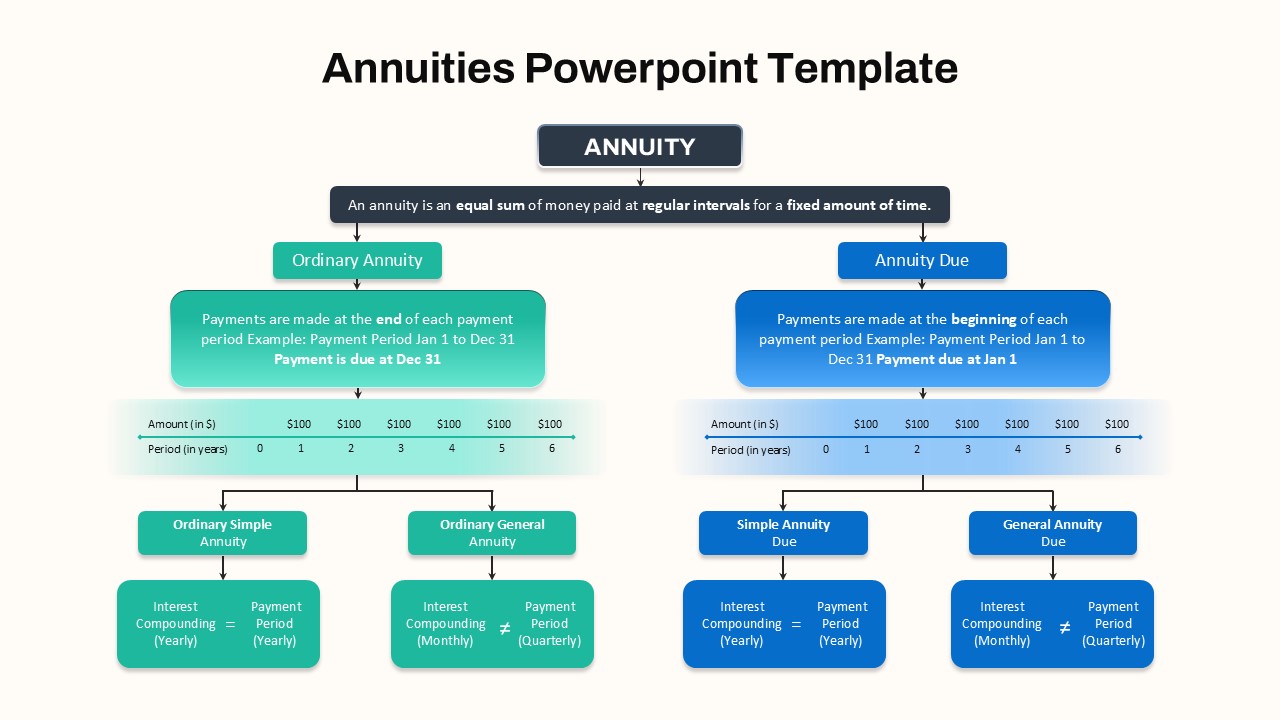
Hierarchical Annuity Comparison Flowchart Template
Business Report