search

Essentials

Must-have decks for quick wins

By Industry

Professionally tailored slides for every sector

By Style

Minimal, modern and creative designs

By Topic

Explore slides curated by purpose and theme

TimelineTimelineRoadmapRoadmapStrategyStrategyGoalsGoalsTableTableComparisonComparisonSWOTSWOTAgendaAgendaArrowArrowWorld MapWorld MapMapsMapsProcessProcessFunnelFunnelTeamTeamOrg ChartOrg ChartPyramidPyramidCircularCircular

Business PlanBusiness PlanBusiness StrategyBusiness StrategyBusiness ProposalBusiness ProposalBusiness ModelsBusiness ModelsDigital MarketingDigital MarketingMarketing FunnelMarketing FunnelCustomer ExperienceCustomer ExperienceProject StatusProject StatusGantt ChartGantt ChartRecruitmentRecruitmentEmployee PerformanceEmployee PerformanceLeadershipLeadershipAIAIMachine LearningMachine Learning

AI Presentation Maker

Install the Windows plugin for quick access to templates and design tools.

AI Infographics Maker

Use our Office 365 add - in to access templates directly from the cloud.

Exe Version

Install the Windows plugin for quick access to templates and design tools.

Office 365

Use our Office 365 add - in to access templates directly from the cloud.

Mac Version

Get the Mac plugin to easily browse, insert, and customize templates and visuals within PowerPoint.

United States

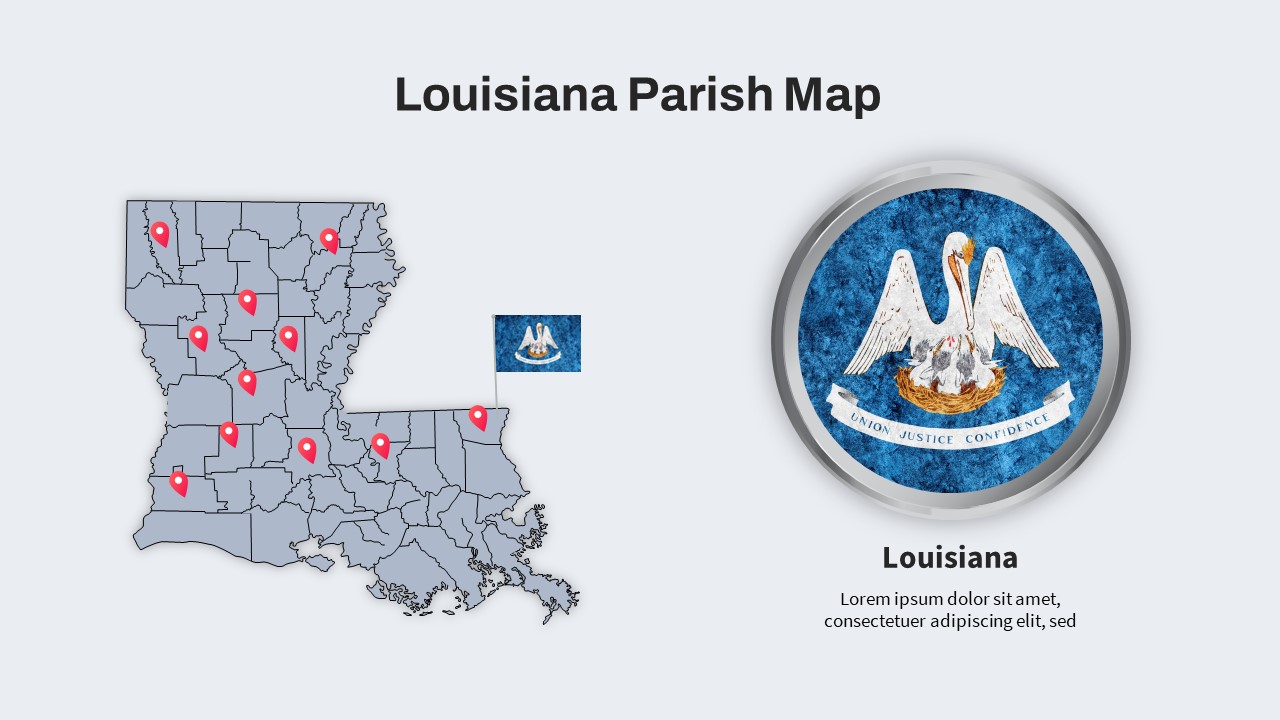
Dive into a world of possibilities as you explore our collection of USA Map for PowerPoint resources designed to transform your slides into dynamic narratives, all while focusing on the United States. Whether you’re an educator, business professional, or speaker, our USA Maps for PowerPoint resources are your key to making a lasting impact. Here you’ll find the answer to your question ‘How do I get a US Map in PowerPoint?’. Get these attractive resources now! Why Opt for USA Map PowerPoint Presentations? Geographical Precision : In a world of data and numbers, maps offer a clear and concise way to showcase geographical information. Our USA Map presentations allow you to highlight specific states, regions, and data points with accuracy. Visual Engagement : Visuals stick in the mind longer than text. By incorporating USA map visuals into your presentations, you’ll capture your audience’s attention and ensure they remember the information you’re conveying. Versatility : Microsoft US Map template presentations are incredibly versatile. Whether you’re discussing sales figures, demographics, historical events, or educational content, these resources adapt seamlessly to your needs.

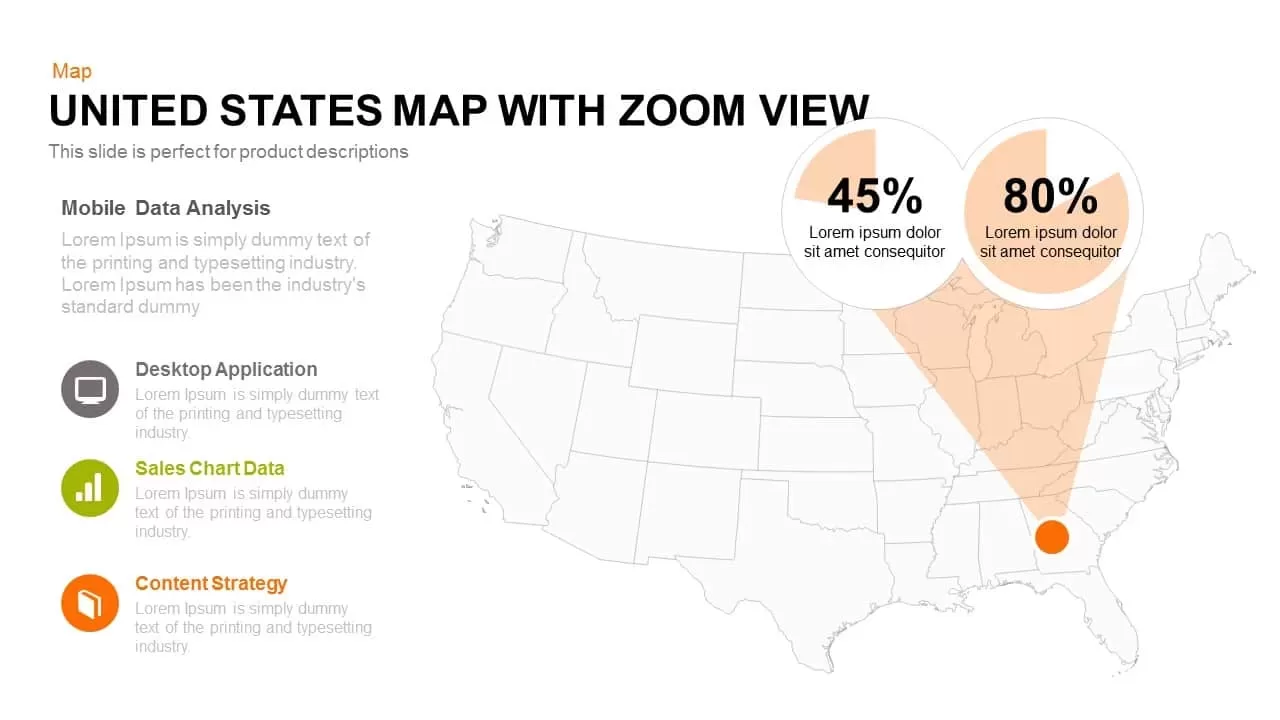
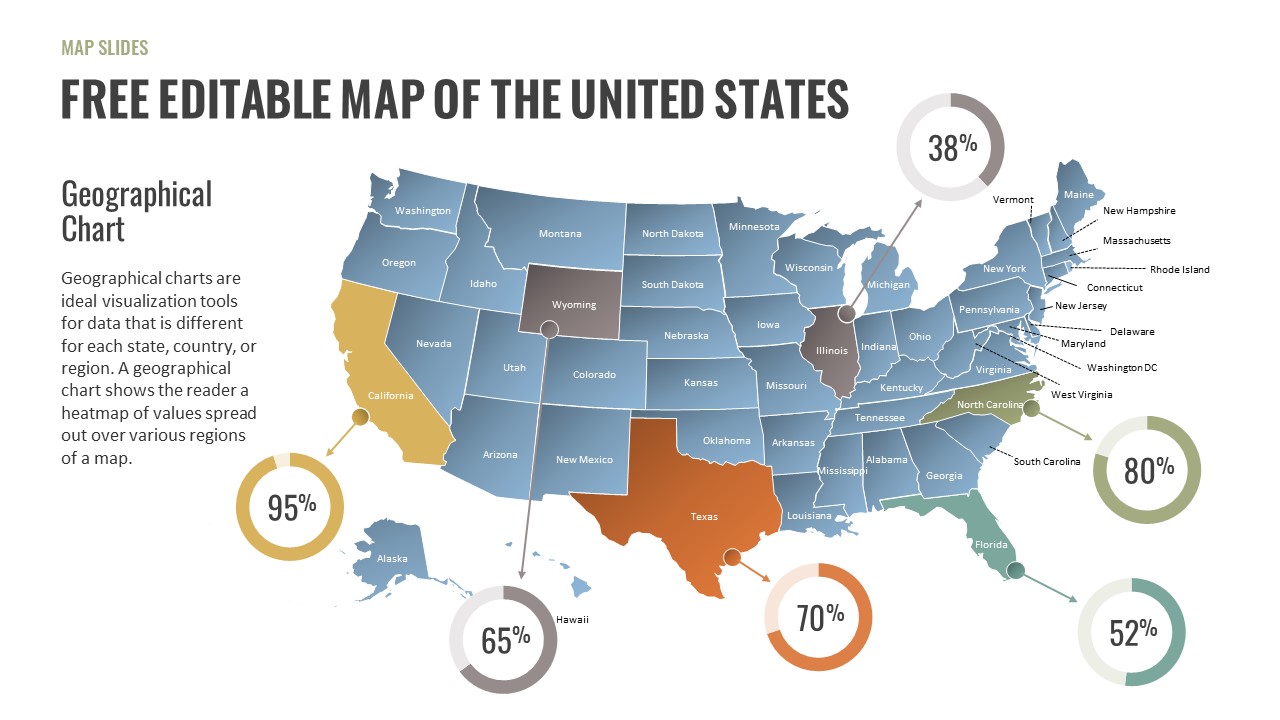
Exploring Our USA Map PowerPoint Resources: USA Map Templates : Discover our curated collection of United States Map templates. Choose from a variety of styles, including political maps, outline maps, and thematic maps, to suit your presentation’s purpose and aesthetics. Data Visualization : Elevate your data with Editable US Map PowerPoint templates. Overlay statistics, trends, and data points onto the map to provide context and clarity to your audience. Interactive Elements : Capture attention with interactive world map powerpoint presentations. Zoom in on specific states, add clickable markers and guide your audience through a journey of insights. Educational Tools : Enhance your teaching materials with USA Map presentations. Bring history, geography, and civic lessons to life as you explore the diverse regions of the United States. Maximizing the Impact of USA Map for PowerPoint Presentations: Storytelling : Use the map’s visual narrative to tell a compelling story. Trace the growth of a business, depict historical events, or showcase the impact of policies in different states. Highlighting Regions : Employ color coding and shading to differentiate states or regions. This technique helps your audience quickly grasp the variations you’re highlighting. Customization : Tailor the maps to match your branding or presentation theme. Adjust colors, fonts, and styles to create a seamless integration with your slides. How to Use Our Map Templates for PowerPoint? Browse: Take your time to explore our US Map templates and find the one that best suits your presentation topic. Download: Once you’ve found the perfect template, simply download it to your computer. You have to either register on our website or become a member depending on the template whether it is free or premium. Integrate: Open your PowerPoint presentation and choose the file that you have downloaded. Start working on it and customize it as needed to match your content.

sort by icon Filter