Strategy Progress Timeline Template for PowerPoint & Google Slides
Strategy Progress Slide Template
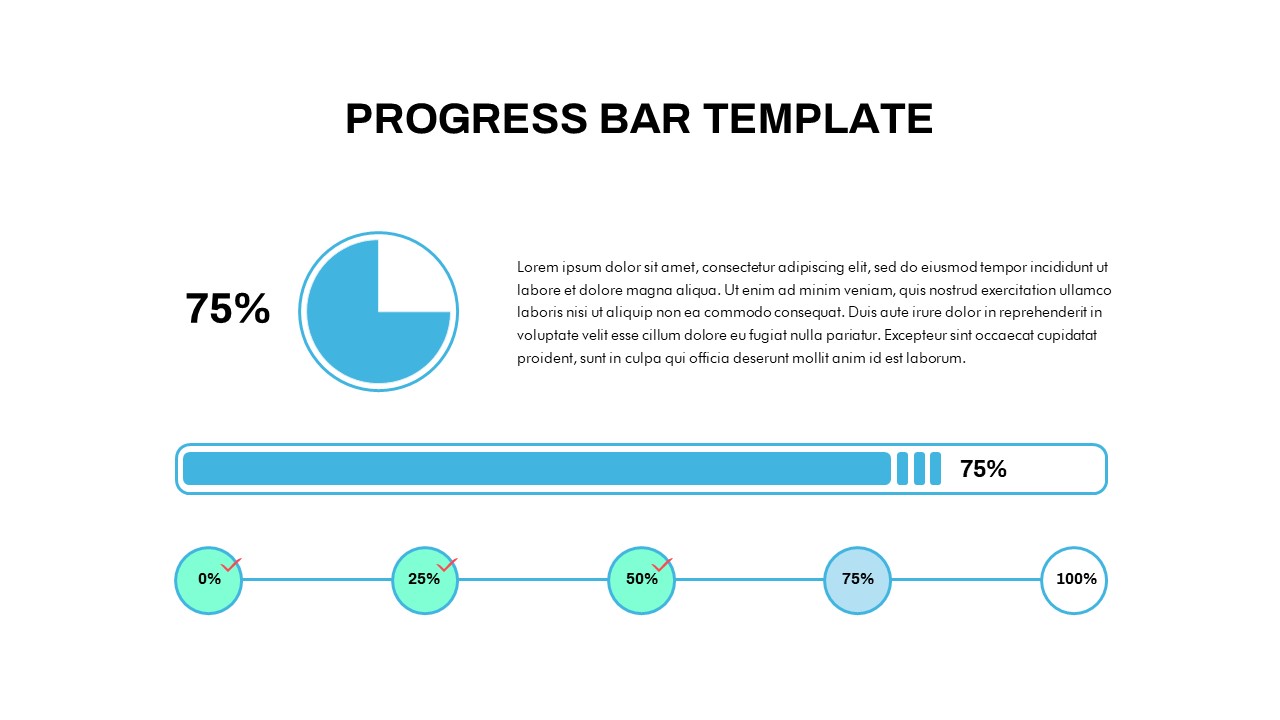
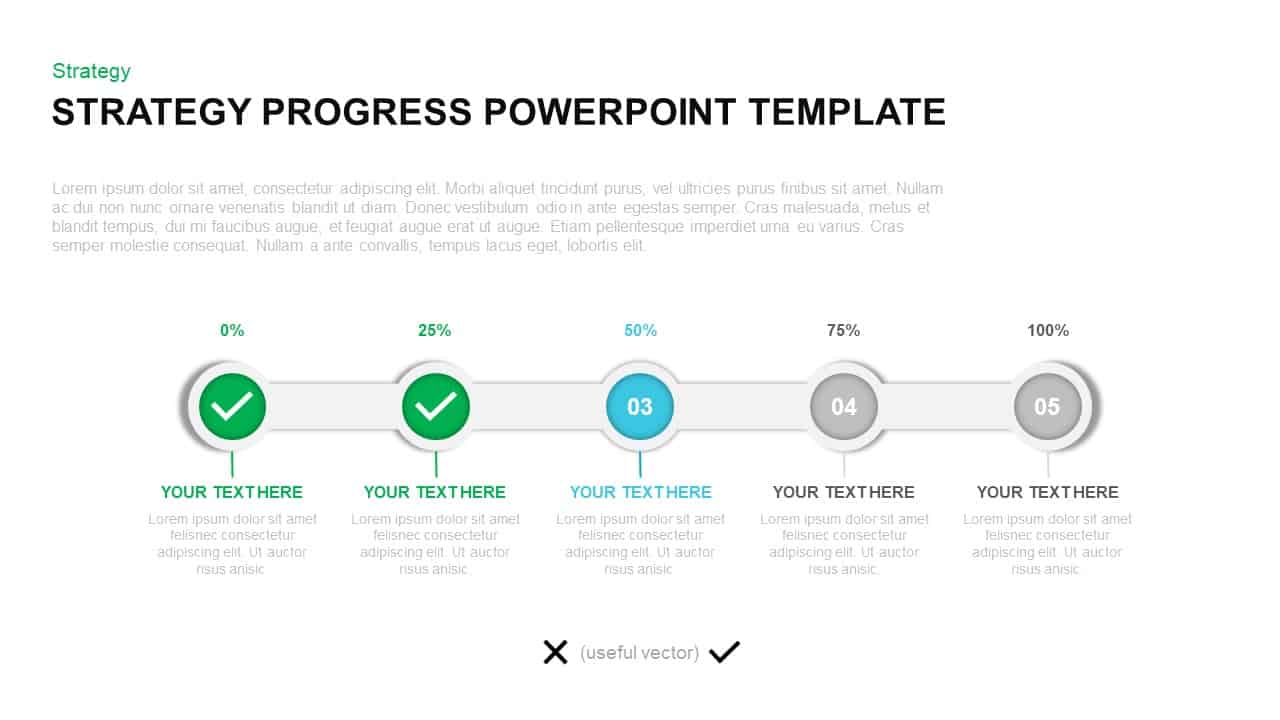
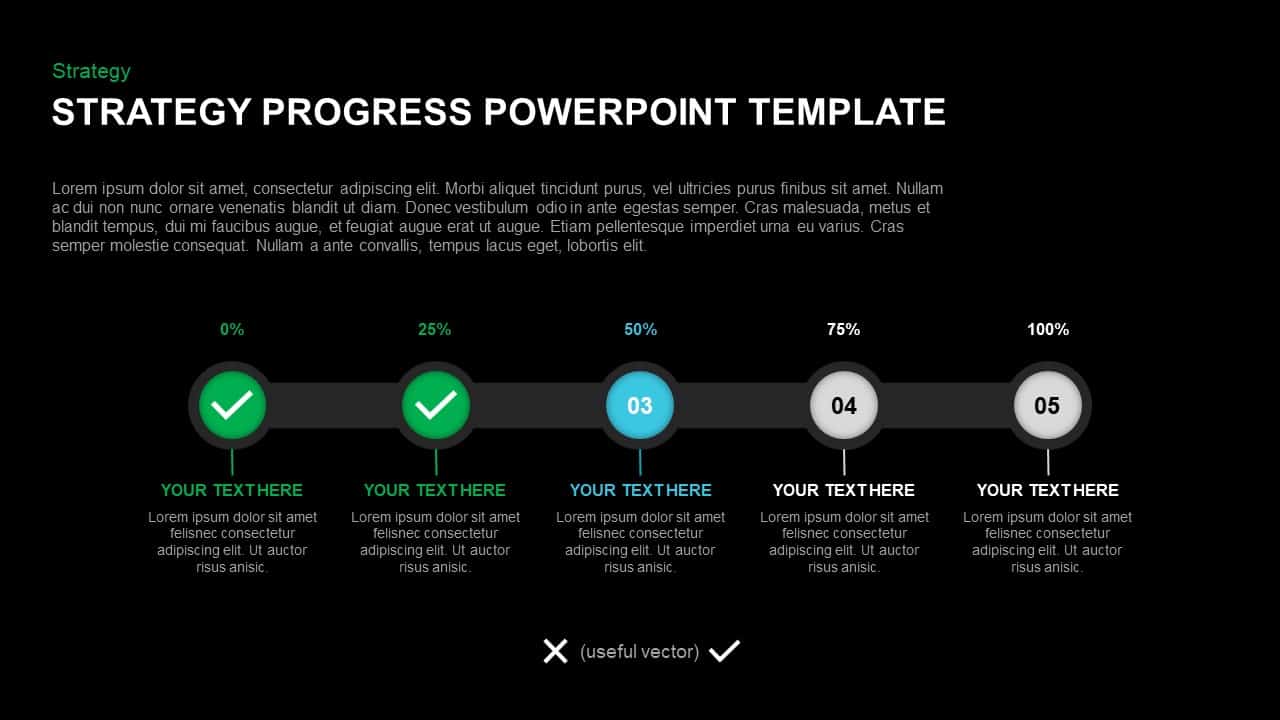
Visualize your strategic milestones and KPI completion with this clean and professional strategy progress slide template, built around a fully editable five-stage progress timeline that communicates advancement at a glance. The design features a horizontal ribbon track connecting five circular nodes labeled 0%, 25%, 50%, 75%, and 100%, with gradient fills that transition from green for completed phases to blue for the current 50% stage, then grey for upcoming steps. Each node contains an icon placeholder or numbered label, and fine connector lines lead downward to title and body text placeholders for concise stage explanations. Beneath the timeline, a simple legend clarifies status icons, while the master-slide setup preserves consistent typography, spacing, and color schemes throughout.
A Fully Editable Strategy Process Timeline Template for PowerPoint and Google Slides
As a versatile strategy process timeline template for PowerPoint and Google Slides, every element in this deck is vector-based for seamless resizing, recoloring, and icon swaps. Replace the default checkmark and progress markers with your own icons via drag-and-drop, adjust the gradient palette to match corporate branding, or reposition text boxes without losing visual fidelity. Preset animation cues enable stage-by-stage reveals, helping you guide audiences through each milestone with clarity and build narrative momentum as the presentation progresses.
High-resolution shapes ensure sharp display on widescreens, projectors, and virtual meeting platforms, while generous white space and clean sans-serif typography maintain a professional and uncluttered aesthetic. Both PowerPoint and Google Slides versions are included, making real-time collaboration and cross-platform sharing straightforward for distributed teams.
Who Is It For
Business leaders, project managers, and marketing teams will find this strategy progress slide template particularly effective for reporting on quarterly targets, campaign progress, or product launch roadmaps. Consultants and analysts can also leverage it for KPI briefings, status updates, and executive summaries that require clear visual feedback on performance against strategic objectives.
Other Uses
Beyond strategy tracking, repurpose this template for onboarding checklists, training module completions, risk assessment stages, or sales pipeline reviews. Adjust labels and icons to depict budget approvals, compliance checkpoints, or development sprints, making this progress timeline a versatile asset for any corporate, educational, or consulting presentation context.
Login to download this file

Item ID
SB01401


Related Templates

Progress Timeline Bar PowerPoint Template
Timeline
iPad App Mockup with Progress Metrics Template for PowerPoint & Google Slides
Bar/Column
Dynamic Statistics & Progress Charts Template for PowerPoint & Google Slides
Pie/Donut
Progress Bar and Milestone Visualization Template for PowerPoint & Google Slides
Timeline
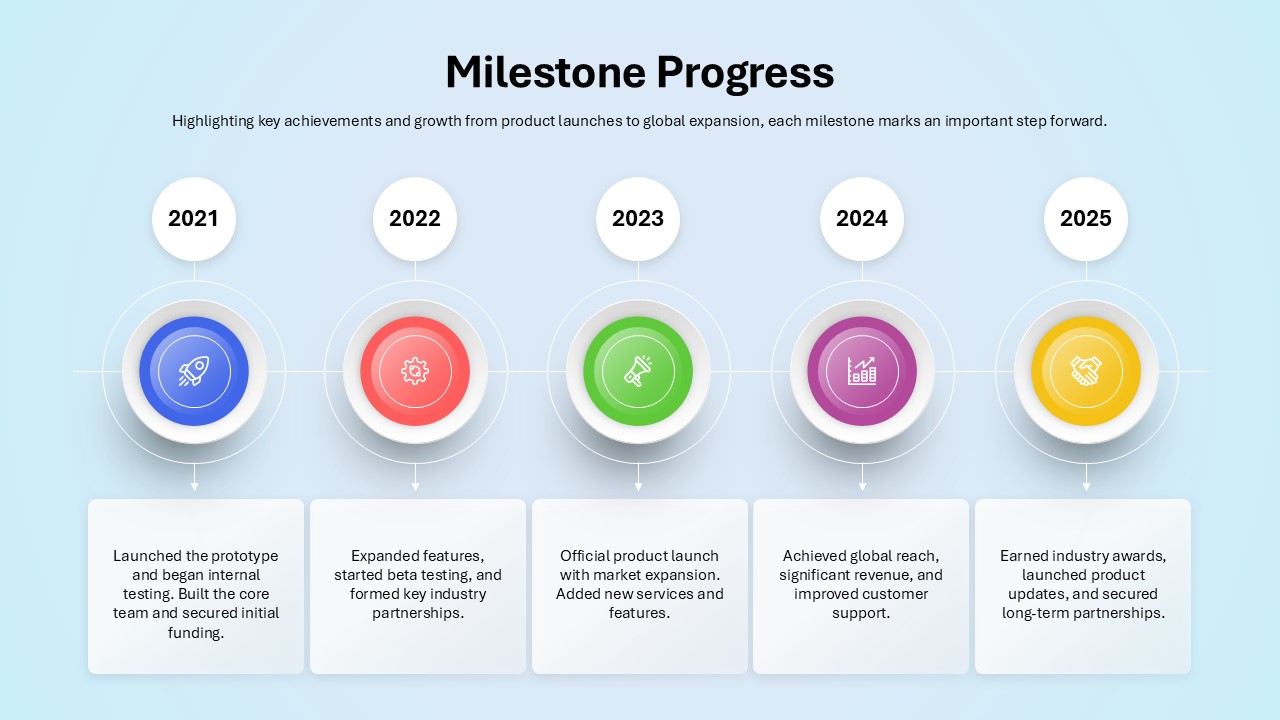
Milestone Progress PowerPoint Template
Business Plan
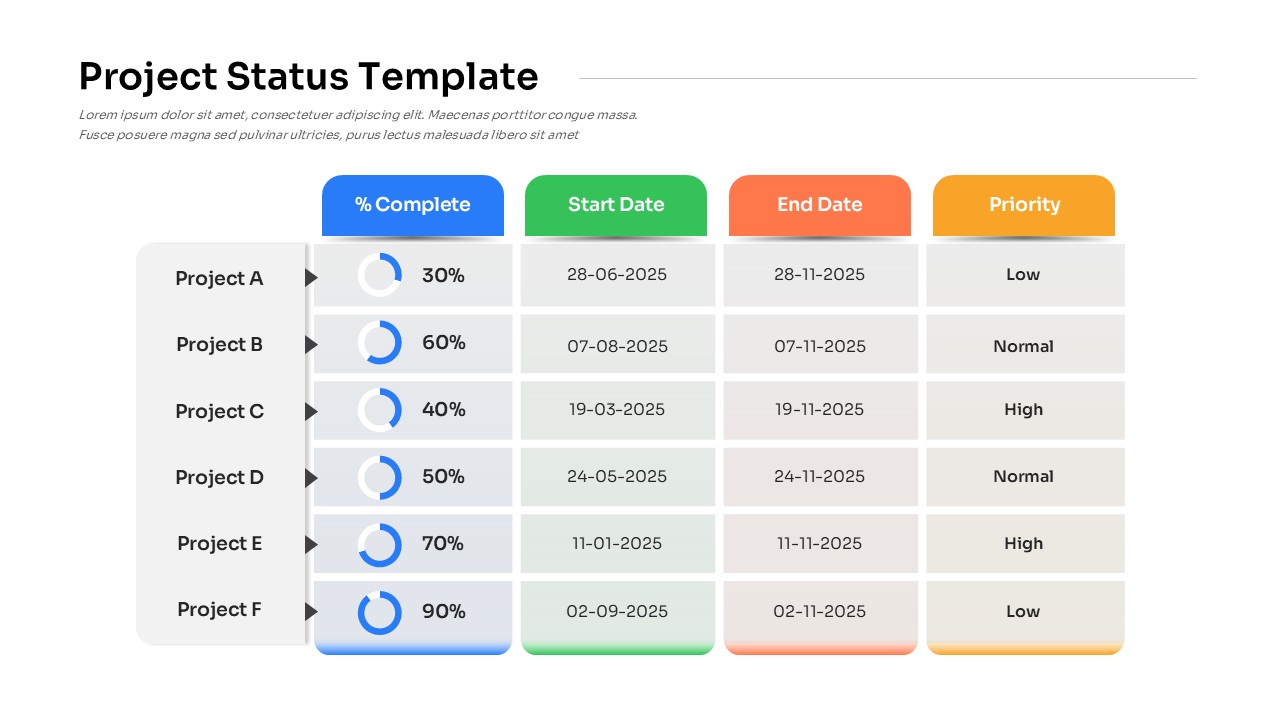
Project Status PowerPoint Template
Table
Progress Bar Graph Layout Design for PowerPoint & Google Slides
Charts

Progress & Growth Arrow PowerPoint Template
Arrow
Progress Bar PowerPoint Template
Business
Progress Chart PowerPoint Template
Charts
Project Progress PowerPoint Template
Project
Progress Tracker PowerPoint Template
Project Status
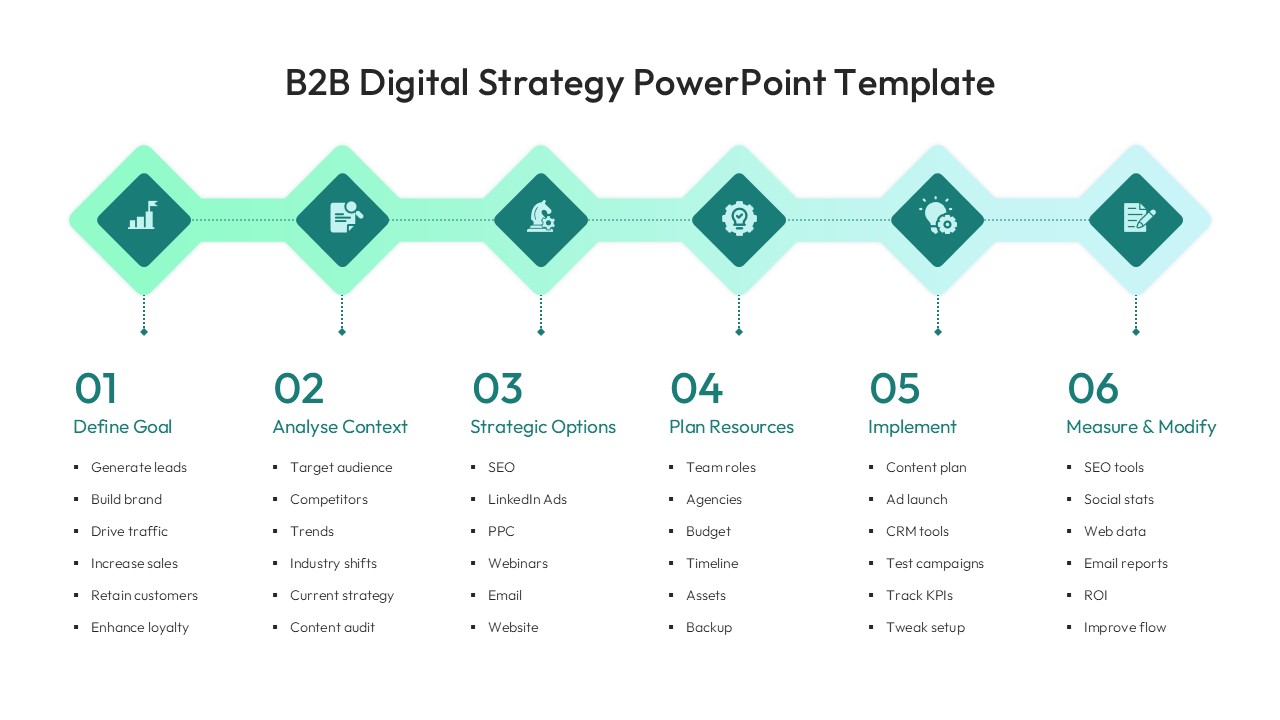
Elegant B2B Digital Strategy Timeline Template for PowerPoint & Google Slides
Digital Marketing
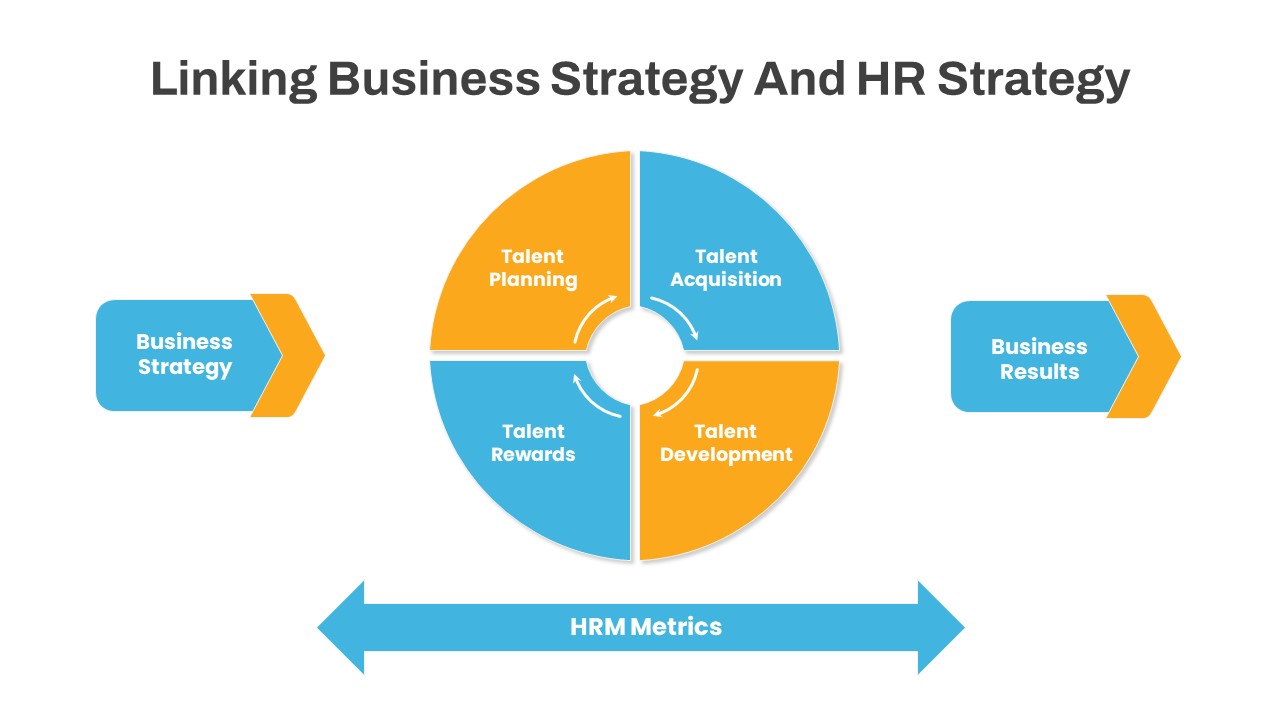
Business Strategy HR Strategy Link PowerPoint Template
Business Strategy
Strategy House Template – Business Strategy Model Diagram
Business Strategy
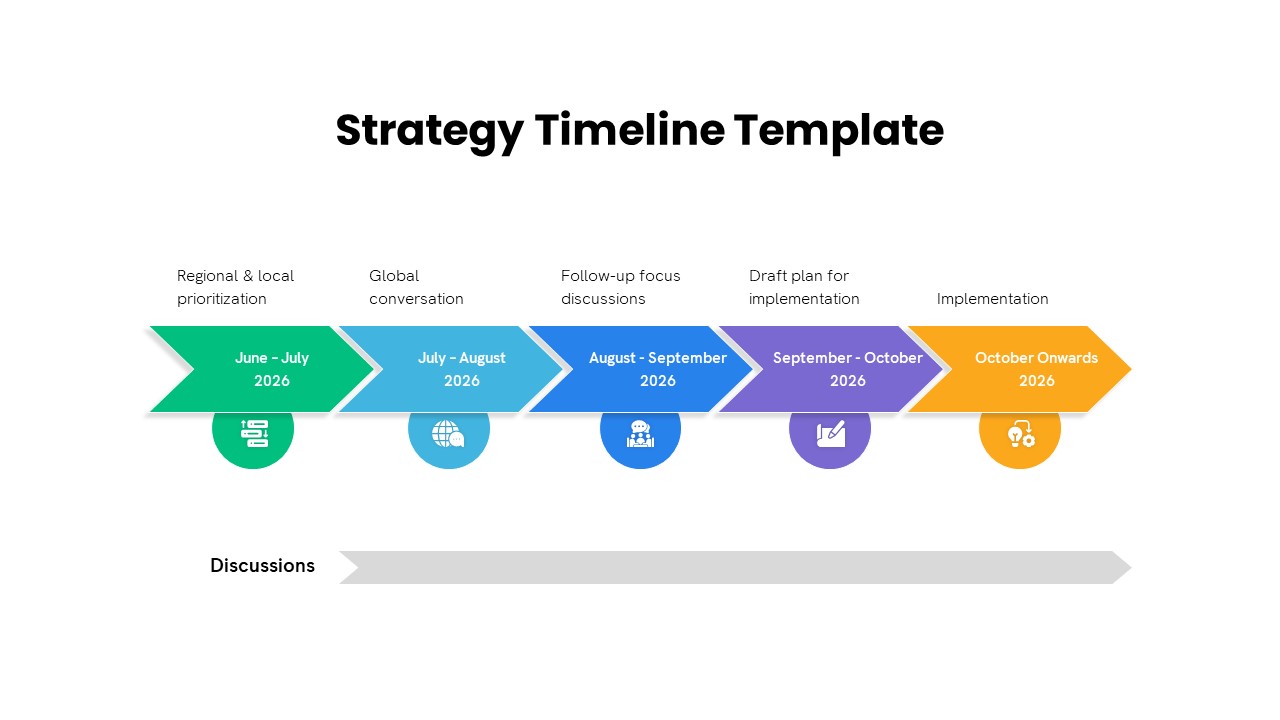
Strategy Timeline PowerPoint Template
Timeline

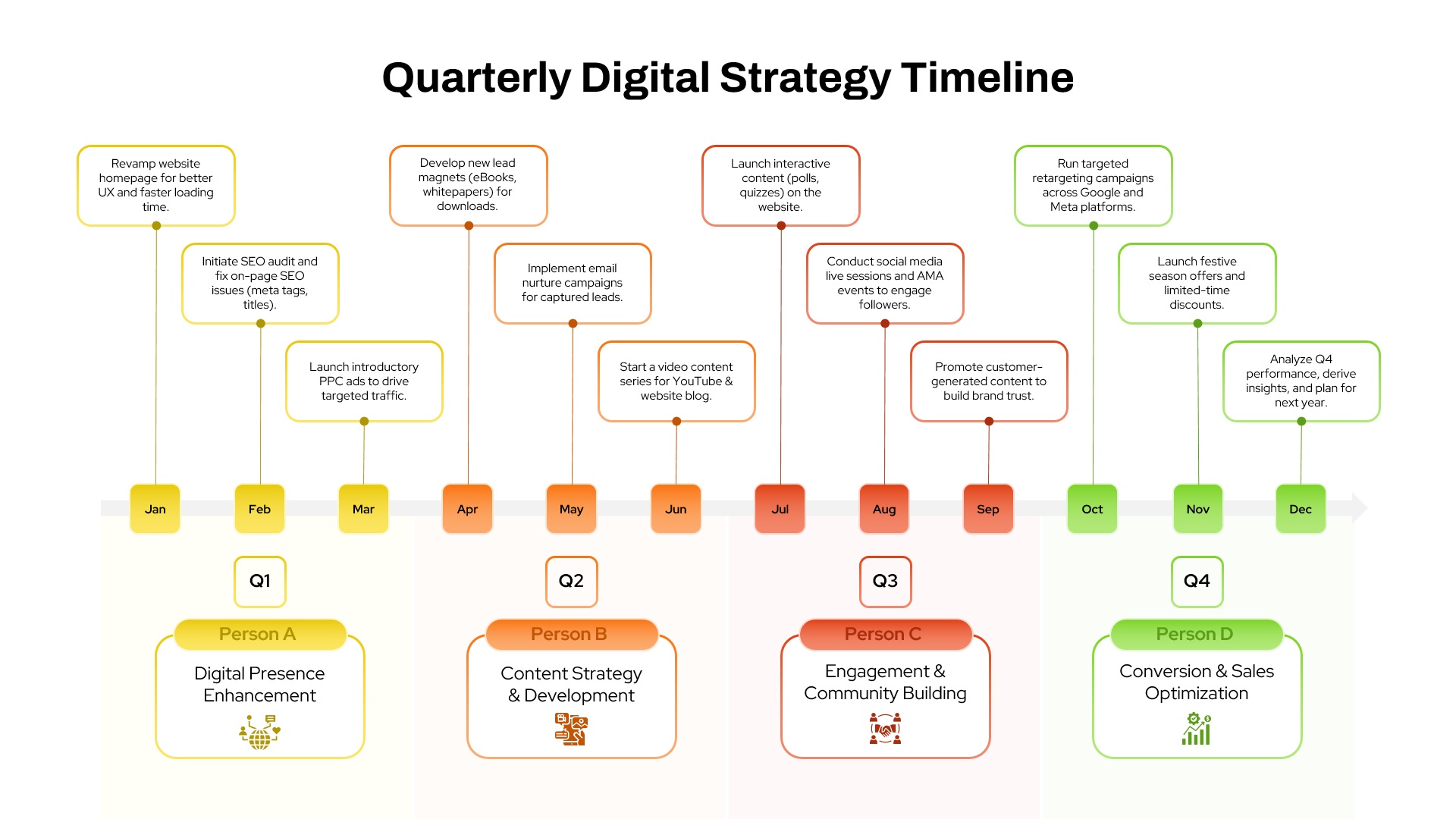
Quarterly Digital Strategy Timeline Template for PowerPoint
Digital Marketing
Arrow Timeline Infographic Timeline Template
Timeline
Analyst Relations Strategy Template
Business
Three Levels of Strategy Pyramid PowerPoint Diagram
Business Strategy