Scenario Analysis PowerPoint Slides Template
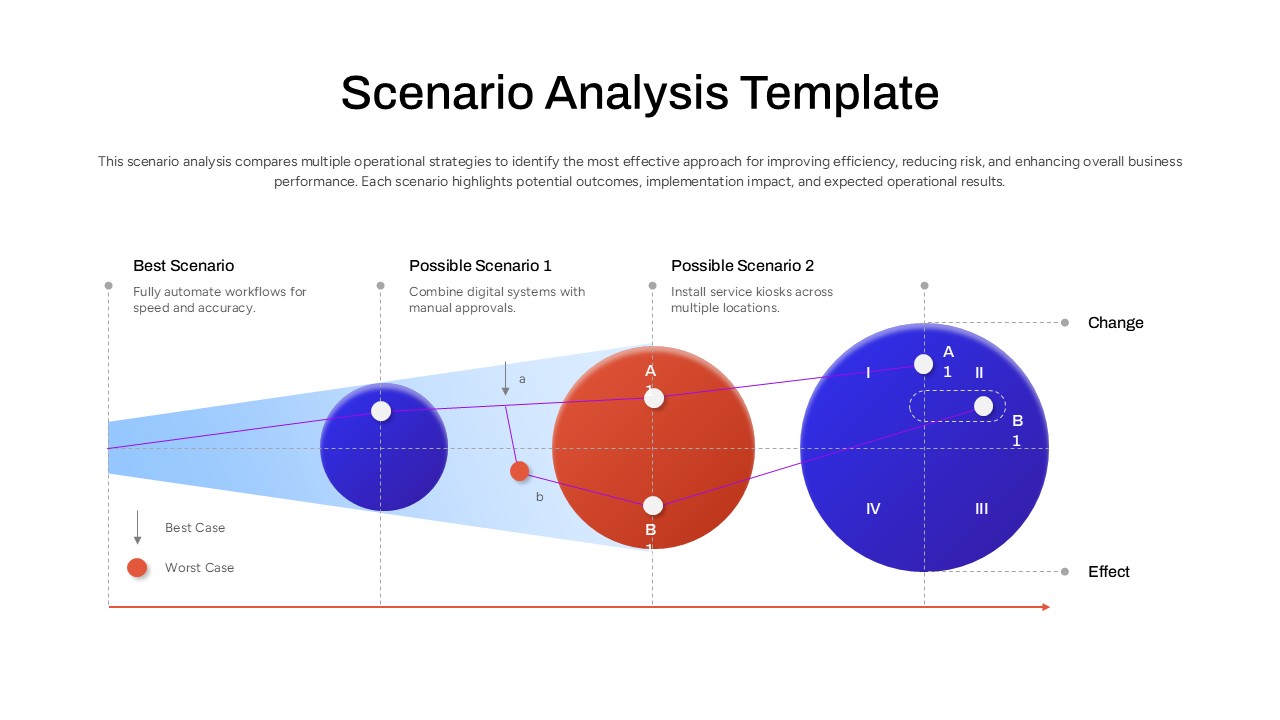
Strategic decisions rarely come down to a single option, and presenting those alternatives clearly is often the hardest part of the planning process. This Scenario Analysis Template gives business analysts, strategy consultants, and operations leaders a structured PowerPoint slide for laying out competing approaches side by side, so stakeholders can compare trade-offs before committing to a direction.
What is a Scenario Analysis Template
A scenario analysis template is a visual framework used to map out different strategic paths an organization could take, along with the likely outcomes of each path. Rather than relying on dense spreadsheets or long written reports, this approach uses comparative visuals and labeled data points to show decision-makers how a best-case option stacks up against alternative scenarios in terms of risk, scale, and expected results. This method is widely used in business strategy, risk management, and operational planning because it turns abstract “what if” questions into something stakeholders can actually see and discuss in a meeting.
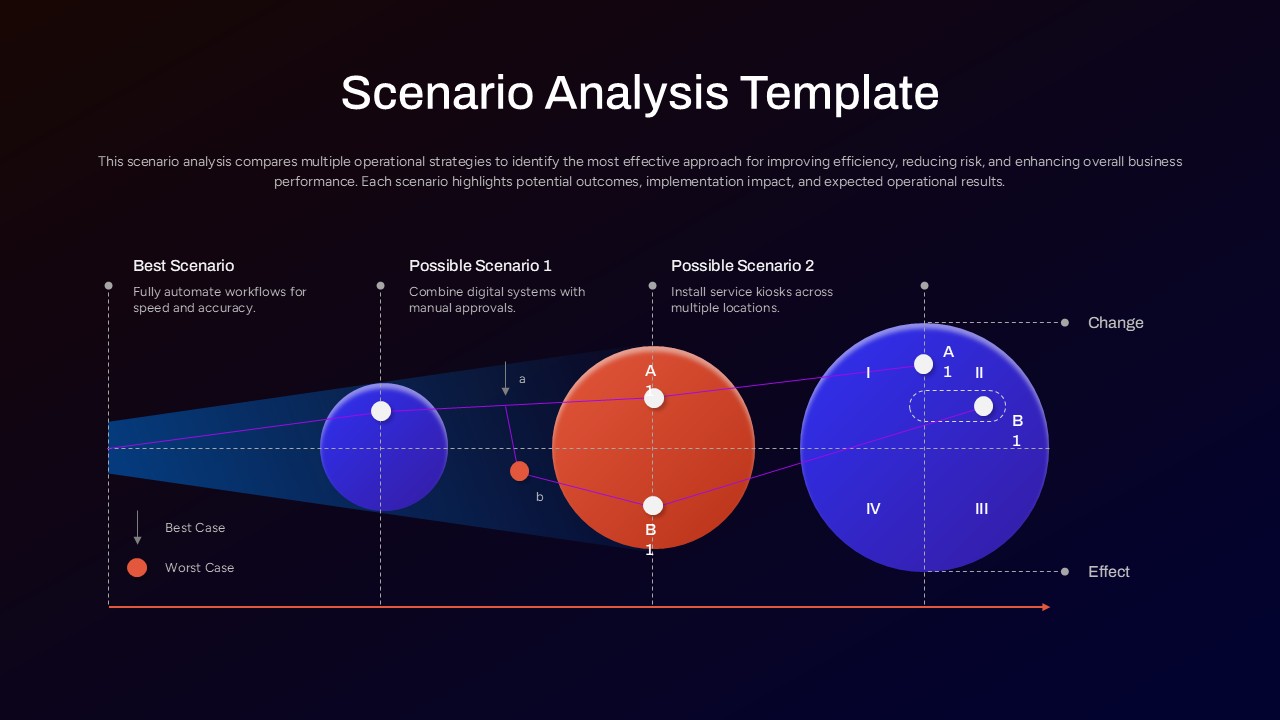
In this scenario analysis PPT slide, three scenarios sit across the top, a best-case option alongside two alternative approaches, each with a short note describing the strategy behind it. Underneath, scaled circular visuals in contrasting orange and blue tones represent the relative impact of each path, while connected data points labeled A1, B1, and quadrant markers I through IV trace how outcomes move along a change-and-effect axis at the base of the slide. A small legend distinguishes best-case and worst-case markers, keeping the visual easy to read even for someone seeing it for the first time.
Every element here, including the text, shapes, colors, and connecting lines, can be modified to reflect your own strategic options and figures. The template is designed primarily for Microsoft PowerPoint, though it also opens and edits without issues in Google Slides for teams working across different tools. Outside of scenario planning, the same visual structure adapts well to comparison slides, business forecasting decks, and strategic roadmap presentations.
Frequently Asked Questions
Can I add more than three scenarios to this template?
Is this template suitable for client-facing presentations?
Login to download this file

Item ID
SB05892Designed By
Naseeba Sithara


Related Templates

Scenario-Based Strategic Plan Model Template for PowerPoint & Google Slides
Business Plan
Testing Scenario PowerPoint Template
Business Requirements
Scenario Planning PowerPoint Template
Process

PEST Analysis Template for PowerPoint & Google Slides
PEST
Pestle Analysis PowerPoint Template and Slides
PEST
Employee Skills Analysis Template for PowerPoint and Google Slides
Employee Performance

Gartner Magic Quadrant Analysis Template for PowerPoint & Google Slides
Business
Gap Analysis Strategic Planning Template for PowerPoint & Google Slides
Gap
Vertical SWOT Analysis Template for PowerPoint & Google Slides
SWOT
SWOT Analysis Visual Overview Template
Business Strategy
PESTLE Analysis for Market Entry Template for PowerPoint & Google Slides
PEST
5-Step Comparable Company Analysis Template for PowerPoint & Google Slides
Arrow
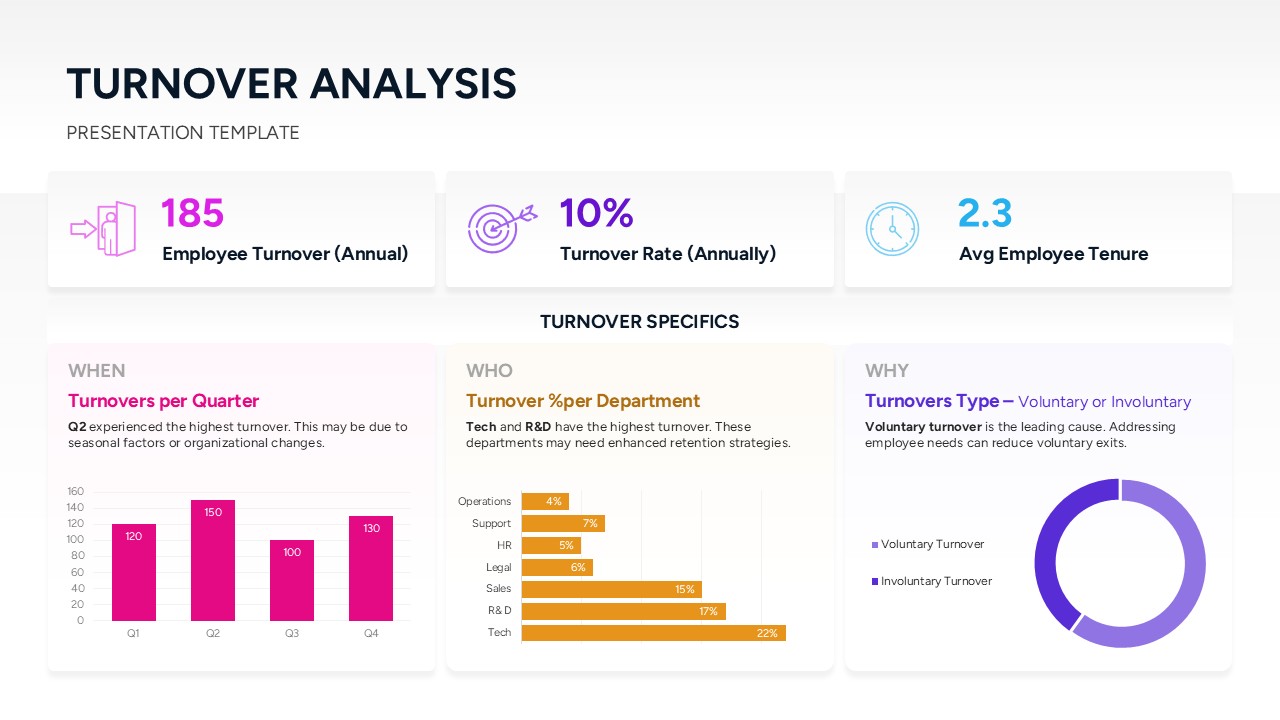
Employee Turnover Analysis Dashboard for PowerPoint
Employee Performance
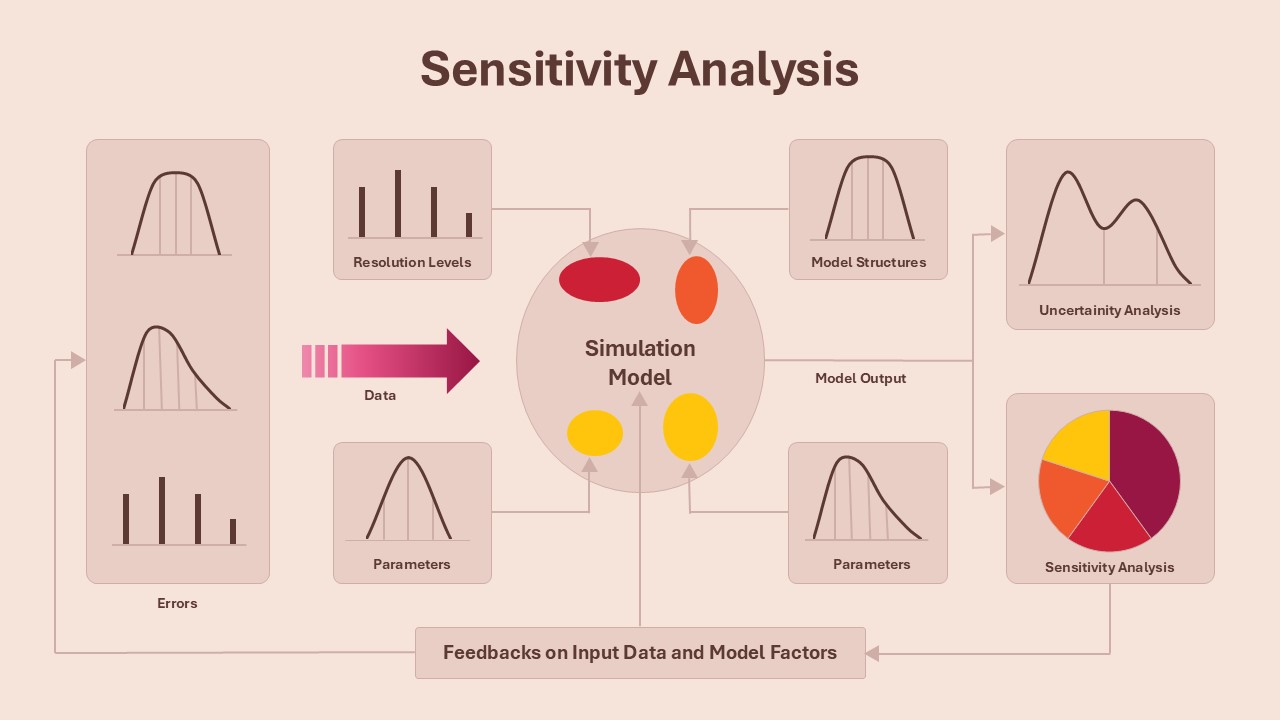
Sensitivity Analysis Framework Model
Business Strategy
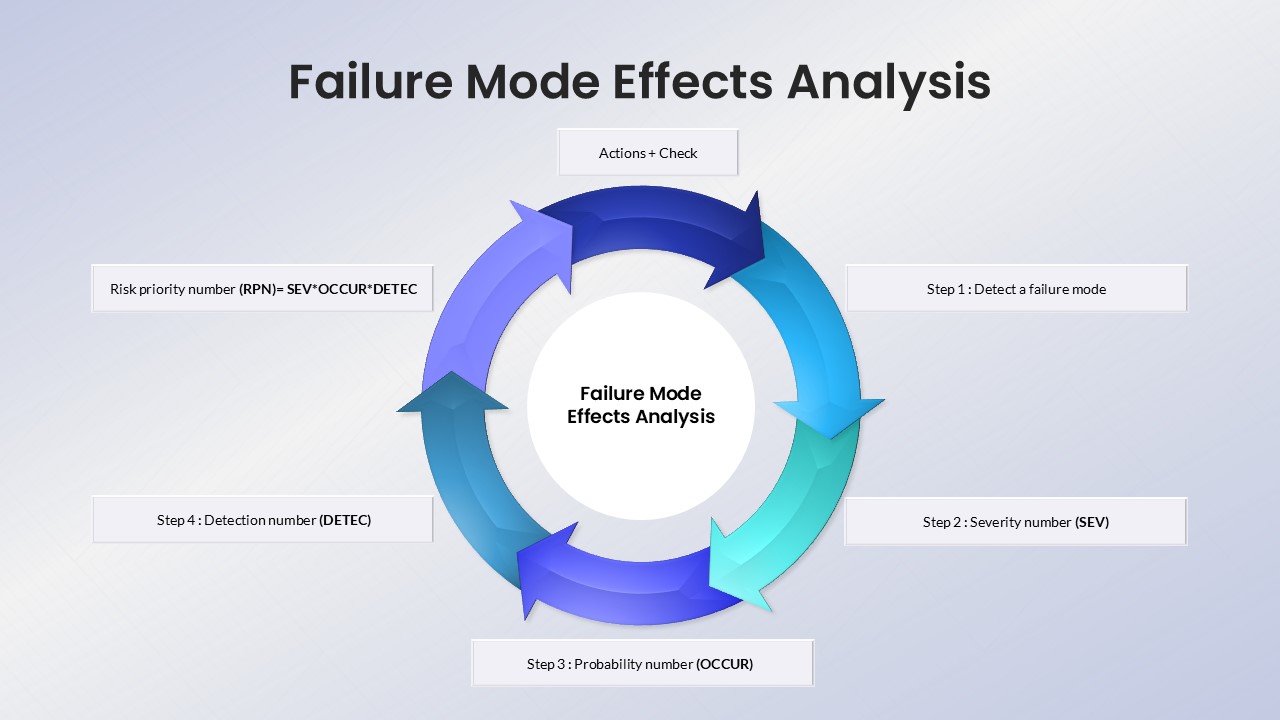
Failure Mode Effects Analysis (FMEA) Slide Template
Process
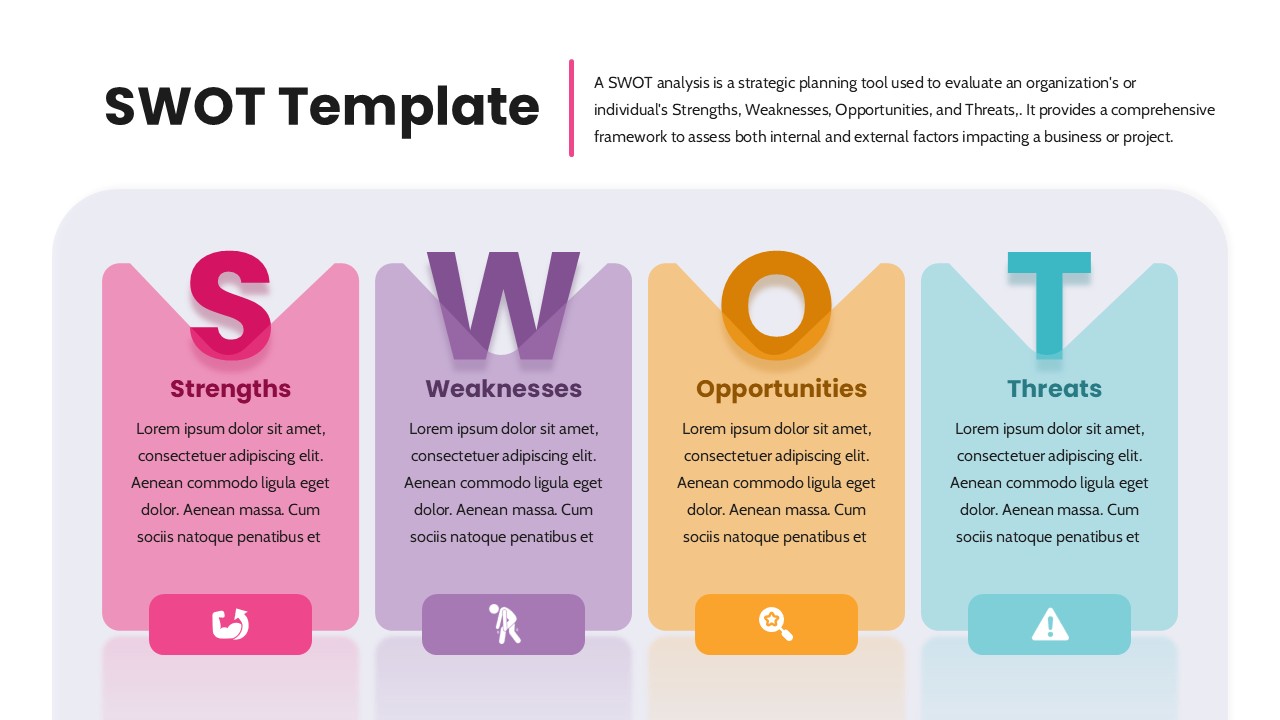
SWOT Analysis PowerPoint Template
SWOT
Persona Analysis PowerPoint Template
Infographics
Self SWOT Analysis Infographic Template
SWOT
Data Gap Analysis PowerPoint Template
Business
Financial Gap Analysis Framework Template for PowerPoint & Google Slides
Finance