








ROAM Risk Management PowerPoint Template
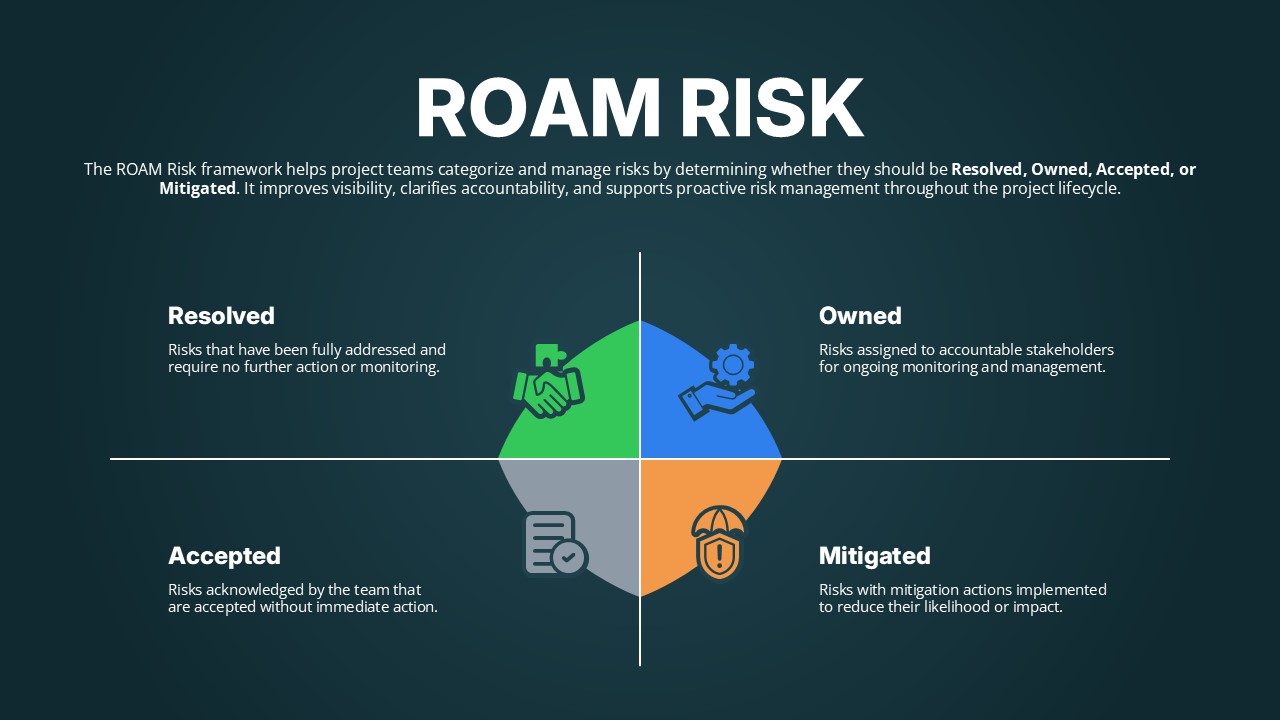
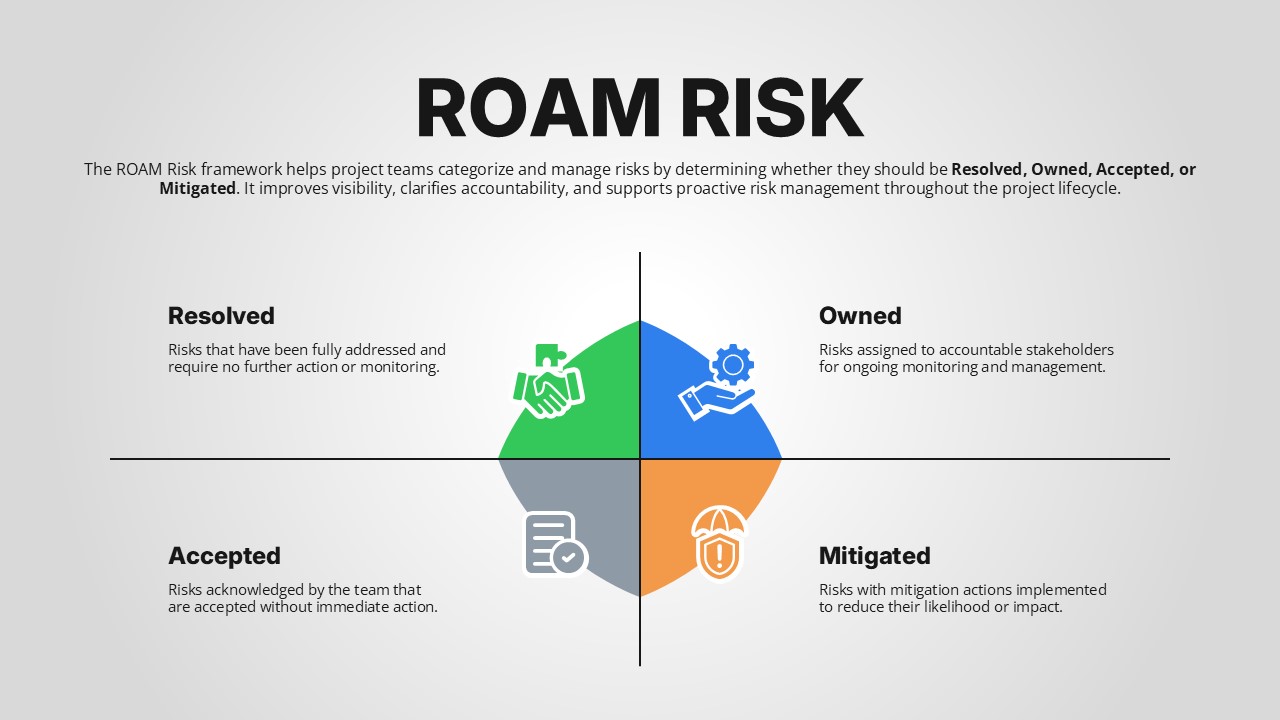
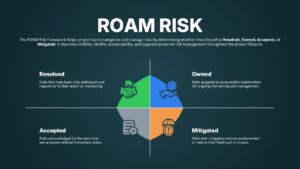
Download our ROAM Risk Analysis PowerPoint Template to assess project risks and determine how each identified risk should be handled. The ROAM framework (Resolved, Owned, Accepted, and Mitigated) provides four classifications: Resolved, Owned, Accepted, and Mitigated, helping teams distinguish between risks that have been addressed, assigned to responsible stakeholders, acknowledged, or managed through corrective measures. It offers a structured approach to reviewing project uncertainties, tracking accountability, and communicating risk management decisions during project discussions.
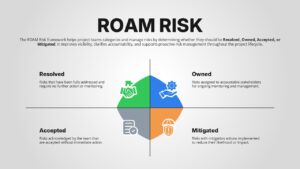
The ROAM Risk Analysis Template features a four-quadrant circular diagram with separate color-coded sections representing each risk category. The green section illustrates Resolved risks, blue represents Owned risks, gray indicates Accepted risks, and orange highlights Mitigated risks. Each quadrant includes a corresponding icon and explanatory text to make the classifications easier to understand. This PowerPoint template comes with two design variations, featuring light and dark backgrounds. You can edit the text, adjust the content, and choose either version to present project risk assessments, team responsibilities, and risk response plans.
Frequently Asked Questions
What does ROAM stand for in project risk management?
How does a ROAM risk chart help project teams?
Login to download this file

Item ID
SB06110Designed By
Amal


Related Templates

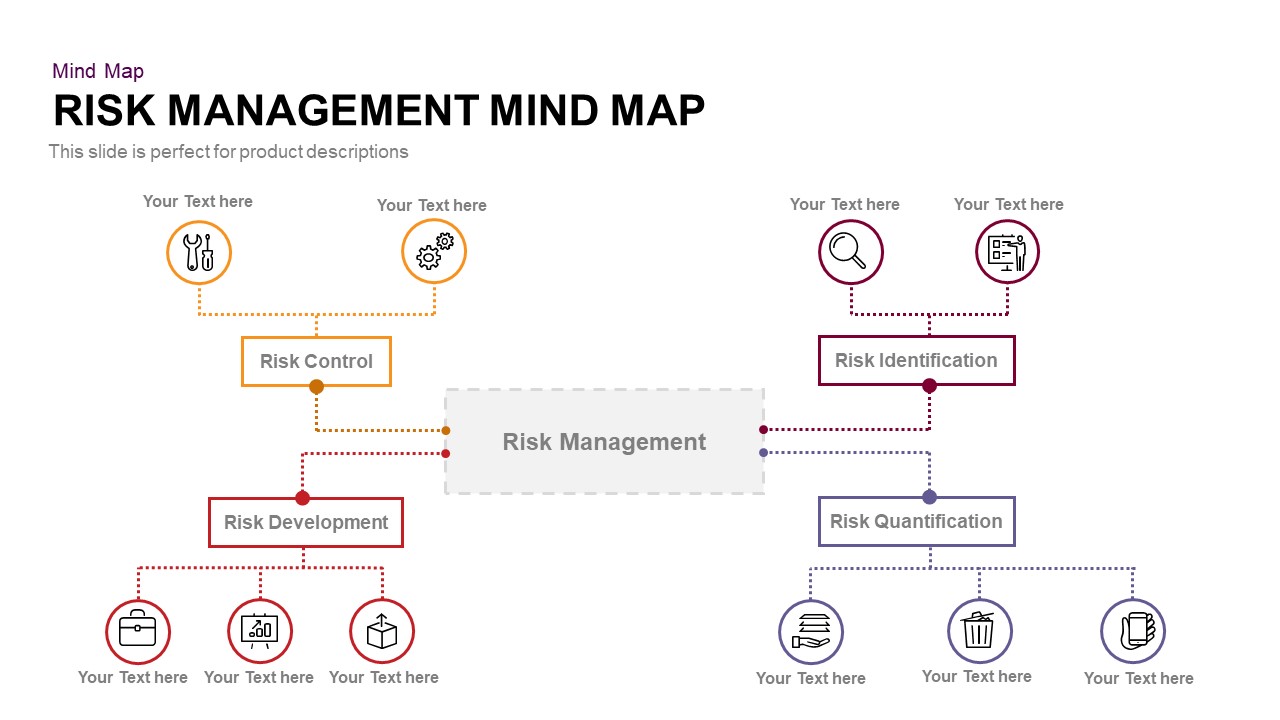
Risk Management Mind Map Radial Diagram template for PowerPoint & Google Slides
Mind Maps
Risk Management PowerPoint Template
Decks
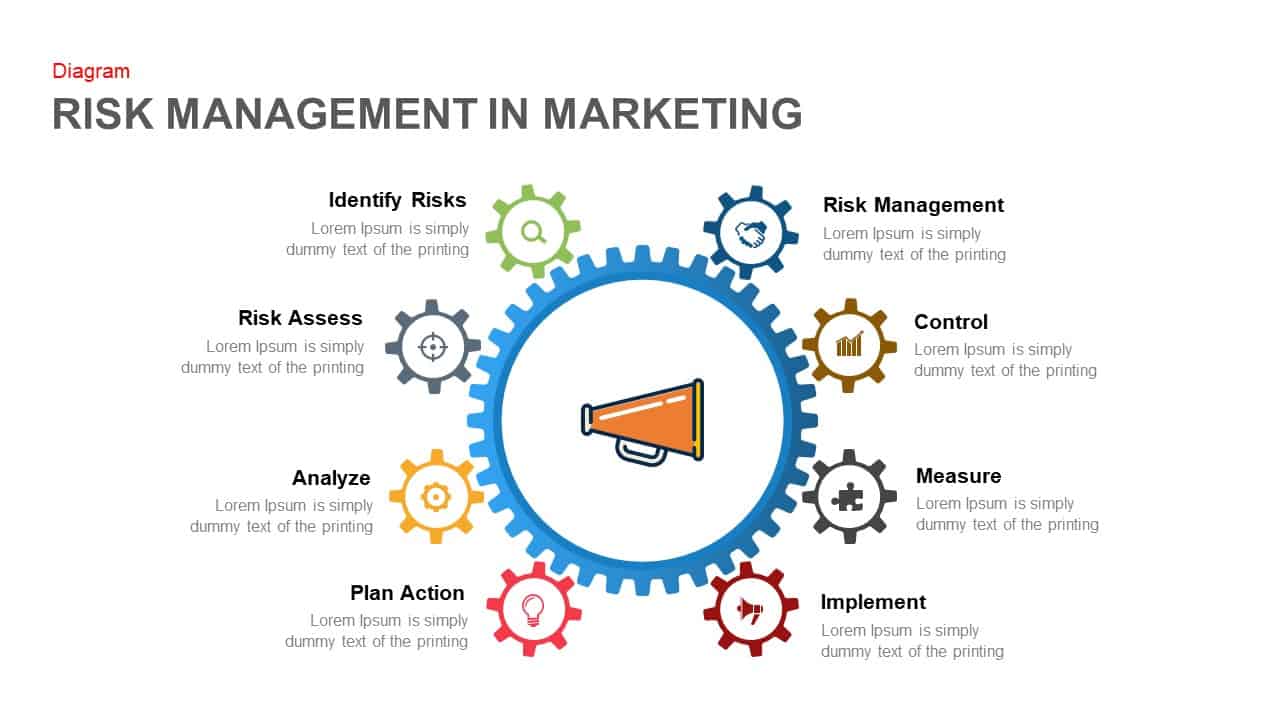
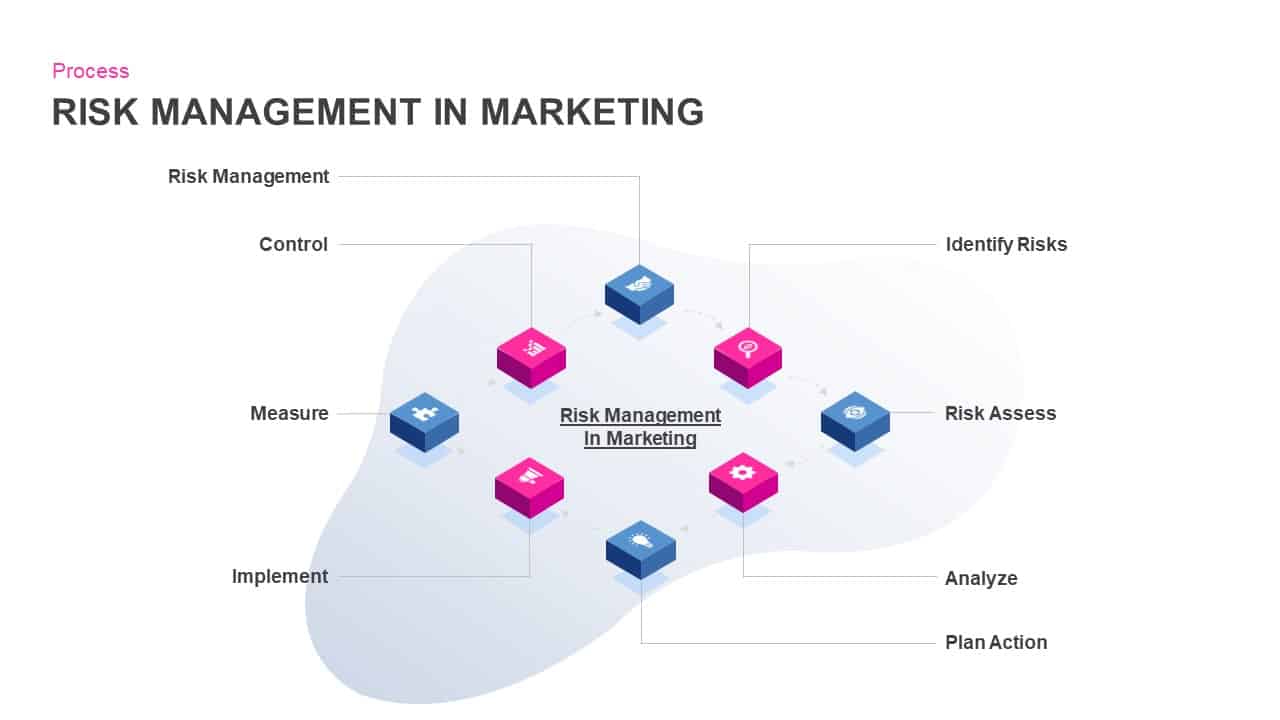
Risk Management in Marketing PowerPoint Template
Risk Management
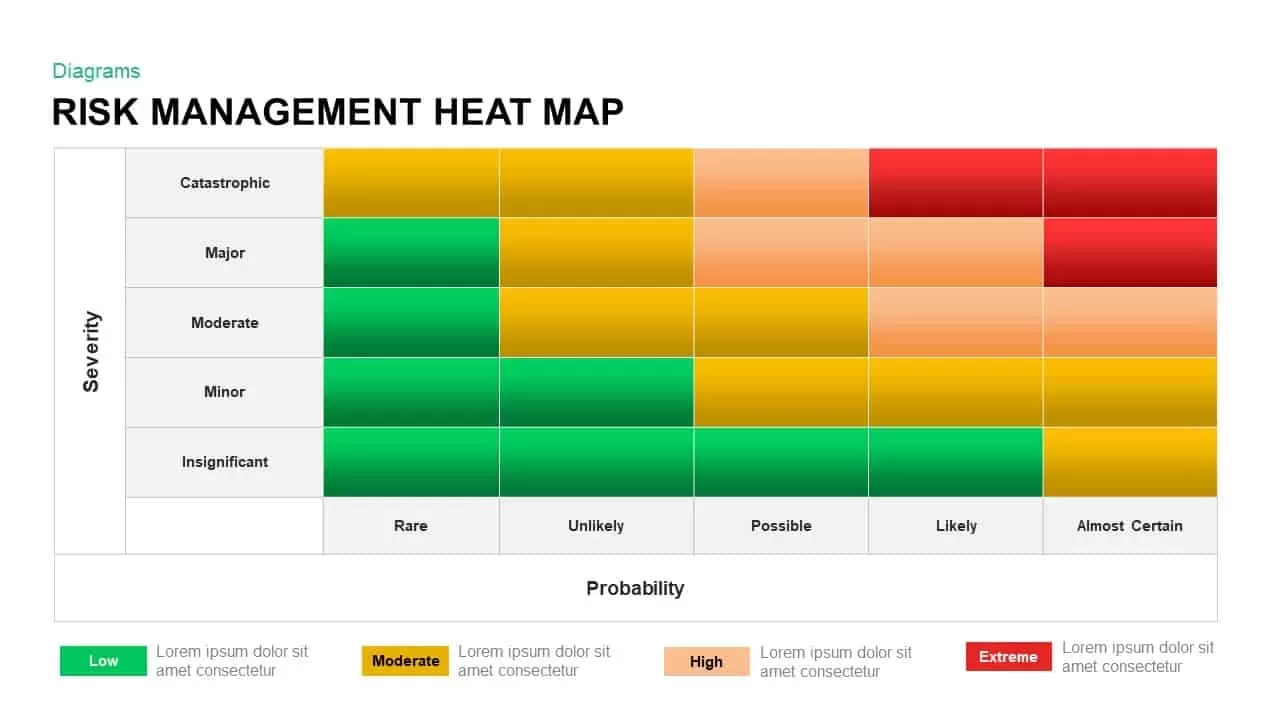
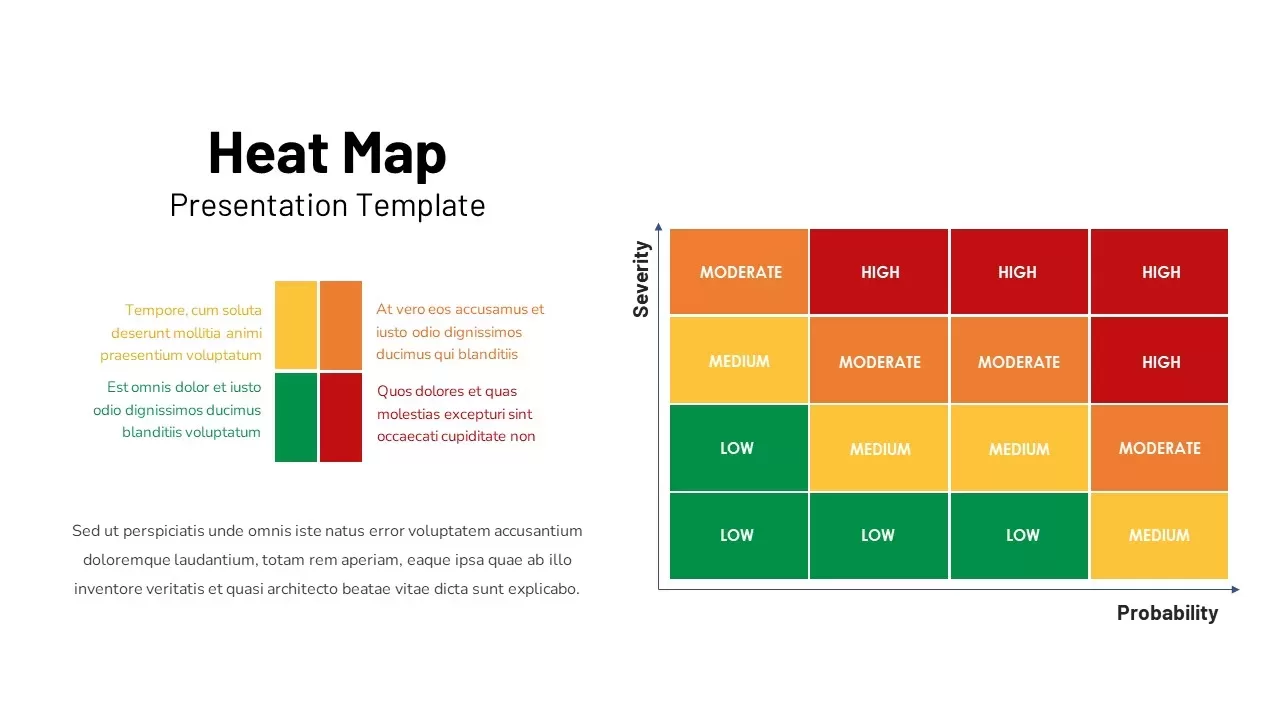
Risk Management Heat Map Diagram Template for PowerPoint & Google Slides
Comparison Chart

Enterprise Risk Management PowerPoint Template
Process
Risk Management Process Diagram Template for PowerPoint & Google Slides
Risk Management
Risk Management Consulting Deck Template for PowerPoint & Google Slides
Risk Management
Enterprise Risk Management Framework Template for PowerPoint & Google Slides
Business Plan
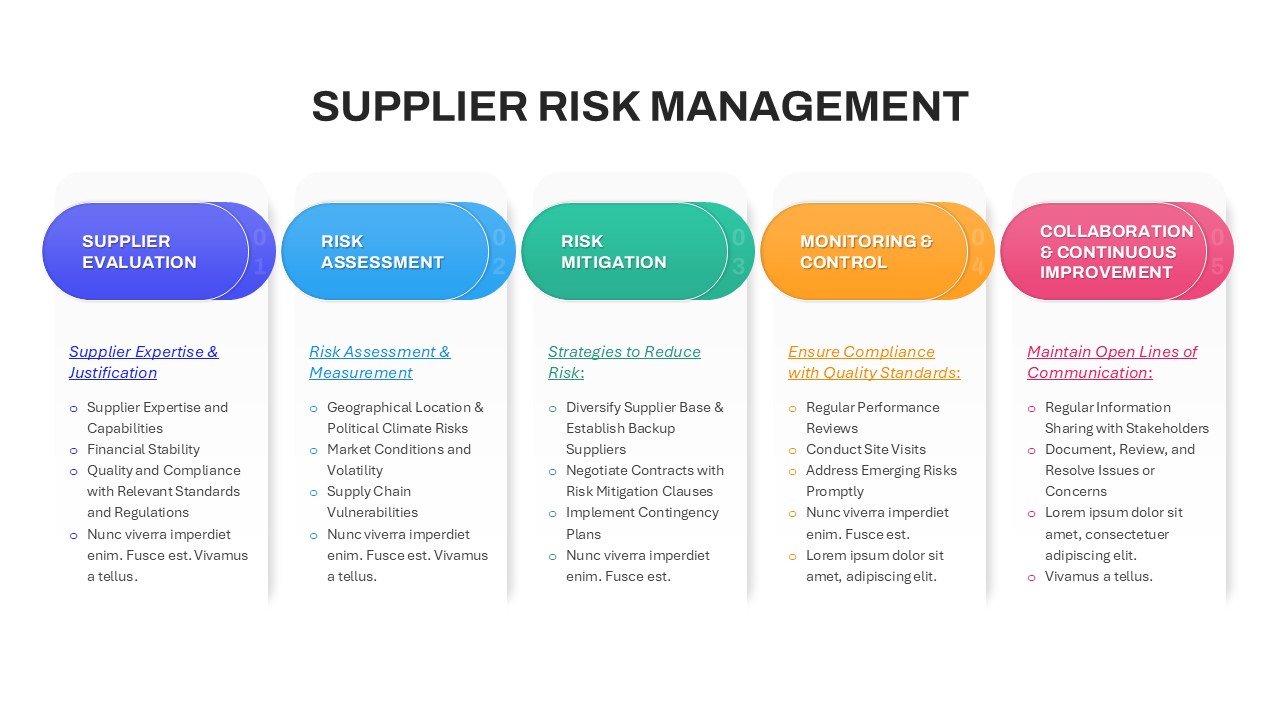
Supplier Risk Management PowerPoint Template
Opportunities Challenges
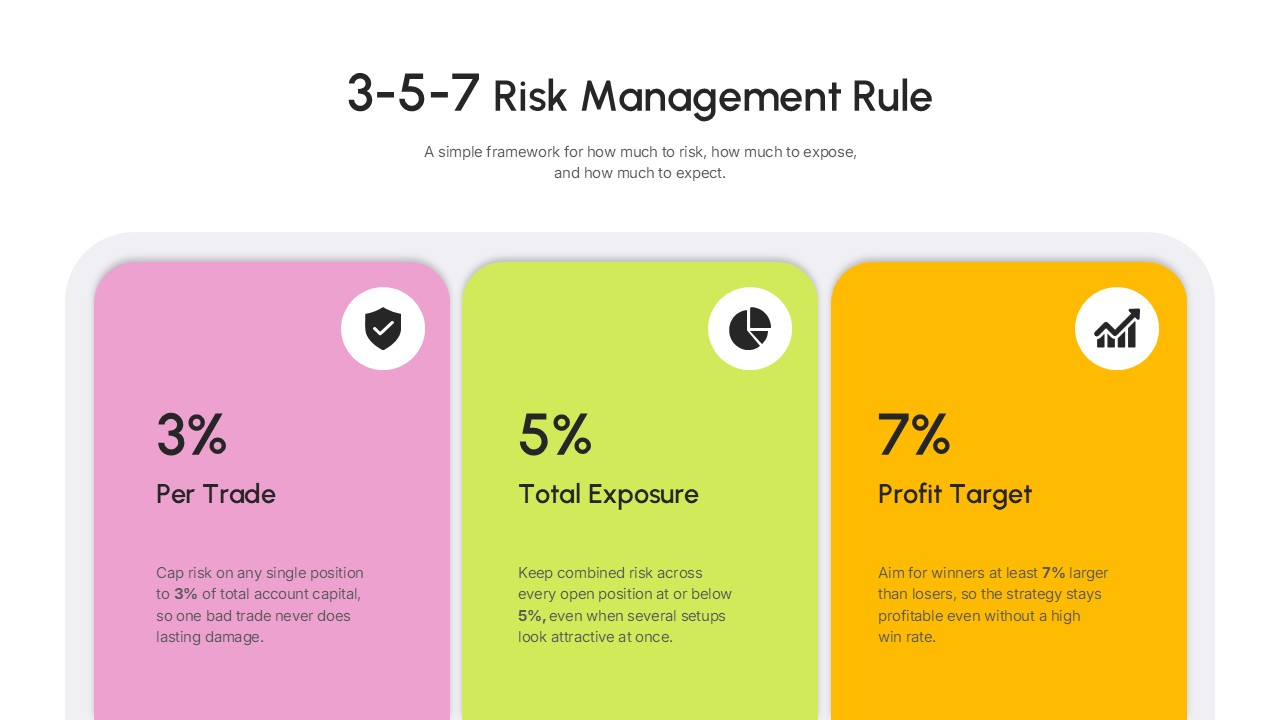
3-5-7 Risk Management Rule PowerPoint Presentation Template
Risk Management
Risk Management in Marketing Template
Risk Management
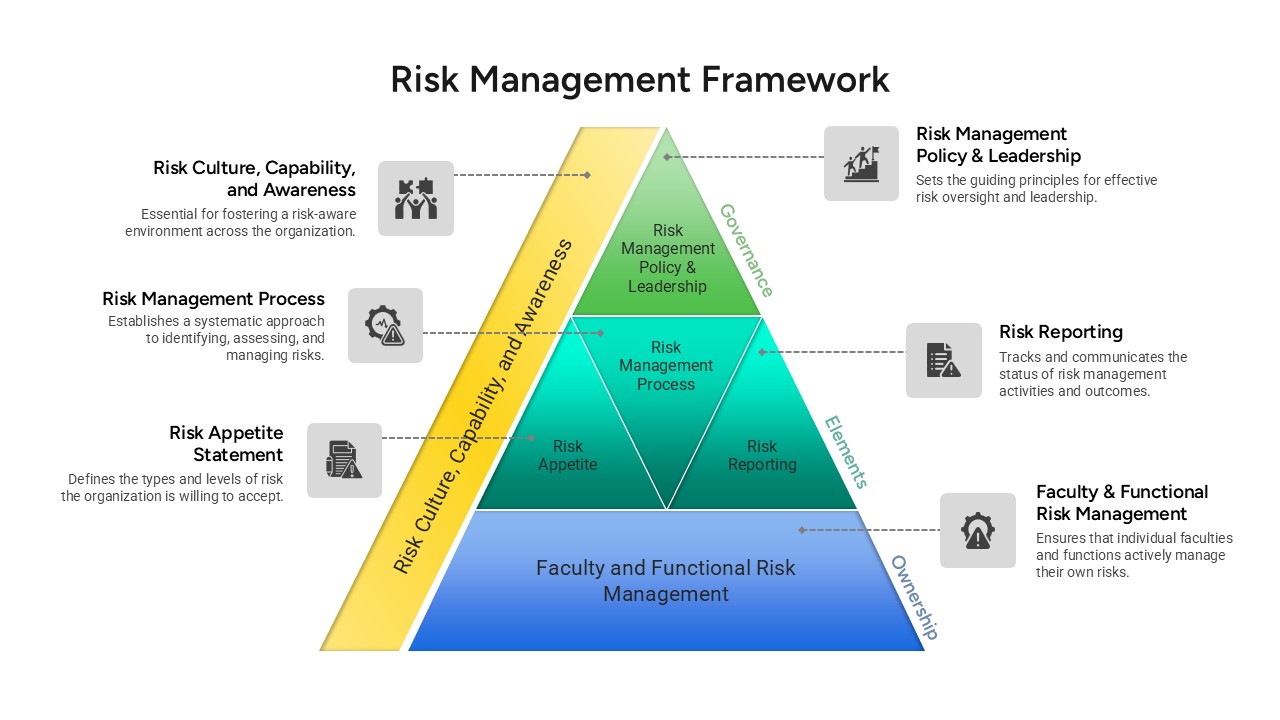
Risk Management Framework Template
Risk Management
Governance, Risk Management and Compliance Slide Templates
Risk Management
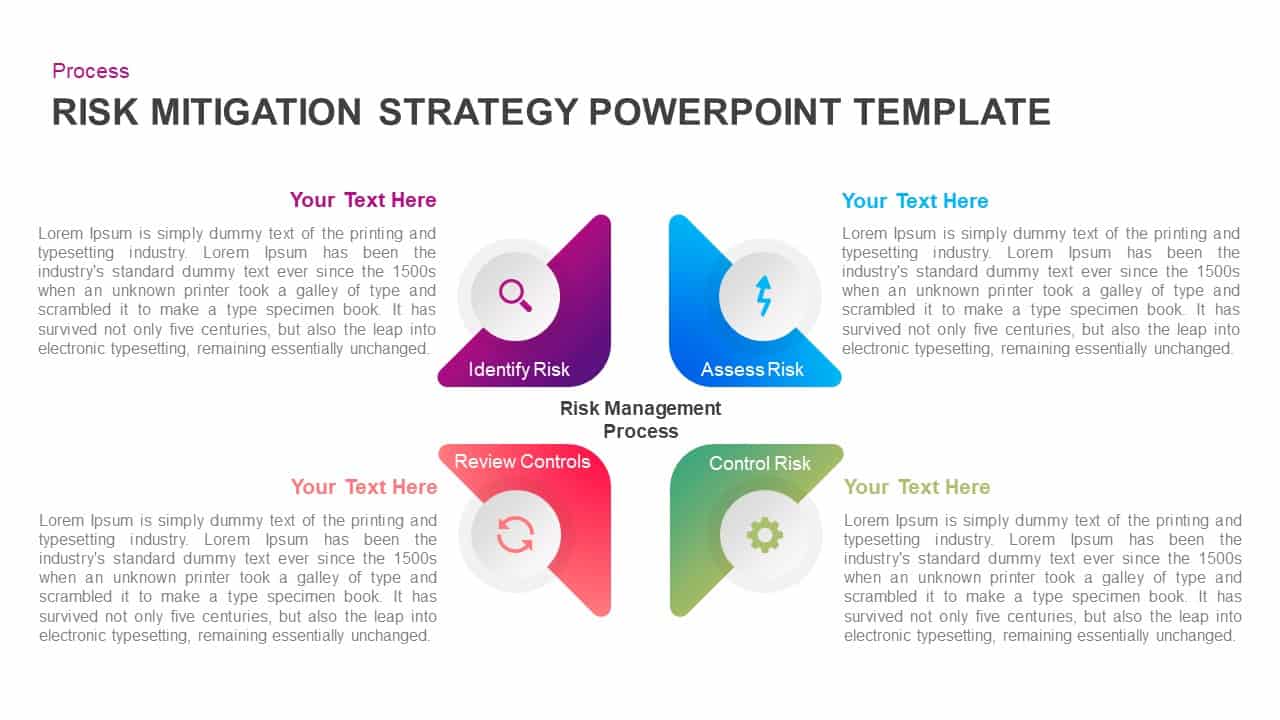
Risk Mitigation Strategy PowerPoint Template Diagram
Process
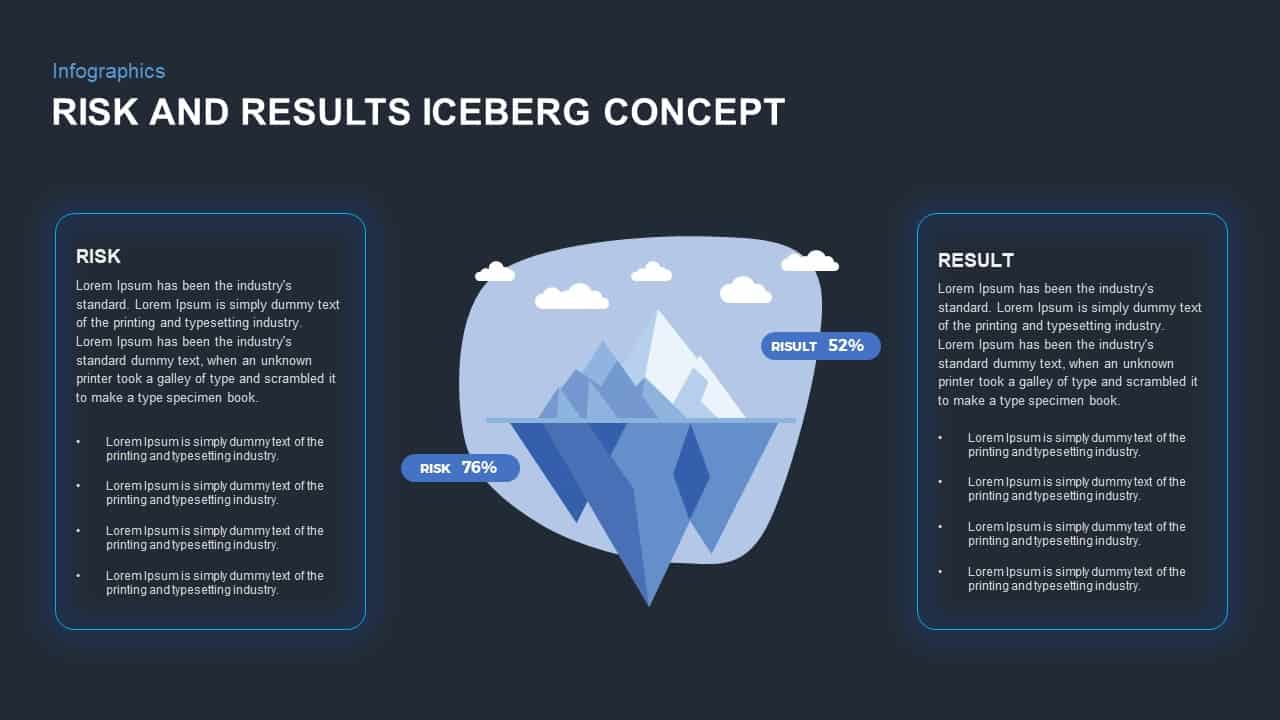
Risk and Results Iceberg Infographic Template for PowerPoint & Google Slides
Comparison
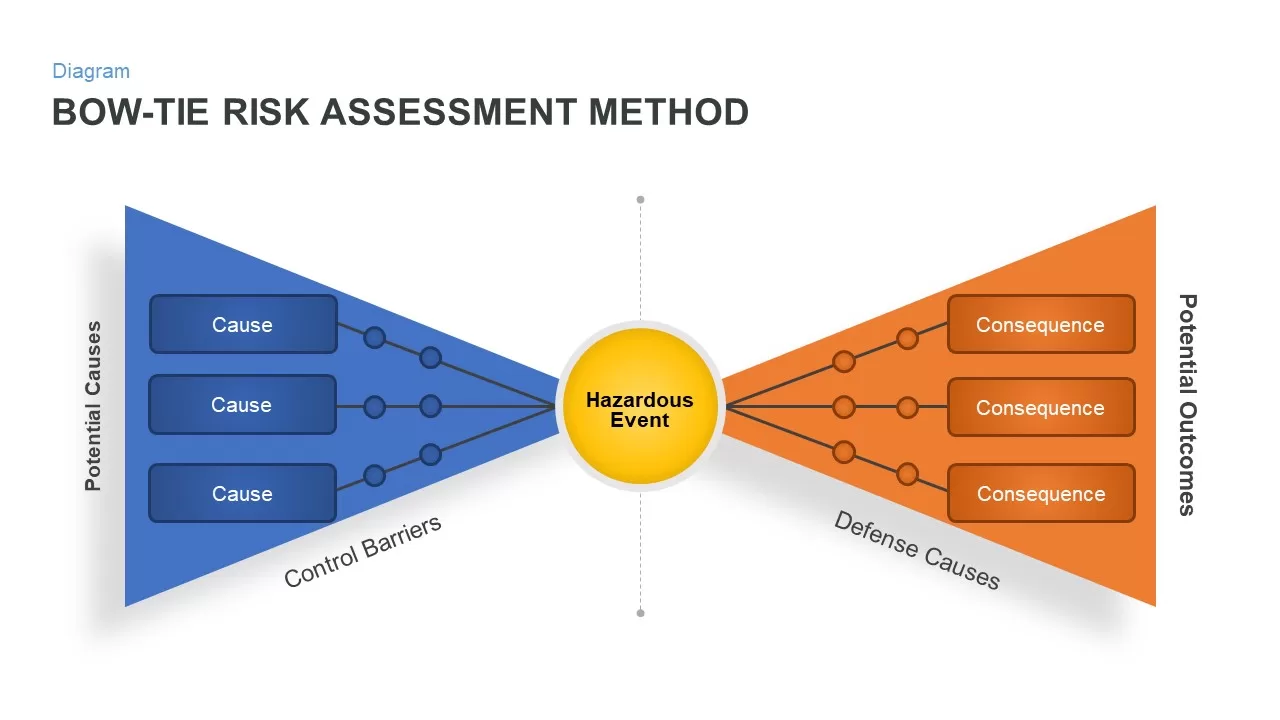
Bow Tie Risk Assessment Method PowerPoint Template
Risk Management
Professional Risk Heat Map Visualization Template for PowerPoint & Google Slides
Risk Management
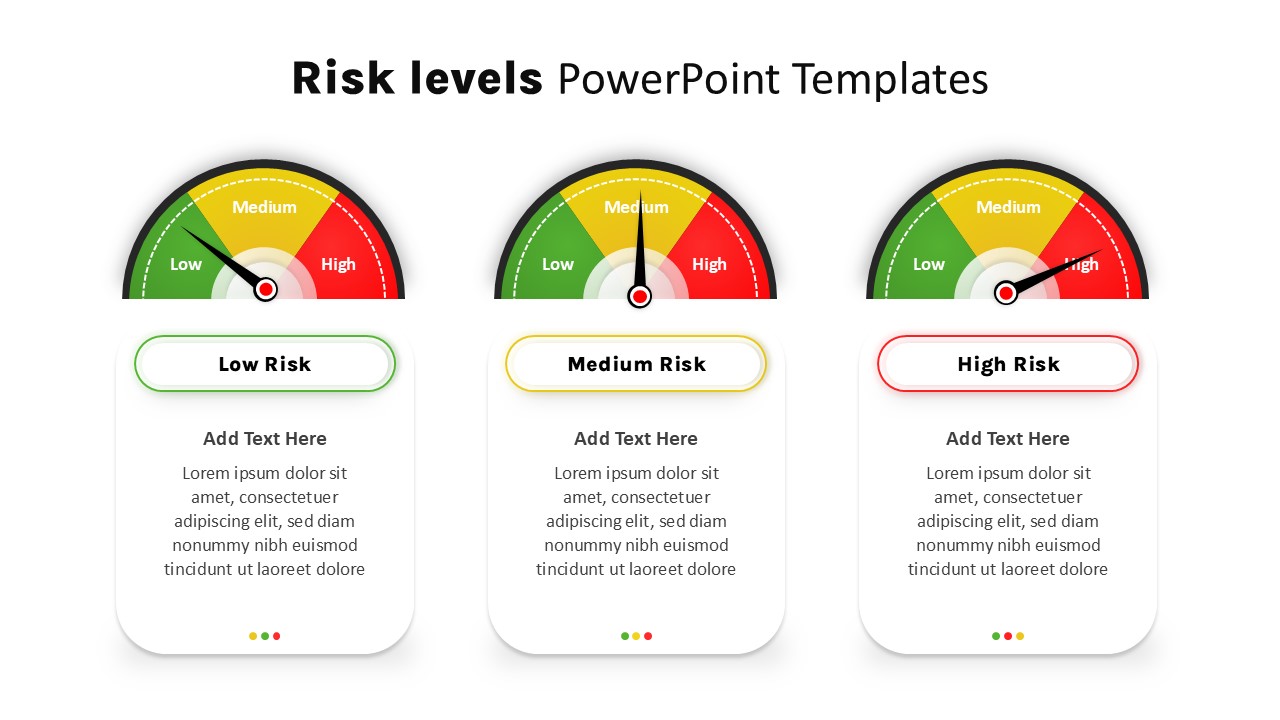
Risk Levels PowerPoint Template
Comparison
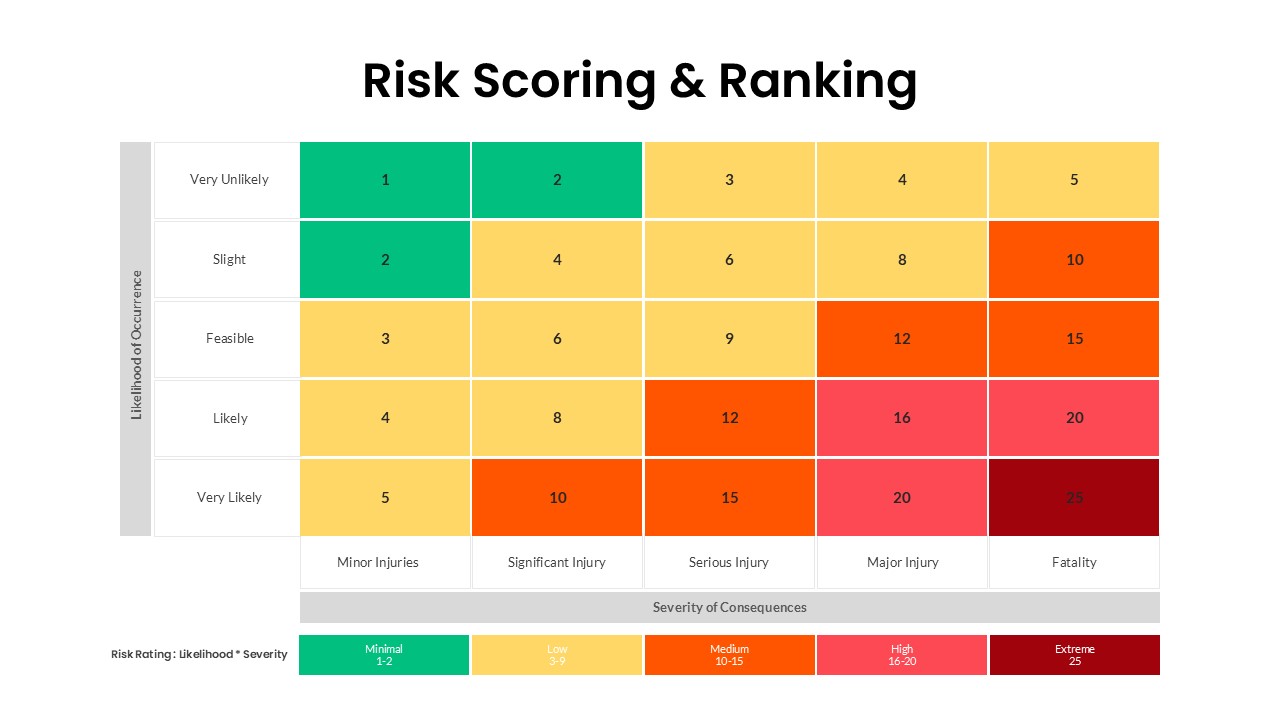
Risk Scoring & Ranking Heatmap PowerPoint Template
Risk Management
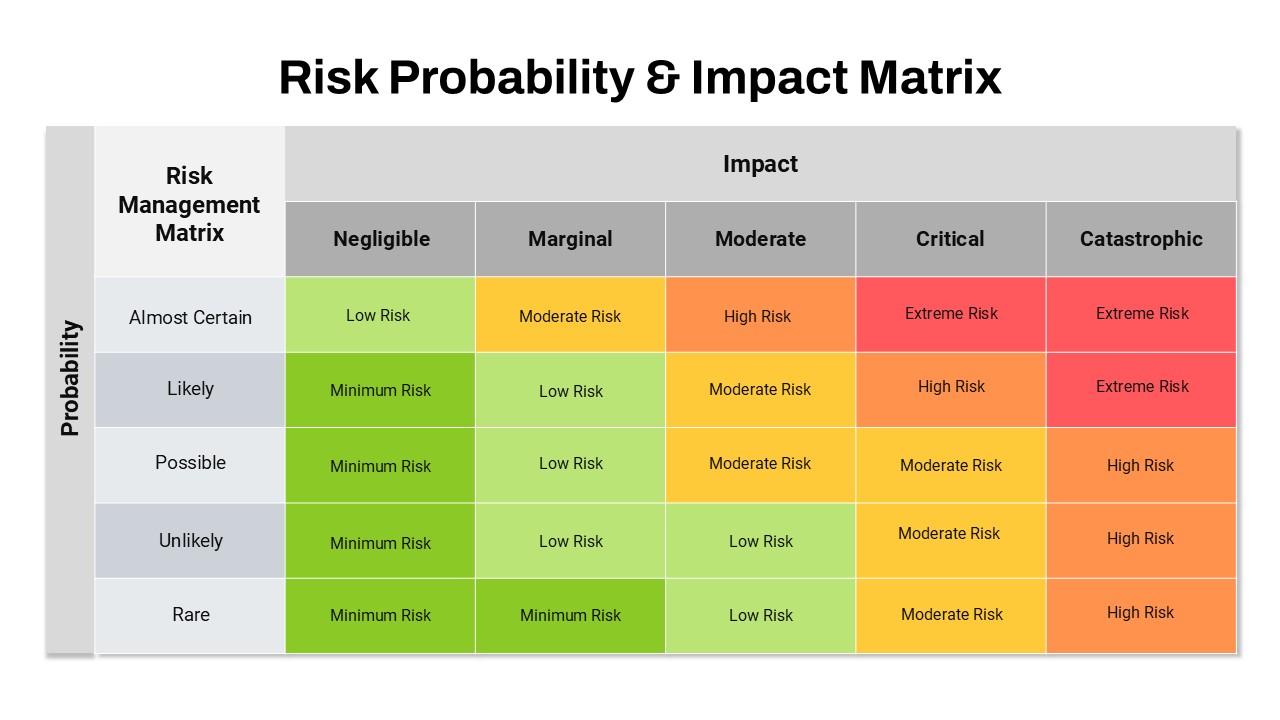
Risk Probability & Impact Matrix Template for PowerPoint
Risk Management