Release Planning Template for PowerPoint & Google Slides
Release Planning Presentation Template for PowerPoint & Google Slides
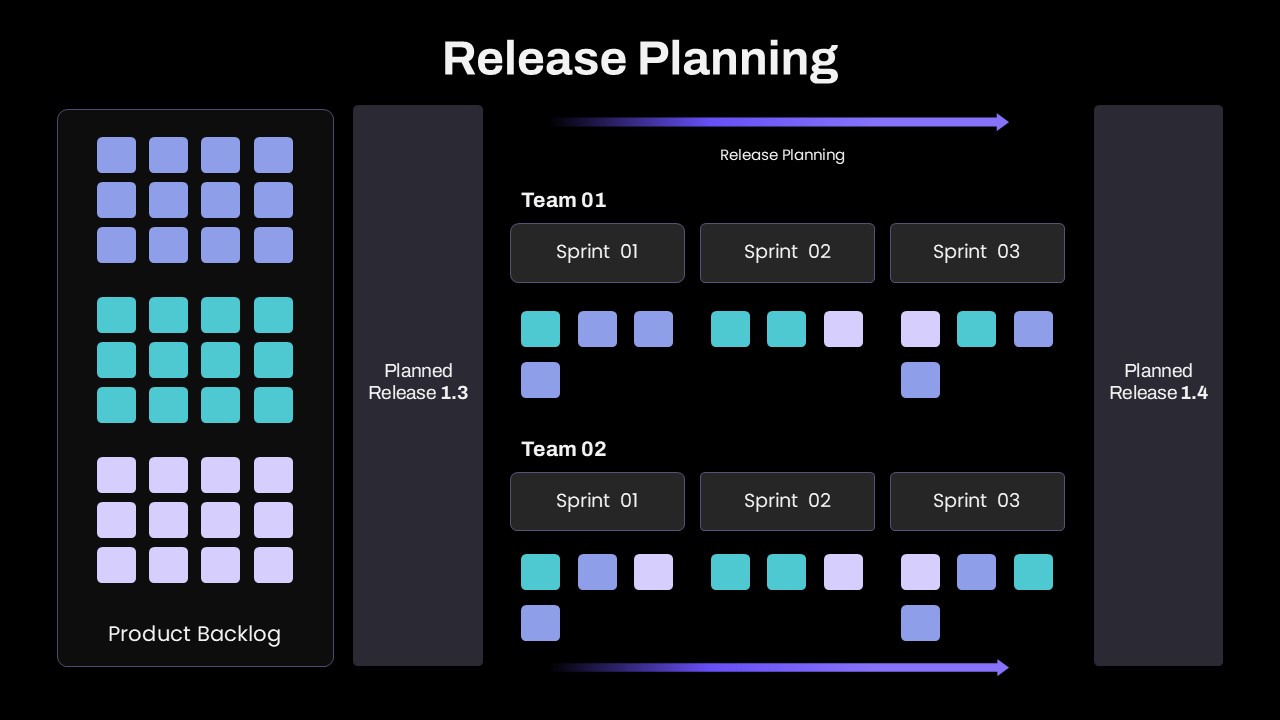
How do engineering leaders coordinate multiple squads without letting cross-team dependencies derail a deployment? You map the flow of work from backlog to production in a single view. This dark-mode release planning template visualizes how user stories move out of the product backlog and distribute across concurrent sprint schedules, setting clear expectations between planned releases.
Instead of juggling fragmented ticketing boards, technical leads, scrum masters, and agile program managers can use this layout to align leadership and cross-functional teams around realistic delivery targets.
Where This Framework Fits Best
- Program Increment (PI) Planning: Guide agile release trains through capacity allocation, showing how Team 01 and Team 02 split work across consecutive sprints.
- Cross-Squad Dependency Mapping: Track shared features across multiple engineering groups to spot bottlenecks before development kicks off.
- Product Version Roadmaps: Walk executive stakeholders through the exact story scope transitioning between release milestones.
- Sprint Capacity & Backlog Grooming: Prioritize backlog items visually, helping product owners defend trade-offs when scope adjustments are needed.
Slide Architecture and Visual Mechanics
Built on a dark slate canvas, the graphic moves systematically from input to output:
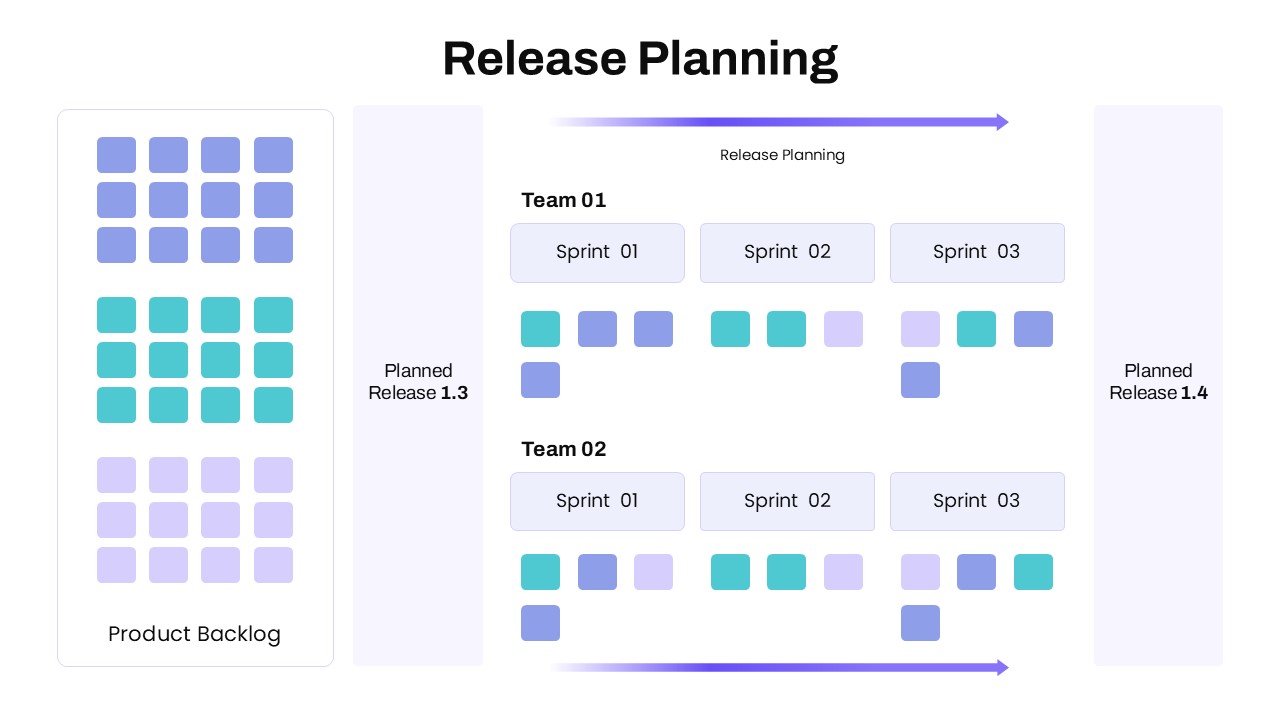
- Product Backlog Column: The left panel serves as the central hopper, grouping categorized story cards into color-coded thematic sets.
- Milestone Boundaries: Vertical monolith containers mark the baseline deployment and the upcoming target release, framing the active planning window.
- Multi-Team Sprint Tracks: Parallel horizontal lanes break down sprint intervals for separate squads, displaying sprint blocks with allocated task cards nested underneath.
- Progress Direction: Glowing purple-to-blue gradient arrows anchor the top and bottom of the board, reinforcing continuous delivery and sprint progression toward the final release gate.
- Fully Editable Vector Elements: Every story card, lane container, text label, and timeline arrow consists of native vector components ready to edit in Microsoft PowerPoint and Google Slides.
You might find our collection of Srum presentation templates useful.
Login to download this file

Item ID
SB05383


Related Templates

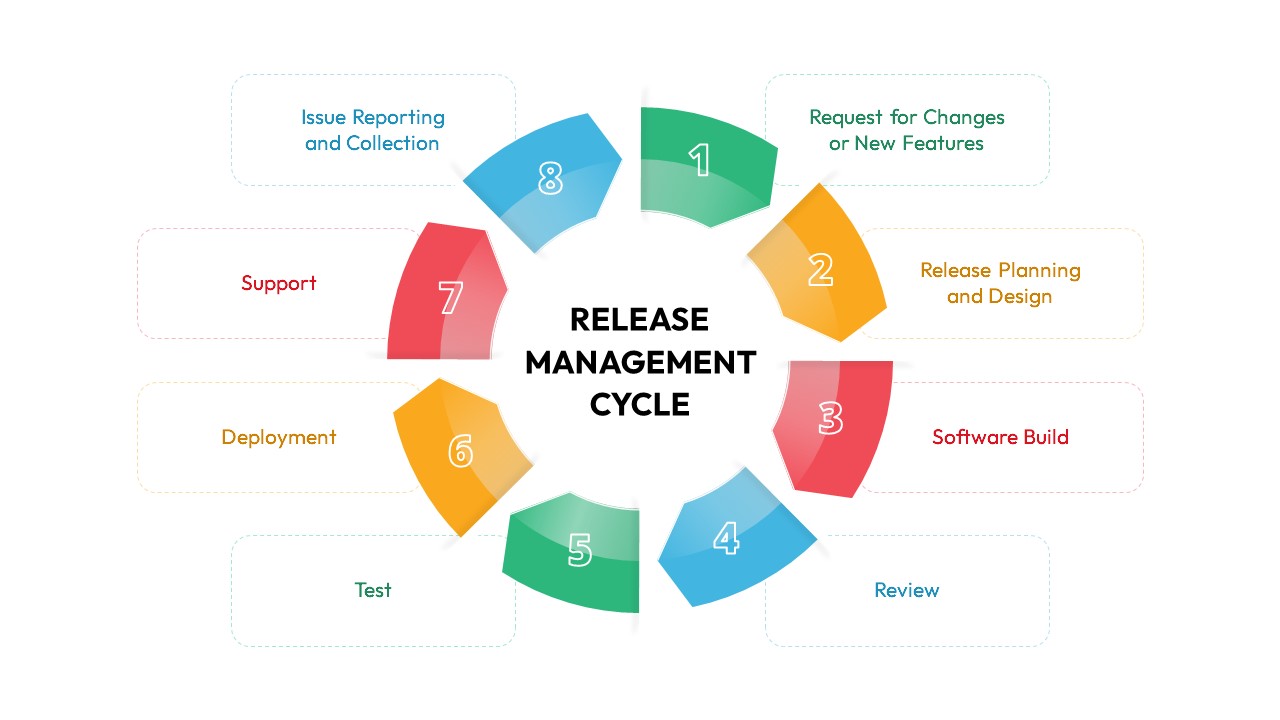
Release Management Cycle Circular Diagram Template for PowerPoint & Google Slides
Software Development
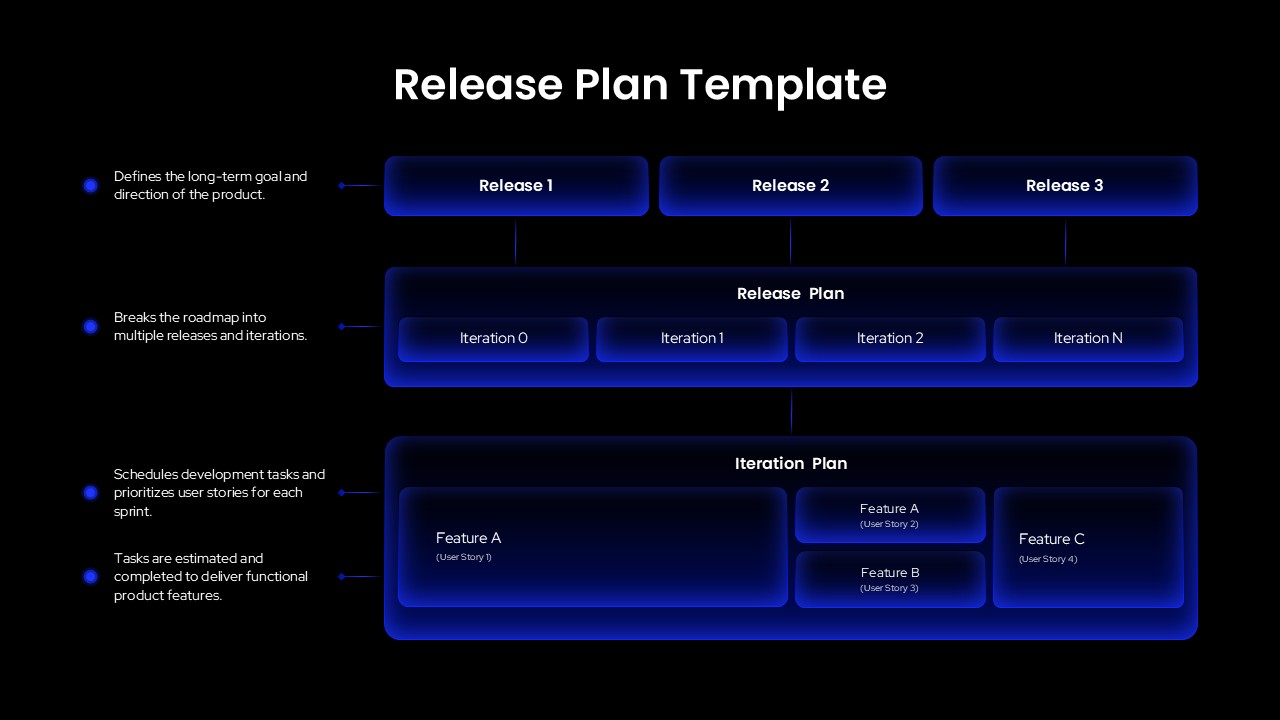
Release Plan PowerPoint Template
Scrum
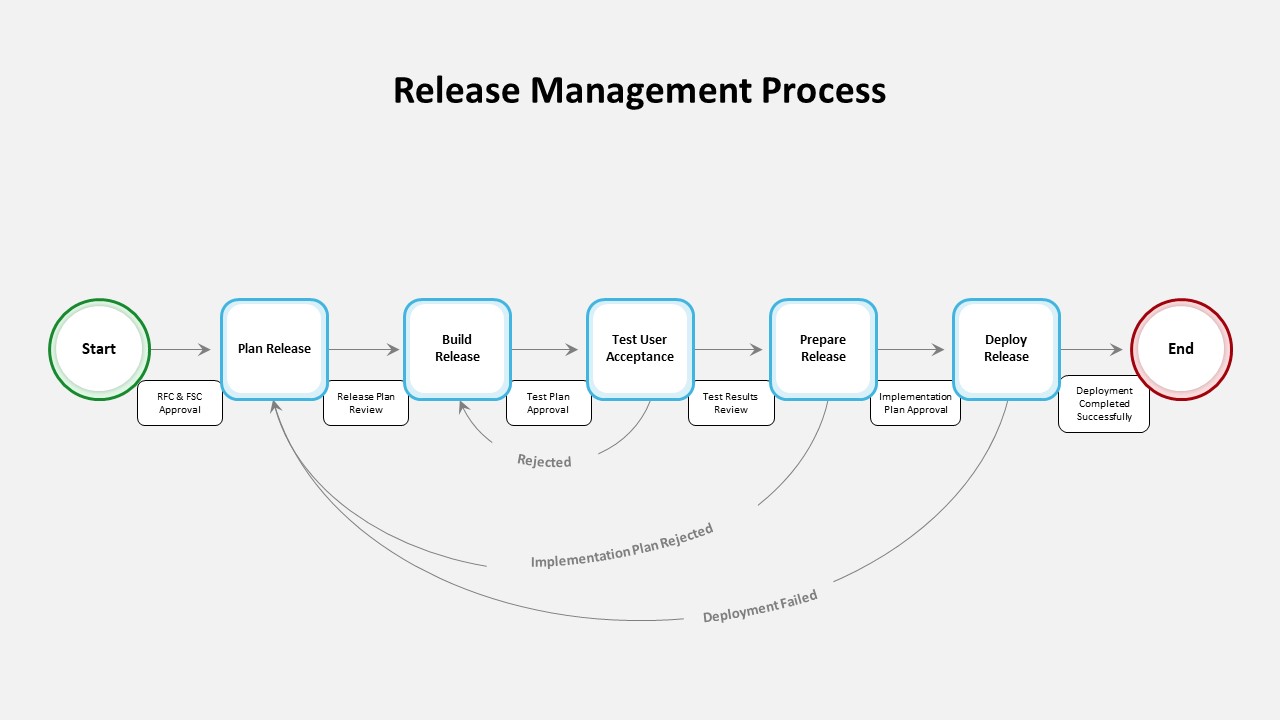
Release Management Process PowerPoint Template
Software Development
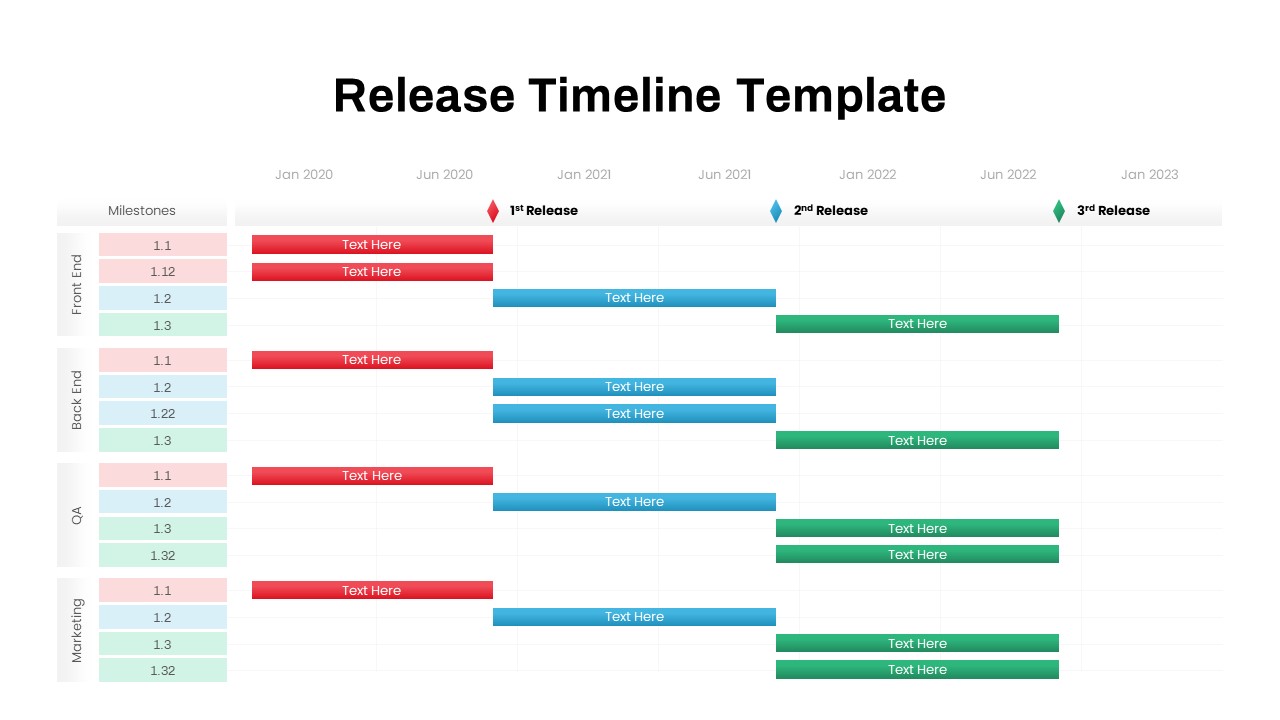
Release Timeline Template
Timeline
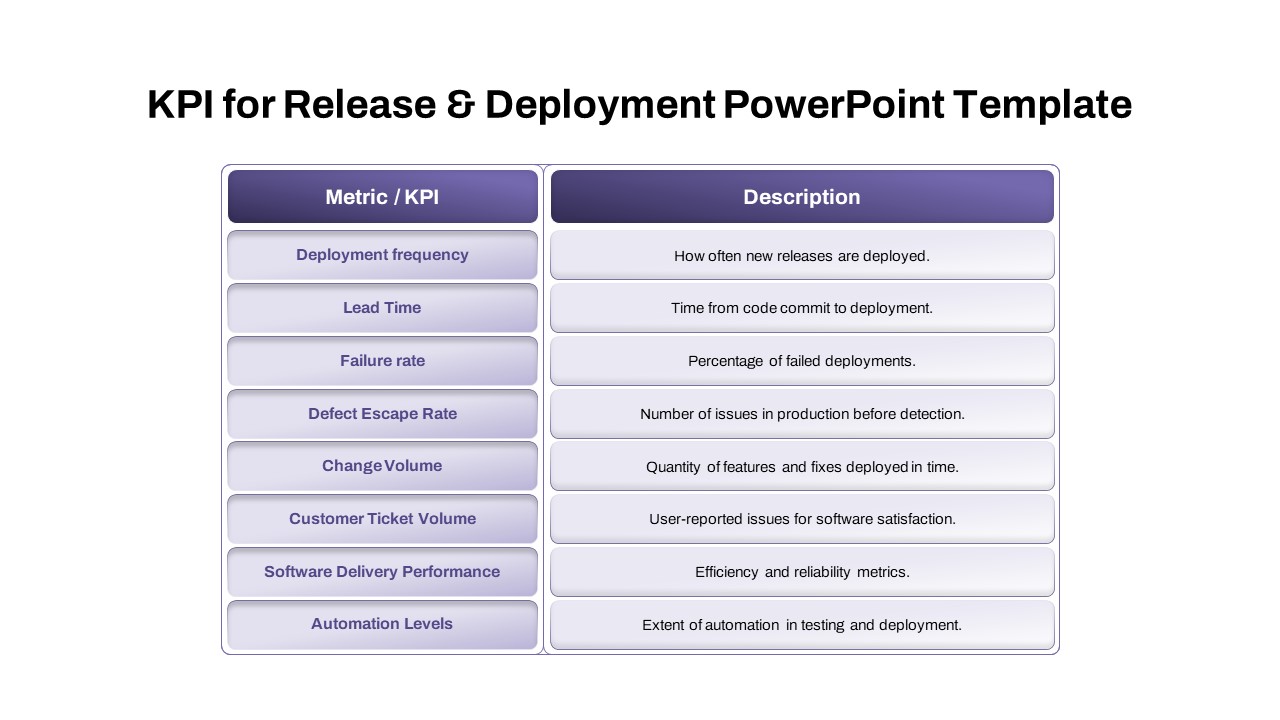
KPI for Release and Deployment Template
Software Development

Planning Metaphor Flowchart Slide Template for PowerPoint & Google Slides
Process
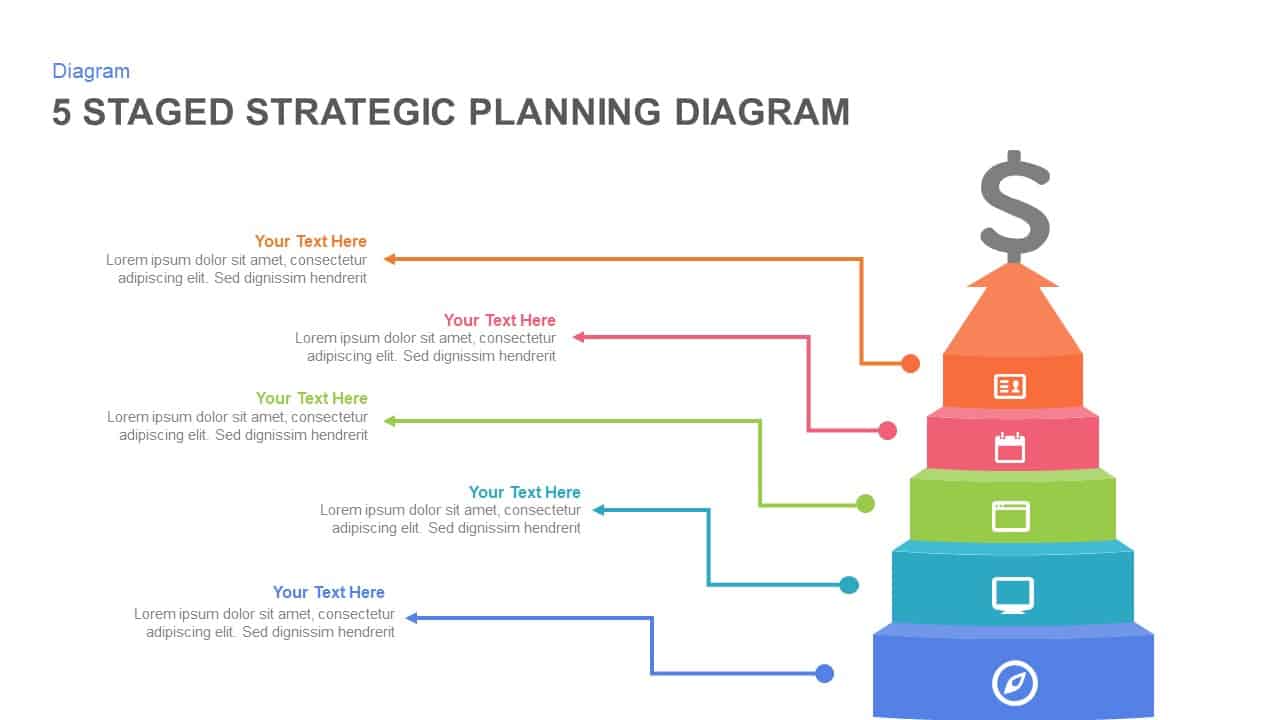
5-Stage Strategic Planning Pyramid Template for PowerPoint & Google Slides
Business Strategy
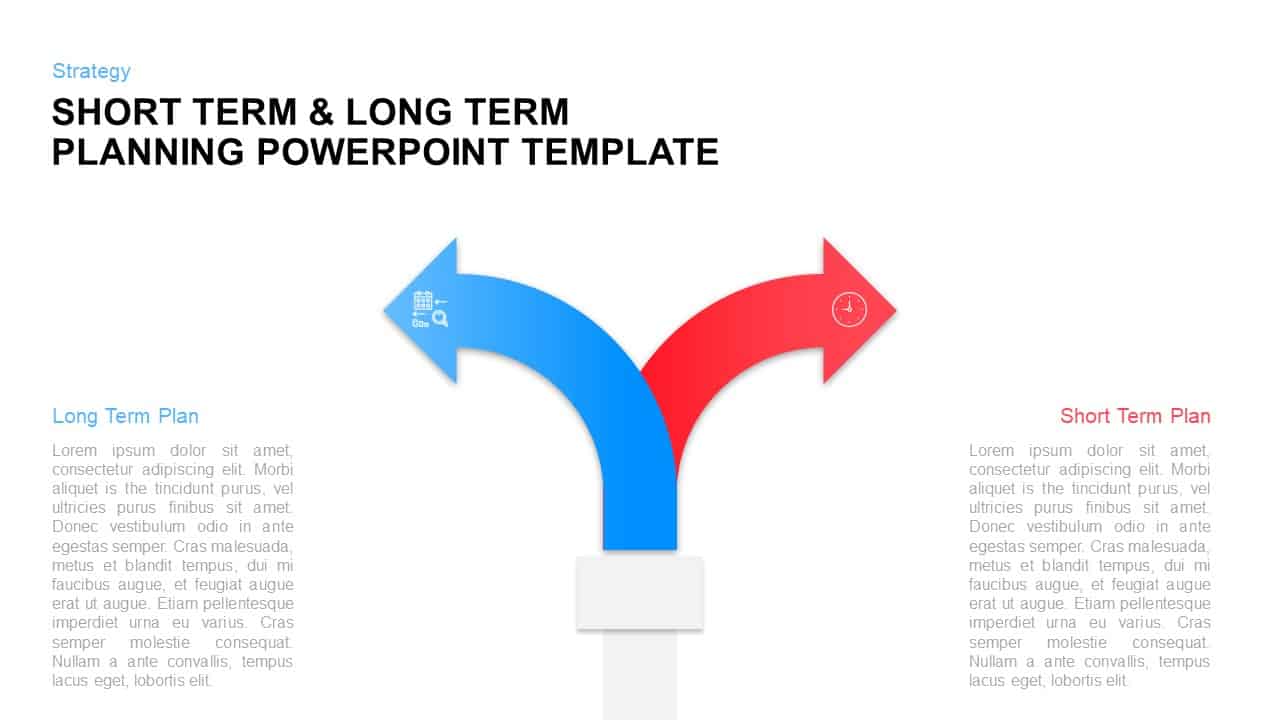
Long-Term vs Short-Term Planning Diagram Template for PowerPoint & Google Slides
Comparison

5 Step Sales Planning PowerPoint Template & Google Slides
Infographics
Gap Analysis Strategic Planning Template for PowerPoint & Google Slides
Gap
Strategic Checkmate Slide for Planning Template for PowerPoint & Google Slides
Business Report
Iterative Strategic Planning Cycle Template for PowerPoint & Google Slides
Business Strategy
Succession Planning Presentation Template for PowerPoint & Google Slides
Company Profile
AI Roadmap & Planning Timeline Template for PowerPoint & Google Slides
Roadmap
Campaign Planning Process template for PowerPoint & Google Slides
Process
Strategic Planning Consulting Template for PowerPoint
Business Strategy
Workforce Planning Benefits Infographic Template
Human Resources
Nursing Staffing Matrix Template
Nursing
Headcount Planning Template for PPT & Google Slides
Human Resources
Insurance Planning Template for PowerPoint & Google Slides
Finance