Public vs Private vs Hybrid Cloud Comparison Template for Presentations
Choosing the right cloud model is one of the most consequential infrastructure decisions a business makes. Explaining that decision to stakeholders, clients, or leadership teams should not require a whiteboard session and thirty minutes of back-and-forth. This Public vs Private vs Hybrid Cloud Comparison Template puts the entire decision framework on one slide, structured clearly enough that any audience can follow it without a technical background.
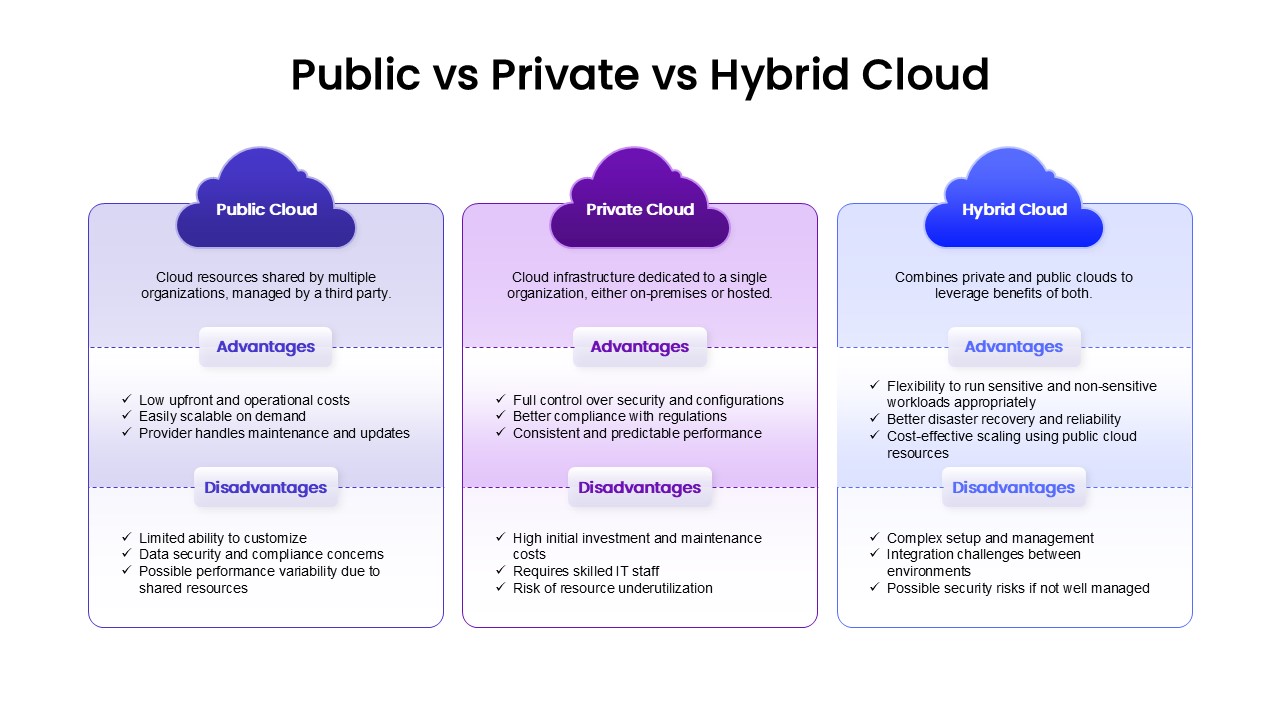
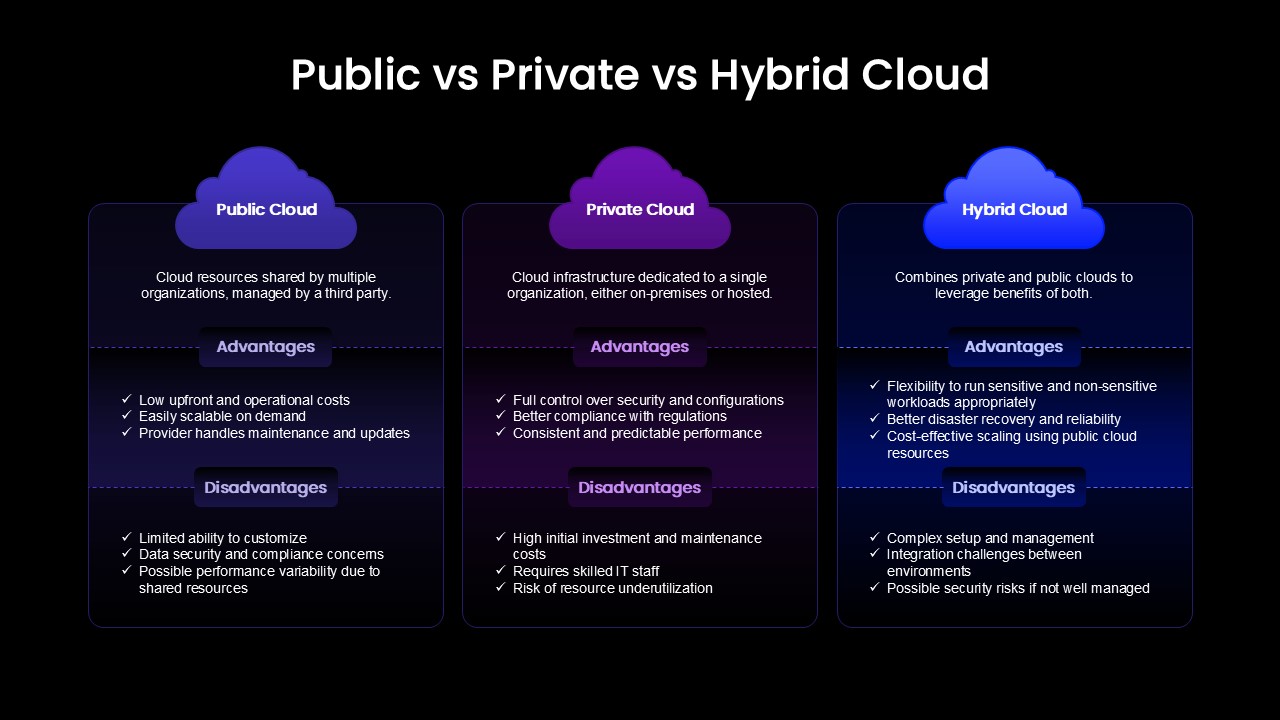
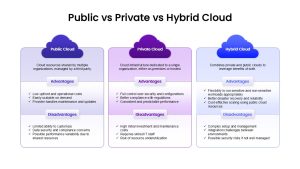
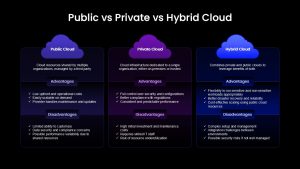
The slide presents three parallel columns, each topped with a distinct cloud icon in deep blue, purple, and periwinkle. Each column covers a specific cloud model with a definition, a set of advantages, and a matching list of disadvantages, giving every comparison the same weight and structure so no model looks unfairly favored.
- Public Cloud covers shared resources managed by a third party, with advantages including low upfront costs, on-demand scalability, and provider-managed maintenance, alongside disadvantages like limited customization and data security concerns.
- Private Cloud addresses dedicated infrastructure for a single organization, highlighting full security control, regulatory compliance, and predictable performance against the trade-offs of high initial investment, skilled IT staff requirements, and underutilization risk.
- Hybrid Cloud presents the combined model, showing flexibility for mixed workloads, stronger disaster recovery, and cost-effective scaling, while honestly flagging complex setup requirements, integration challenges, and potential security risks when not properly managed.
Why a Side-by-Side Cloud Comparison Slide Works Better Than a Written Report
A written report buries the comparison inside paragraphs. This slide surfaces it instantly. Decision-makers see all three models, their strengths, and their trade-offs in a single view, which shortens the evaluation conversation and keeps the discussion focused on business fit rather than technical definitions. Similar evaluation frameworks can be found in our comparison templates.
The template edits fully in both Microsoft PowerPoint and Google Slides, so IT consultants, cloud architects, sales engineers, and solution architects can customize definitions, swap advantage points, and update the color scheme to match client branding or internal presentation standards without rebuilding the layout from scratch.
Login to download this file

Item ID
SB05024Designed By
Gopika


Related Templates

Public Relations Coverage Metrics Template for PowerPoint & Google Slides
Business Report

Private Airline Presentation Theme Template for PowerPoint & Google Slides
Pitch Deck
Hybrid Work Presentation Deck Template for PowerPoint & Google Slides
Company Profile
Cloud Upload Infographics PowerPoint and Google Slides Template
Circular
Success Cloud Infographics PowerPoint Template
Charts
Free Cloud Computing PowerPoint Template
Cloud Computing

Cloud Computing Hub and Spoke Diagram Template for PowerPoint & Google Slides
Cloud Computing
Marketing Strategy Cloud Diagram Template for PowerPoint & Google Slides
Digital Marketing
Business Growth Ladder to Cloud Metaphor Template for PowerPoint & Google Slides
Vision and Mission
Rainbow Cloud Infographics Template
Process
Cloud Computing PowerPoint Template
Pitch Deck
Cloud Revel Sales Presentation Template for PowerPoint & Google Slides
Marketing
Cloud Gear Automation Diagram Template for PowerPoint & Google Slides
Cloud Computing
Blue Green Migration Deployment PowerPoint Template
Cloud Computing
Step-by-Step Cloud Migration Playbook Template for PowerPoint & Google Slides
Cloud Computing
Platform as a Service Cloud Diagram Template for PowerPoint & Google Slides
Cloud Computing
Cloud Adoption Roadmap Steps template for PowerPoint & Google Slides
Cloud Computing
Cloud Adoption Journey Roadmap Template for PowerPoint & Google Slides
Cloud Computing
Cloud Architecture Diagram template for PowerPoint & Google Slides
Cloud Computing
Cloud Migration Plan Chevron Process Template for PowerPoint & Google Slides
Cloud Computing