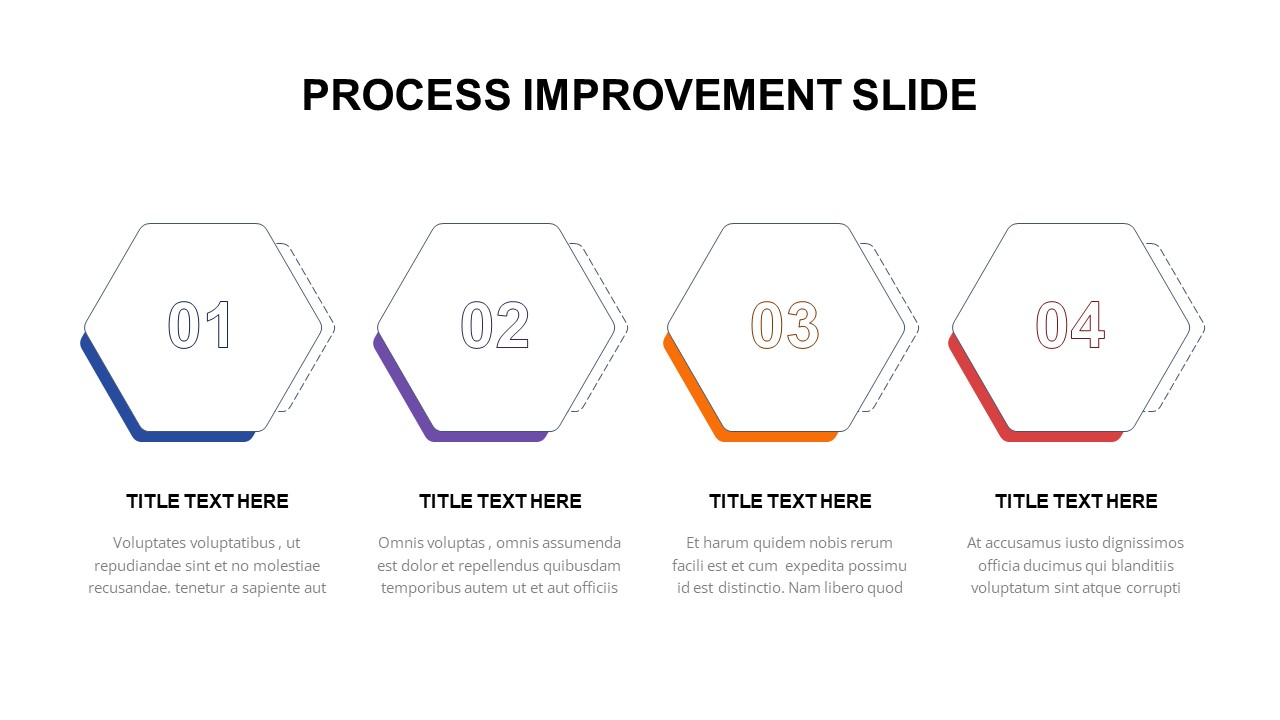
Process Improvement Slide for PowerPoint & Google Slides
Optimize Workflows with a Simple Process Improvement Slide for PowerPoint & Google Slides
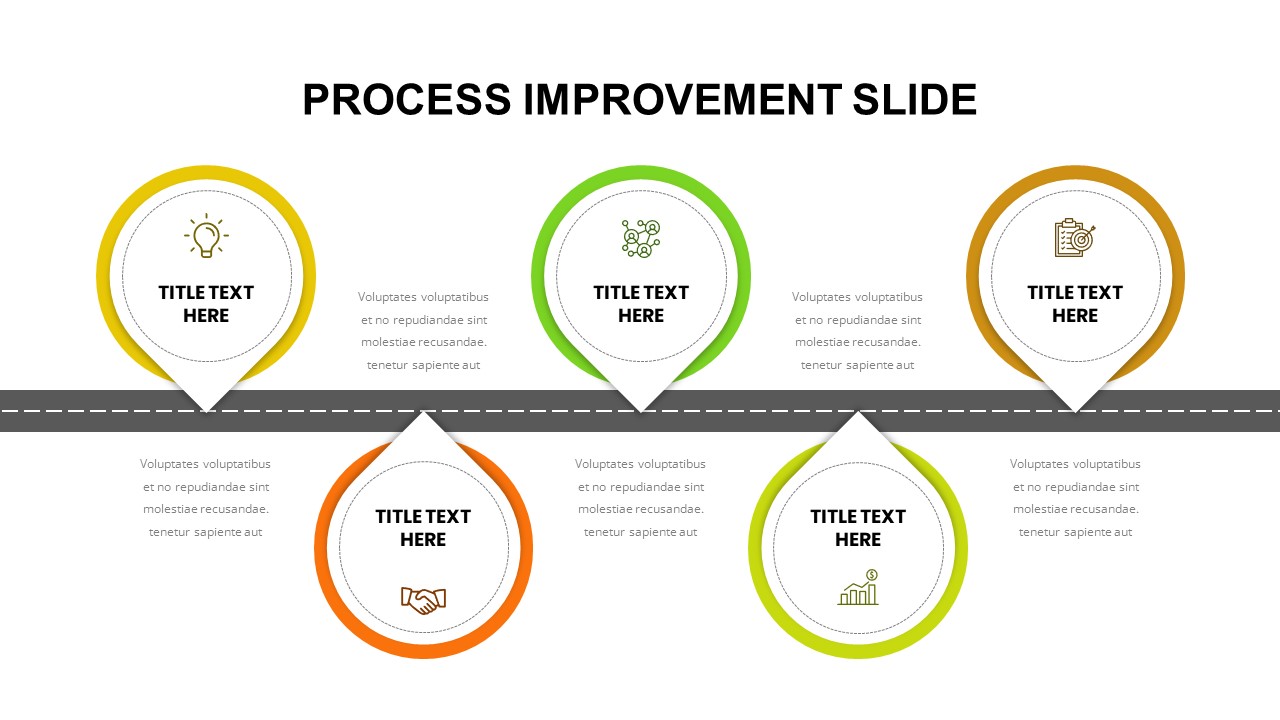
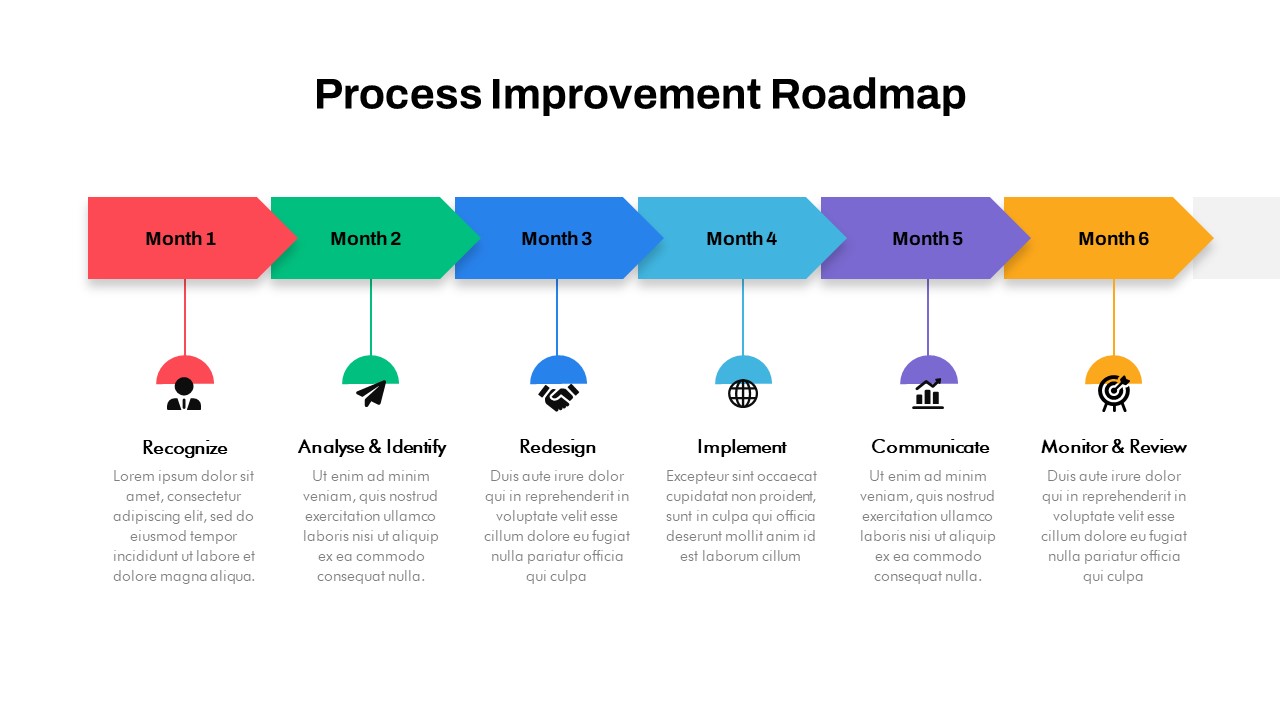
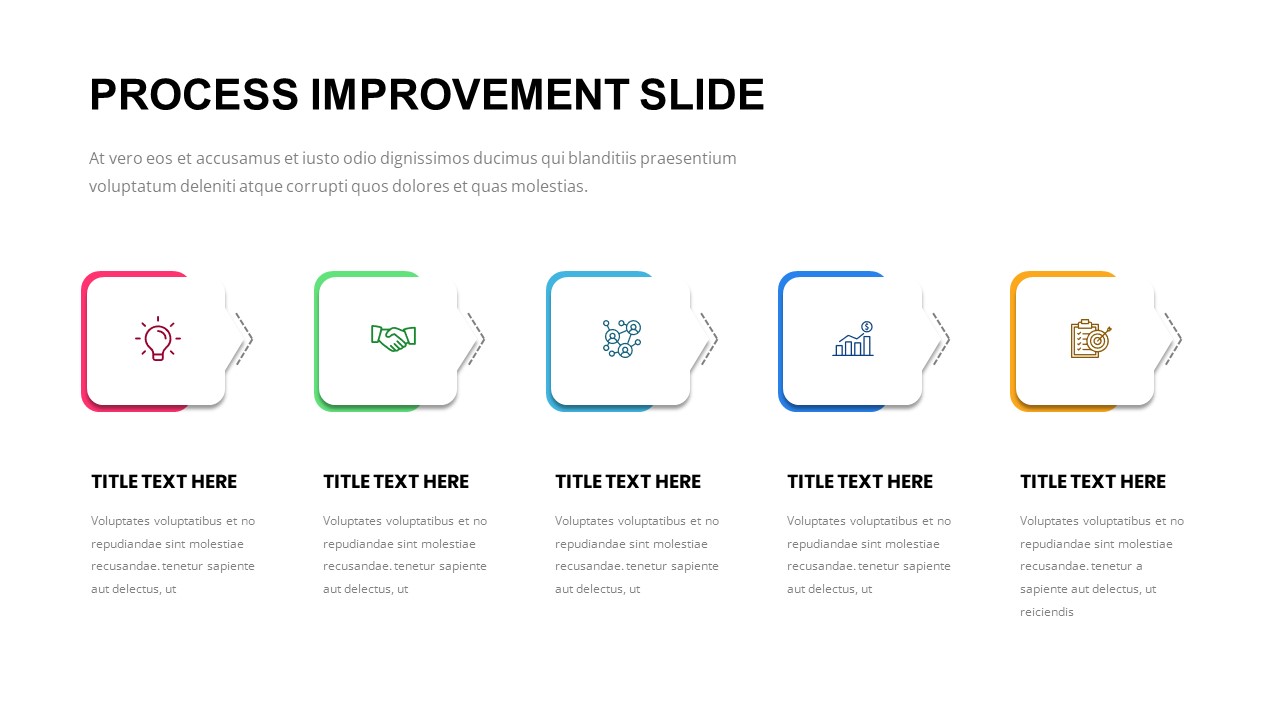
Sustaining operational excellence requires continuous evaluation, optimization, and refinement across every layer of an organization. Whether your team is adopting Lean principles, implementing Six Sigma practices, or upgrading administrative workflows, presenting procedural changes clearly is critical to gaining leadership buy-in and driving team adoption. Utilizing a simple process improvement slide for PowerPoint & Google Slides translates complex operational overviews into an easy-to-read, structured visual narrative. Instead of overwhelming your audience with dense documentation, this minimalist graphic focuses on key transformation stages, helping stakeholders quickly grasp where bottlenecks exist and how proposed solutions will drive performance.
Clarify Operational Transitions and Strategic Enhancements
Effective process optimization is as much about clear communication as it is about operational strategy. When proposing new workflows, cross-functional teams need to understand the precise shift from current state limitations to future state efficiencies. A well-structured process enhancement slide template provides clear visual separation between diagnostic findings, action plans, and targeted performance outcomes. By mapping out sequential optimization steps, key performance indicators, and resource requirements within a balanced visual layout, you eliminate ambiguity and ensure that project leads, department heads, and executive directors remain fully aligned on strategic priorities.
Built for Operations Leads, Consultants, and Project Managers
Engineered to function seamlessly across both PowerPoint and Google Slides, this versatile workflow optimization slide asset is an essential tool for operations managers, business analysts, quality assurance leads, and management consultants. Every vector shape, directional arrow, text frame, and color-coded step container is fully customizable, allowing you to easily tailor the visual palette to your corporate brand guidelines. Whether you are leading an internal process audit, presenting a workflow restructuring proposal to the board, or training staff on new operational software, adding this clean presentation asset to your regular deck library empowers you to present procedural improvements with complete executive authority.
Login to download this file

Item ID
SB03224


Related Templates

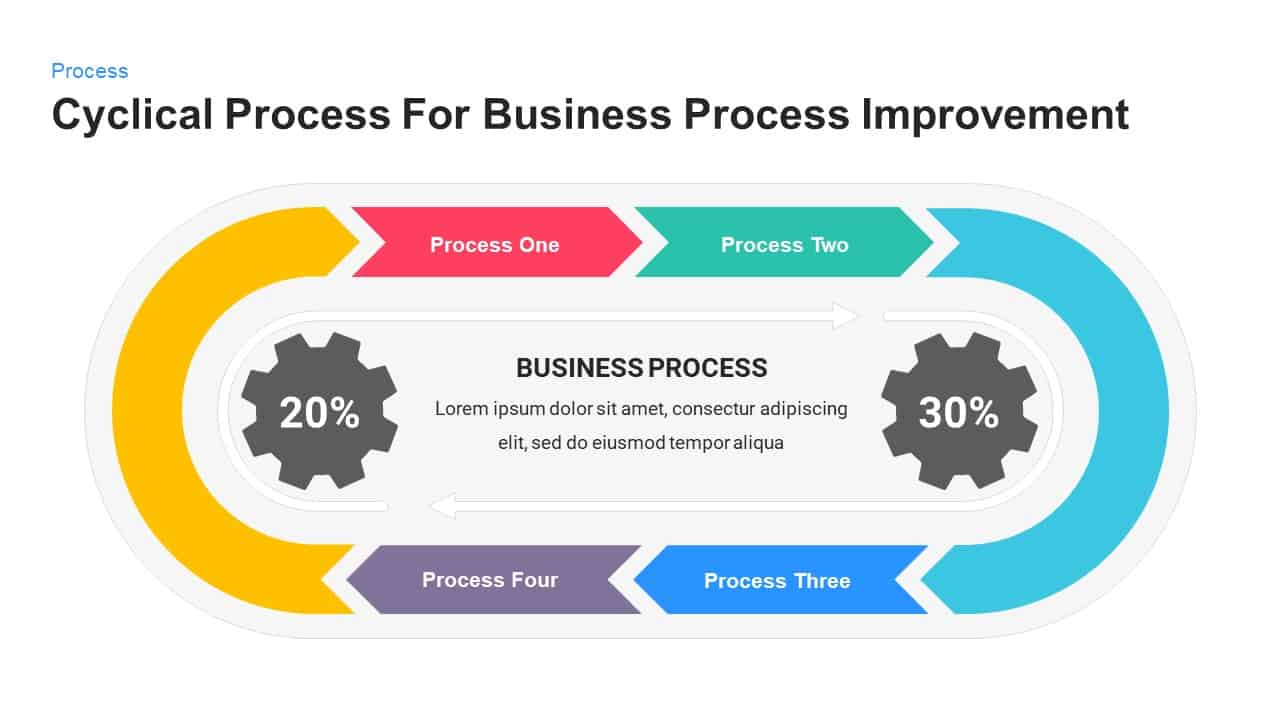
Cyclical Process for Business Process Improvement PowerPoint Template
Process
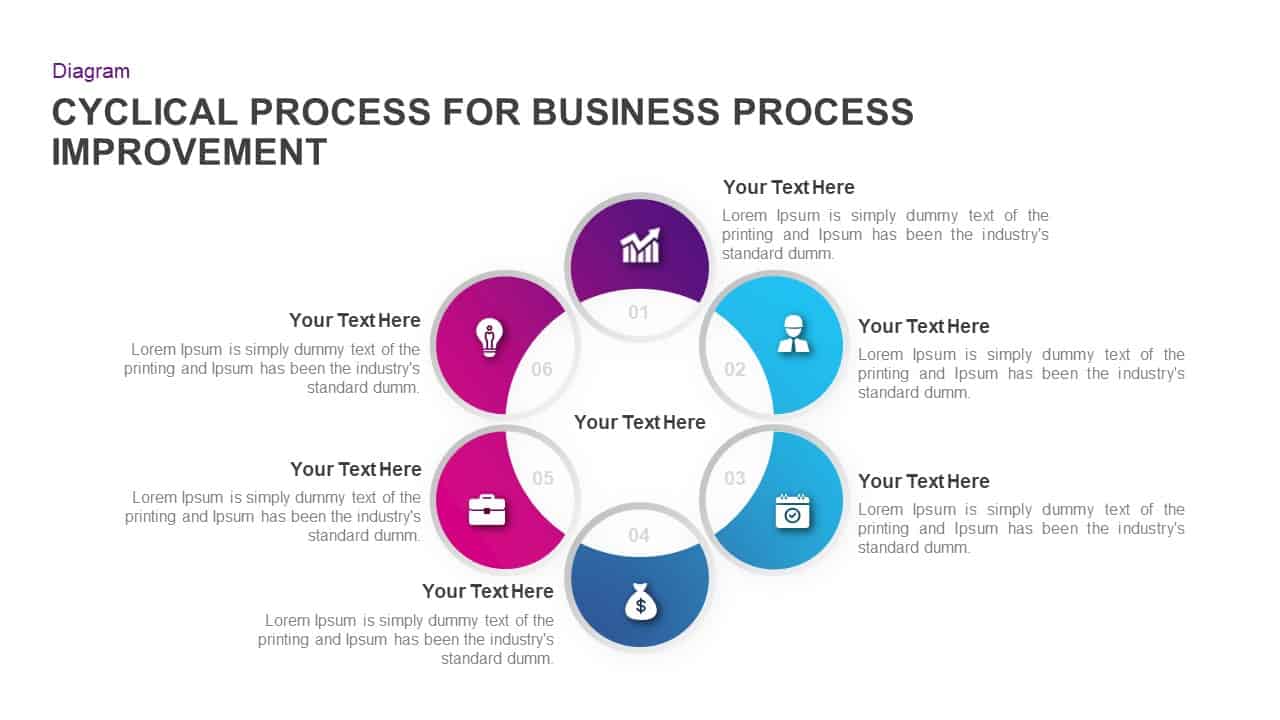
Cyclical Process for Business Process Improvement PPT Diagram
Circular

Process Improvement Metaphor Diagram Template for PowerPoint & Google Slides
Process
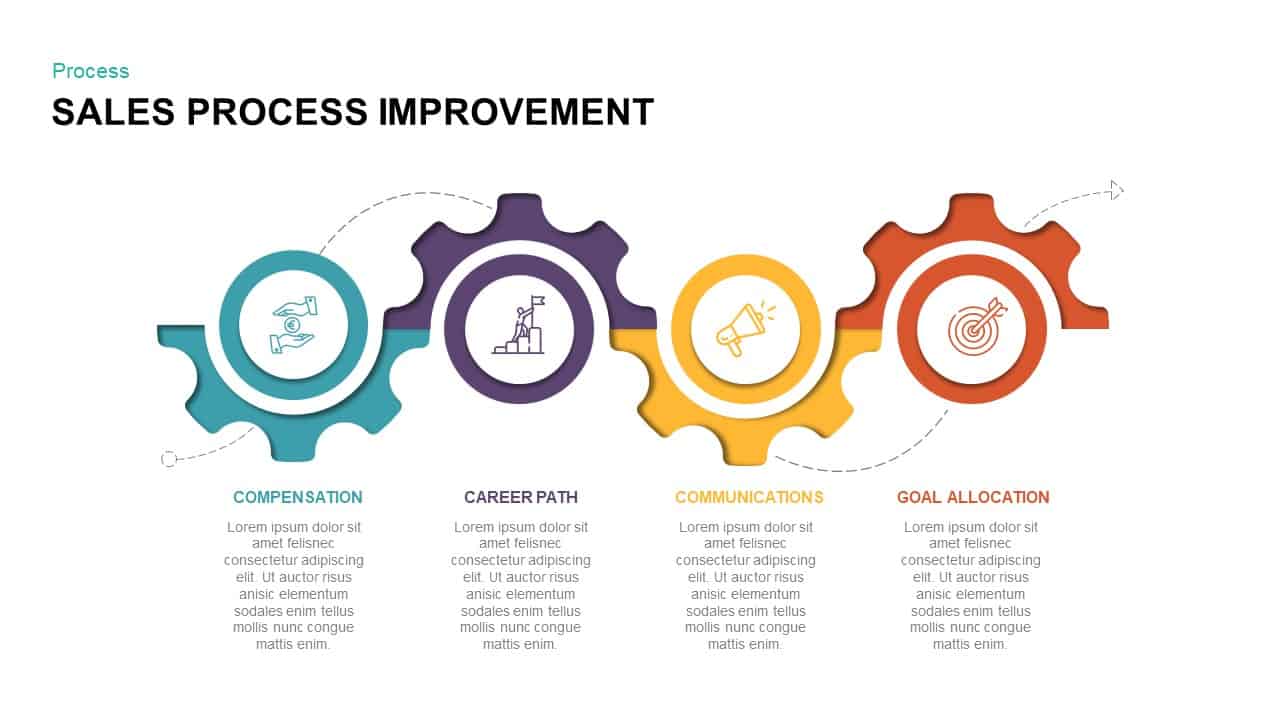
Sales Process Improvement Gear Diagram Template for PowerPoint & Google Slides
Process

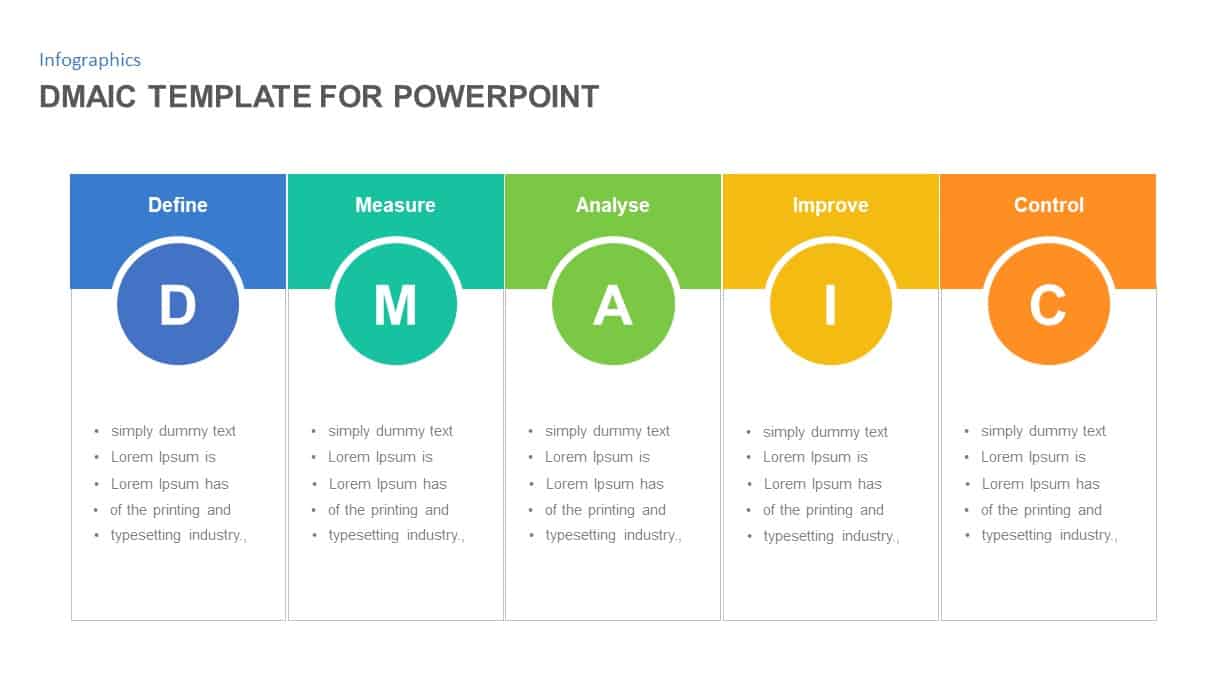
DMAIC Process Improvement Infographic Template for PowerPoint & Google Slides
Process
Process Improvement Slide Template
Process
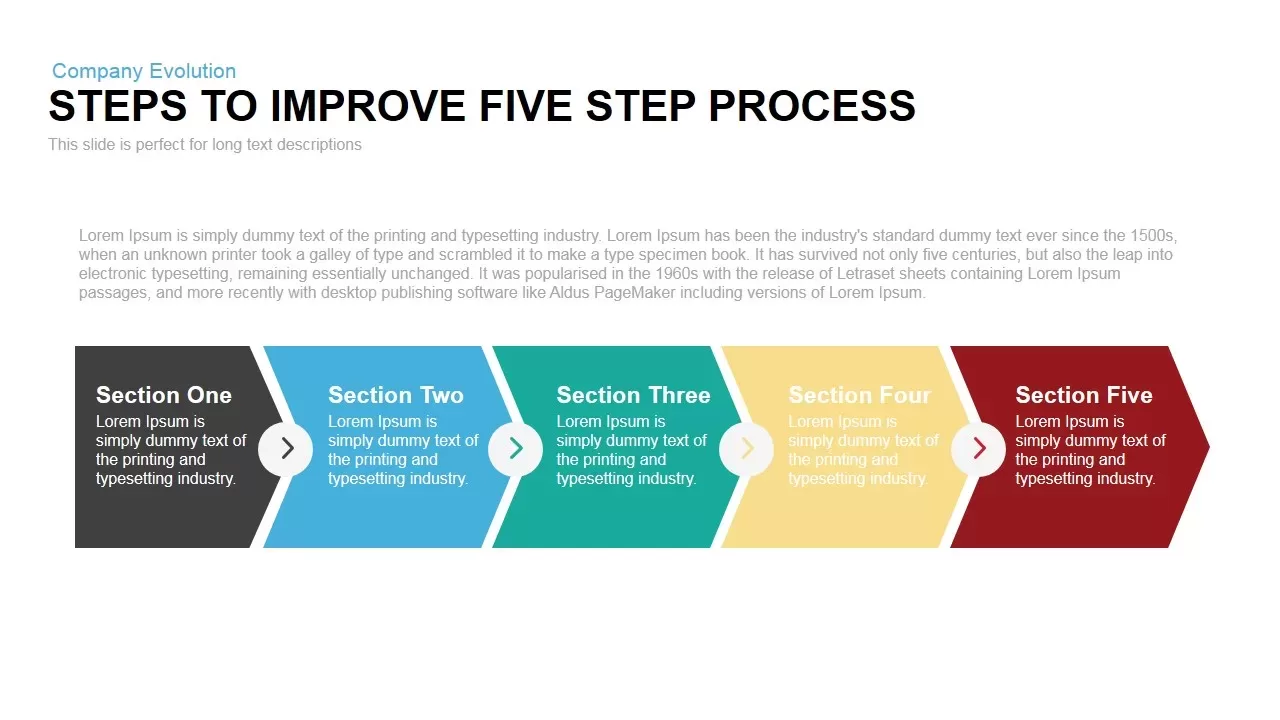
Steps to Improvement Process PowerPoint Template
Process
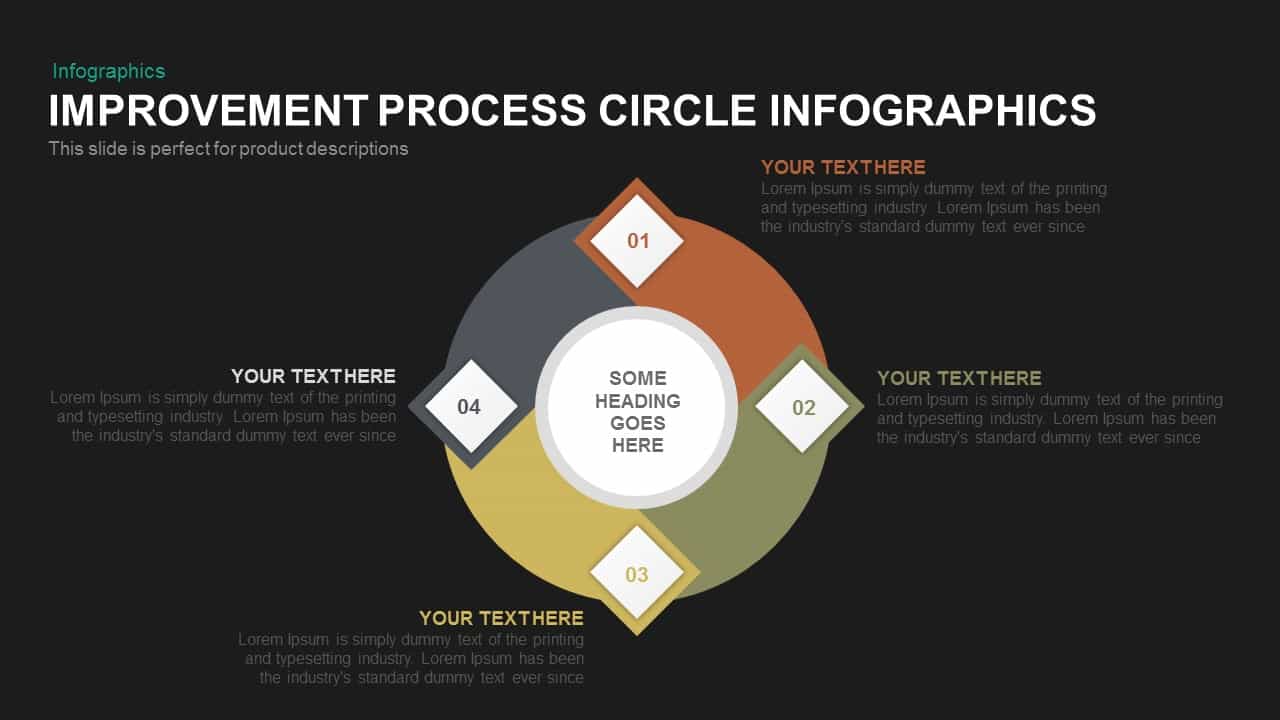
Process Improvement Circle Infographics Template for PowerPoint
Process

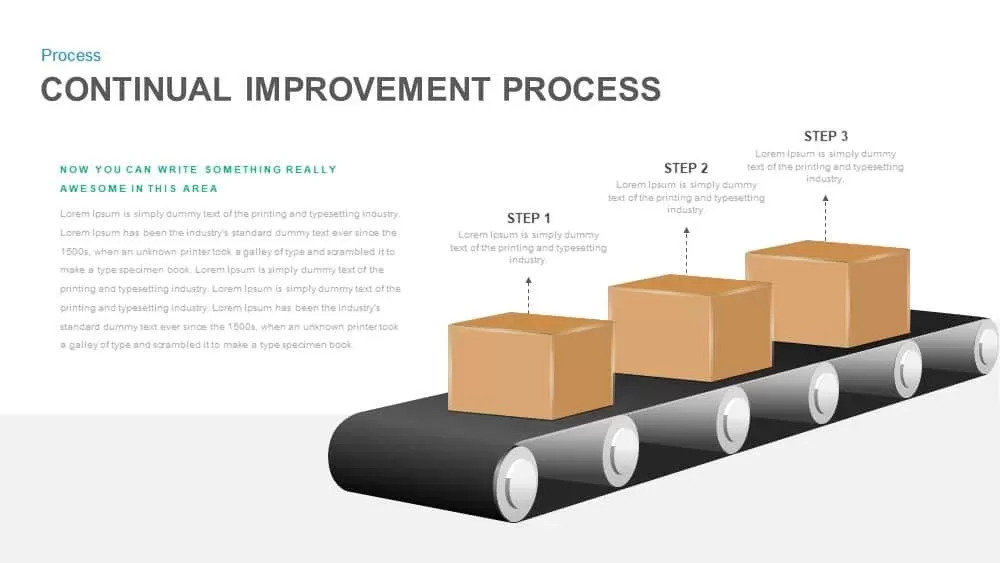
Continual Improvement Process Template for PowerPoint
Process
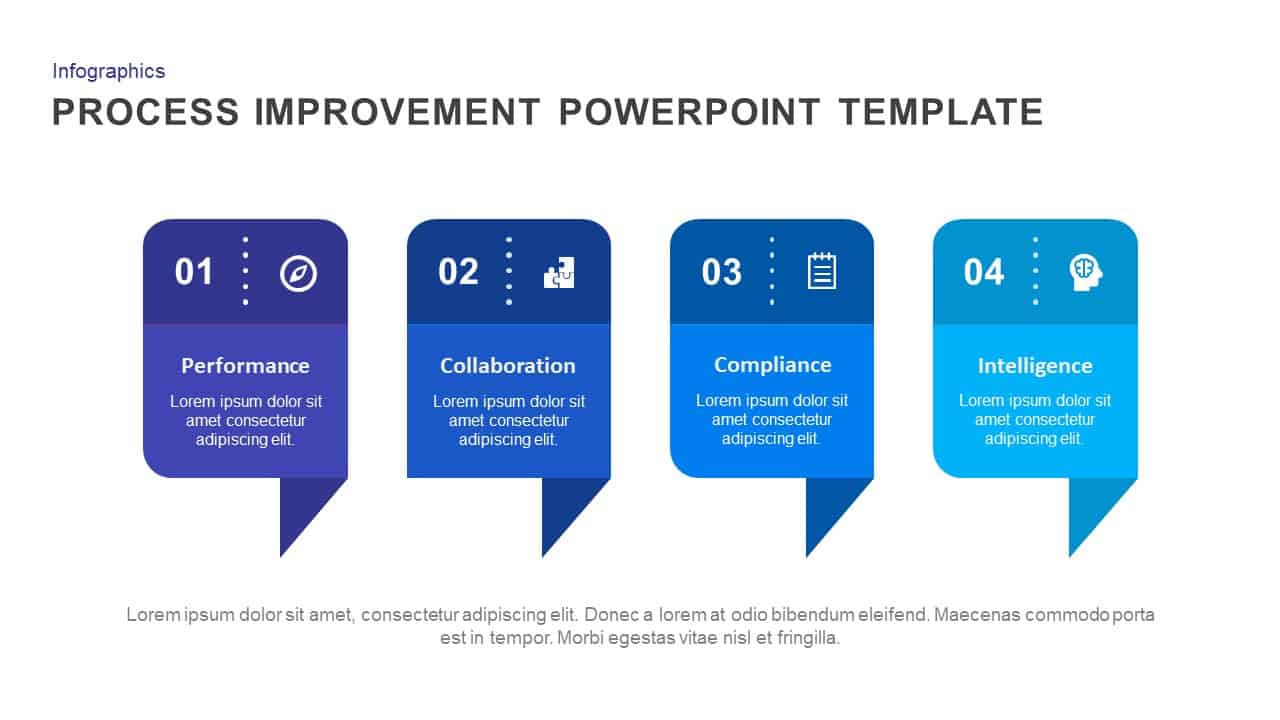
Process Improvement PowerPoint Template
Process

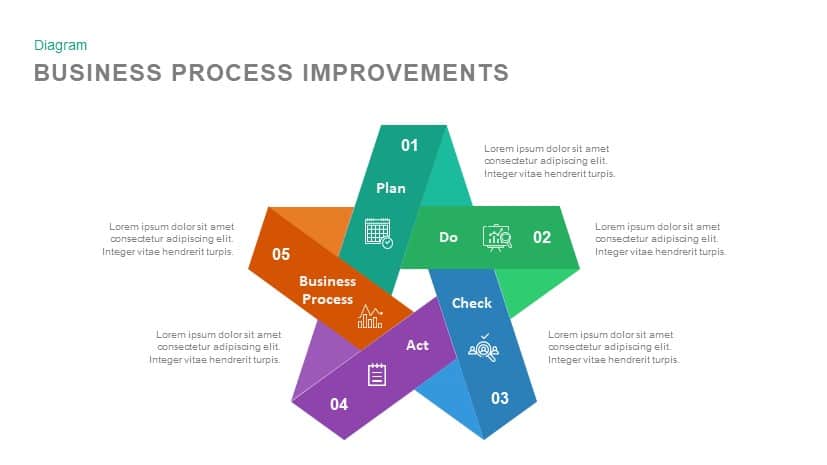
Business Process Improvement PowerPoint Template
Process
4 Step Process Improvement PowerPoint Template
Process
Process Improvement Roadmap PowerPoint Template
Infographics
Sales Funnel Improvement Strategy PowerPoint Template and Google Slide
Infographics
Continuous Improvement Cycle Diagram Template for PowerPoint & Google Slides
Circular
Continuous Improvement Cycle Diagram Template for PowerPoint & Google Slides
Process
Improvement Metaphor Template for PowerPoint
Bar/Column
Performance Improvement Plan PowerPoint Template
Employee Performance
The Sandcone Model of Improvement PowerPoint Template
Pyramid
Continuous Improvement Cycle Diagram for PowerPoint
Process