Policy Rollout template for PPT
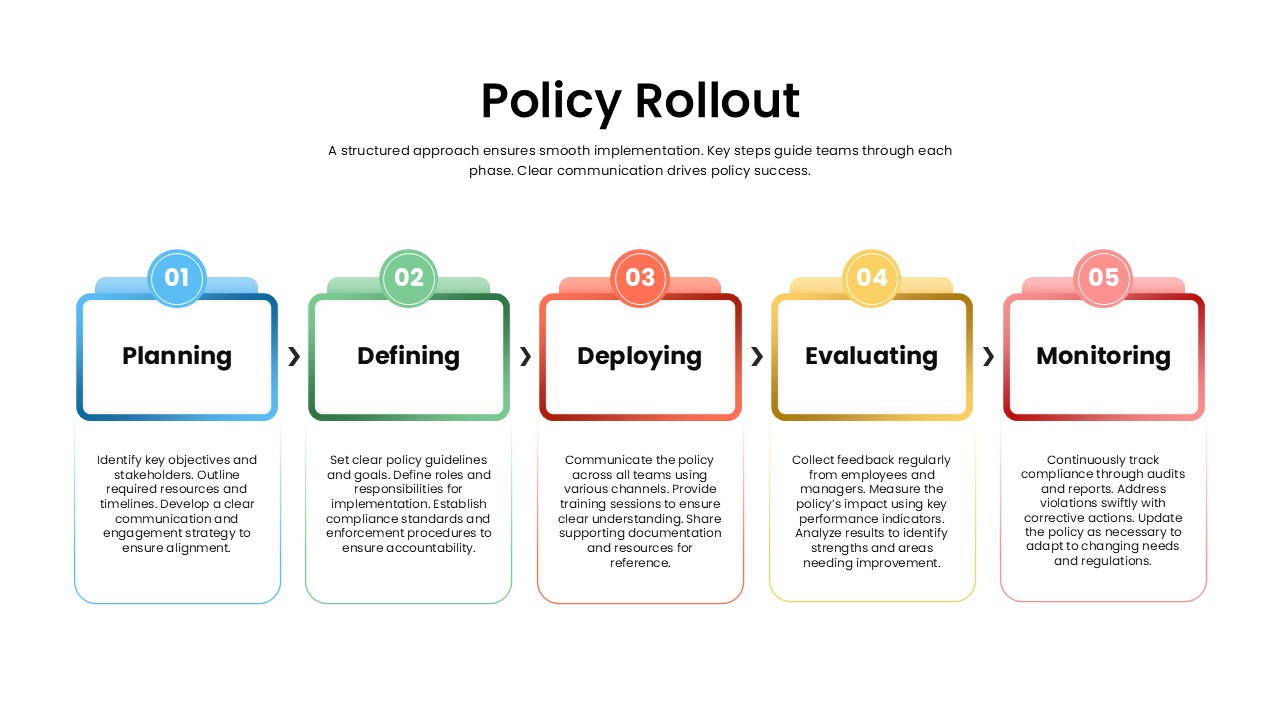
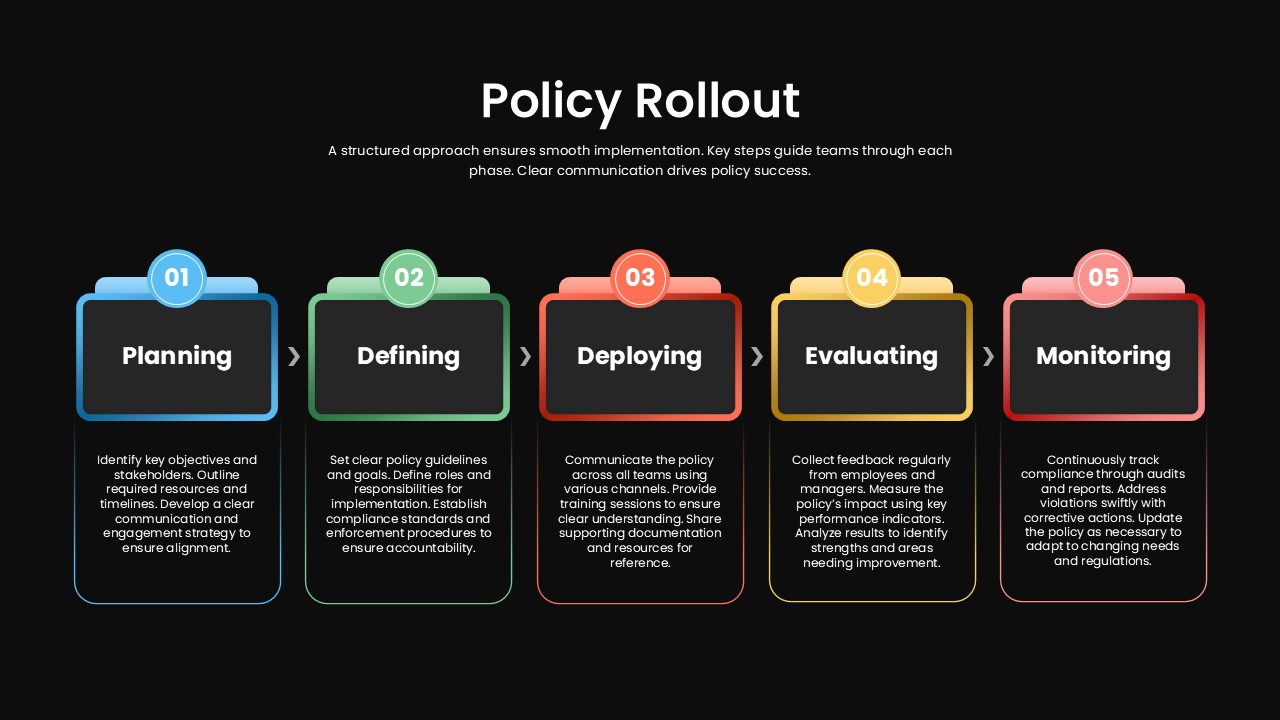
A policy is only as good as the plan behind rolling it out. Skip a step or rush the sequence, and even a well written policy ends up confusing the people it’s meant to guide. This policy rollout phases slide keeps that from happening by giving stakeholders a single view of the whole process, broken into five stages with a color-coded box and a short description for each one.
The five phases at a glance
- Planning, marked in blue, for laying the groundwork before anything is announced
- Defining, marked in green, for setting the specific rules and scope
- Deploying, marked in red, for the actual implementation across teams
- Evaluating, marked in yellow, for checking how the rollout is landing
- Monitoring, marked in red, for tracking the policy once it’s in place
Each box pairs with a small icon, so the sequence reads clearly even from the back of a room during an executive briefing or a planning session. HR managers, compliance officers, and organizational development specialists typically use this phased rollout slide to guide teams through a new policy, while project managers and consultants borrow the same structure for process rollouts that have nothing to do with policy, like a product launch, a software rollout, or a company-wide training program. Because the colors, icons, and text are all editable, the same rollout phases template works just as well for change management or governance projects as it does for the policy it was originally built around, and it holds its layout cleanly in both PowerPoint and Google Slides.
Login to download this file

Item ID
SB04994


Related Templates

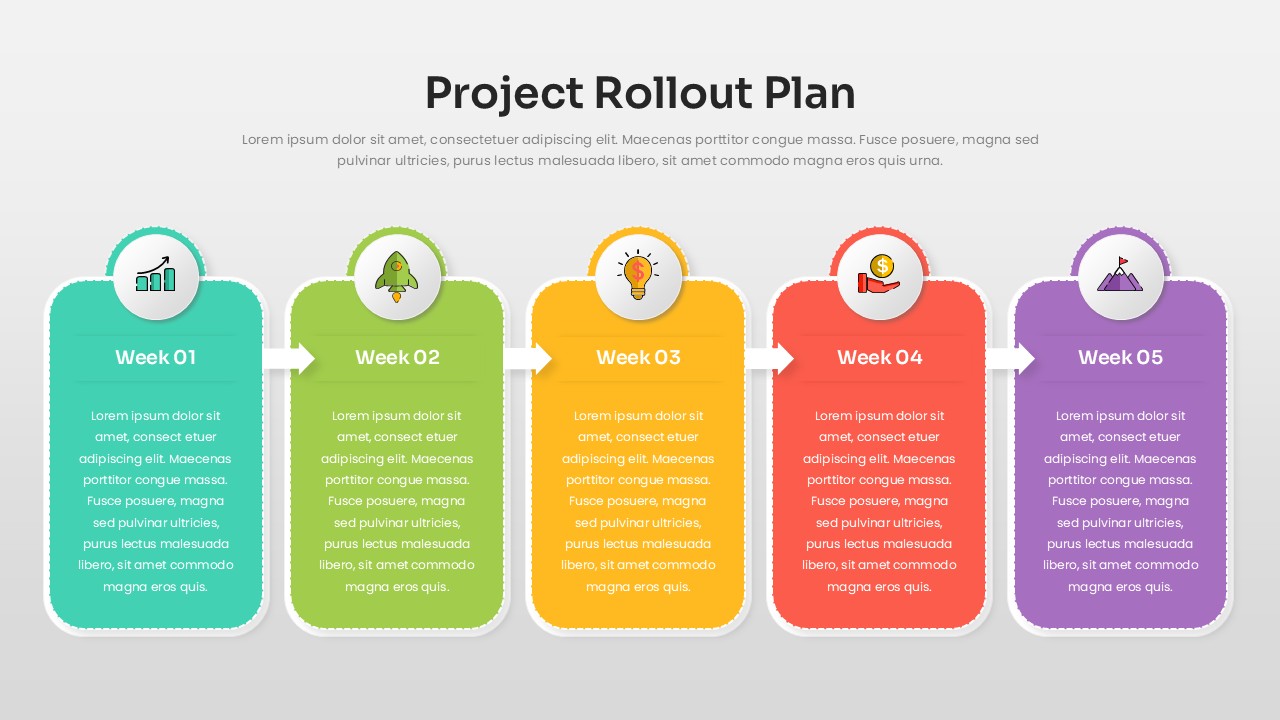
Project Rollout Plan PowerPoint Template
Project Status
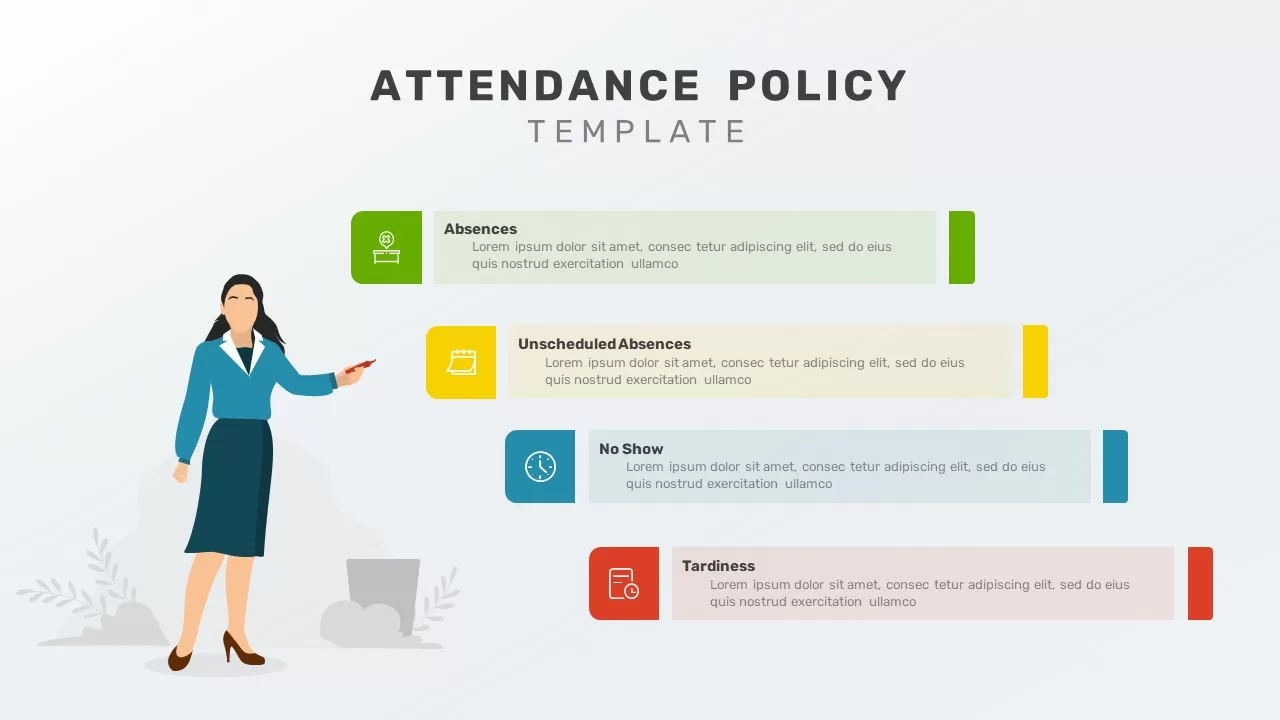
Attendance Policy Template
Process
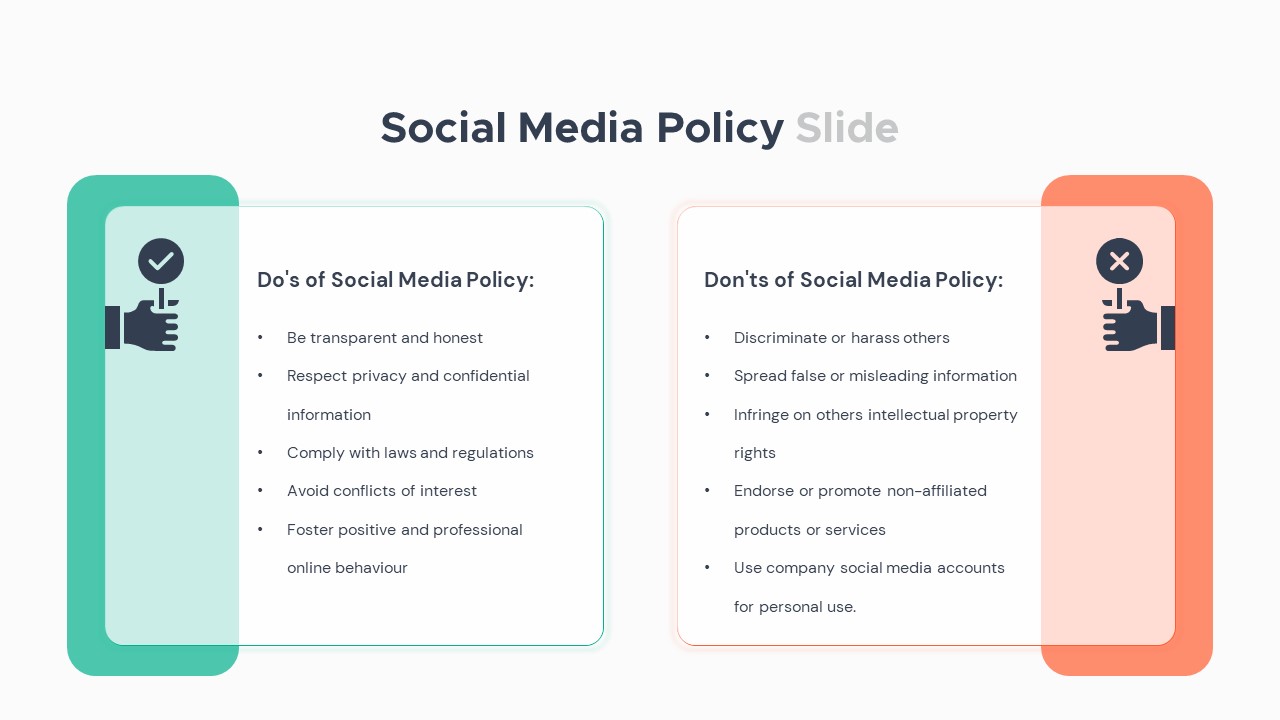
Social Media Policy PowerPoint Template
Comparison
Open Door Policy Process Template
Process
Policy Gradient Methods Flow Diagram Template
Diagrams
Policy Development Template
Risk Management
Onepager Company Policy Brief Template
Human Resources