Online Targeting Lifecycle Six-Step Template for PowerPoint & Google Slides
Online Targeting Target Segments Example Template for PowerPoint and Google Slides
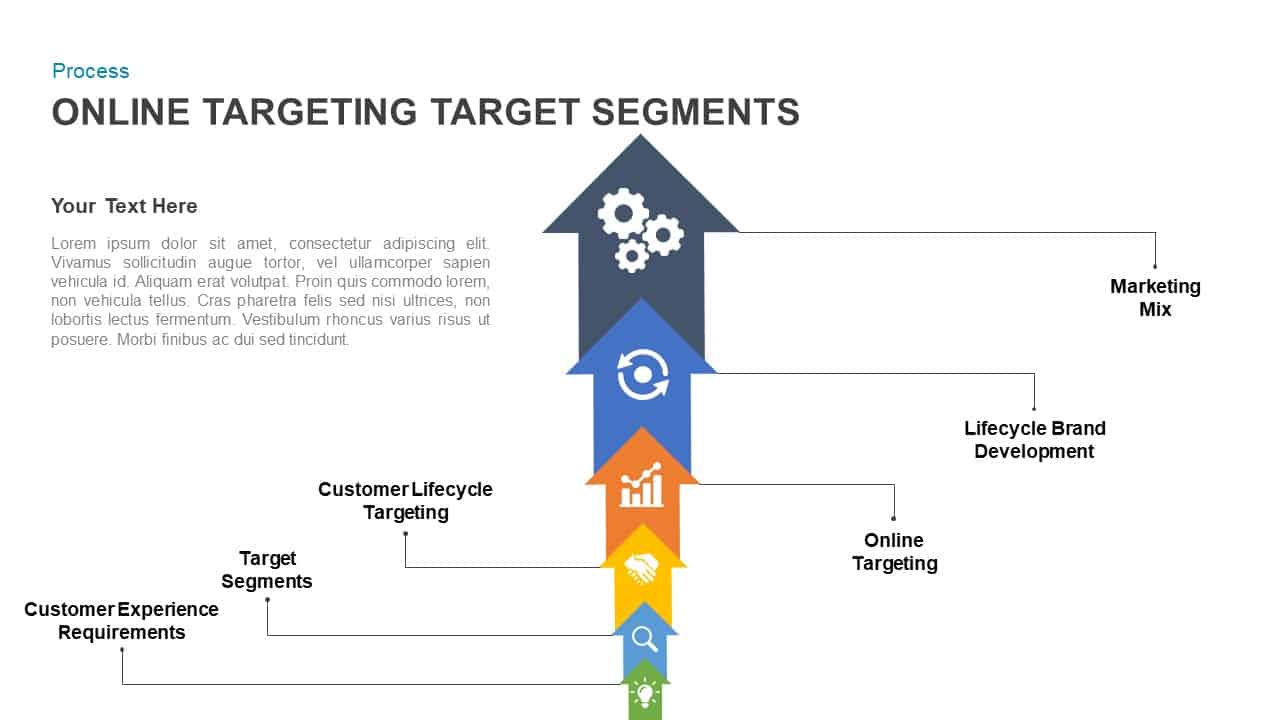
Developing high-impact digital marketing campaigns, customer acquisition strategies, or multi-stage brand growth models requires a structured framework that maps the buyer journey sequentially. An online targeting target segments example provides digital marketers, brand strategists, and e-commerce directors with an intuitive multi-stage process layout to optimize audience outreach. Unorganized marketing funnels often obscure key transition points between customer discovery and retention. Utilizing an alternating process card layout helps marketing teams align digital channels, customer lifecycle stages, and brand positioning across six defined milestones.
Map Customer Journeys with an Online Targeting Strategy PowerPoint Template
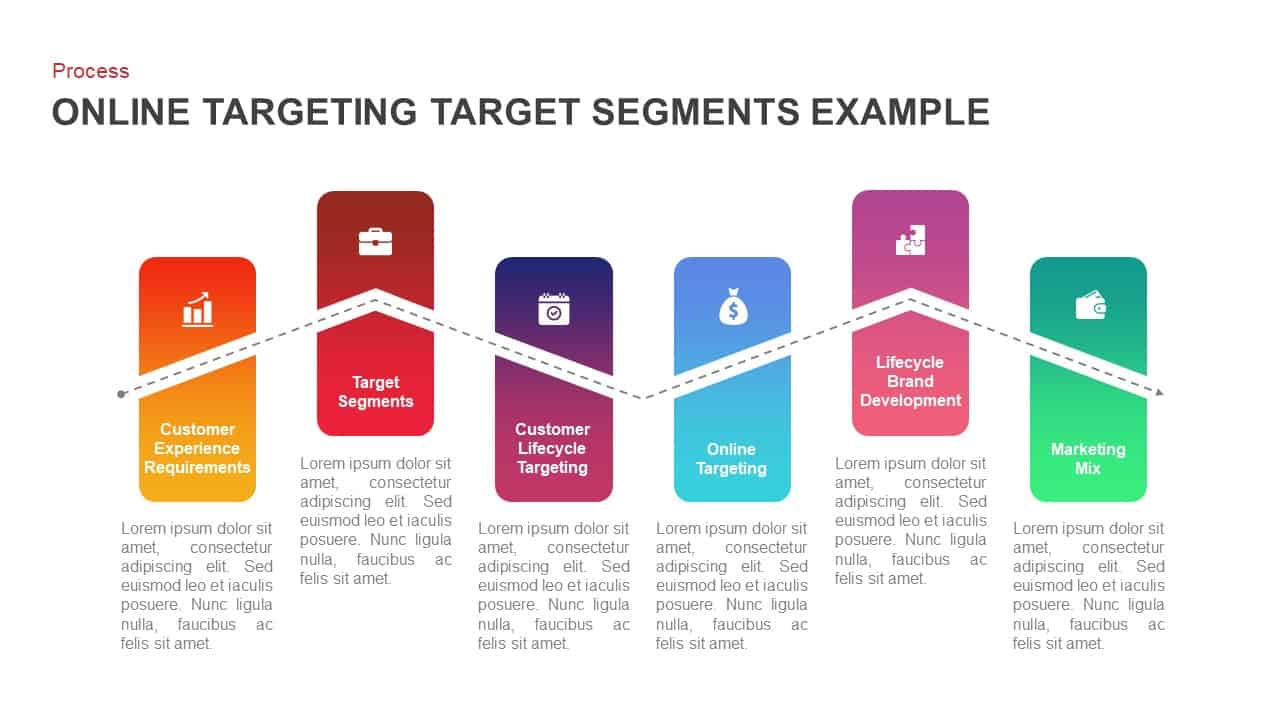
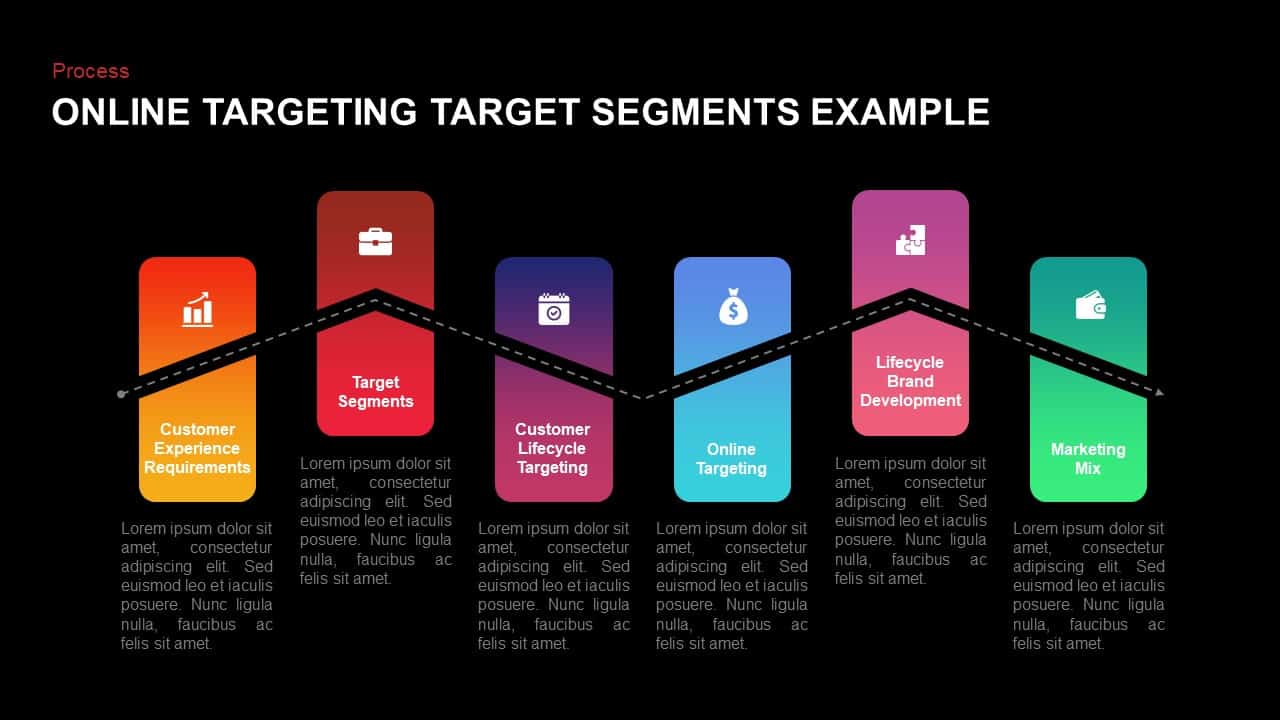
Communicating digital targeting tactics across marketing and product teams becomes far more effective when visualized through a connected milestone path. An online targeting strategy PowerPoint template organizes strategic planning into six vibrant, rounded vertical card containers connected by a continuous dashed trendline. Marketers can walk stakeholders through essential campaign phases starting with Customer Experience Requirements and Target Segments, progressing through Customer Lifecycle Targeting and Online Targeting, and concluding with Lifecycle Brand Development and the overarching Marketing Mix during strategic campaign reviews.
Optimize Campaign Conversion using Customer Segmentation Process Slides
Aligning cross-functional marketing teams on user acquisition goals depends on clean visual structure and consistent data presentation. These customer segmentation process slides feature distinct gradient color fills, custom vector icons representing analytics, targeting, planning, and budget allocation, along with dedicated bottom text placeholders for in-depth phase notes. Presenters can easily modify card heights, adjust brand color palettes, and customize descriptive text directly within PowerPoint or Google Slides to tailor the presentation for digital strategy pitches, brand launch plans, and growth marketing reviews.
Login to download this file

Item ID
SB01444


Related Templates

Online Targeting Target Segments PowerPoint Template
Process
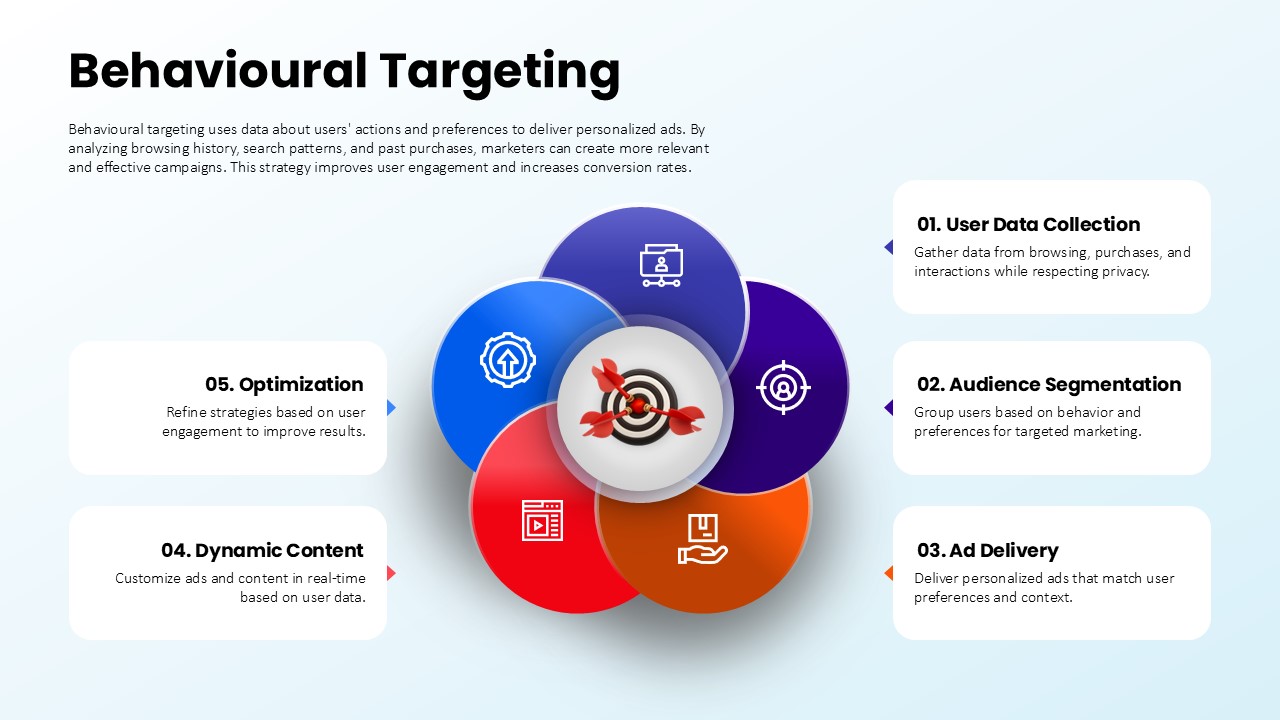
Behavioural Targeting Strategy Overview template for PowerPoint & Google Slides
Process
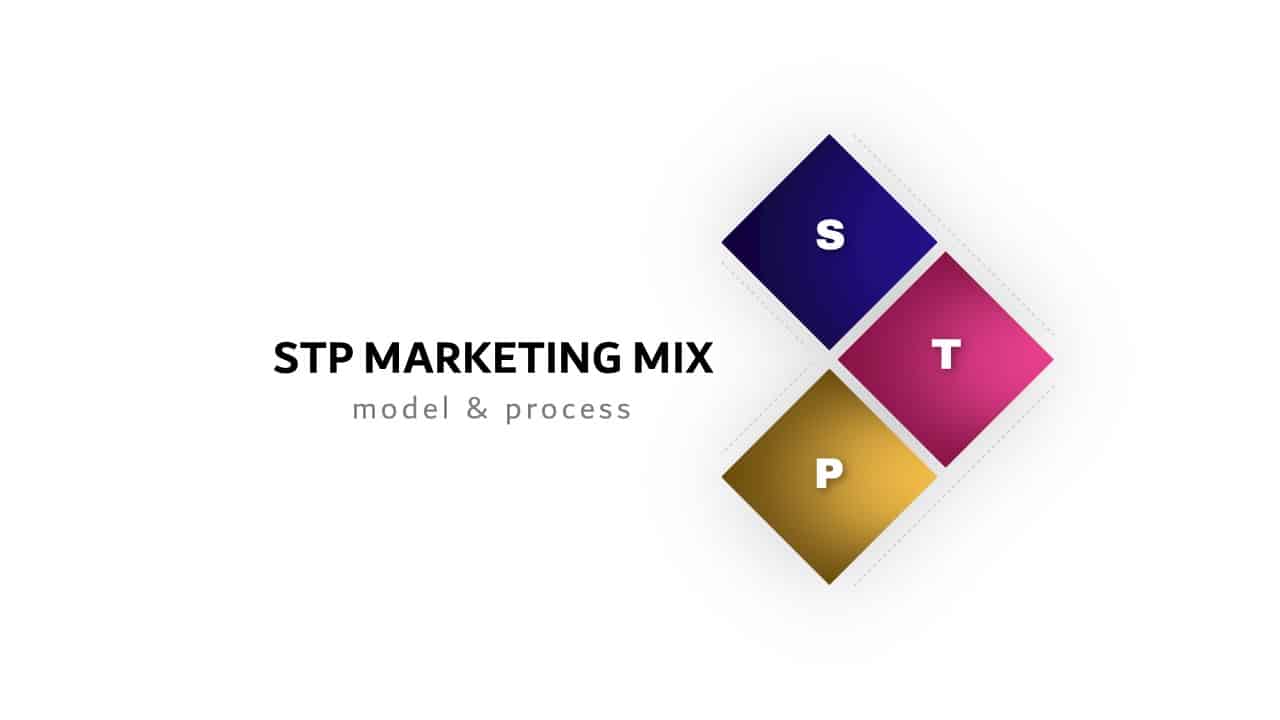
STP Segmentation Targeting Positioning Strategy Deck for PowerPoint & Google Slides
Marketing
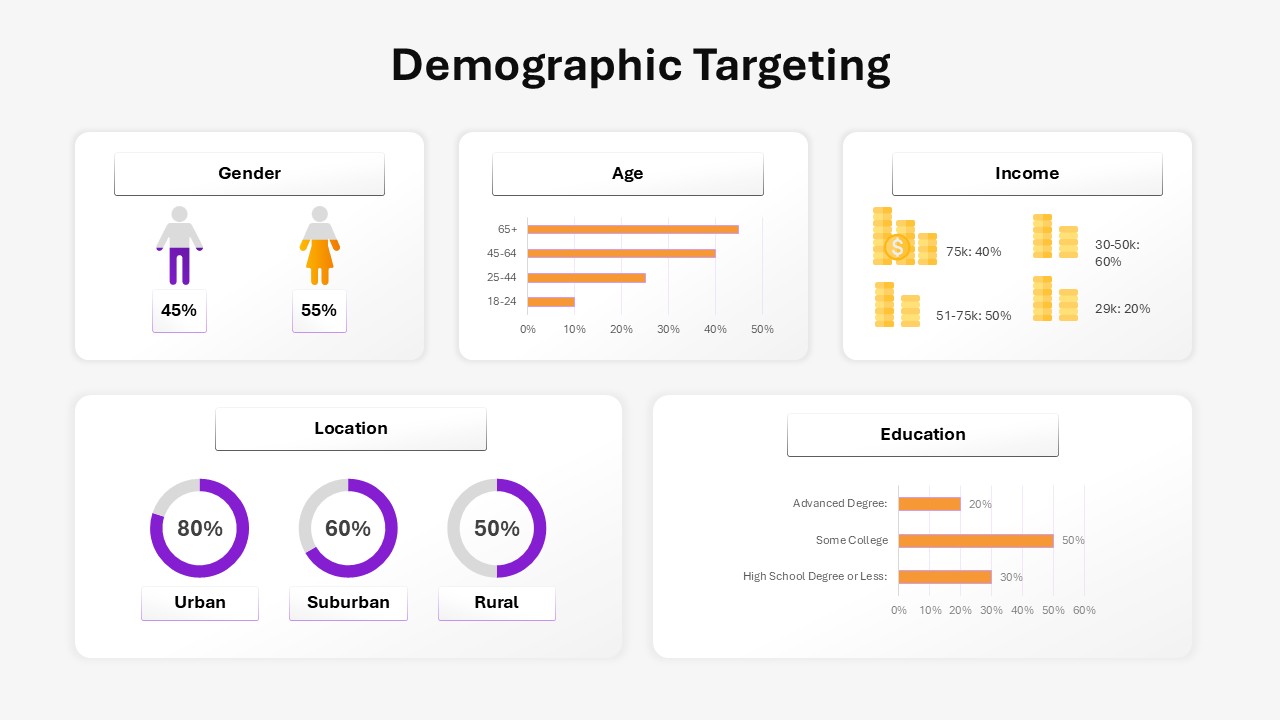
Demographic Targeting Template
Infographics
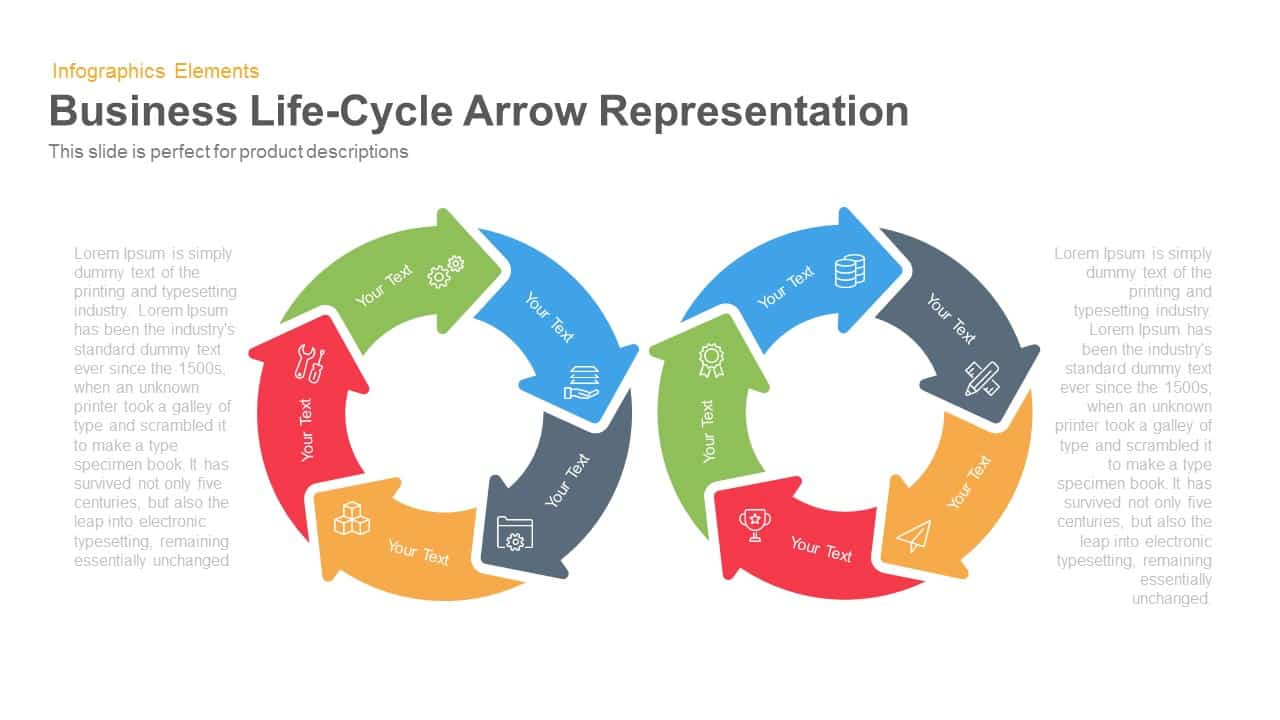
Business Lifecycle Arrow Template for PowerPoint & Google Slides
Infographics
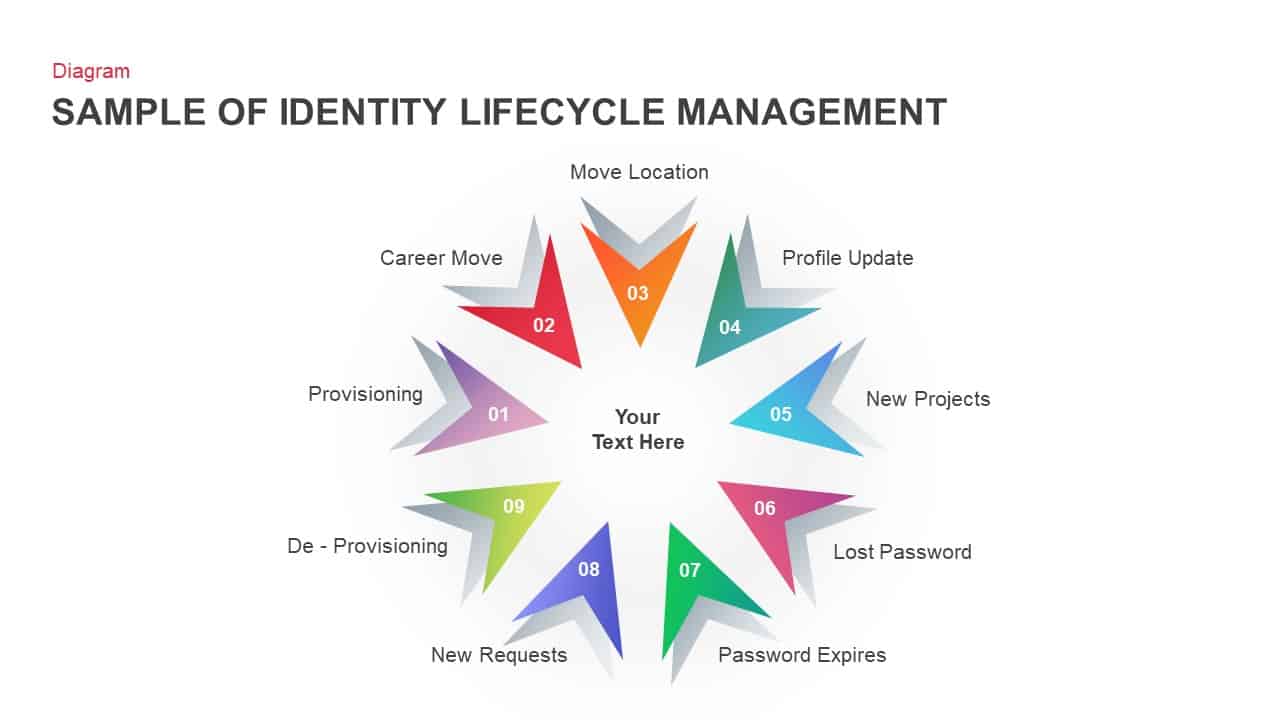
Identity Lifecycle Diagram Template for PowerPoint & Google Slides
Circular

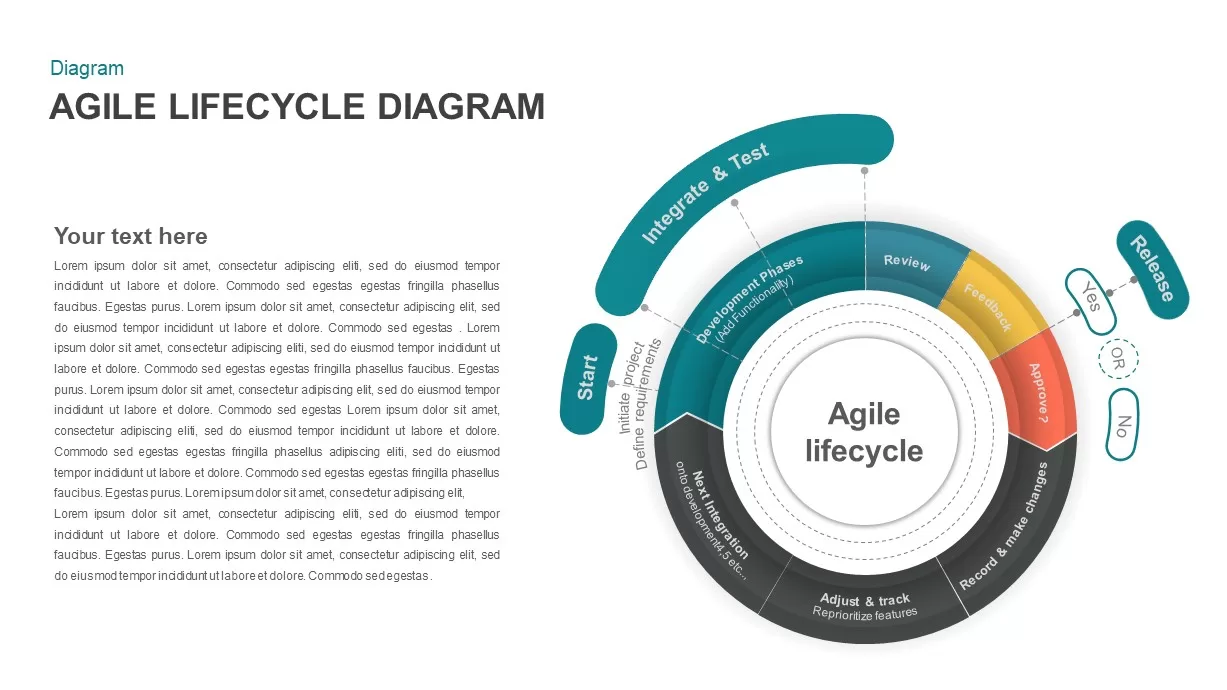
Agile Lifecycle Circular Diagram Template for PowerPoint & Google Slides
Circular
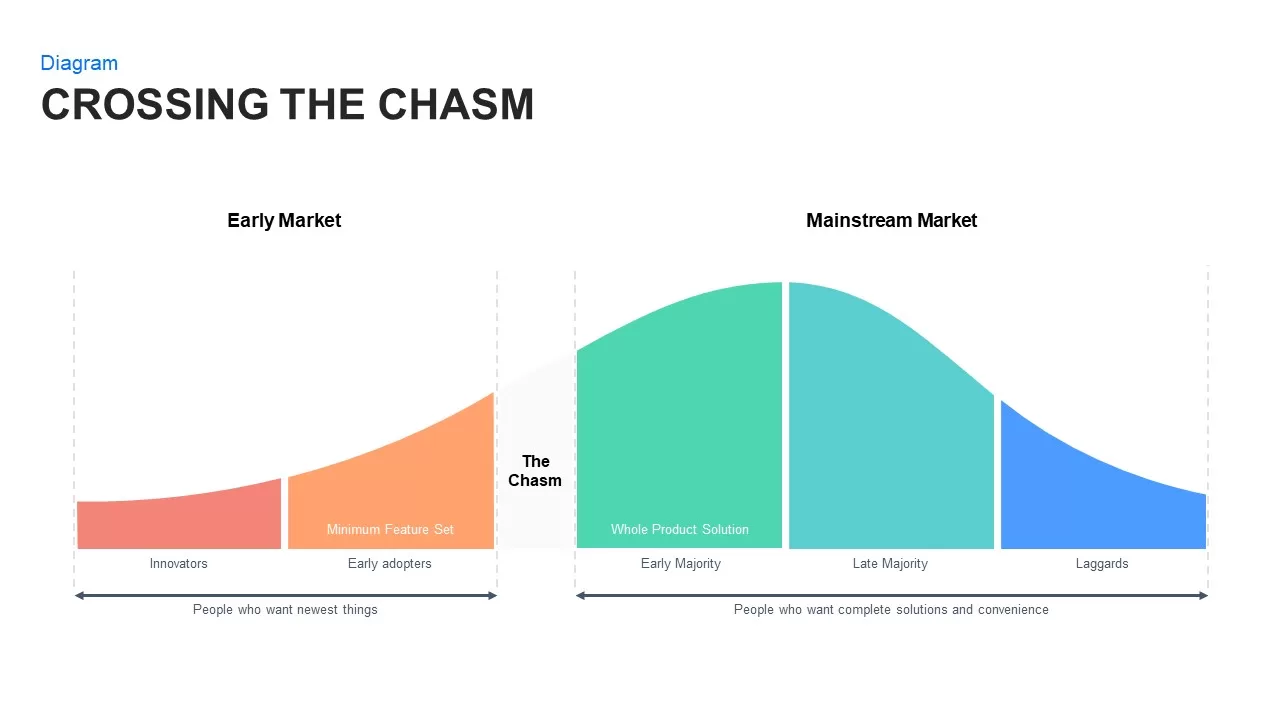
Crossing the Chasm: Technology Adoption Lifecycle template for PowerPoint & Google Slides
Business Strategy
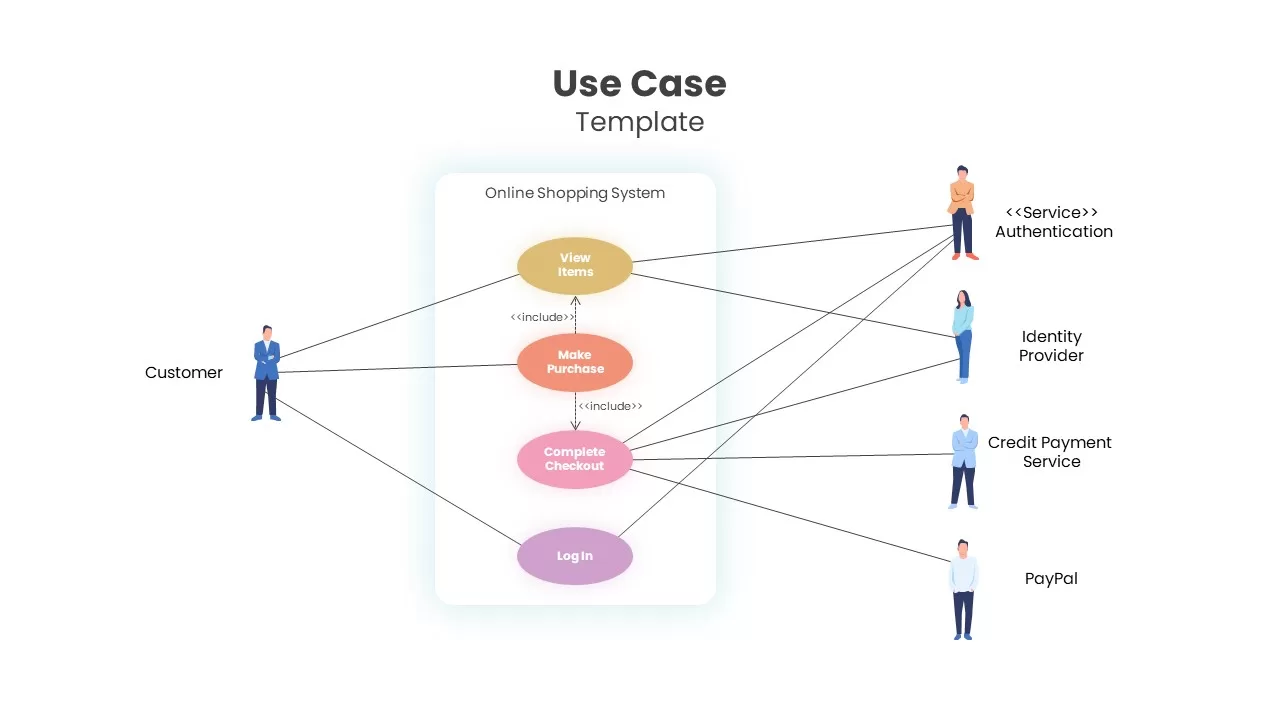
Online Shopping Use Case Diagram Template for PowerPoint & Google Slides
Software Development
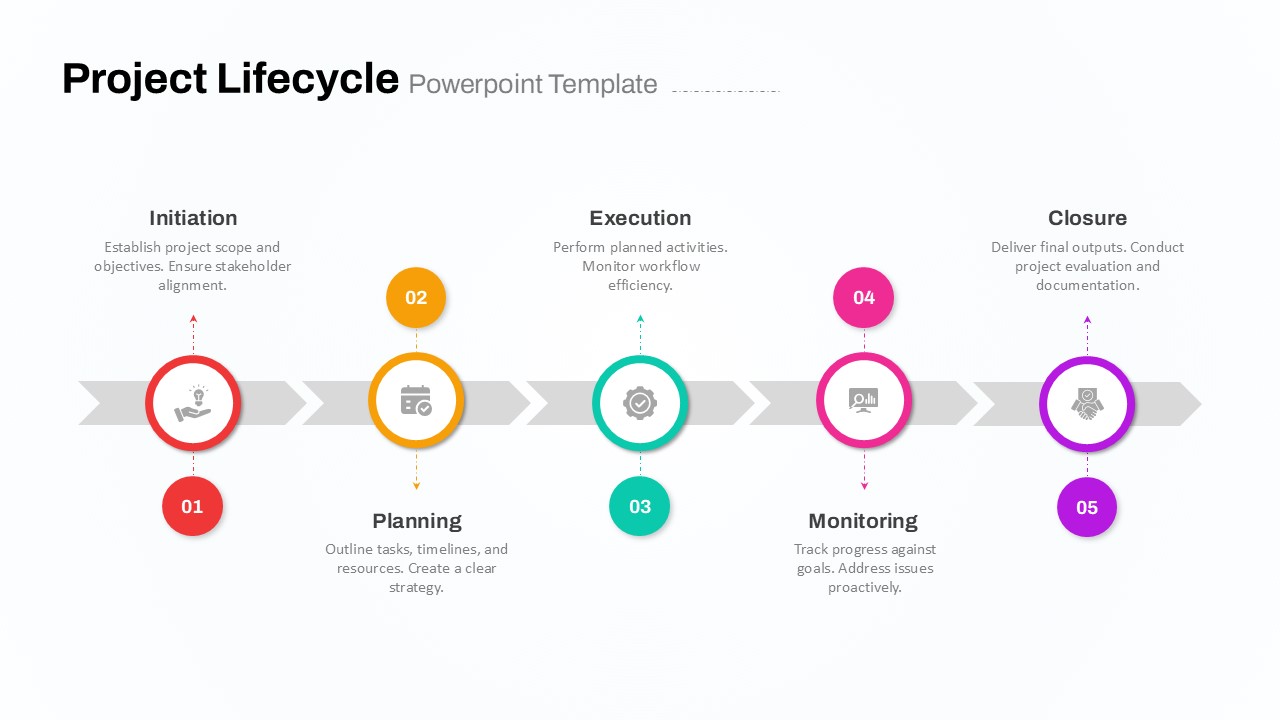
Five-Phase Project Lifecycle Diagram Template for PowerPoint & Google Slides
Infographics
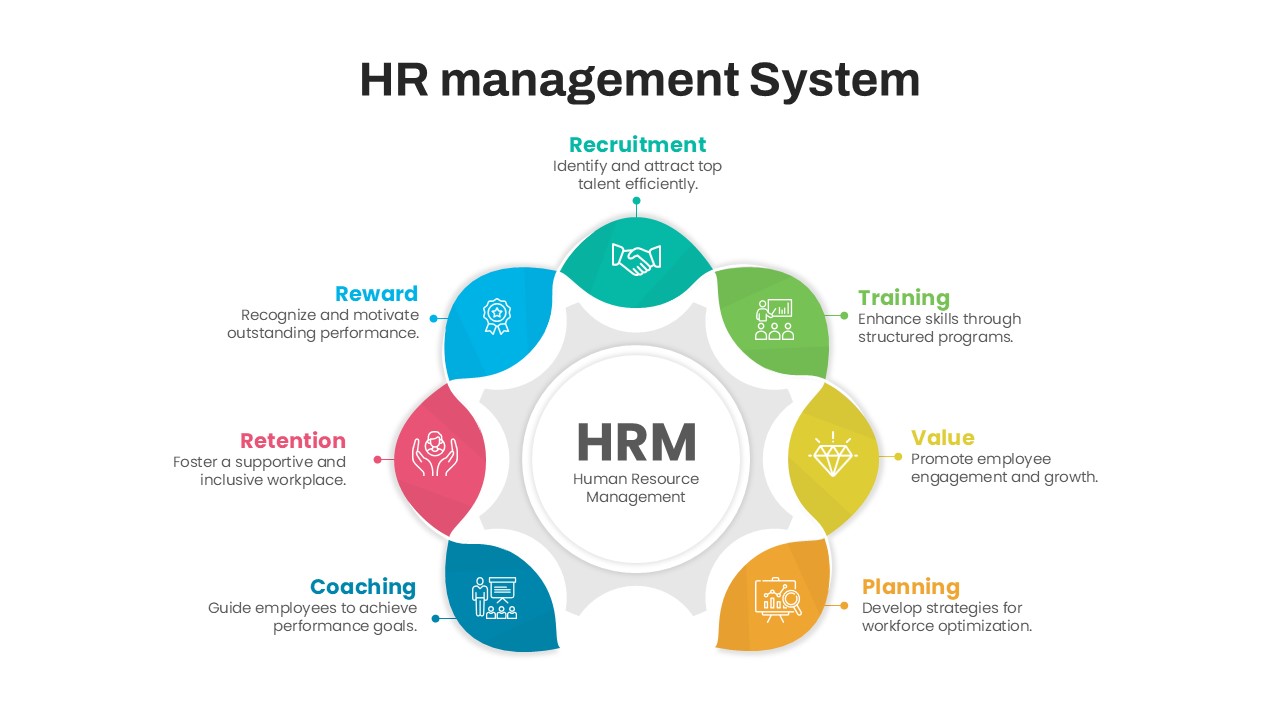
HR Management System Lifecycle Diagram Template for PowerPoint & Google Slides
Recruitment
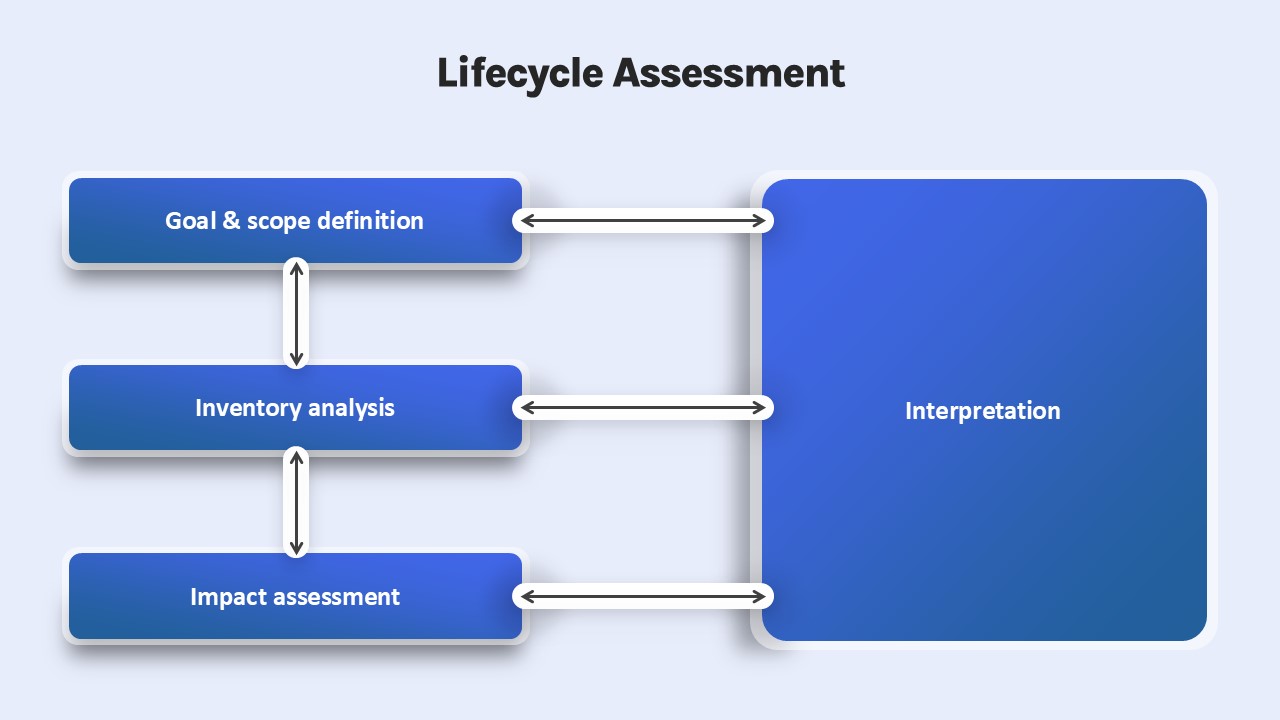
Lifecycle Assessment template for PowerPoint & Google Slides
Process
Customer Loyalty Lifecycle PowerPoint Template
Process
Online Education Template for PowerPoint Presentation
Business Proposal
Free Online Education PowerPoint Template
Pitch Deck
Free
Online Learning PowerPoint Template
Customer Journey
AI Development Lifecycle PowerPoint Template
Circular
Customer Experience Lifecycle PowerPoint Template
Customer Journey
5 Stage Employee lifecycle Process Diagram for PowerPoint
Circular
ITIL Service Lifecycle Diagram Template
Circular