IT Infrastructure Management PowerPoint Template
Technology discussions often involve multiple systems working together behind the scenes. This IT Infrastructure Management Presentation Template helps transform those interconnected systems into a visual format that is easier to explain and easier to follow. Whether presenting infrastructure strategies to executives or reviewing technical architecture with engineering teams, the design helps organize information in a practical way. The template works seamlessly with PowerPoint and Google Slides, maintaining a polished appearance across devices and presentation environments.
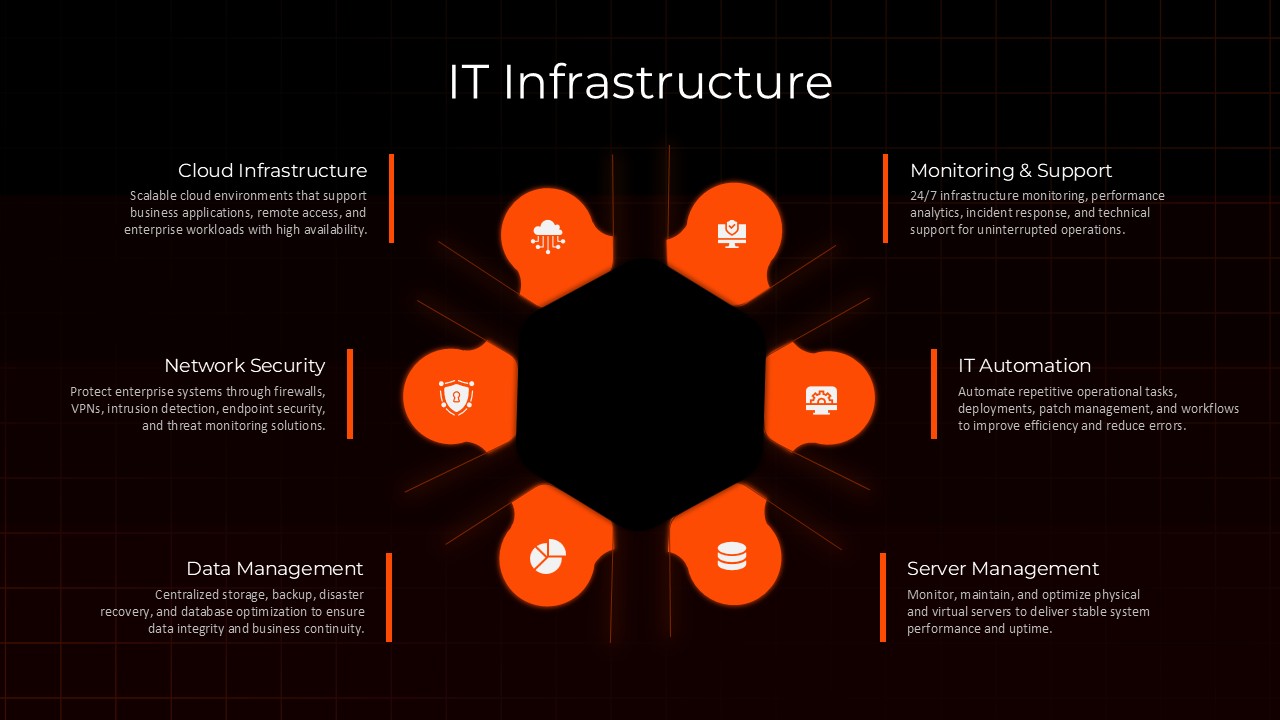
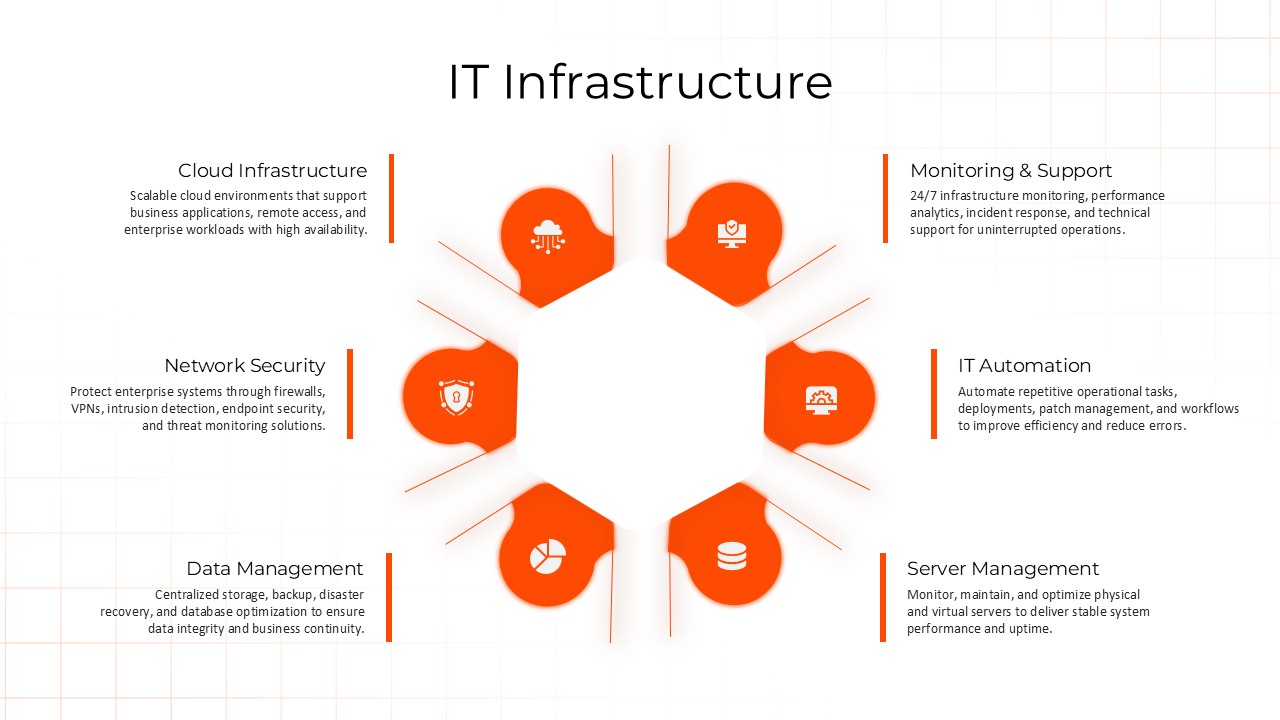
The template uses a central ecosystem structure where essential infrastructure functions are positioned as connected parts of a larger technology environment. Areas such as cloud infrastructure, server environments, network security, automation systems, data management, monitoring services, and operational support can be displayed within a single visual framework. Instead of presenting isolated technology elements, the slide shows how systems interact and support one another across an organization.
Cloud Infrastructure Architecture and Enterprise Systems Overview
The slide layout also supports a natural storytelling sequence. Presenters can start with the main technology foundation, introduce supporting infrastructure layers, and then explain how each area contributes to security, performance, scalability, and business operations. This approach creates a smooth transition from strategic objectives to technical details.
The design combines a dark interface with bright accent elements that bring attention to key infrastructure sections without creating visual clutter. Connected pathways and icon-based sections help audiences track information quickly during architecture reviews or operational discussions.
Every component can be edited to fit company requirements. Users can replace icons, modify labels, change color themes, and adapt content based on internal systems and branding guidelines.
Frequently Asked Questions
What IT service areas does this template cover?
Can I customize the service categories for my organization?
Login to download this file

Item ID
SB05899Designed By
Naseeba Sithara


Related Templates

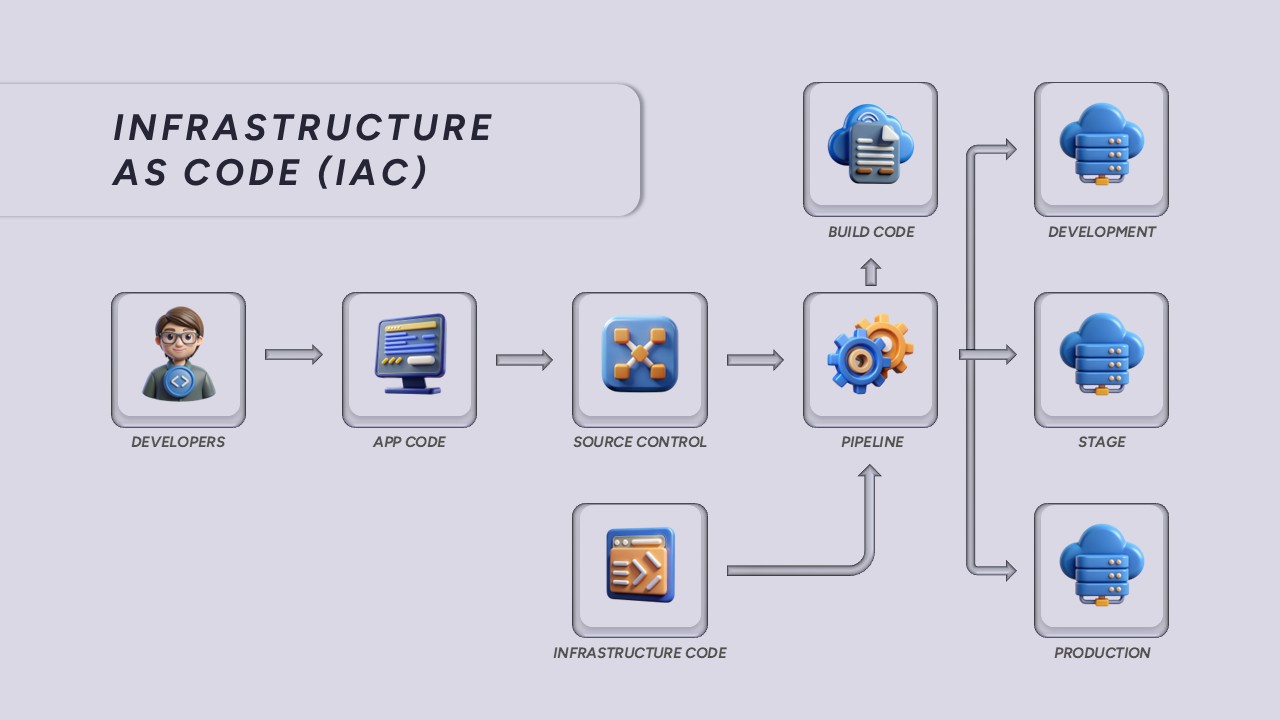
Infrastructure as Code (IaC) Workflow Template for PowerPoint
Technology
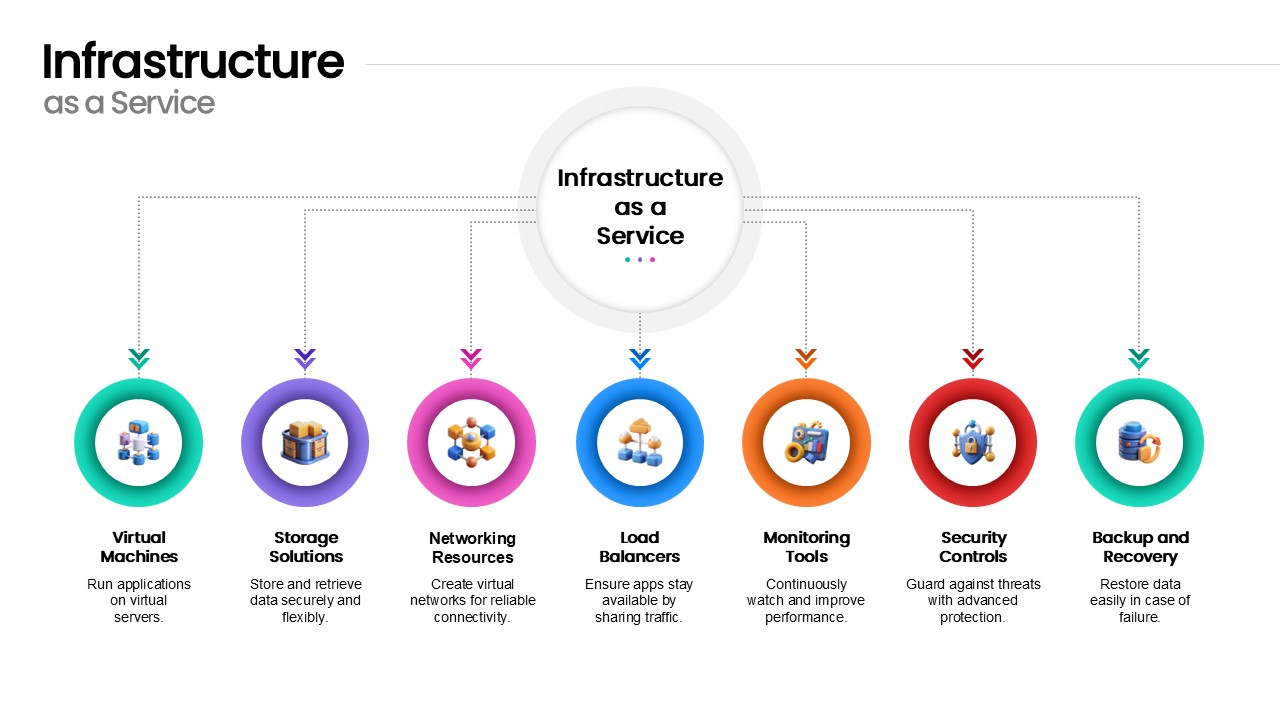
Infrastructure as a Service Diagram Template for PowerPoint & Google Slides
Cloud Computing
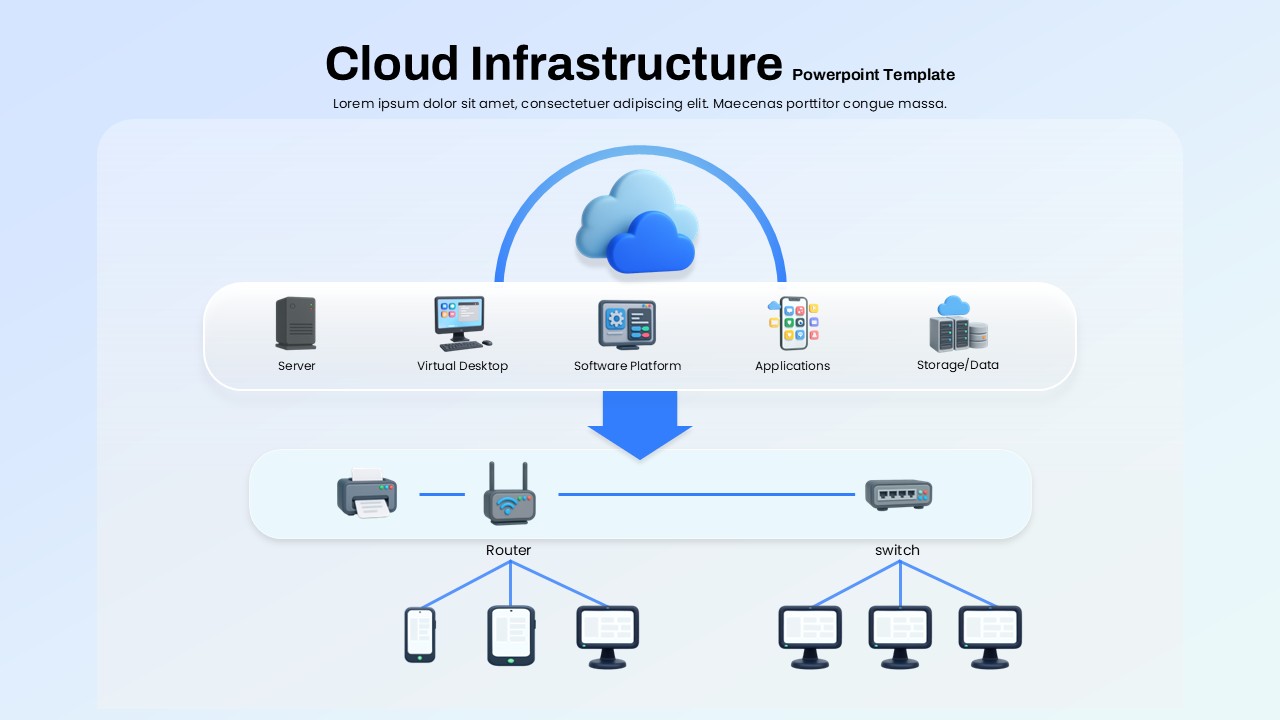
Cloud Infrastructure Overview PowerPoint Template
Information Technology

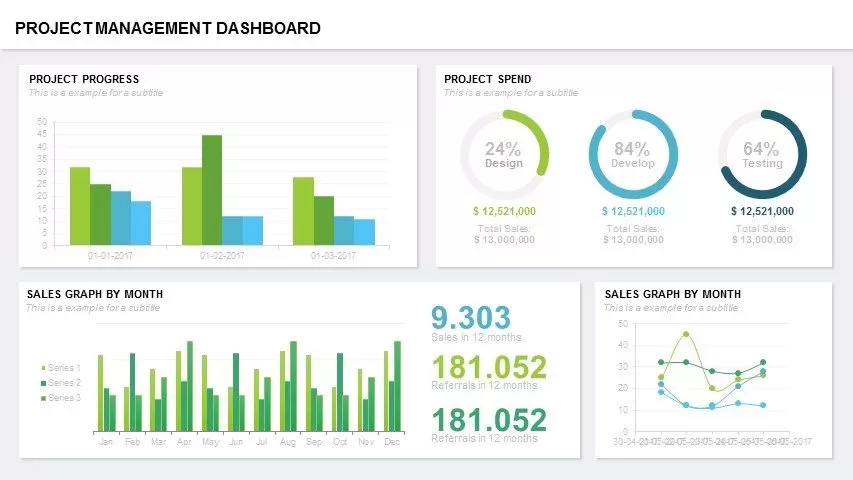
Project Management Dashboard PowerPoint Template and Google Slides Template
Project
Risk Management PowerPoint Template
Decks
Data Management and Analytics Diagram Template for PowerPoint & Google Slides
Circular
Revenue Management Business Strategy Template for PowerPoint & Google Slides
Revenue
Business Process Management Flow Diagram Template for PowerPoint & Google Slides
Process

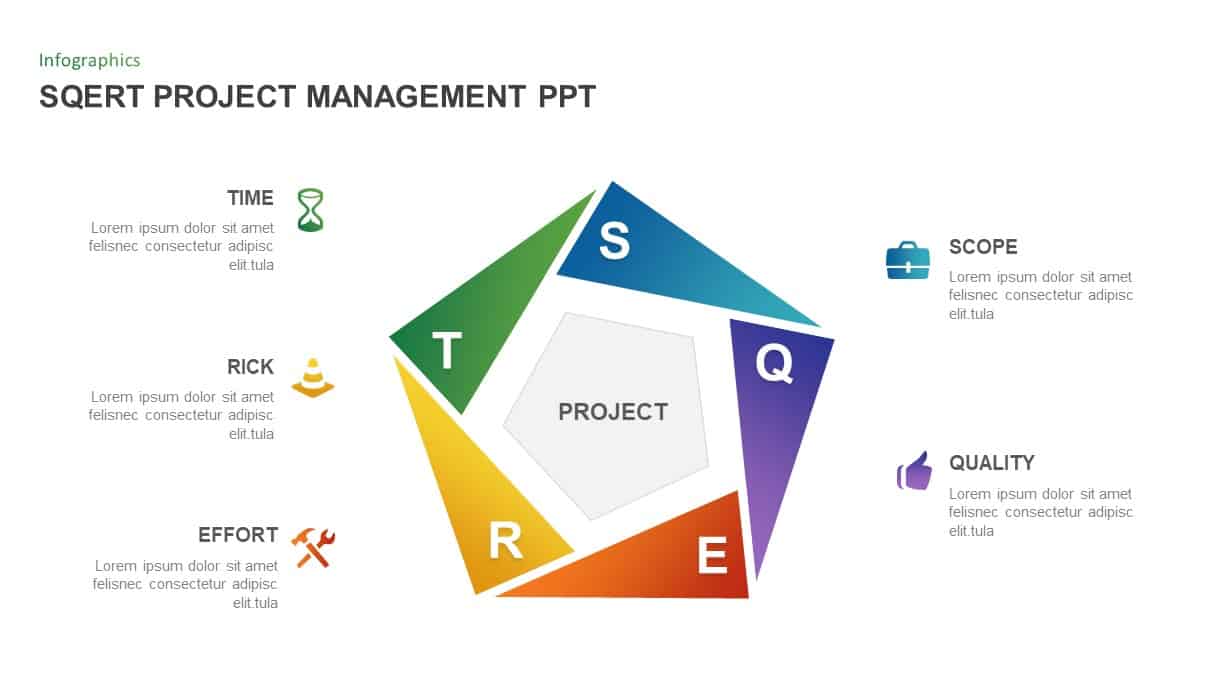
SQERT Project Management PowerPoint Template
Process
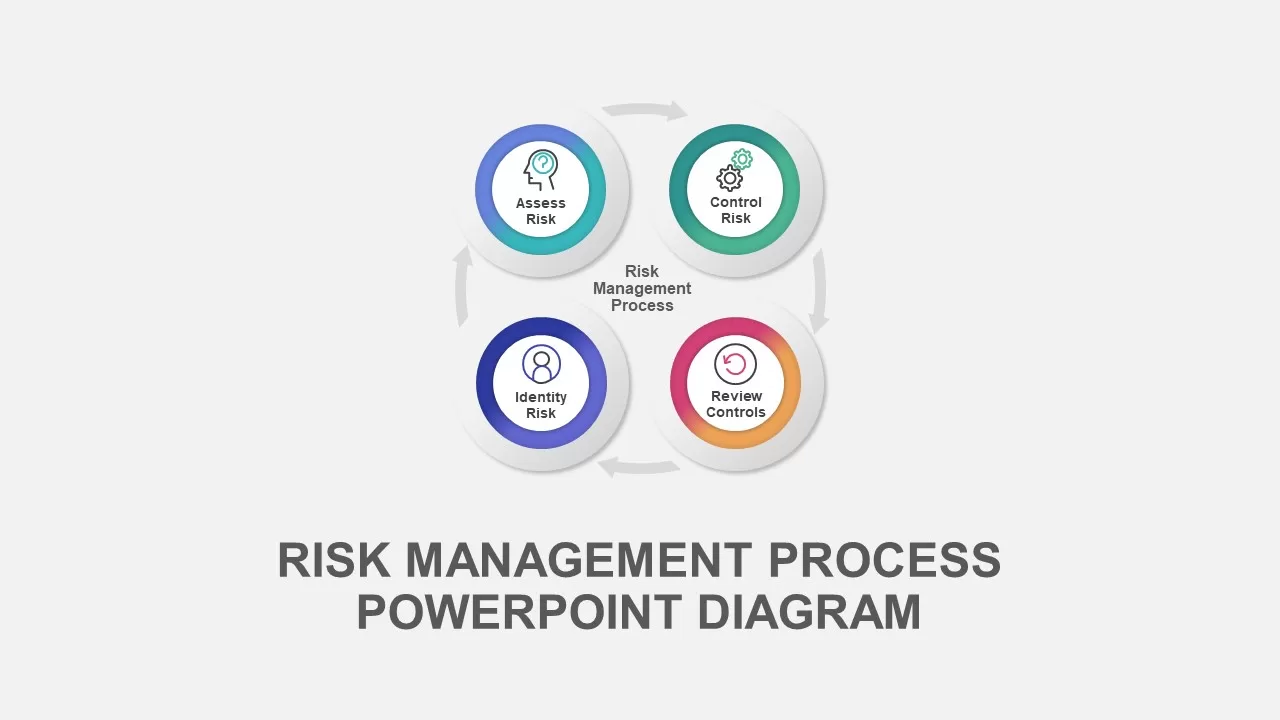
Risk Management Process Diagram Template for PowerPoint & Google Slides
Risk Management
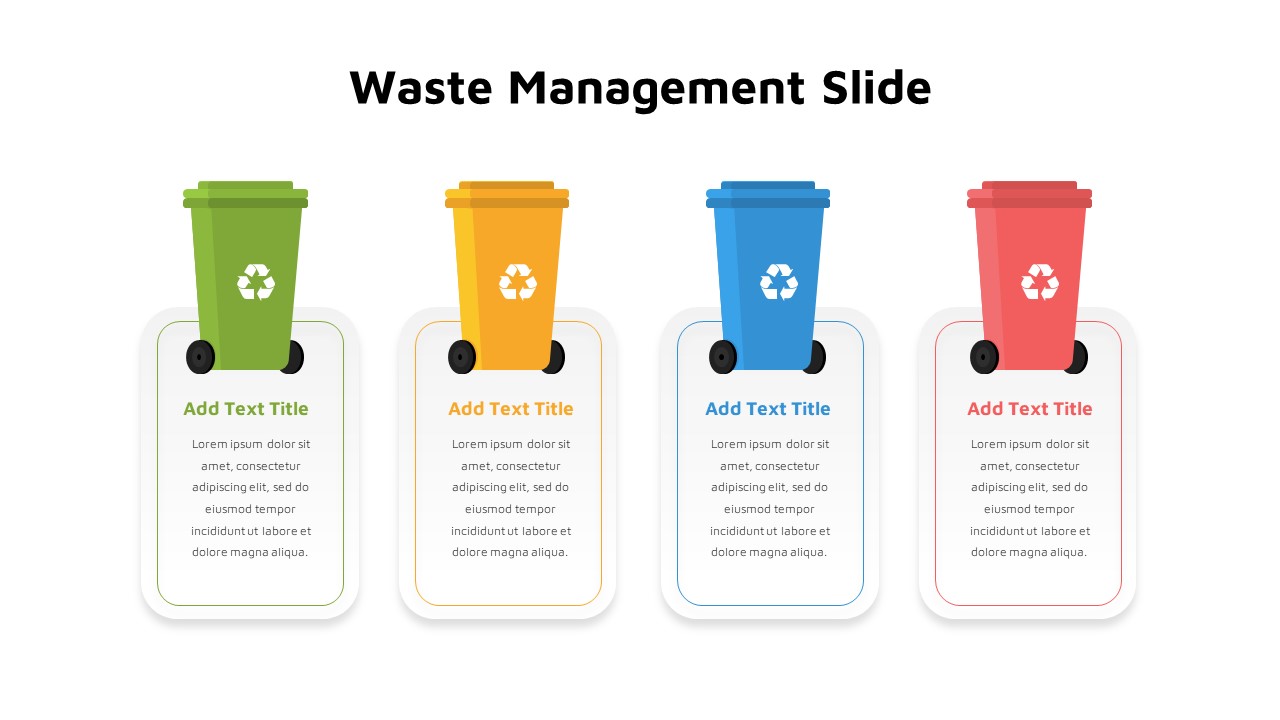
Waste Management Template for PowerPoint
Comparison
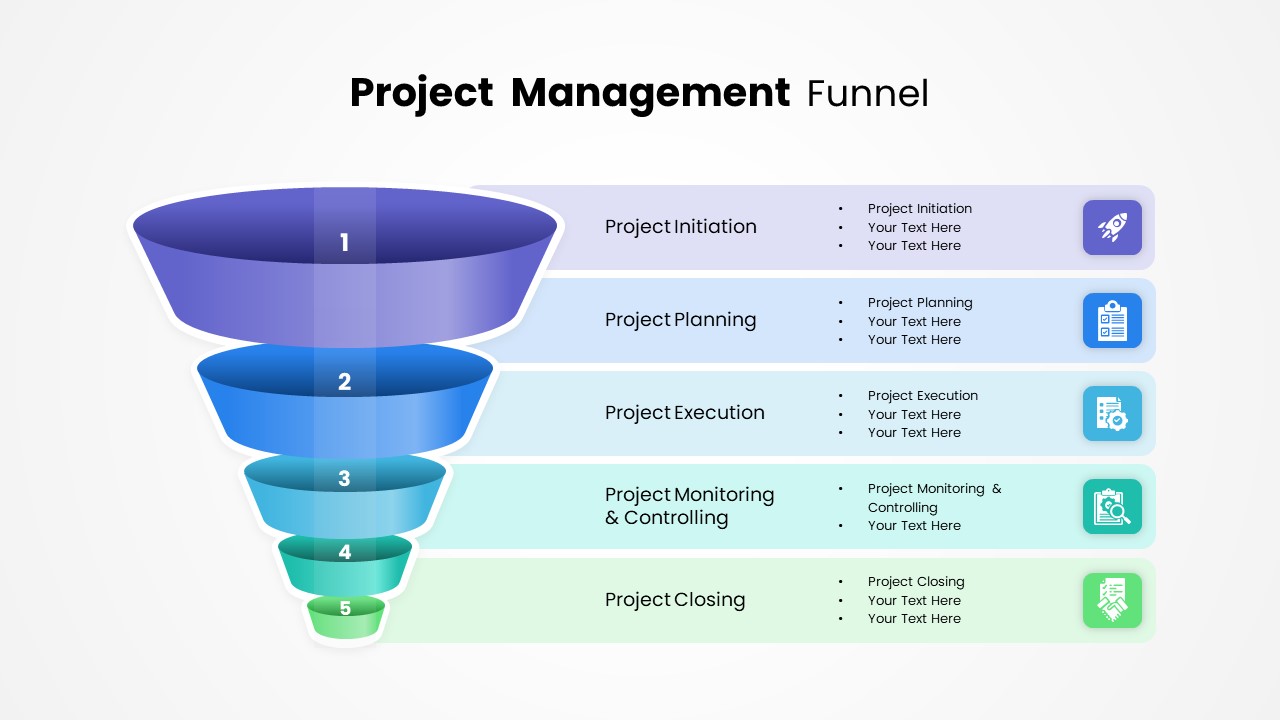
Project Management Funnel Template PowerPoint
Project
Release Management Process PowerPoint Template
Software Development
Operations Management Timeline Infographics
Timeline
Free
Comprehensive Program Management Process Template for PowerPoint & Google Slides
Process
Change Management Process PowerPoint Template
Process

Change Management Consulting template for PowerPoint
Company Profile
Project Management Funnel PPT and Google Slides Template
Funnel
Key Account Management Cycle PowerPoint Template
Process
Product Information Management Template for PPT & Google Slides
Information Technology