Incident Tracking PowerPoint Template
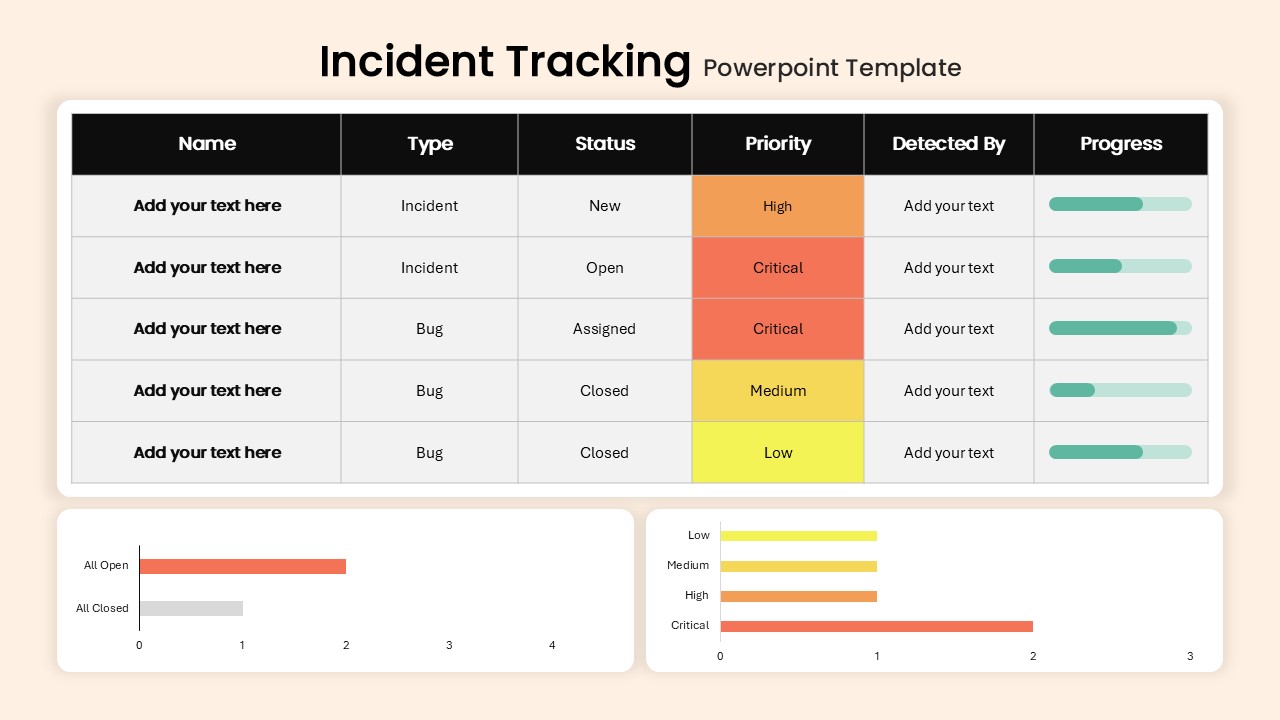
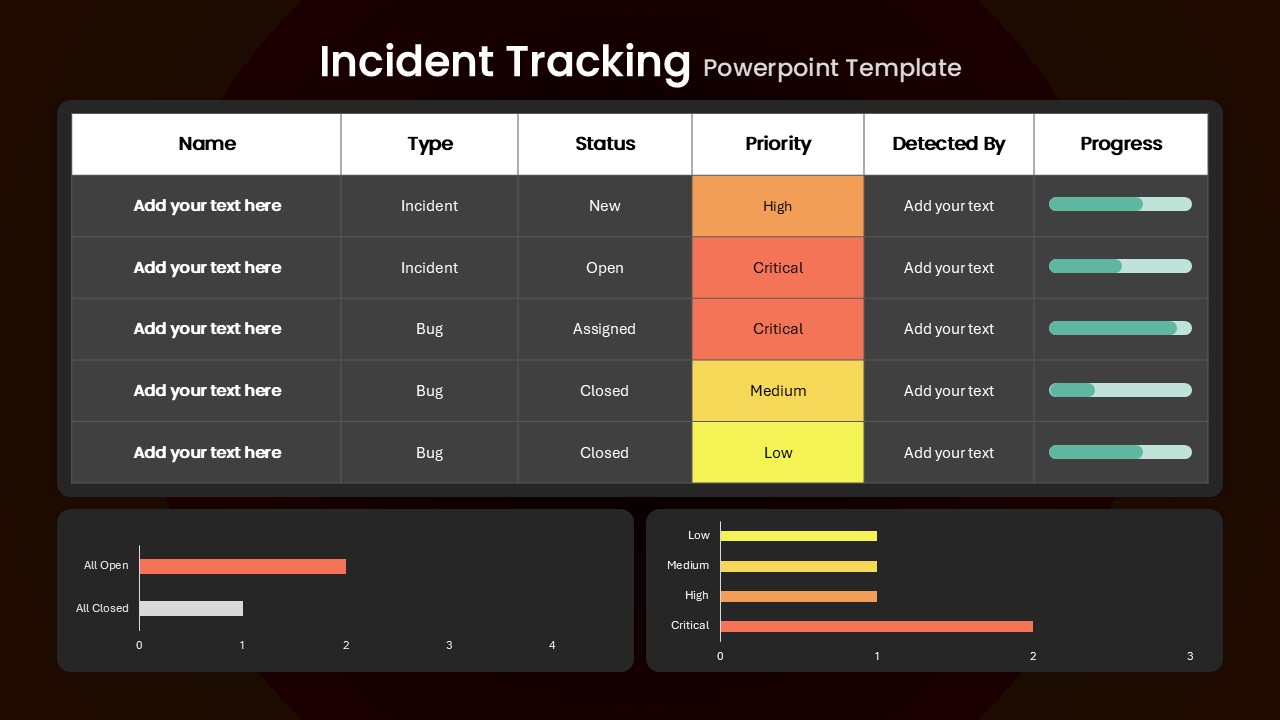
Keep track of incidents, bugs, and tasks with a clear dashboard that helps your team understand what needs attention. This Incident Tracking PowerPoint Template brings important issue details into one organized view, making it easier to follow progress from detection to resolution. Use columns such as Name, Type, Status, Priority, Detected By, and Progress to present incident information in a simple and structured format.
Make Incident Reporting Easier
Use the dashboard to give managers, technical teams, and stakeholders a quick overview of current issues. Instead of presenting a long list of incidents, you can use the visual indicators and summary charts to highlight urgent problems, completed work, and areas that still require attention.
Flexible for Different Workflows
This editable template can be adapted to suit different reporting and tracking needs. Replace the sample information with your own incidents, change the status labels, update progress values, or customize the colors to match your presentation style.
Edit the content directly in PowerPoint or Google Slides and tailor the dashboard to your workflow. Whether you are providing a weekly status update, reviewing incidents with your team, or reporting resolution progress to stakeholders, this template helps you present operational information in a clear and easy-to-understand format.
Login to download this file

Item ID
SB05227


Related Templates

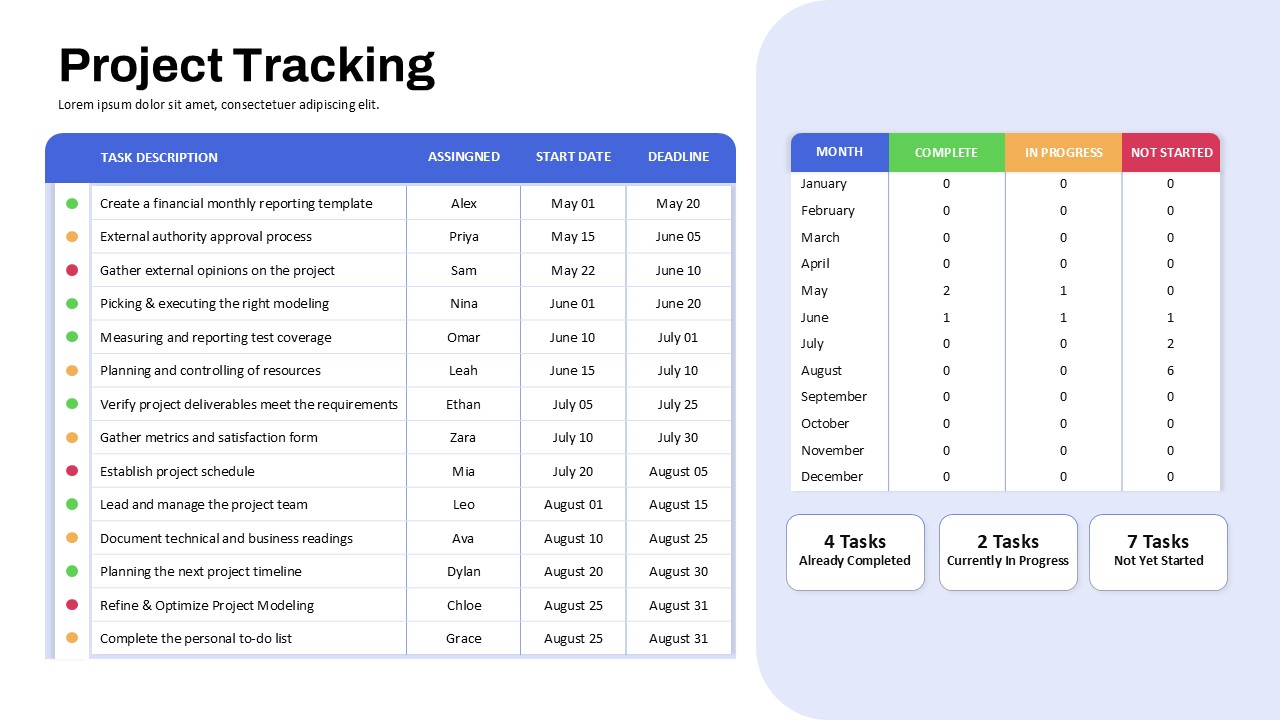
Project Tracking Dashboard Table Template
Project Status
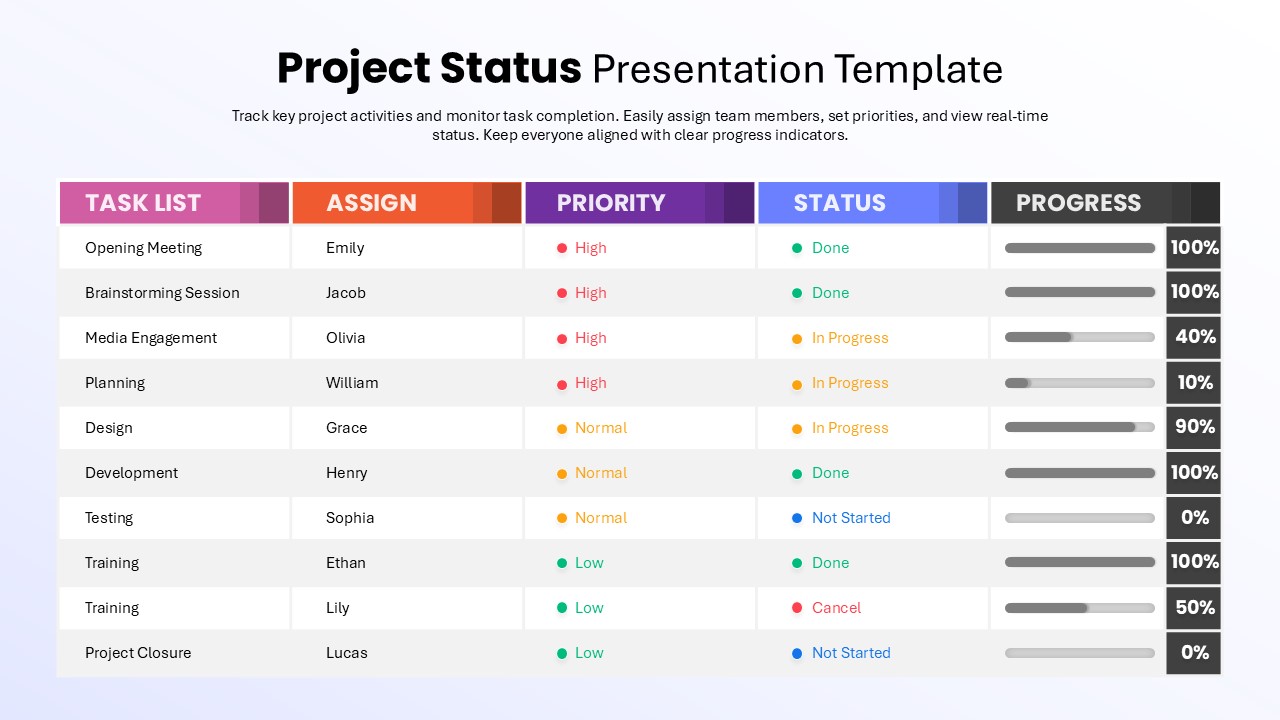
Project Status Presentation Template
Project Status
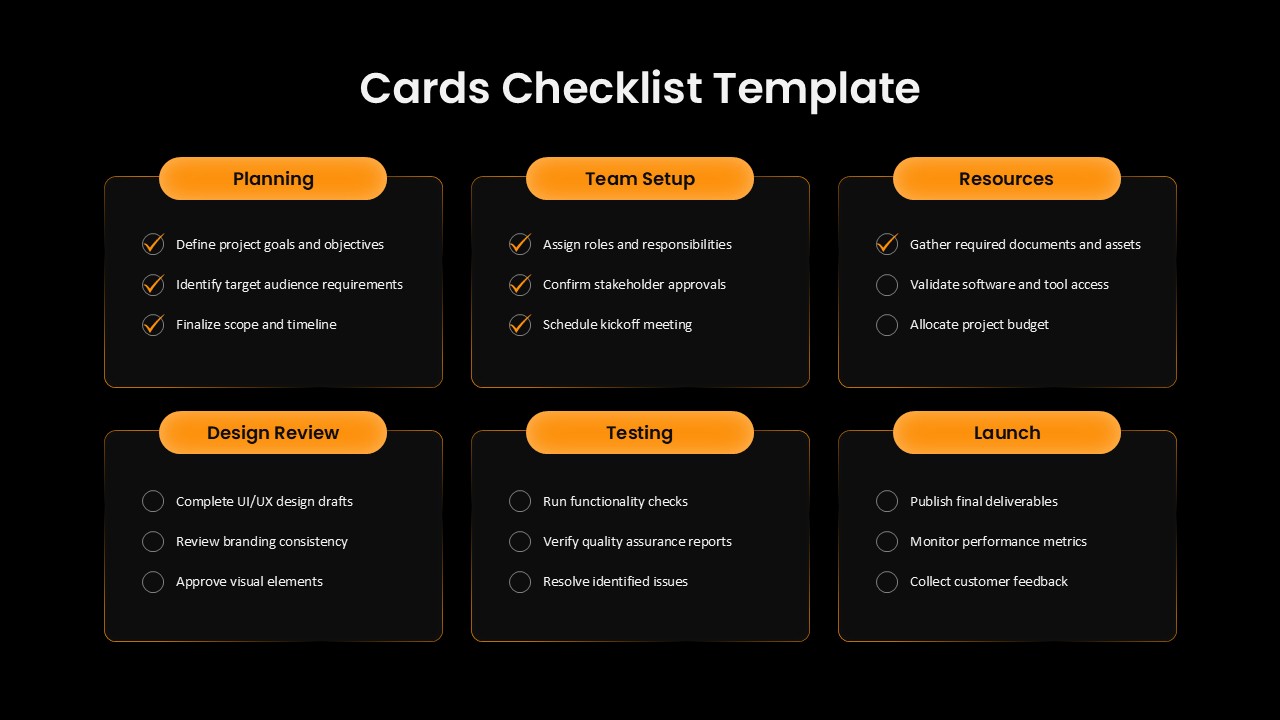
Cards Checklist PowerPoint Template for Project Tracking
Project Management
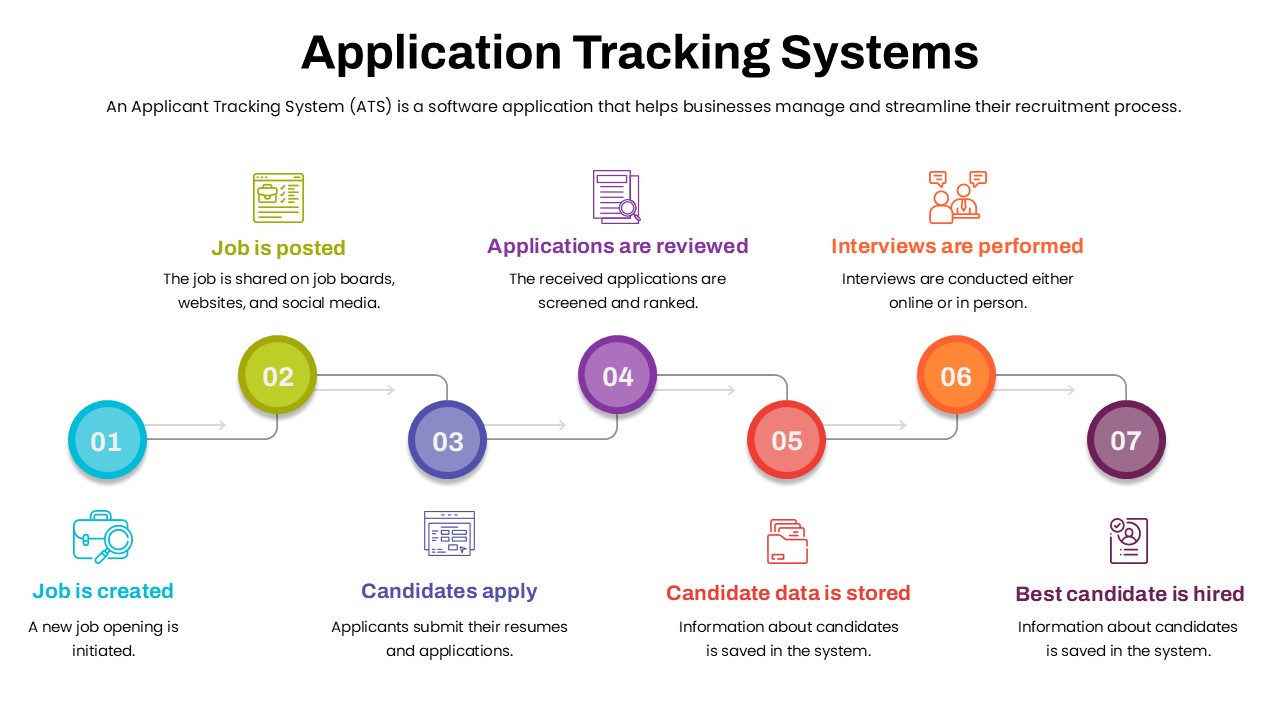
Application Tracking Systems Timeline Template
Process
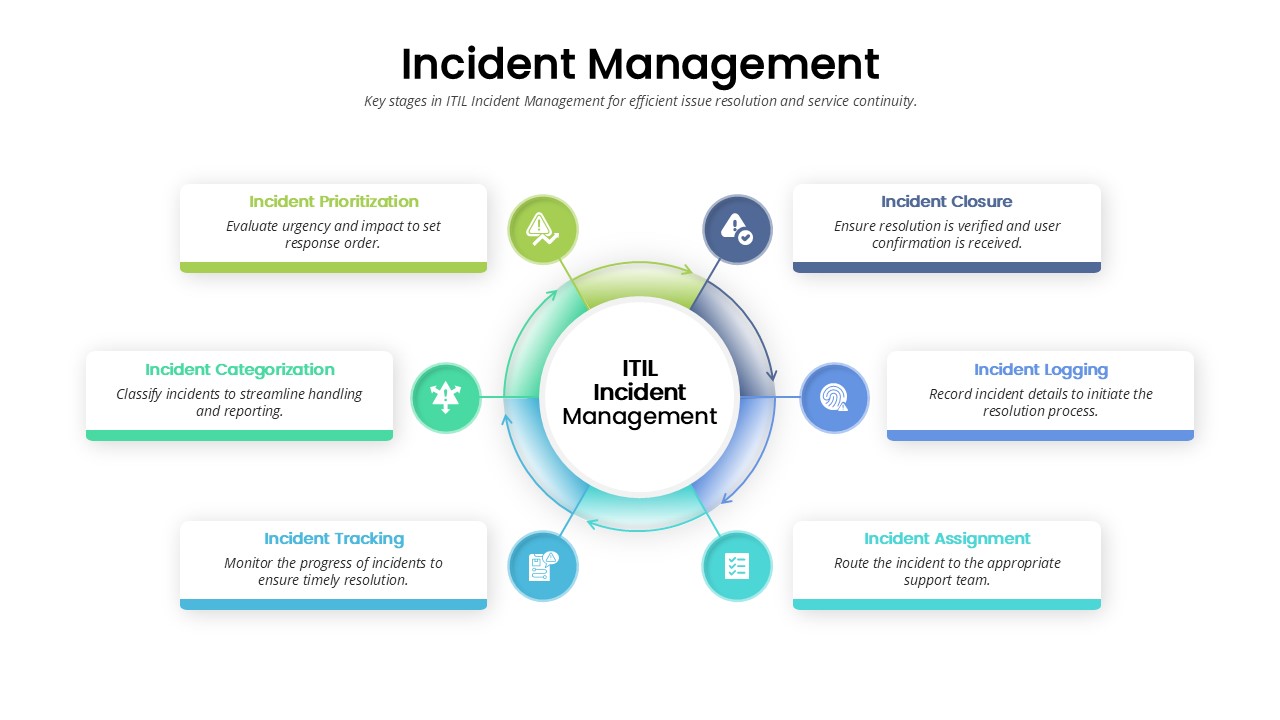
Incident Management Presentation Template
Process
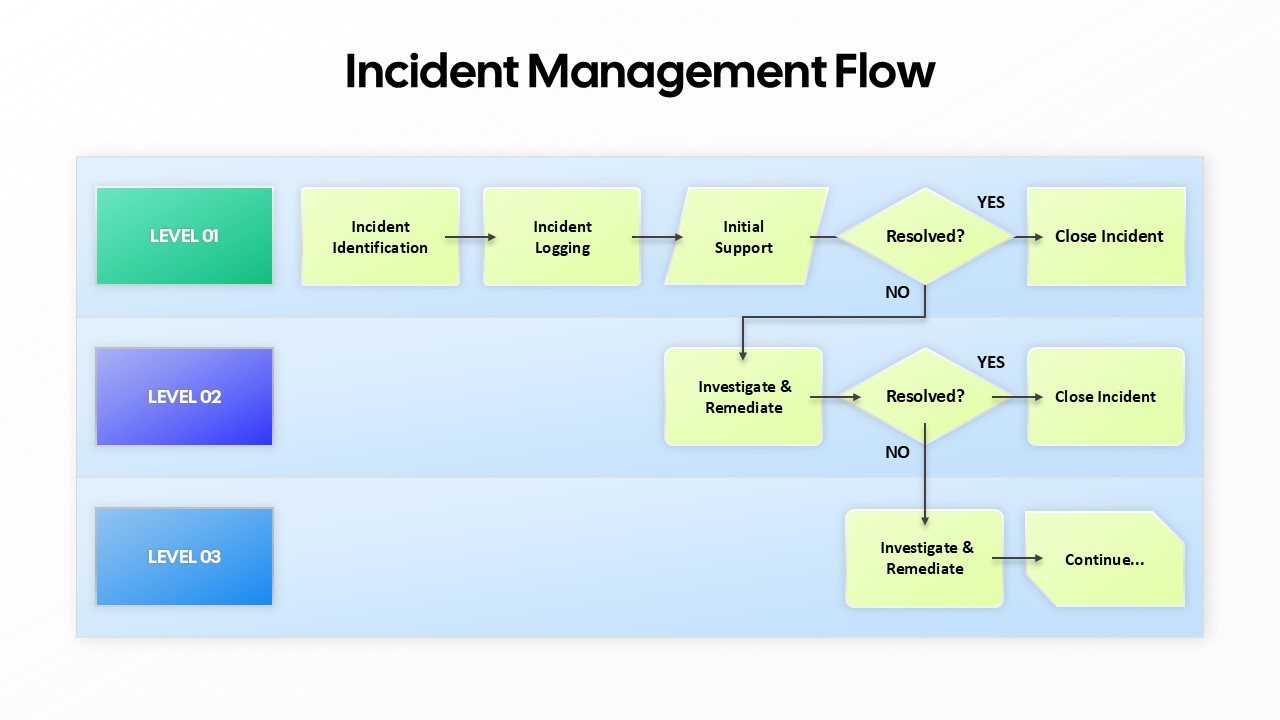
Incident Management Flow PowerPoint Template
Flow Charts
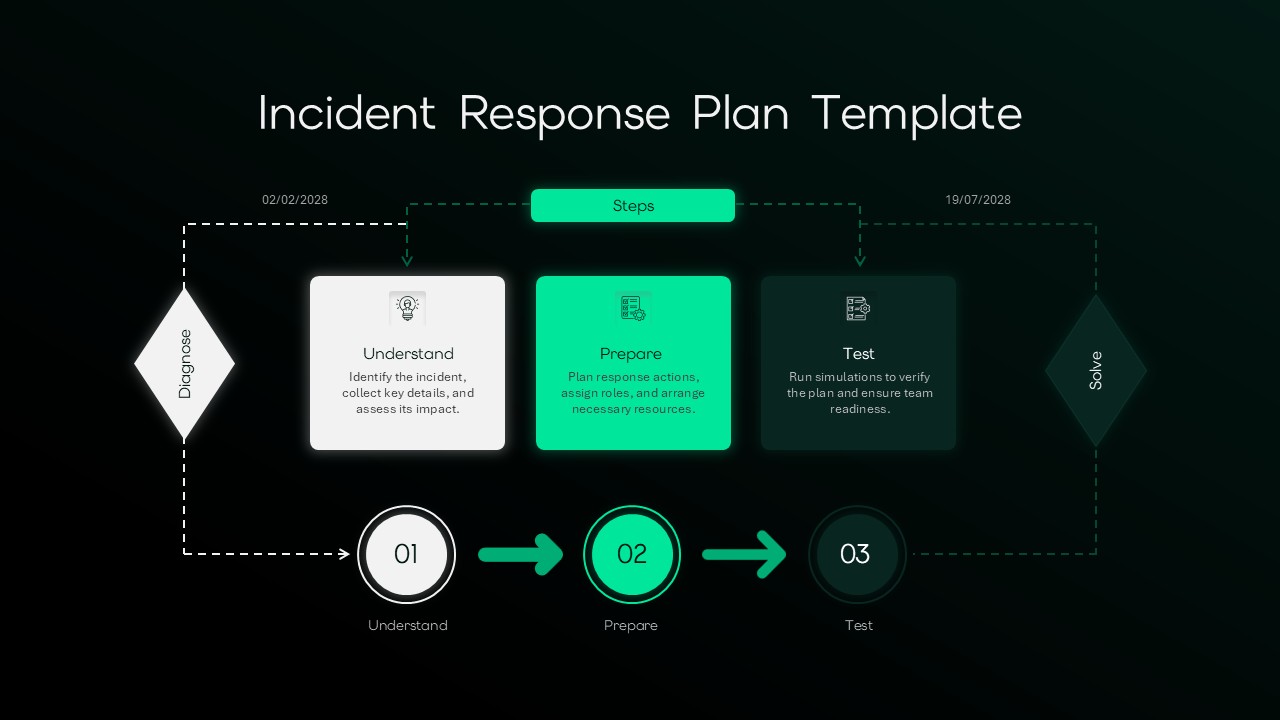
Incident Response Plan Flowchart Template for PPT & Google Slides
Risk Management
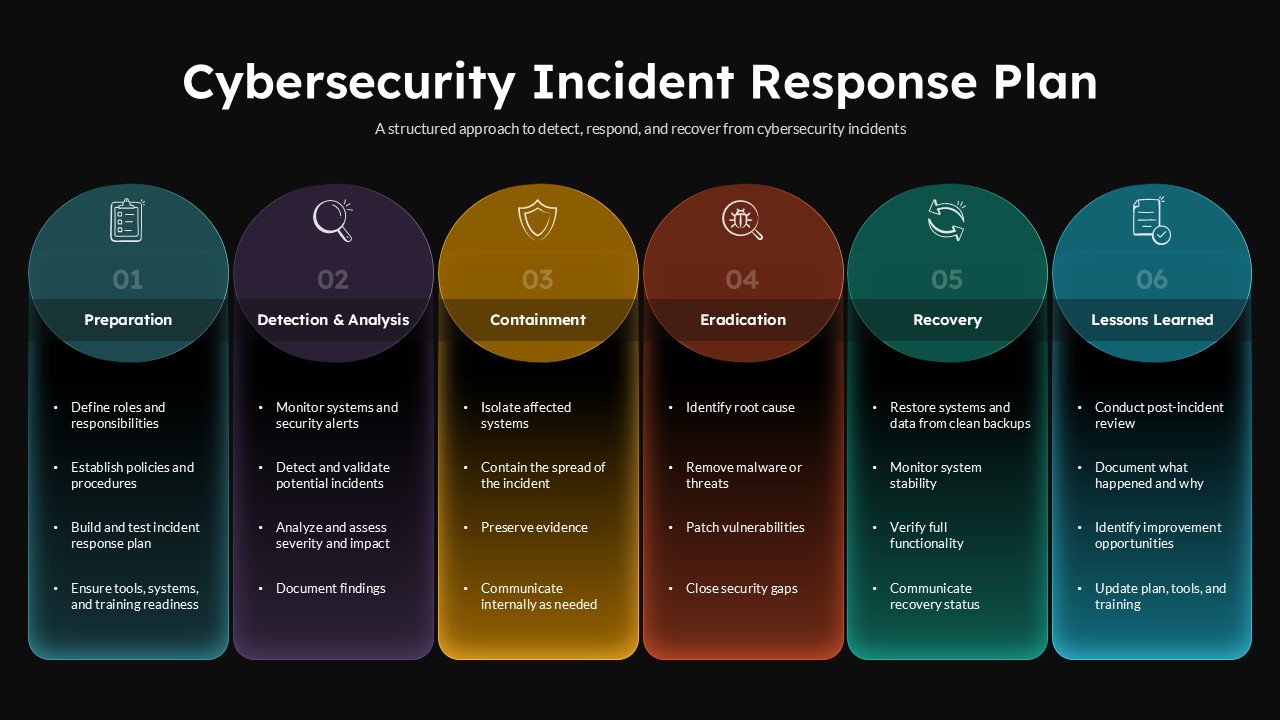
Cybersecurity Incident Response Plan PowerPoint Template
Information Technology