Gear Slides for PowerPoint & Google Slides
Gear Slides Presentation Template for PowerPoint & Google Slides
Illustrating complex mechanical operations, demonstrating system interconnectivity, or breaking down how cross-functional departments work in tandem requires an intuitive visual metaphor. This gear slides presentation template equips operations managers, technical project leaders, management consultants, and department heads with an interlocking gear mechanism diagram designed to demonstrate synergy, operational alignment, and process integration with complete clarity.
By placing a network of meshing gears at the center of the slide, speakers can easily communicate how small operational tasks drive major organizational outcomes without overwhelming viewers with cluttered process maps.
Step-by-Step Delivery and Framework Breakdown
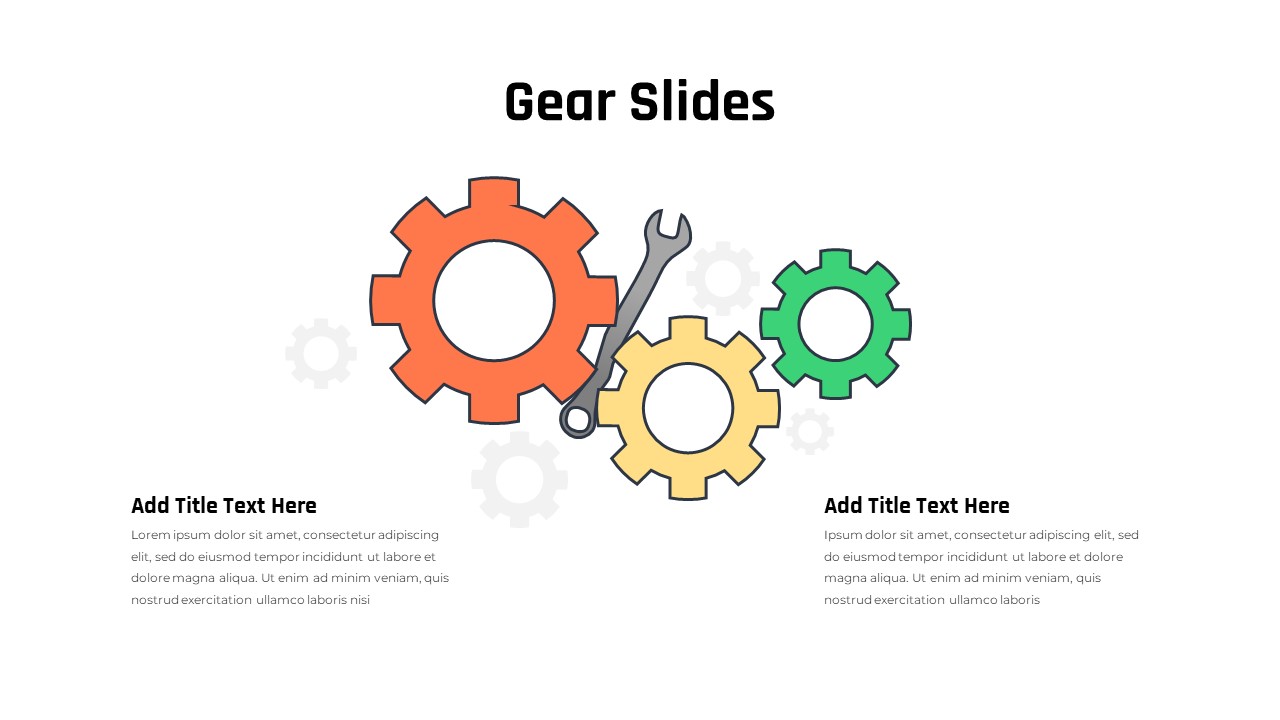
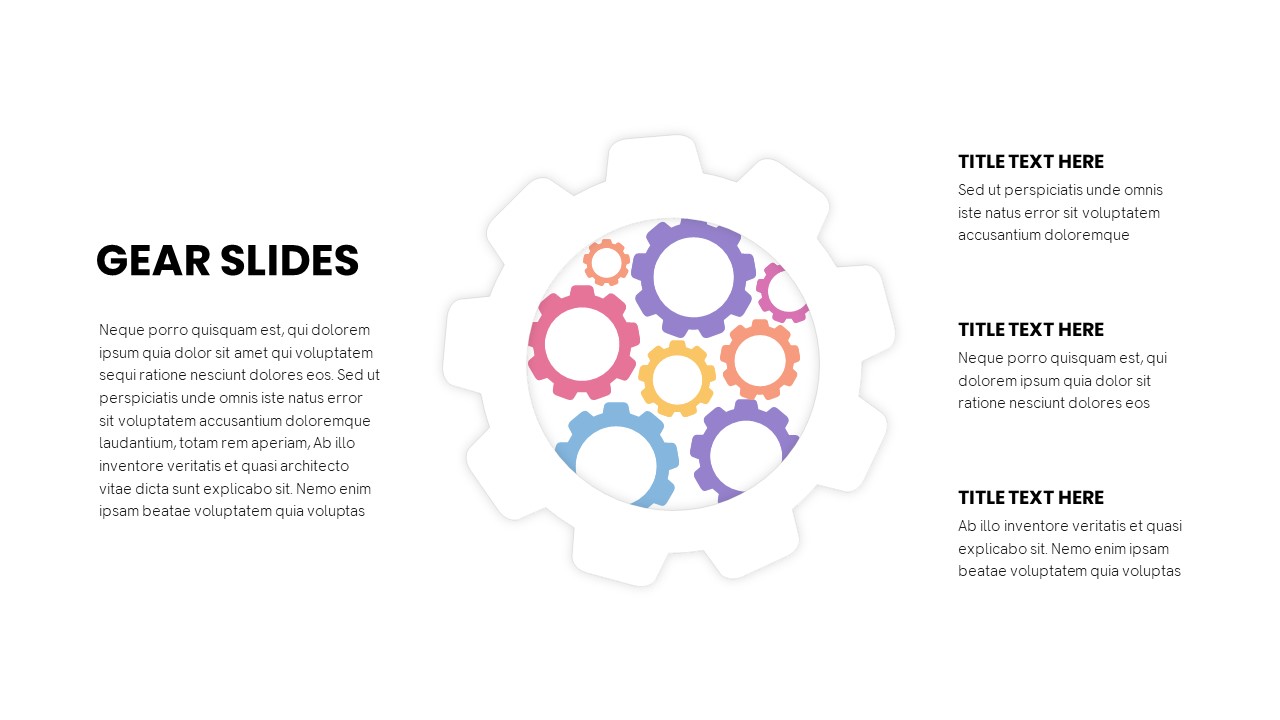
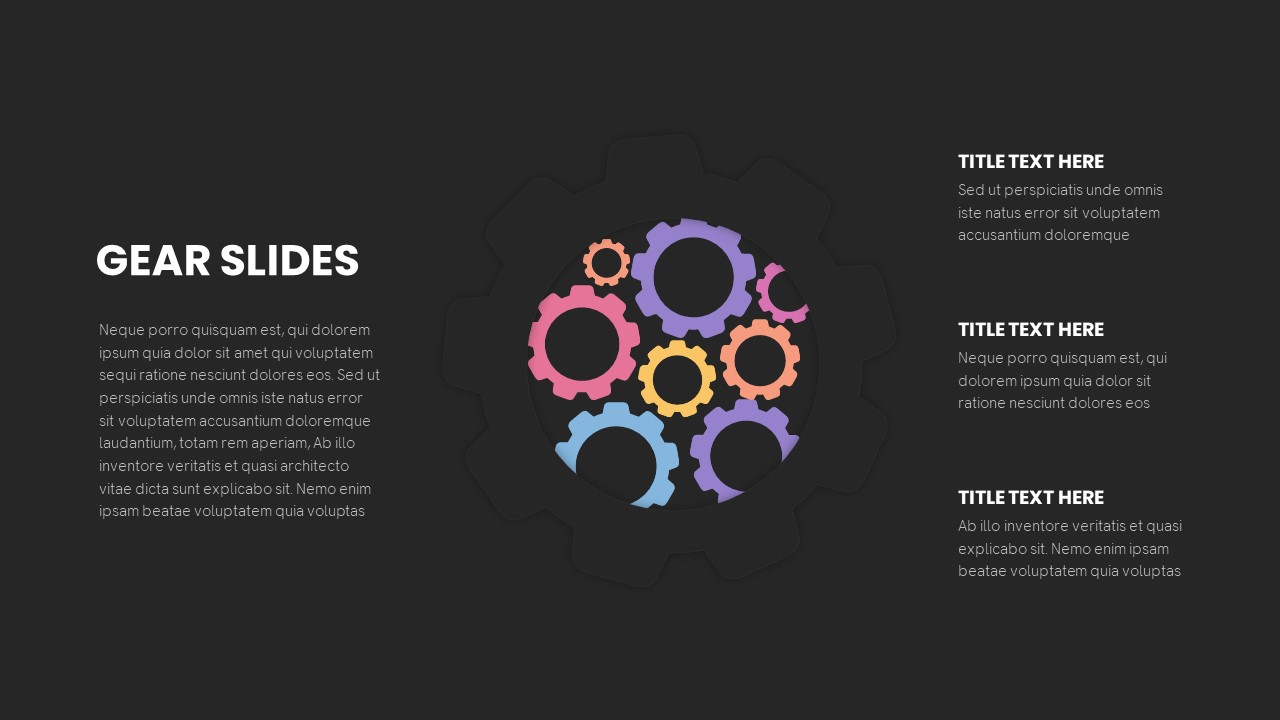
- Introduce the Core Operating Mechanism: Direct audience focus to the large white framing gear set in the middle of the canvas. Use the broad introductory narrative block on the left side to define the primary operational objective, organizational system, or technology architecture driving the presentation.
- Examine Internal System Dependencies: Walk viewers through the cluster of multi-colored, interlocking cogs nestled inside the central wheel. Point out how varying gear sizes represent distinct organizational functions, ranging from foundational operational drivers to fast-moving tactical teams working together to maintain continuous momentum.
- Detail Pillar One (Primary Tactical Driver): Transition to the top right callout block labeled “TITLE TEXT HERE”. Detail the primary functional component of the workflow, such as product development or strategic planning, explaining how this gear sets the broader operational rhythm in motion.
- Detail Pillar Two (Supportive Infrastructure): Move down to the middle right text placeholder. Focus on enabling functions such as data analytics, infrastructure maintenance, or resource coordination, showing how these intermediate operations prevent friction across dependencies.
- Detail Pillar Three (Execution & Delivery): Conclude at the bottom right text area to outline final execution, quality assurance, or customer delivery. Reiterate how each step directly meshes with surrounding gears to keep the entire business machine operating smoothly.
Presentation Design & Technical Versatility
The presentation template utilizes a clean, minimalist white canvas with a subtly raised, drop-shadowed gear cutout framing the center. Inside the cutout, seven colorful vector gears create a vibrant contrast using soft shades of lavender, pastel pink, soft peach, golden yellow, and sky blue. The three right-aligned text blocks feature bold title typography paired with generous paragraph placeholders, ensuring comfortable legibility during executive meetings, technical reviews, and company-wide briefings. Every gear shape, line element, and text box is 100% editable vector art compatible with Microsoft PowerPoint and Google Slides, allowing you to easily adjust color schemes, rescale elements, or modify layout alignments to match your brand requirements.
Check out more infographic templates.
Login to download this file

Item ID
SB03262


Related Templates

Free Gear Infographics Template Editable In PowerPoint & Google Slides
Process
Free
Gear Process Diagram template for PowerPoint & Google Slides
Gear
Gear Diagram template for PowerPoint & Google Slides
Process
Process Gear Shapes Template for PowerPoint & Google Slides
Infographics
Car Gear Infographics Template for PowerPoint & Google Slides
Infographics
Gear Process Phase Diagram template for PowerPoint & Google Slides
Process

Dynamic 4 Gear Process Diagram Template for PowerPoint & Google Slides
Process

Strategy Arrow and Gear Icons Template for PowerPoint & Google Slides
Infographics
Corporate Mission Statement Gear Slide Template for PowerPoint & Google Slides
Vision and Mission
Gear Process Diagram for PowerPoint & Google Slides
Process

Four Stage Gear Diagram PowerPoint Template and Google Slides
Process
Six-Stage Gear Wheel Diagram Template for PowerPoint & Google Slides
Circular
Four-Stage Gear Process Diagram Template for PowerPoint & Google Slides
Process
5-Stage Gear Process Flow Diagram Template for PowerPoint & Google Slides
Process
Sales Process Improvement Gear Diagram Template for PowerPoint & Google Slides
Process
8-Step Circular Gear Infographic for PowerPoint & Google Slides
Circular
Gear Process Diagram Template for PowerPoint & Google Slides
Process
Animated Multi-Gear Cluster Infographic Template for PowerPoint & Google Slides
Process
Cloud Gear Automation Diagram Template for PowerPoint & Google Slides
Cloud Computing
Dynamic Four-Step Gear Process Template for PowerPoint & Google Slides
Process