Eisenhower Matrix Decision-Making template for PowerPoint & Google Slides
Master Task Prioritization with an Eisenhower Matrix Slide Template for PowerPoint and Google Slides
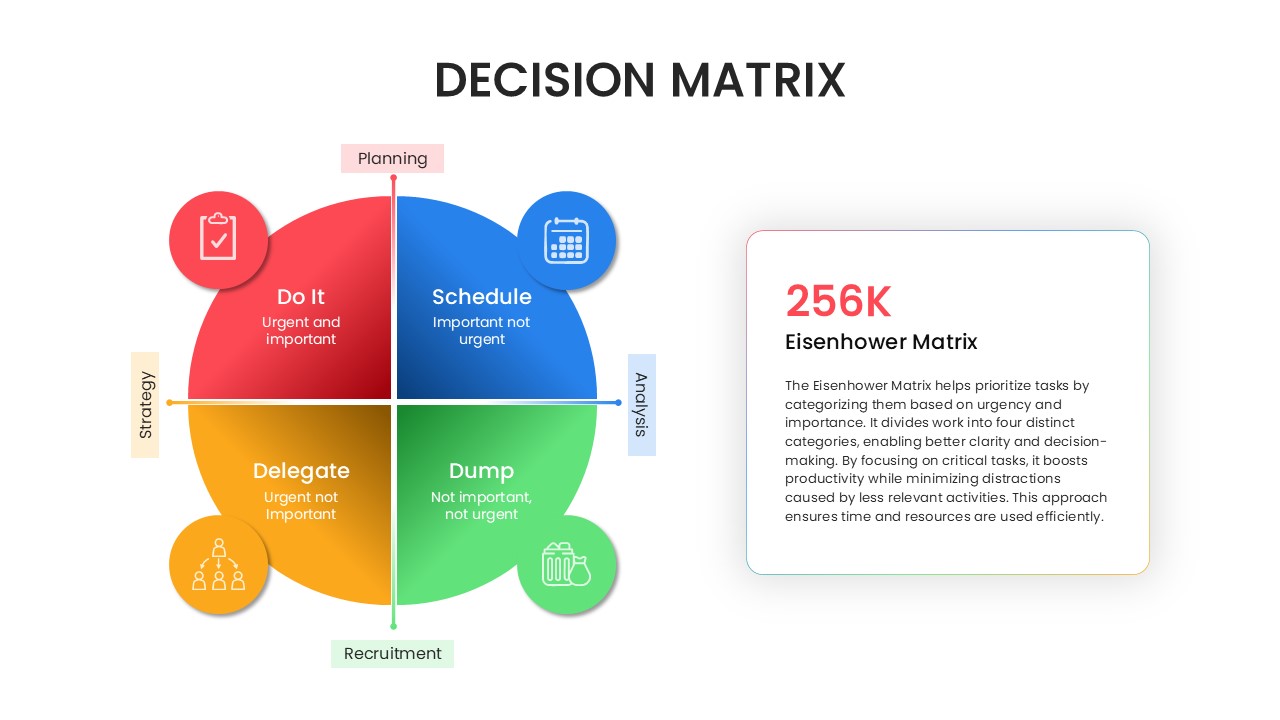
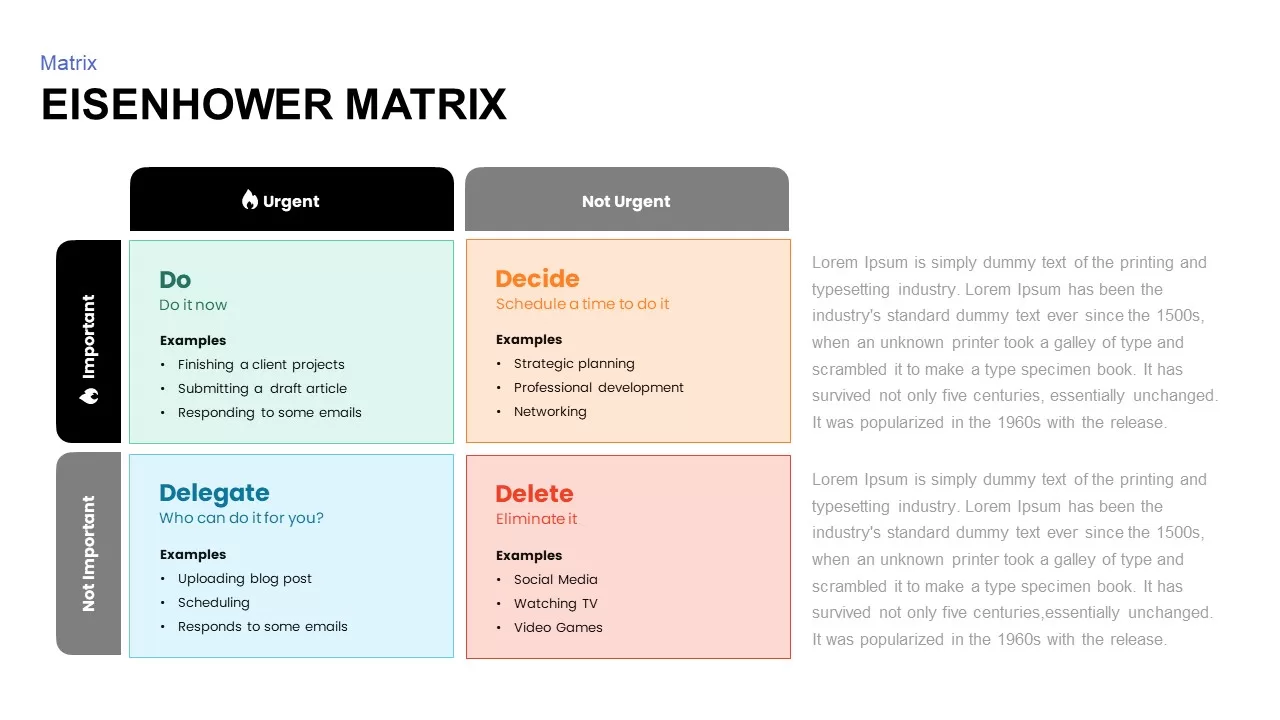
Effective time management requires a clear system to separate critical tasks from daily distractions. An Eisenhower Matrix slide template for PowerPoint and Google Slides provides a practical, four-quadrant framework to evaluate your to-do list by urgency and importance. By dividing responsibilities into distinct action paths, this clean layout helps individuals and teams determine immediate priorities at a glance. It operates natively across both major presentation platforms, allowing you to deliver your productivity strategies smoothly during team syncs, client consultations, or executive reviews.
By organizing your workflows into defined visual zones, this corporate template ensures your operational focus remains sharp. Using this premium graphic keeps your audience engaged whether you present offline using PPT or collaborate online via Google Slides.
Core Features of This Urgent and Important Productivity Matrix
Managing multiple projects requires a highly adaptable layout that looks clean in any meeting environment. This specific presentation graphic includes built-in design tools that function perfectly across Microsoft platforms and Google Slides:
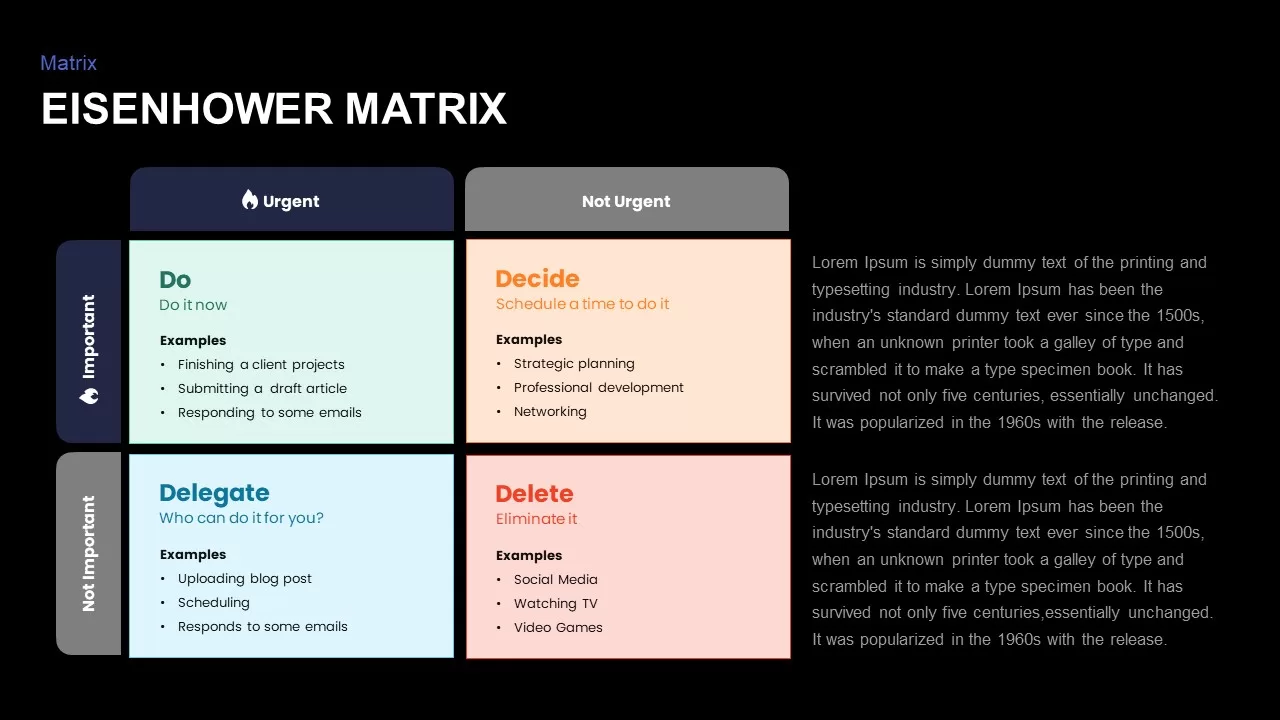
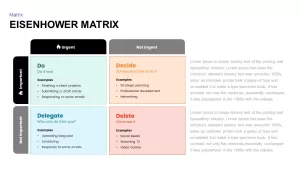
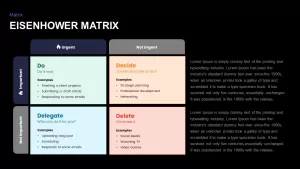
- Four-Quadrant Framework: Categorize your workflows instantly into four clear segments: Do, Decide, Delegate, and Delete.
- Color-Coded Visual Sections: Distinct color tracks use green for immediate action items, orange for scheduled tasks, blue for delegation, and red for tasks to eliminate completely.
- Fully Editable Vector Layout: You can easily update text placeholders, adjust background colors, and scale the matrix grid directly inside Google Slides or PowerPoint without losing resolution.
- Cross-Platform Performance: Share your productivity decks seamlessly across different devices without worrying about misaligned shapes or broken font styles.
Who Should Use an Eisenhower Matrix Presentation Slide?
This time management layout is built for professionals who need to optimize resource allocation and eliminate operational bottlenecks without building slides from scratch. It serves as an excellent asset for project managers balancing multiple development timelines, business leaders structuring quarterly goals, and team coordinators establishing clear daily workflows.
The intuitive text placeholders ensure you can update your active task list inside Google Slides or PowerPoint in just a few clicks. This saves valuable time during presentation preparation, allowing you to focus entirely on directing team focus where it matters most.
Login to download this file

Item ID
SB02021


Related Templates

Eisenhower Matrix PowerPoint Template
Comparison Chart
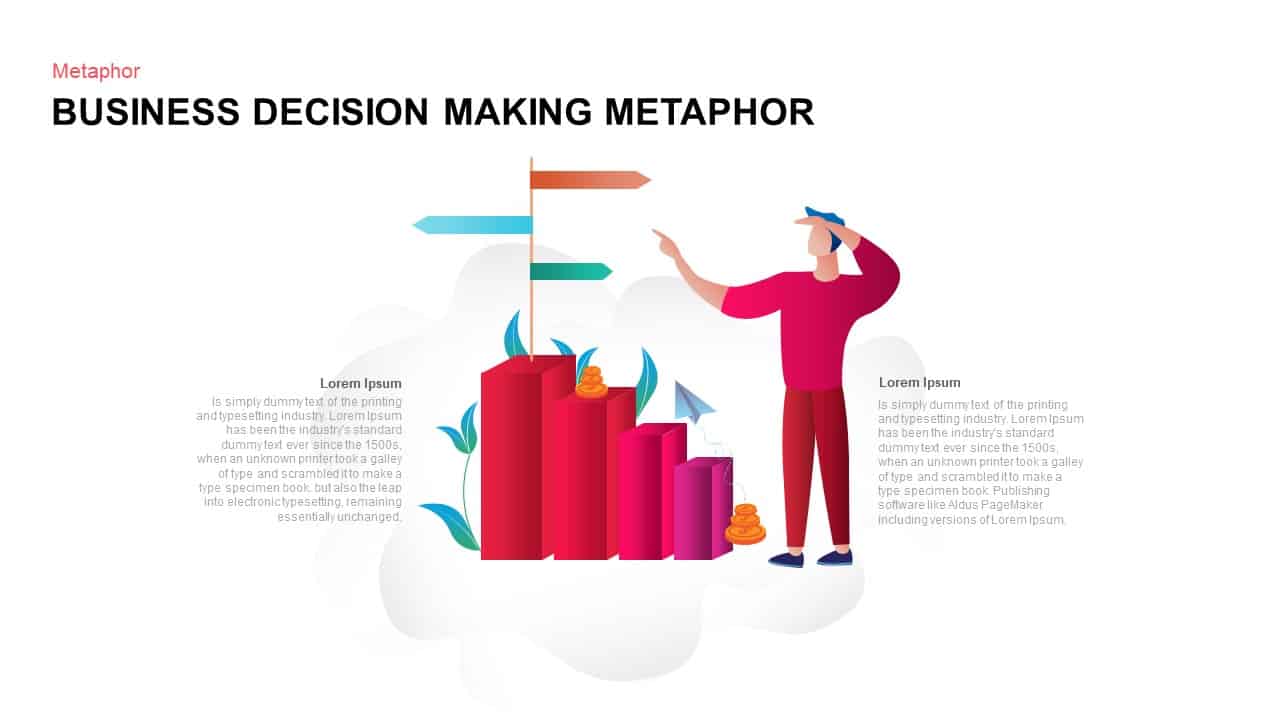
Business Decision-Making Metaphor Template for PowerPoint & Google Slides
Leadership
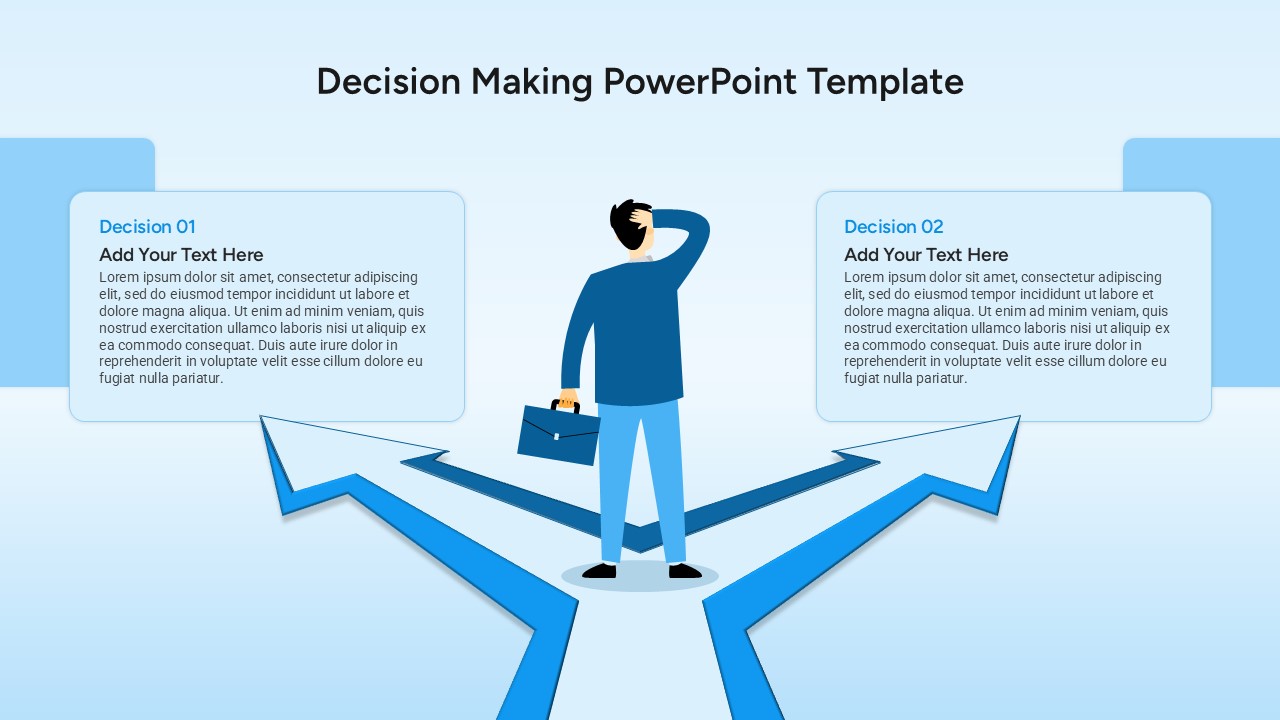
Decision Making PowerPoint Template for Business Presentation
Arrow
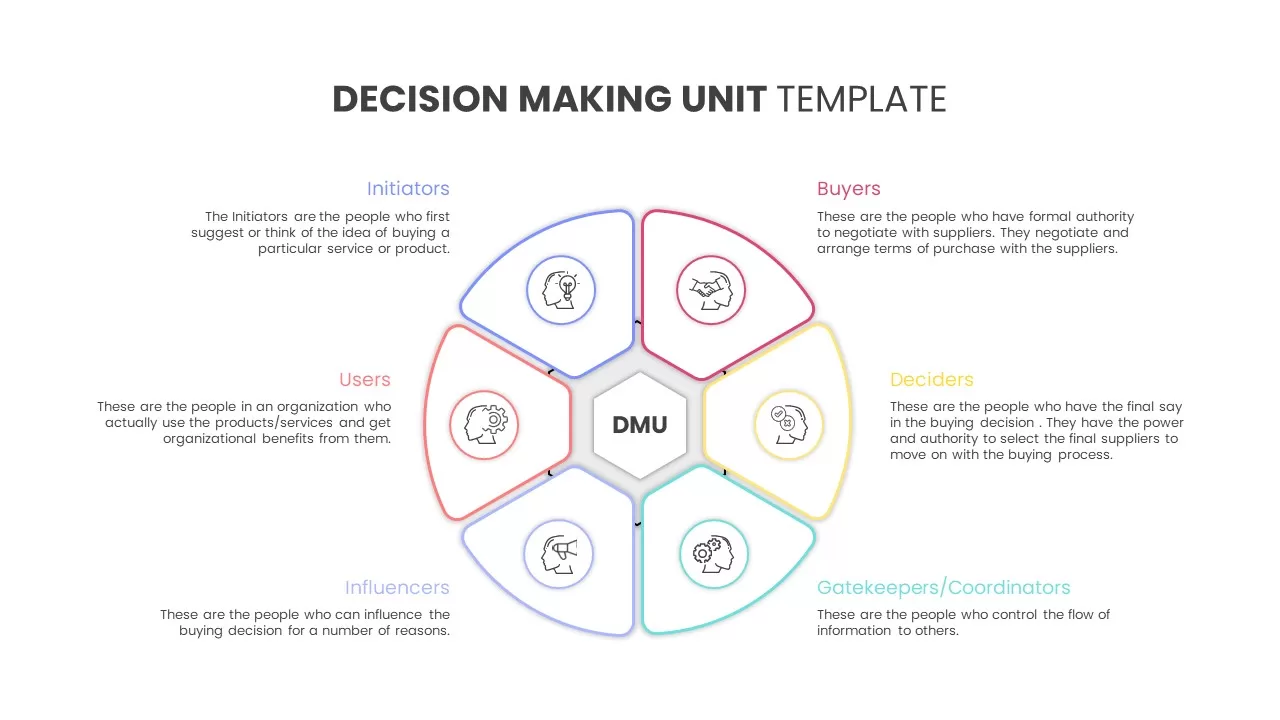
Decision Making Unit template for PowerPoint & Google Slides
Business
Decision Making Template for PowerPoint & Google Slides
Decision Tree
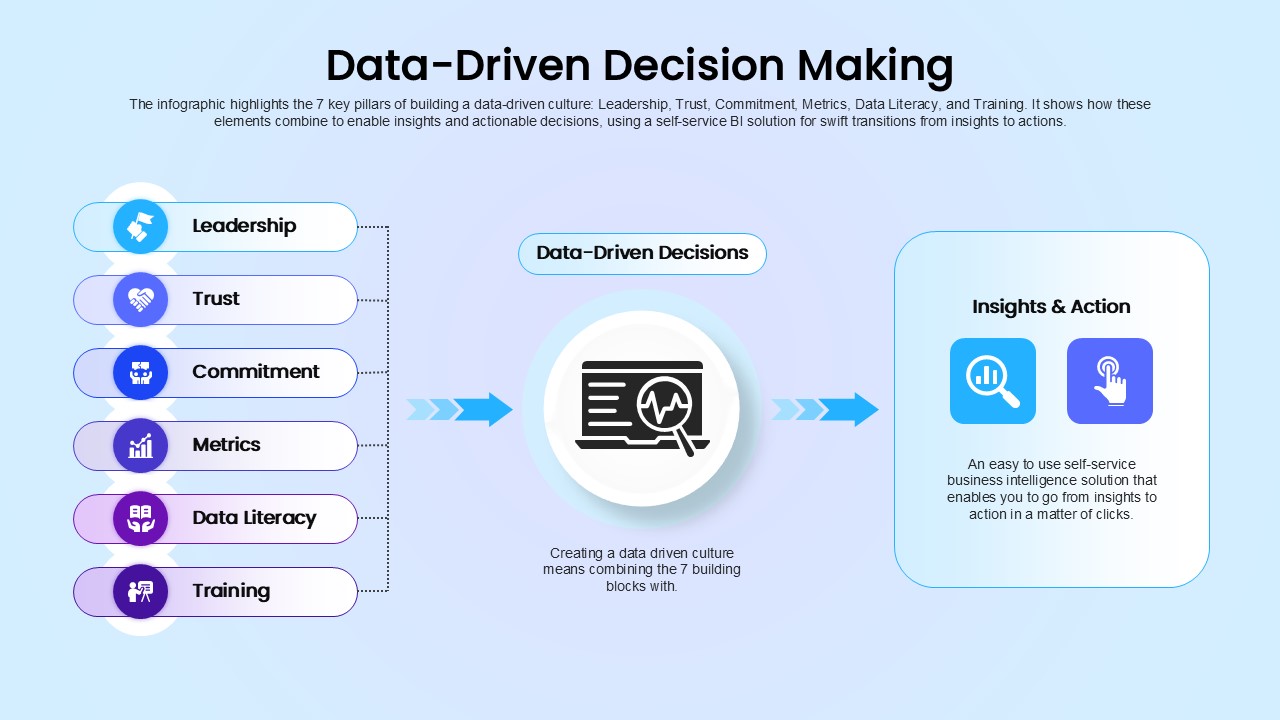
Data-Driven Decision Making overview template for PowerPoint & Google Slides
Business
Forces Affecting Consumer Decision Making Template for PowerPoint & Google Slides
Marketing
Pugh Matrix Template
Comparison Chart
Decision Matrix PowerPoint Template
Comparison Chart
Speed vs Reversibility Decision Matrix Template for PowerPoint & Google Slides
Comparison
Build vs Buy Matrix Decision Framework template for PowerPoint & Google Slides
Business Strategy
Weighted Decision Matrix template for PowerPoint & Google Slides
Business Models
Decision Matrix Evaluation Framework Slide Template for PowerPoint & Google Slides
Leadership
Recognition-Primed Decision Process Flow Template for PowerPoint & Google Slides
Flow Charts
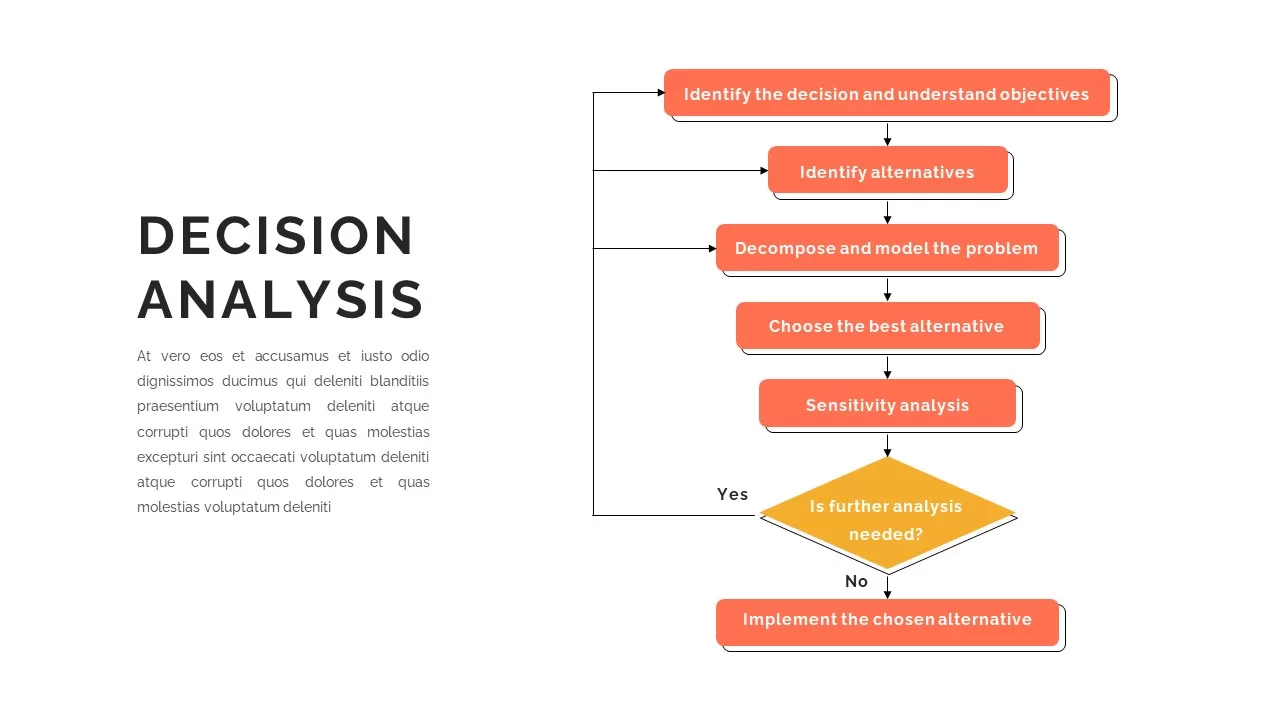
Decision Analysis Template
Flow Charts
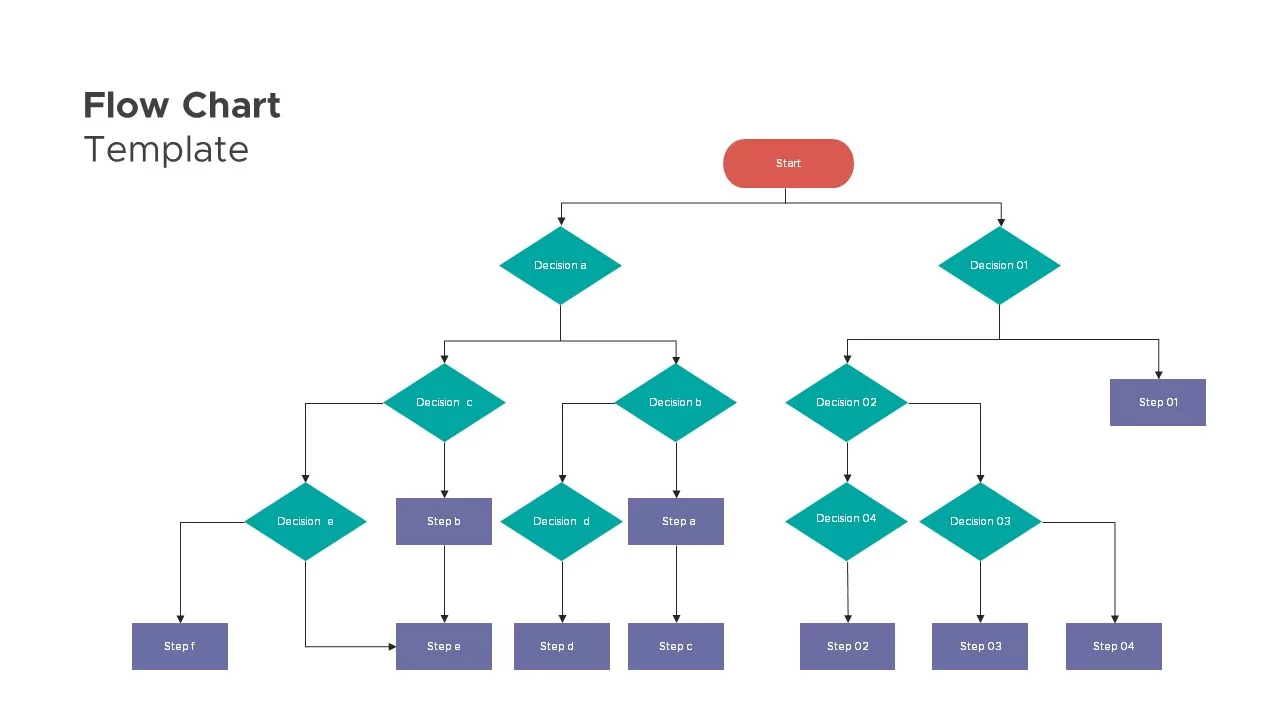
Flow Chart Presentation Template
Flow Charts
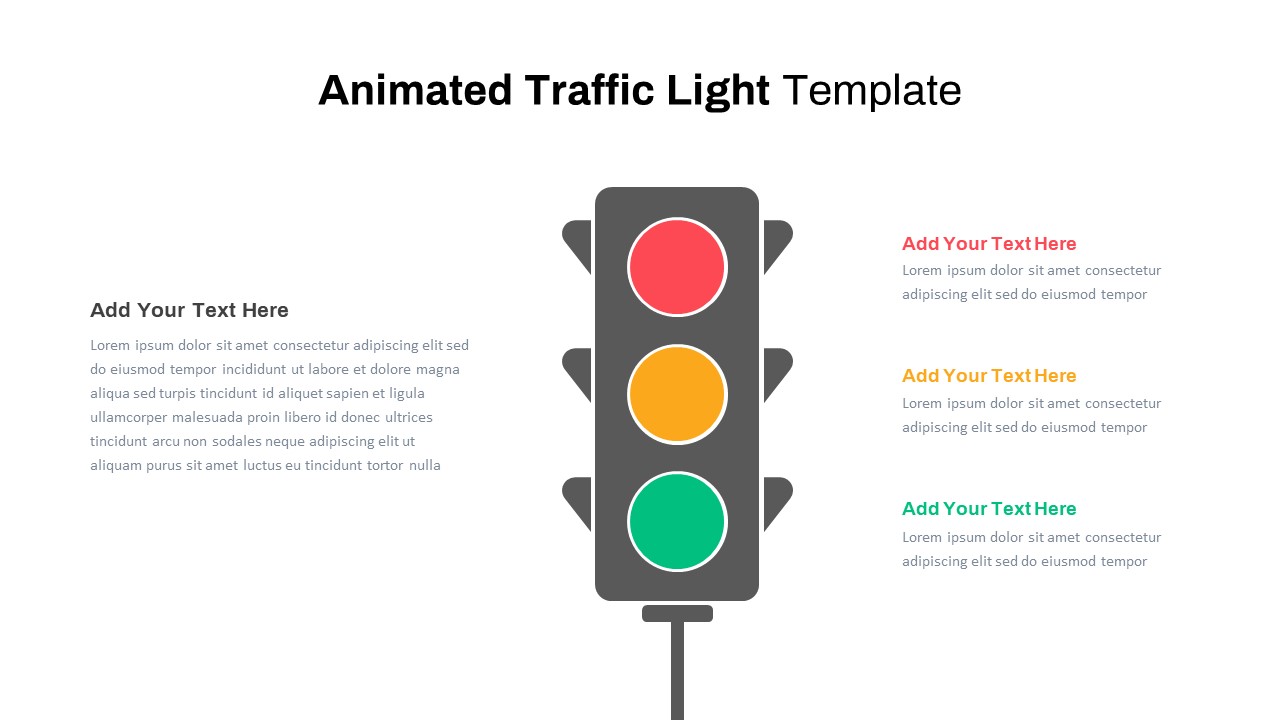
Animated Traffic Light PowerPoint Template
Process
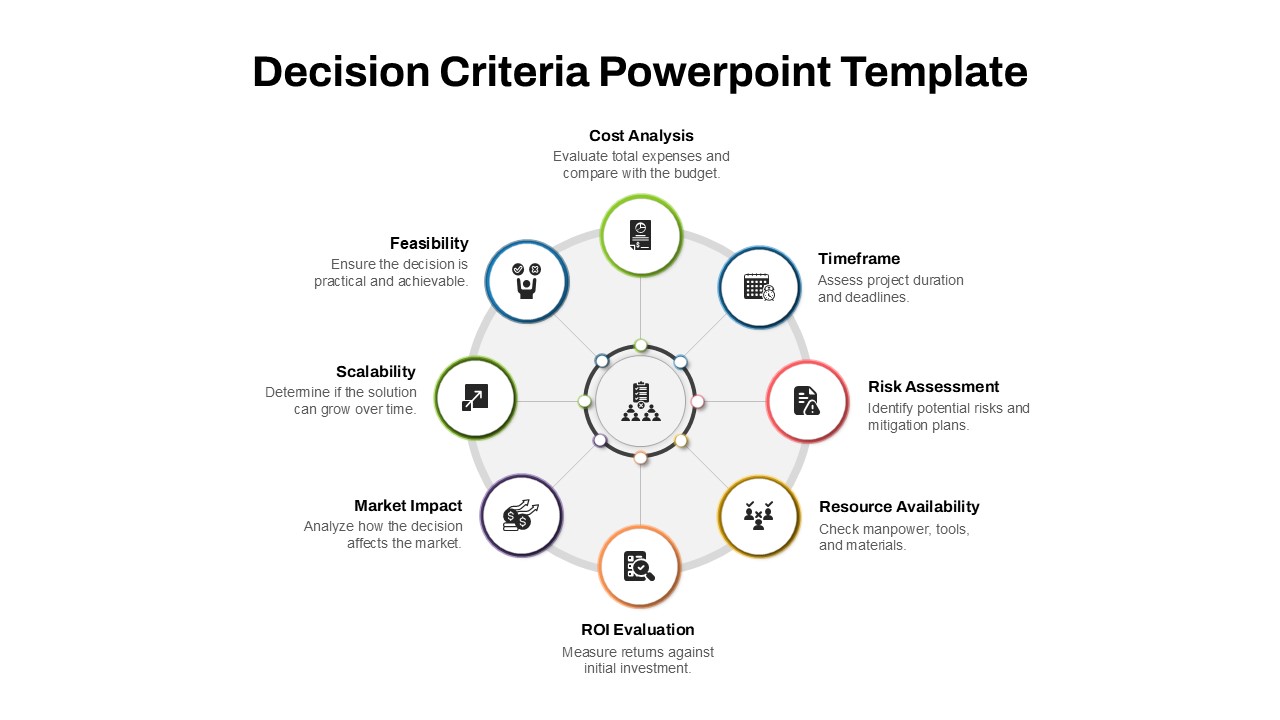
Decision Criteria PowerPoint Template
Infographics
Decision Log Template for PowerPoint & Google Slides
Business
Decision Tree & Random Forest template for PowerPoint & Google Slides
Technology