Current State Assessment Presentation Template
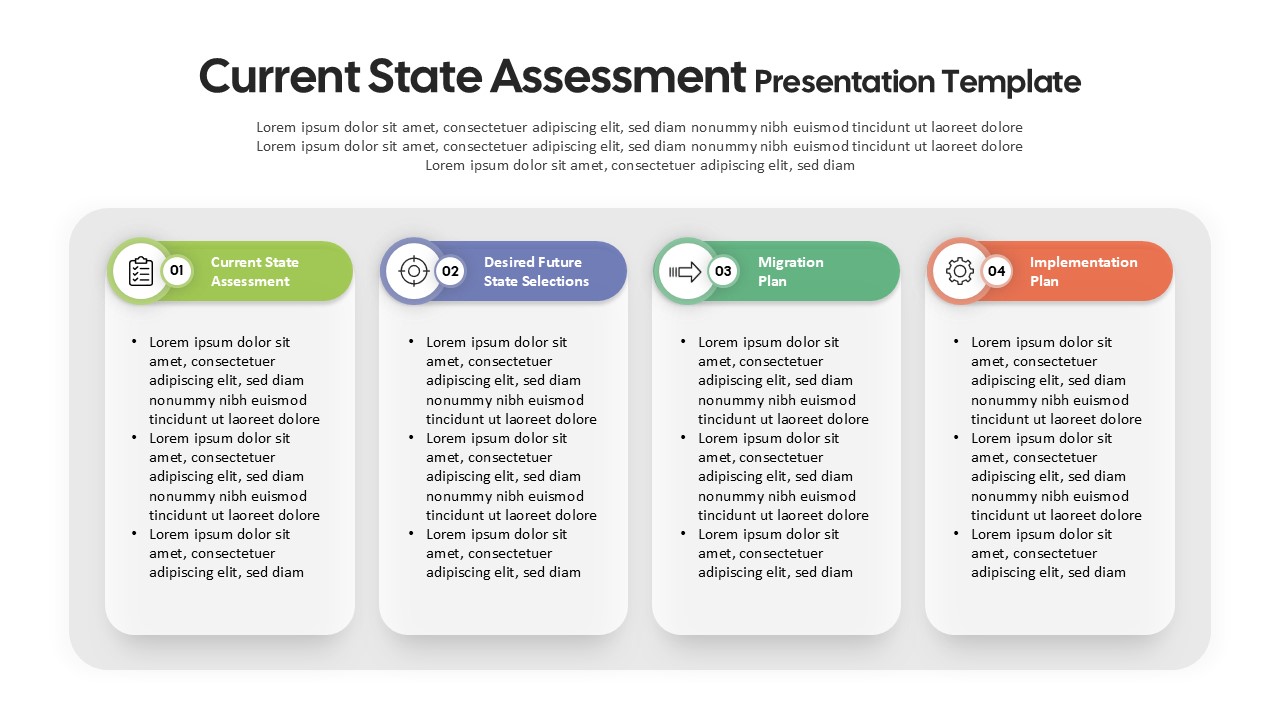
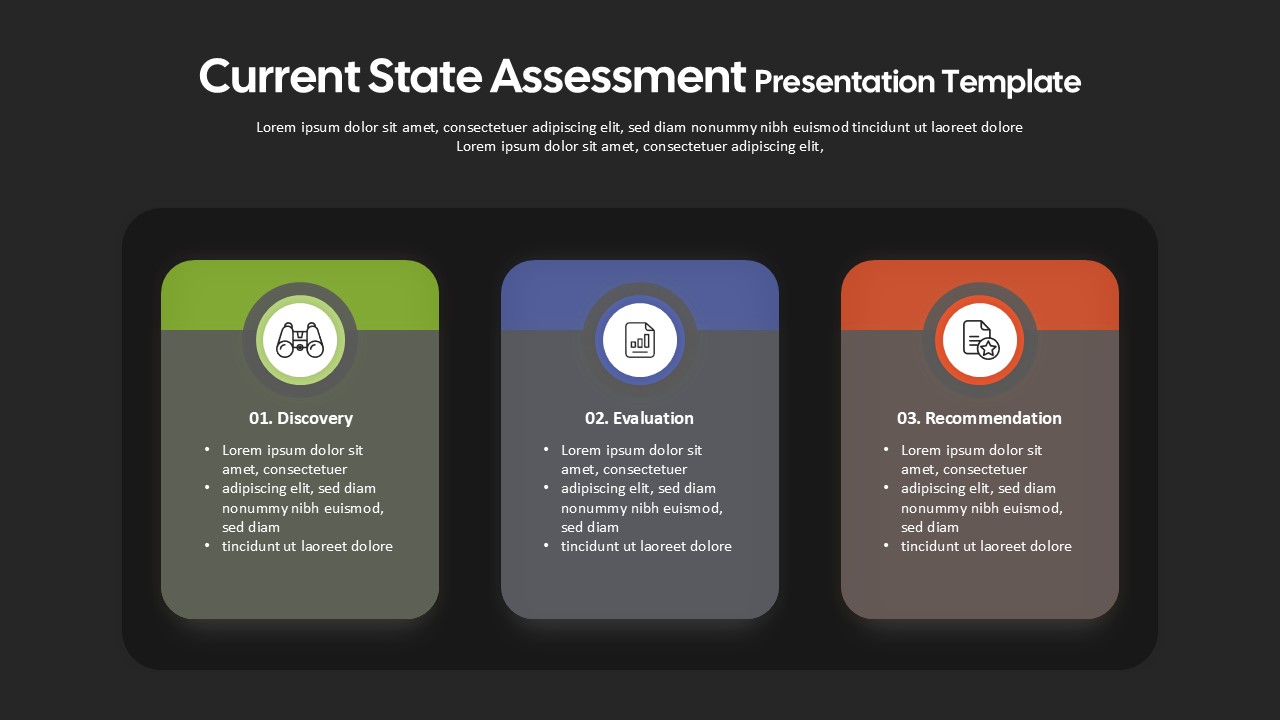
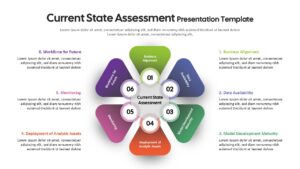
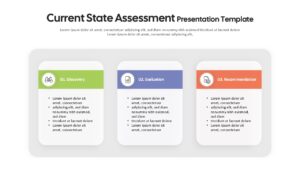
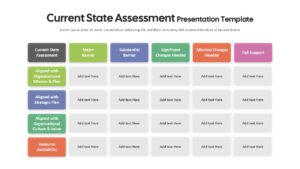
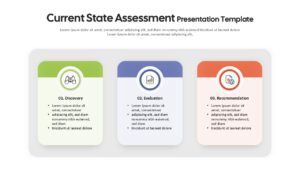
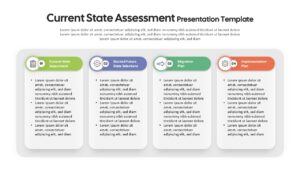
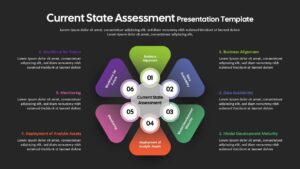
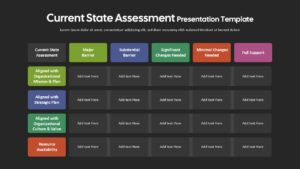
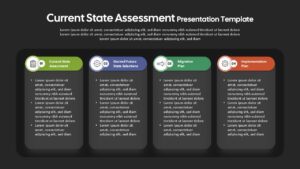
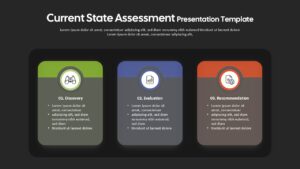
Current State Assessment PowerPoint Template is a professional presentation resource designed to help organizations document their existing capabilities, identify gaps, assess maturity, and establish a clear path toward future-state transformation.
A current state assessment provides a structured view of where an organization stands today across important business, data, technology, analytics, and workforce dimensions. By combining visual frameworks, comparison matrices, and process-based layouts, this template helps teams present baseline findings, highlight areas of concern, and connect assessment results with practical improvement initiatives.
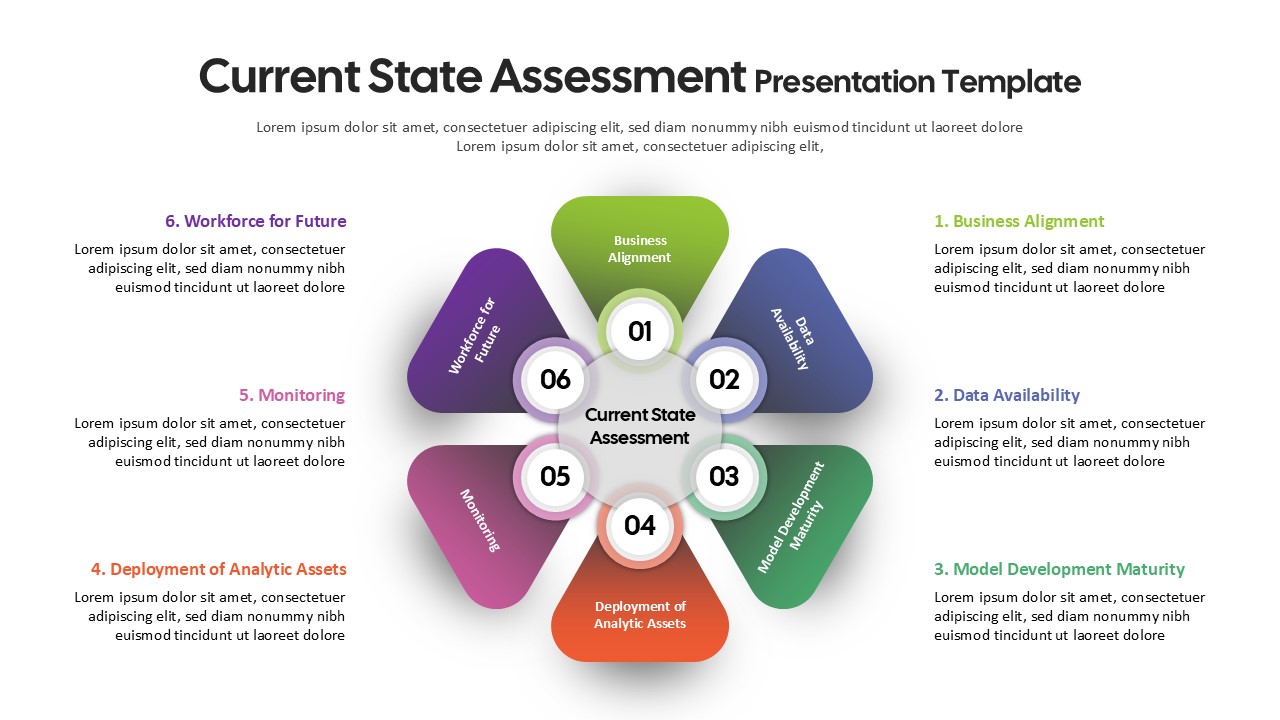
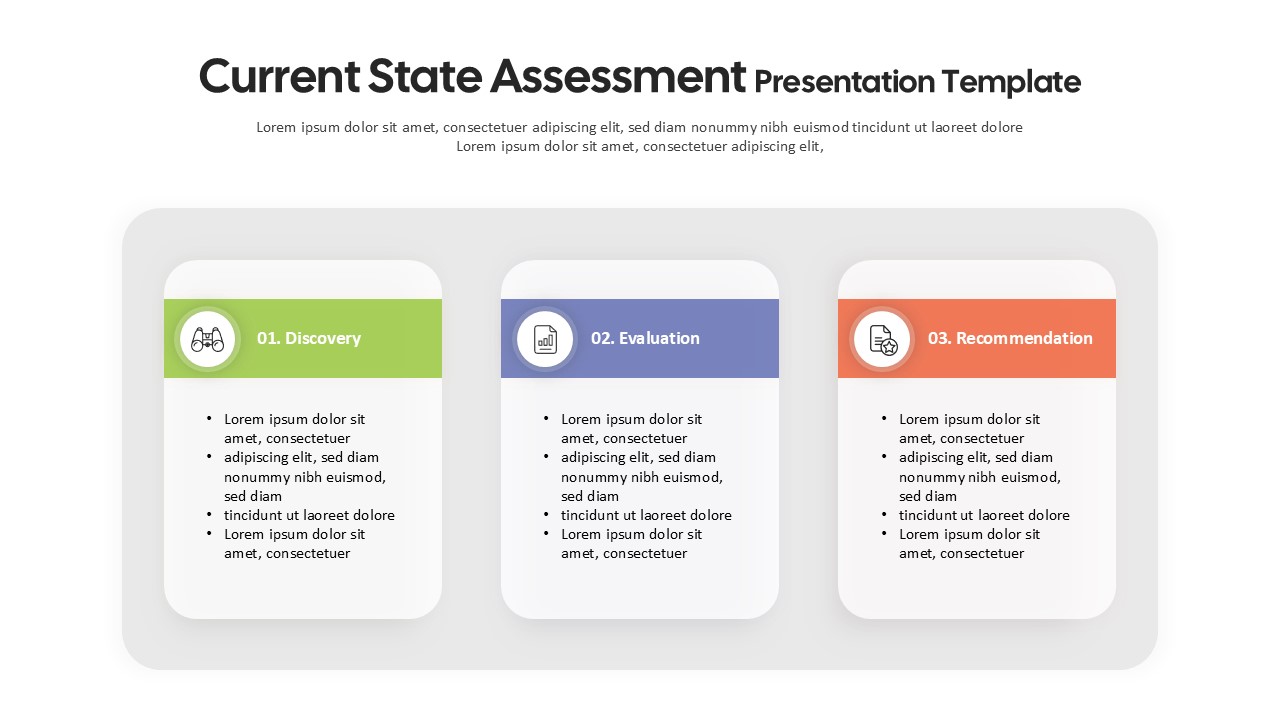
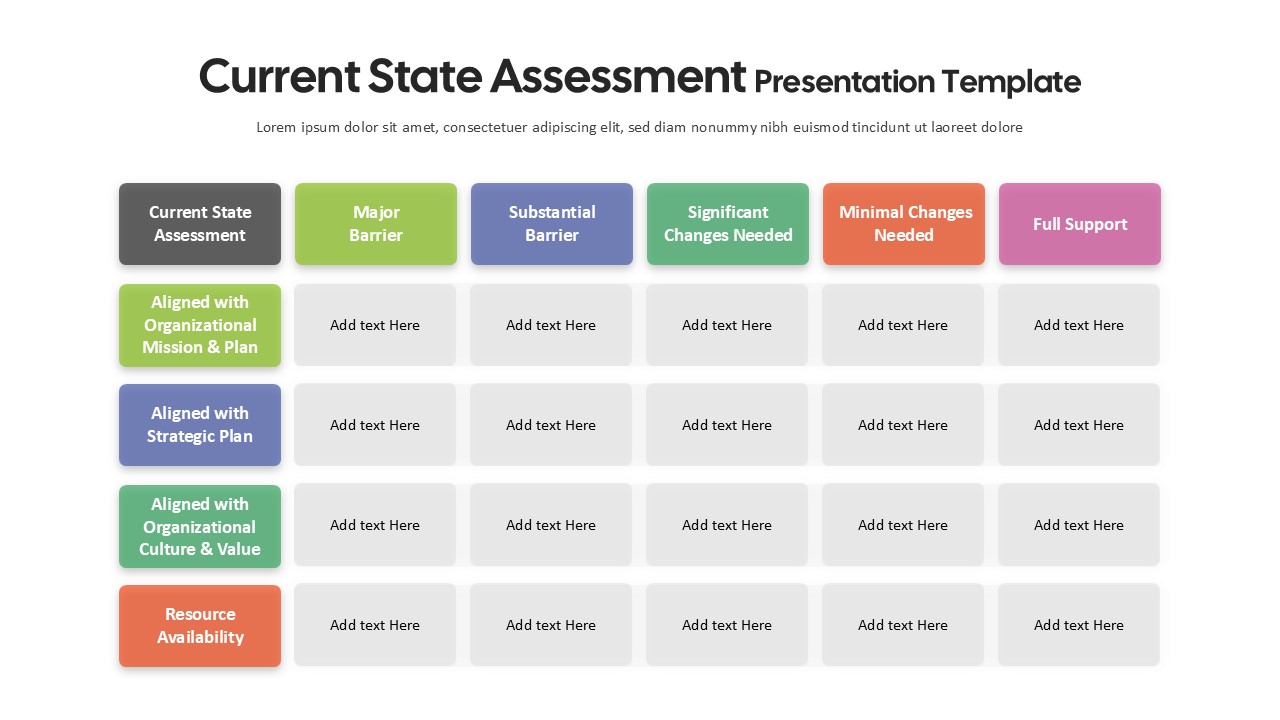
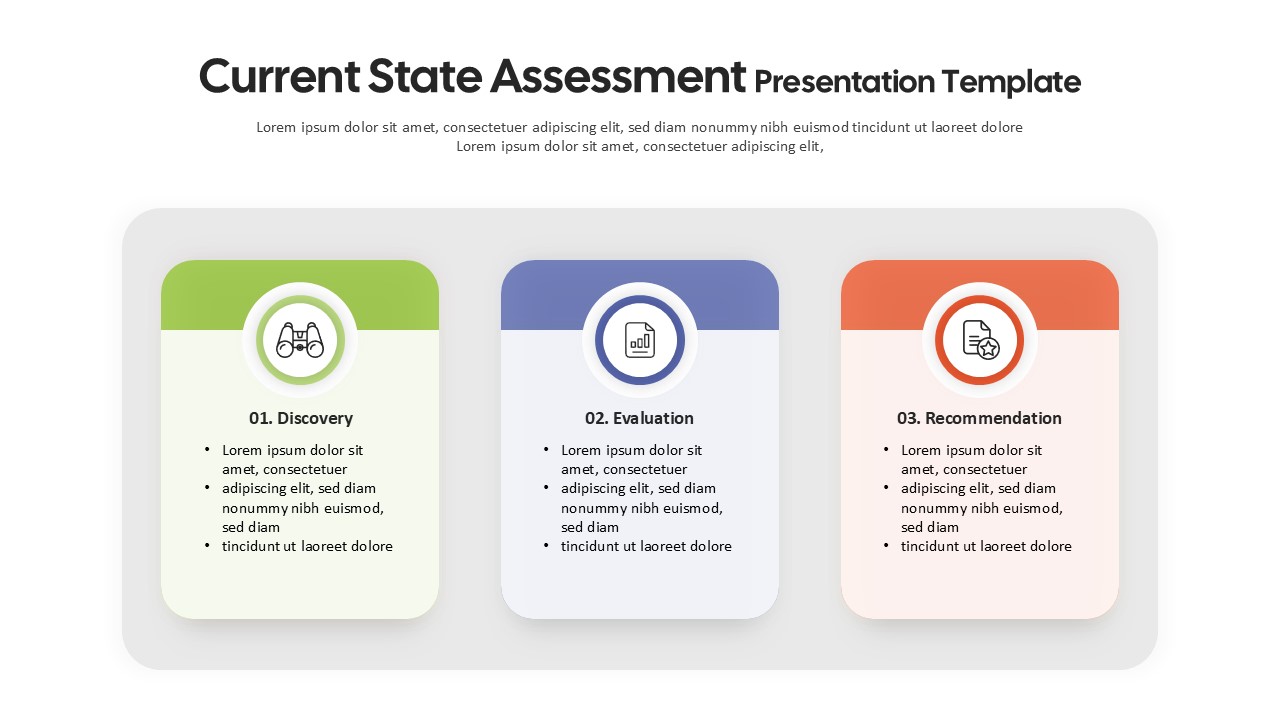
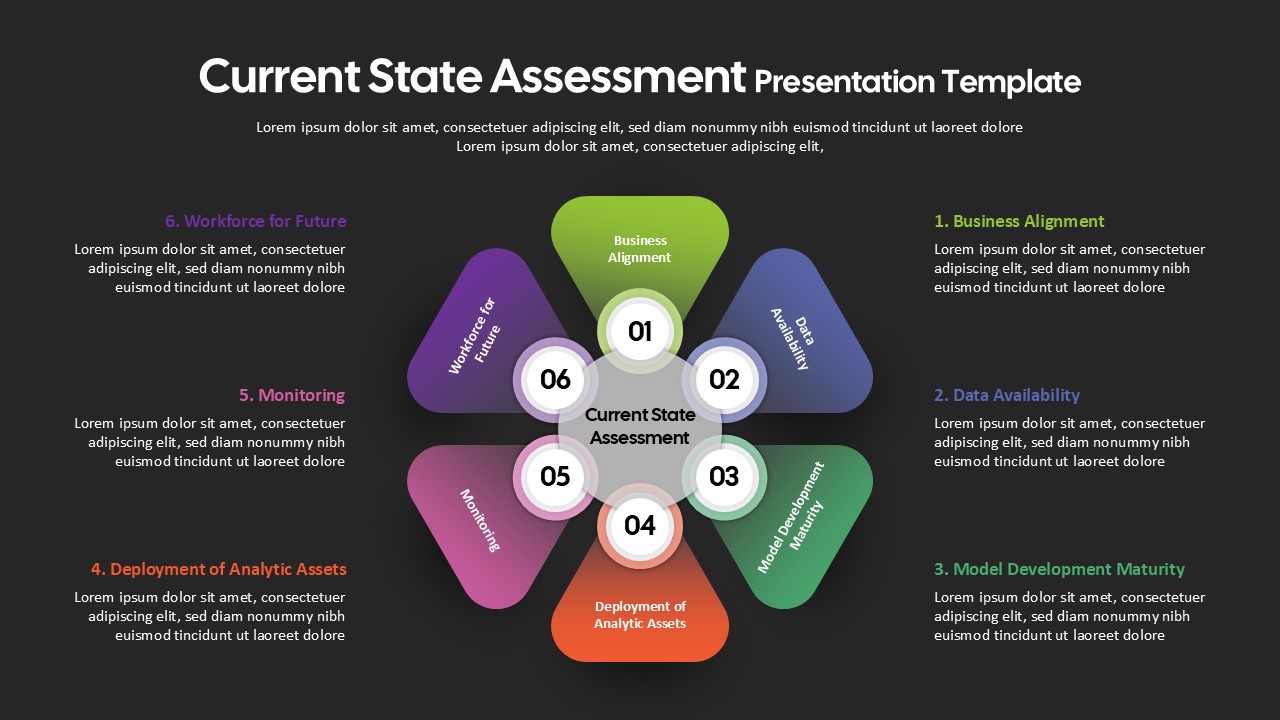
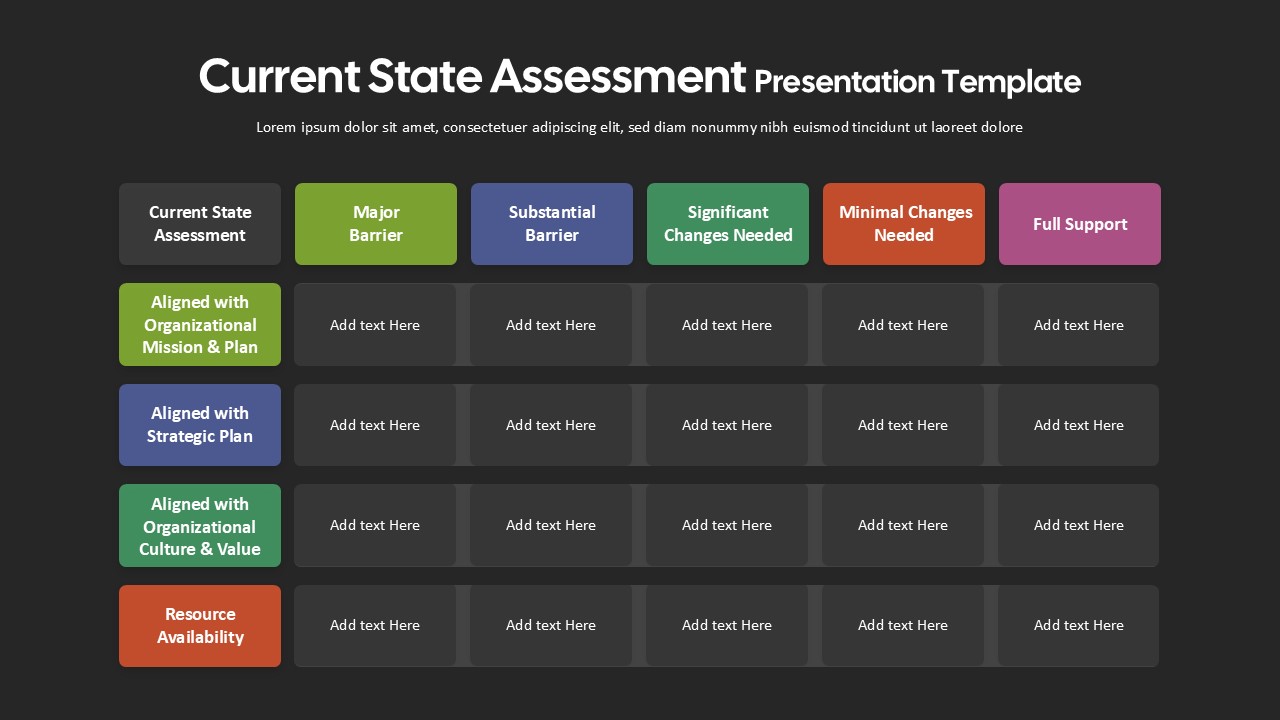
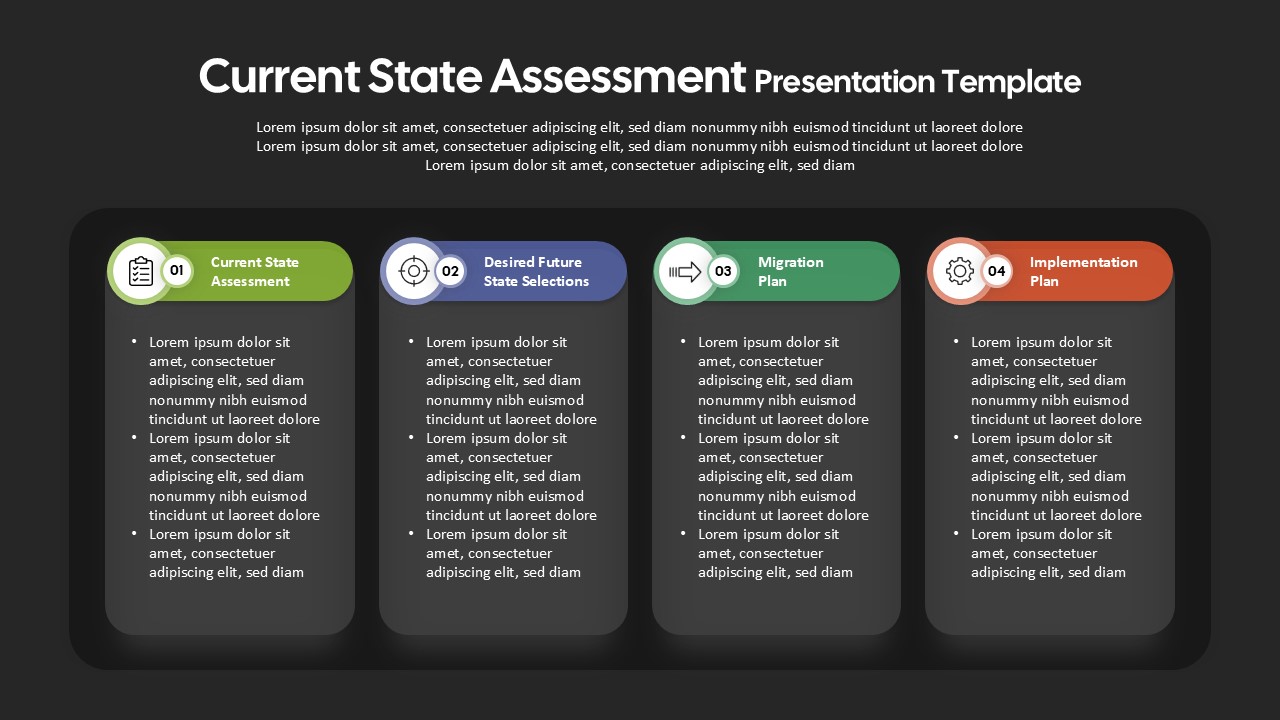
This current state assessment template includes a range of editable visual elements, including a six-section hub-and-spoke framework covering business alignment, data availability, model maturity, analytics deployment, monitoring, and workforce readiness. It also features comparison matrices for evaluating barriers and support levels, along with card-based layouts for documenting current conditions, future-state choices, migration activities, and implementation steps. Rounded shapes, clean icons, subtle shadows, and organized content areas create a polished format suitable for workshops, stakeholder discussions, and executive presentations.
Every element is fully editable, allowing you to modify text, resize shapes, change colors, replace icons, and adjust individual sections without disrupting the overall slide structure. The template works with PowerPoint and Google Slides, making it suitable for consultants, transformation teams, analysts, and business leaders who need to communicate assessment findings and change priorities.
Here are some practical ways to use this current state assessment template:
- Organizational Capability Assessment: Strategy and transformation teams can use the template to examine business alignment, data readiness, analytical capabilities, monitoring practices, and workforce preparedness. The visual frameworks make it easier to document baseline capabilities and identify areas that require further development.
- Digital Transformation Planning: Transformation leaders can present the current operating environment alongside desired future-state capabilities, migration requirements, and implementation activities. This provides stakeholders with a structured view of the changes needed to move from the existing model toward the target state.
- Data and Analytics Maturity Review: Data and IT teams can adapt the maturity framework to evaluate data availability, model development, analytics adoption, deployment practices, and ongoing monitoring. The comparison layouts can also help communicate barriers and supporting factors across different capability areas.
- Audit and Due-Diligence Reporting: Consultants and business analysts can use the presentation to summarize assessment findings, capability gaps, operational risks, and areas requiring attention. The card-based layouts provide a concise way to organize evidence and translate findings into clearly defined next steps.
- Workforce and Change Planning: HR leaders, PMO teams, and transformation managers can use the template to assess workforce readiness and connect capability gaps with implementation priorities. The future-state and migration sections can support discussions around organizational change, resource requirements, and phased delivery.
You can also repurpose these editable visuals for enterprise architecture assessments, customer experience reviews, operational evaluations, governance assessments, technology roadmaps, HR workforce planning, and other initiatives that require a structured comparison of the current state, future state, gaps, and transformation priorities.
Login to download this file

Item ID
SB05450Designed By
Anand


Related Templates

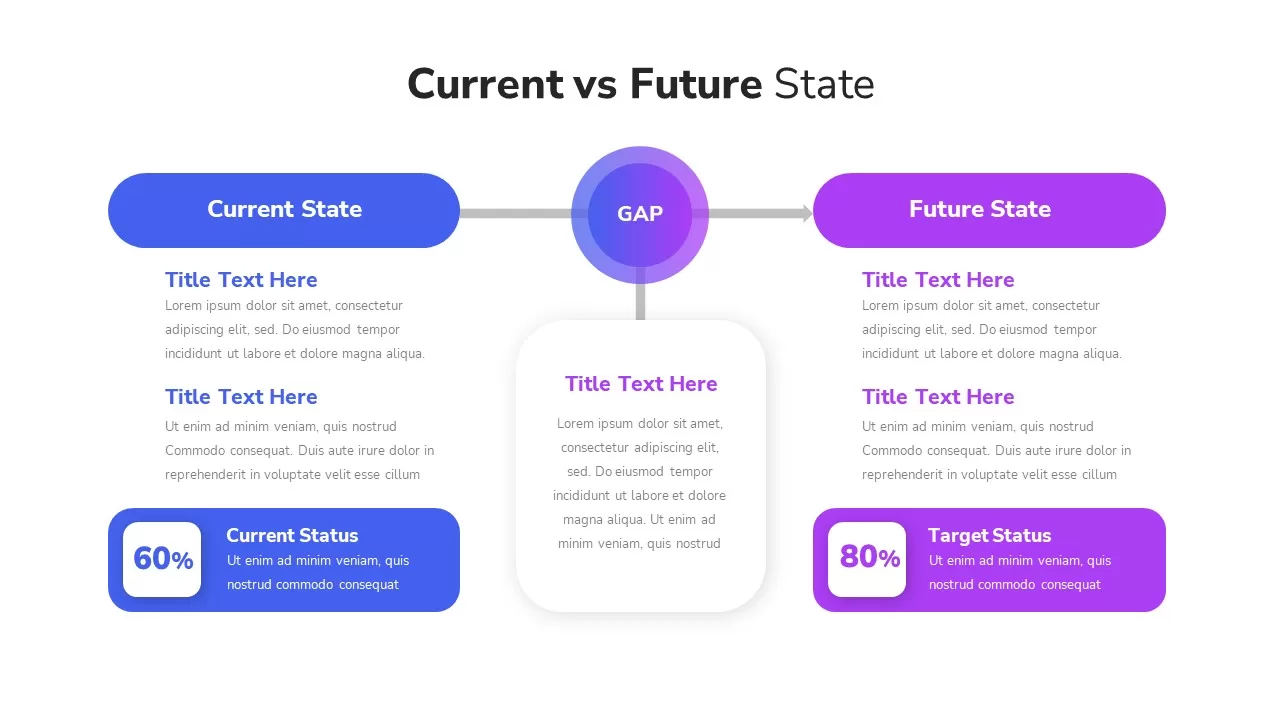
Current State Vs Future State Template for PowerPoint
Comparison
Current State vs Future State Template for PowerPoint & Google Slides
Comparison Chart
Free Current State vs Future State Template
Business Strategy
Free
Current VS Future State PowerPoint Presentation Template
Comparison Chart
Current vs Future State PowerPoint Template
Comparison
Current vs Future State Comparison Slide Template for PowerPoint & Google Slides
Comparison Chart
Current VS Future State Template
Comparison Chart
Current vs Future State Analysis template for PowerPoint & Google Slides
Comparison
Current vs Future State Slide
Comparison
Austria Map With State Markers Template for PowerPoint & Google Slides
World Maps
Pennsylvania State Map Diagram Template for PowerPoint & Google Slides
World Maps
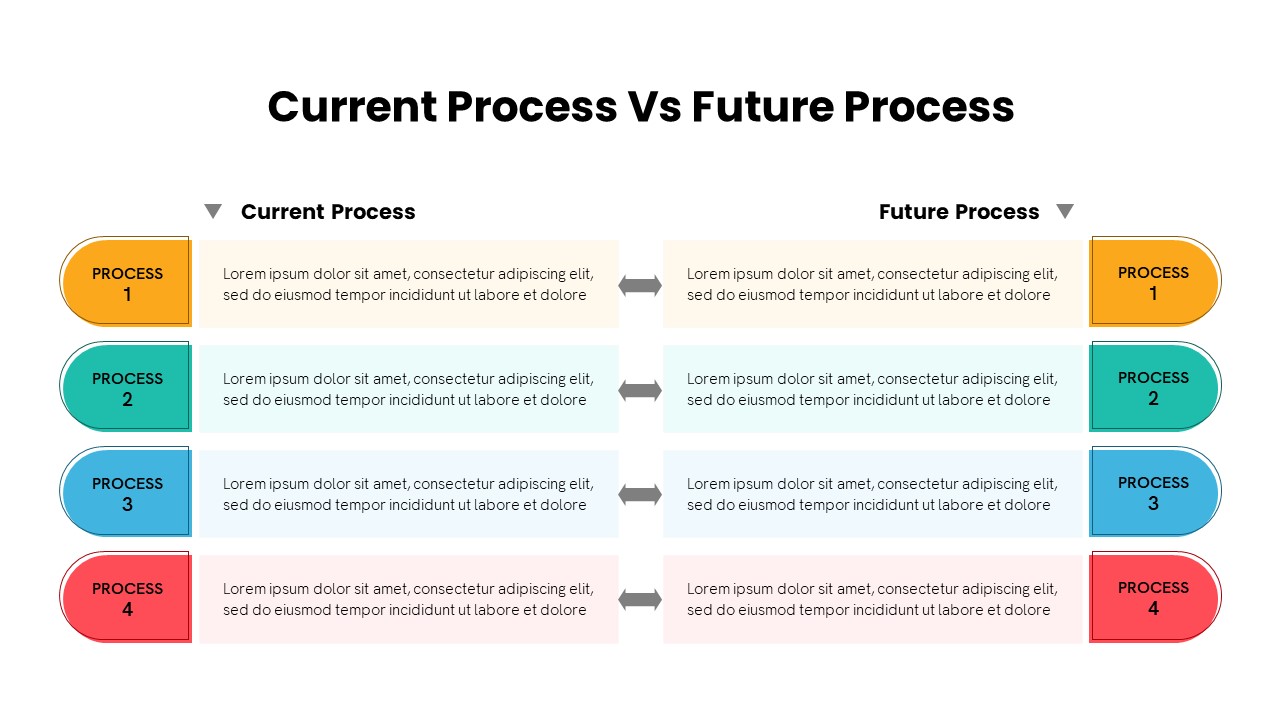
Current vs Future Process PowerPoint Template
Comparison
Current and Future Industry Innovations Template for PowerPoint & Google Slides
Comparison
Business Sectors and Current Portfolio PowerPoint Template
Comparison
Bow Tie Risk Assessment Method PowerPoint Template
Risk Management
Impact Assessment Circular Diagram for PowerPoint
Circular
Lifecycle Assessment template for PowerPoint & Google Slides
Process
Assessment Framework Diagram Template
Circular
IT Gap Template for PPT & Google Slides
Information Technology
HR Audit Assessment PowerPoint Template
Human Resources