search

Essentials

Must-have decks for quick wins

By Industry

Professionally tailored slides for every sector

By Style

Minimal, modern and creative designs

By Topic

Explore slides curated by purpose and theme

TimelineTimelineRoadmapRoadmapStrategyStrategyGoalsGoalsTableTableComparisonComparisonSWOTSWOTAgendaAgendaArrowArrowWorld MapWorld MapMapsMapsProcessProcessFunnelFunnelTeamTeamOrg ChartOrg ChartPyramidPyramidCircularCircular

Business PlanBusiness PlanBusiness StrategyBusiness StrategyBusiness ProposalBusiness ProposalBusiness ModelsBusiness ModelsDigital MarketingDigital MarketingMarketing FunnelMarketing FunnelCustomer ExperienceCustomer ExperienceProject StatusProject StatusGantt ChartGantt ChartRecruitmentRecruitmentEmployee PerformanceEmployee PerformanceLeadershipLeadershipAIAIMachine LearningMachine Learning

AI Presentation Maker

Install the Windows plugin for quick access to templates and design tools.

AI Infographics Maker

Use our Office 365 add - in to access templates directly from the cloud.

Exe Version

Install the Windows plugin for quick access to templates and design tools.

Office 365

Use our Office 365 add - in to access templates directly from the cloud.

Mac Version

Get the Mac plugin to easily browse, insert, and customize templates and visuals within PowerPoint.

Colorful Functional Organization Chart Template for PowerPoint & Google Slides

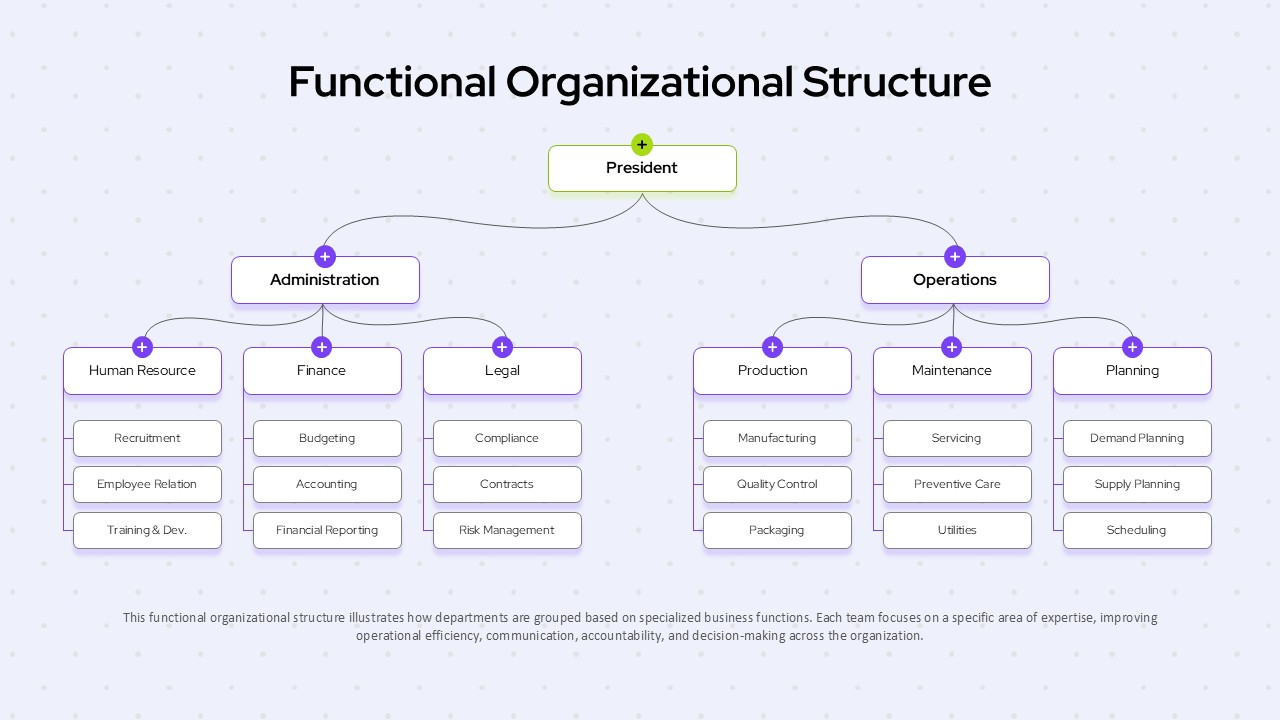
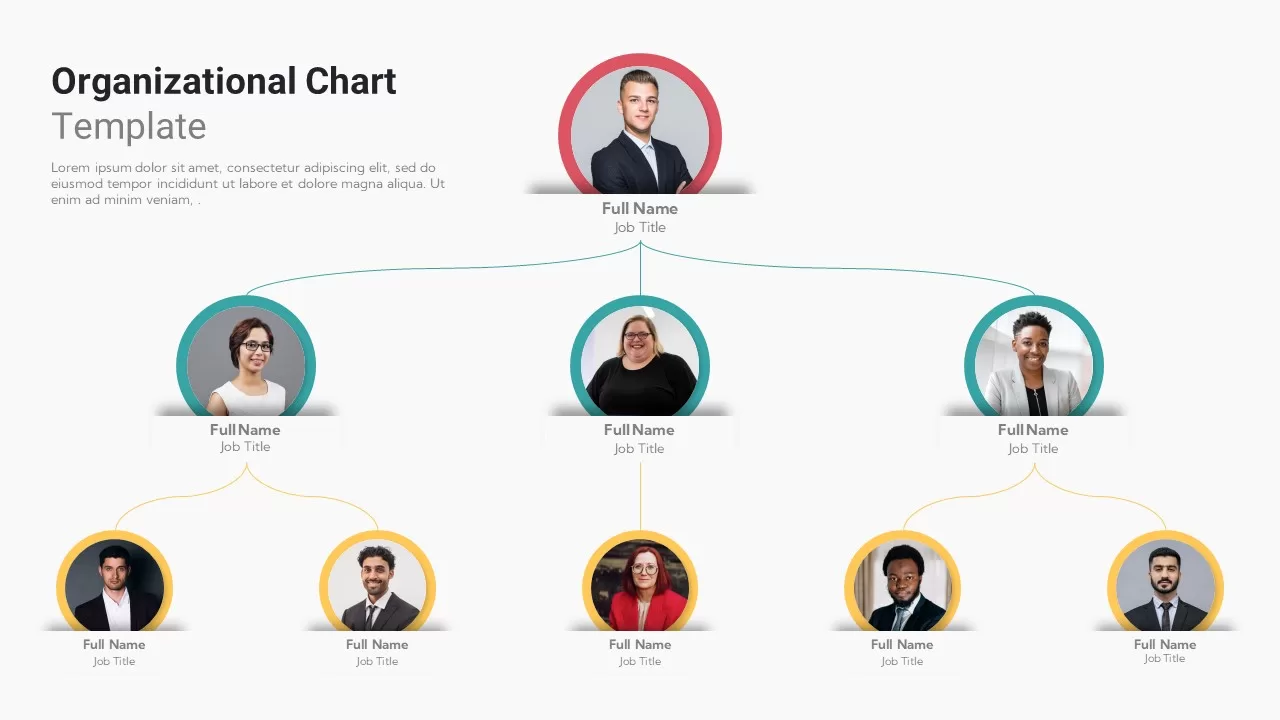
Functional Organizational Chart Template
Functional Organizational Chart Template Dark
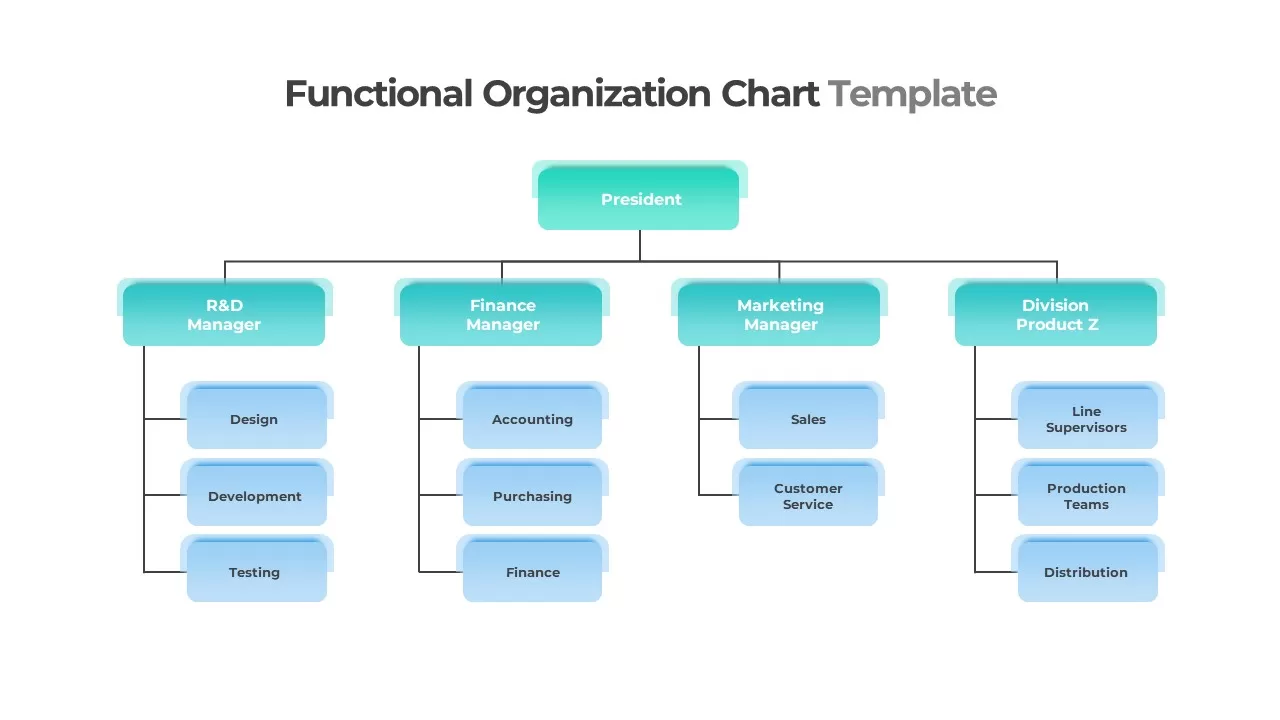
Functional Organizational Chart Template
Functional Organizational Chart Template Dark
Functional Organizational Chart Slide Template for PowerPoint and Google Slides

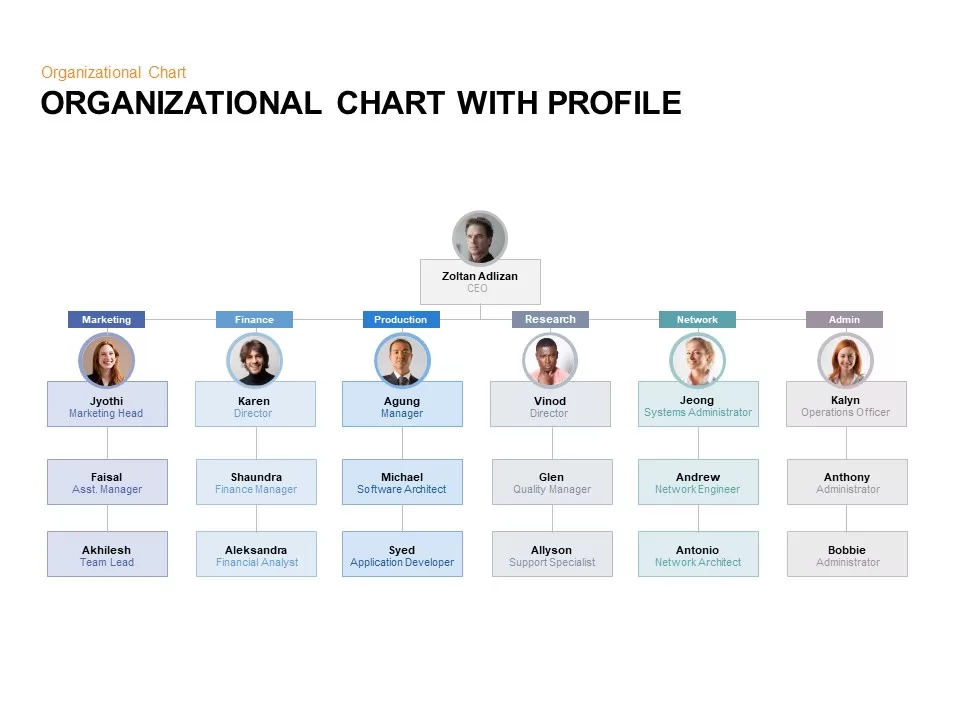
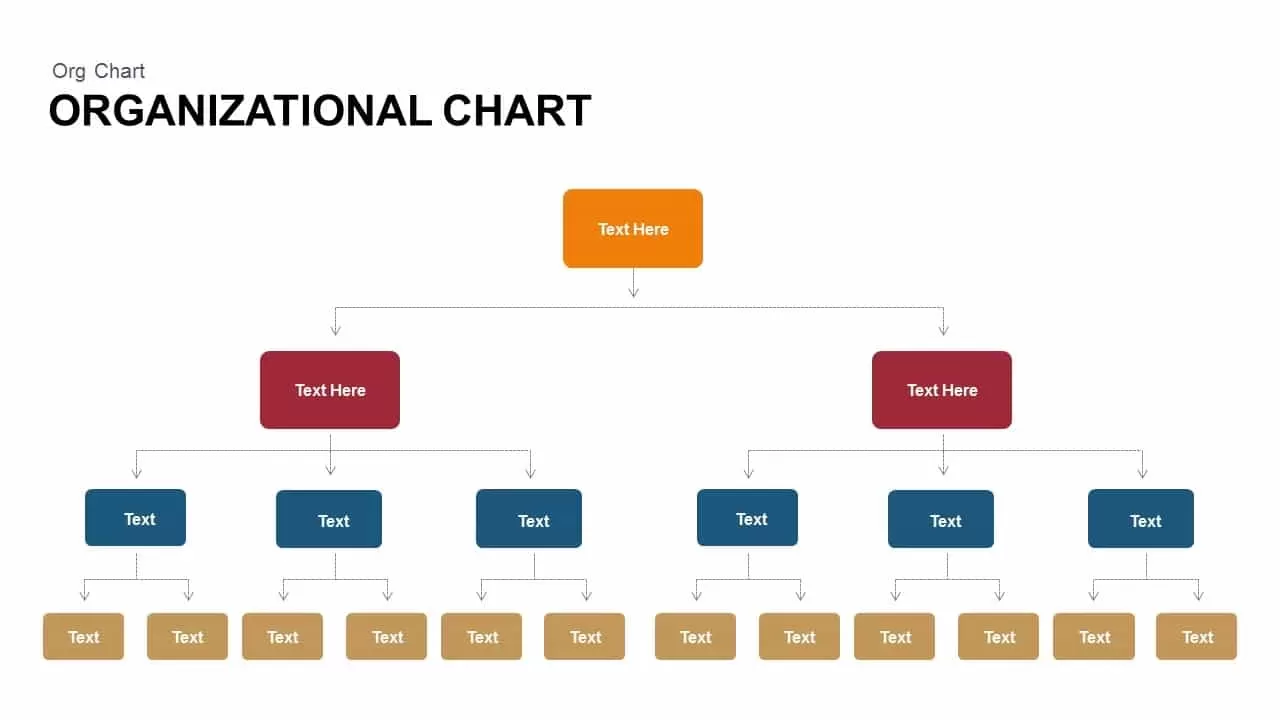
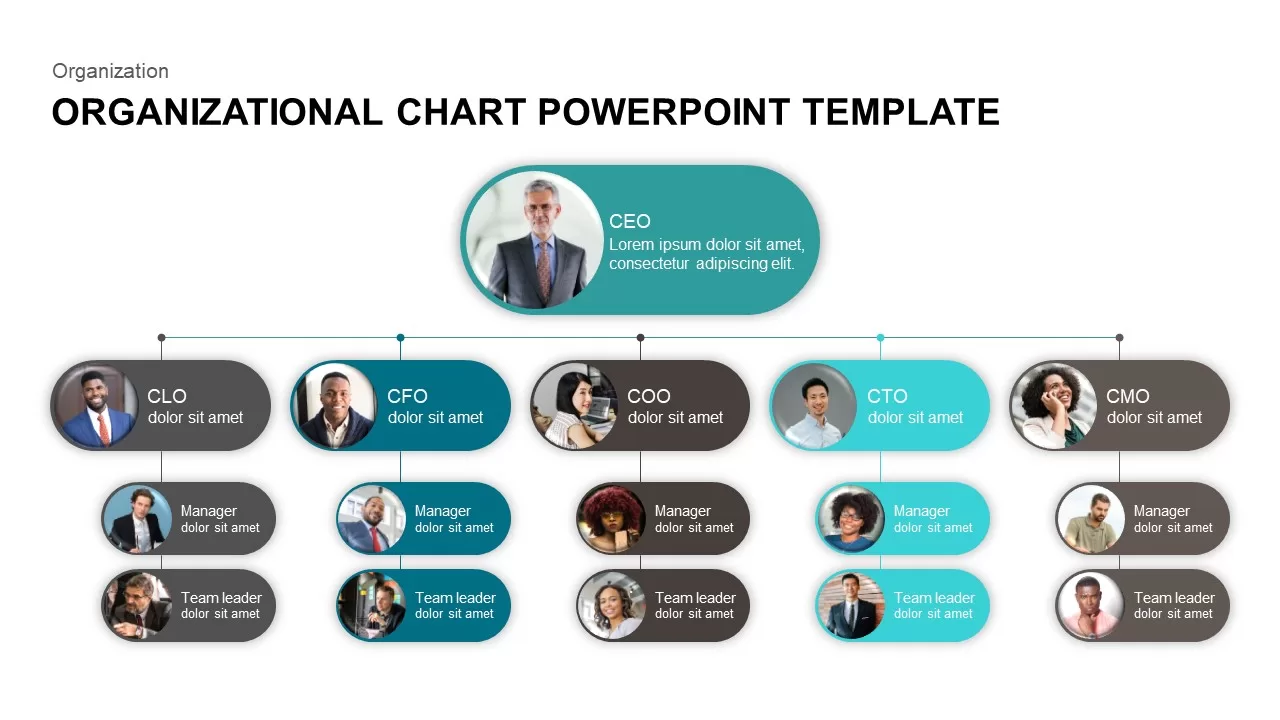
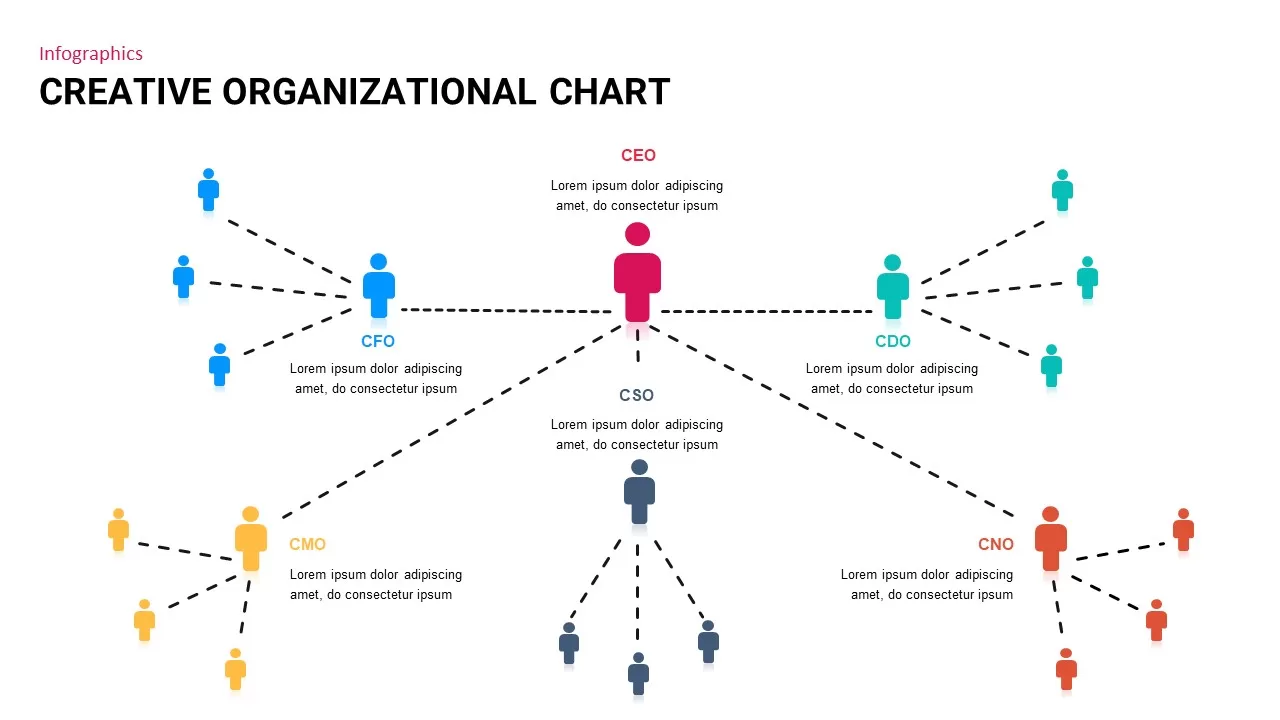
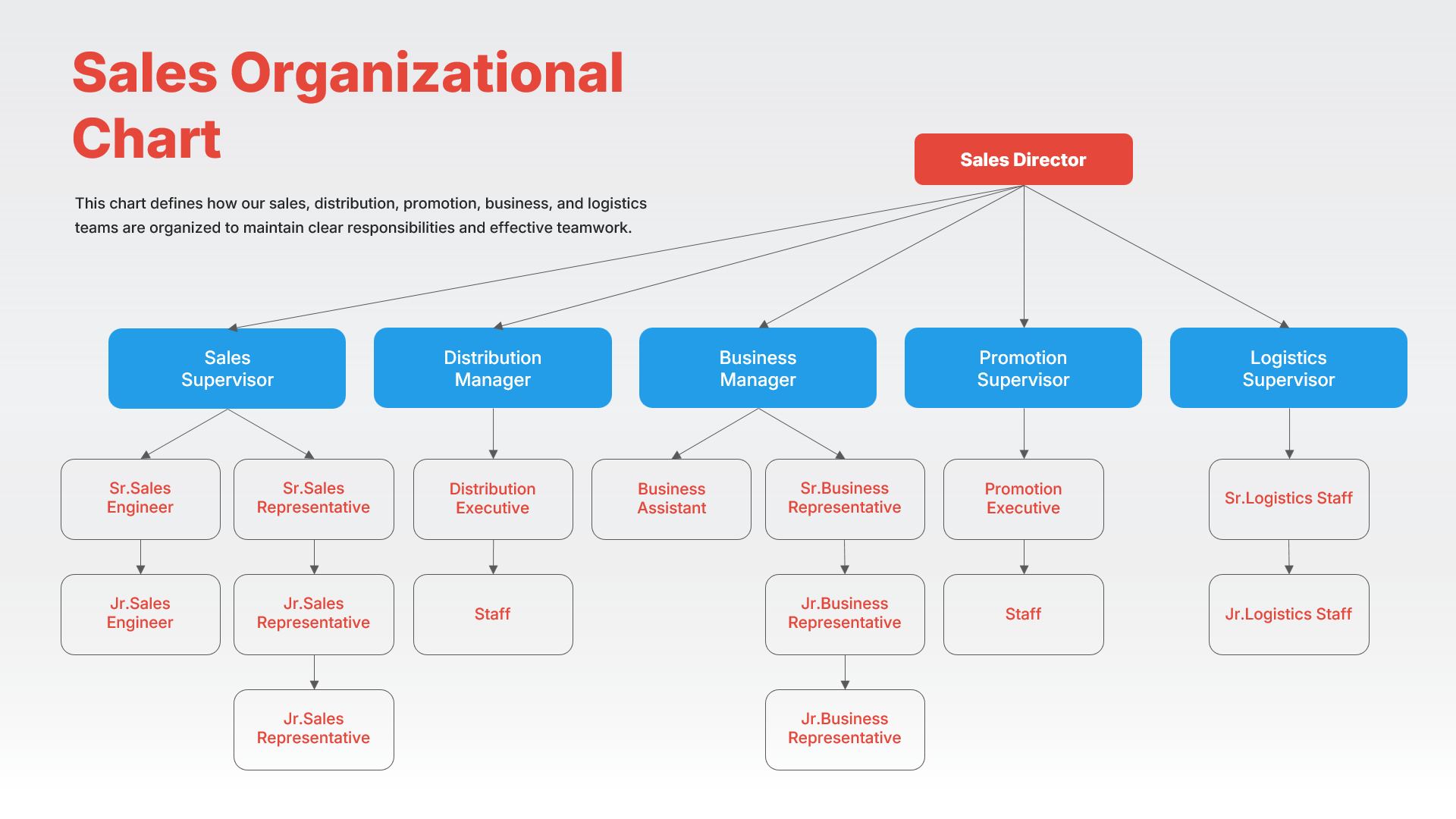
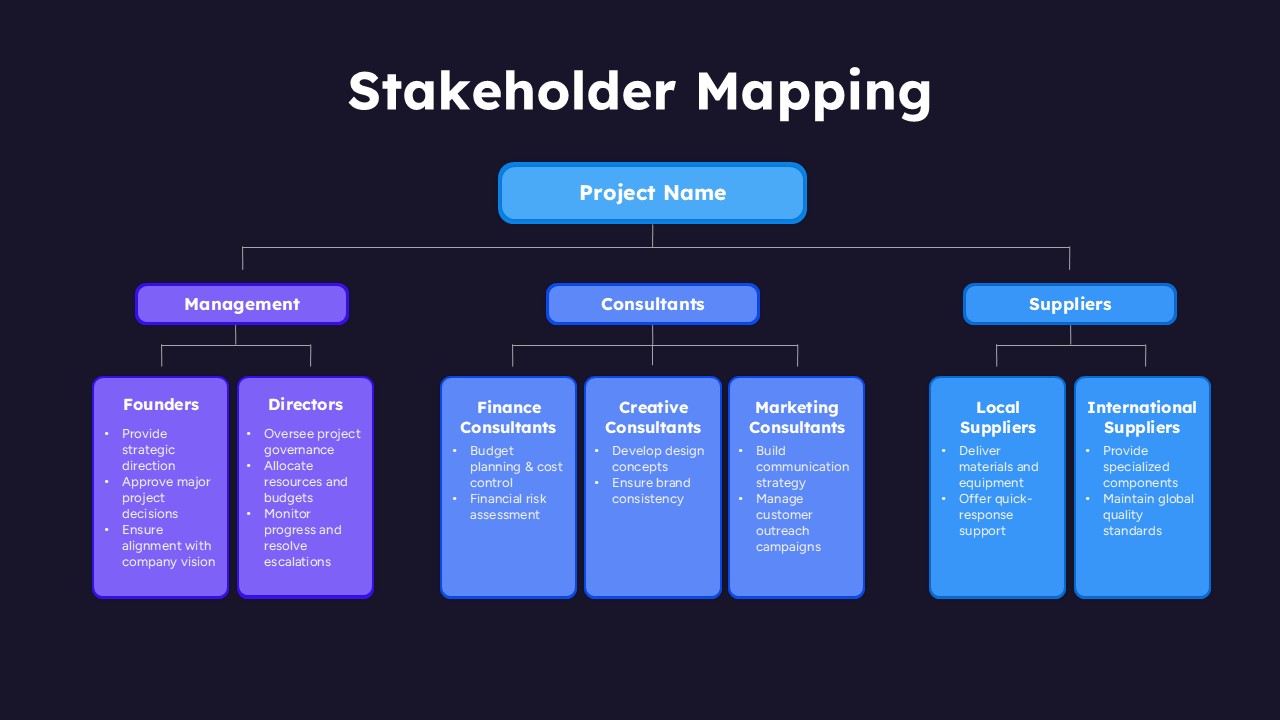
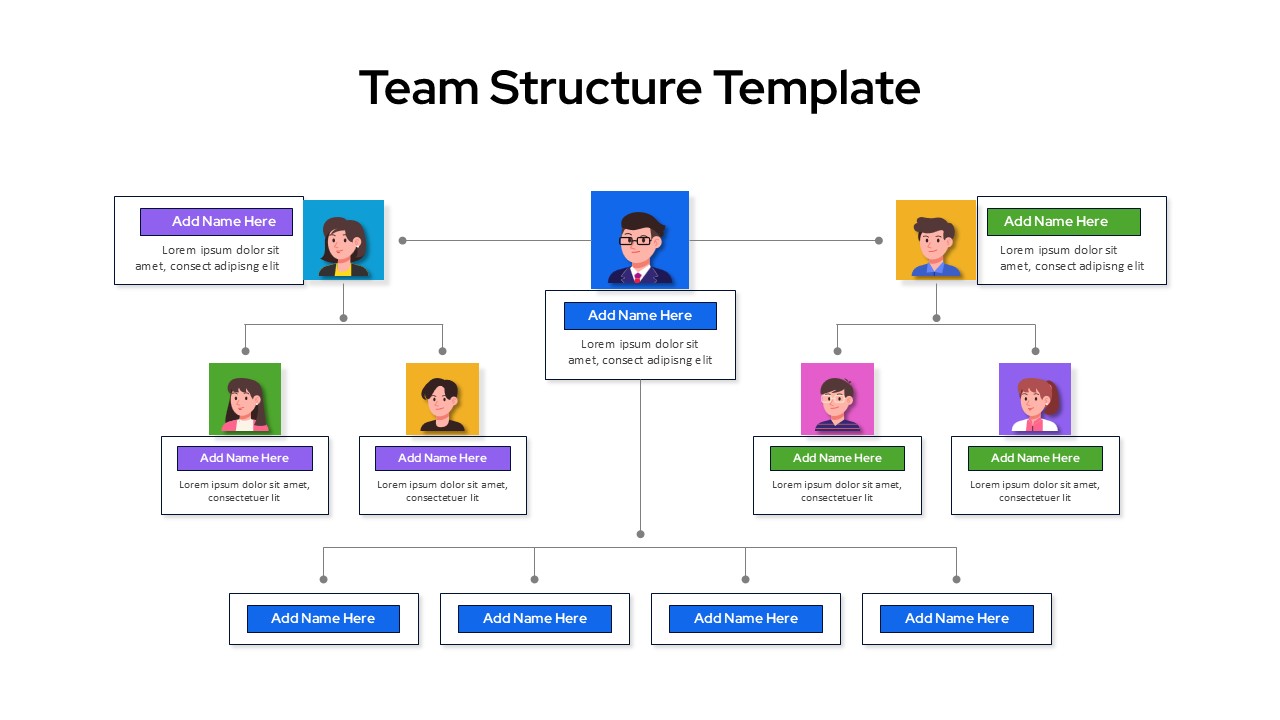
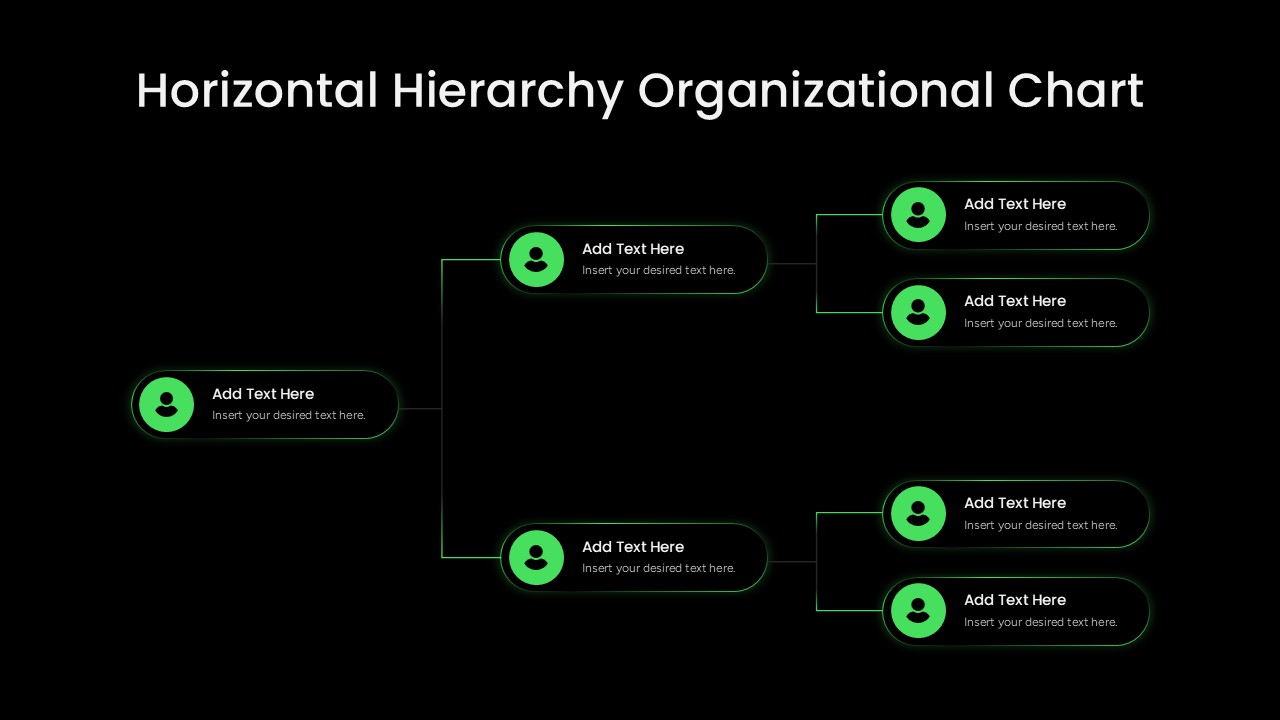
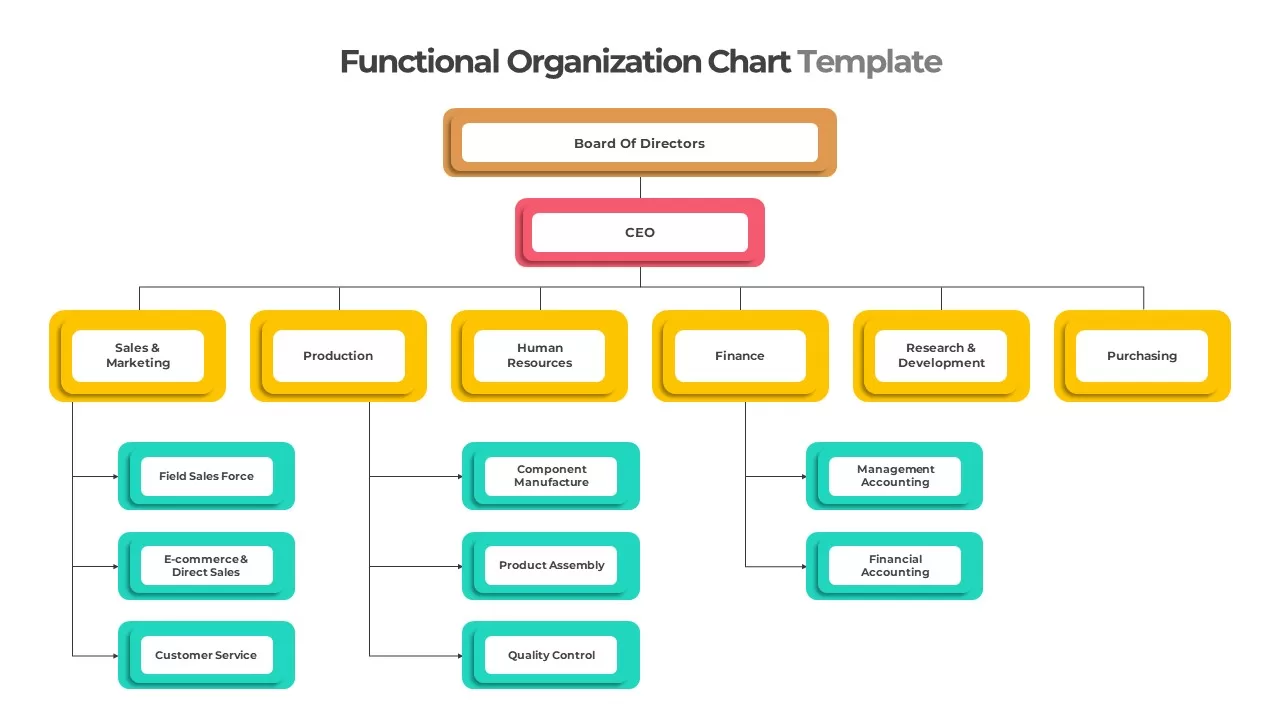
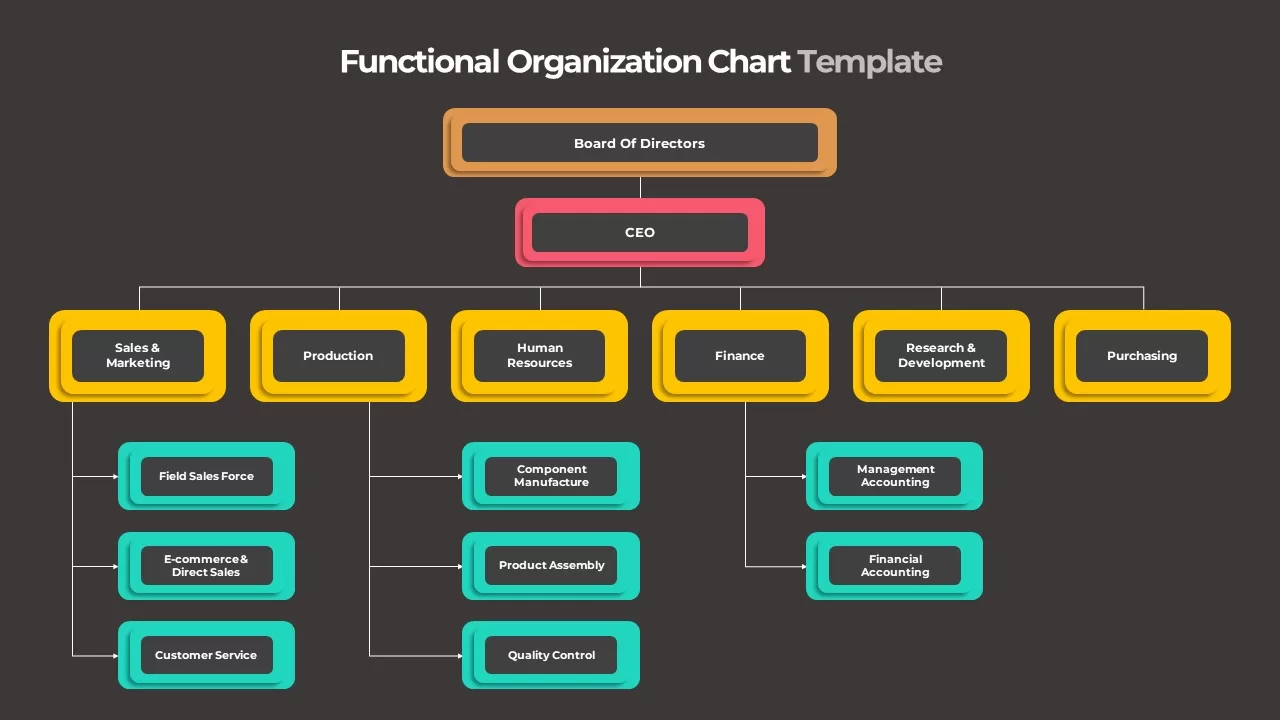
Visualizing your company’s reporting structure is essential for clear governance, seamless onboarding, and effective resource management. A professional functional organizational chart slide template for PowerPoint and Google Slides provides a clean, hierarchical framework to map out internal relationships and departmental boundaries. This presentation deck asset uses a vibrant, color-coded structure to make every tier of leadership instantly recognizable, whether you are presenting to a board of directors or introducing a team restructuring plan.

By organizing your corporate hierarchy into defined visual paths, this corporate template ensures your internal layout remains easy to scan. Using this premium graphic keeps your audience focused on operational relationships across both PowerPoint and Google Slides platforms.

Key Design Elements of This Hierarchical Org Chart

Displaying a corporate structure requires a flexible asset that accommodates titles of varying lengths without disrupting the overall alignment. This functional organizational chart slide template for PowerPoint and Google Slides includes several built-in features:

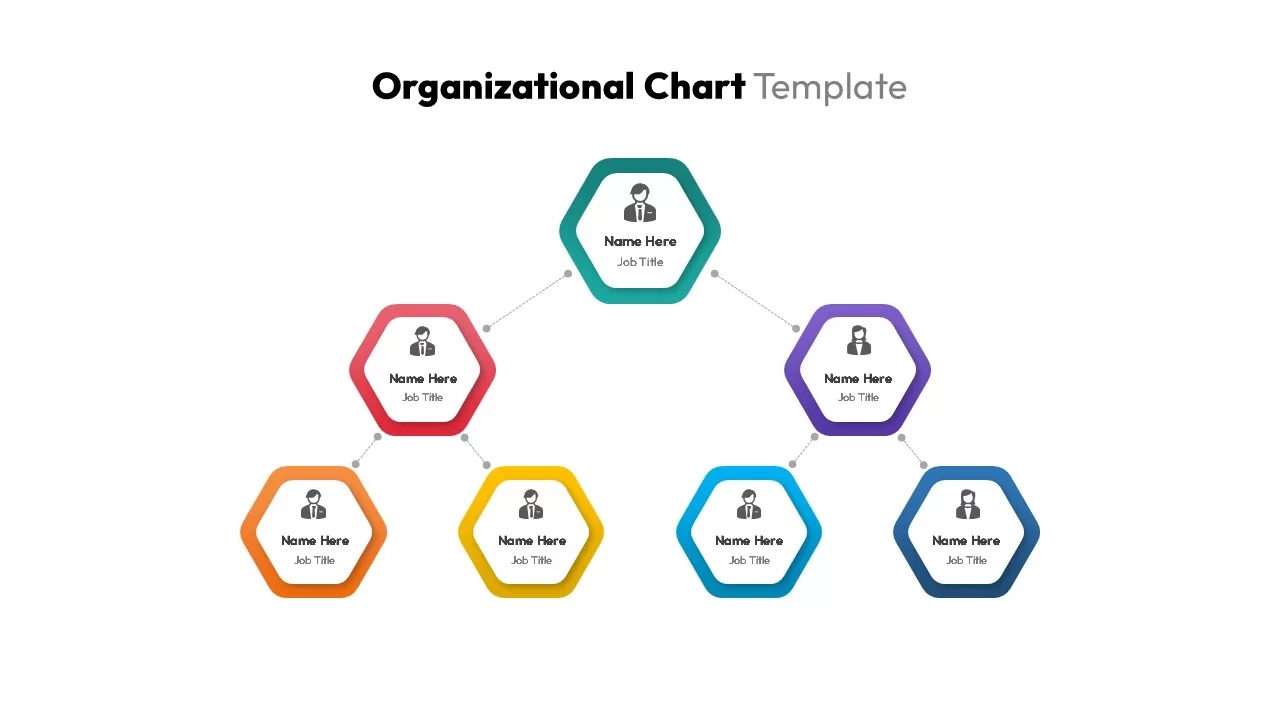
  • Structured Multi-Tier Hierarchy: Clearly display your complete reporting line, starting from a prominent Board of Directors node down to the CEO, departmental managers, and specific functional teams.
  • Distinct Gradient Color-Coding: This template utilizes contrasting gradient fills, such as orange, pink, yellow, and teal, to help viewers immediately distinguish between different levels of leadership.
  • Fully Editable Vector Architecture: You can easily rename positions, expand specific departments, add or remove branches, and tweak color themes directly inside Google Slides or PowerPoint.
  • Sequenced Branch Animations: Apply preset entrance animations to reveal individual corporate branches one by one, keeping your audience engaged during live presentations.

Who Should Use a Functional Org Chart Presentation Slide?

This corporate tracking layout is built for leaders who need to document authority lines and operational responsibilities clearly. It serves as an excellent resource for:

  • HR Leaders and Talent Managers: Document formal corporate structures, manage departmental restructures, and guide new hires through the company governance system in Google Slides.
  • Executives and Business Consultants: Present clear corporate restructuring proposals, highlight leadership changes, and outline board-level governance structures cleanly.
  • Project Managers and Team Leads: Define specific project team assignments, clarify direct reporting lines, and establish clear operational accountability within your preferred presentation tool.

The intuitive layout ensures you can update your corporate data quickly, allowing you to focus entirely on your organizational strategy rather than formatting details.

Login to download this file