



















































As Is To Be Template for PowerPoint
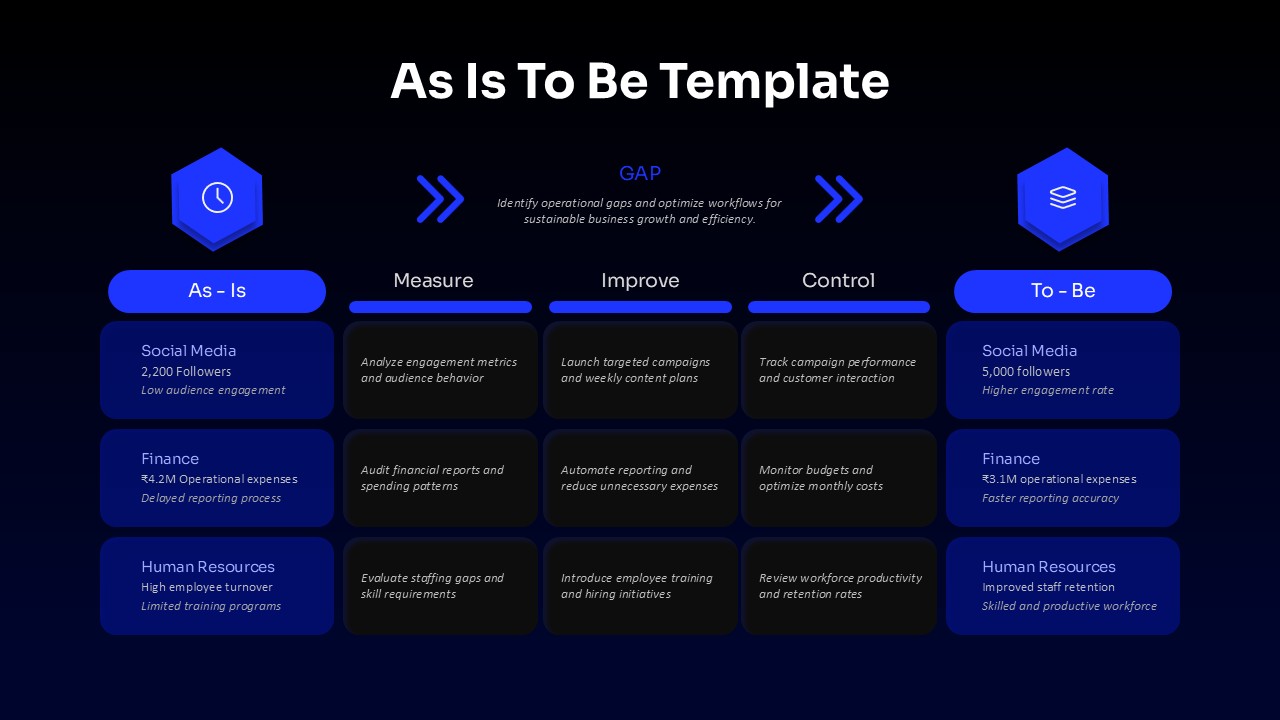
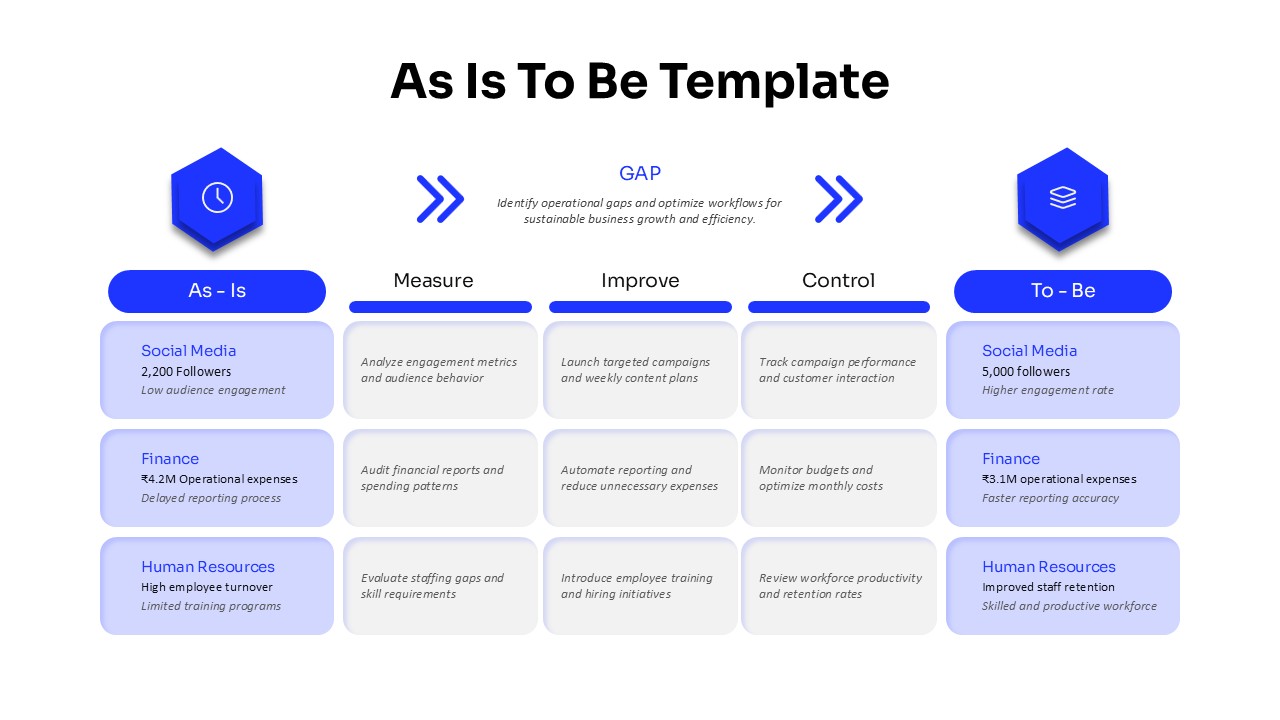
An As Is To Be Template for PowerPoint is a visual process analysis framework used to compare the present condition of a business, workflow, department, or operation with its intended future state. It helps explain what is happening now, identify the gap between current and expected results, and show the actions that can move a process toward improvement. This As Is To Be PPT Template presents that concept through a horizontal transformation flow, making it useful for business process mapping, gap analysis, change management, operational planning, and strategy presentations.
As Is To Be PowerPoint Template for Current State and Future State Analysis
The slide places As Is information on the left and To Be outcomes on the right, creating a clear visual comparison between current performance and future objectives. Three intermediate stages, Measure, Improve, and Control, connect the two states and provide a practical structure for explaining the transformation process. The rows can be used for different departments, workflows, projects, or performance areas, while the center sections provide room for metrics, problems, improvement actions, and control measures. The GAP area at the top can highlight the primary operational issue or business opportunity that needs attention.
For a PowerPoint presentation, this As Is To Be presentation template can support process improvement meetings, consulting presentations, business transformation plans, workflow reviews, organizational development, and project planning. The blue visual style, rounded information panels, directional arrows, and editable icons create a professional PPT layout without making the information difficult to read. Users can replace the sample Social Media, Finance, and Human Resources content with their own business data and process stages. Every major element can be customized, including text, shapes, icons, colors, and positioning.
The As Is To Be PowerPoint Template is built to edit in both Microsoft PowerPoint and Google Slides, giving teams flexibility when preparing a PPT, PowerPoint deck, Google Slides presentation, or business report. It can also be adapted into an As Is To Be diagram, current state vs future state presentation, process mapping PPT, or gap analysis presentation according to the purpose of the project. Download this editable As Is To Be PPT Template to present the journey from the current state to the desired future state in one organized presentation slide.
Frequently Asked Questions
Can I use this template for Six Sigma or DMAIC presentations?
Does this template work in Google Slides?
Login to download this file

Item ID
SB05922Designed By
Naseeba Sithara


