Affinity Diagram Infographic Template for PowerPoint & Google Slides
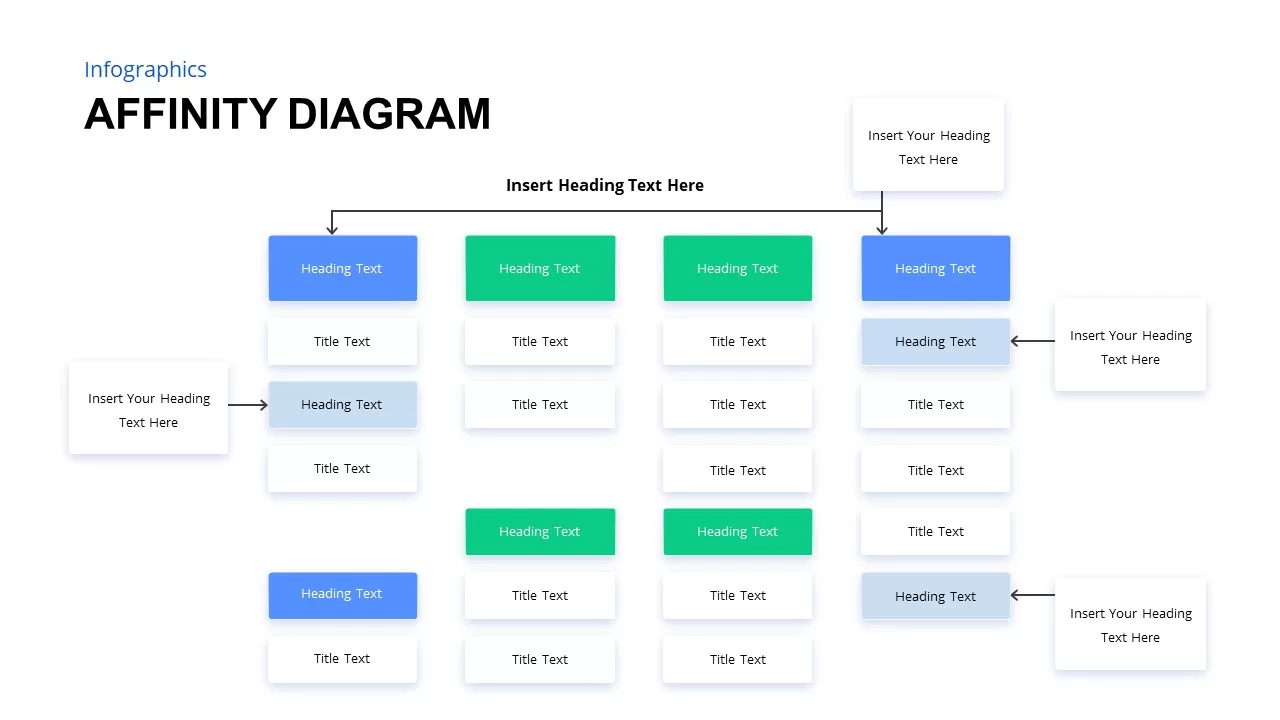
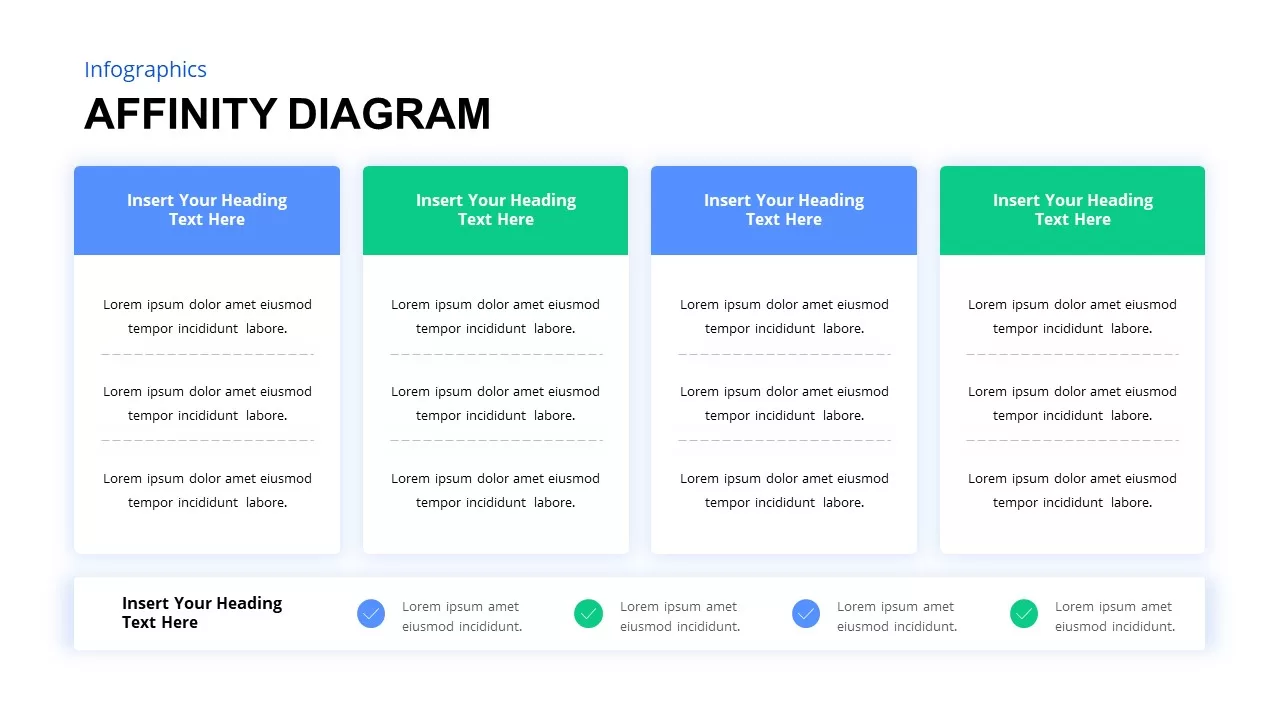
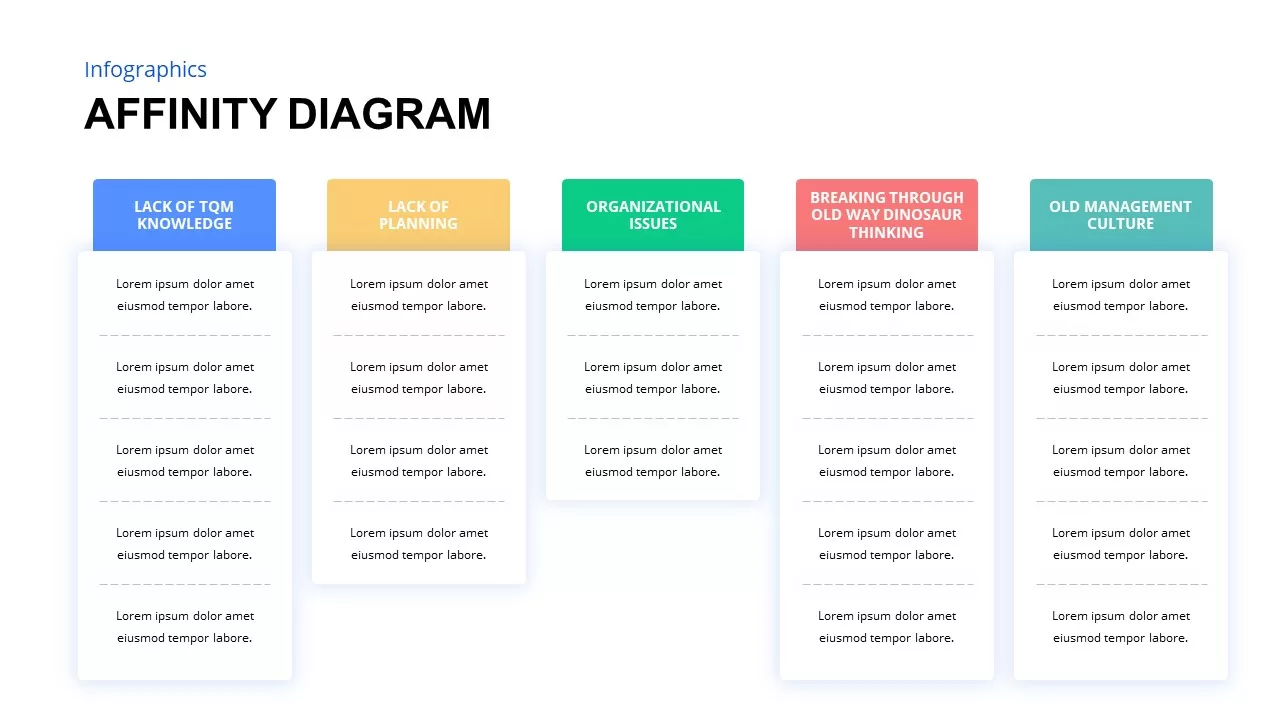
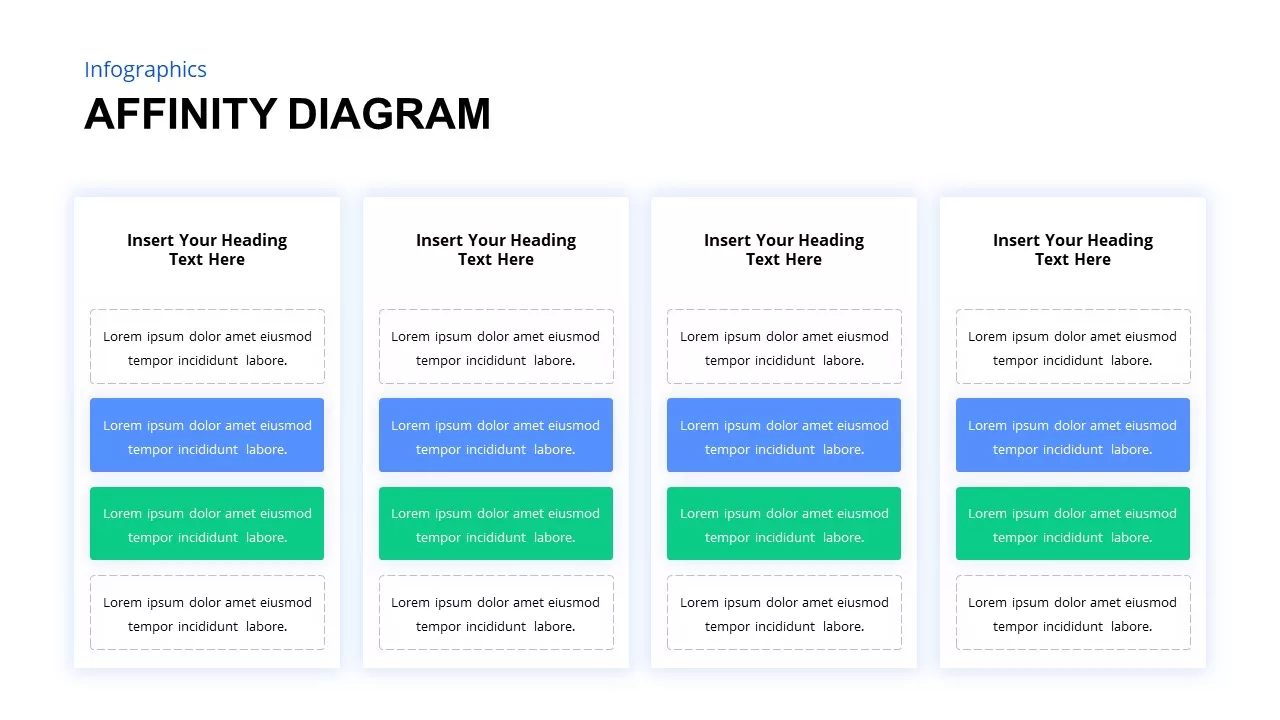
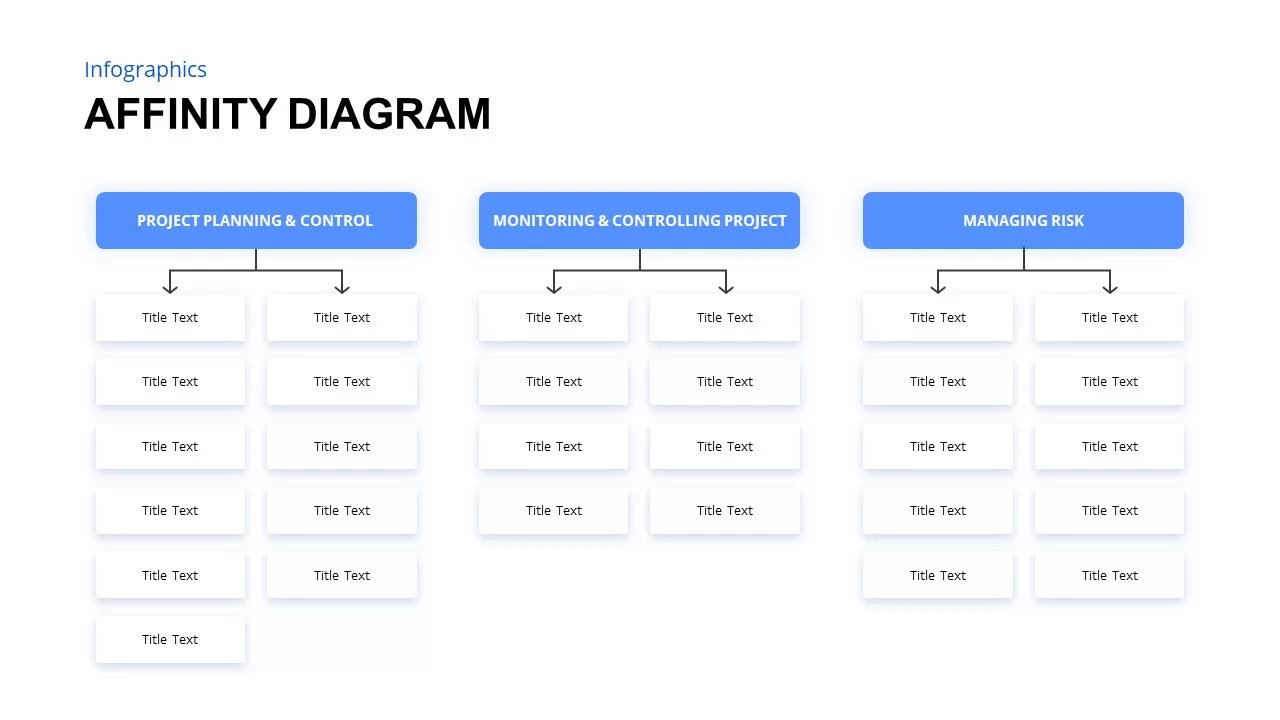
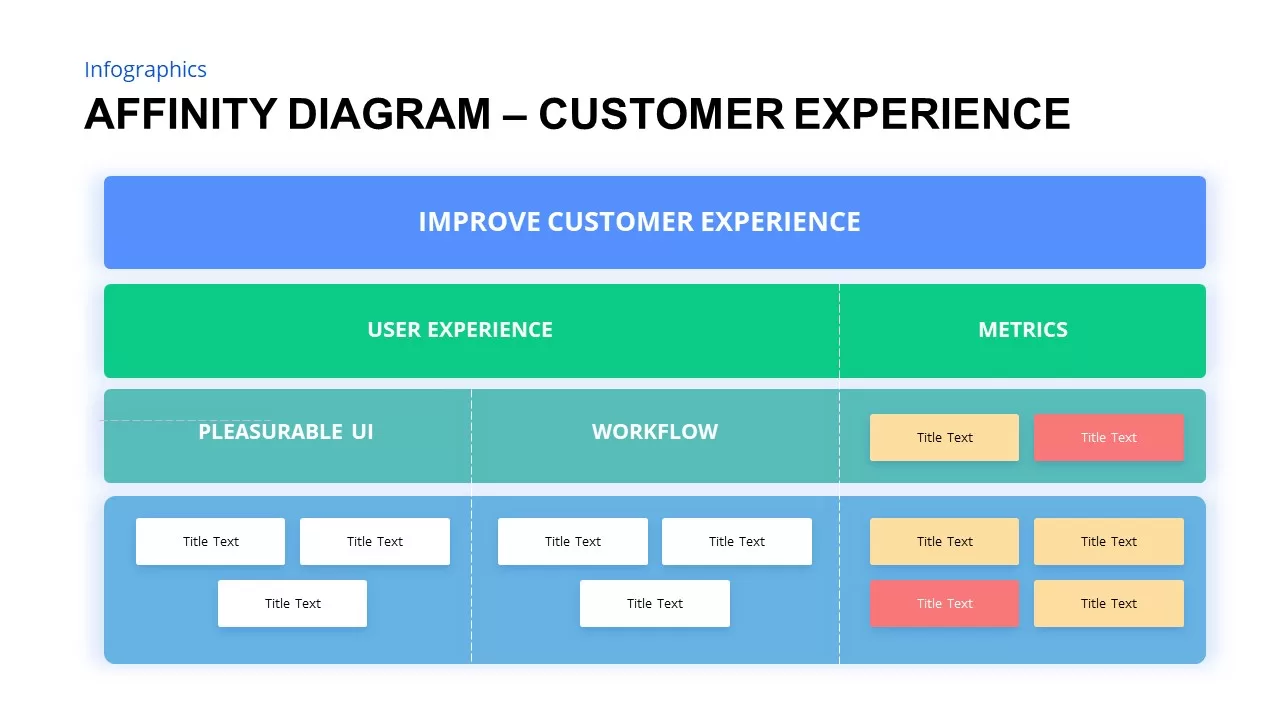
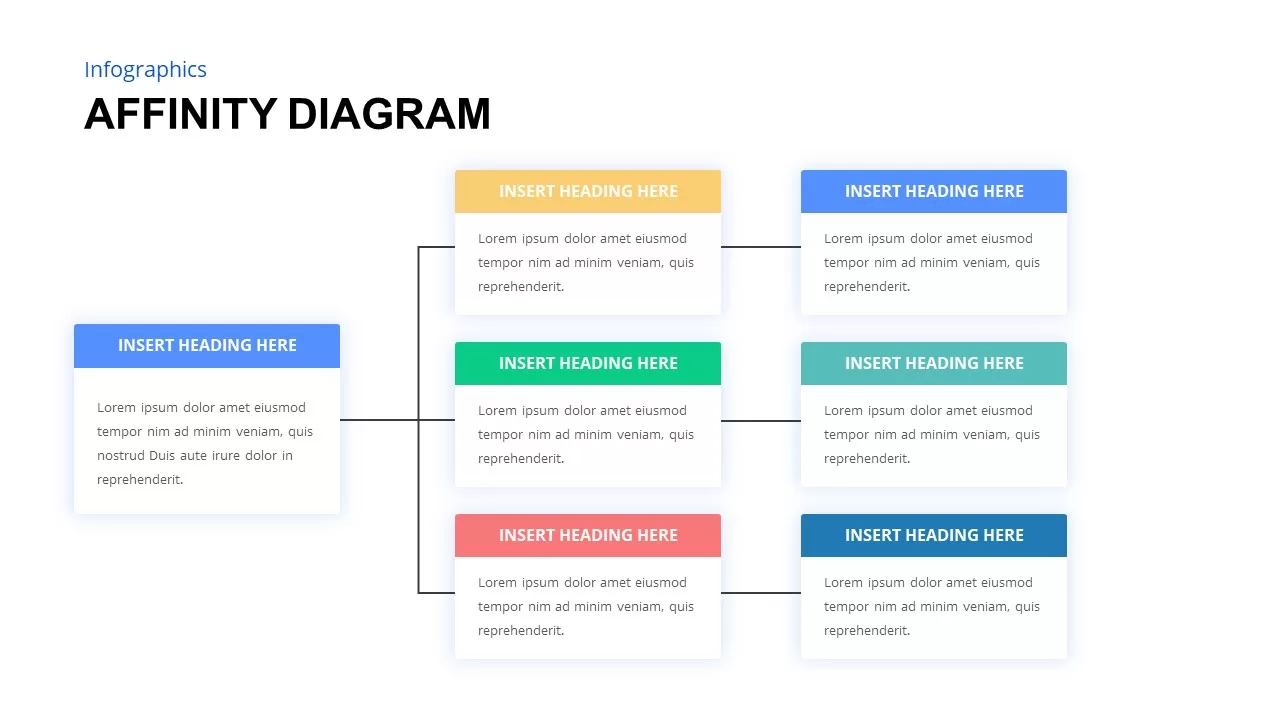
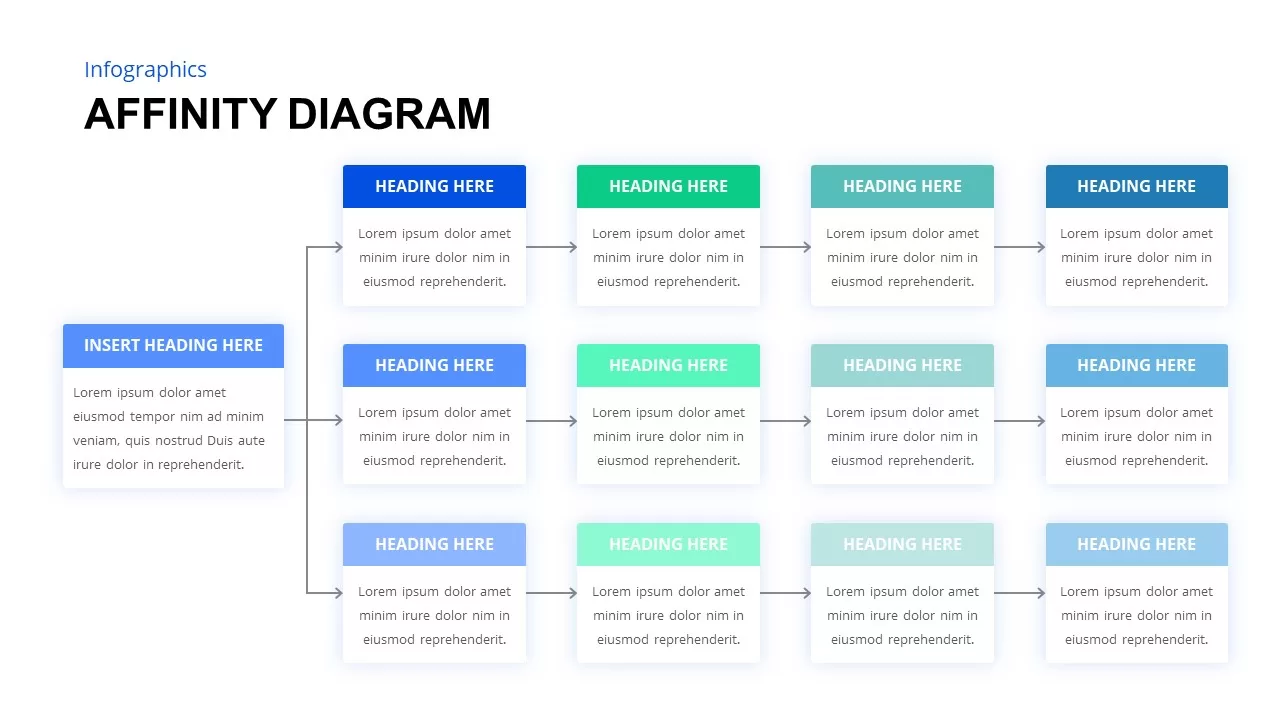
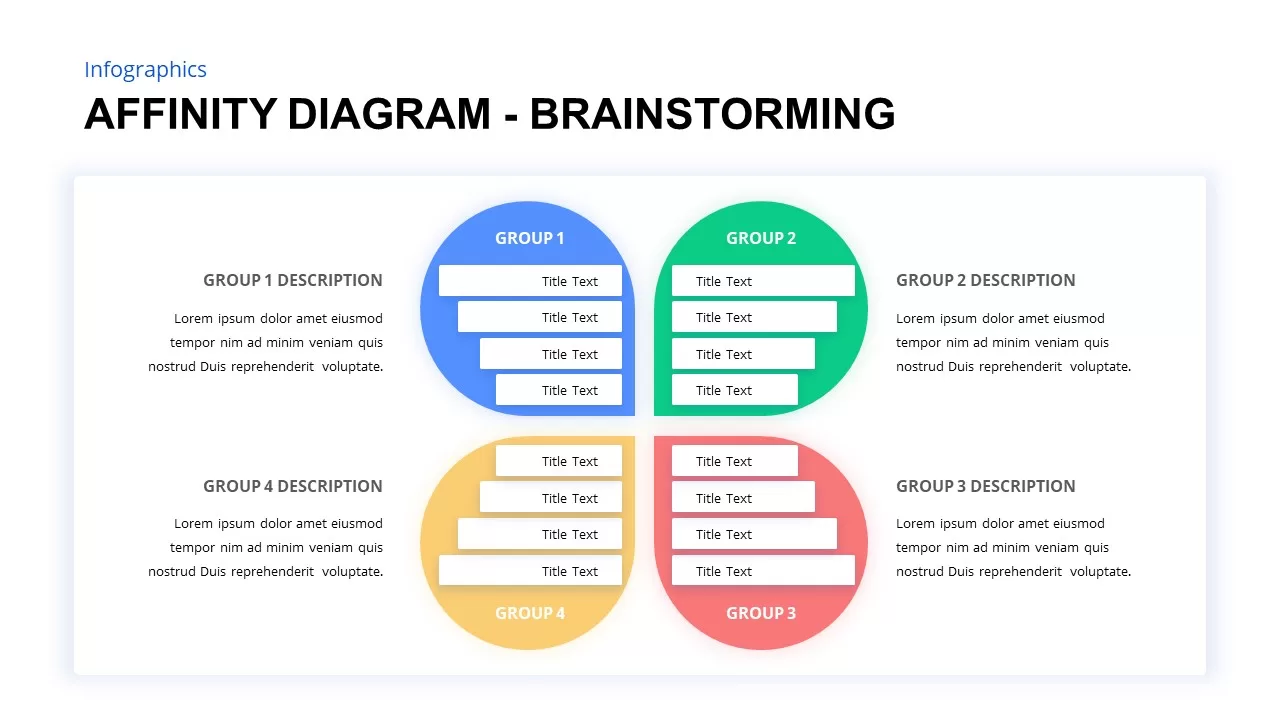
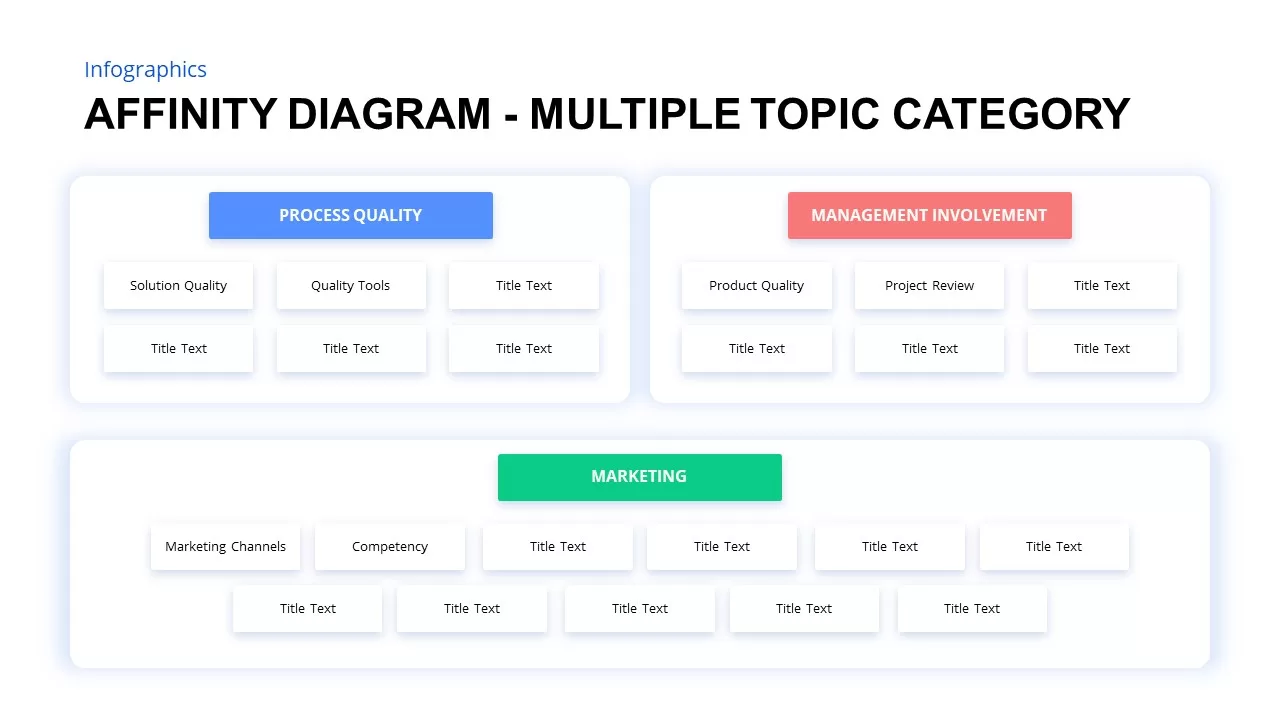
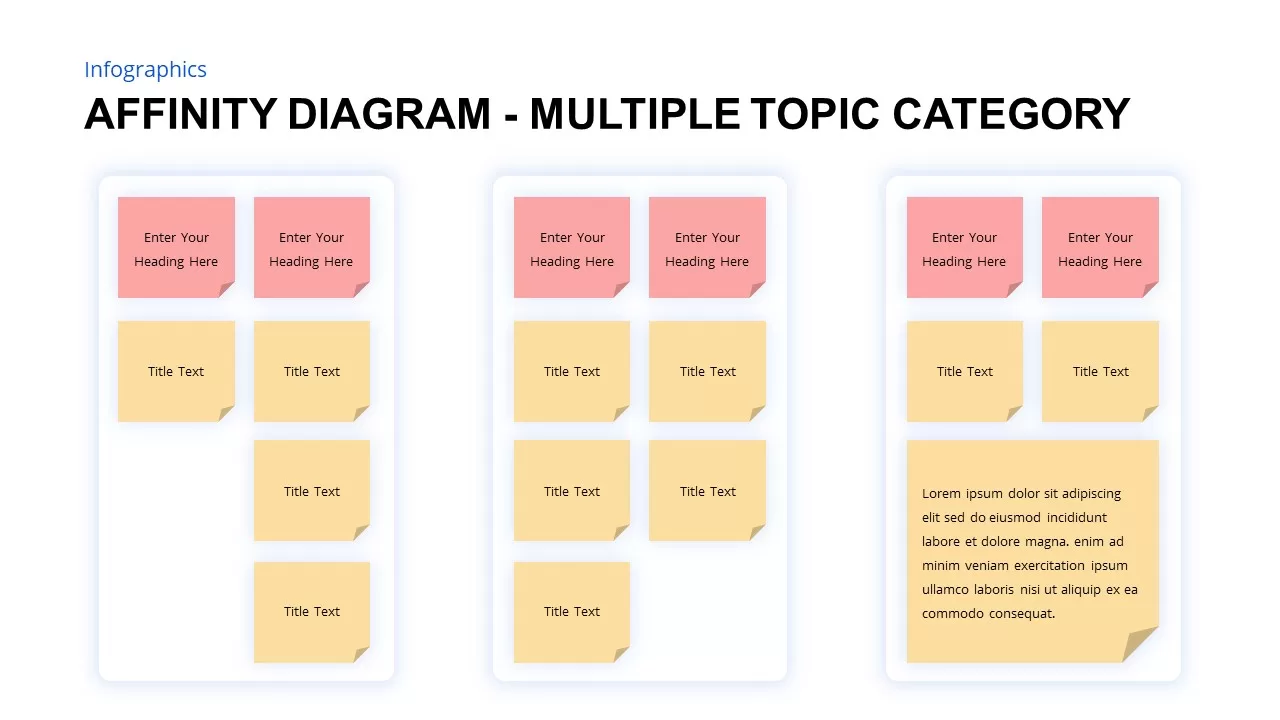

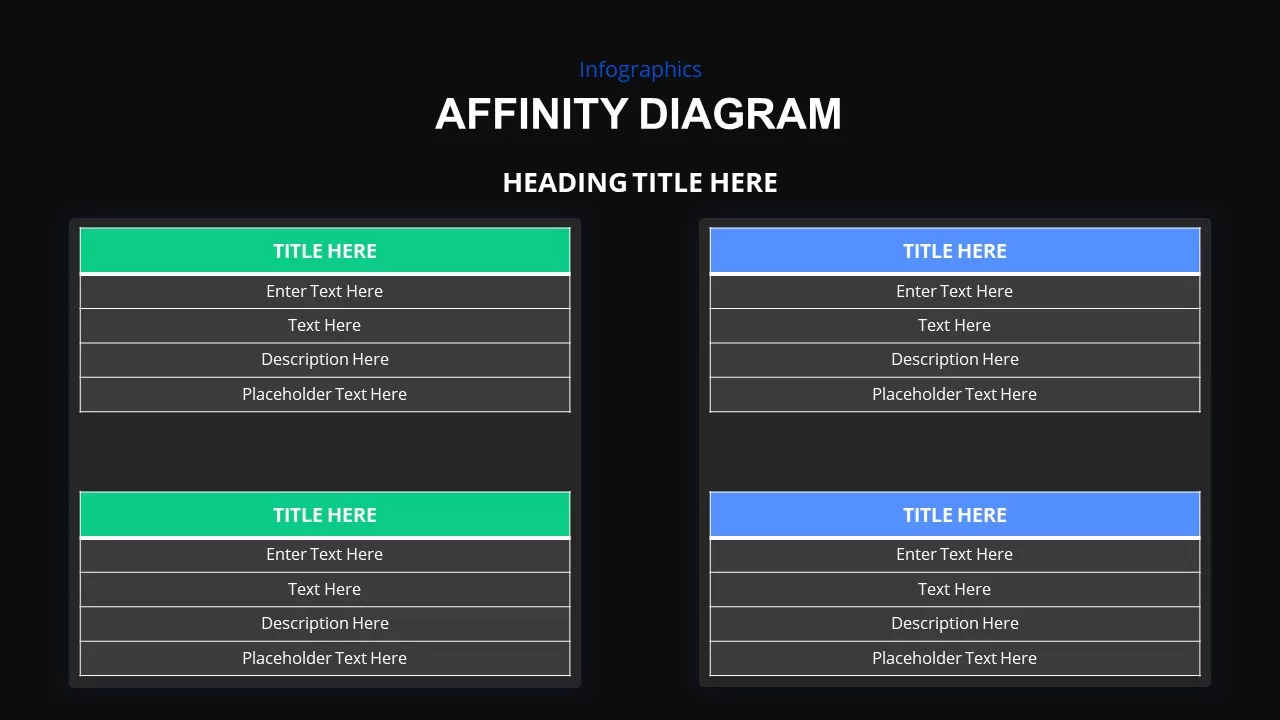
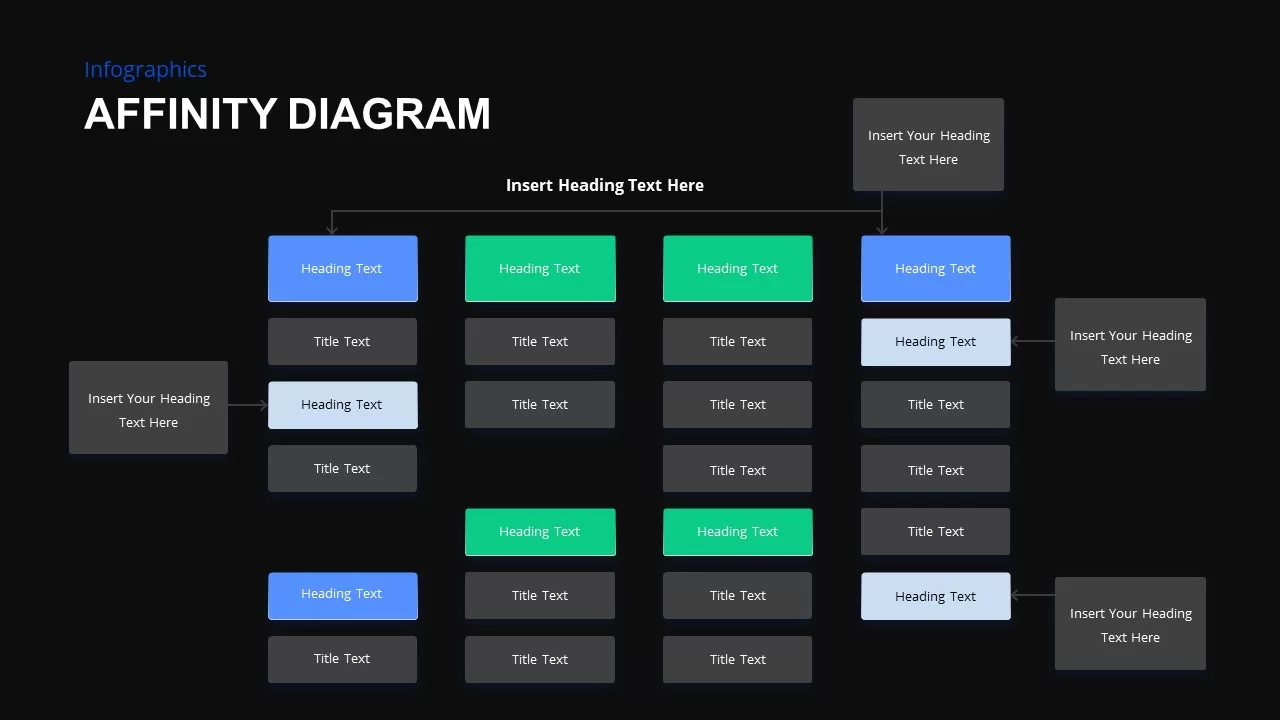
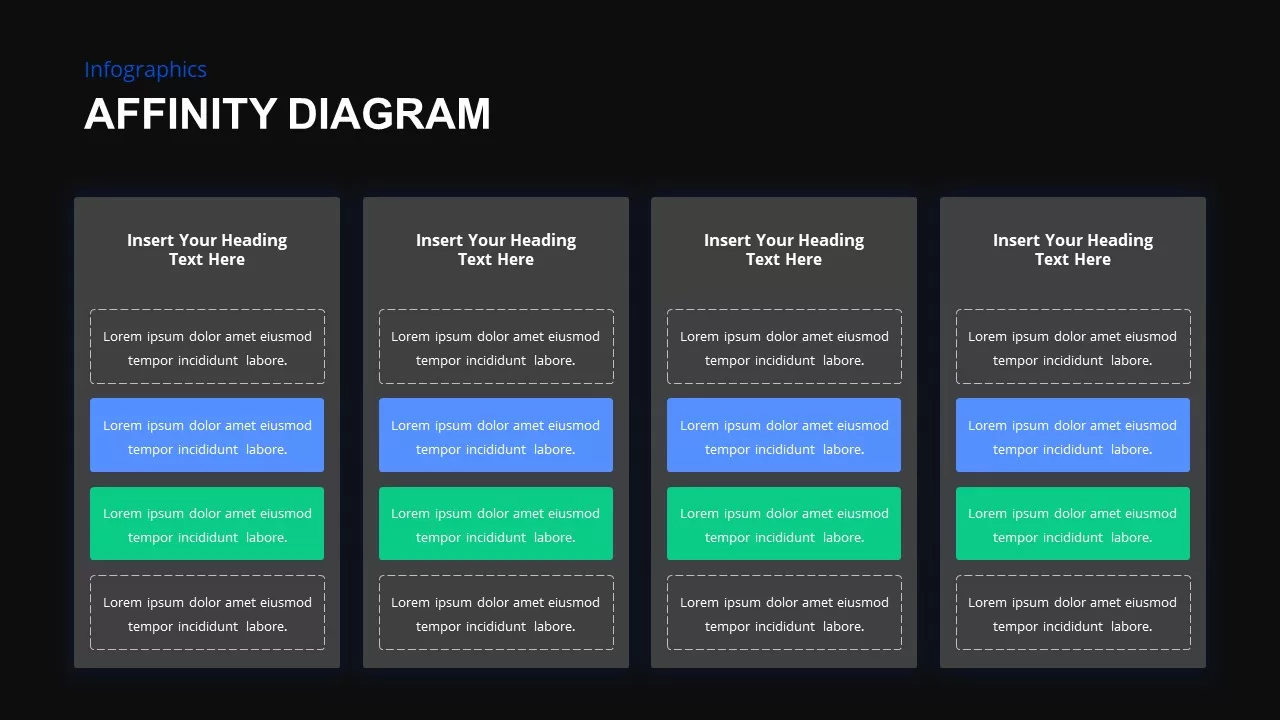
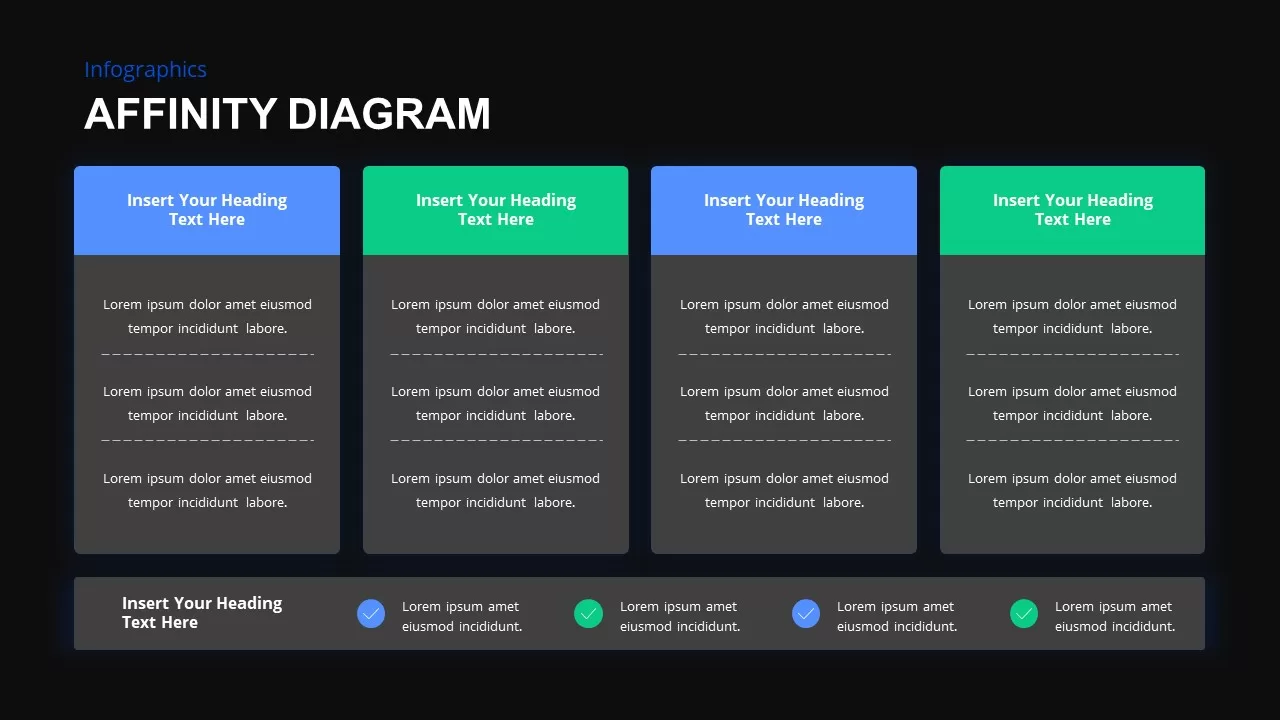
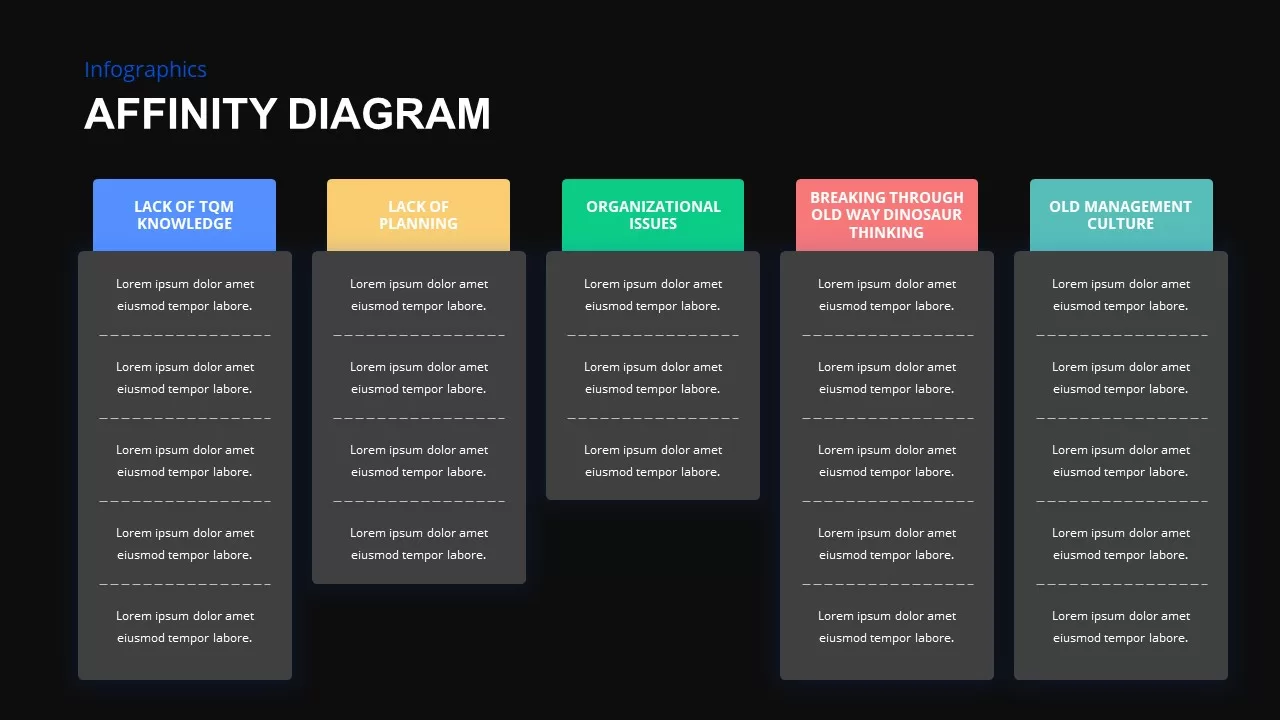
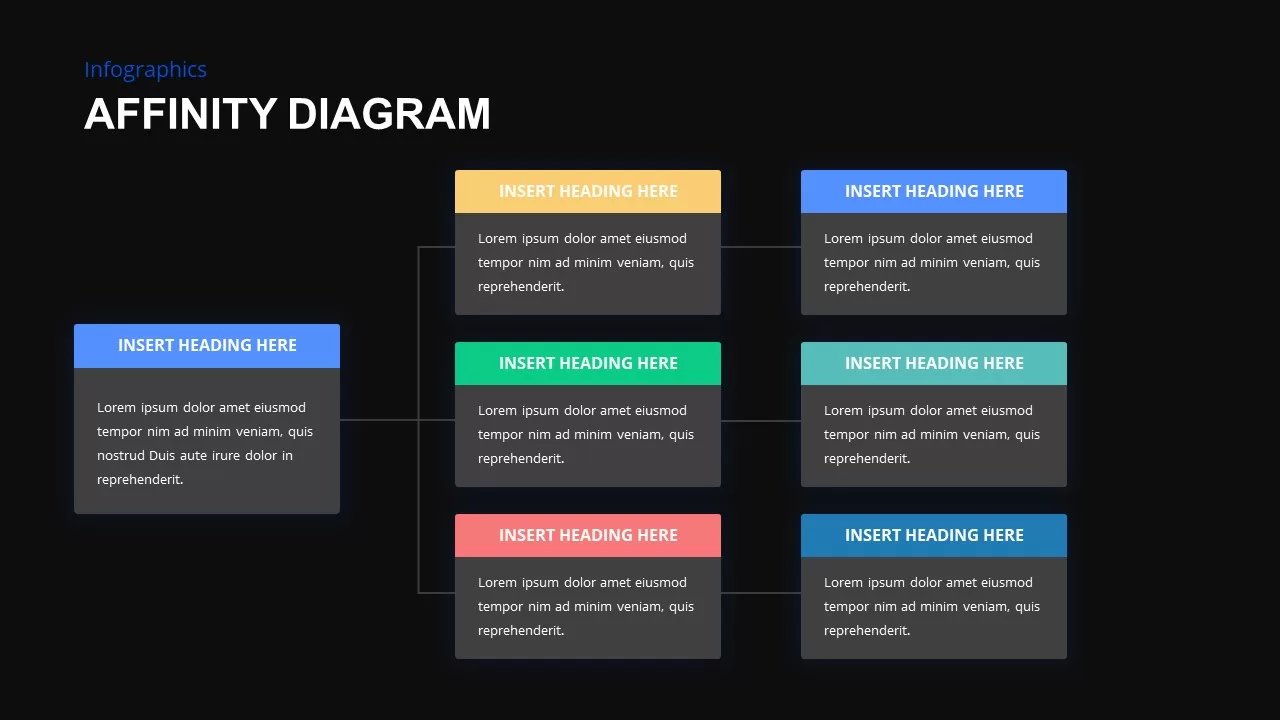
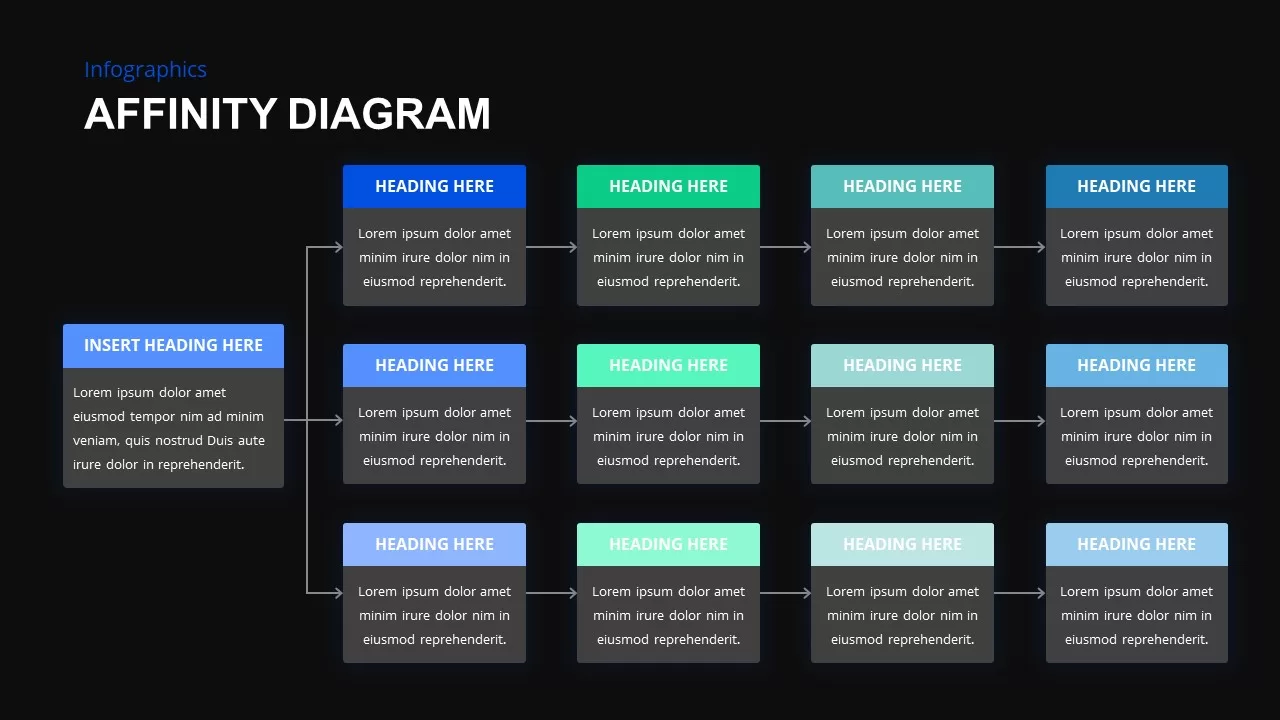
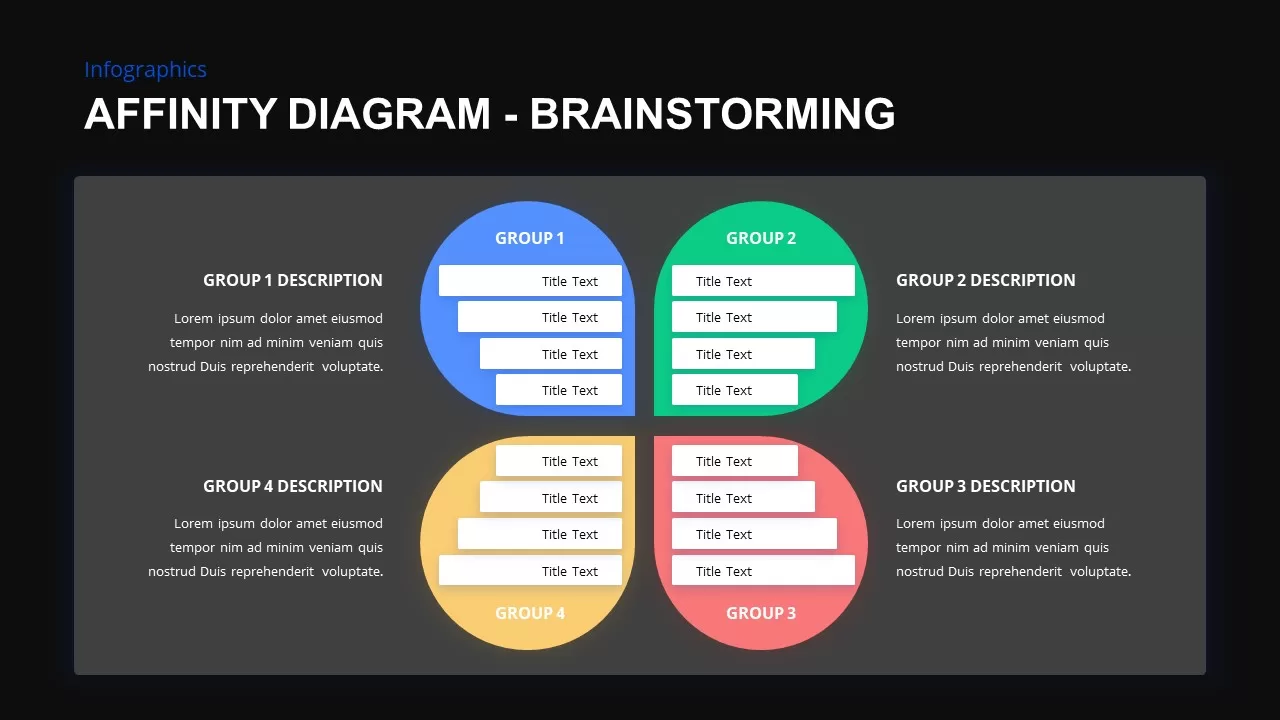
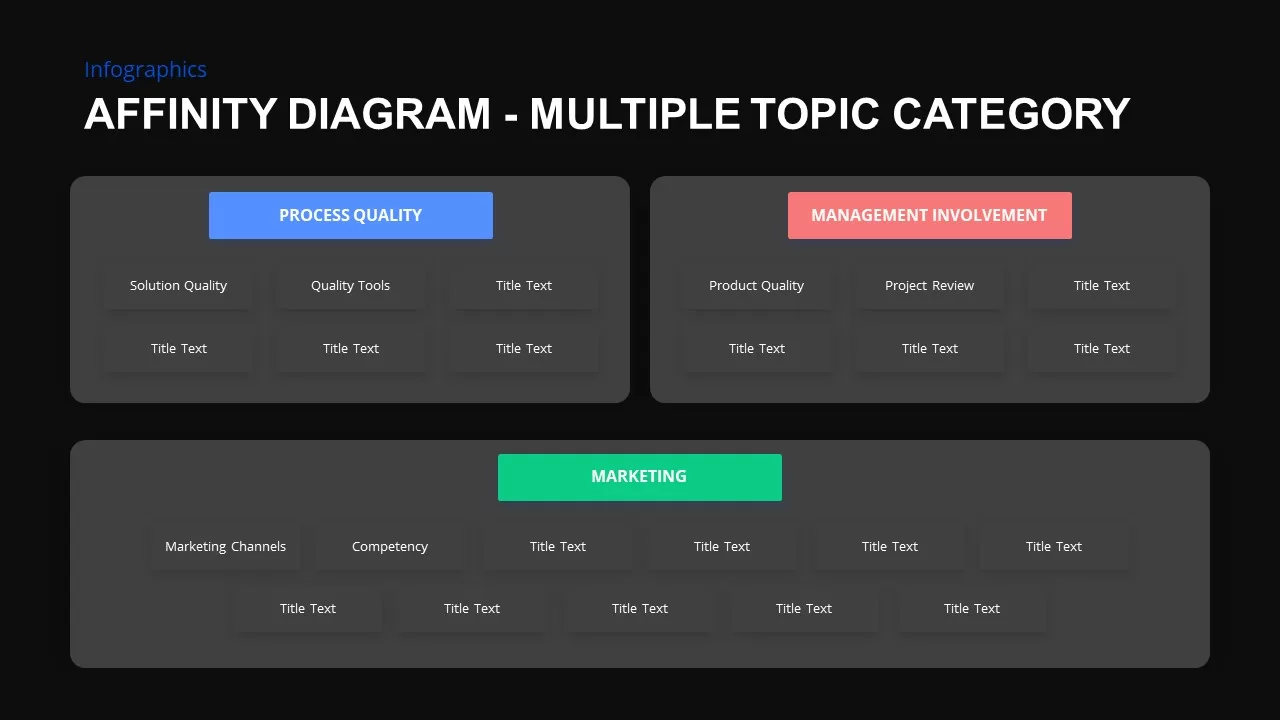


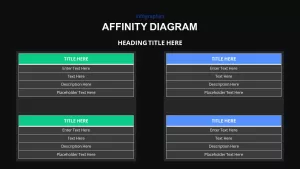
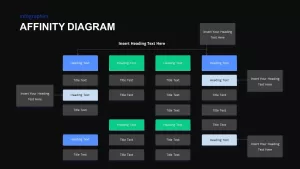
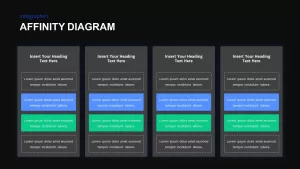
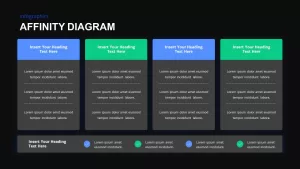
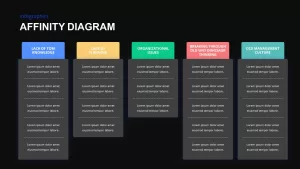
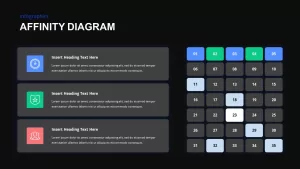
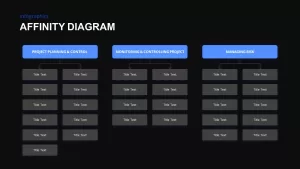
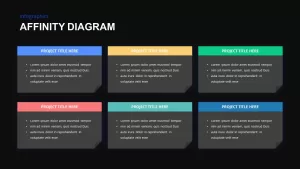
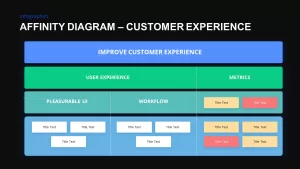
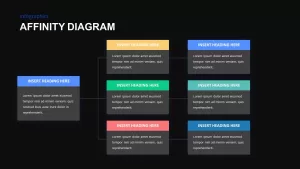
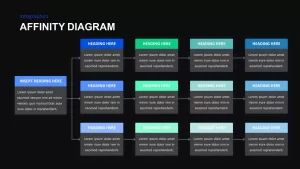
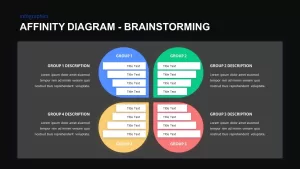

Affinity Diagram Template for PowerPoint and Google Slides
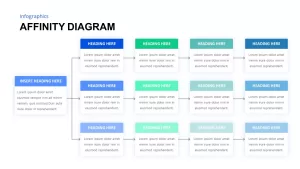
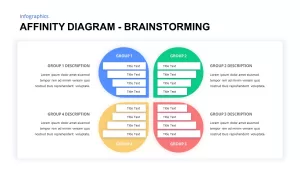
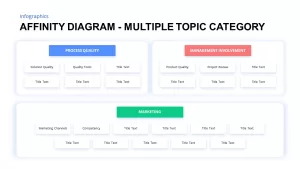
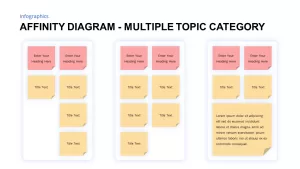
Organizing large volumes of brainstorming ideas, categorizing user research feedback, synthesizing UX discovery data, or streamlining project issue trees requires an intuitive information architecture framework. An affinity diagram gives agile coaches, design thinking facilitators, product managers, and business analysts a comprehensive slide deck to cluster unstructured concepts into meaningful, actionable groups. Disorganized collections of brainstorming notes often lead to analysis paralysis during team workshops. Utilizing sticky-note style cards, thematic tables, and hierarchical clustering diagrams helps cross-functional teams build shared understanding and surface critical insights rapidly.
Group Brainstorming Insights with an Affinity Diagram PowerPoint Template
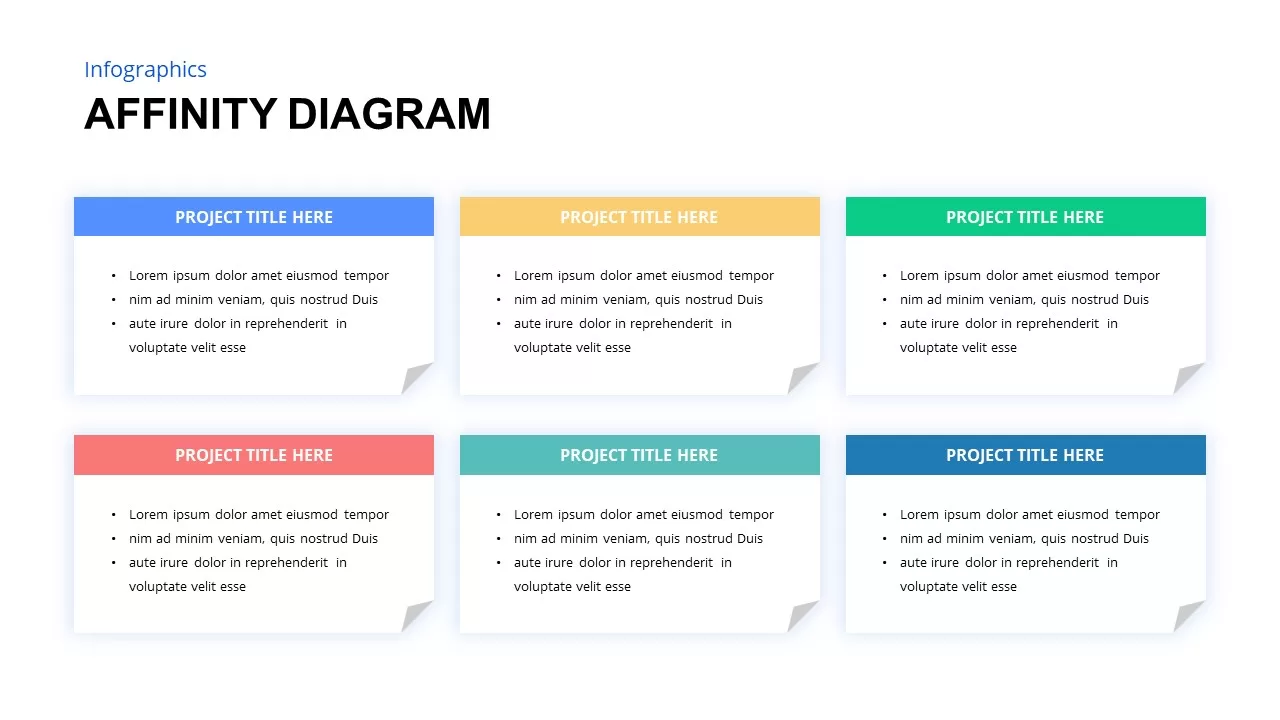
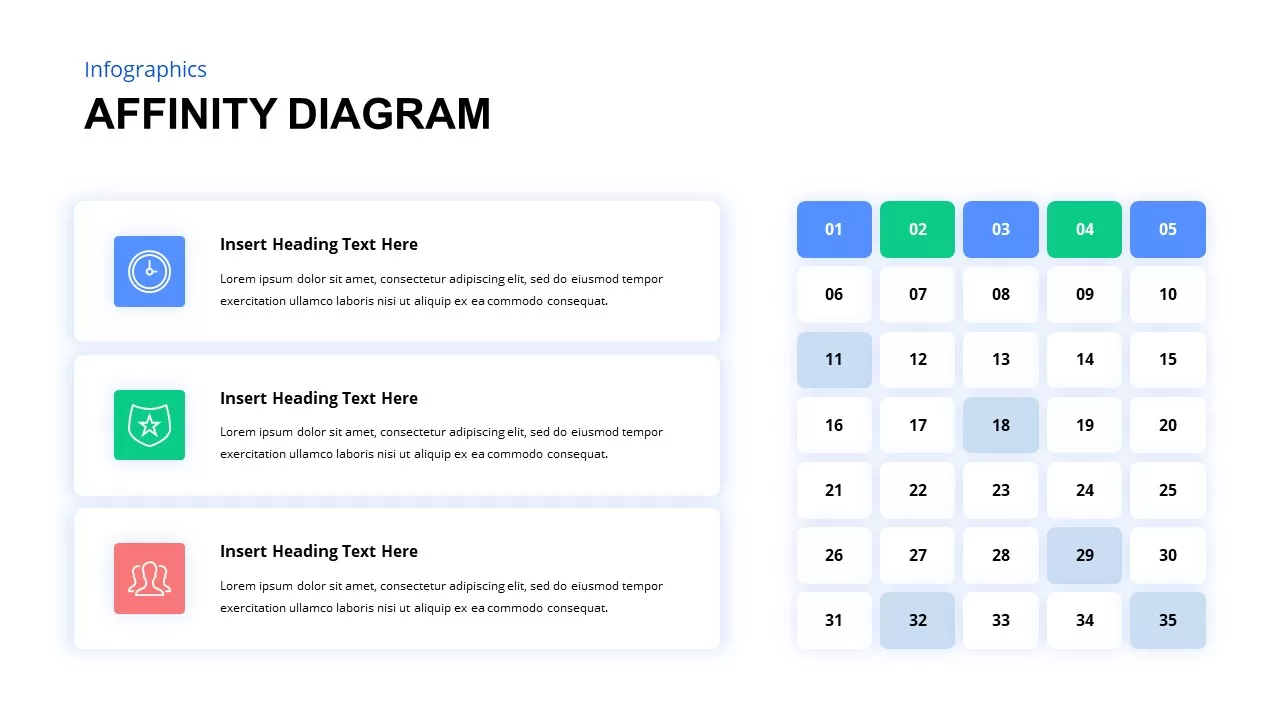
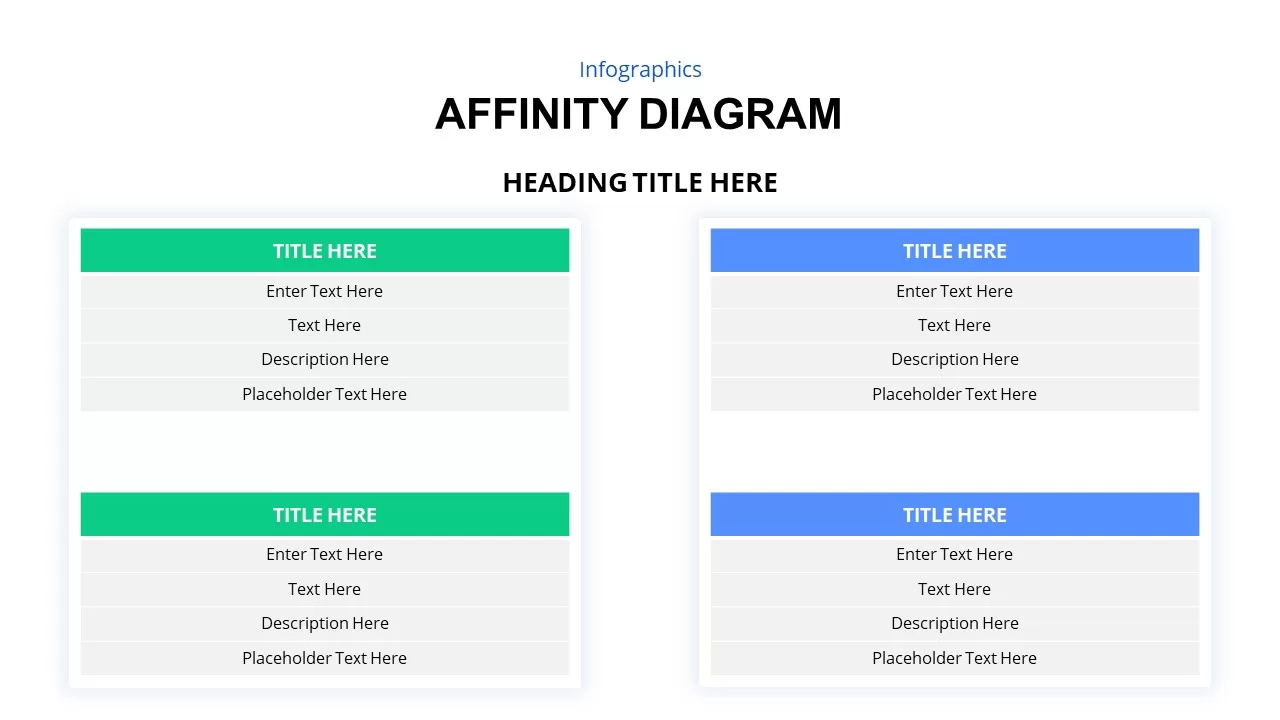
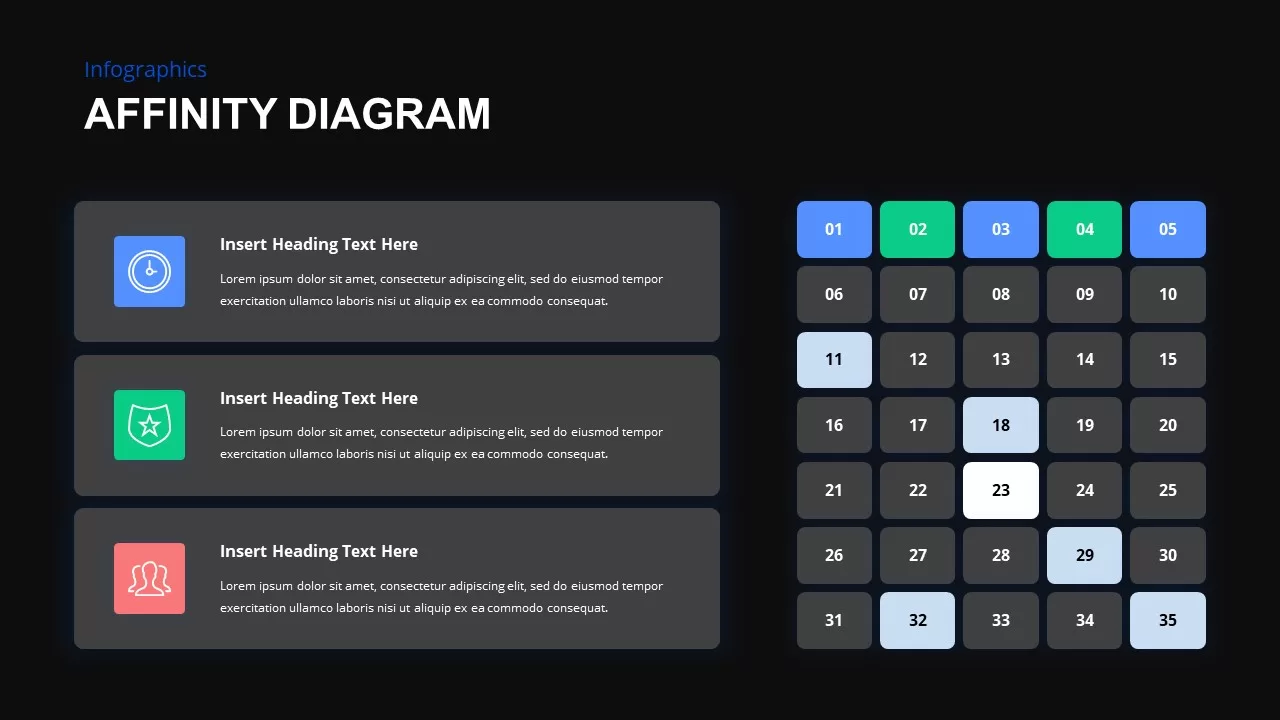
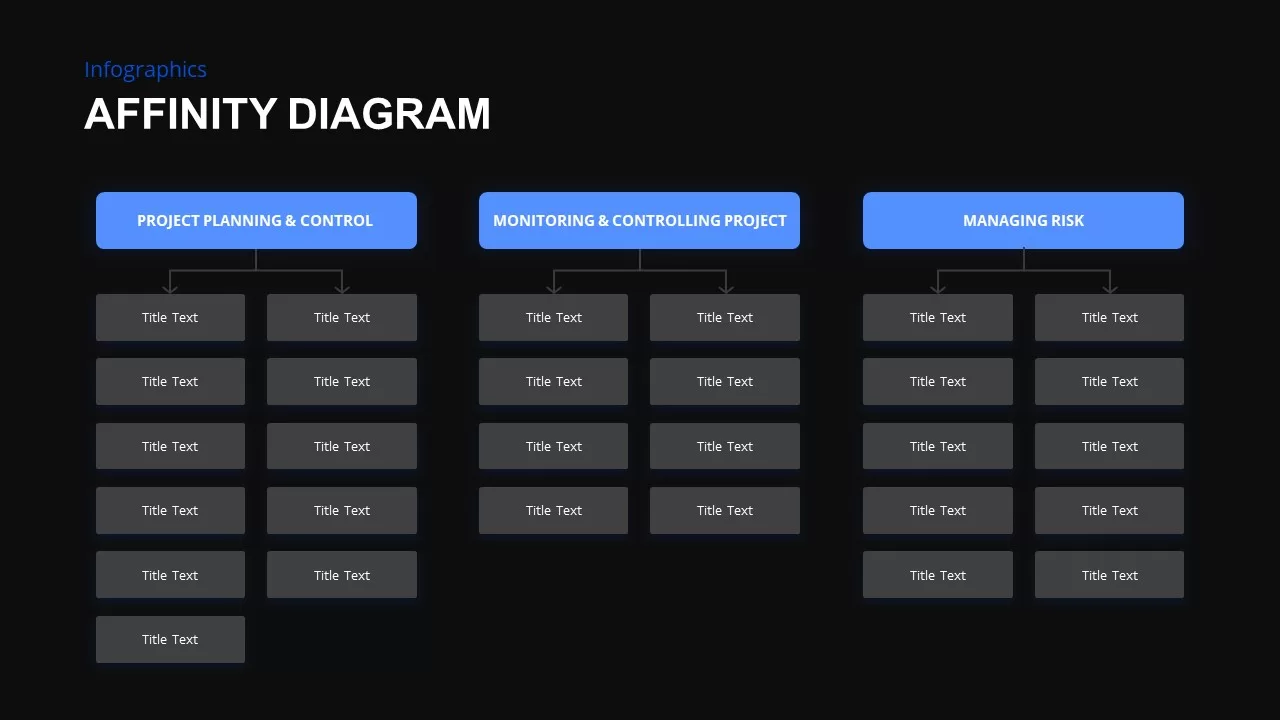
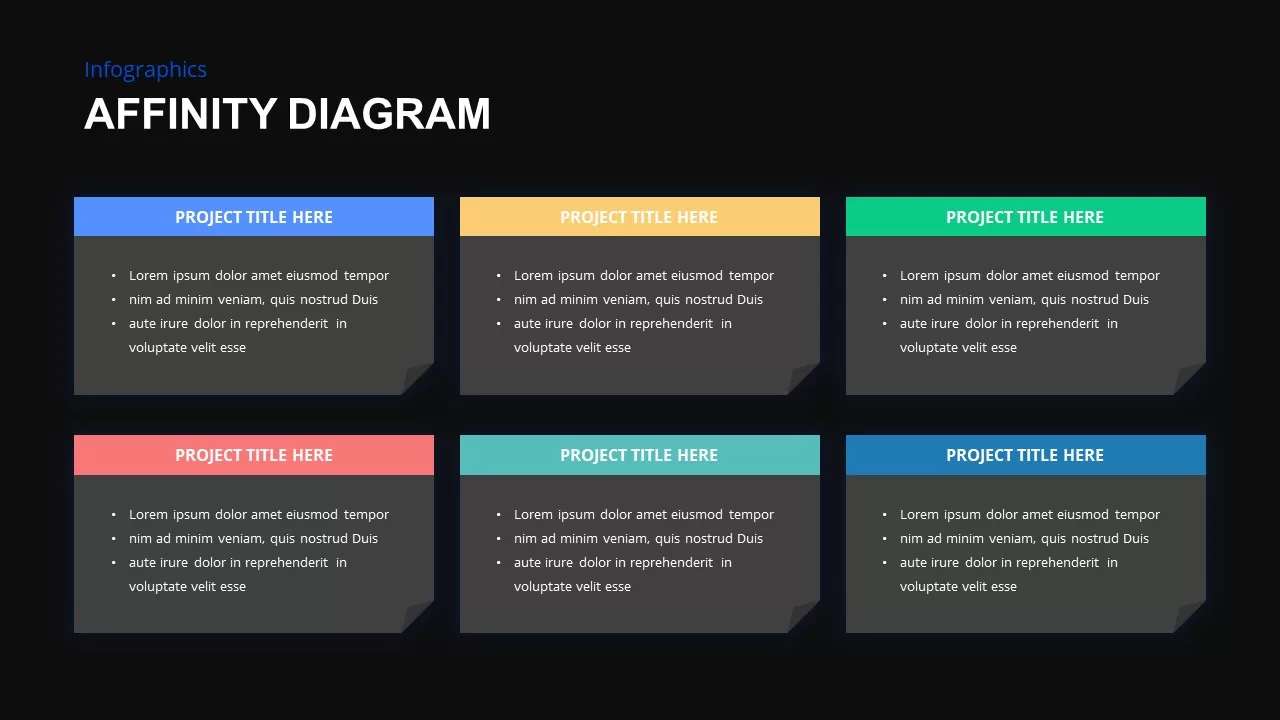
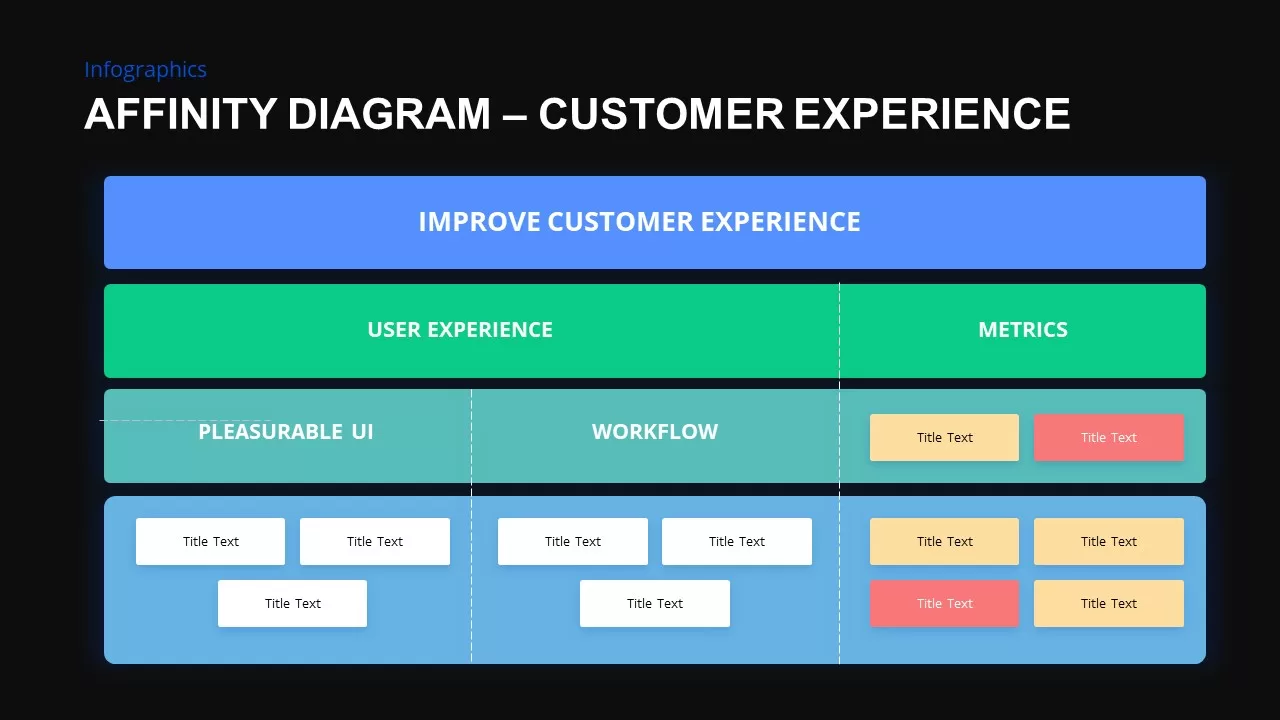
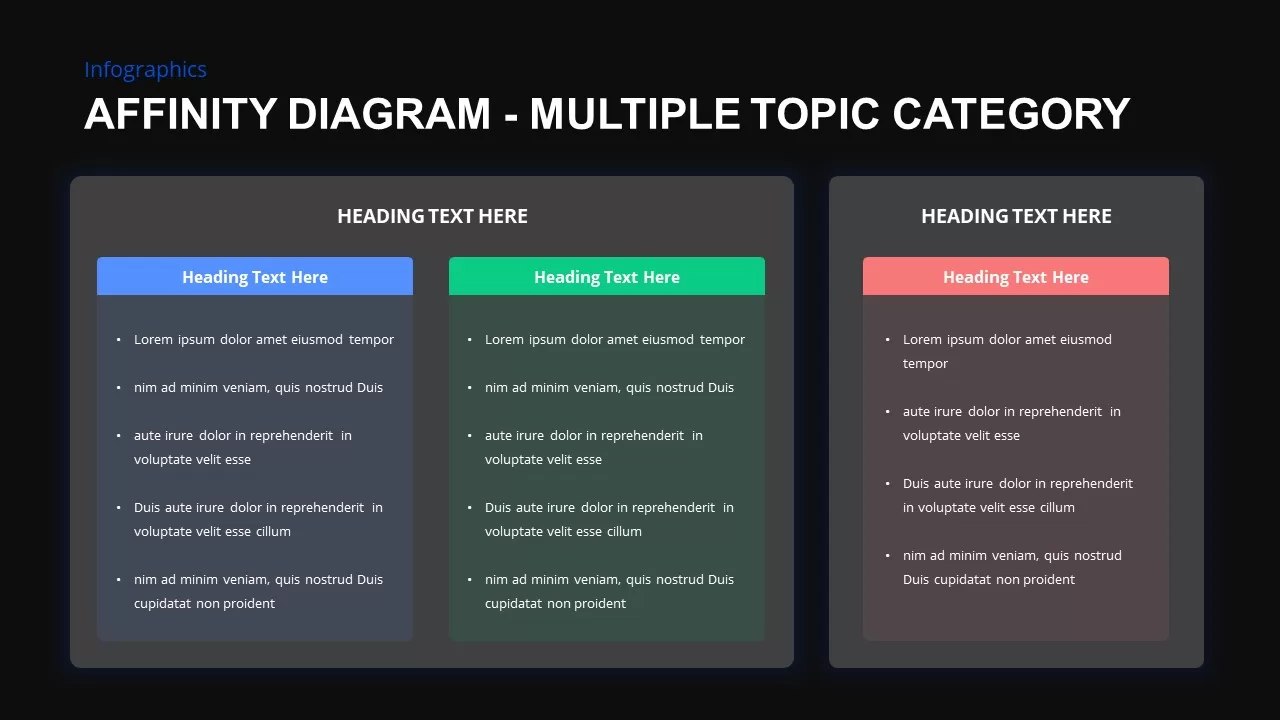
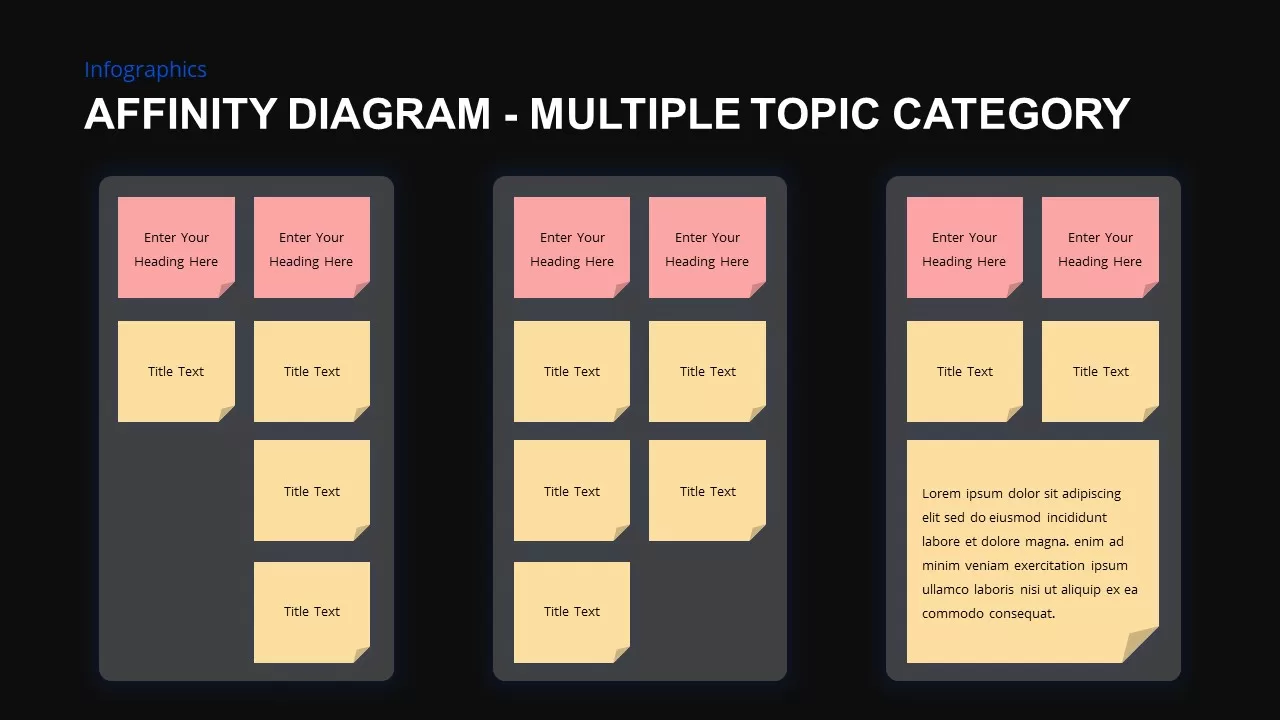
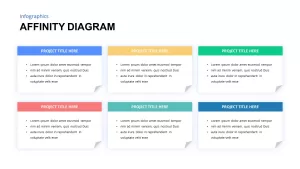
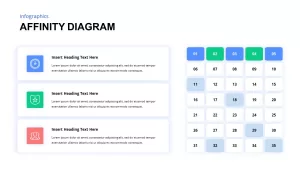
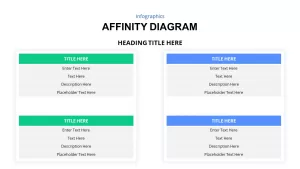
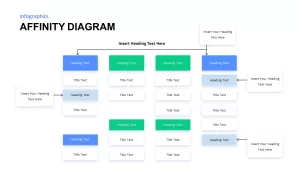
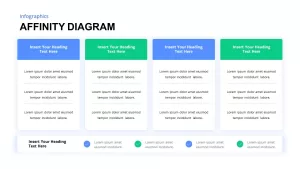
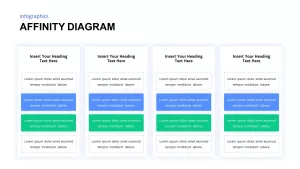
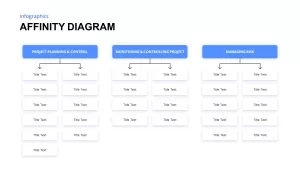
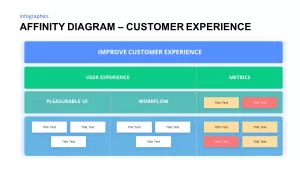
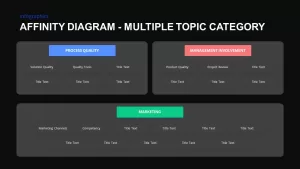
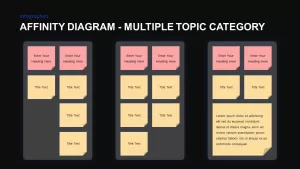
Facilitating collaborative ideation sessions and qualitative research reviews becomes far more productive when ideas are arranged within structured digital boards. An affinity diagram PowerPoint template provides multiple layout formats including six-card sticky-note grids, calendar and prioritization matrix boards, dual-category comparison containers, and structured tree branches. Presenters can methodically sort qualitative data into clear operational themes such as user pain points, technical constraints, feature opportunities, and strategic priorities during sprint retrospectives or discovery readouts.
Streamline Team Collaboration using Affinity Mapping Presentation Slides
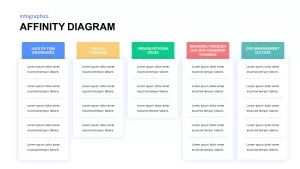
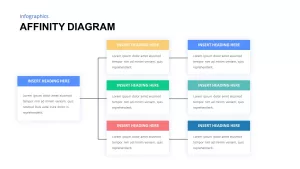
Accelerating decision-making across product and engineering teams depends on clear visual grouping and customizable categorizations. These affinity mapping presentation slides feature modern multi-colored header tags in blue, green, red, teal, and yellow to help differentiate separate focus areas effortlessly. Every card container, flowchart connector, and descriptive text block is fully customizable directly within PowerPoint or Google Slides, allowing facilitators to easily adapt the presentation for root cause analyses, agile backlog refinement sessions, and customer journey discovery workshops.
Login to download this file

Item ID
SB02018


Related Templates

Section Diagram Elements Infographic Template for PowerPoint & Google Slides
Process
6-Stage Funnel Diagram Infographic Template for PowerPoint & Google Slides
Funnel
3D Conversion Funnel Diagram Infographic Template for PowerPoint & Google Slides
Funnel
Four-Stage Circular Diagram Infographic Template for PowerPoint & Google Slides
Circular
5 Key Points PowerPoint Template
Process
Creative Tree Diagram Infographic Template for PowerPoint & Google Slides
Decision Tree
Four-Step Puzzle Diagram Infographic Template for PowerPoint & Google Slides
Process

Four Section Infographic Diagram Template for PowerPoint & Google Slides
Circular
IT Strategic Diagram Infographic Pack Template for PowerPoint & Google Slides
Business Strategy
Three-Step Result Diagram Infographic Template for PowerPoint & Google Slides
Process
Eight-Node Mind Map Infographic Diagram Template for PowerPoint & Google Slides
Mind Maps
Four-Option Cross Infographic Diagram Template for PowerPoint & Google Slides
Comparison
Structured Mind Map Infographic Diagram Template for PowerPoint & Google Slides
Mind Maps
Minimal Process Flow Diagram Infographic Template for PowerPoint & Google Slides
Process
Curved Arrow Process Template for PowerPoint
Arrow
Free
Chain Link Process Infographic Diagram Template for PowerPoint & Google Slides
Process
Smartphone Infographic Diagram Template for PowerPoint & Google Slides
Comparison
Five Step Flywheel Infographic Diagram Template for PowerPoint & Google Slides
Process
Three-Part Parts Infographic Diagram Template for PowerPoint & Google Slides
Process
Triangle Venn Diagram for PowerPoint
Comparison