











4-Step Turns Infographic Template for PowerPoint
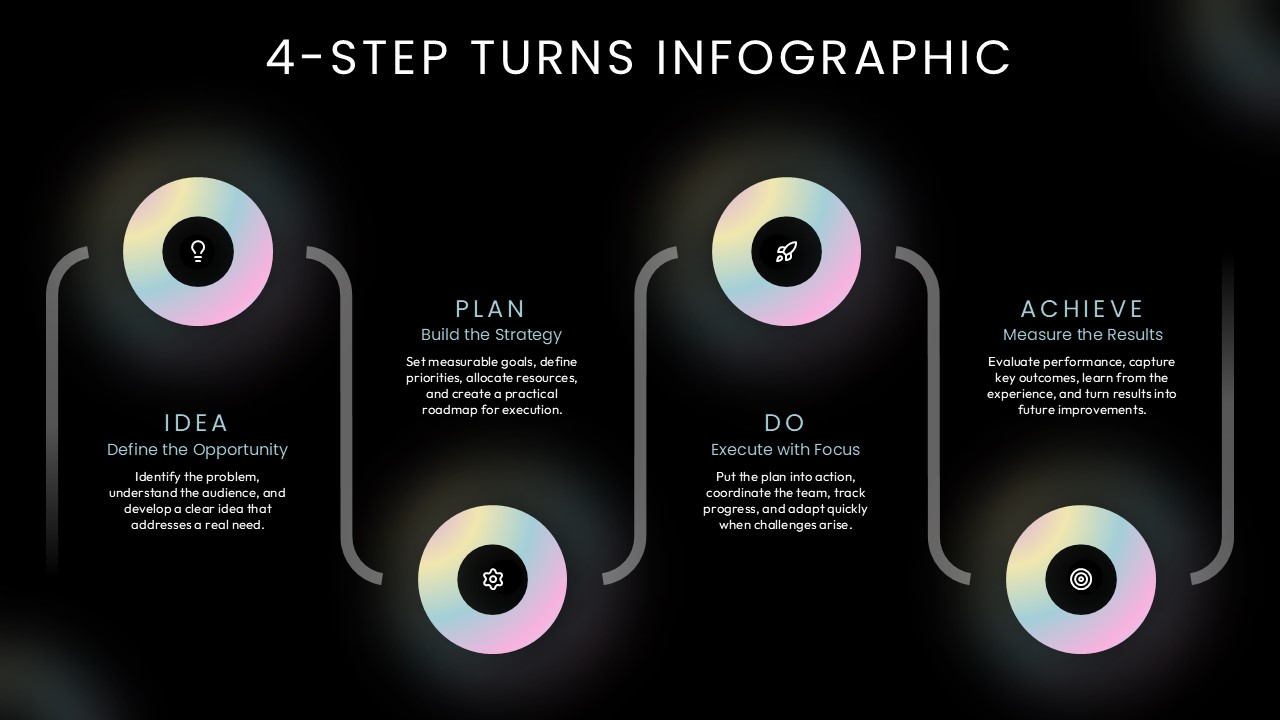
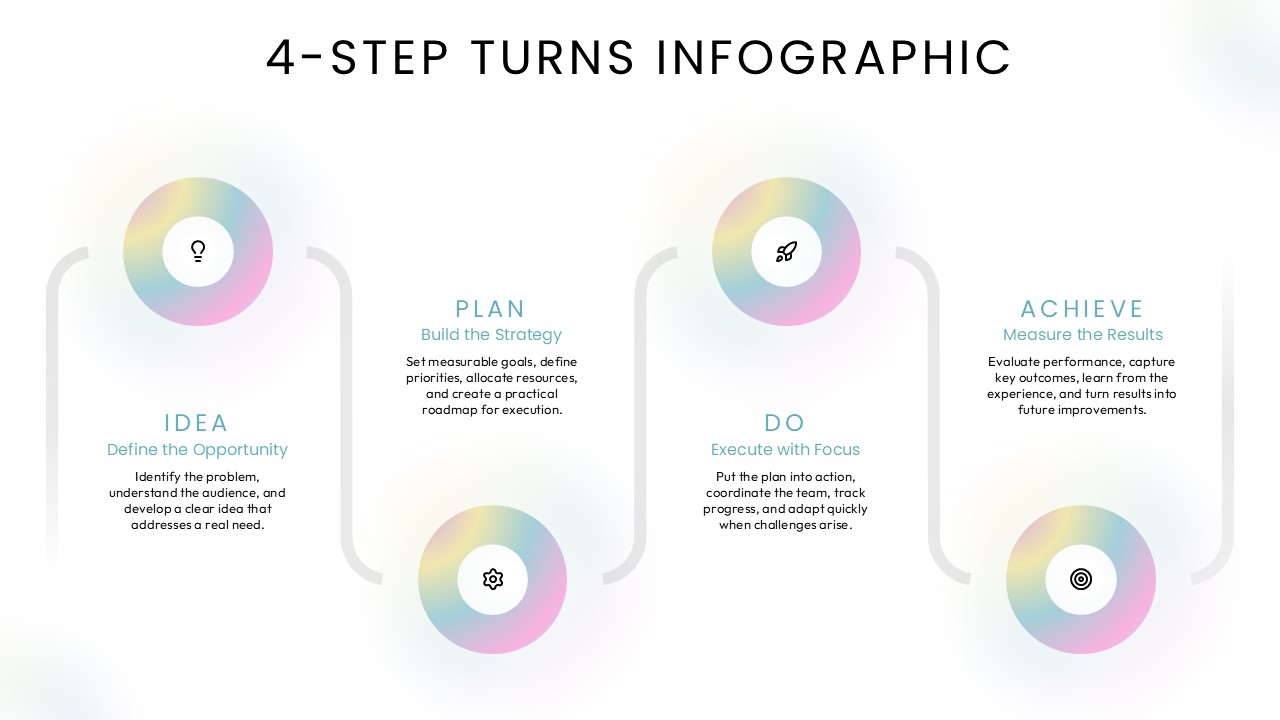
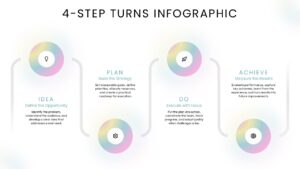
Communicate a structured four-part journey with this 4-Step Turns Infographic PowerPoint Template, which combines circular graphics and curved connectors to illustrate a sequence of activities. The infographic follows an alternating layout, with four gradient circles positioned at different heights and connected through rounded, bracket-style lines. Each circle contains a distinctive outline icon representing one stage: a lightbulb for Idea, a gear for Plan, a rocket for Do, and a target for Achieve. Below or beside each graphic, dedicated text areas accommodate a stage heading, a descriptive subtitle, and a brief explanation. The pastel gradient rings stand out against the black background, while subtle lighting effects add depth to the overall design. This arrangement creates a continuous visual pathway that helps audiences follow the progression of a process without relying on lengthy explanations.
In a business strategy presentation, this 4-Step Turns Infographic PowerPoint Template provides a practical way to explain the activities involved in developing and delivering an initiative. Organizations can use the four stages to present their approach to problem identification, resource planning, implementation, and outcome measurement. Project leaders can adapt the diagram to communicate project execution milestones, while marketing teams can illustrate the journey from campaign concepts to performance assessment. It can also support product development discussions, organizational planning, innovation programs, and team productivity presentations. Modify the icons, stage titles, and accompanying descriptions to reflect your workflow or subject matter. Download this 4-Step Turns Infographic PowerPoint Template to present connected activities in an organized and visually engaging sequence.
Frequently Asked Questions
How can I use a four-step infographic for project management?
Login to download this file

Item ID
SB06367Designed By
Krishna Priya


Related Templates

Creative Step By Step Workflow template for PowerPoint & Google Slides
Process
Step-by-Step Success Staircase Diagram template for PowerPoint & Google Slides
Process
Ribbon Infographics Step-by-Step Process Template for PowerPoint & Google Slides
Process
Top 10 Step-by-Step Image & Text Layouts Template for PowerPoint
Graphics
Four-Step Arrow Process Infographic Template for PowerPoint & Google Slides
Arrow
Five-Step Puzzle Head Infographic Template for PowerPoint & Google Slides
Process
Dynamic Growth Arrow Step Infographic Template for PowerPoint & Google Slides
Process
Five-Step Growth Infographic Slide Template for PowerPoint & Google Slides
Process
Five-Step Growth Timeline Infographic Template for PowerPoint & Google Slides
Timeline
4 Step Vertical Process Infographic Template for PowerPoint
Process
5 Step Infographic PowerPoint Template
Process
Five-Step Business Plan Infographic Template for PowerPoint & Google Slides
Business Plan
Four Step Process Infographic Slide Template for PowerPoint & Google Slides
Process

Three-Step Result Diagram Infographic Template for PowerPoint & Google Slides
Process
3, 4 and 5 Step Infographic Template for PowerPoint
Business Proposal
4 Step Infographic PowerPoint Template
Process
4 Step Agenda PowerPoint Infographic Template
Infographics
Free Modern Four-Step Agenda Infographic Template for PowerPoint & Google Slides
Agenda
Free
Three-Step Hexagon Infographic Process Template for PowerPoint & Google Slides
Process
Ten-Step Circular Process Infographic Template for PowerPoint & Google Slides
Circular