

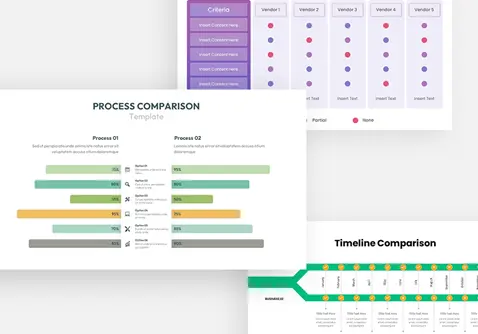
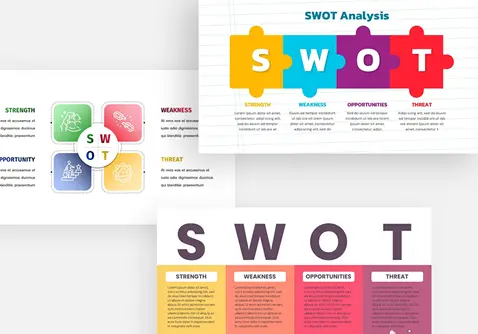
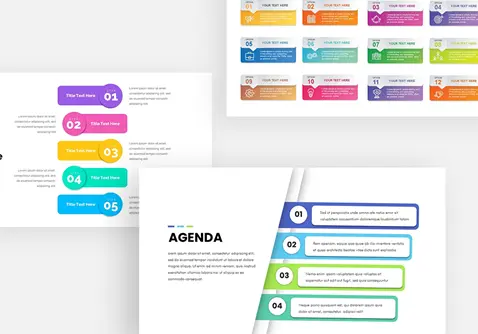
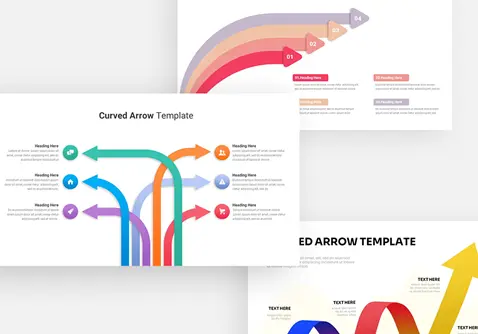
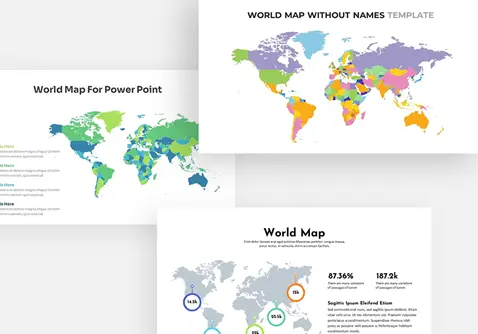
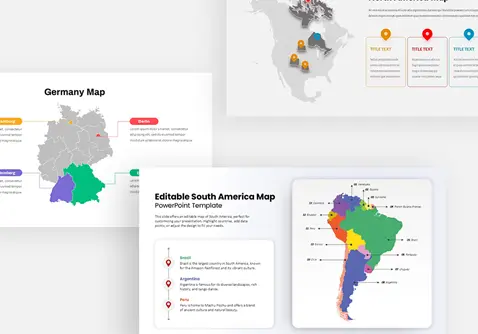
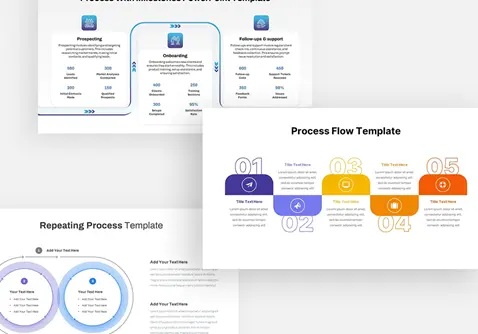
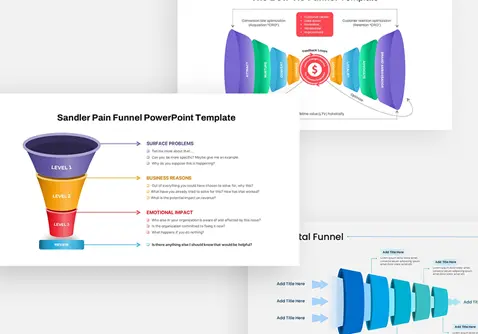








Graphics Presentation Templates for PowerPoint
Give your slides a distinctive visual appearance with an extensive range of PowerPoint graphics templates from Slidebazaar. Our collection features professionally arranged diagrams, business illustrations, infographic elements, geometric shapes, icons, and creative visual assets for different presentation requirements. Each graphic design provides a practical way to communicate information through clear and attractive graphics.
Visual communication plays an important role in presenting ideas. A thoughtfully designed diagram can explain a complicated process, while an infographic can organize statistics and important details into an understandable format. Slidebazaar offers editable PowerPoint graphics that help professionals, educators, students, and business owners create presentations with better visual organization.
Our collection includes designs for corporate meetings, academic projects, marketing proposals, business strategies, training sessions, and creative portfolios. Customize the available elements by adjusting colors, text, shapes, and layouts to match your presentation requirements. From simple illustrations to detailed infographic compositions, you’ll find large collection of graphic resources for your next PowerPoint or Google Slides project.
 Filter


-
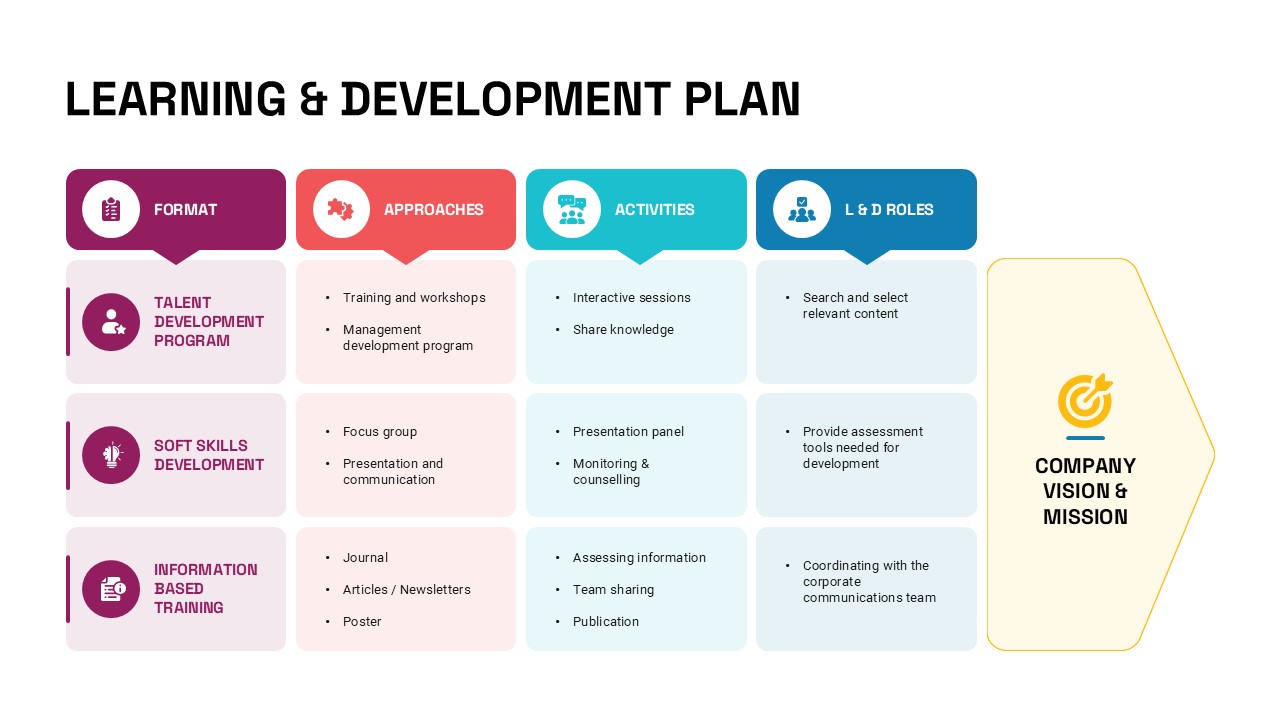
Learning & Development Plan PowerPoint Template
Human Resources
-

Business Announcement Corporate Template
Graphics
-

Team & Expertise Profile Layout Template for PowerPoint & Google Slides
Meet Our Team
-
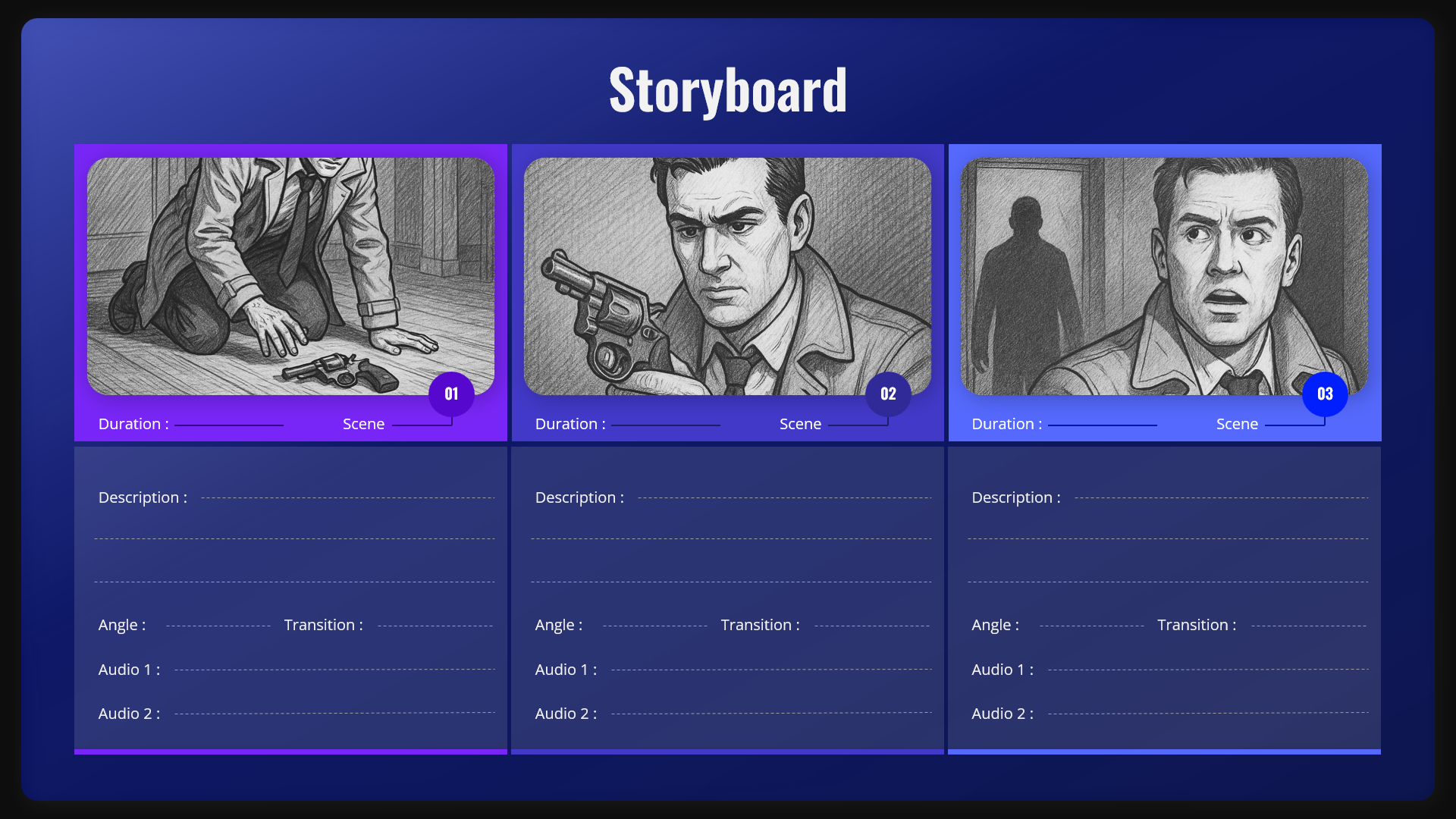
Storyboard Scene Planner Template for PowerPoint & Google Slides
Graphics
-

Co-Branding Partnership PowerPoint & Google Slides Template
Graphics
-

Personal Growth Presentation Template
Business
-

Broken Chain Concept PowerPoint Template
Business
-

4th July USA Independence Day Template
Graphics
-

Cardiology Presentation Template
Health
-

Happy Labour Day Celebration Template
Graphics
-

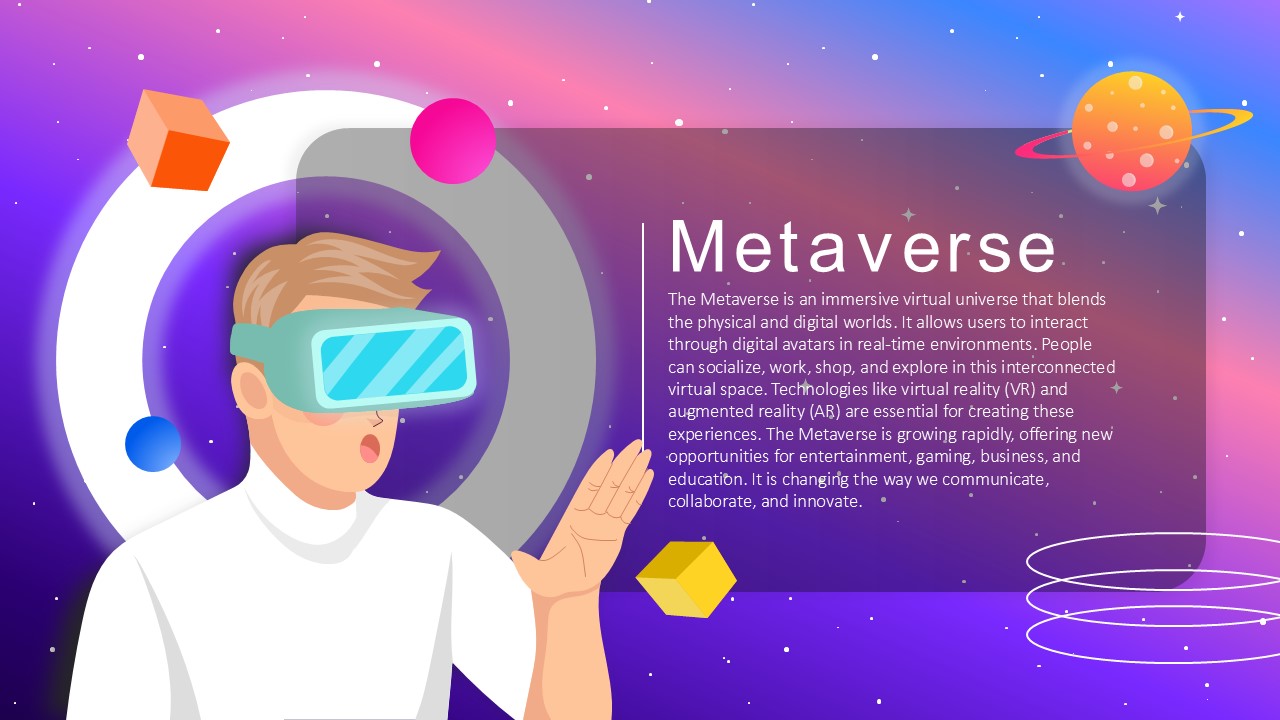
Metaverse Virtual Universe Concept Slide Template for PowerPoint & Google Slides
Information Technology
-
Clarity PowerPoint Template
Graphics
-
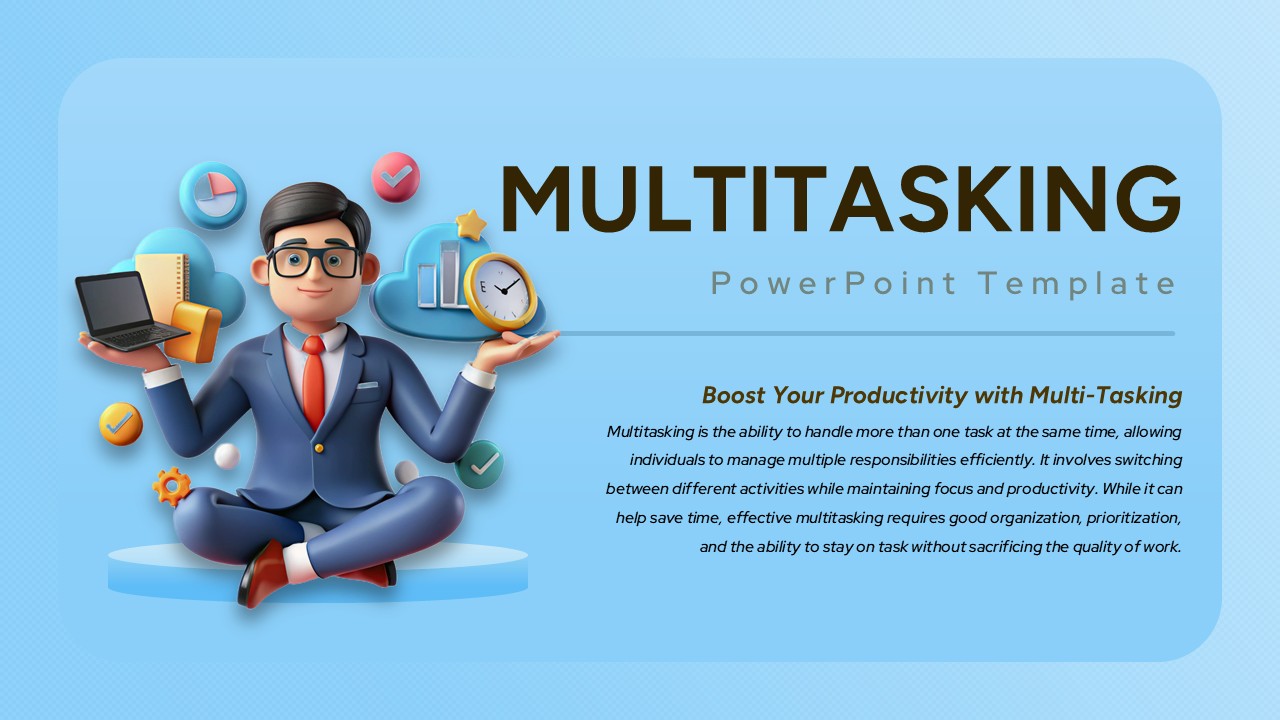
Multitasking PowerPoint Template
Graphics
-
Business Growth PowerPoint Background
Business
-
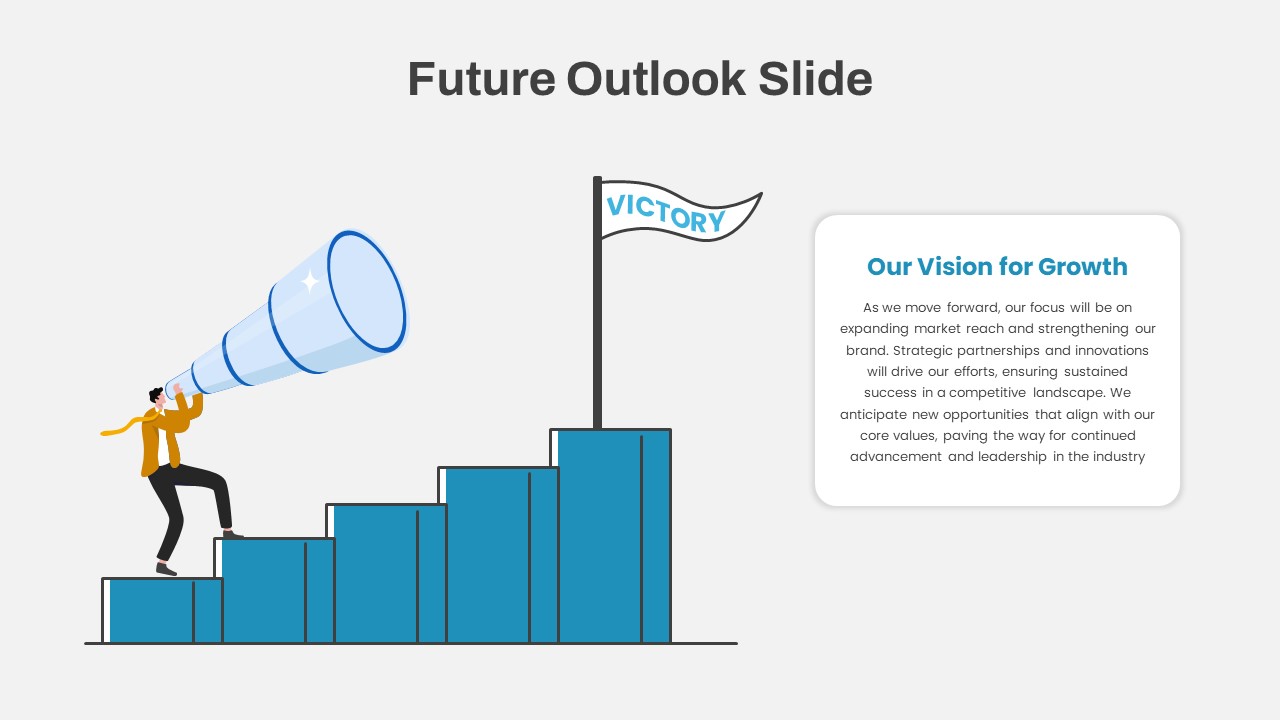
Future Outlook PowerPoint Template
Infographics
-
Top 10 Step-by-Step Image & Text Layouts Template for PowerPoint
Graphics
-
HIV Aids PowerPoint Template
Graphics
-
Smart Glasses PowerPoint Template
Graphics
-
Human Solidarity PowerPoint Template
Graphics
-
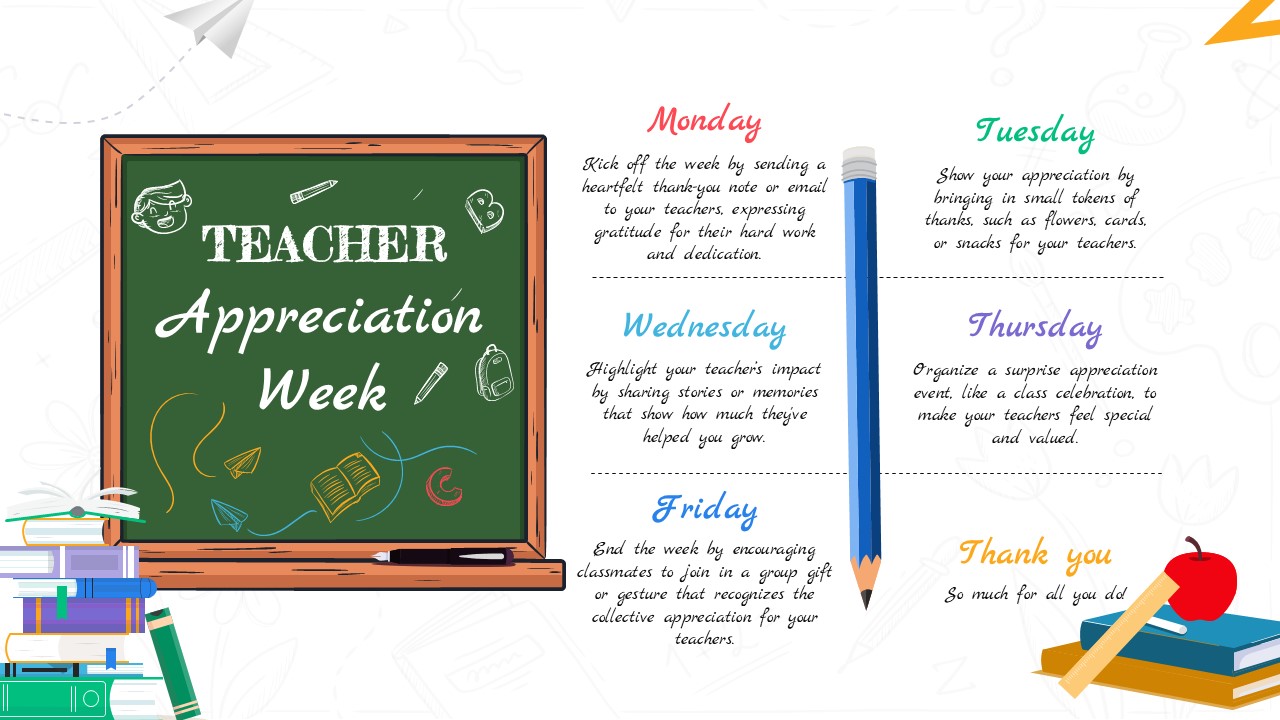
Teachers Appreciation Week PowerPoint Template
Graphics
-
Animated Falling Snow PowerPoint Template
Graphics
-
AI Future Of Work PowerPoint Template
Graphics
-
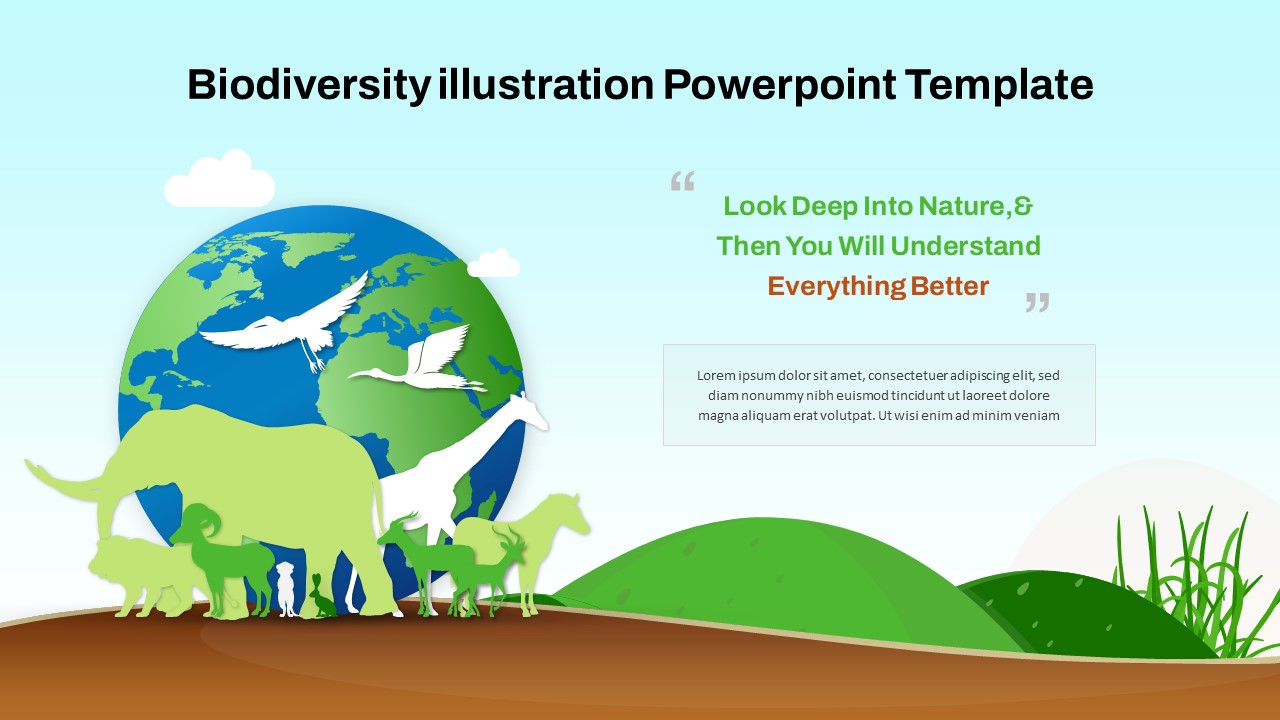
Biodiversity Illustration PowerPoint Template
Graphics
-
Transparency Concept Illustration Template for PowerPoint & Google Slides
Graphics
-
World Hello Day PowerPoint Template
Graphics
-
Town Hall PowerPoint Templates
Graphics
-
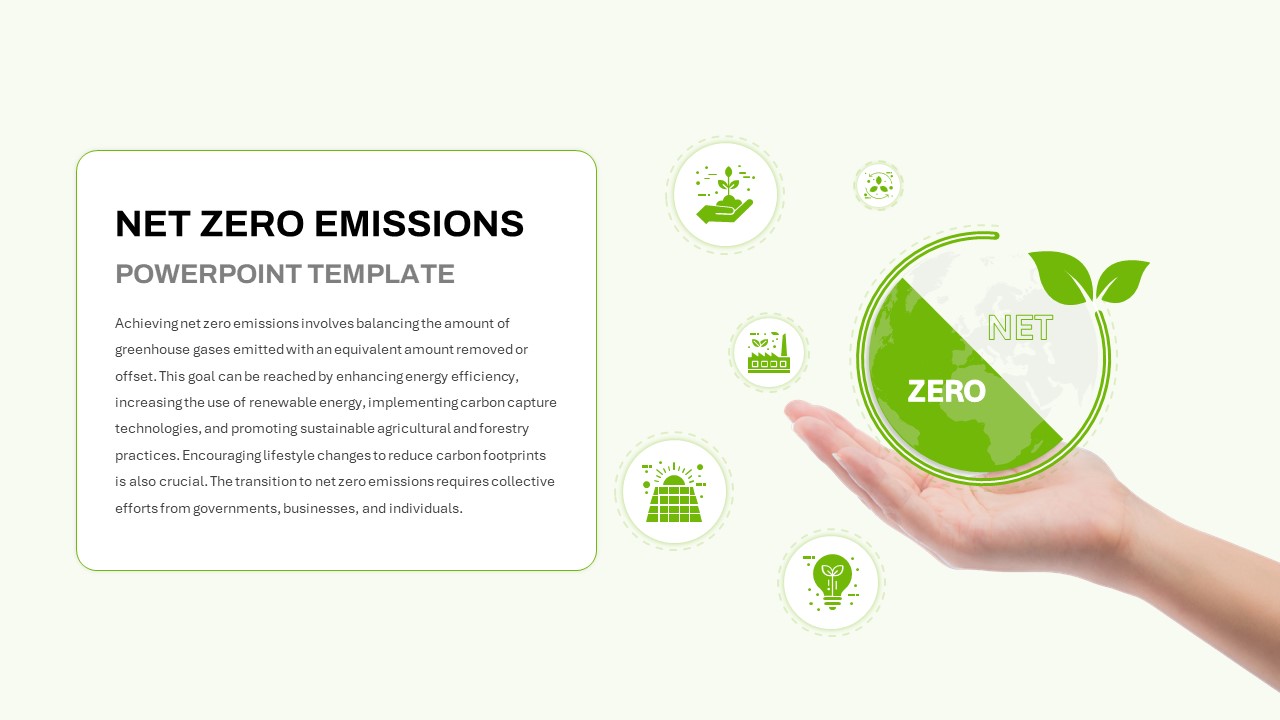
Net Zero Emissions Template for PowerPoint & Google Slides
Graphics
-
Festive Christmas Greeting Slide Template for PowerPoint & Google Slides
Graphics
-

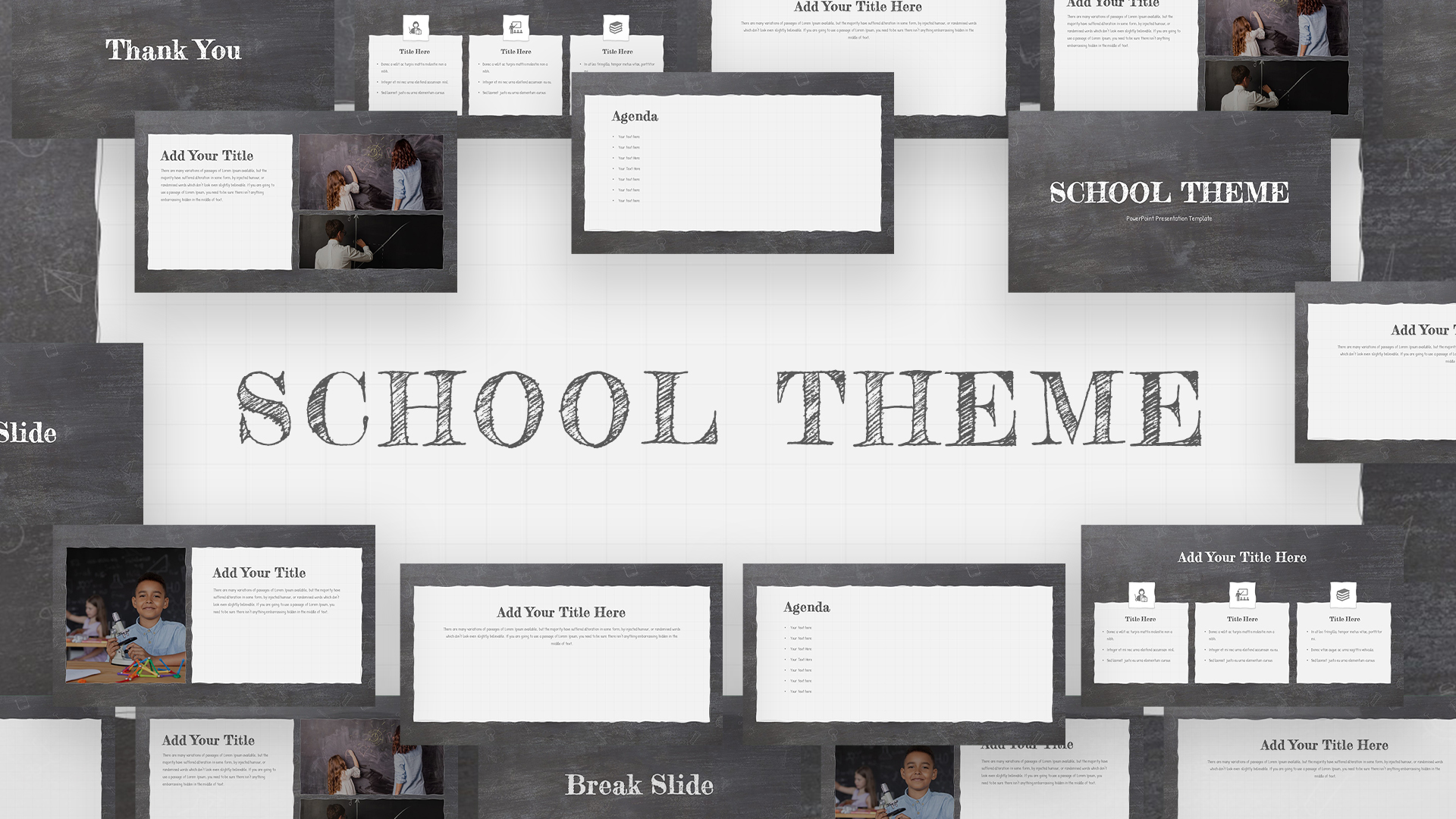
School PowerPoint Theme
Graphics
Free
-
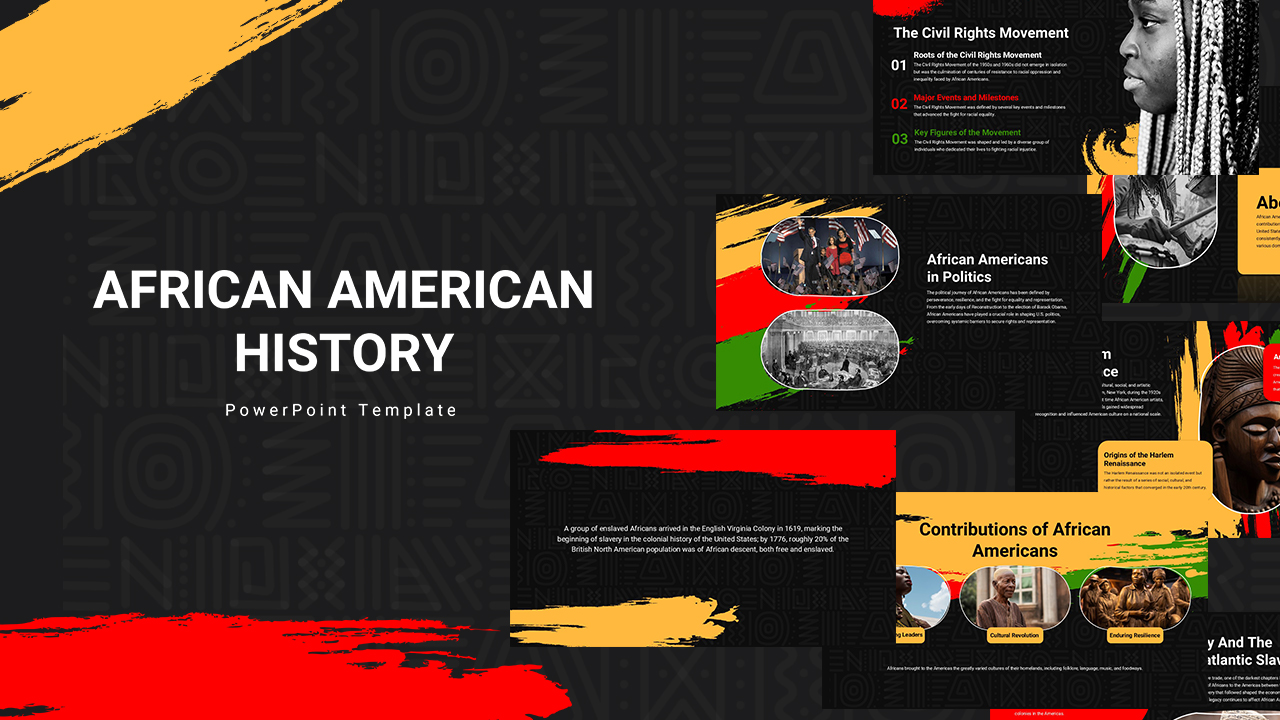
African American History Presentation Template
Graphics
-
Pink Background PowerPoint Template
Graphics
-
Free Animated Fireworks PowerPoint Google Slides Template
Graphics
Free
-
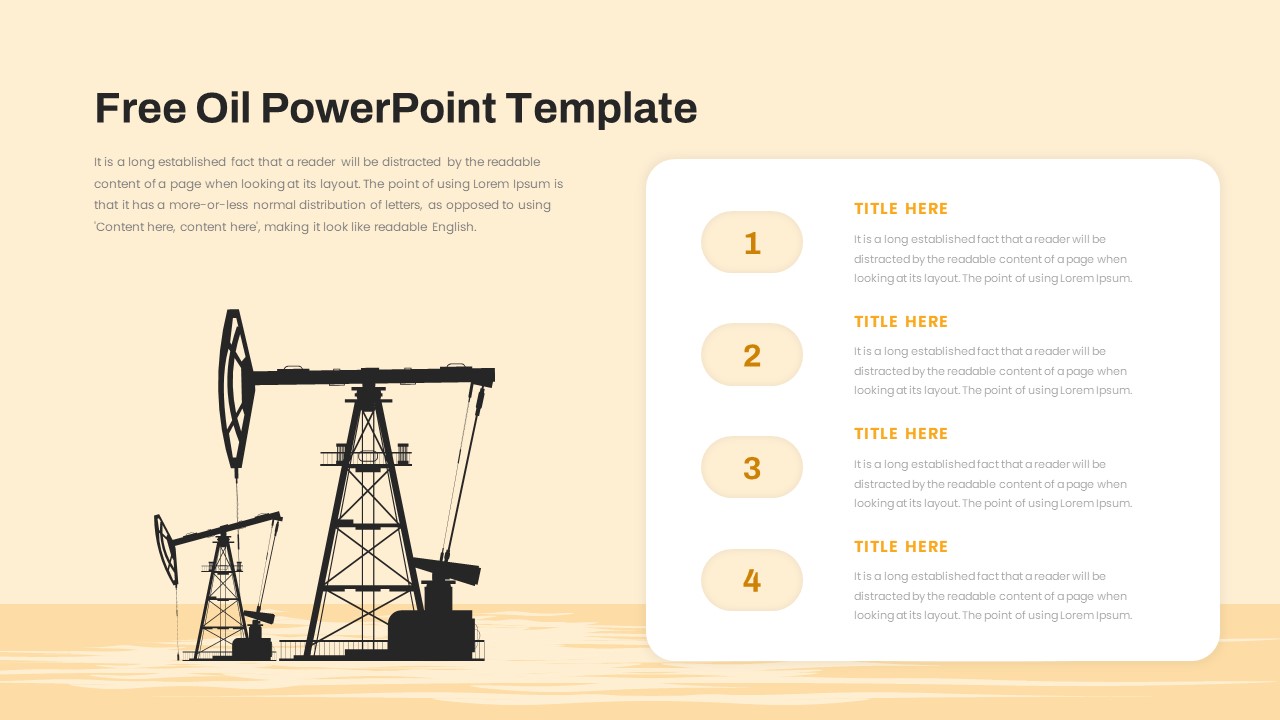
Free Oil PowerPoint Template for Energy and Industry Presentations
Process
Free
-
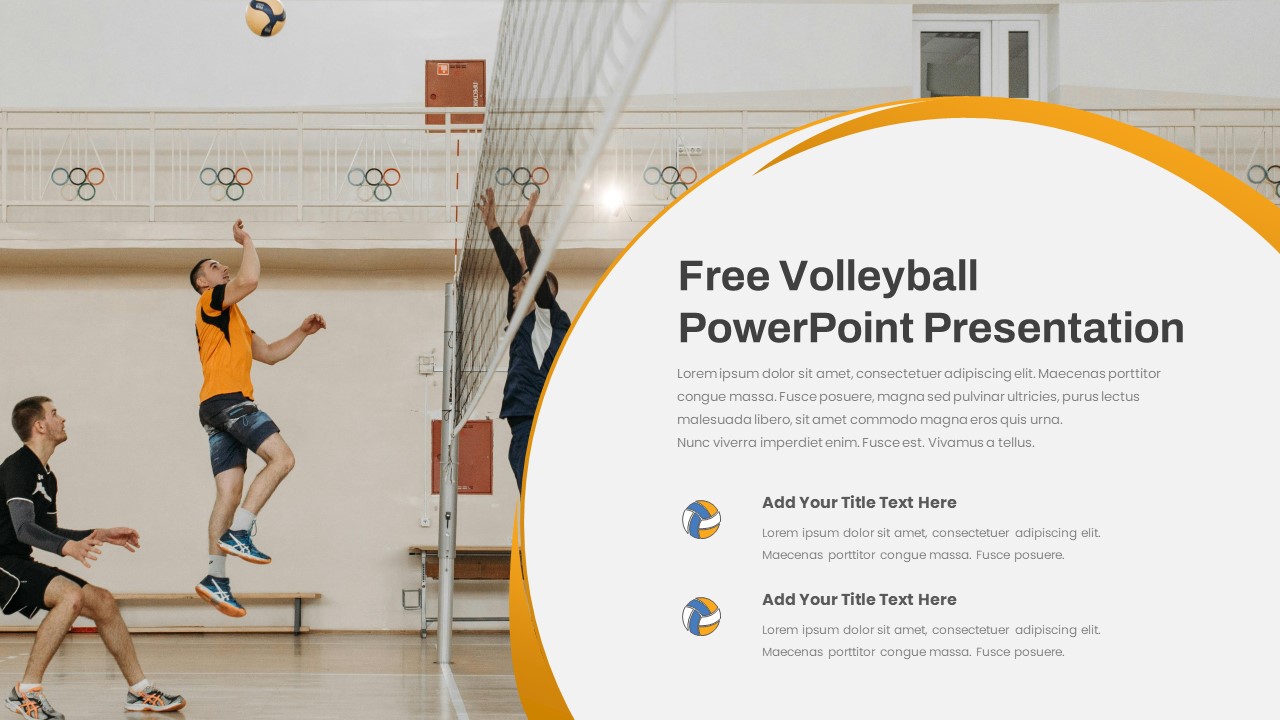
Free Volleyball Presentation Template
Free
Free
-
Creative Power Analogy Metaphor Slide Template for PowerPoint & Google Slides
Leadership