Strategy Diamond Template
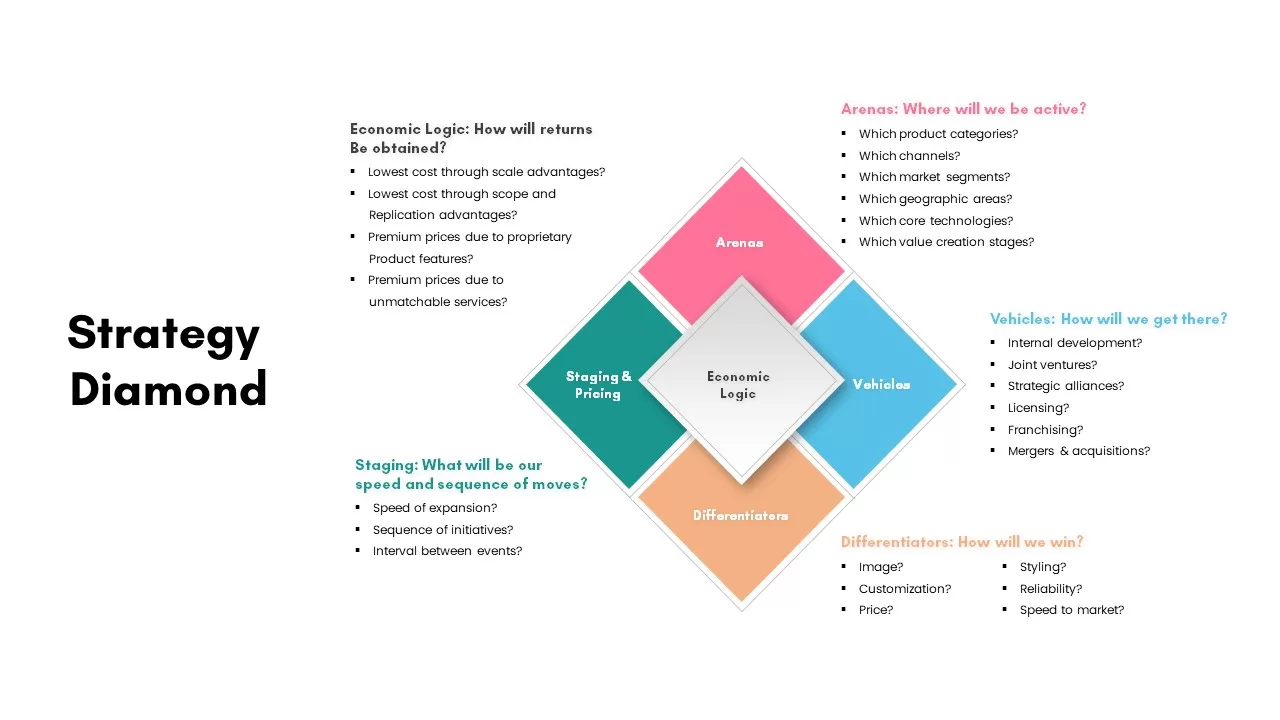
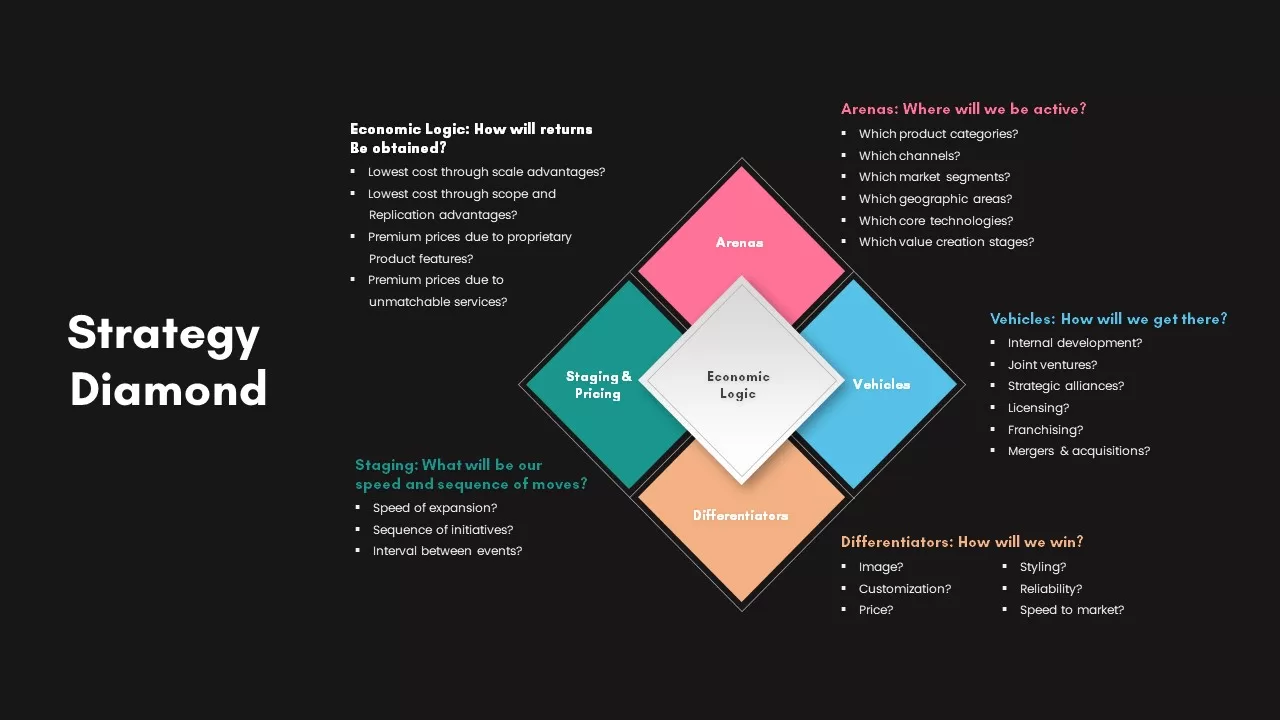
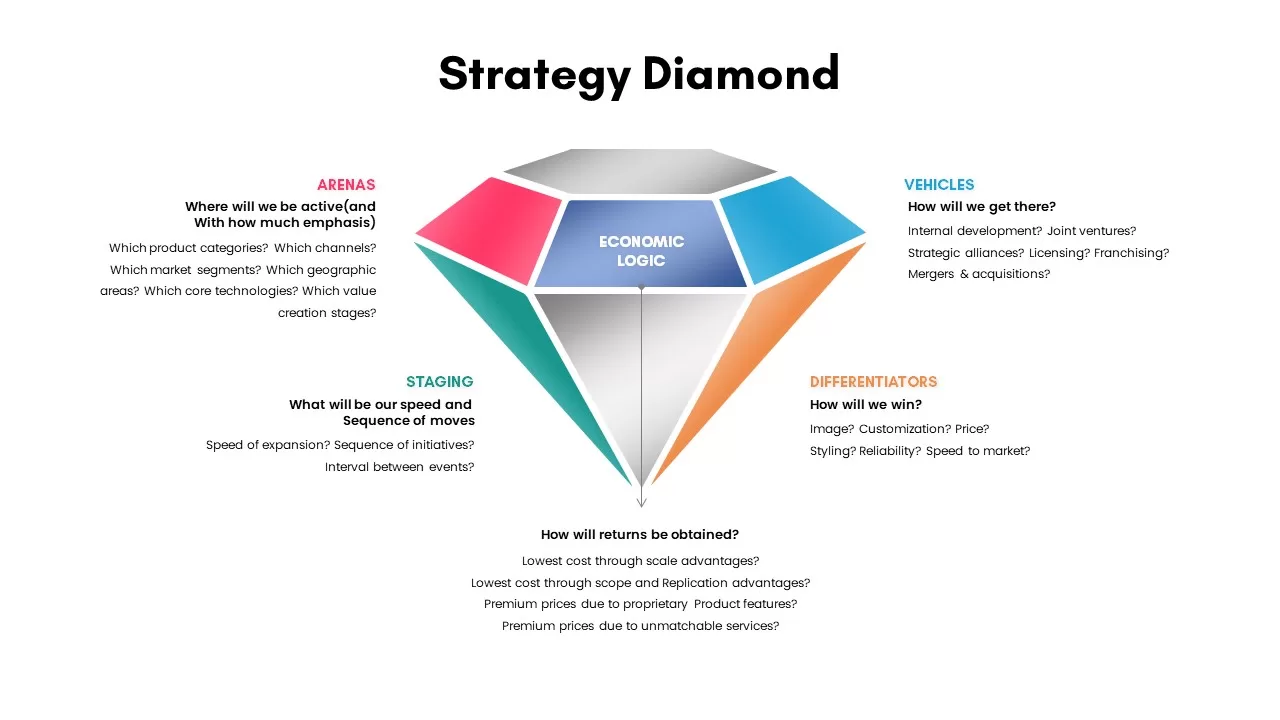
The Strategy Diamond PowerPoint Template is a professional tool designed to help businesses articulate and communicate their strategy in a structured, clear, and visually appealing way. Based on the Hambrick and Fredrickson Strategy Diamond model, this template is ideal for presenting comprehensive business strategies by focusing on five key elements: Arenas, Vehicles, Differentiators, Staging, and Economic Logic.
Key Features:
- Comprehensive Framework: The Strategy Diamond model ensures you cover all crucial aspects of your business strategy, from identifying where your company will be active (Arenas) to determining how it will achieve a competitive edge (Differentiators).
- Visually Appealing Design: The diamond-shaped structure presents the strategy in a cohesive and visually engaging manner, making it easier for your audience to understand the interconnected aspects of your strategy.
- Fully Editable: This template allows for easy customization of text, colors, and layout, making it suitable for a wide range of industries and presentation needs.
- Aspect Ratio Flexibility: Available in both 4:3 and 16:9 aspect ratios, ensuring adaptability across different devices and presentation formats.
Who Can Benefit from This Template?
- Business Strategists: Use the Strategy Diamond to clearly outline the strategic direction of your organization.
- Consultants: Present well-structured, data-driven strategies to your clients using this proven model.
- Managers and Executives: Communicate company strategies to your team or board of directors effectively by covering all aspects of strategic planning.
- Startups and Entrepreneurs: Present your startup strategy to investors by breaking down your approach into five key areas: Arenas, Vehicles, Differentiators, Staging, and Economic Logic.
Why Choose This Template?
The Strategy Diamond PowerPoint Template is designed to help you communicate your business strategy in a structured and engaging way. Whether you are presenting to internal teams, investors, or clients, this template ensures that all aspects of your strategy are clearly articulated and visually appealing.
Download the Strategy Diamond PowerPoint Template now and elevate your next business strategy presentation with this comprehensive and easy-to-use tool!
Login to download this file

Item ID
SB02479


Related Templates

Strategy Diamond Template
Business
Mind map PowerPoint Template and Google Slide Slide in Diamond Shape
Mind Maps
Diamond Process Template for PowerPoint & Google Slides
Process
Business Section Diamond Process Diagram Template for PowerPoint & Google Slides
Process
Five-Step Diamond Process Diagram Template for PowerPoint & Google Slides
Process
Five-Stage Diamond Timeline Chart Template for PowerPoint & Google Slides
Timeline
Yearly Business Planning PowerPoint Template
Process
Double Diamond PowerPoint Template
Process
Modern Diamond-Themed Cover Slide Template for PowerPoint & Google Slides
Company Profile
Double Diamond Model PowerPoint Template
Process
Double Diamond PowerPoint Design
Process
Strategy House Template – Business Strategy Model Diagram
Business Strategy
Business Strategy HR Strategy Link PowerPoint Template
Business Strategy
Customer Acquisition Strategy Template for PowerPoint Template
Customer Journey
Gradient Annual Plan & Strategy Deck Template for PowerPoint & Google Slides
Decks
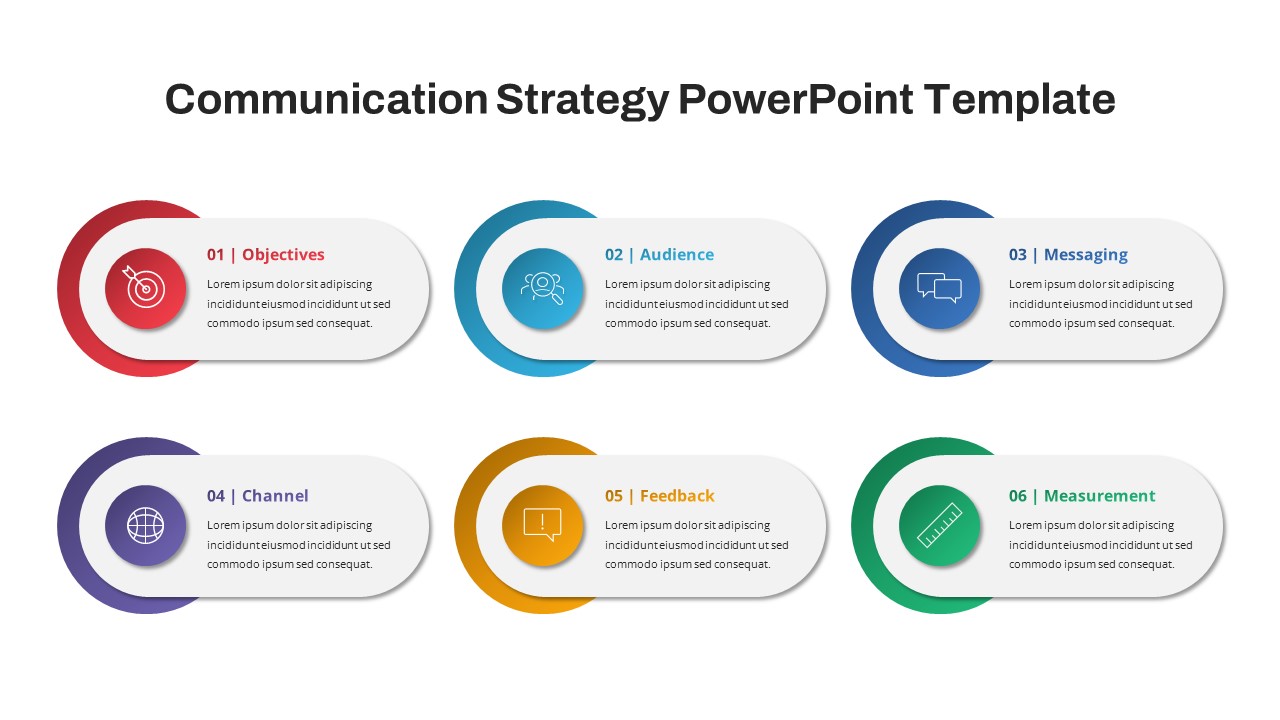
Communication Strategy PowerPoint Template
Marketing
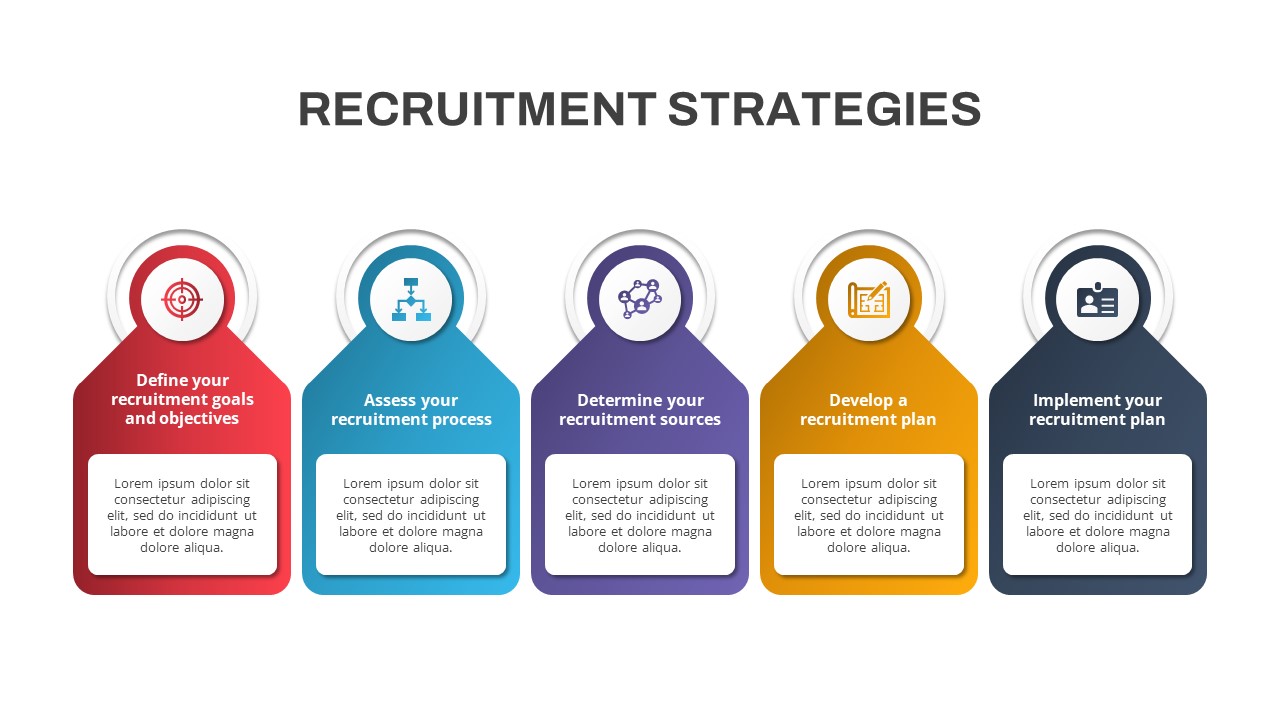
Recruitment Strategy PowerPoint Template
Recruitment
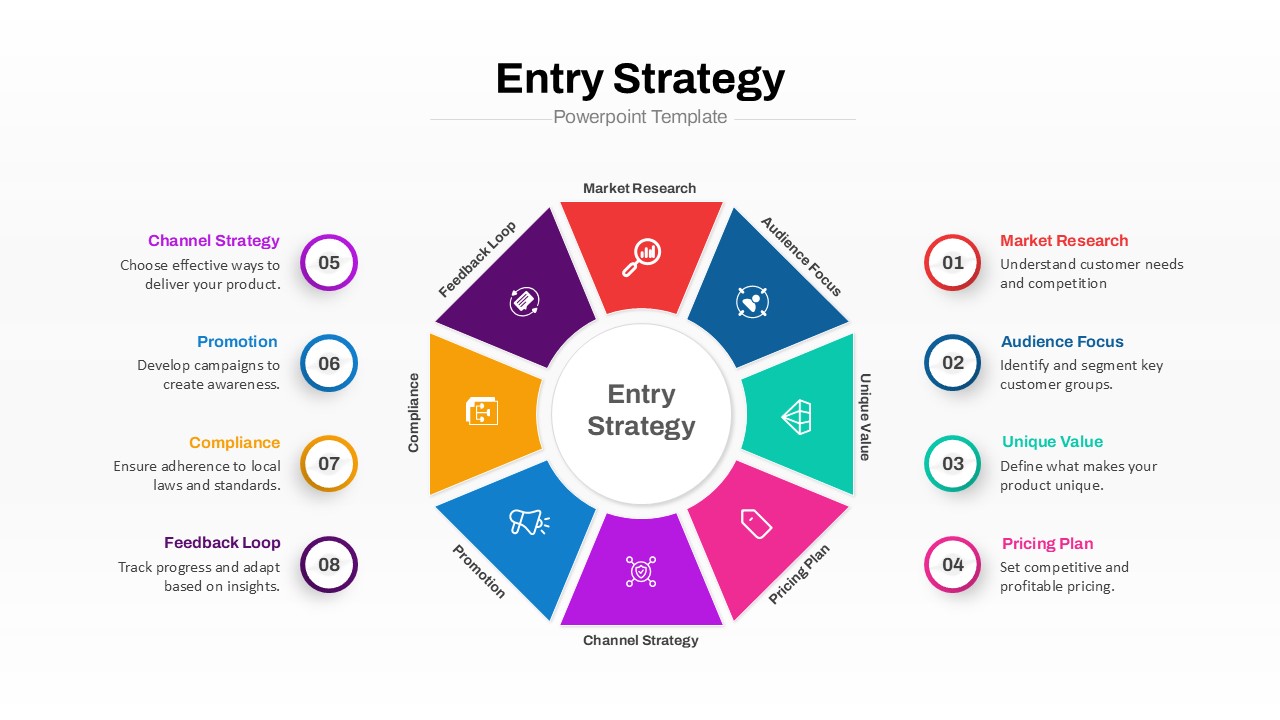
Market Entry Strategy PowerPoint Template
Circular
Social Media Recruiting Strategy Template
Business
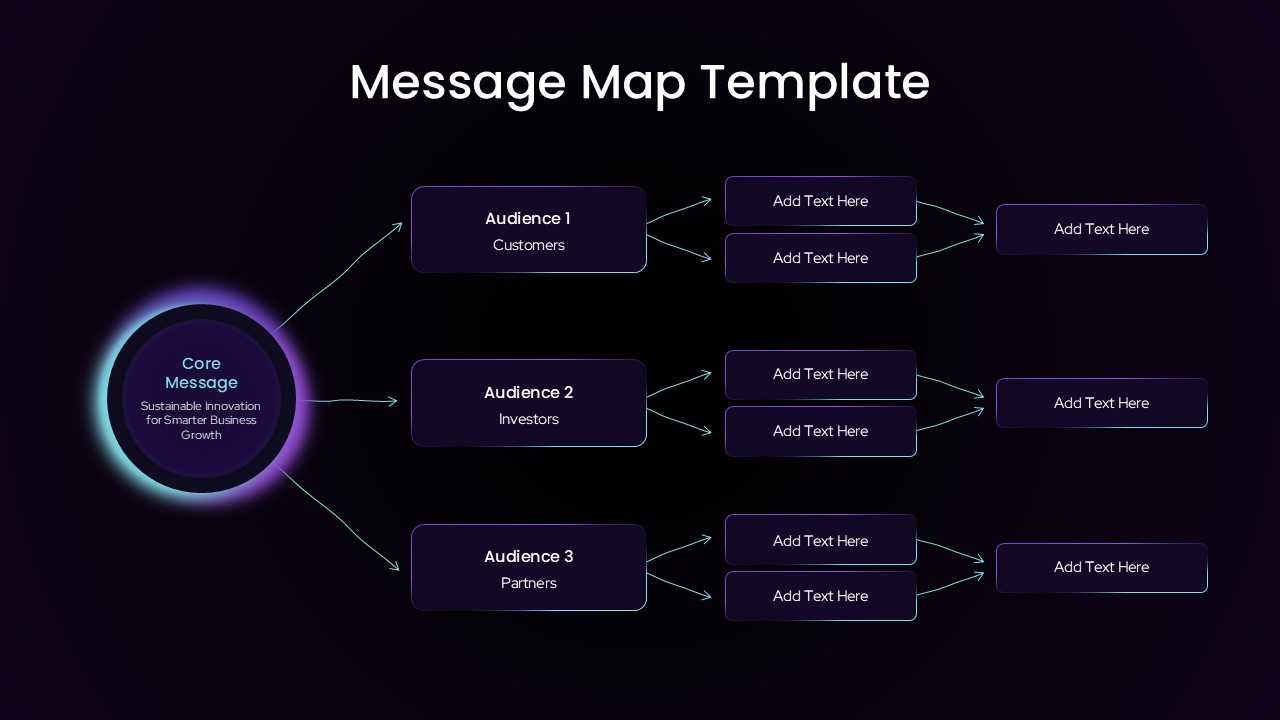
Audience Message Mapping Strategy Presentation Template
Business Strategy