search

Essentials

Must-have decks for quick wins

By Industry

Professionally tailored slides for every sector

By Style

Minimal, modern and creative designs

By Topic

Explore slides curated by purpose and theme

TimelineTimelineRoadmapRoadmapStrategyStrategyGoalsGoalsTableTableComparisonComparisonSWOTSWOTAgendaAgendaArrowArrowWorld MapWorld MapMapsMapsProcessProcessFunnelFunnelTeamTeamOrg ChartOrg ChartPyramidPyramidCircularCircular

Business PlanBusiness PlanBusiness StrategyBusiness StrategyBusiness ProposalBusiness ProposalBusiness ModelsBusiness ModelsDigital MarketingDigital MarketingMarketing FunnelMarketing FunnelCustomer ExperienceCustomer ExperienceProject StatusProject StatusGantt ChartGantt ChartRecruitmentRecruitmentEmployee PerformanceEmployee PerformanceLeadershipLeadershipAIAIMachine LearningMachine Learning

AI Presentation Maker

Install the Windows plugin for quick access to templates and design tools.

AI Infographics Maker

Use our Office 365 add - in to access templates directly from the cloud.

Exe Version

Install the Windows plugin for quick access to templates and design tools.

Office 365

Use our Office 365 add - in to access templates directly from the cloud.

Mac Version

Get the Mac plugin to easily browse, insert, and customize templates and visuals within PowerPoint.

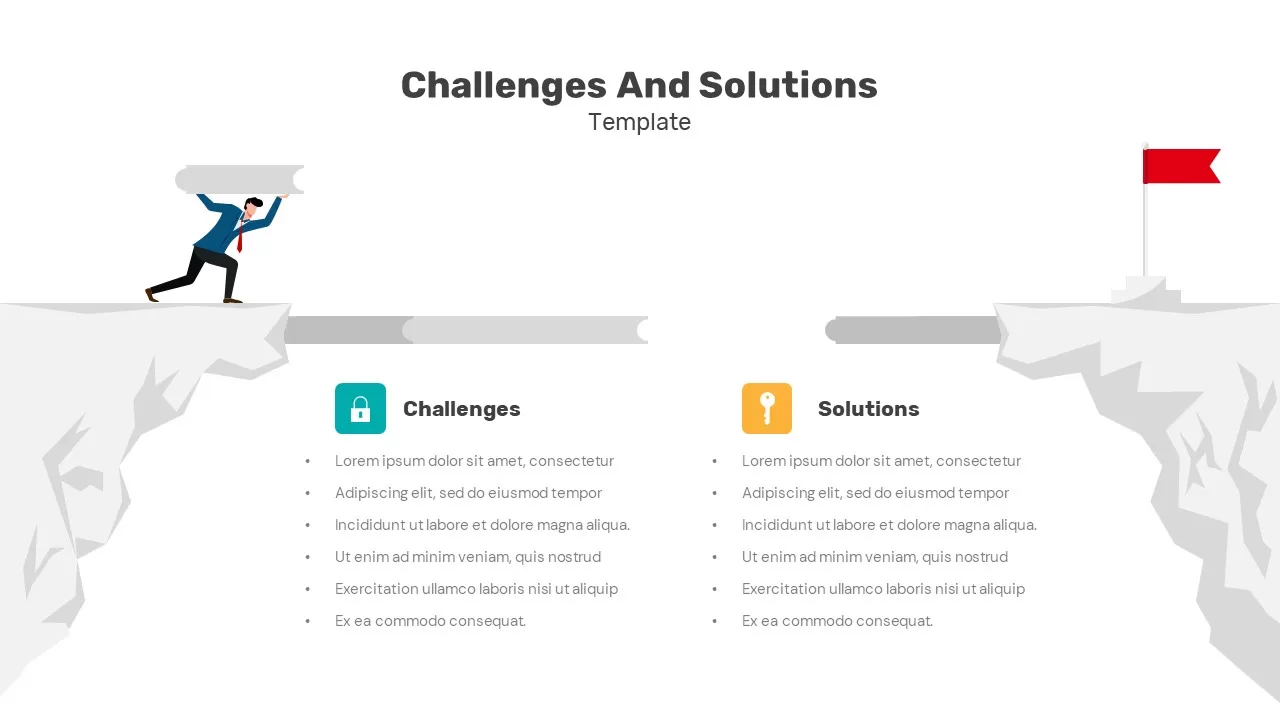
Challenges and Solutions Comparison Template for PowerPoint & Google Slides

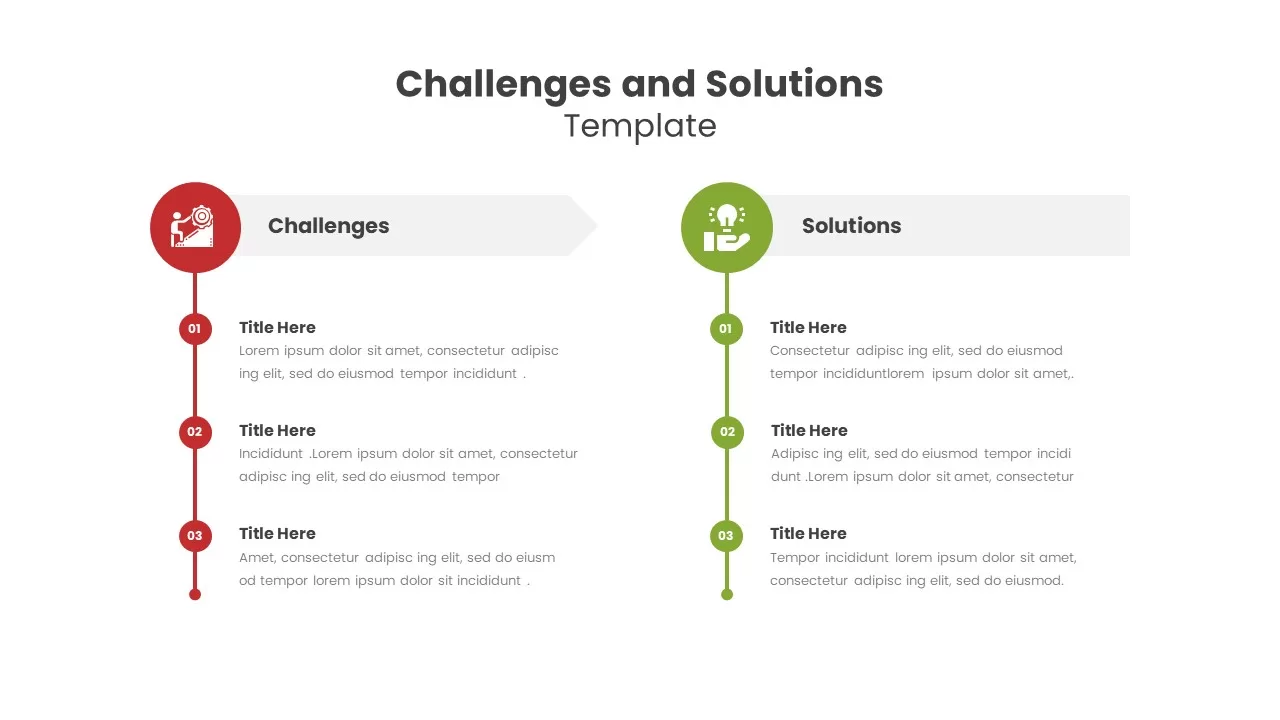
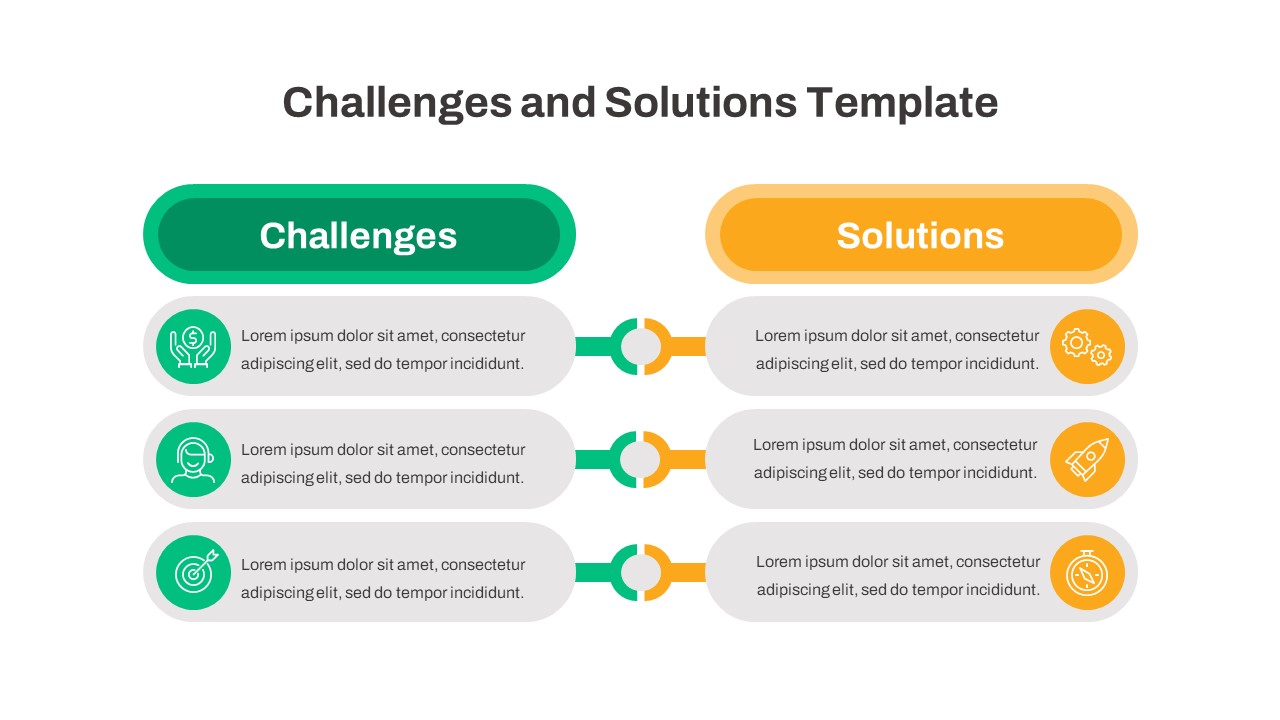
Challenges and Solutions Template
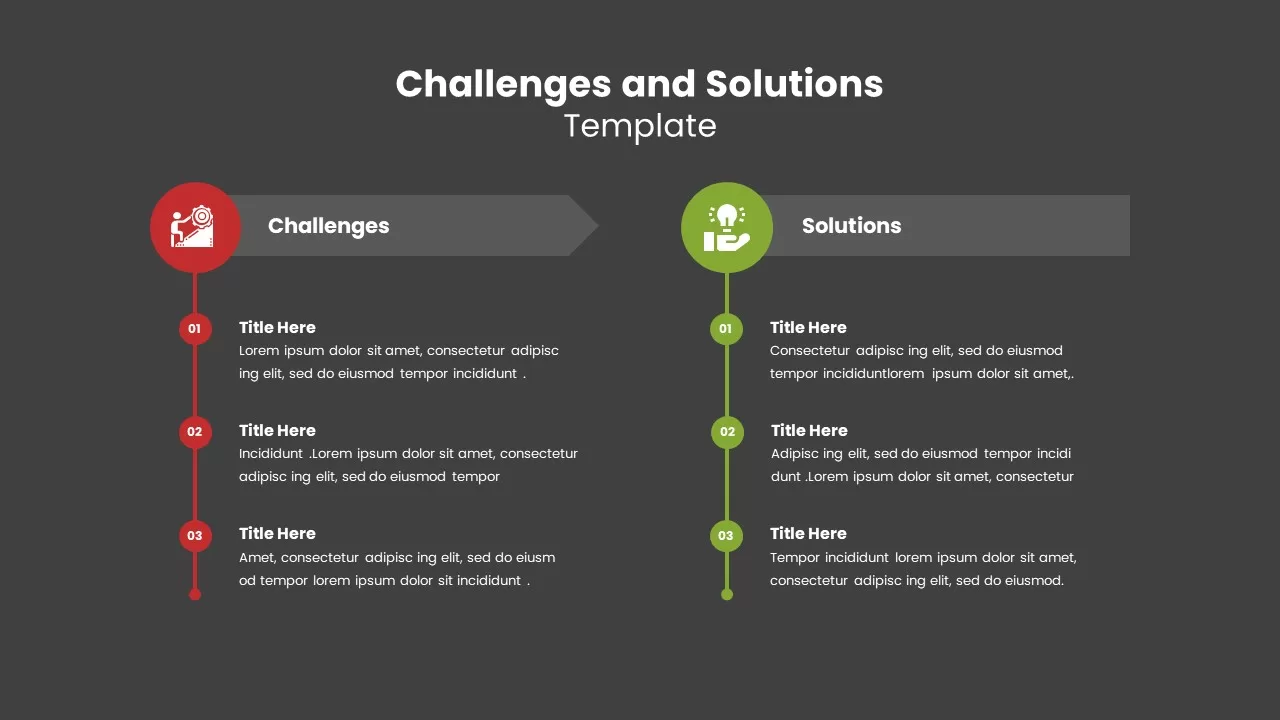
Challenges and Solutions Template Dark
Challenges and Solutions Template
Challenges and Solutions Template Dark

Challenges and Solutions Comparison Slide Template for PowerPoint and Google Slides

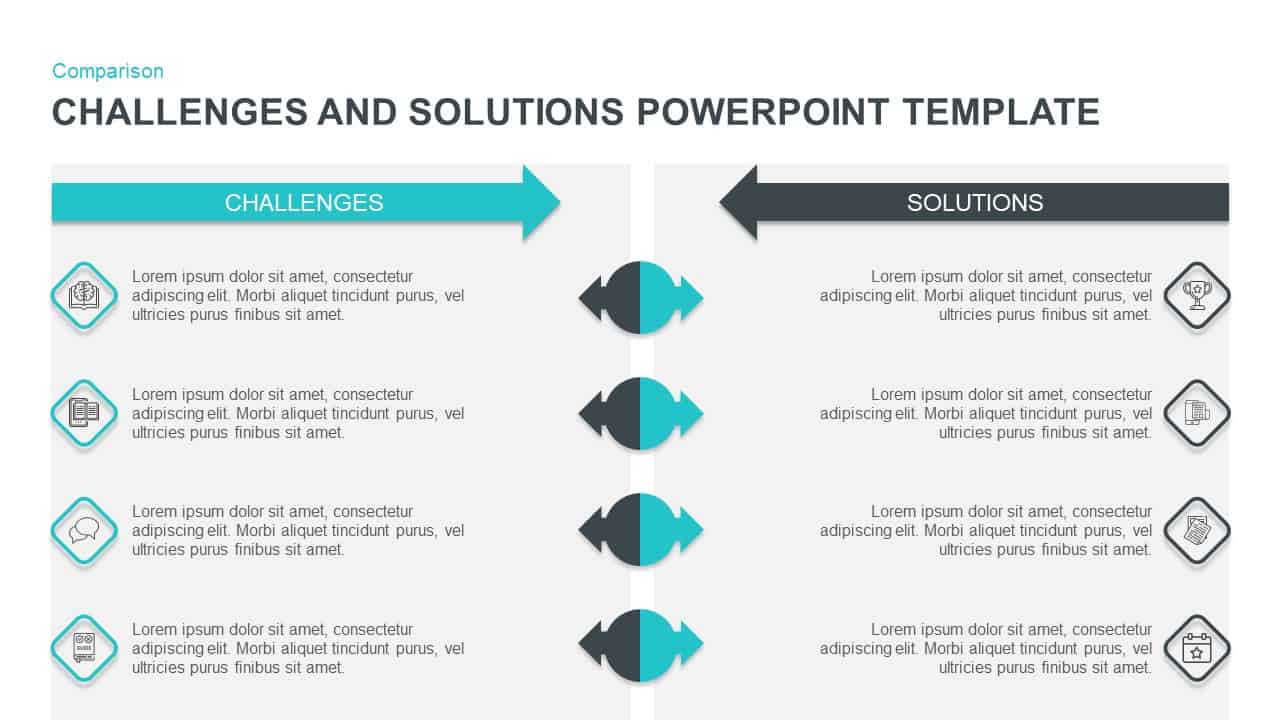
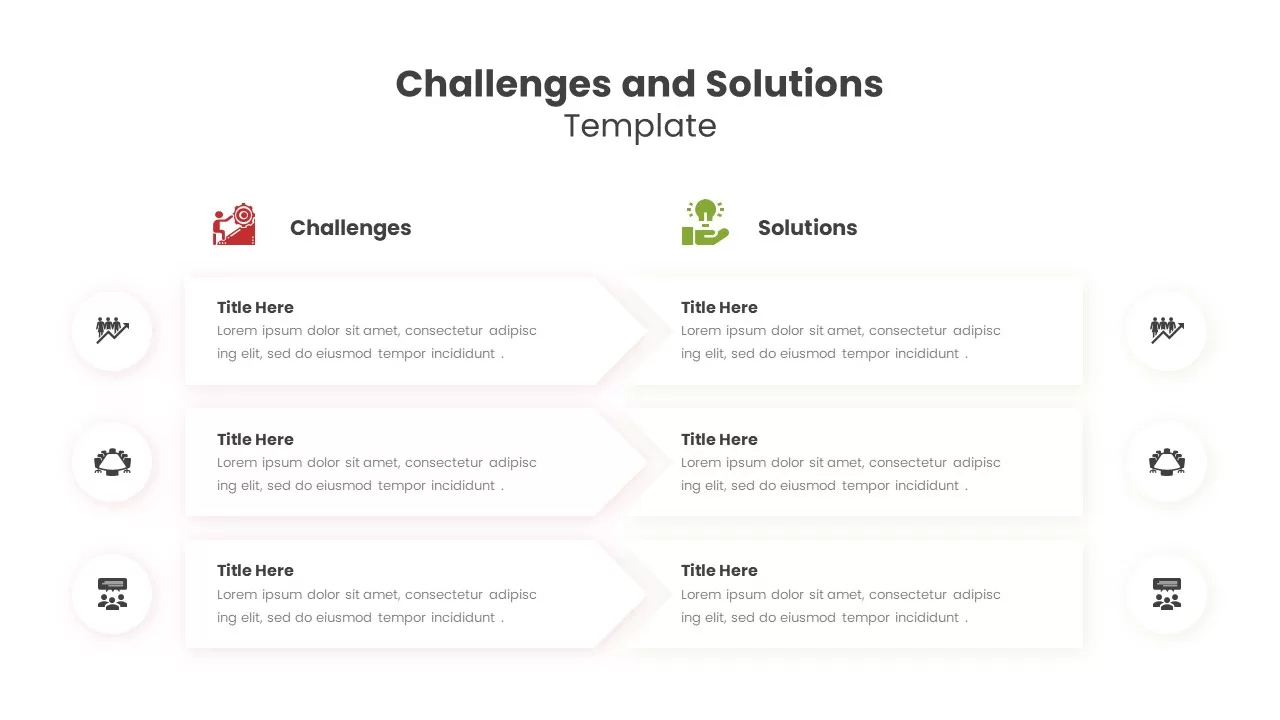
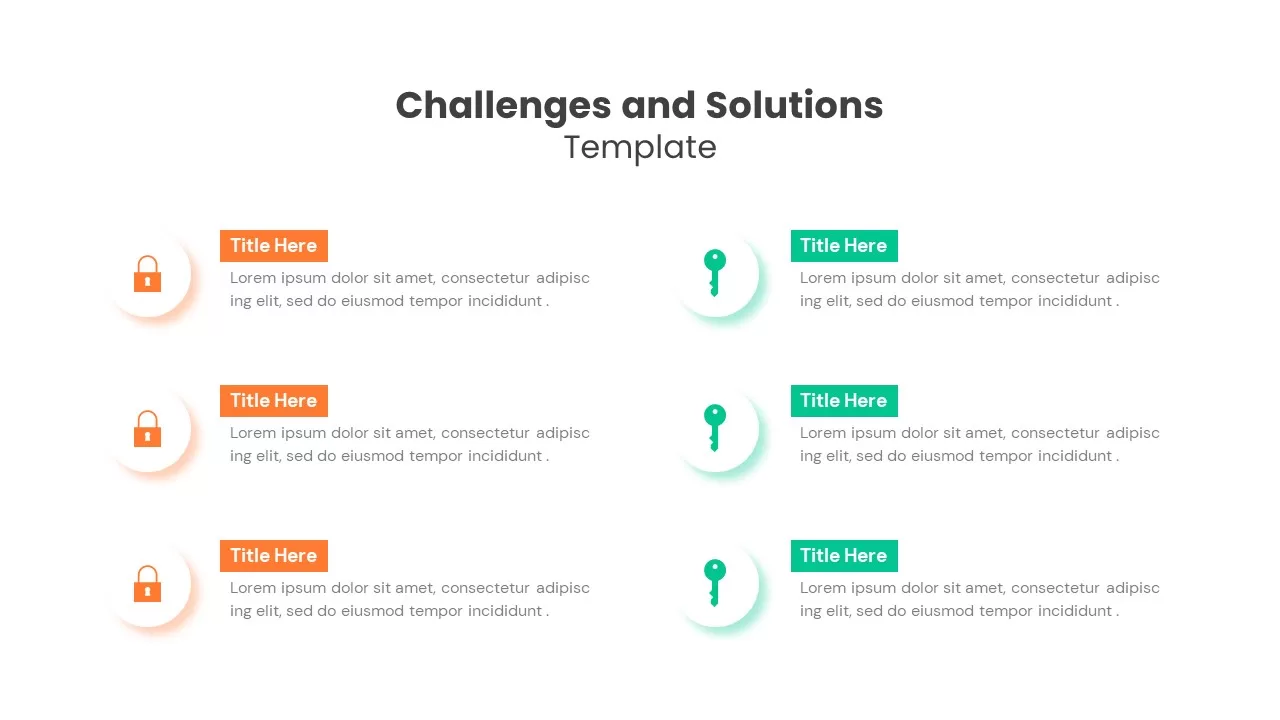
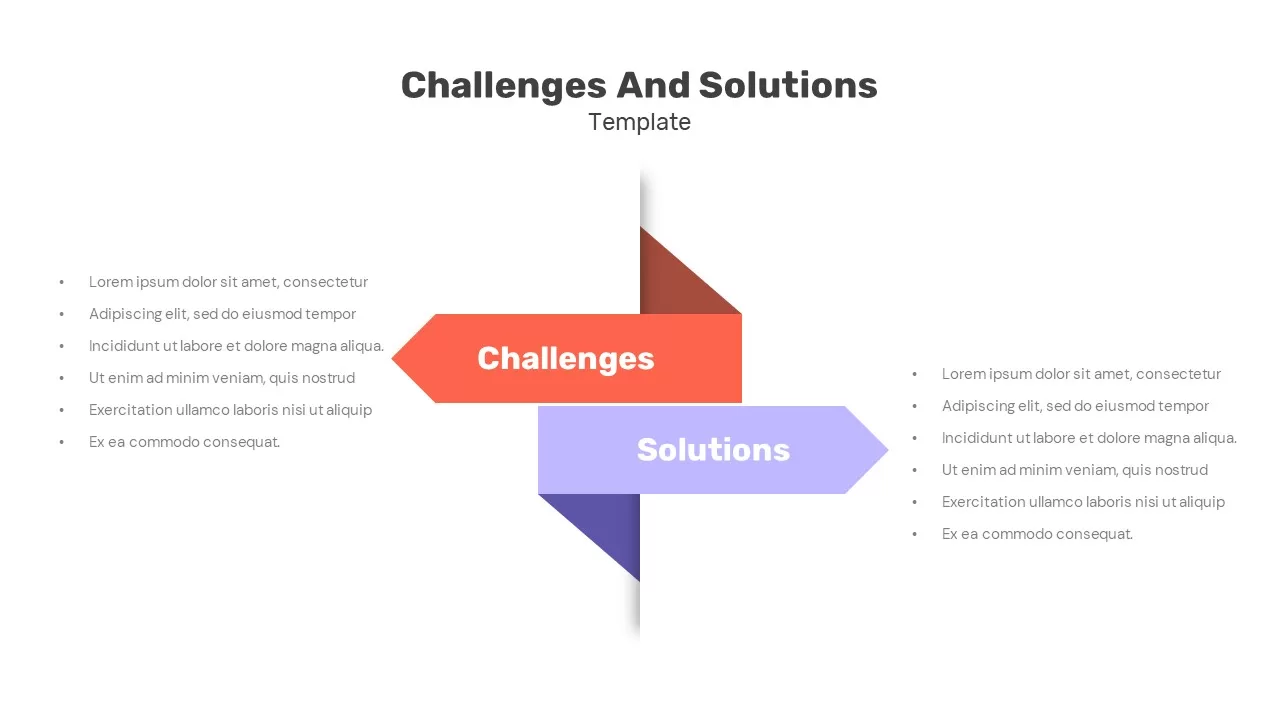
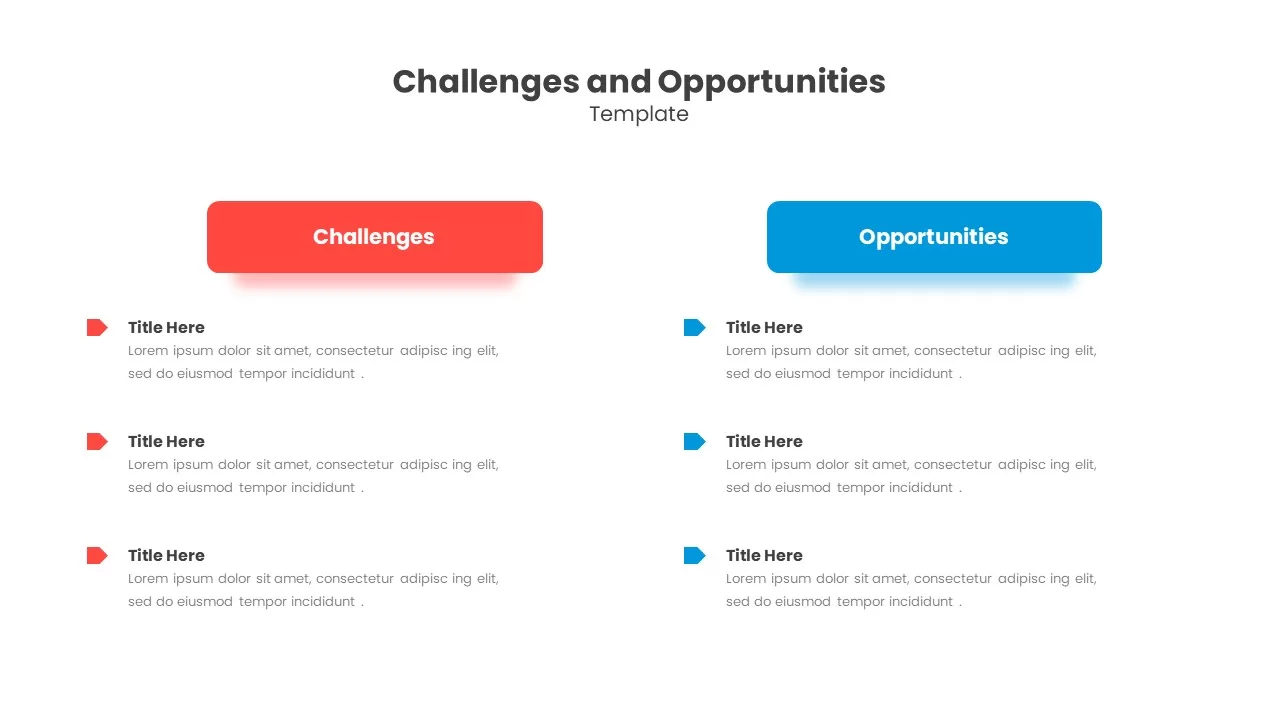
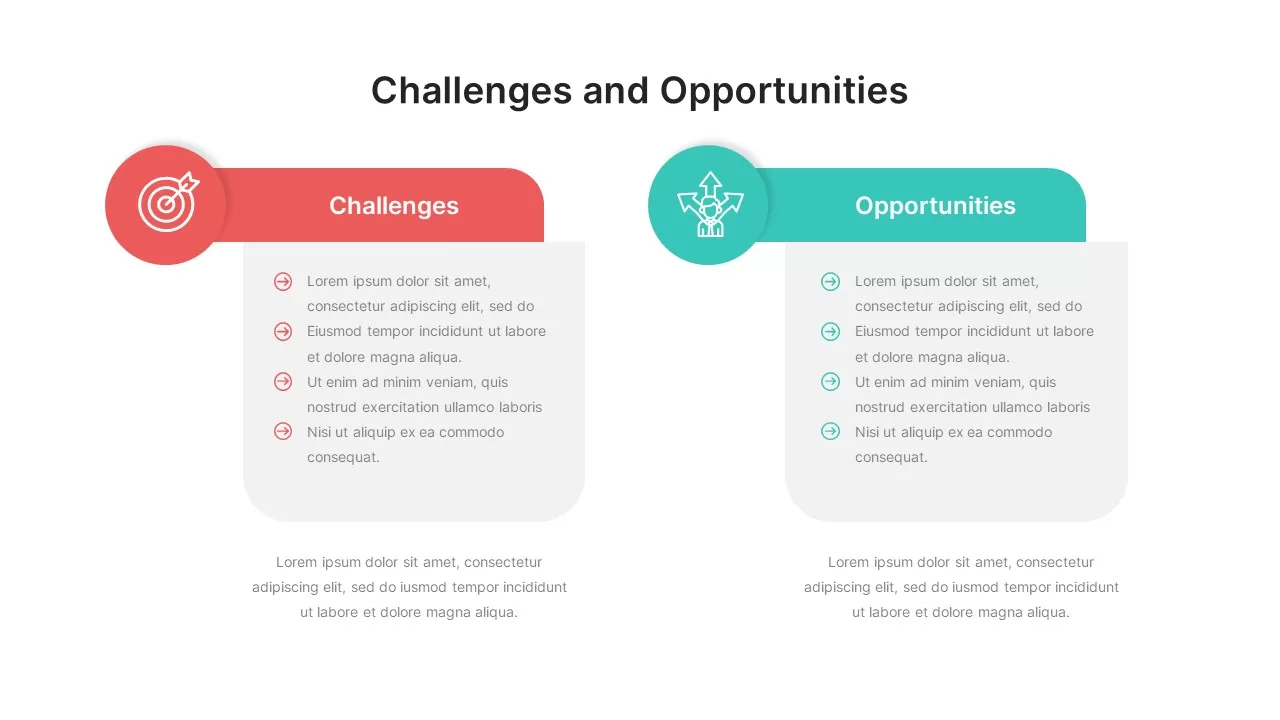
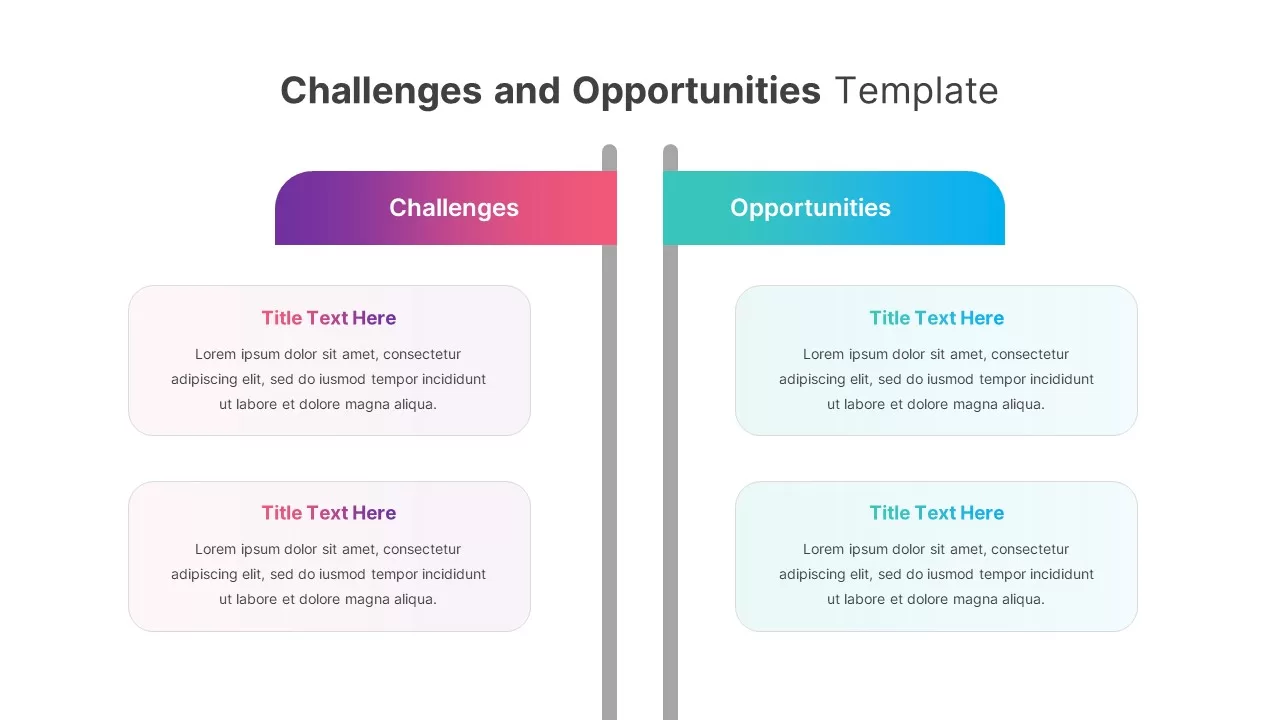
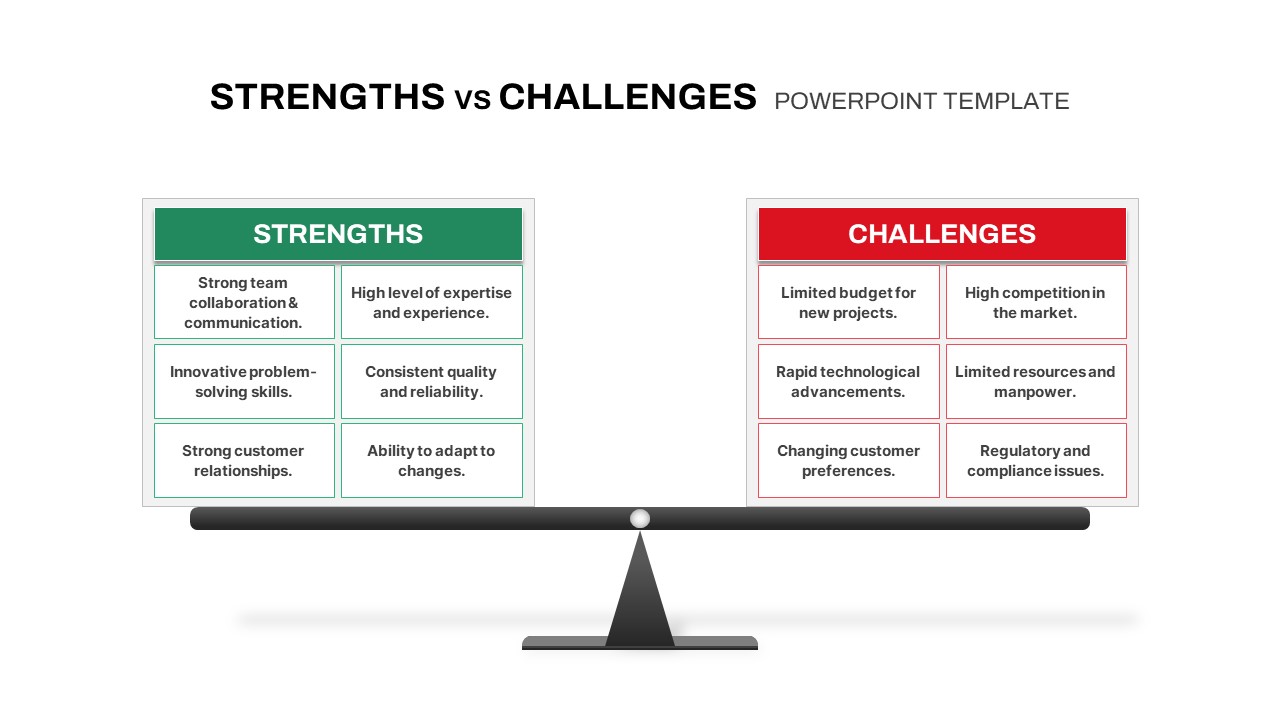
Presenting corporate obstacles alongside their fixes requires a highly organized structure. A professional challenges and solutions comparison slide template for PowerPoint and Google Slides provides a balanced, two-column layout to contrast project risks and remediation paths side by side. This structured presentation graphic uses bold, distinct headers to separate your data categories cleanly. Fully optimized for both major presentation platforms, it allows you to display bottlenecks and matching remedies effortlessly during strategic workshops or remote team briefings via Google Slides.

By organizing your arguments into clear columns, this visual aid ensures your strategic message remains easy to scan for stakeholders. Using this clean framework keeps your audience focused on resolution paths whether you present offline using PPT or collaborate online.

Essential Features of This Two Column Problem and Solution Layout

Managing strategic updates requires an adaptable presentation layout. This challenges and solutions comparison slide template for PowerPoint and Google Slides includes built-in features that work perfectly across Microsoft tools and Google Slides:

  • Two Column Comparative Design: Easily document pain points on the left and present matching strategic remedies on the right side of the layout.
  • Numbered Bullet Callouts: Structured spaces with built-in icon accents accommodate up to three distinct problem items and their corresponding fixes.
  • Fully Editable Vector Shapes: Modify header colors, adjust bullet counts, or rearrange the columns inside Google Slides or PowerPoint to match your corporate branding rules.
  • Cross Platform Performance: Edit and share your corporate presentation files securely across PowerPoint and Google Slides environments without experiencing broken text formatting.

Who Should Use a Risk Remediation Slide Template?

This professional risk matrix is built for corporate teams who need to drive action oriented discussions without building layouts from scratch. It serves as an excellent asset for project managers tracking project health, agile coaches mapping out sprint roadblocks, and product owners aligning stakeholders on feature requirements. Every element inside this challenges and solutions comparison slide template for PowerPoint and Google Slides can be adjusted quickly in Google Slides or PowerPoint, helping you focus entirely on your strategic insights rather than design details.

The intuitive text placeholders ensure you can update your business criteria quickly, saving you time during deck preparation and helping you deliver a polished briefing.

Versatile Use Cases for Your Google Slides and PPT Presentations

While this asset is ideal for standard risk assessments, the flexible design of this challenges and solutions comparison slide template for PowerPoint and Google Slides allows it to fit many other business analysis frameworks:

  • Risk vs Reward Analyses: Evaluate potential venture liabilities side by side with the financial or operational growth benefits.
  • Feature Gap Comparisons: Highlight existing software shortcomings alongside targeted development fixes for engineering teams inside Google Slides.
  • Priority Impact Matrices: Map out immediate operational hurdles and the tactical steps required to streamline workflows across PowerPoint and Google Slides platforms seamlessly.

Login to download this file