Overcoming Challenges Hurdle Diagram Template for PowerPoint & Google Slides
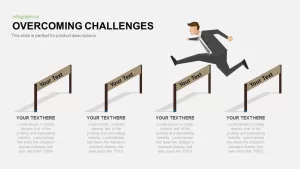
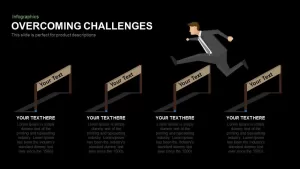
Challenges Slide for PowerPoint
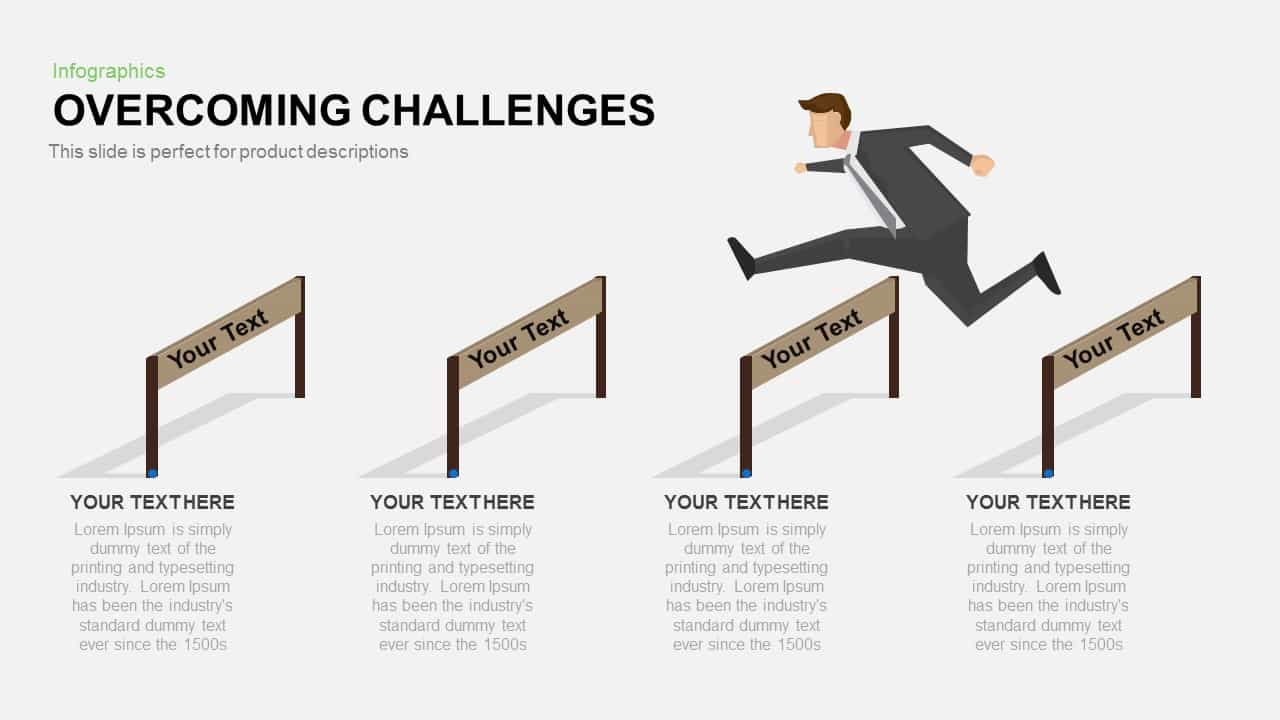
Every presentation that deals with problems, risks, or roadblocks needs a slide that communicates those obstacles without making the audience feel overwhelmed. This challenges slide for PowerPoint does exactly that. It uses a four-stage hurdles diagram to walk your audience through sequential challenges and how your team or process addresses each one, in a layout that is visual, structured, and easy to follow.
Each hurdle is numbered 01 through 04 and comes with a customizable vector icon placeholder, a bold headline, and a concise text block where you can detail strategic responses or solutions. The business silhouette running across the diagram reinforces the idea of forward progress, giving the slide a narrative quality that plain bullet-point lists simply cannot match. Generous white space and a clean modern aesthetic keep things readable even when the content itself is complex.
A Fully Editable Challenges Slide Template for PowerPoint and Google Slides
This challenges slide template is built entirely with crisp vector shapes on master slides, which means you can adjust hurdle dimensions, swap icons from an embedded library of over 50 symbols, and recolor segments to match your corporate brand palette without any loss of image fidelity. Precision snap-to-grid guides and optional drop shadows handle alignment and depth automatically, so you spend your time on content rather than formatting.
The template works seamlessly in both PowerPoint and Google Slides, with intuitive placeholders that make content updates quick and locked guides that keep the layout consistent no matter how many edits you make. Resize or reposition the silhouette, duplicate or remove hurdles to change the sequence length, and switch between gradient or flat fills in a single click. High-definition vector clarity holds up across all screen sizes, from laptop displays to boardroom projectors to virtual meeting platforms.
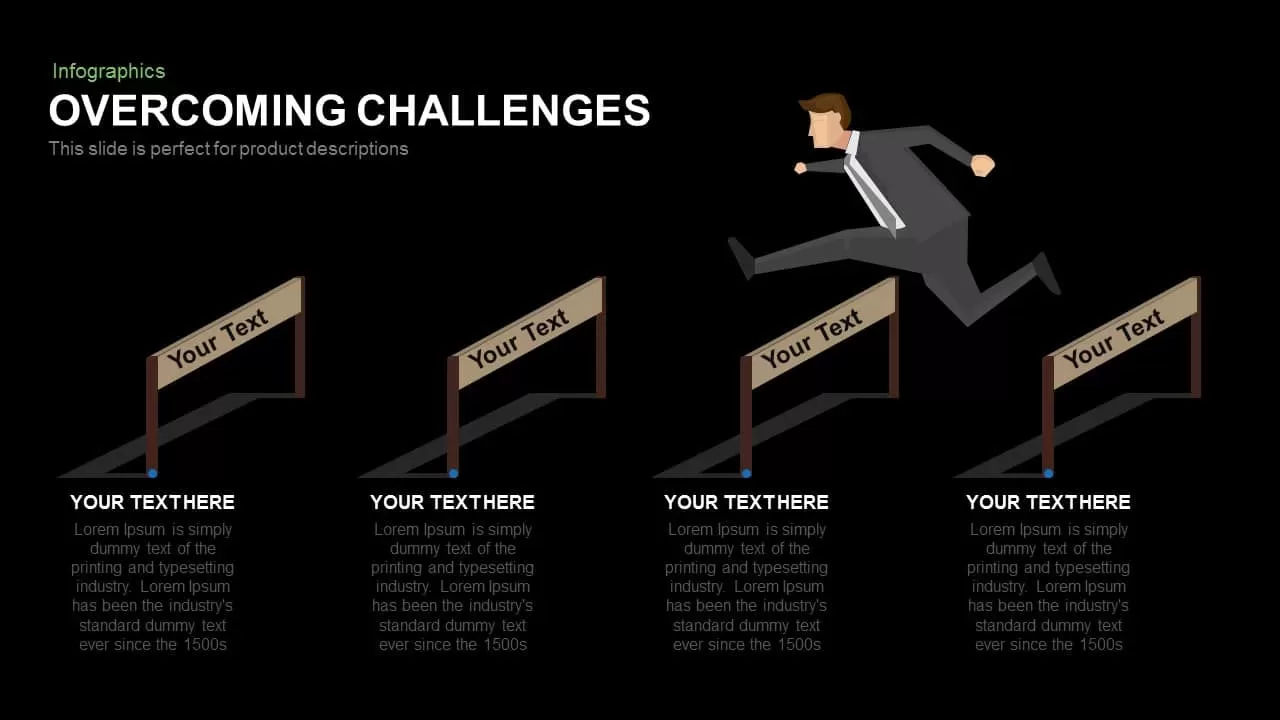
Need to add data to the conversation? Optional callouts and percentage markers can be placed alongside each barrier to surface KPIs, progress metrics, or resource allocations without cluttering the design. The modular structure also supports both light and dark themes through master-slide variants, keeping your branding consistent from the first slide to the last.
Who Is It For
Project managers, business analysts, operations leads, consultants, and team leaders will get the most out of this slide when mapping risk mitigation plans, milestone reviews, performance improvement initiatives, or strategic roadmaps. It works equally well in internal team meetings and external stakeholder briefings where you need to show not just what the challenges are, but how they are being tackled one step at a time.
Other Uses
The four-step hurdles layout is more flexible than it looks at first glance. Use it for training modules, compliance checklists, process optimization workflows, or sales pipeline overviews. It also works well for visualizing onboarding sequences, change management phases, or cross-department handoffs where showing progression through obstacles is more effective than listing them out in plain text.
Login to download this file

Item ID
SB00580


Related Templates

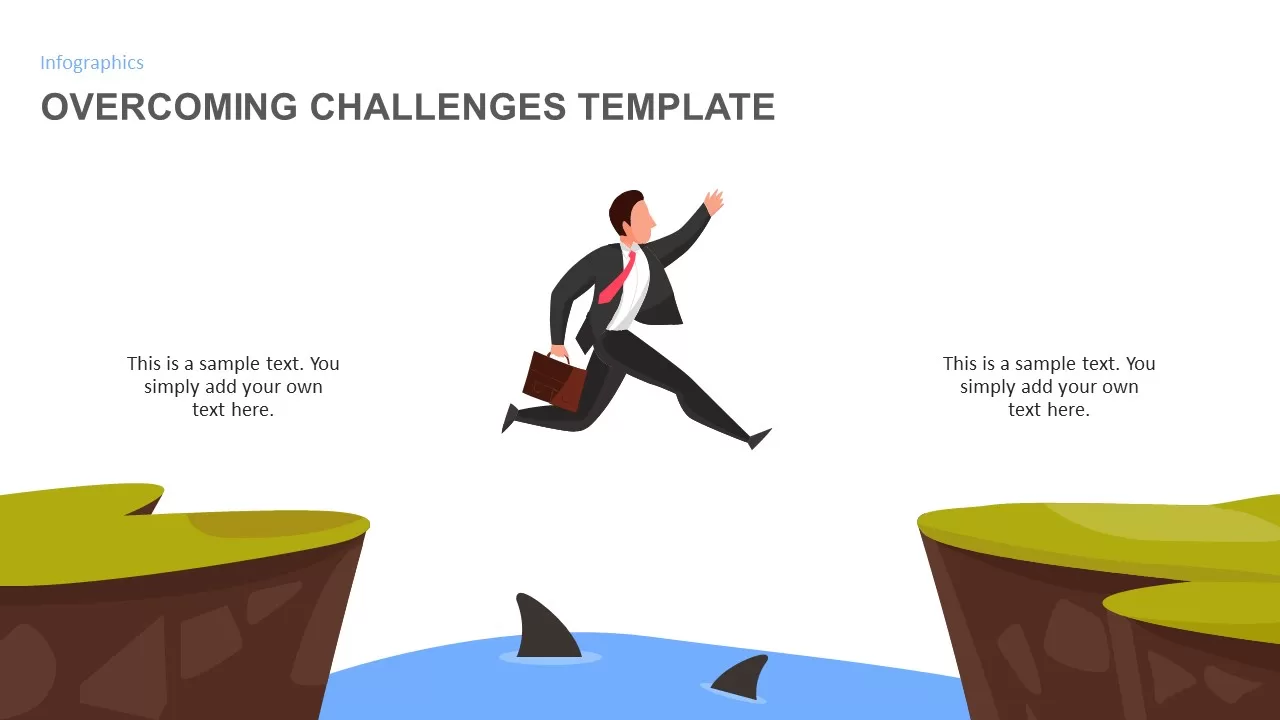
Overcoming Challenges Infographic Template
Opportunities Challenges
Overcoming Challenges Template
Opportunities Challenges
Hurdle Race PowerPoint Template
Advertising
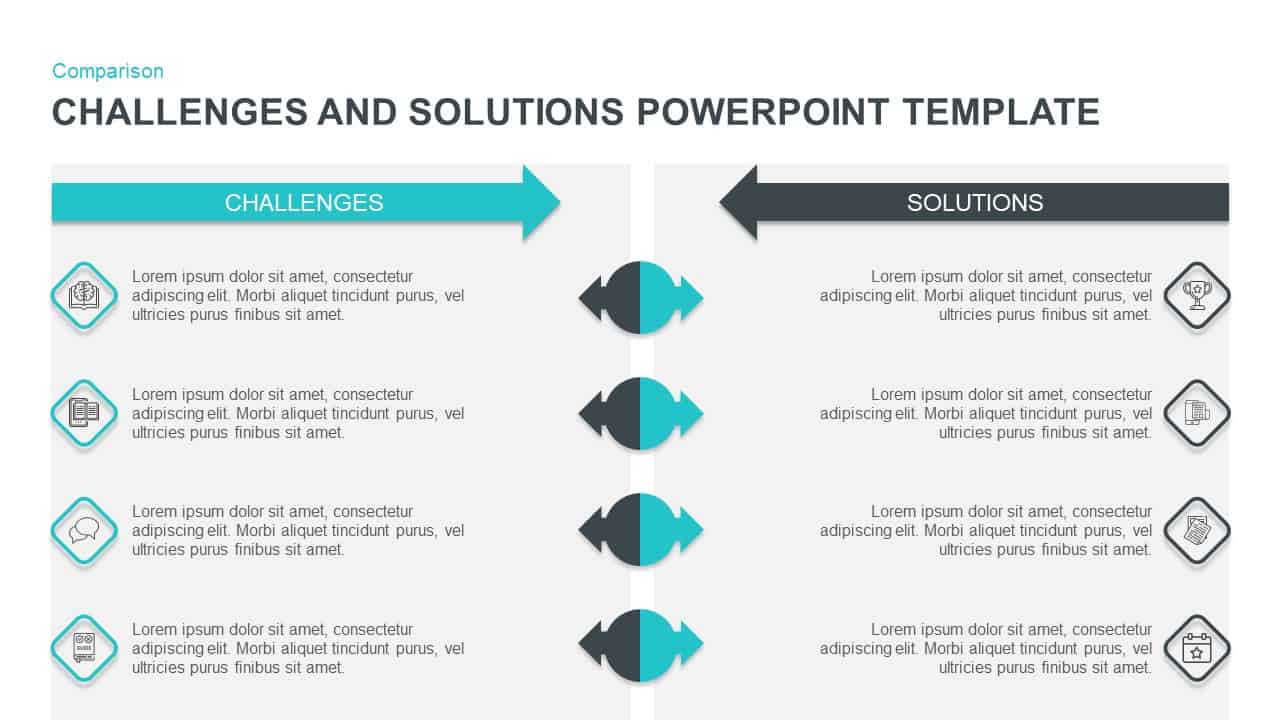
Challenges vs Solutions Comparison Template for PowerPoint & Google Slides
Comparison
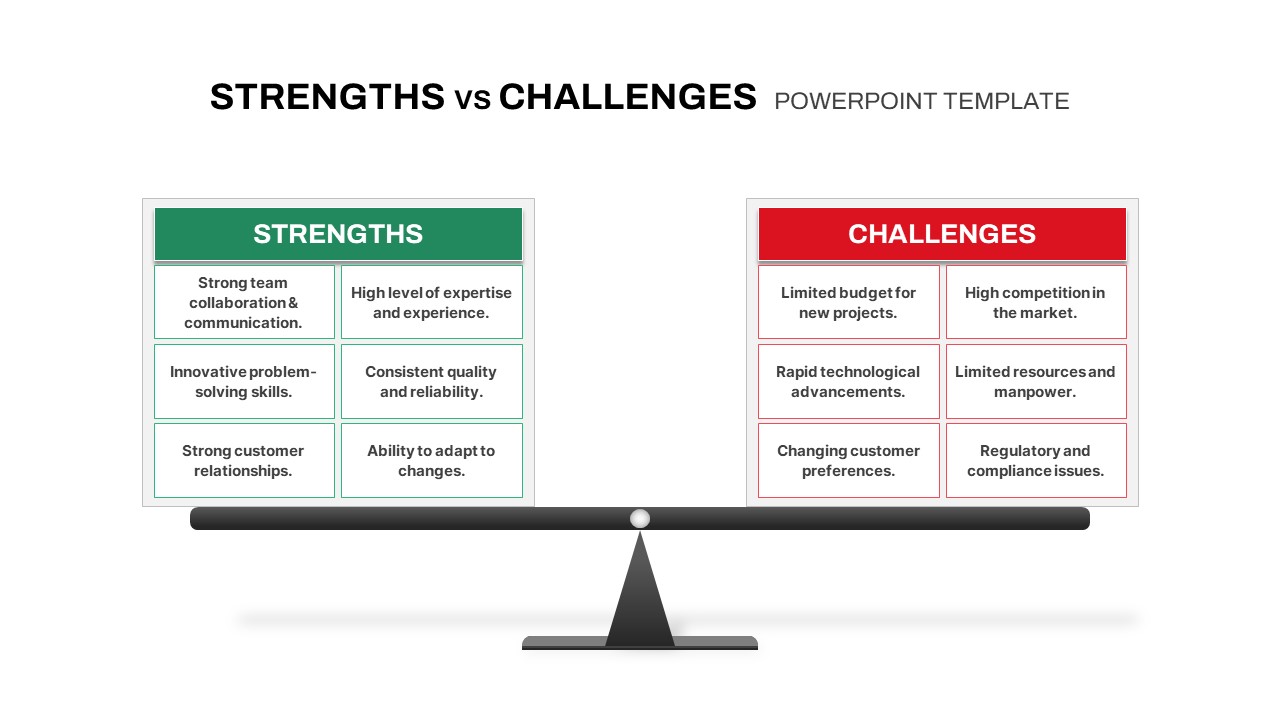
Strengths vs Challenges Weighing Scale Template for PowerPoint & Google Slides
Opportunities Challenges
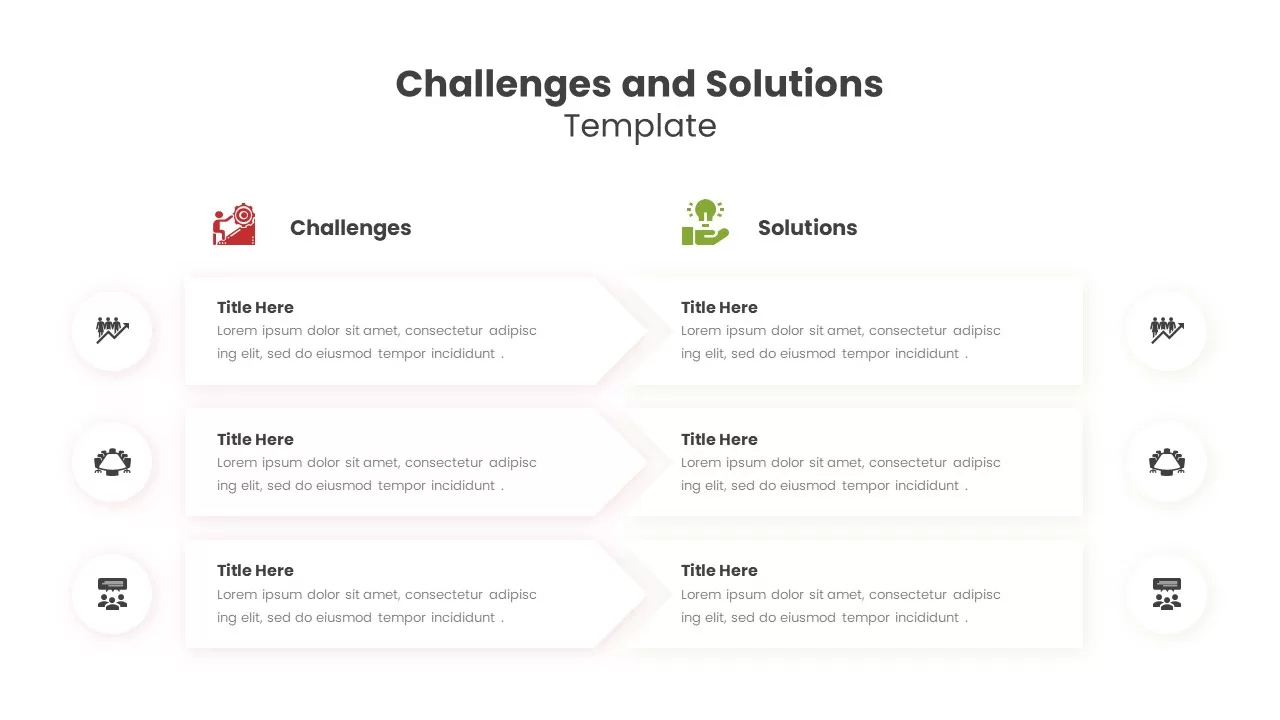
Challenges and Solutions Template for PowerPoint
Comparison
Challenges and Solutions PowerPoint Template
Opportunities Challenges
Free Challenges and Solutions PowerPoint Slide Template
Business
Free

Achievements and Challenges Infographics Template
Opportunities Challenges
Challenges & Opportunities Slide Template
Circular
Challenges and Opportunities Slide Template
Opportunities Challenges
Challenges and Solutions Template for Presentations
Opportunities Challenges
Challenges and Opportunities Slide Template
Opportunities Challenges
Challenges and Opportunities Slide Template
Opportunities Challenges
Challenges and Solutions PPT Template
Opportunities Challenges
Challenges And Solutions Presentation Template
Opportunities Challenges