search

Essentials

Must-have decks for quick wins

By Industry

Professionally tailored slides for every sector

By Style

Minimal, modern and creative designs

By Topic

Explore slides curated by purpose and theme

TimelineTimelineRoadmapRoadmapStrategyStrategyGoalsGoalsTableTableComparisonComparisonSWOTSWOTAgendaAgendaArrowArrowWorld MapWorld MapMapsMapsProcessProcessFunnelFunnelTeamTeamOrg ChartOrg ChartPyramidPyramidCircularCircular

Business PlanBusiness PlanBusiness StrategyBusiness StrategyBusiness ProposalBusiness ProposalBusiness ModelsBusiness ModelsDigital MarketingDigital MarketingMarketing FunnelMarketing FunnelCustomer ExperienceCustomer ExperienceProject StatusProject StatusGantt ChartGantt ChartRecruitmentRecruitmentEmployee PerformanceEmployee PerformanceLeadershipLeadershipAIAIMachine LearningMachine Learning

AI Presentation Maker

Install the Windows plugin for quick access to templates and design tools.

AI Infographics Maker

Use our Office 365 add - in to access templates directly from the cloud.

Exe Version

Install the Windows plugin for quick access to templates and design tools.

Office 365

Use our Office 365 add - in to access templates directly from the cloud.

Mac Version

Get the Mac plugin to easily browse, insert, and customize templates and visuals within PowerPoint.

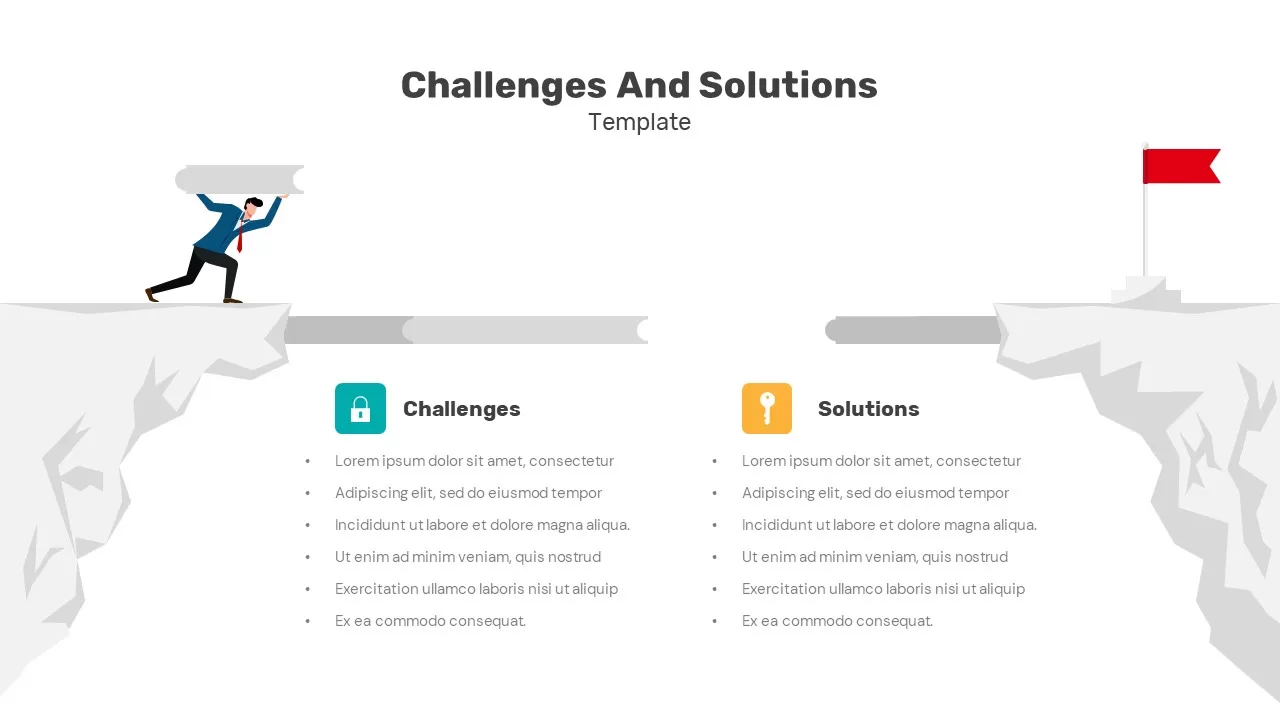
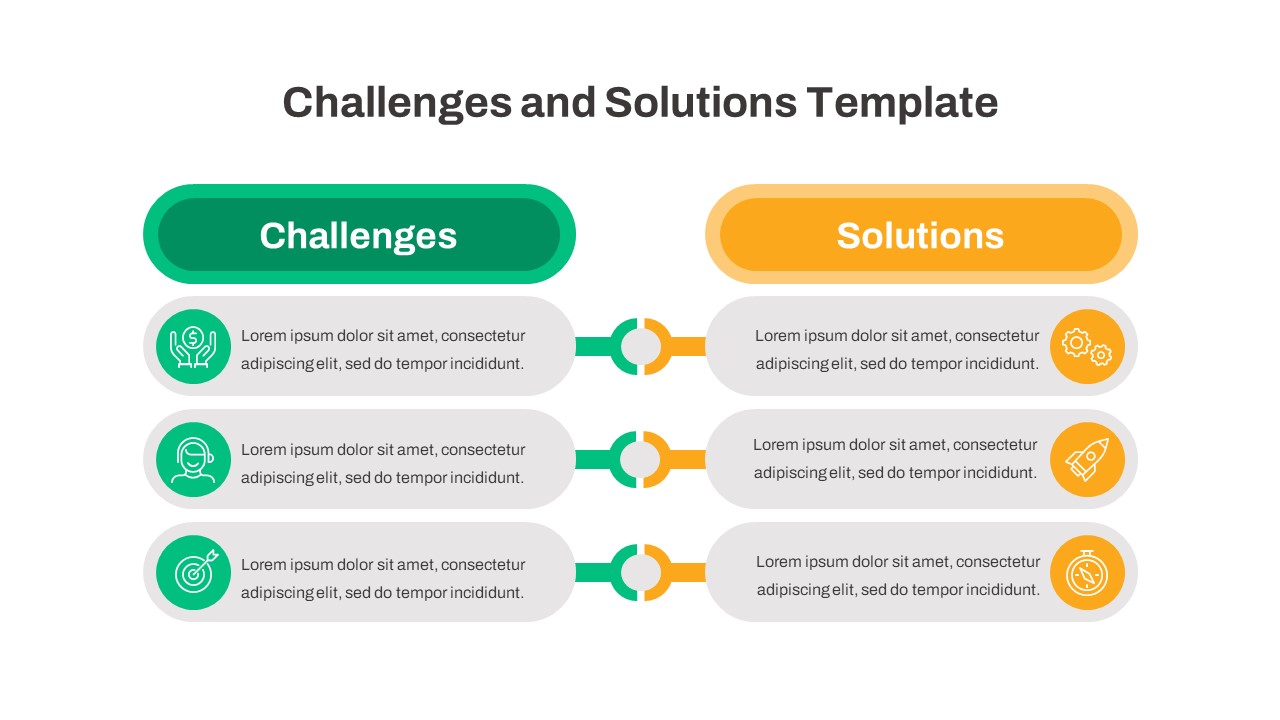
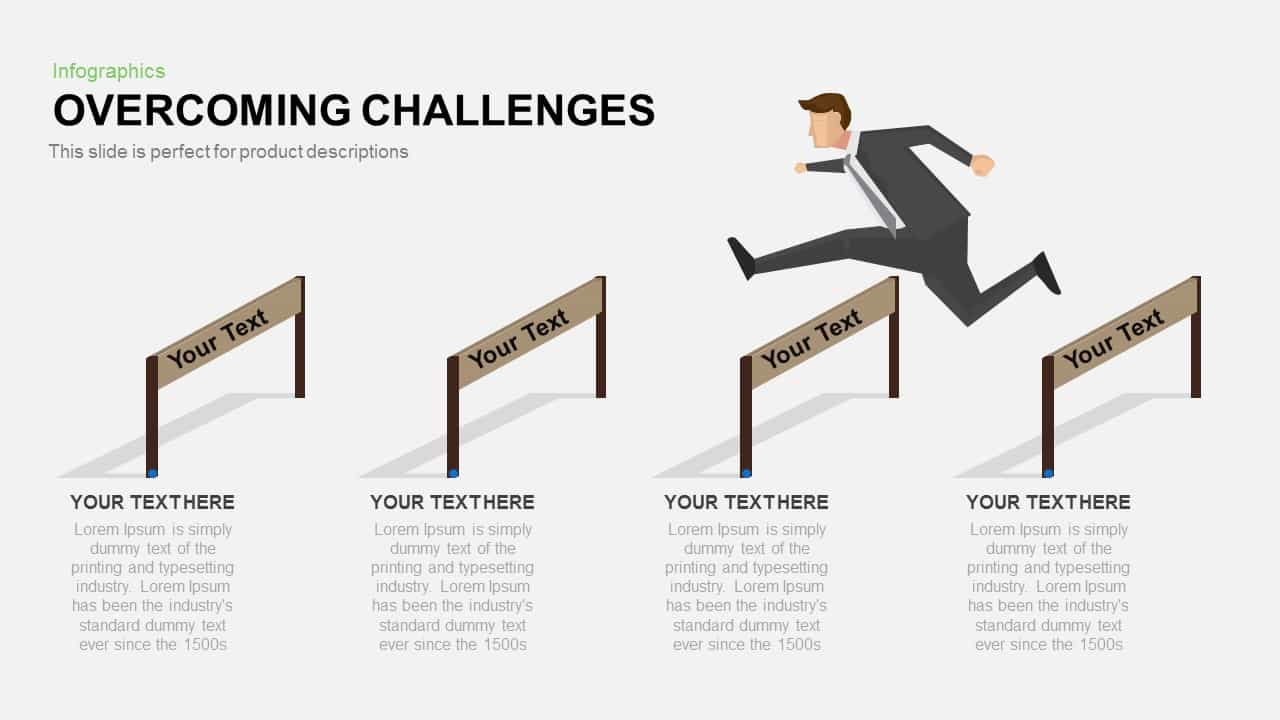
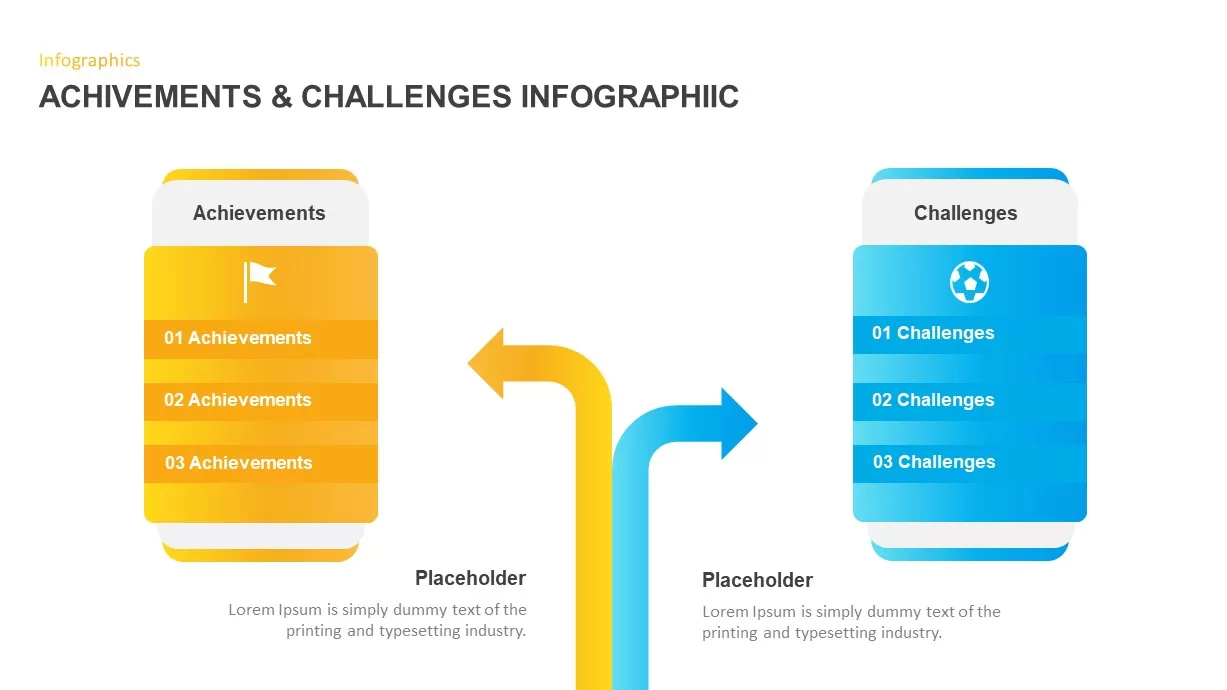
Challenges and Solutions Comparison Slide for PowerPoint & Google Slides

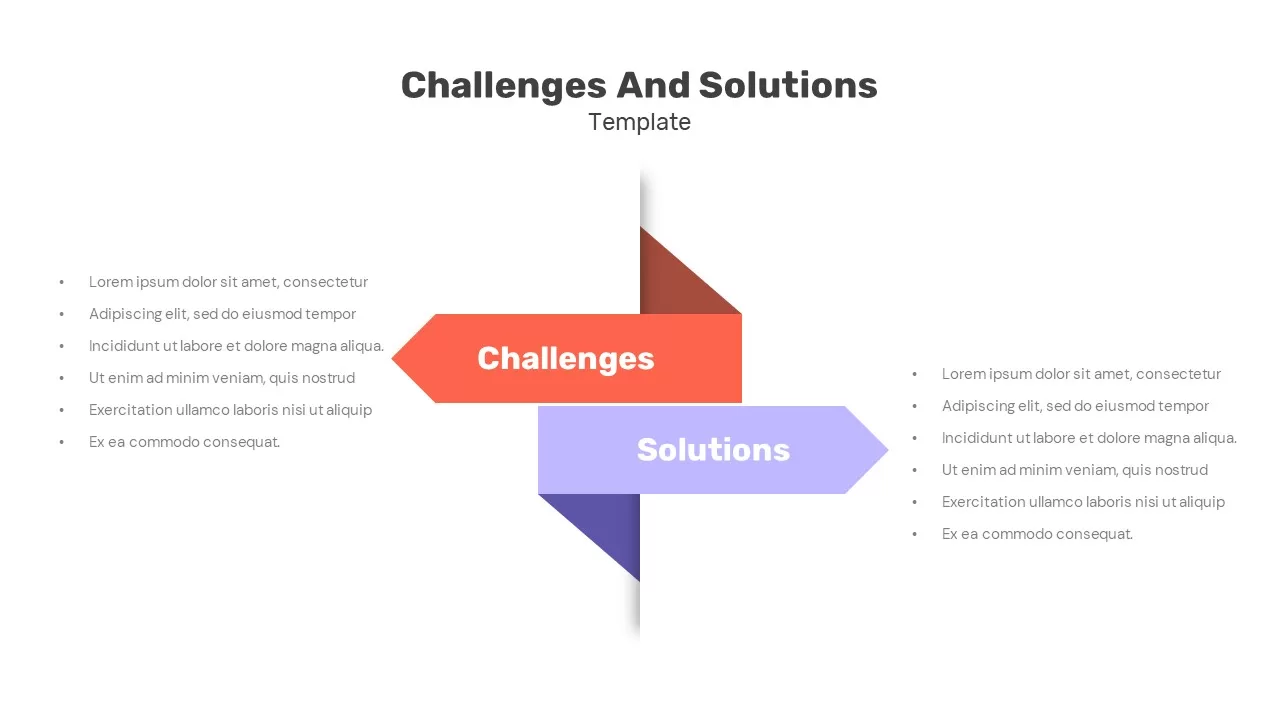
Challenges and Solutions Template
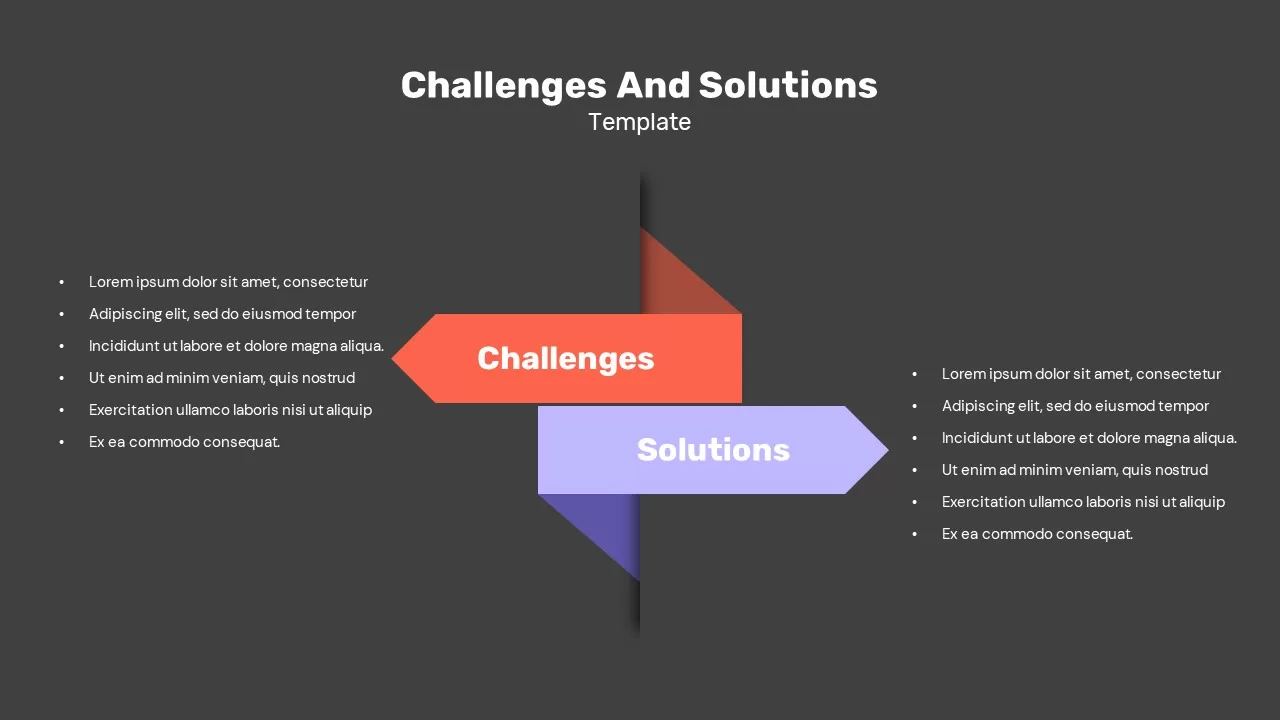
Challenges and Solutions Template Dark
Challenges and Solutions Template
Challenges and Solutions Template Dark

Address Operational Roadblocks with a Challenges and Solutions Slide Template for PowerPoint and Google Slides

Every project faces obstacles, but presenting them alongside actionable fixes is what keeps stakeholders confident in your leadership. If you present organizational hurdles without clear answers, you risk causing unnecessary worry during executive briefings. Utilizing a dedicated challenges and solutions slide provides a structured, side-by-side format to compare project bottlenecks directly with your mitigation strategies.

Visualizing Strategic Hurdles and Fixes

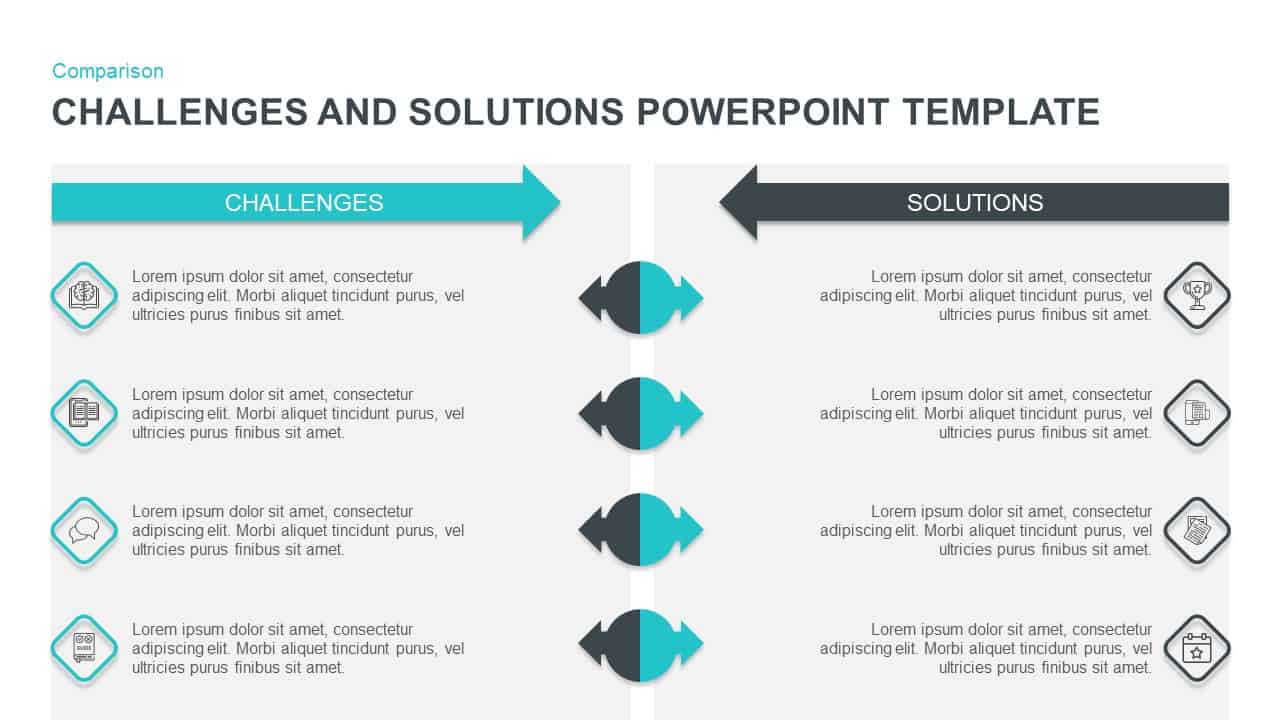
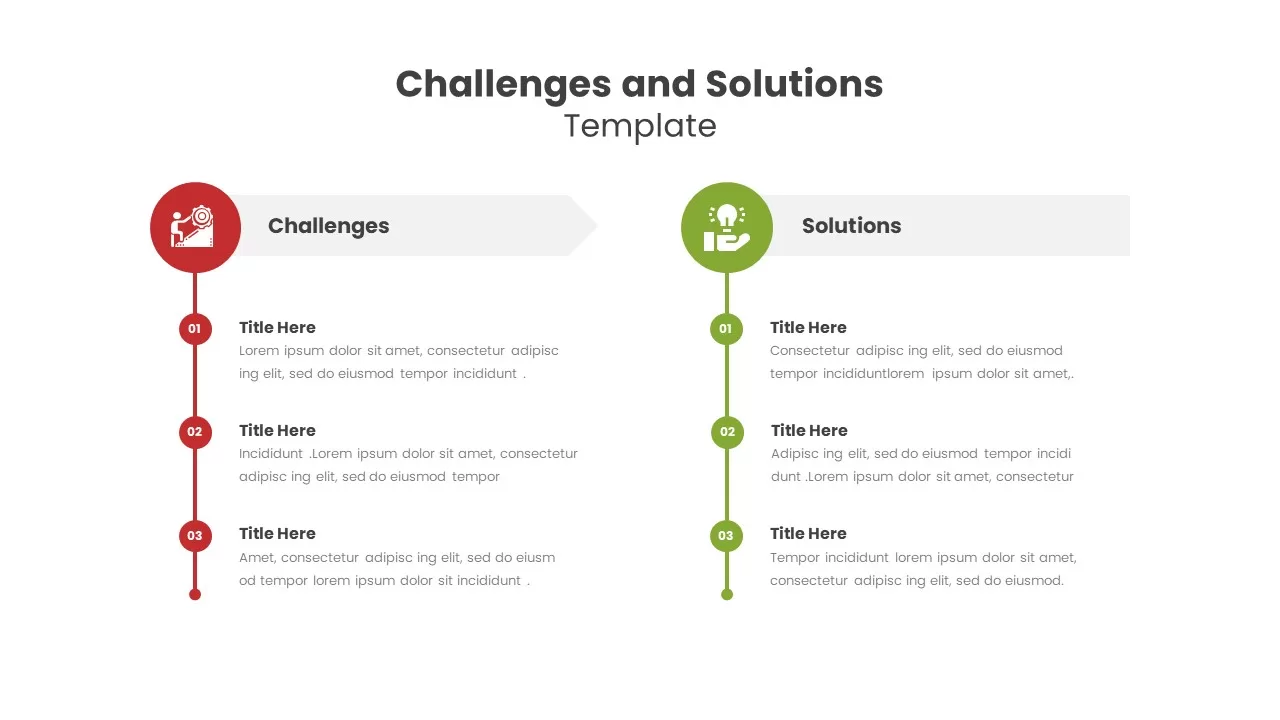
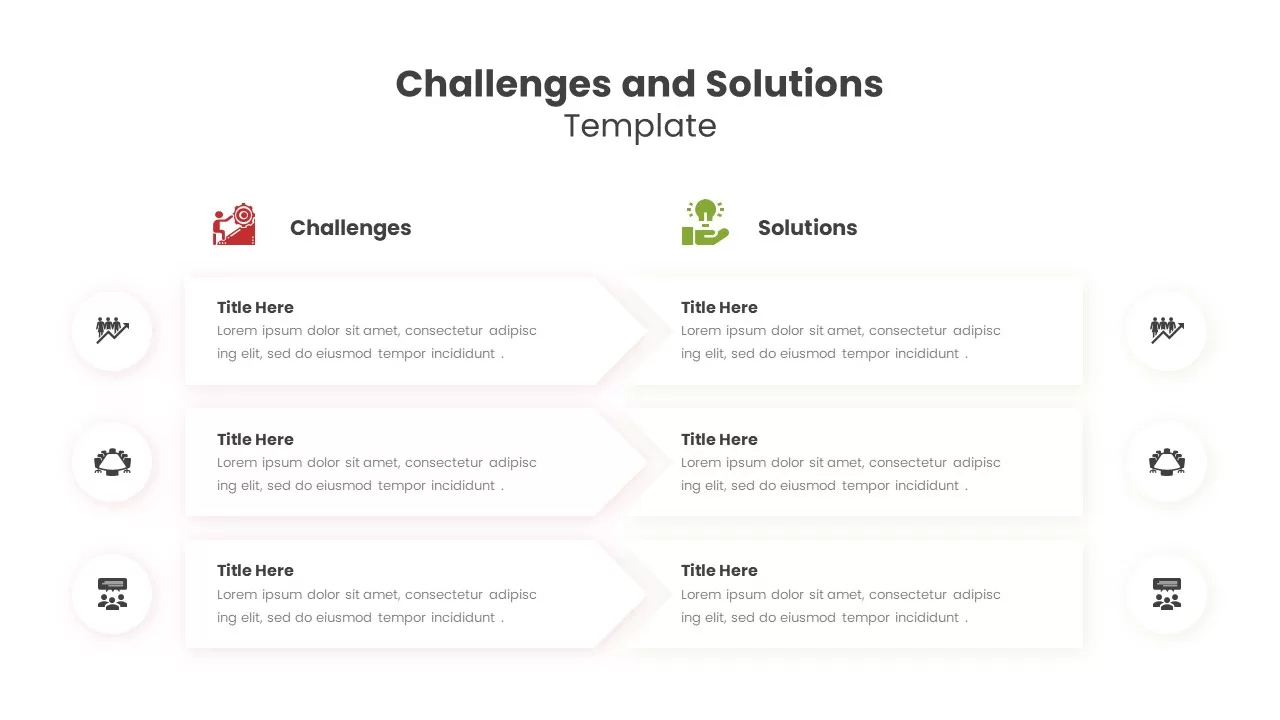
The architecture of this challenges and solutions slide relies on an intuitive dual-arrow layout to create an immediate visual boundary between operational friction and strategic fixes. Instead of forcing your team to sort through chaotic text blocks, this layout allows you to organize information into a structured comparison:

  • The Problem Axis: A bold red arrow marks the “Challenges” column, drawing immediate attention to critical project bottlenecks, financial risks, or market shifts.
  • The Resolution Axis: An opposing purple arrow designates the “Solutions” column, keeping the audience focused on actionable remedies.
  • Connected Mapping: Integrated lines link individual text fields on each side, ensuring that every single issue raised has a direct, visible countermeasure.

This clear split is ideal for problem-solving workshops, risk assessment briefings, and client-facing project reports where transparency is critical.

Versatile Customization for Strategic Planning

Business consultants, project managers, and team leaders need versatile presentation assets that can adapt to changing data during active brainstorming sessions. Because this challenges and solutions slide is built entirely with editable vector graphics, you can update the text placeholders, shift the color palette to match your company branding, or resize elements in just a few clicks.

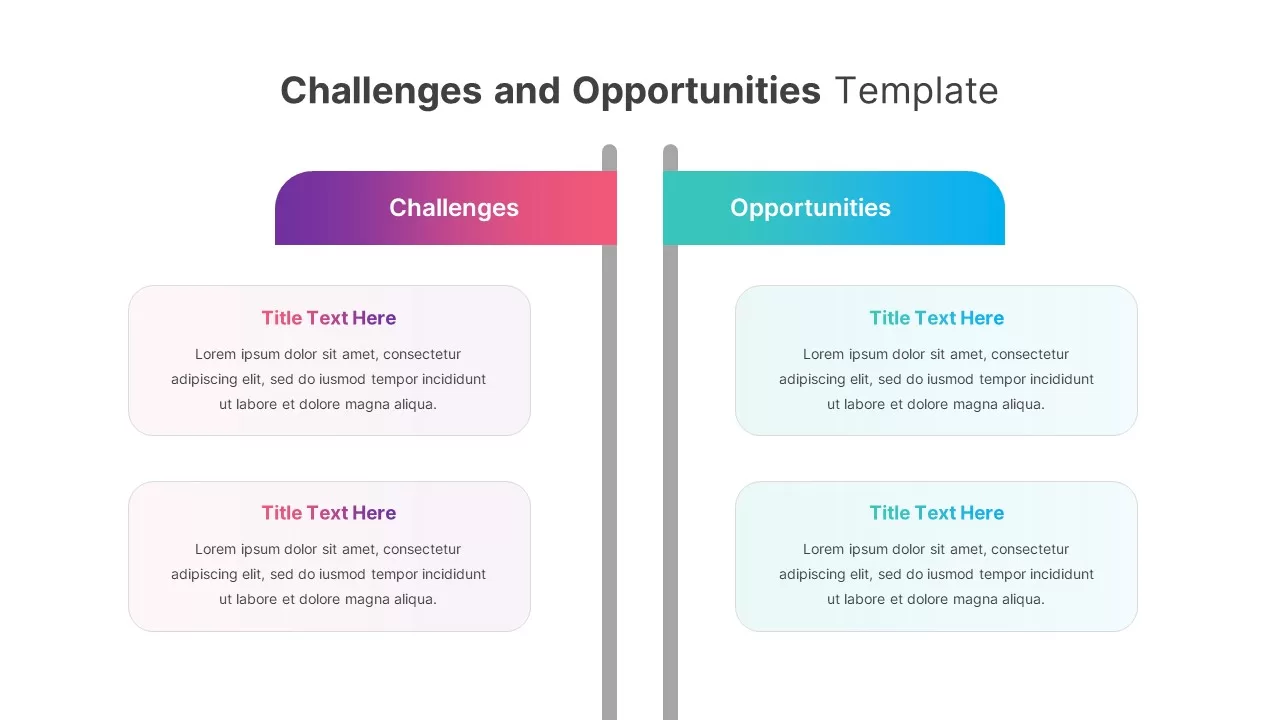
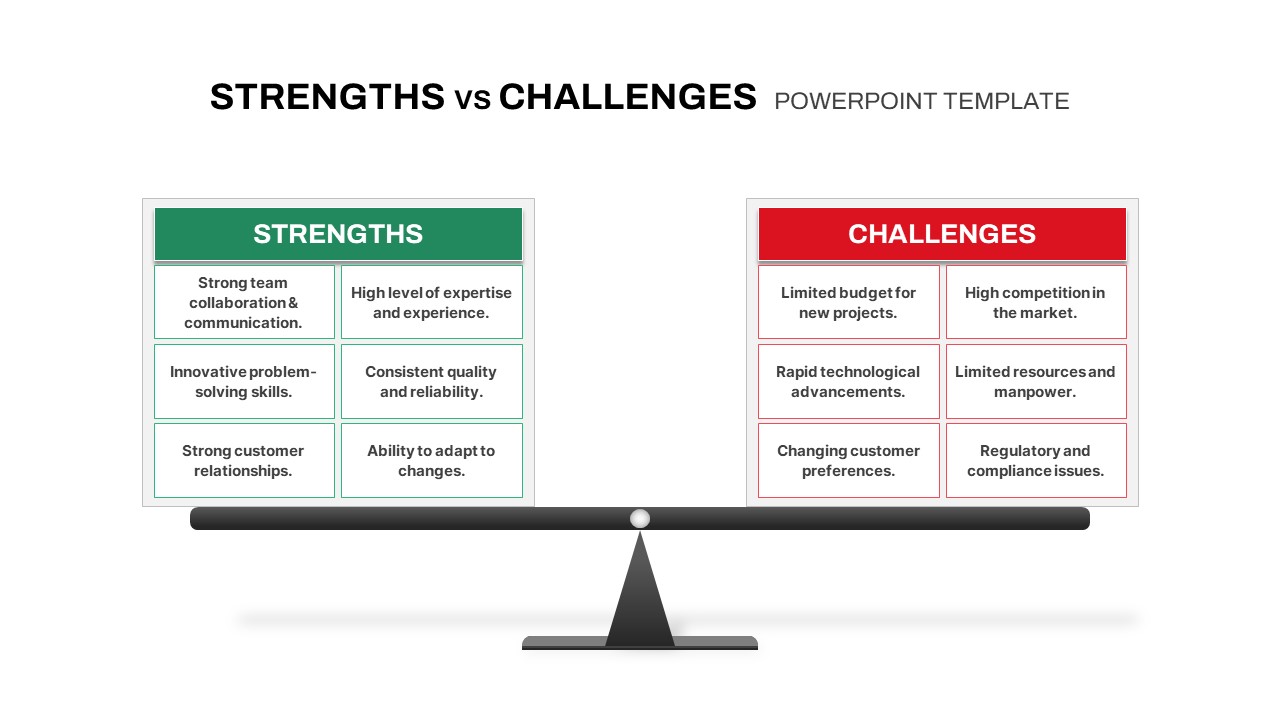
The clean design and strong visual contrast ensure your data stays perfectly readable on office projectors as well as remote video calls. Beyond standard problem-solving frameworks, the modular layout can be repurposed easily for before-and-after scenarios, pros and cons lists, or high-level cost-benefit analyses, giving you a flexible asset for any strategic decision-making meeting.

Login to download this file