Business Flywheel PowerPoint Template
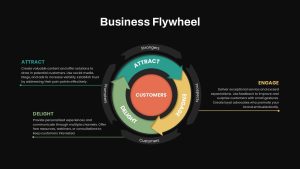
Business Flywheel PowerPoint Template: Transforming Business & Marketing Presentations
In today’s dynamic business landscape, effective communication is crucial. The Business Flywheel PowerPoint Template is designed to showcase customer-centric strategies that drive continuous growth. This innovative flywheel model PowerPoint template features a circular, multi-layered design that demonstrates the flow of customer interactions, making it an ideal substitute for traditional sales funnels.
How to create flywheel in PPT?
To create a flywheel in PowerPoint, start by inserting a circle from the Shapes menu under the Insert tab. Next, add curved arrows around the circle to represent momentum. Customize the colors, gradients, and shadows to make the design visually appealing. Add text to each section to represent key concepts or stages. Once done, select all elements, right-click, and group them. For a dynamic effect, apply the Spin animation.
What Makes This PowerPoint Flywheel Template Unique?
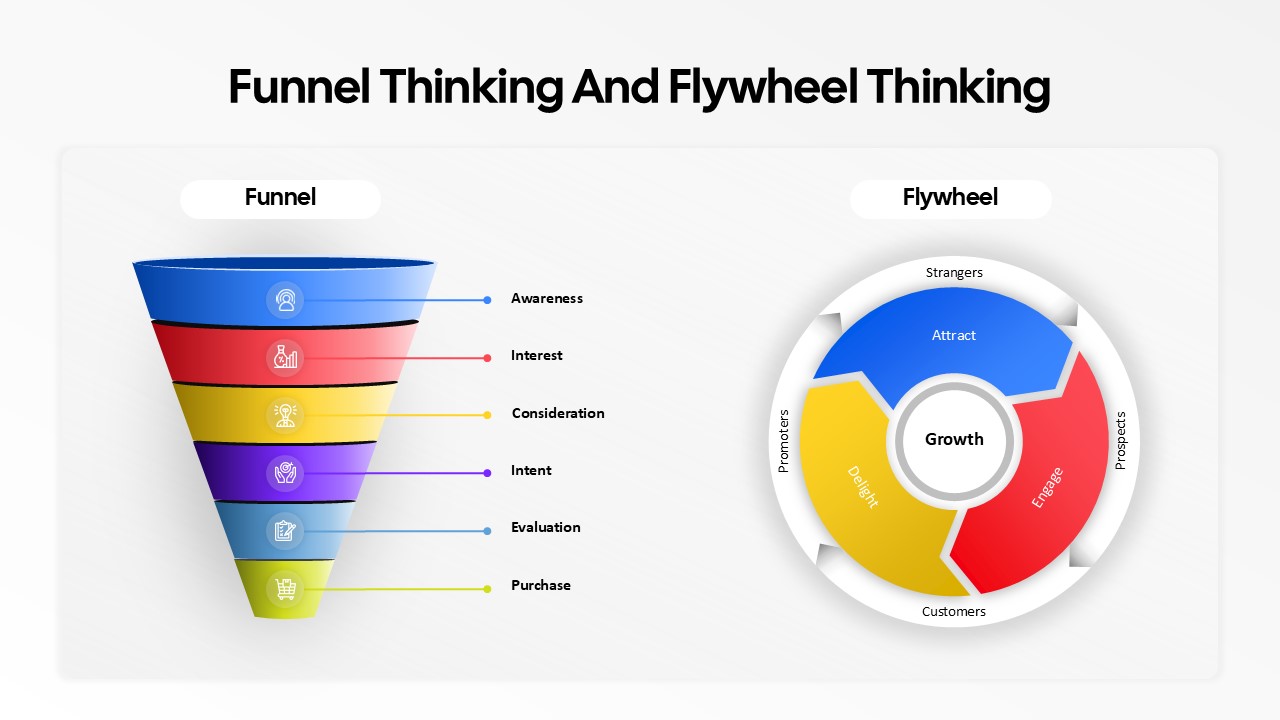
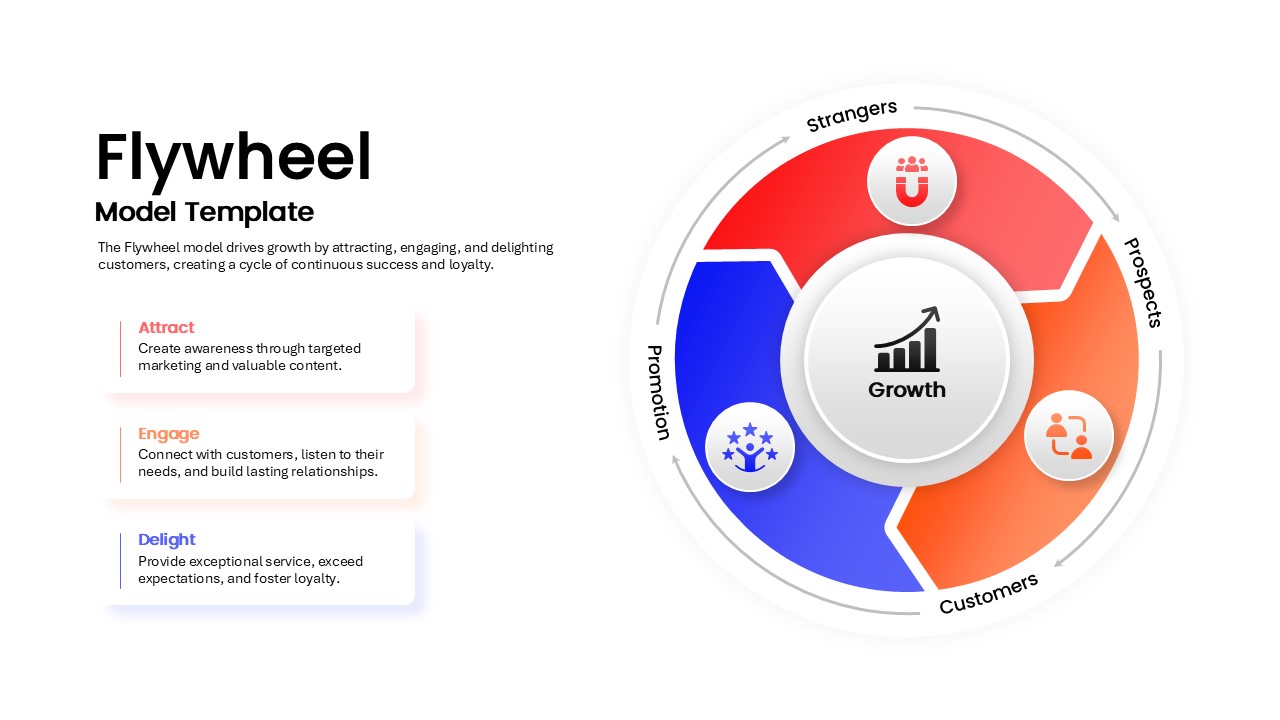
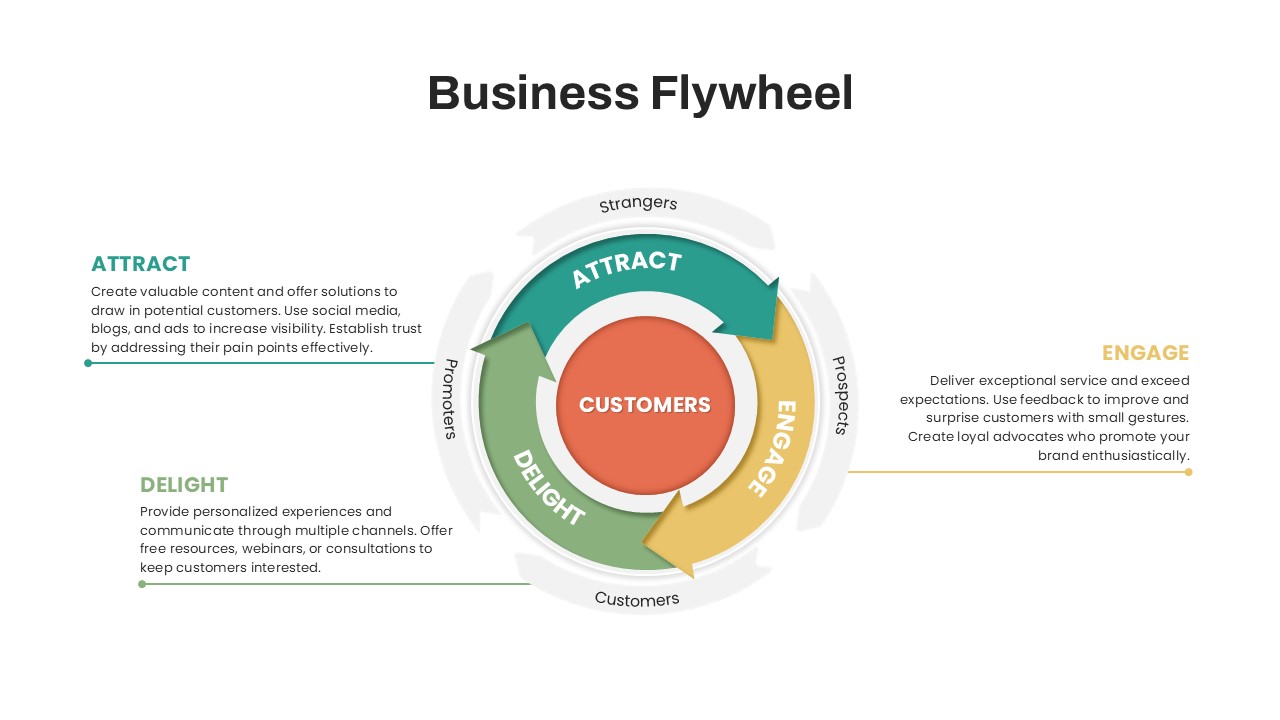
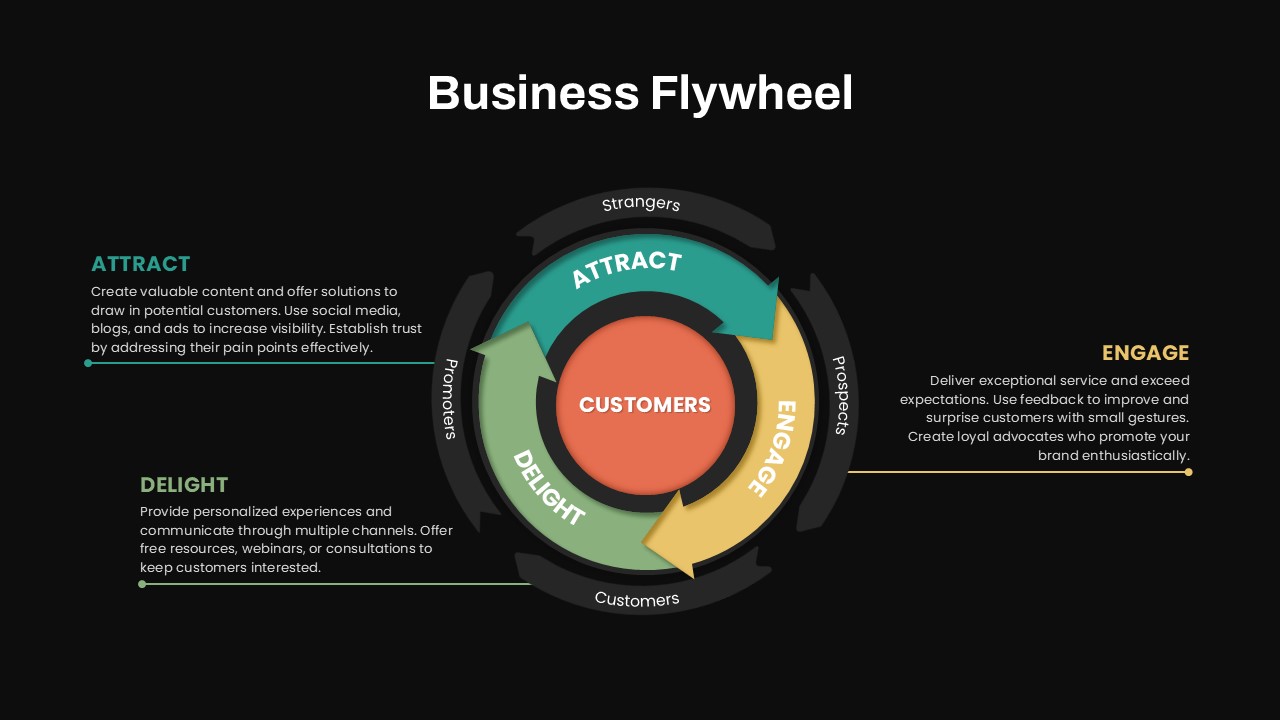
At the core of the flywheel is the Customers circle, highlighting their central role in business success. Surrounding this core are three curved, rotating arrows in yellow, light green, and green, representing key business phases: Attract, Engage, and Delight. This rotation signifies the perpetual nature of customer interaction and satisfaction.
The outermost layer, designed in a decolor style, shows a broader journey with four curved arrows representing Strangers, Prospects, Customers, and Promoters. These layers illustrate how businesses transform strangers into loyal promoters through effective engagement strategies.
This flywheel diagram is ideal for:
- Sales & Marketing Teams: This template helps visualize the customer journey from initial contact to long-term loyalty, making it easier to present complex strategies.
- Business Development Professionals: Demonstrate how your company’s engagement efforts generate long-term value and sustainable growth.
- Consultants & Educators: Break down business concepts into a visually engaging and easy-to-understand format, perfect for workshops or training sessions.
Advantages of the Flywheel Model PowerPoint Over Traditional Funnels
Unlike a linear funnel that ends at the purchase, the flywheel model emphasizes ongoing momentum. Each interaction with customers feeds back into the system, creating continuous growth and improving customer retention. This approach reduces churn, increases referrals, and drives higher customer lifetime value (CLV).
The Business Flywheel Template is fully editable, allowing you to adapt colors, shapes, and text to suit your brand’s theme. Whether presenting to internal teams or external stakeholders, this template ensures a polished, professional look that resonates with any audience.
Elevate your presentations and convey a powerful, customer-first narrative with this cutting-edge PowerPoint Flywheel Template. Get it now!
Login to download this file

Item ID
SB04671


Related Templates

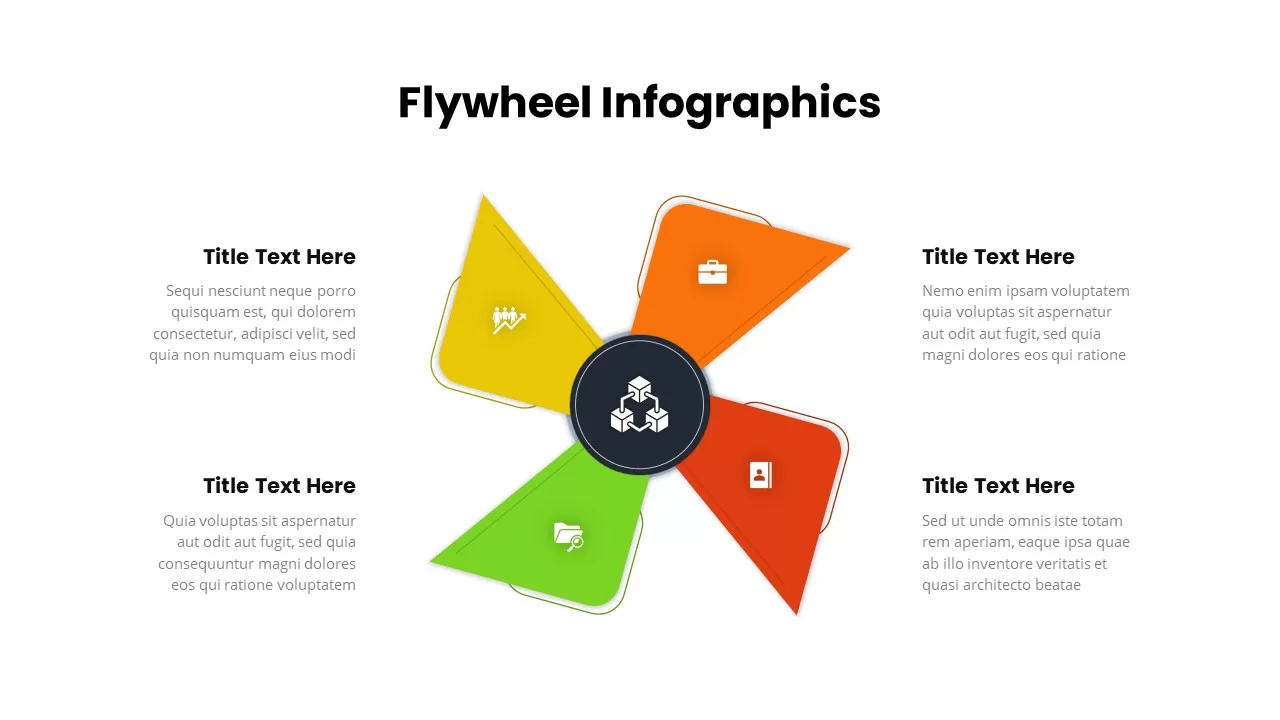
Four-Segment Flywheel Infographic Model Template for PowerPoint & Google Slides
Process
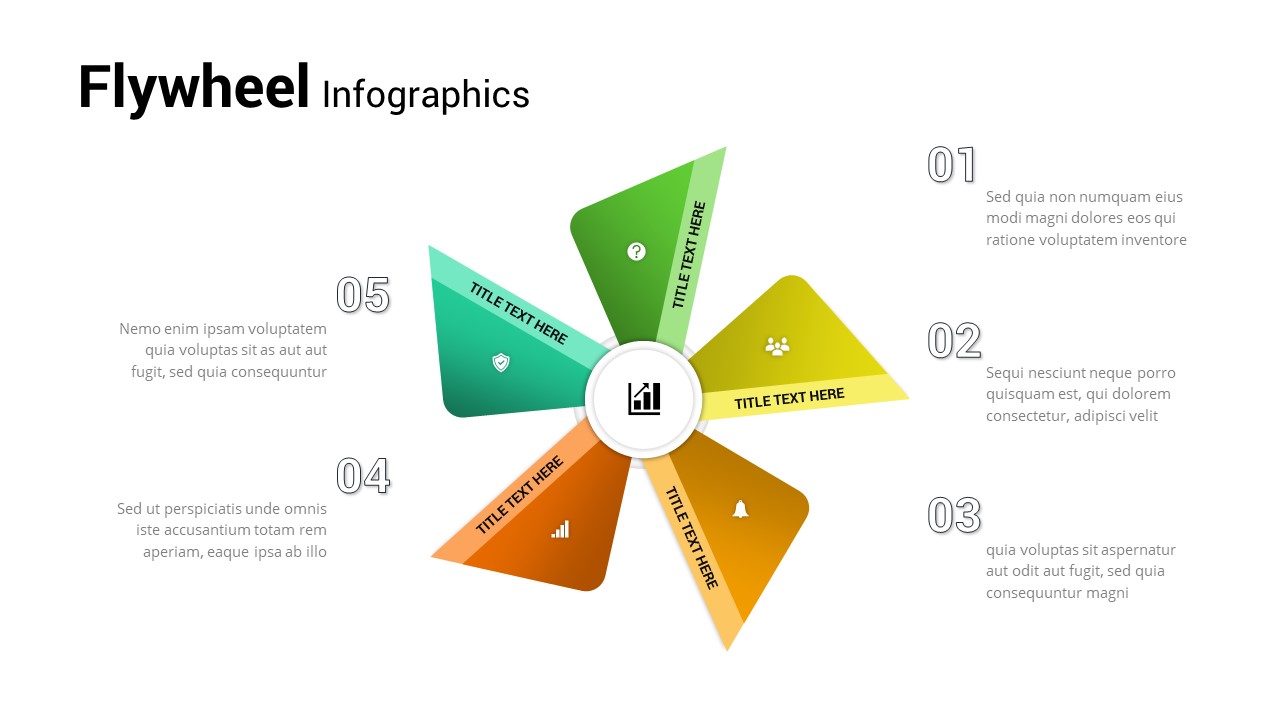
Five Step Flywheel Infographic Diagram Template for PowerPoint & Google Slides
Process
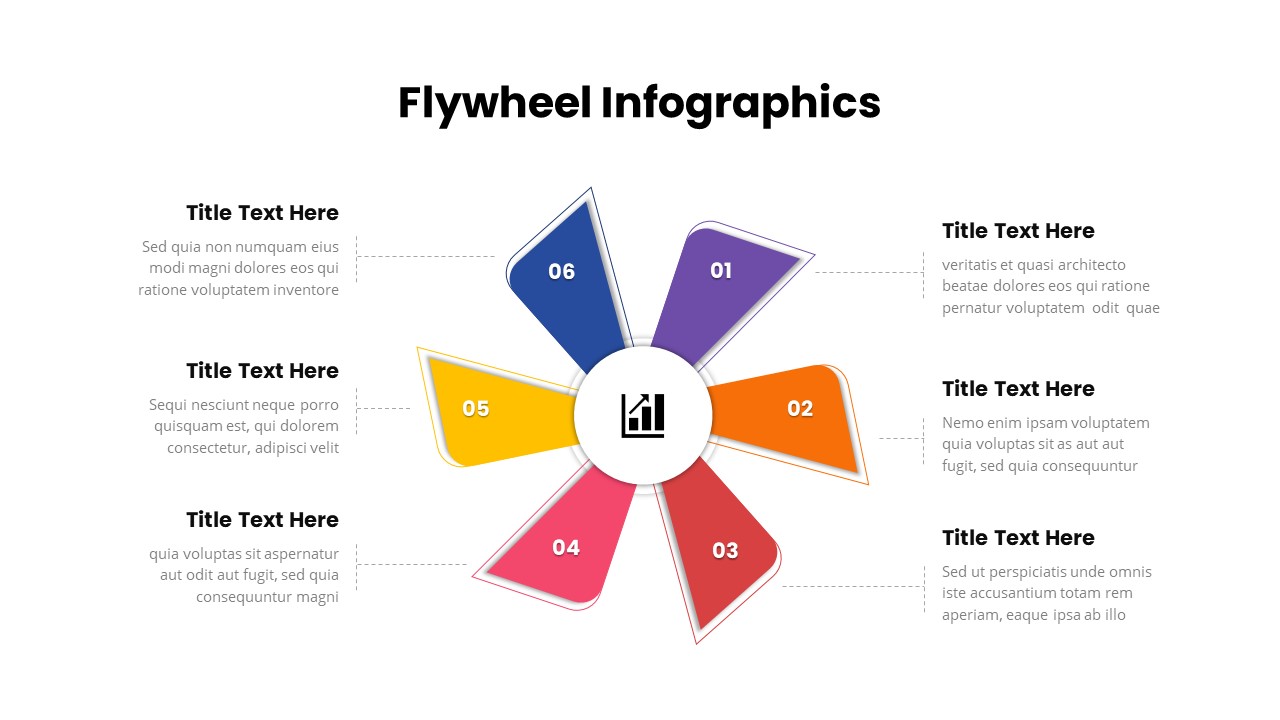
Six-Step Colorful Flywheel Diagram Template for PowerPoint & Google Slides
Circular
Flywheel Infographics template for PowerPoint & Google Slides
Business Strategy
Funnel and Flywheel Thinking Comparison template PPT
Infographics
Flywheel Model PowerPoint Template
Circular
Flywheel Infographics For PowerPoint
Process
Flywheel Model Template
Process
Flywheel Diagram Template
Circular
Flywheel Infographics Template
Business Strategy
Data Flywheel Strategy Template
Business
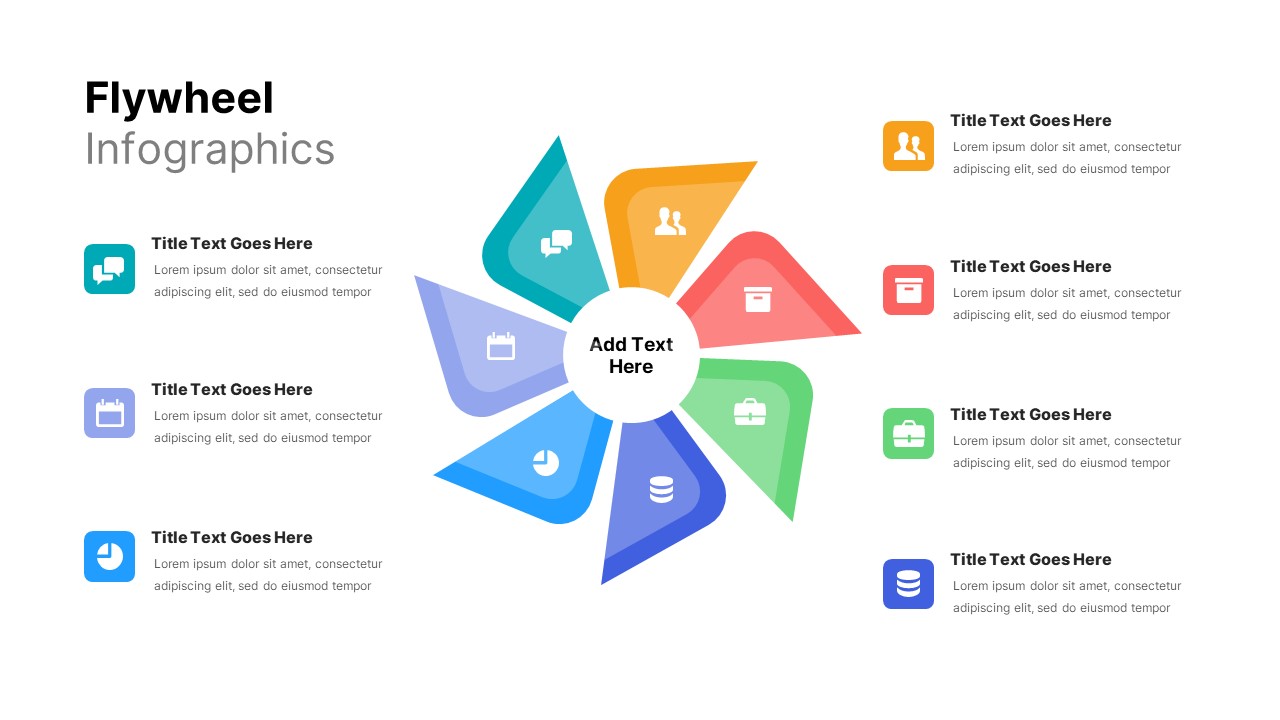
8 Step Flywheel Infographics
Business Strategy
VTDF Business Model PowerPoint Template: A Professional PPT for Business Growth Presentations
Business Models