Flywheel Diagram Template
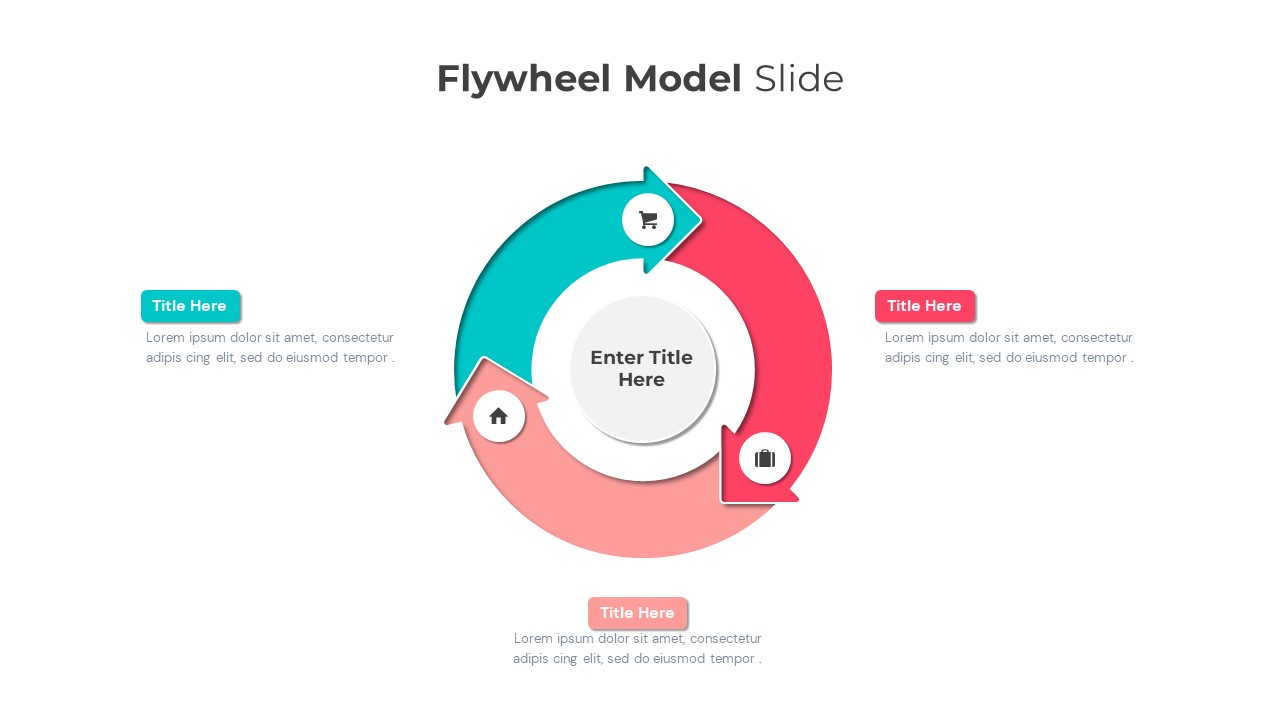
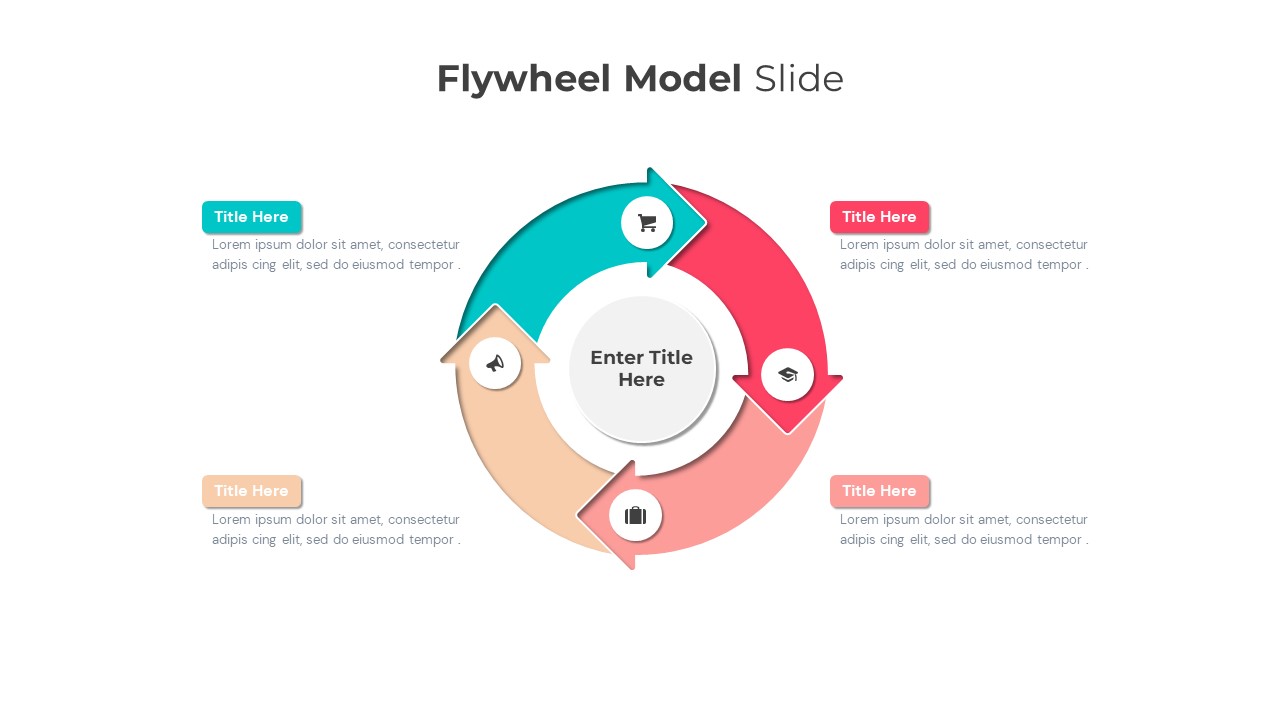
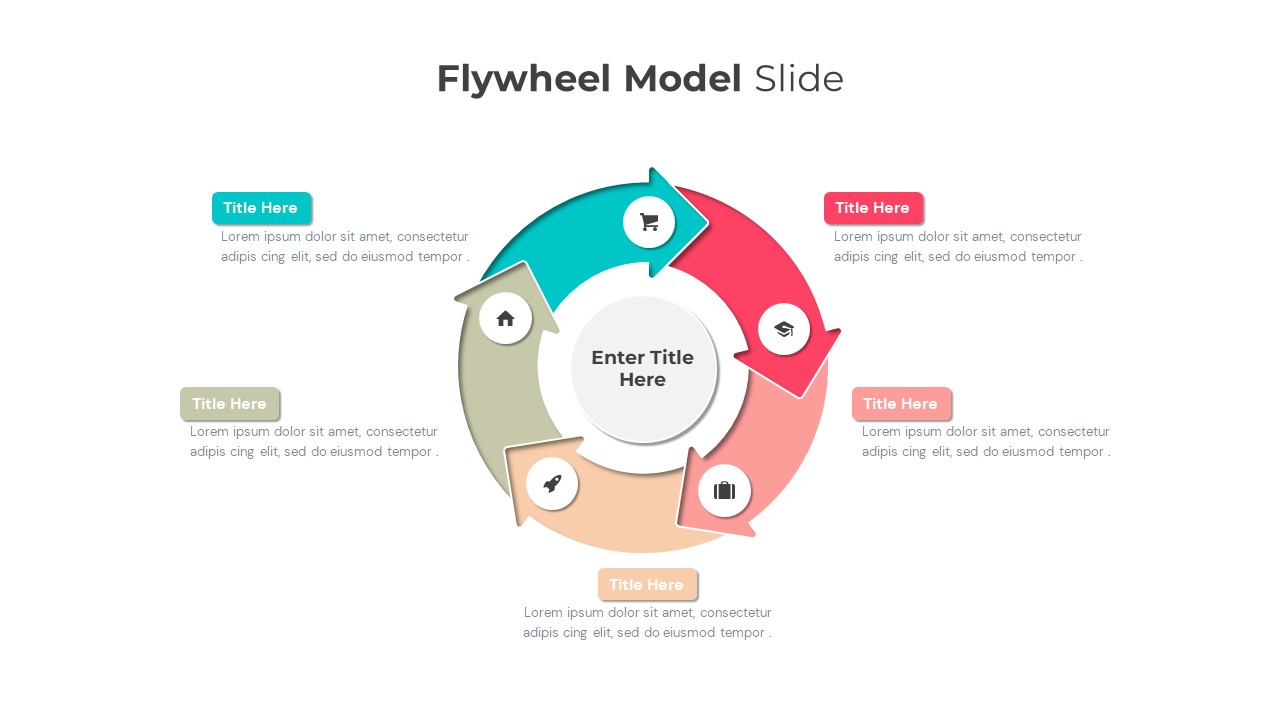
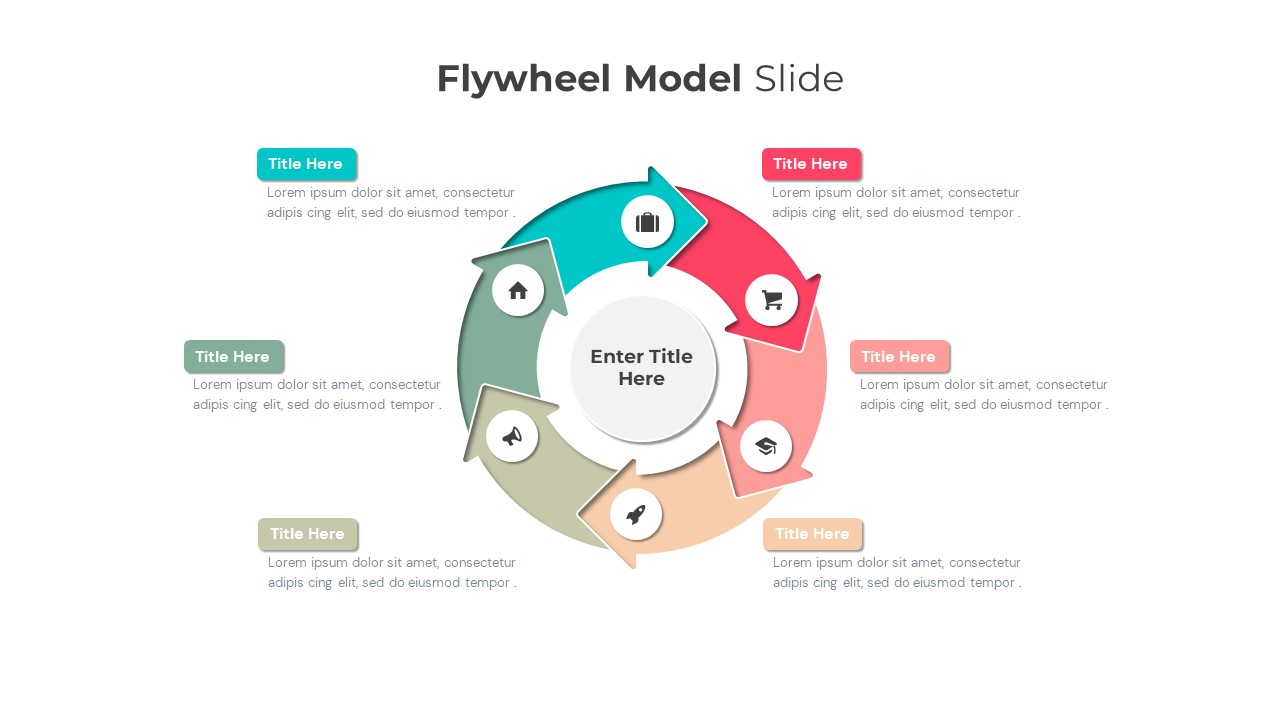
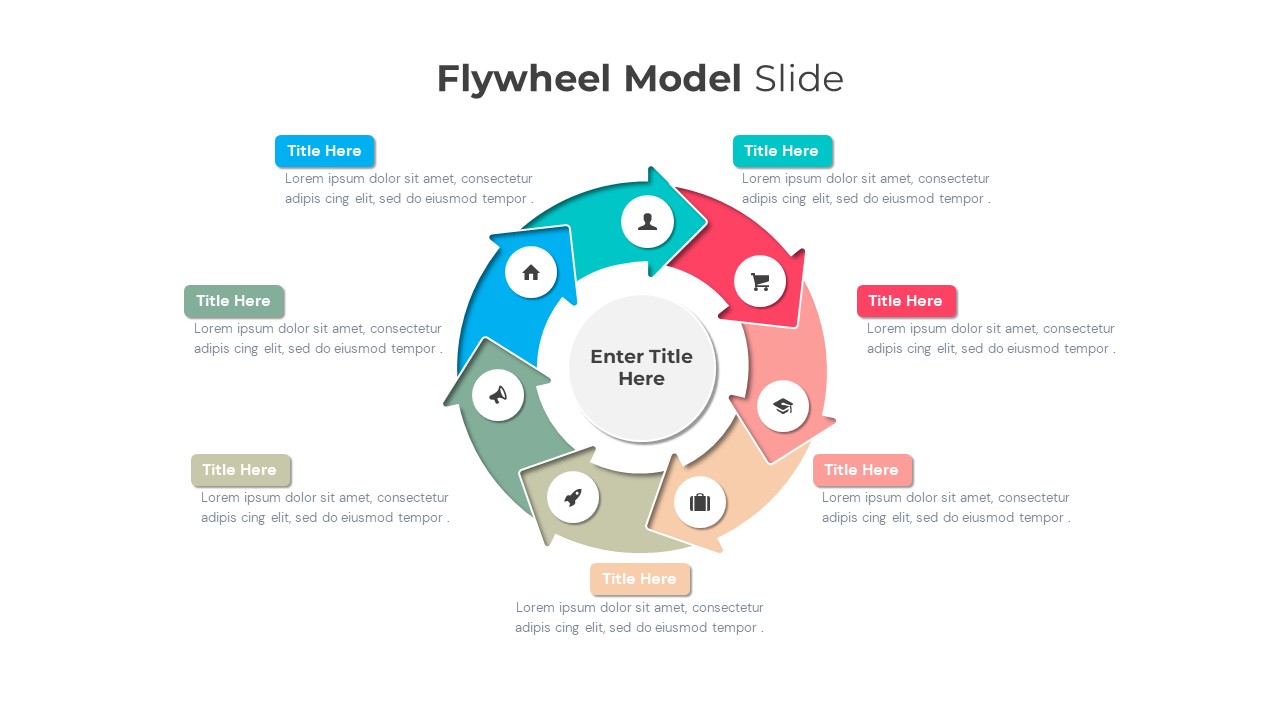
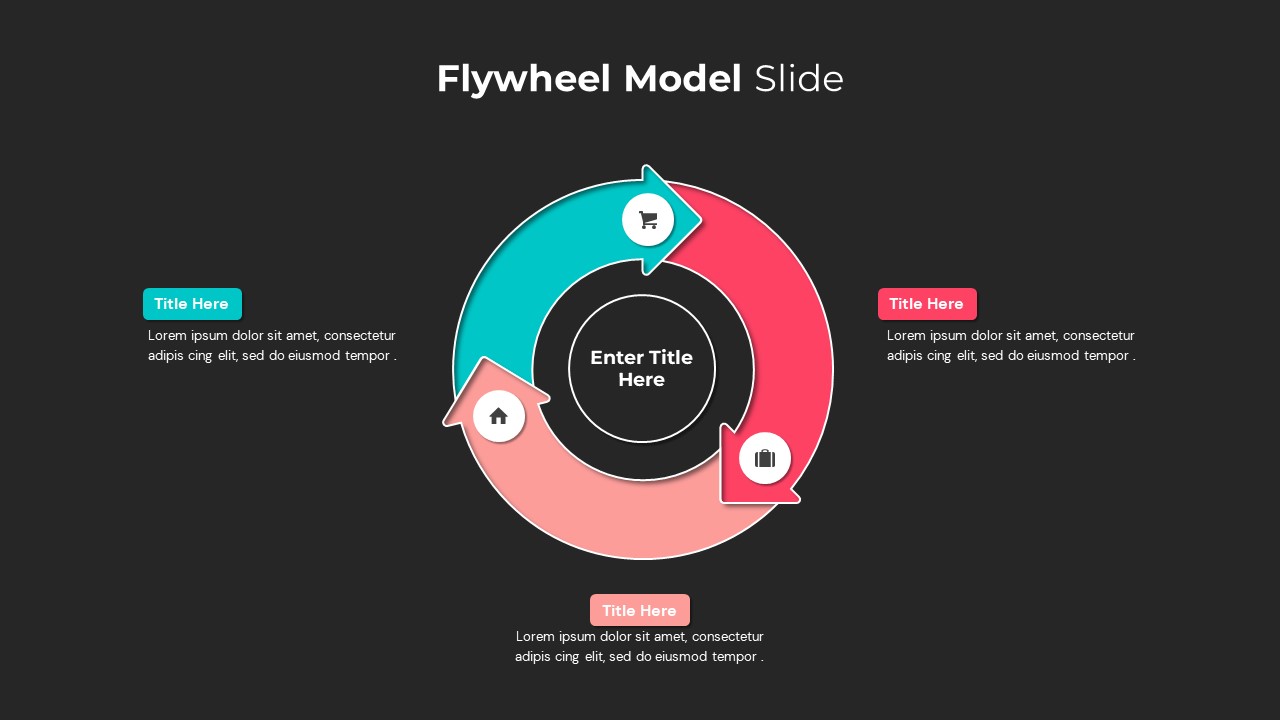
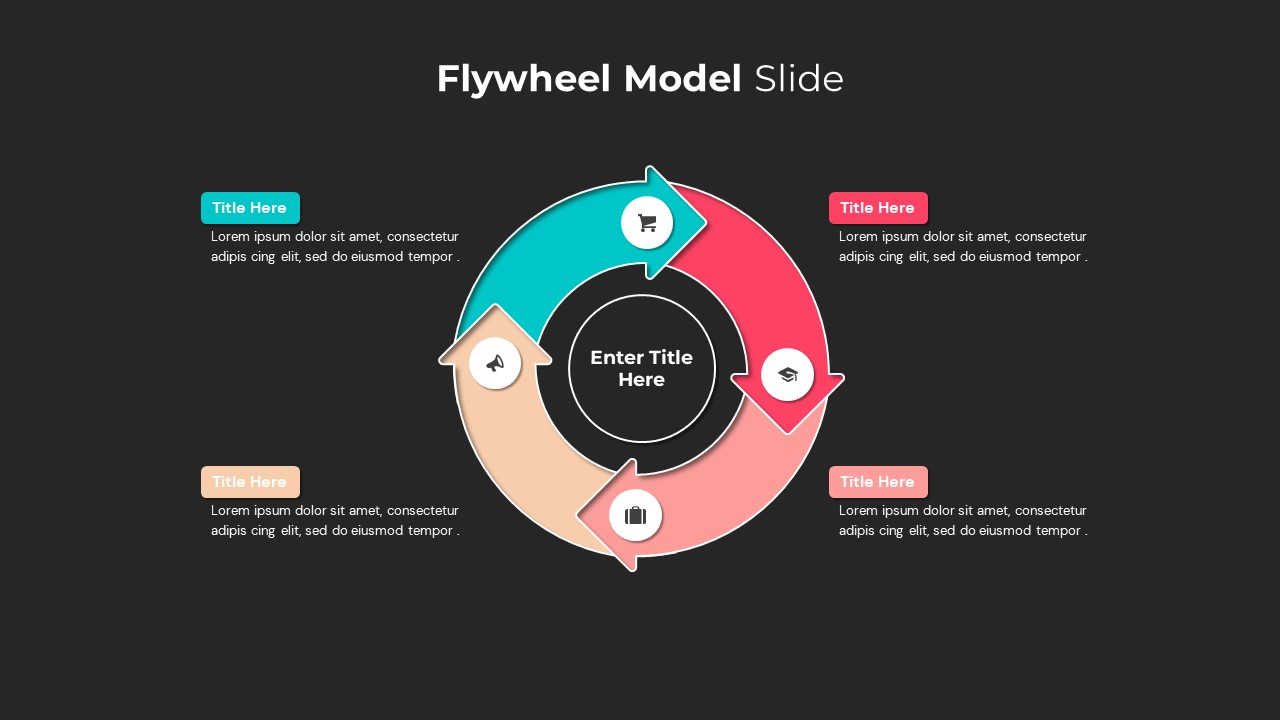

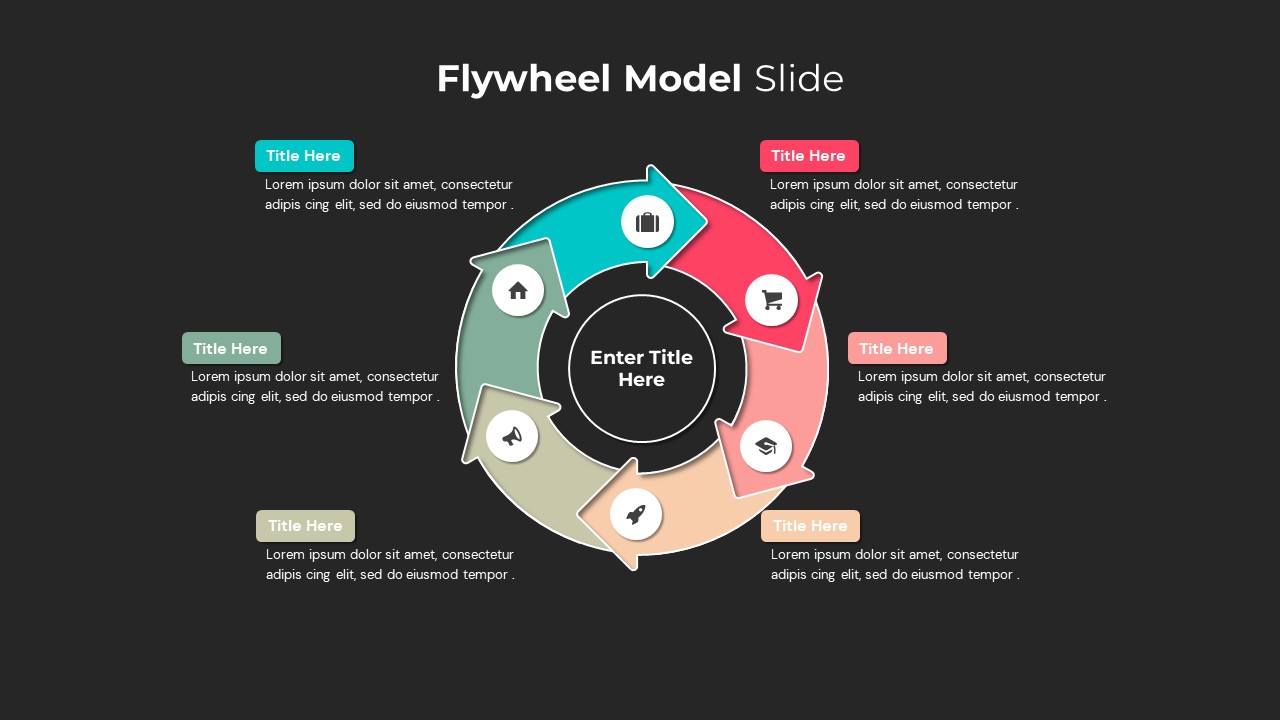
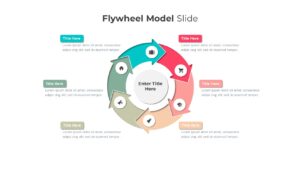
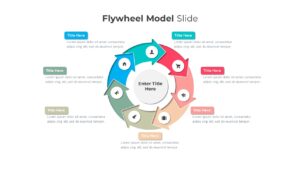
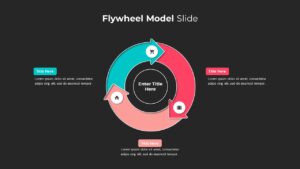
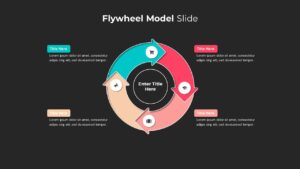
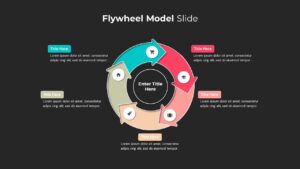
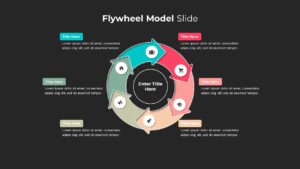
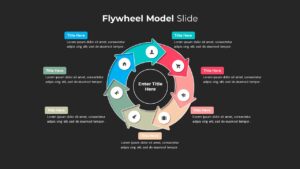
Flywheel Model Template for PowerPoint and Google Slides
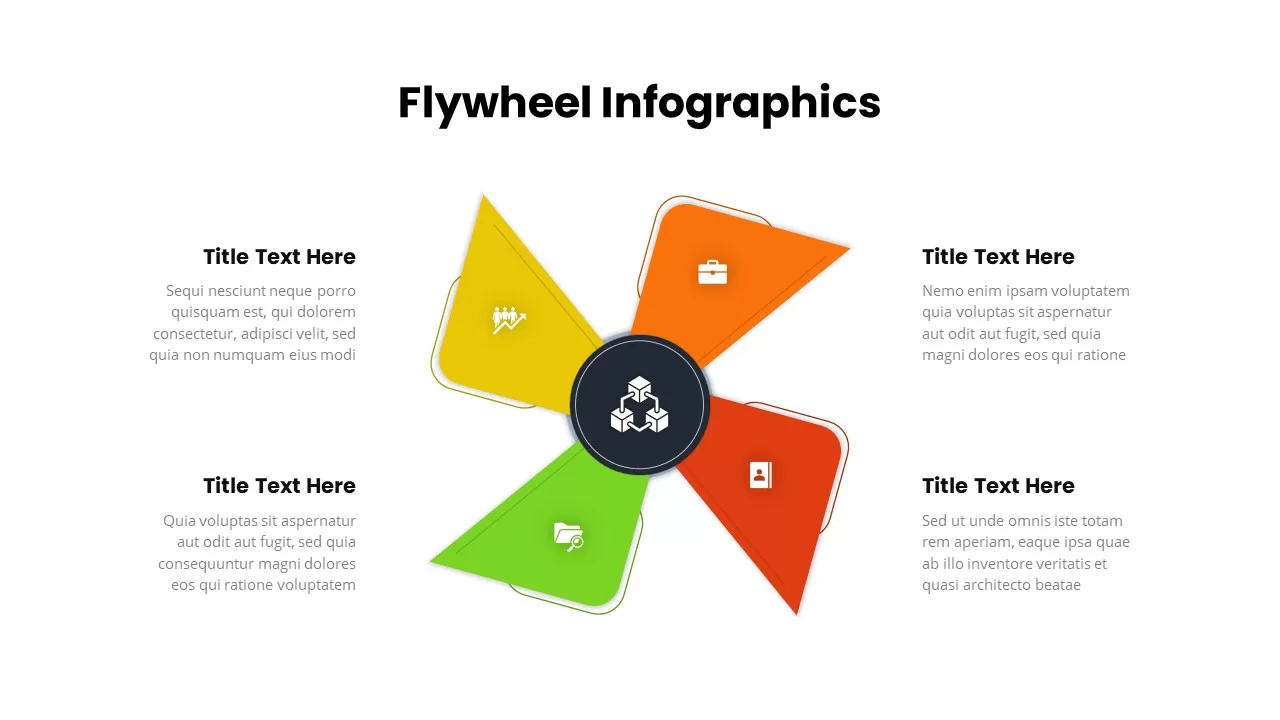
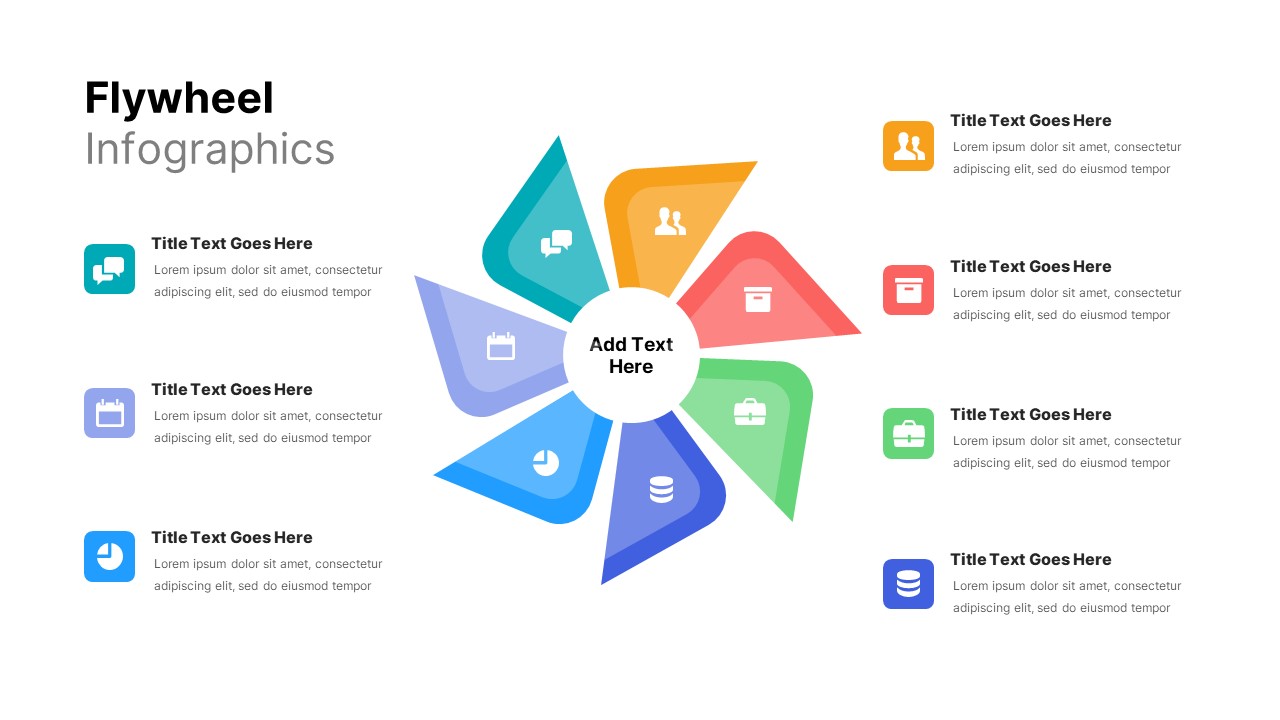
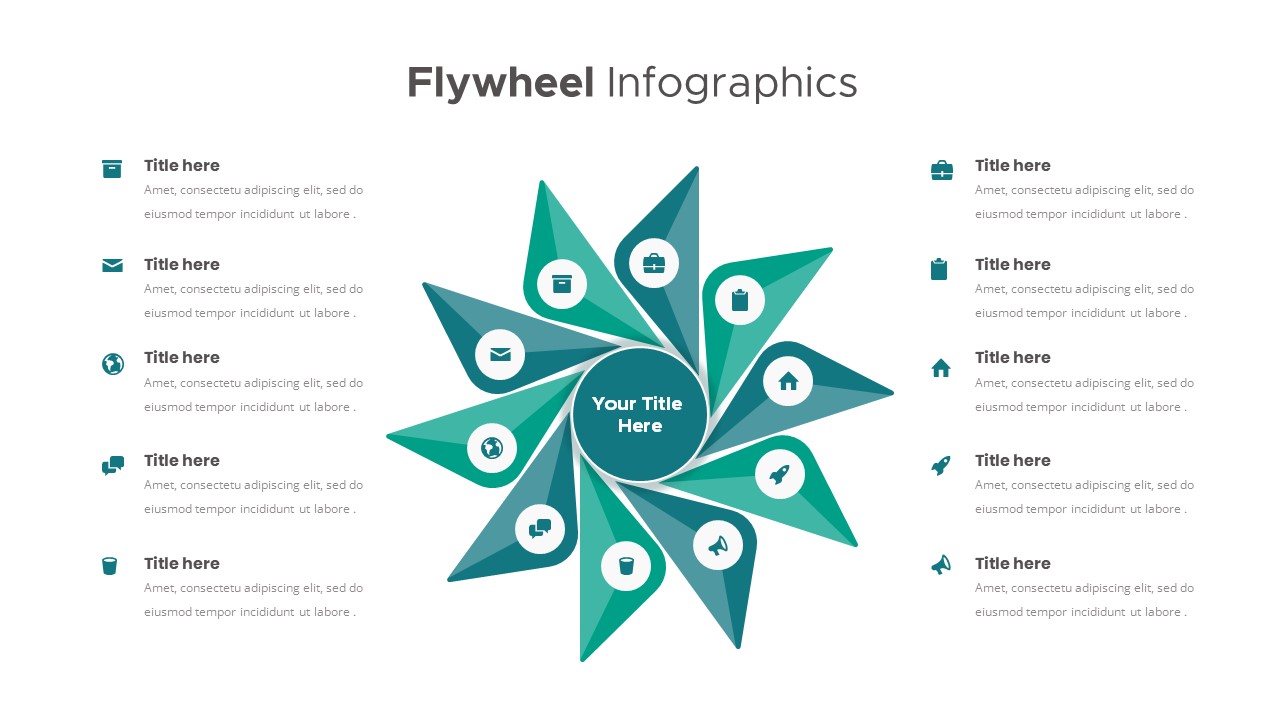
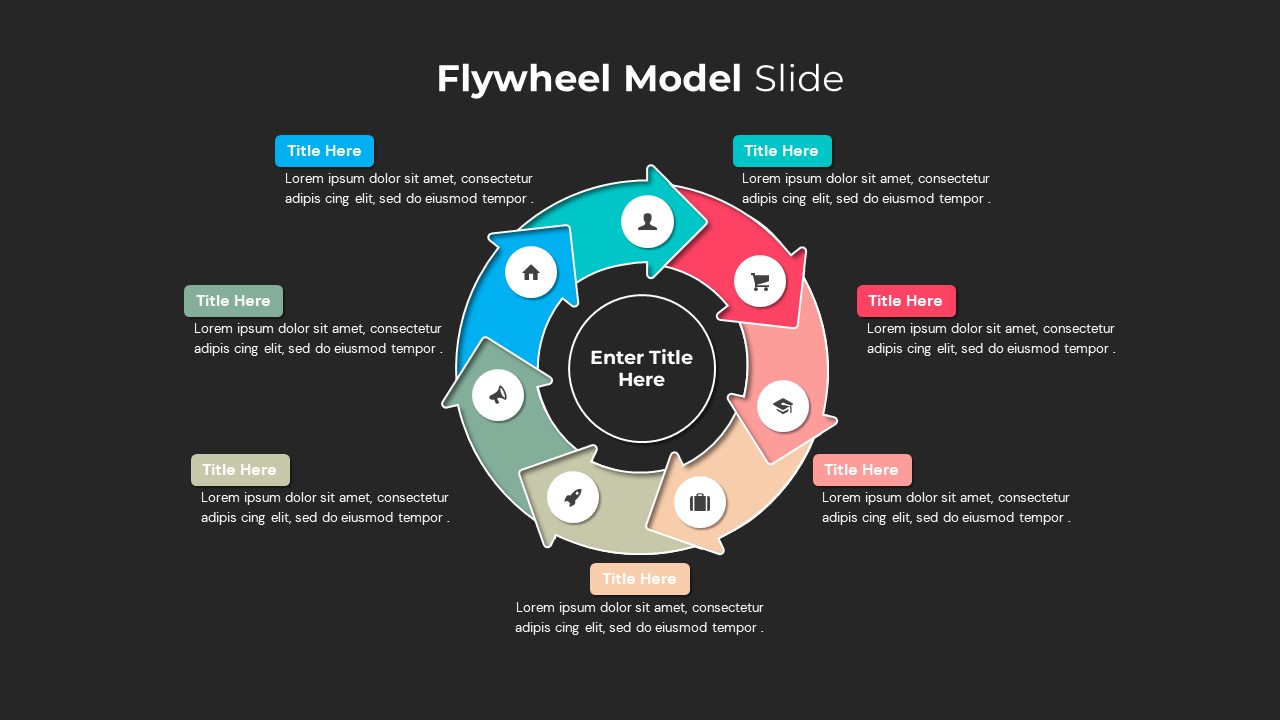
Our premium flywheel diagram template is a powerful business tool engineered for companies looking to map out continuous operational processes, analyse growth loops, and improve customer retention strategies. This professional presentation deck helps executives and product managers visualize the key strategic forces that drive business momentum, transforming abstract growth frameworks into a clear, high-impact flywheel graphic.
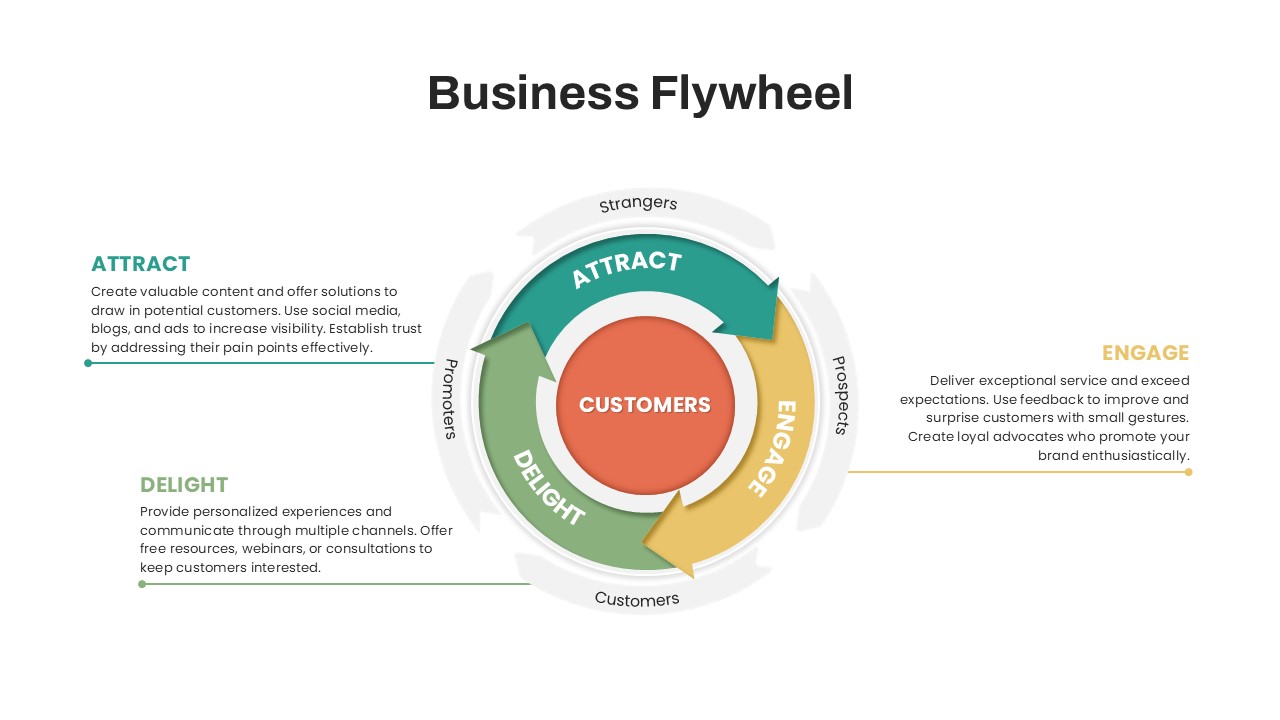
In modern corporate strategy, traditional linear marketing funnels are being replaced by highly efficient flywheel templates. By positioning your core customer metrics directly at the center of an accelerating loop, this circular flywheel diagram ensures that every organizational milestone feeds directly into the next phase, generating compounding strategic velocity:
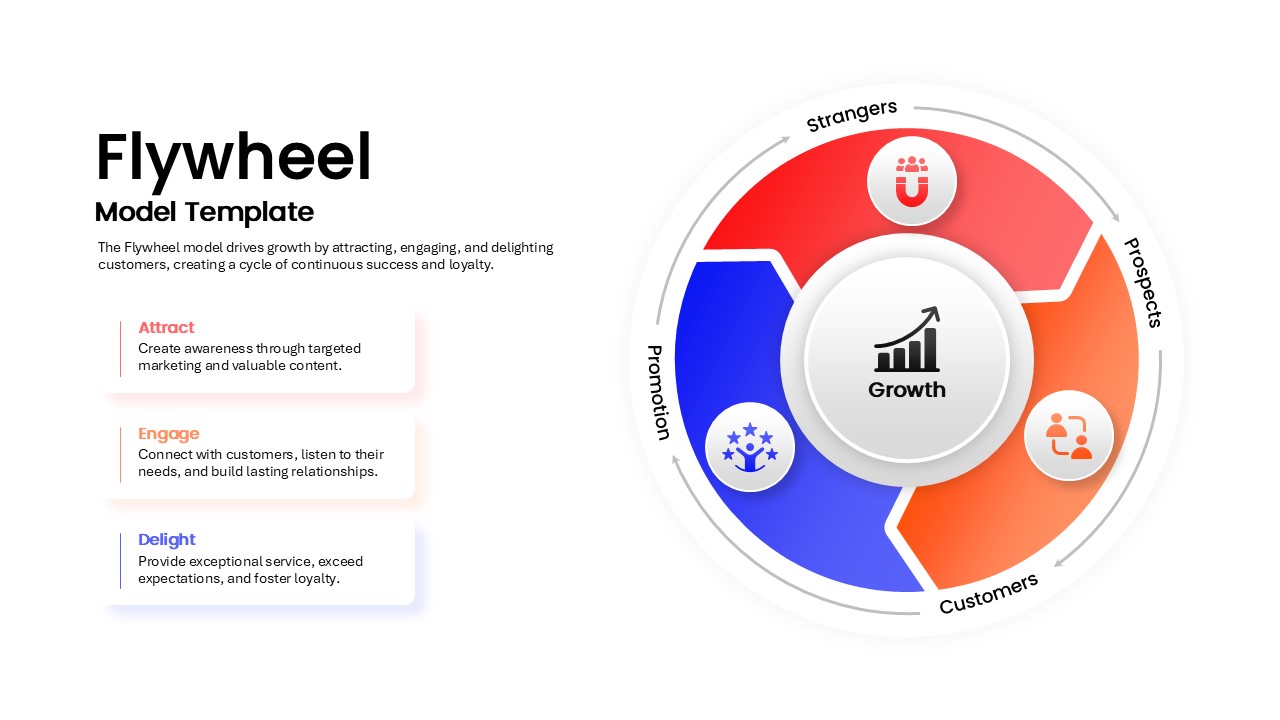
- Attract & Acquire (Inbound Marketing Loops): Dedicated lanes inside the flywheel diagram allow marketing leaders to map initial brand awareness, organic customer acquisition channels, and lead generation funnels.
- Engage & Activate (User Lifecycle Alignment): Clear visual segments built to track software onboarding workflows, feature activation rates, and product adoption milestones cleanly.
- Delight & Retain (Retention & Revenue Optimization): High-impact structural layouts engineered to showcase customer retention systems, client referral networks, and recurring revenue pipelines.
Fully Customizable Flywheel Diagram Template Layouts
- Pack of 5 Multi-Stage Variations: Includes five distinct, pre-designed slide layouts engineered to showcase different strategic frameworks, comparison scenarios, or marketing funnels.
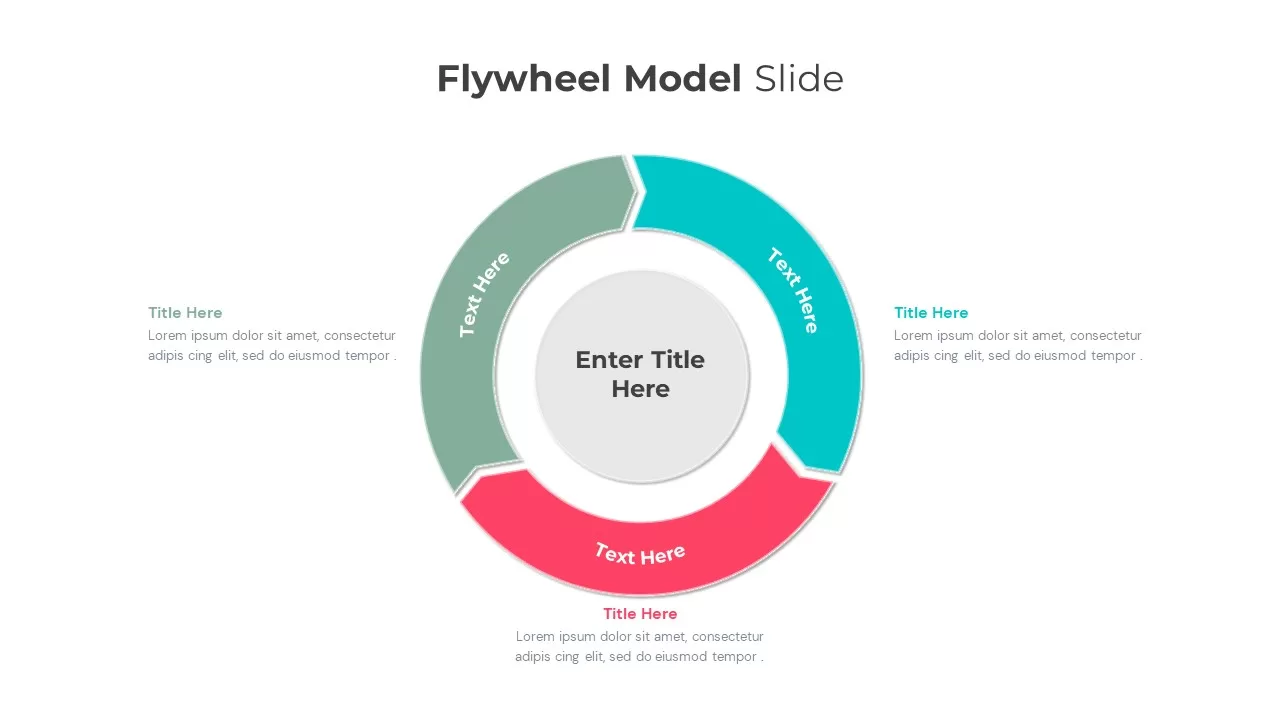
- 3-Step Interlocking Arrow Design: Features three bold, circular arrow-shaped segments wrapped around a main hub to visually represent momentum, cyclical business processes, and team interdependence.
- Central Metric Focal Hub: Built around a prominent center circle designed specifically to showcase your core operational KPI, central business value, or primary target audience segment.
- 100% Editable Vector Graphics: Offers complete design flexibility, allowing presenters to adjust segment shapes, scale sizes, or tweak the teal, coral, and red color palettes to match company branding guidelines.
- Custom Icon Placeholders: Equipped with professional icon slots at the tip of each arrow lane, letting you swap in industry-relevant symbols like shopping carts, briefcases, or growth charts in just a single click.
- Structured Contextual Text Blocks: Packed with balanced markdown layouts on the left, right, and bottom of the diagram to house concise headers and descriptive body paragraphs without cluttering the screen.
- Cross-Platform Software Integration: Ensures absolute formatting compatibility between Microsoft PowerPoint and Google Slides, eliminating version-control alignment headaches across different devices.
Stop relying on basic text lists that fail to communicate corporate velocity. Download our professional flywheel model slide today, save hours of manual design preparation, and deliver a polished, authoritative growth report at your next strategy workshop.
Login to download this file

Item ID
SB03122


Related Templates

Five Step Flywheel Infographic Diagram Template for PowerPoint & Google Slides
Process
Six-Step Colorful Flywheel Diagram Template for PowerPoint & Google Slides
Circular
Flywheel Model PowerPoint Template
Circular
Flywheel Model Template
Process
Four-Segment Flywheel Infographic Model Template for PowerPoint & Google Slides
Process
Flywheel Infographics template for PowerPoint & Google Slides
Business Strategy
Flywheel Infographics Template
Business Strategy
Business Flywheel PowerPoint Template
Circular
Data Flywheel Strategy Template
Business
Funnel and Flywheel Thinking Comparison template PPT
Infographics
Flywheel Infographics For PowerPoint
Process
8 Step Flywheel Infographics
Business Strategy